
Self-host clawbox
v4.2.0Private AI assistant appliance on NVIDIA Jetson
- Stars
- 32
- CPU
- NVIDIA Jetson Orin Nano 8GB (Super) / x86_64
- RAM
- 8GB unified memory (Jetson)
- Storage
- 512GB NVMe SSD
- Ports
- 80 (Next.js web UI (production-server.js)), 18789 (OpenClaw Gateway (token-gated)), 3006 (Terminal WebSocket PTY server), 6080 (noVNC WebSocket (remote desktop)), 8090 (Hermes dashboard proxy), 3005 (ClawBox UI on x86_64 (configurable via CLAWBOX_PORT))
What is clawbox?
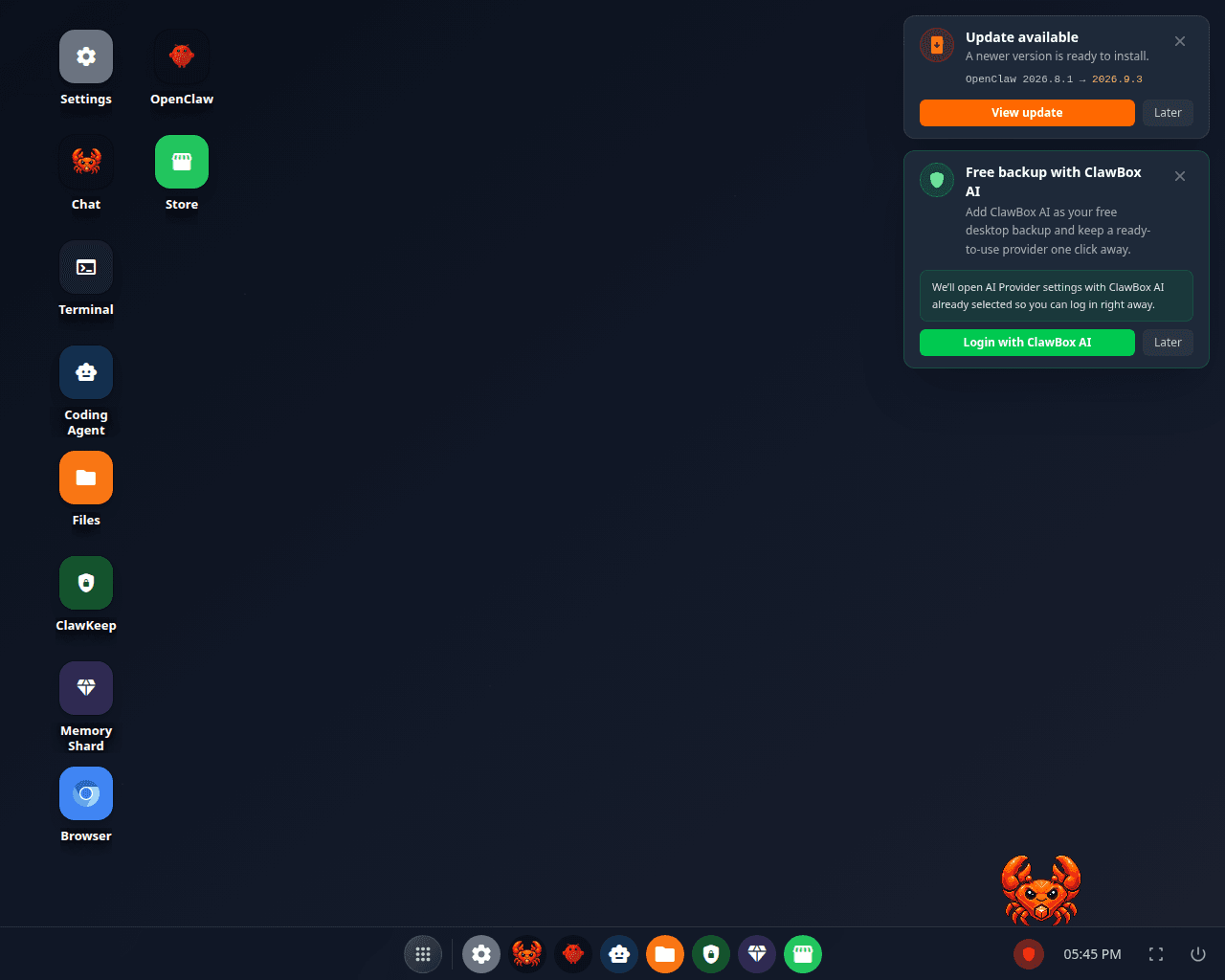
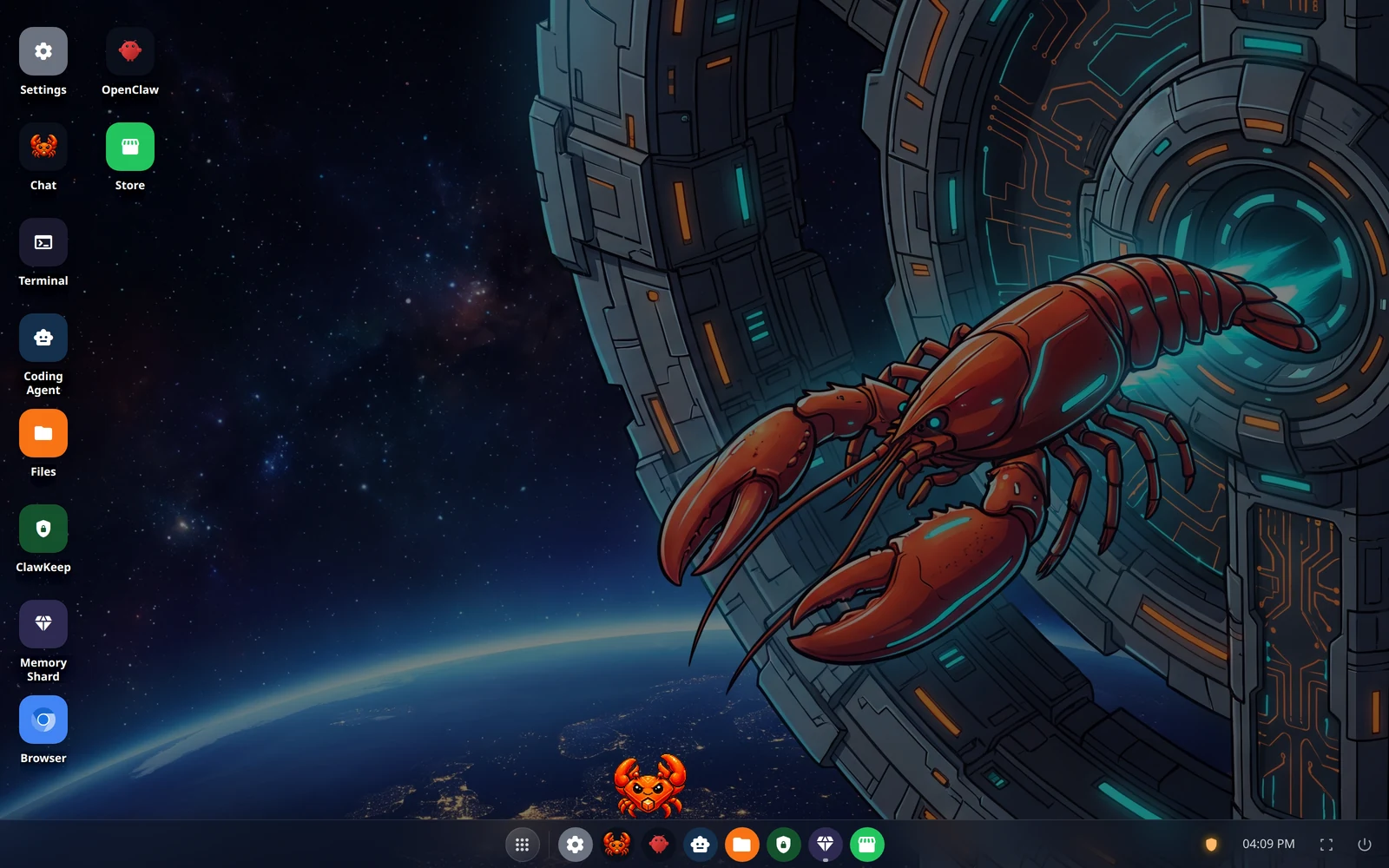
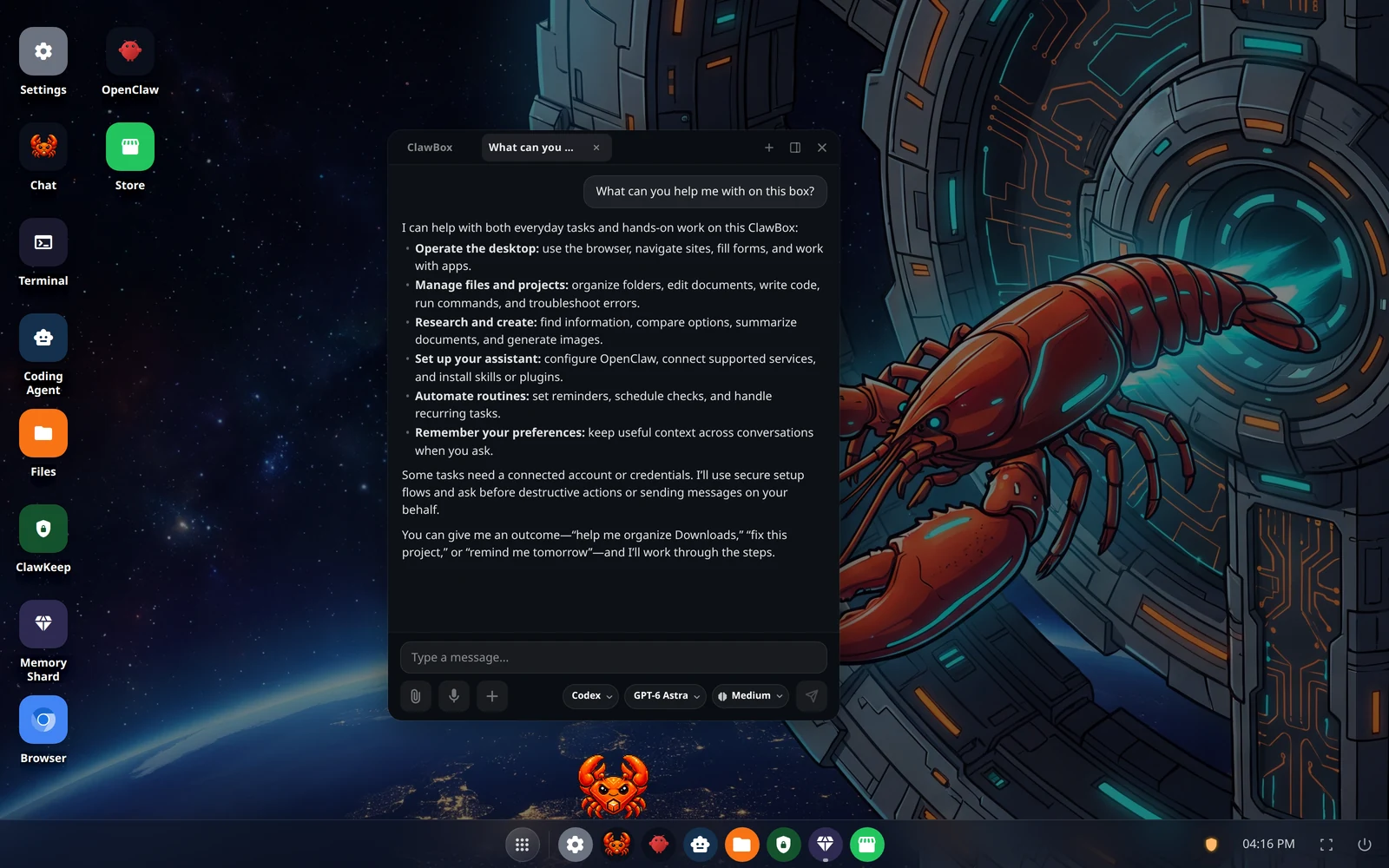
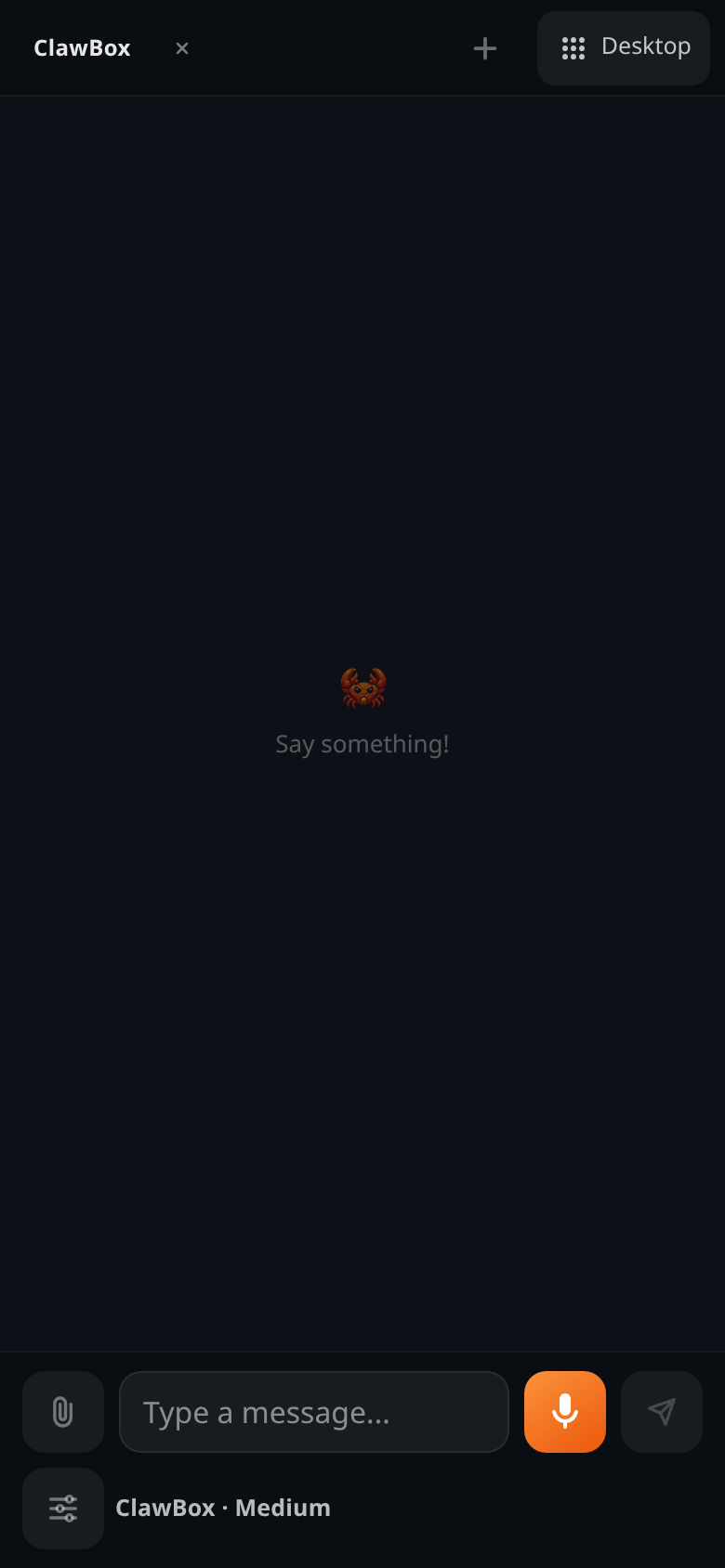
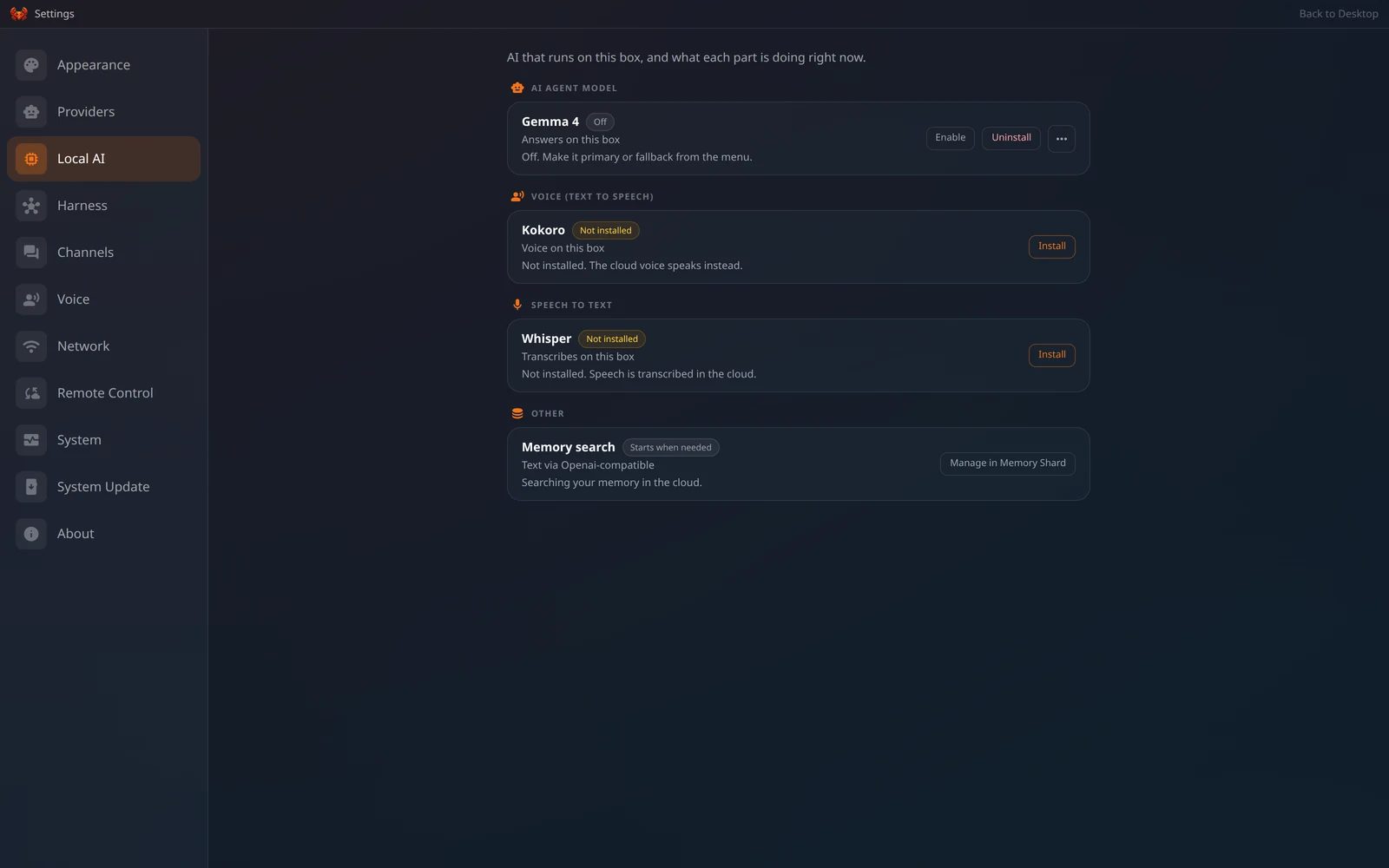
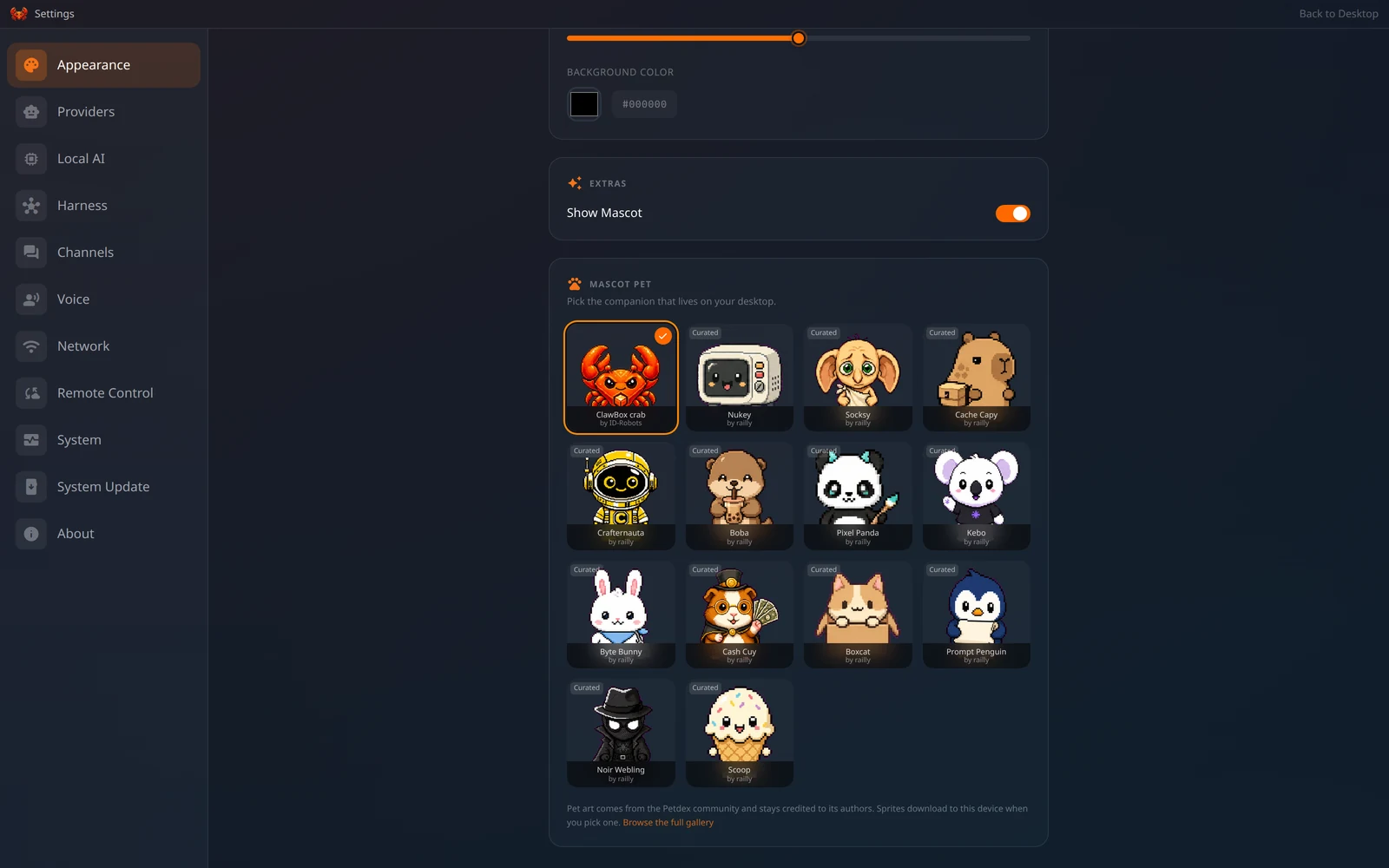
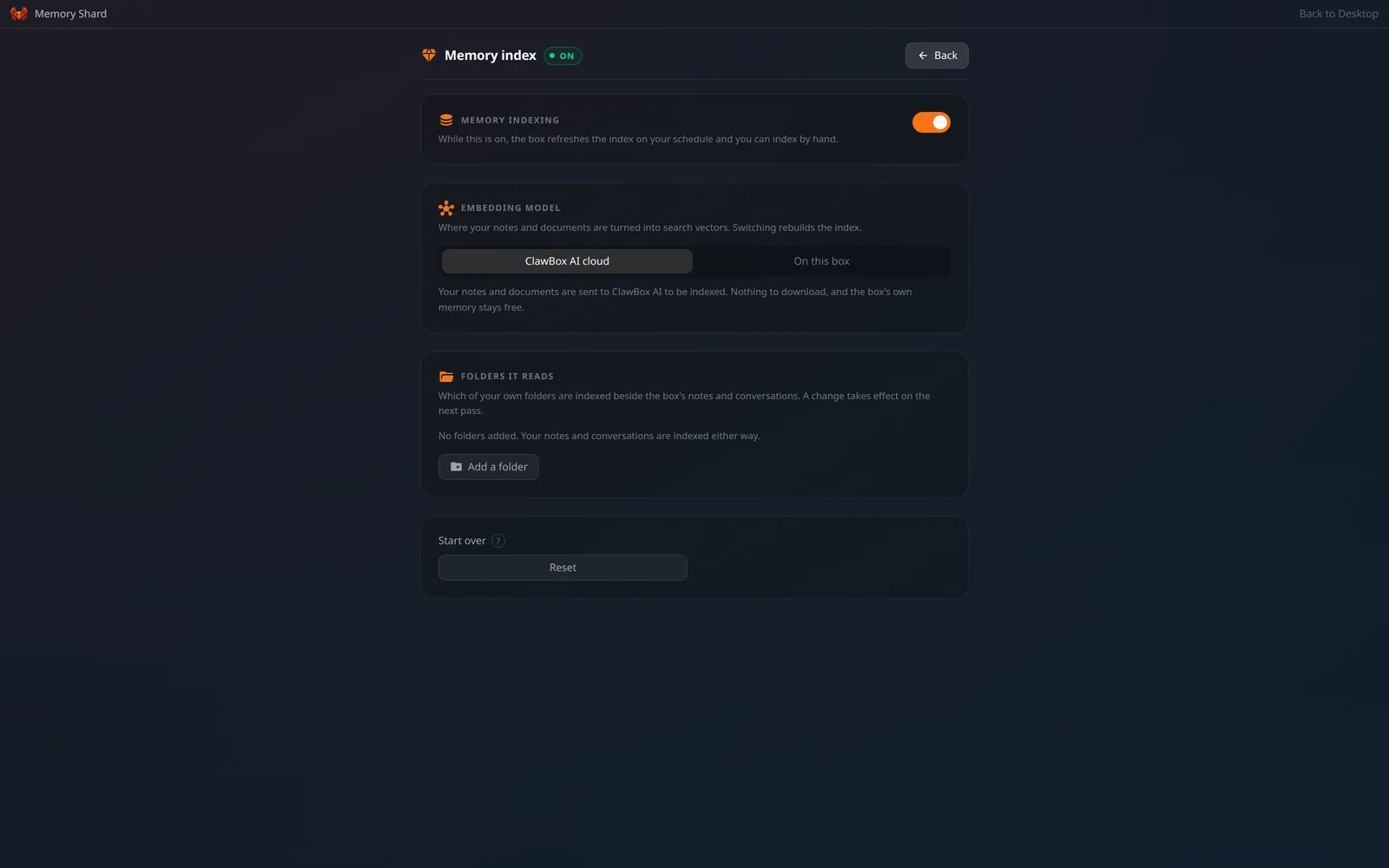
This personal AI assistant appliance from ID Robots Ltd. runs the OpenClaw or Hermes Agent on NVIDIA Jetson Orin Nano hardware. It provides a private, always-on AI server with 67 TOPS of AI performance, 512GB NVMe storage, and low power consumption. The operating system includes a 5-minute setup wizard via a WiFi hotspot, a desktop environment with windowed apps, and built-in applications for AI chat, a coding agent, file management, terminal, remote desktop, browser automation, and encrypted backups. It supports both local models (Gemma 4 E2B preinstalled via llama.cpp, plus Ollama) and cloud providers (Claude, GPT, Gemini, ClawBox AI) with per-conversation model switching. Multi-platform messaging integrates Telegram, Discord, WhatsApp, and email. Remote access uses a persistent Cloudflare tunnel with no Cloudflare account required. Backups encrypt snapshots to Cloudflare R2. The software uses a custom source-available license permitting personal non-commercial use; business use requires a separate agreement. Optional ClawBox AI Pro/Max subscriptions add the coding agent, memory indexing, cloud voice, and higher usage limits. An x86_64 installer allows running the same web OS on generic Linux hardware.
Should you self-host clawbox?
clawbox scores 38/100 on selfhost.directory (how scoring works) and ranks #96 of 120 in AI Assistant. It has 32 GitHub stars.
It shipped 21 stable releases in the past year. The latest, v4.2.0, came out on 5 October 2026. New versions land roughly every 5 days.
Setup is moderate: expect some configuration beyond a single command. It is Other-licensed and written mostly in Typescript.
Its closest alternative on selfhost.directory is hermes-agent (89/100, 257 957 stars). It scores higher overall, so compare the two before you pick. See clawbox vs hermes-agent side by side.
Features
- Browser Automation
- Cloud AI providers
- Coding agentRequires ClawBox AI Pro or Max plan
- Desktop Environment
- Encrypted backups
- GitHub project backupAdded in v4.2
- Kiosk ModeAdded in v4.2
- Local AI inference
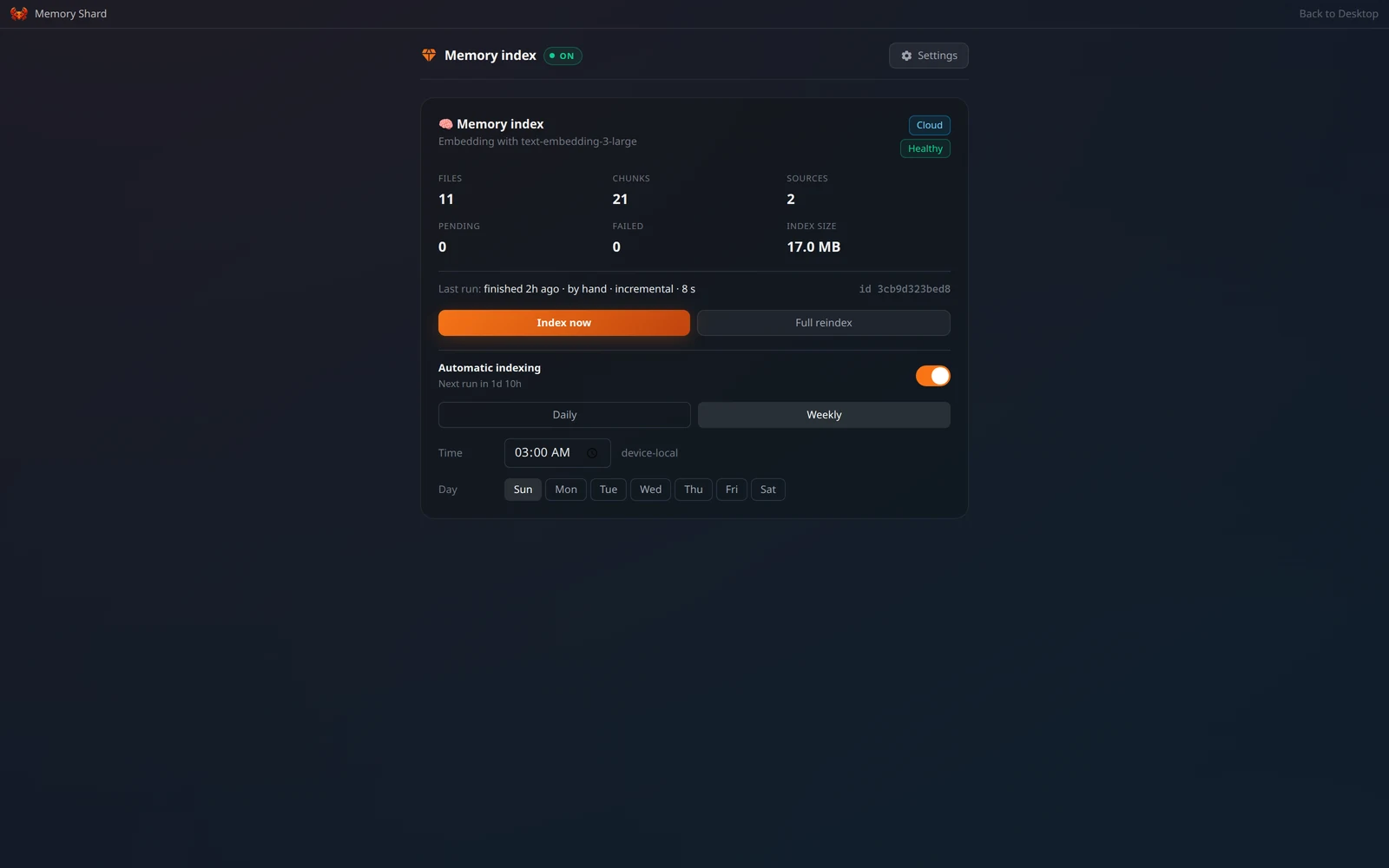
- Memory ShardRequires ClawBox AI Pro or Max plan for cloud indexing; local indexing available
- Monitor modeAdded in v4.2
- Multi-platform Messaging
- Multi-user supportAdded in v4.2
- Remote Access
- Switch model mid-chat
- Voice input and output
clawbox README
FAQ
Are there any ongoing subscription fees?
ClawBox hardware is €749 one-time. The free plan includes chat, image generation and voice transcription with weekly allowances. Optional Pro (€9/mo) and Max (€49/mo) plans add Coding Agent, Memory Shard, cloud voice replies, remote access at your own clawbox.tech link and larger allowances.
Does it work with my existing smart home setup?
Yes! ClawBox integrates with Home Assistant, MQTT, REST APIs, and most popular smart home platforms. It can control lights, thermostats, security systems, and more through voice commands or automated rules.
What AI models come pre-installed?
ClawBox ships with several optimized models: Llama 3.1 8B (general conversation), CodeLlama 7B (code assistance), Hermes 3 8B (tool usage), and LLaVA 7B (vision tasks).
Can it run larger models like CodeLlama 34B?
ClawBox works best with models up to 7-8B parameters (8GB unified memory). For larger models, it uses intelligent model switching and can offload to cloud APIs when needed.
How much power does ClawBox use?
ClawBox draws just 20W under normal AI workloads — about €0.80/month in electricity (at €0.25/kWh). Even under heavy inference, it stays below 25W.
What storage does ClawBox use?
ClawBox comes with a 512GB NVMe SSD for significantly better I/O performance when loading AI models and handling database operations.
Can I run OpenClaw OS on my own Jetson?
Yes — this repository is source-available and installs on an NVIDIA Jetson Orin Nano 8GB running JetPack 6.2.
Where do I buy a ClawBox?
Only from clawbox.com. ID Robots ships to 108 countries via DHL Express. Products sold elsewhere under a similar name are not ClawBox and are not covered by warranty or support.
How do I reach my box from outside my network?
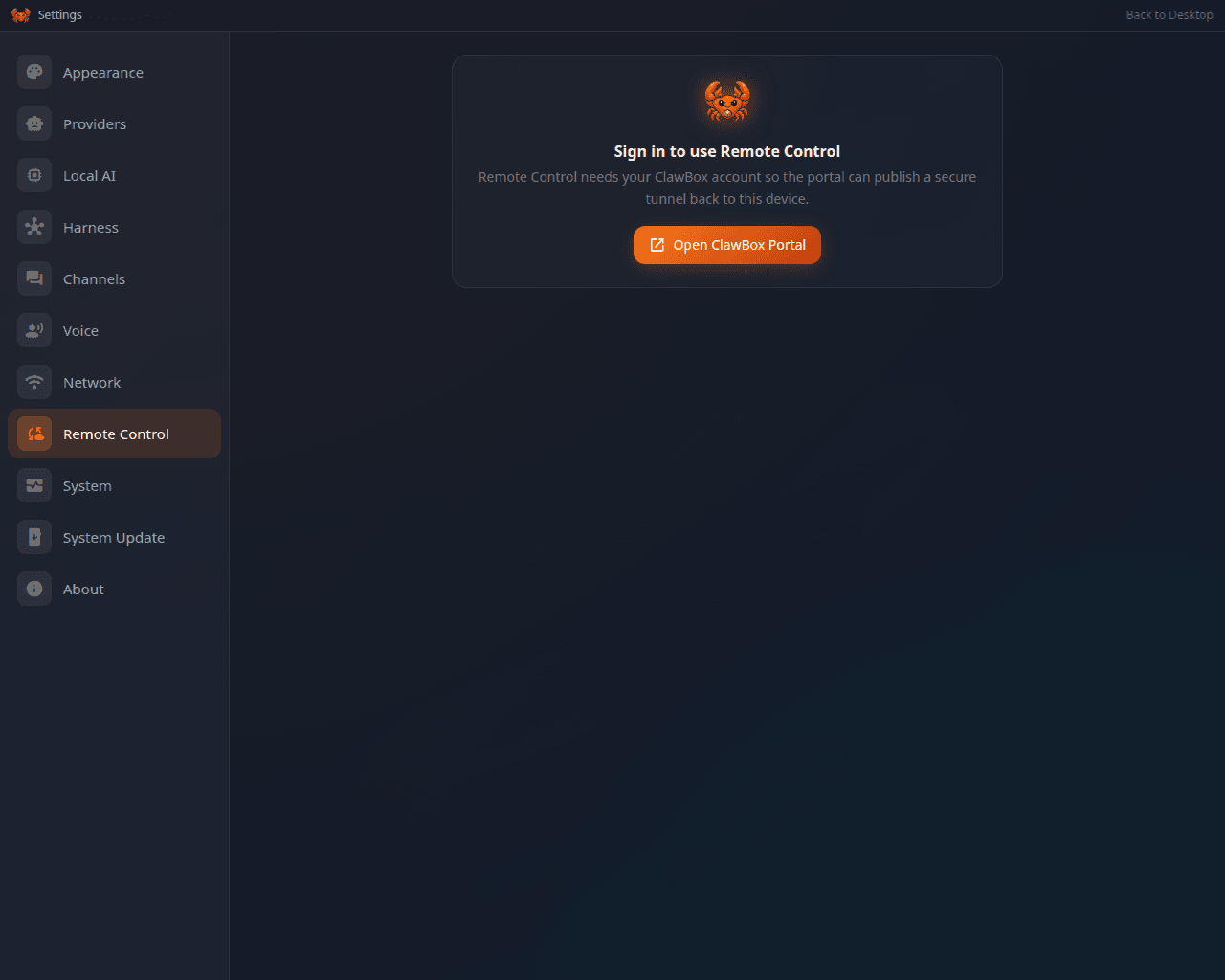
Turn on Settings → Remote Control. A provisioned box gets a persistent <boxHandle>.clawbox.tech address over a named Cloudflare tunnel. No Cloudflare account is needed. If the named credential is missing or refused, the box falls back to a quick tunnel with a random *.trycloudflare.com URL.
What is the Coding Agent?
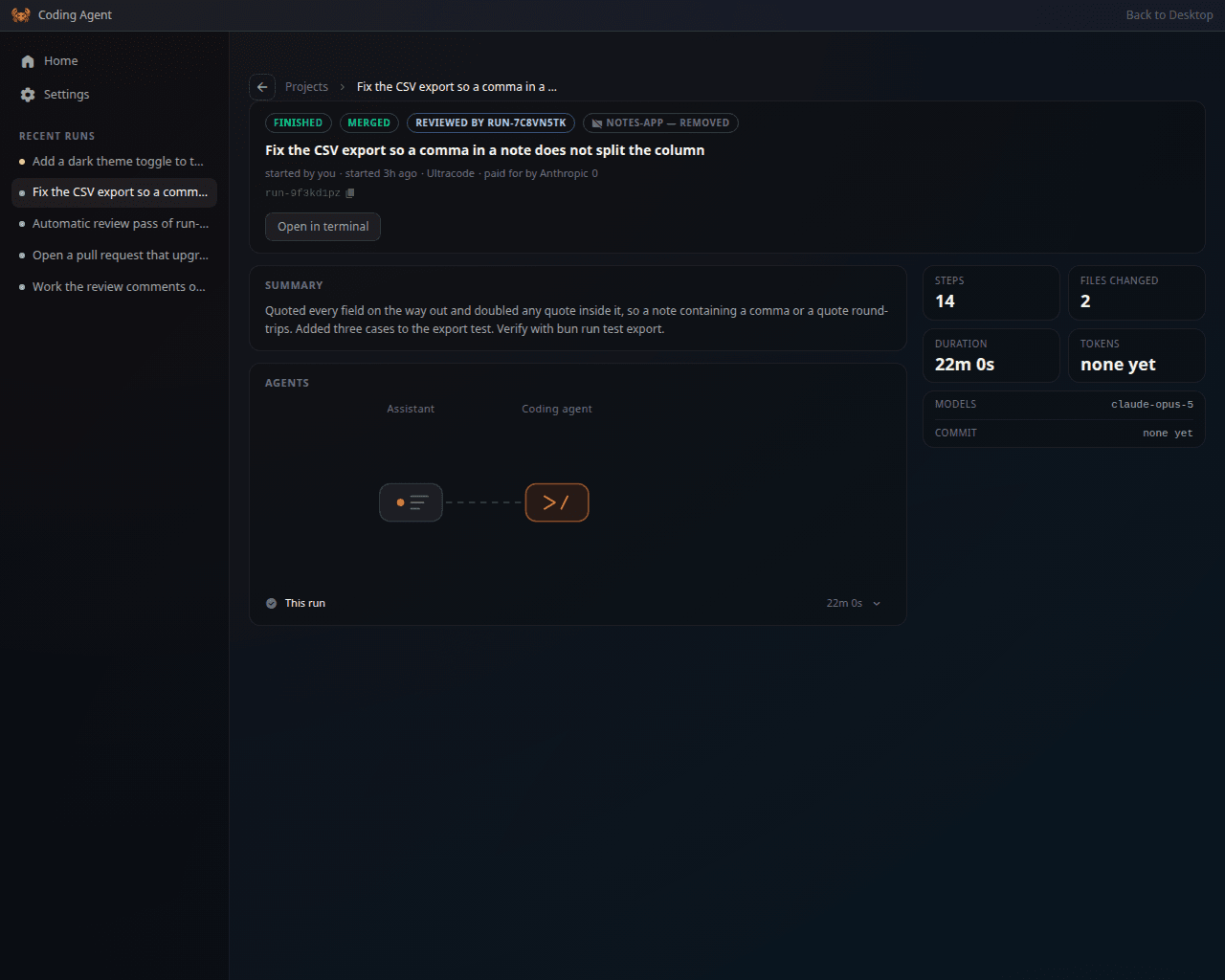
A headless Claude Code run you hand a whole task to. It works in a git worktree copy of your project, opens a pull request with gh, and runs an automatic review pass that adversarially reviews its own diff. Runs continue in the background and you can steer them mid-flight. Requires Pro or Max plan.
Which AI model answers by default?
On ClawBox AI it is DeepSeek V4 Flash (deepseek-v4-flash) with a 1M-token context window. The Max plan uses DeepSeek 4.1. You can instead use your own Anthropic, OpenAI, Google or OpenRouter key, sign in with a subscription you already pay for, or stay entirely on the box.
Does ClawBox work without internet?
Yes, for local models. Gemma 4 E2B ships preinstalled on the box's own llama.cpp, and Local-only mode routes every request to it with cloud providers switched off. Internet is needed only for updates, messaging integrations, browser automation, and optional cloud AI providers.
What is the difference between ClawBox and OpenClaw?
OpenClaw is the open-source AI agent; ClawBox is the dedicated hardware appliance that runs it 24/7 with OpenClaw OS on top — desktop environment, setup wizard, built-in apps, backups and updates.
Who makes ClawBox?
ClawBox is made by ID Robots Ltd., a robotics and AI company based in Plovdiv, Bulgaria (EU).
More in Self-hosting
 Cloud in a BottleOpen-source personal cloud OS: install web apps from Git repos on your own Ubuntu server or VM, with subdomain routing, HTTPS, sandboxed containers, backups and a CLI.
 cloudseederCloud Seeder is an open-source desktop app for Windows, macOS, Linux that deploys 30+ self-hosted appliances like Mastodon, Nextcloud with one click using Podman.
 Companion SpaceSelf-hosted, open-source anime-style AI companion for learning with VRM 3D avatars, RAG-based document Q&A, and real-time voice chat.
 cosmos-server☁️ The Most Secure and Easy Selfhosted Home Server. Take control of your data and privacy without sacrificing security and stability (Authentication, anti-DDOS, anti-bot)
 DasherrDasherr is a self-hosted, open-source dashboard for organizing homelab services with a responsive UI, themes, Glances widgets, and a JSON config with built-in editor.
 DatabagSelf-hosted federated messenger with E2E encryption, WebRTC calls, topic threads, and mobile apps. Runs on Raspberry Pi Zero.
 DewarrSelf-hosted audiobook discovery linking Goodreads/Hardcover to Audiobookshelf/Grimmory with automated downloads from MyAnonamouse, Prowlarr, AudiobookBay via qBittorrent
 DietPiLightweight justice for your single-board computer!
 docker-headscaleContainerized Headscale server for self-hosted Tailscale mesh VPN. Auto-generates config and auth keys, includes management script, enables MagicDNS hostname resolution.
 DynacatA self-hosted dashboard forked from Glance that aggregates RSS, weather, markets, and system stats with dynamic updates, OIDC auth, and a UI editor.
 EonvelopeOpen-source self-hosted email archive supporting IMAP, POP, Exchange, and JMAP with integrations for Paperless-ngx, Immich, Nextcloud, and Searxng.
 ferosSelf-hosted voice agent infrastructure with sub-second latency Rust runtime, AI-driven agent builder, and Python control plane for production voice AI.
0 comments