
Self-host ClawApp
v2.0.0Mobile web chat client for an OpenClaw AI agent
curl -fsSL https://raw.githubusercontent.com/qingchencloud/clawapp/main/install.sh | bash- Stars
- 447
- Port
- 3210 (Port of the ClawApp proxy server / H5 chat page (PROXY_PORT))
- Requires
- Node.js, OpenClaw Gateway


What is ClawApp?
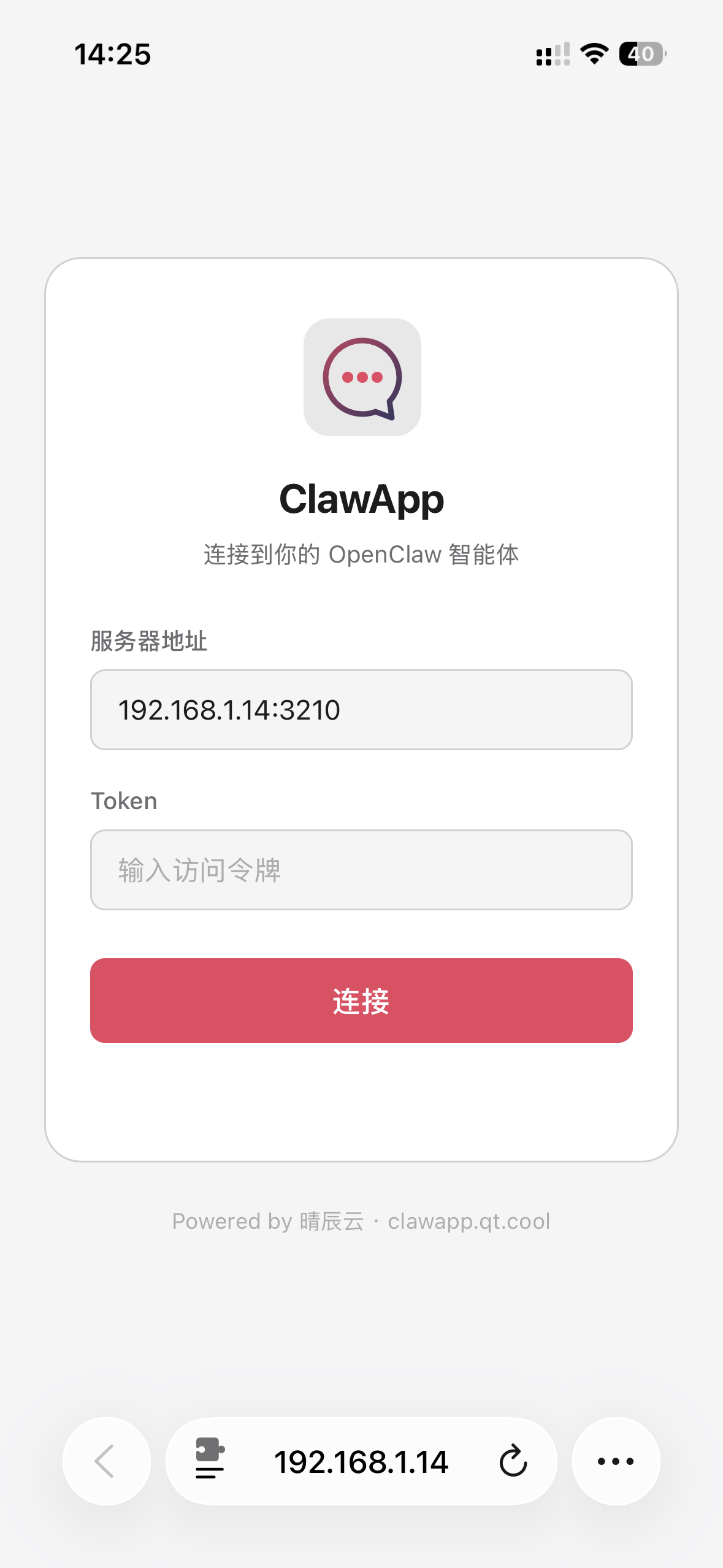
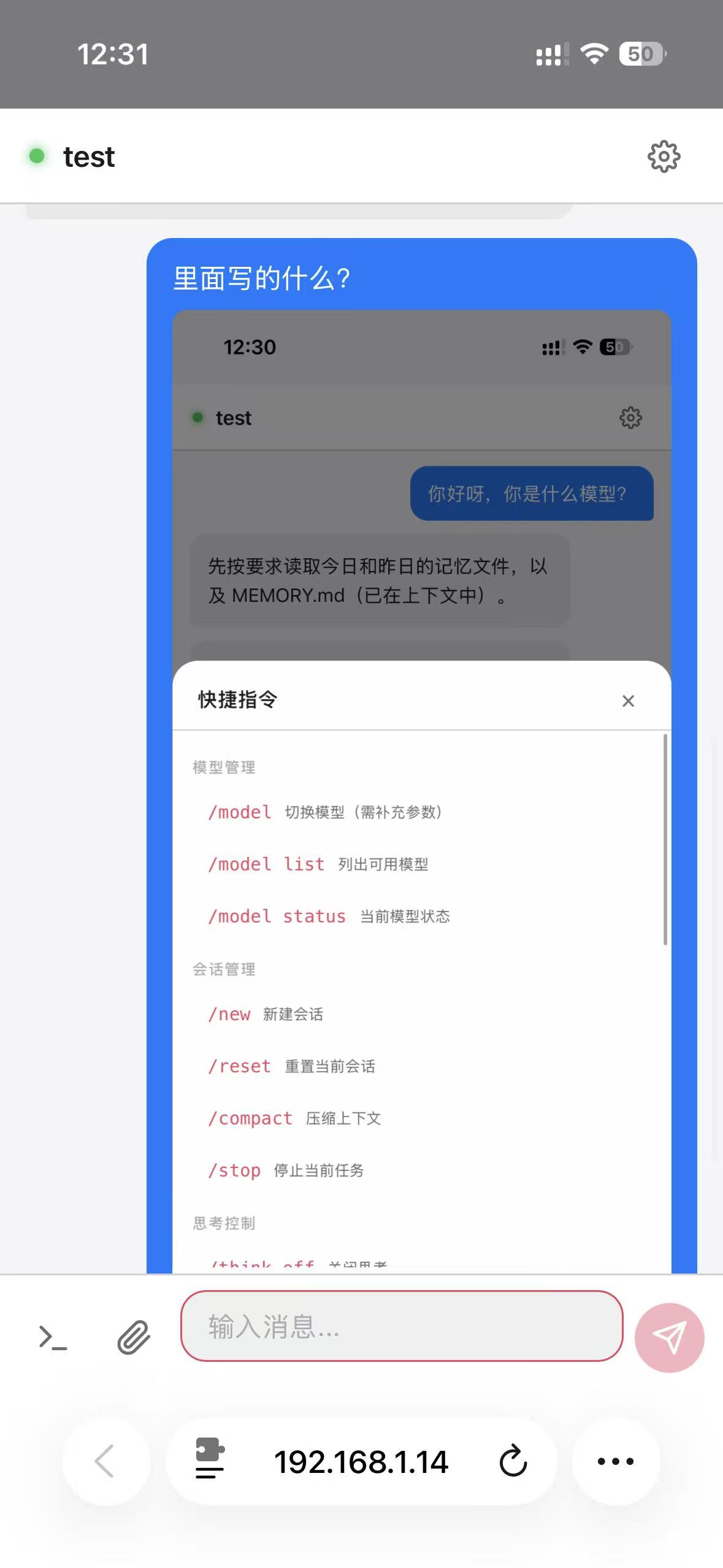
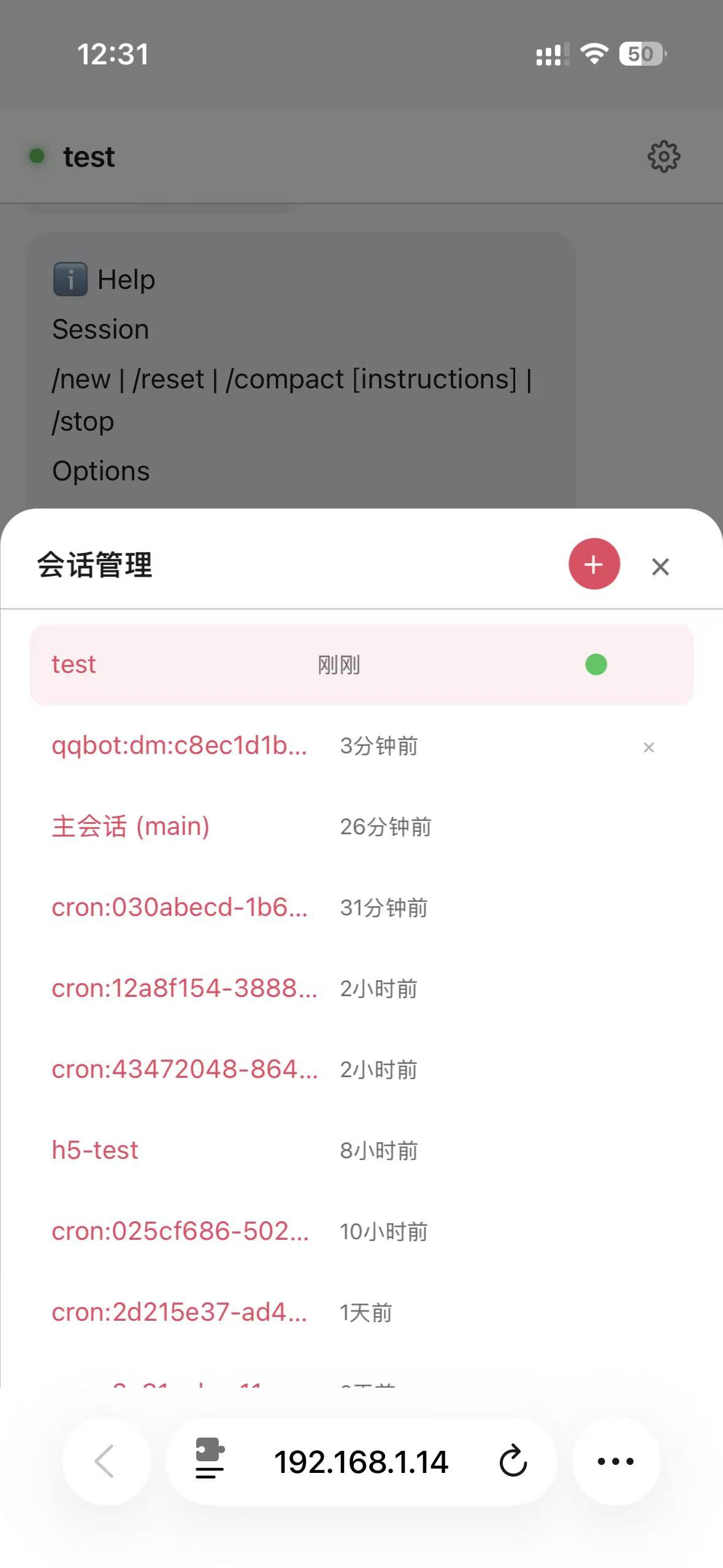
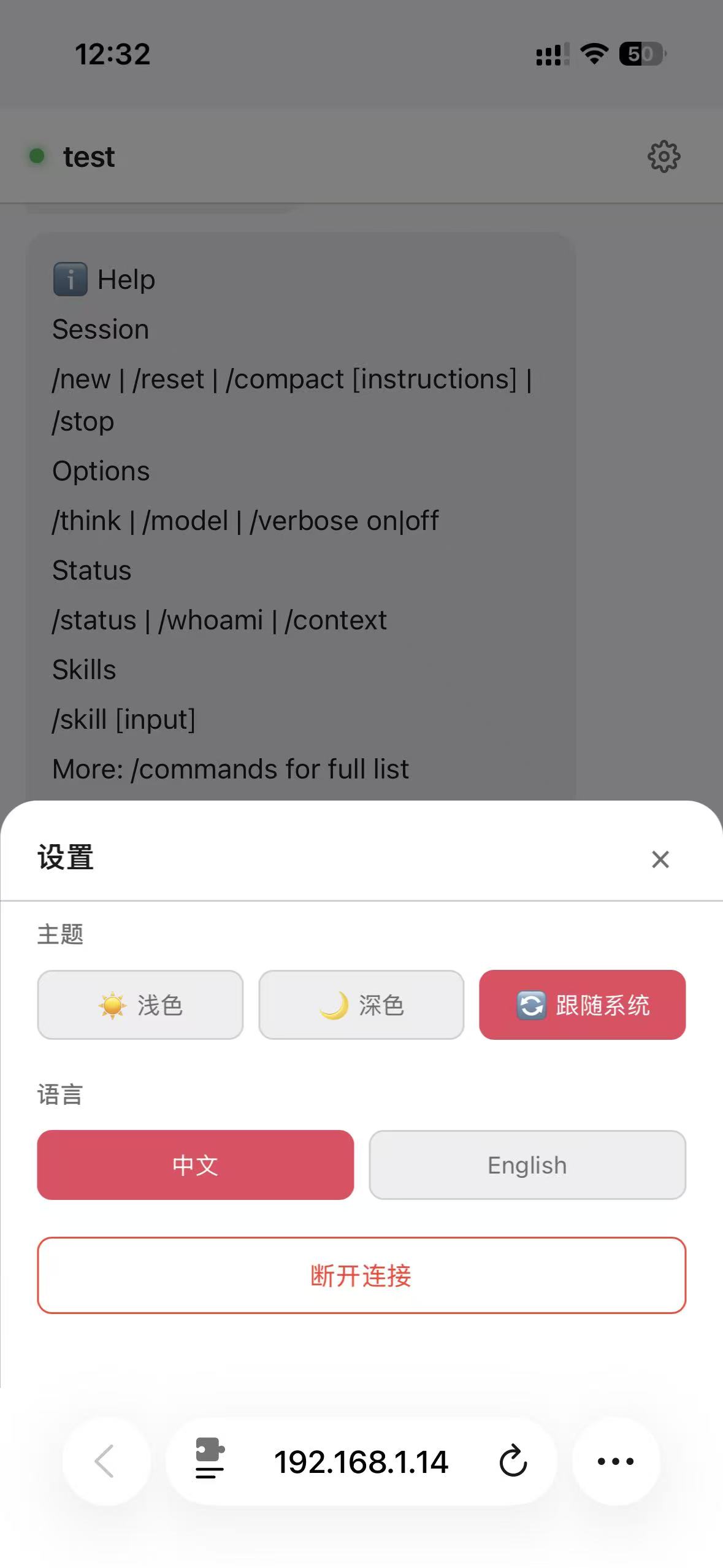
ClawApp is a mobile-first H5 chat frontend plus WebSocket proxy that bridges your phone's browser to a self-hosted OpenClaw installation. Since OpenClaw's Gateway normally binds only to 127.0.0.1:18789, ClawApp's own server (port 3210 by default) handles the Ed25519 device-signature handshake and forwards the traffic while serving the web UI. Day-to-day use covers typewriter-style streamed answers, photo and file exchange, microphone dictation when served over HTTPS, Markdown with highlighted code, slash-command shortcuts, picking between agents, per-session management, live tool-call status, IndexedDB history that survives dropped connections, and a light/dark/system theme switch with Chinese or English labels. The server can be started with Docker Compose, a one-line curl or PowerShell installer, or plain npm scripts; phone then opens the host IP on 3210, and reaching it away from home is documented through cftunnel, an SSH reverse tunnel or an Nginx TLS proxy. It is MIT-licensed and needs no OpenClaw modifications, but a running OpenClaw Gateway is mandatory, and the Android APK / PWA are optional clients rather than separate servers.
Should you self-host ClawApp?
ClawApp scores 47/100 on selfhost.directory (how scoring works) and ranks #36 of 69 in AI Chat. It has 447 GitHub stars.
It shipped 9 stable releases in the past year. The latest, v2.0.0, came out on 7 May 2026. New versions land roughly every 2 days.
Setup is moderate: expect some configuration beyond a single command. It is MIT-licensed and written mostly in JavaScript.
Its closest alternative on selfhost.directory is ChatGPT Next Web (85/100, 88 905 stars). It scores higher overall, so compare the two before you pick. See ClawApp vs ChatGPT Next Web side by side.
Features
- Automatic reconnection
- Bilingual interface
- Device-signature authentication
- Image and media send/receive
- Markdown rendering with code highlighting
- Multi-agent sessions
- Multi-user concurrent use
- Offline message cache
- Onboarding guide
- Session Management
- Slash command palette
- Streaming chat responses
- Tool call status display
- Voice InputNeeds HTTPS; unavailable over plain LAN HTTP.
ClawApp README
FAQ
Why is the nvm-installed Node.js missing after a PM2 reboot?
nvm's node is only on PATH after sourcing it, so configure PM2 startup using node's absolute path, or symlink the node, npm and pm2 binaries into /usr/local/bin.
Can it be deployed on a server that has no OpenClaw?
Yes, as long as you tunnel the Gateway port back to the machine actually running it, for example an SSH local forward of 127.0.0.1:18789, so the remote ClawApp can connect over ws://127.0.0.1:18789.
Why can't I reach it after deploying to a remote server?
Open port 3210 in the host firewall and in the cloud security group, confirm the service is listening, and remember the OpenClaw Gateway must also run there or the page loads but chatting fails.
Why does PM2 keep restarting the service?
PM2 restarts a crashed process, and the server exits immediately if the Gateway is not running or the token is wrong. Verify the Gateway responds and check the token in server/.env, then inspect the PM2 logs.
What causes EADDRINUSE on startup?
Port 3210 is already taken, typically by an earlier PM2 or nohup process or a still-running Docker container; stop that process and confirm the port is free before starting again.
What if npm install times out during the Docker build?
Point npm at a mirror registry inside the Dockerfile before installing, or skip Docker and run the Node build locally when the network to the default registry is slow.
How can several languages be added?
Edit h5/src/i18n.js to add a new language pack and then add the matching button in settings.js.
Why does the WebSocket disconnect often?
The server sends a 30-second heartbeat and the client an application-level one every 25 seconds, so if drops persist check your reverse proxy timeout (above 60s) and add -o ServerAliveInterval=15 for SSH tunnels.
Do I have to modify OpenClaw to use ClawApp?
No. It works with stock OpenClaw without plugins, config edits or extra ports; as long as the Gateway runs on its default address you only fill the token into .env.
Can several people use it at the same time?
Yes. Each client connection gets its own Gateway session while all of them share the single OpenClaw instance.
Why does the voice input button do nothing?
Browsers only expose the microphone in a secure context, so over plain HTTP on the LAN the button reports that HTTPS is needed. Running `cftunnel quick 3210` gives you an HTTPS tunnel to enable it.
Why can't my phone open the page?
Make sure the phone is on the same WiFi, that port 3210 is allowed through the computer's firewall, and that you use the machine's LAN IP rather than localhost.
Why does it stay on "connecting" or return 502 Bad Gateway?
Check that the OpenClaw Gateway is running and that OPENCLAW_GATEWAY_TOKEN is correct. A first connection must also be approved as a device on the Gateway host with the openclaw device pairing commands, and under Docker the Gateway URL should be ws://host.docker.internal:18789.
More in AI Chat
 clawdboss-dockerSelf-hosted Docker container running the Clawdboss wizard and OpenClaw gateway for AI agents on Discord, Telegram, or console with persistent config.
 ClawFleetSelf-hosted fleet manager for OpenClaw and Hermes AI agents in Docker containers with a browser dashboard, using your own LLM API keys or ChatGPT subscription.
 cloudflare-ai-webSelf-hosted, open-source chat frontend that turns Cloudflare Workers AI into a multi-model AI platform, with AI Gateway access to Gemini and password protection.
 Companion SpaceSelf-hosted, open-source anime-style AI companion for learning with VRM 3D avatars, RAG-based document Q&A, and real-time voice chat.
 copilot-unleashedSelf-hosted, open-source AI chat with every Copilot model, autopilot agents, live reasoning, voice I/O, and PWA support. Runs on your server via Docker or Azure.
 cossistantSelf-hosted AI customer support platform with customizable agents that learn from your team, built for React and Next.js.
 crowSelf-hosted agentic framework and MCP platform to build AI agents, connect clients like Claude Code as native MCP connectors, with persistent memory and P2P sharing.
 CrustAICrustAI is a self-hosted AI assistant running locally via Ollama, connecting to messaging platforms with memory, voice, and REST API — no cloud.
 datalineSelf-hosted, open-source AI tool to chat with data and generate SQL, charts, reports — supports PostgreSQL, MySQL, Snowflake, SQLite, CSV, Excel.
 DEEIX ChatDEEIX Chat is a self-hosted, open-source AI workspace unifying model routing, multimodal chat, RAG, MCP tools, billing, and identity into one deployable platform.
 DeepSeek Harness LinuxSelf-hosted, open-source Linux desktop client for DeepSeek Harness — provides AppImage, .deb, and .tar.gz packages for x64 and arm64 with auto-updates.
 DeskcommCRMSelf-hosted MIT CRM where AI agents answer and qualify leads on WhatsApp, with kanban funnels, per-tenant RAG, automations and LGPD tooling. No paid tier.
0 comments