
Self-host cially
v2.0.1Open-source Discord server analytics dashboard
docker compose up- Stars
- 216
- Ports
- 3000 (Web dashboard), 3001 (Bot API)
- Requires
- PocketBase
ghcr.io/cially/web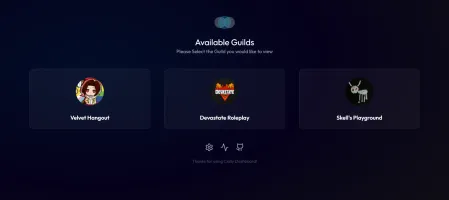
What is cially?
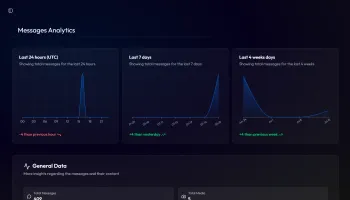
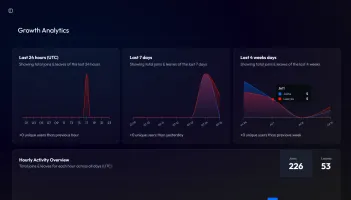
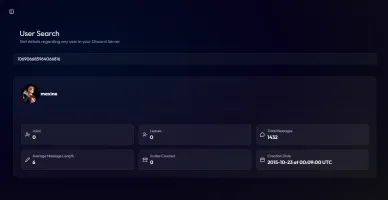
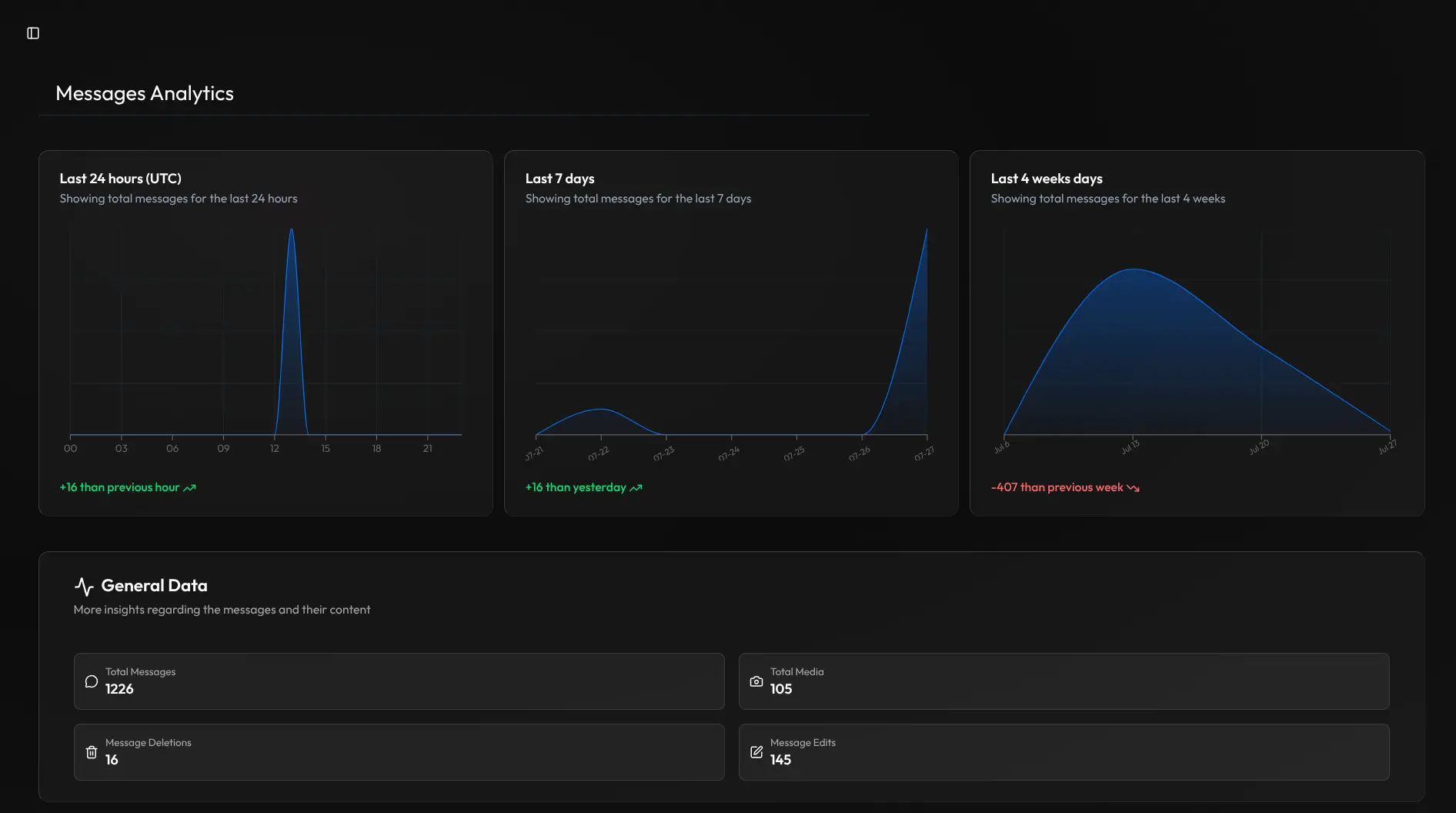
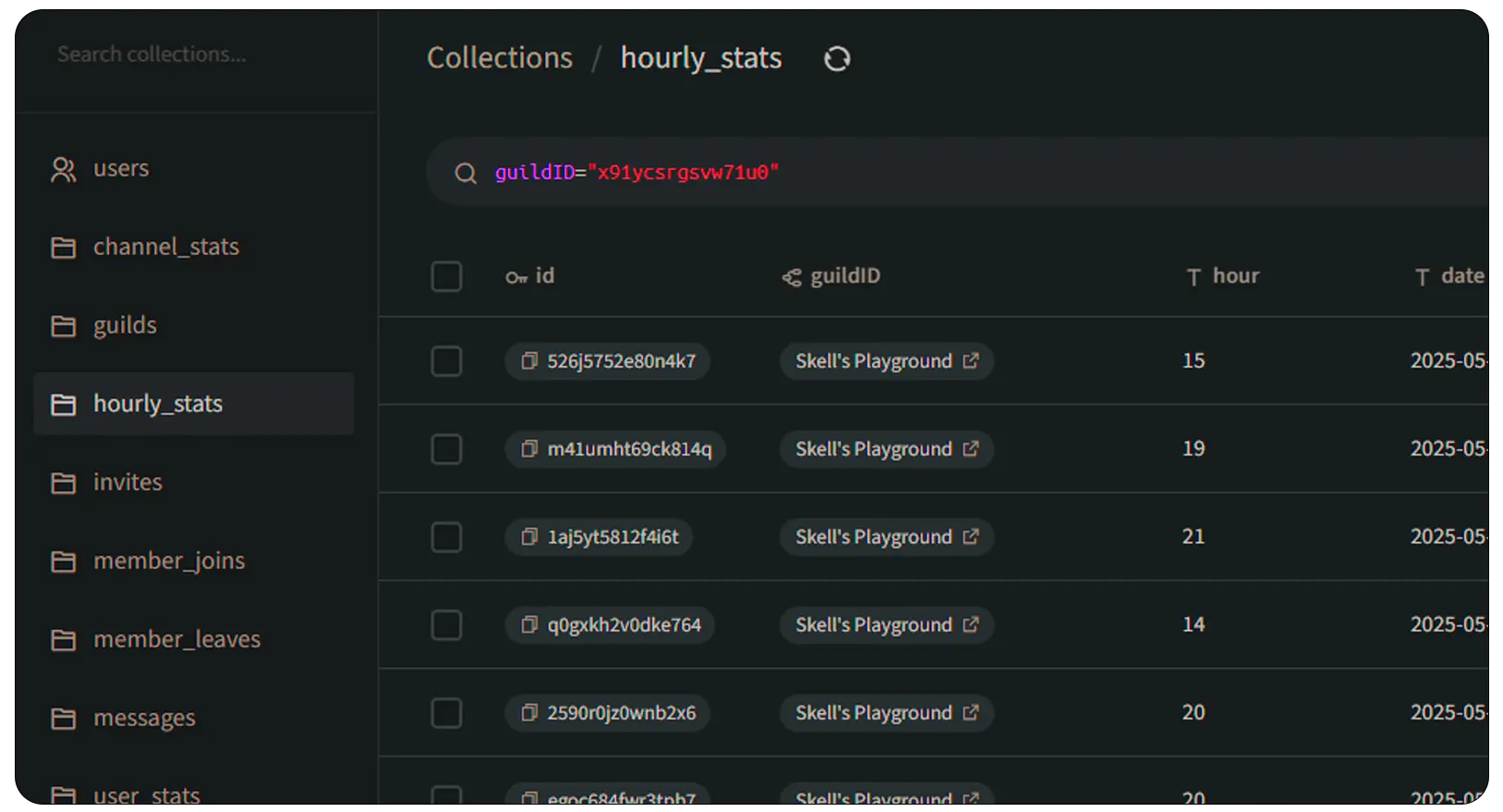
Cially is a self-hosted analytics platform for Discord server owners and community managers who want deep visibility into their community's behavior. It consists of a Discord bot that listens to server events, a Pocketbase backend for data storage, and a Next.js web dashboard for visualization. The dashboard shows message analytics (per hour/day/week, media shared, deletions/edits), growth metrics (joins/leaves, retention, unique users), activity insights (most active channels/users/hours, real-time member status), user search with per-user history, and voice chat trends. It runs via Docker Compose with three containers (bot, web, Pocketbase) and requires a Discord bot token and client ID to operate. The project is licensed under CC-BY-NC-ND 2.0, which prohibits commercial use and derivatives. No message content is stored unless explicitly configured.
Should you self-host cially?
cially scores 44/100 on selfhost.directory (how scoring works) and ranks #20 of 27 in Analytics. It has 216 GitHub stars.
It shipped 1 stable release in the past year. The latest, v2.0.1, came out on 31 July 2026.
Setup is moderate: expect some configuration beyond a single command. An official Docker image is available. It is Other-licensed and written mostly in Typescript.
Its closest alternative on selfhost.directory is PostHog (81/100, 40 491 stars). It scores higher overall, so compare the two before you pick. See cially vs PostHog side by side.
Features
- Activity Insights
- Basic Server Data
- Growth Metrics
- Message Analytics
- Privacy-first
- Real-time sync
- User Search
- Voice Chat Analytics
cially README
More in Dashboard
 clawboardClawBoard is a self-hosted, open-source AI dashboard for managing AI agents with Kanban boards, projects, journals, sessions, and real-time monitoring.
 clawbridgeSelf-hosted mobile dashboard for monitoring OpenClaw agents with real-time activity feed, token cost tracking, and mission control features.
 ClawdOSSelf-hosted web interface for OpenClaw AI agent with task management, rich notes, RSS feeds, package tracking, dashboard, and skill marketplace.
 CNCjsAn open-source, self-hosted web interface for running CNC machines on Grbl, Marlin, TinyG or Smoothie firmware, with a widget workspace, 3D tool-path view and DRO.
 consoleOpen-source self-hosted Kubernetes dashboard with AI-guided missions for 250+ CNCF projects, real-time monitoring, and GPU management.
 CoreObsCoreControl is a self-hosted, open-source dashboard for homelab servers: track hardware info, quick links to self-hosted apps, uptime checks and network flowcharts.
 CrowdSec ManagerSelf-hosted web dashboard and native mobile apps for managing CrowdSec security decisions, alerts, allowlists, scenarios, and Traefik integration.
 crowdsec-web-uiSelf-hosted dashboard for CrowdSec to explore alerts, manage decisions, view metrics, and configure multi-channel notifications.
 cyber-container-platformSelf-hosted, open-source container manager with cyberpunk UI, real-time monitoring, built-in terminal, and JWT auth — a lightweight Docker Desktop alternative.
 DashbrrSelf-hosted dashboard for monitoring media servers like Plex, Jellyfin, Sonarr, and Radarr with real-time health checks, service discovery, and PWA support.
 dashdotdash. is a self-hosted, open-source server monitoring dashboard for single-node setups with real-time metrics in a glassmorphic UI.
 DasherrDasherr is a self-hosted, open-source dashboard for organizing homelab services with a responsive UI, themes, Glances widgets, and a JSON config with built-in editor.
0 comments