
Self-host crowdsec-web-ui
2026.10.11Self-hosted dashboard for CrowdSec alerts and decisions
- Stars
- 860
- Port
- 3000 (HTTP listen port)
- Requires
- CrowdSec LAPI
ghcr.io/theduffman85/crowdsec-web-ui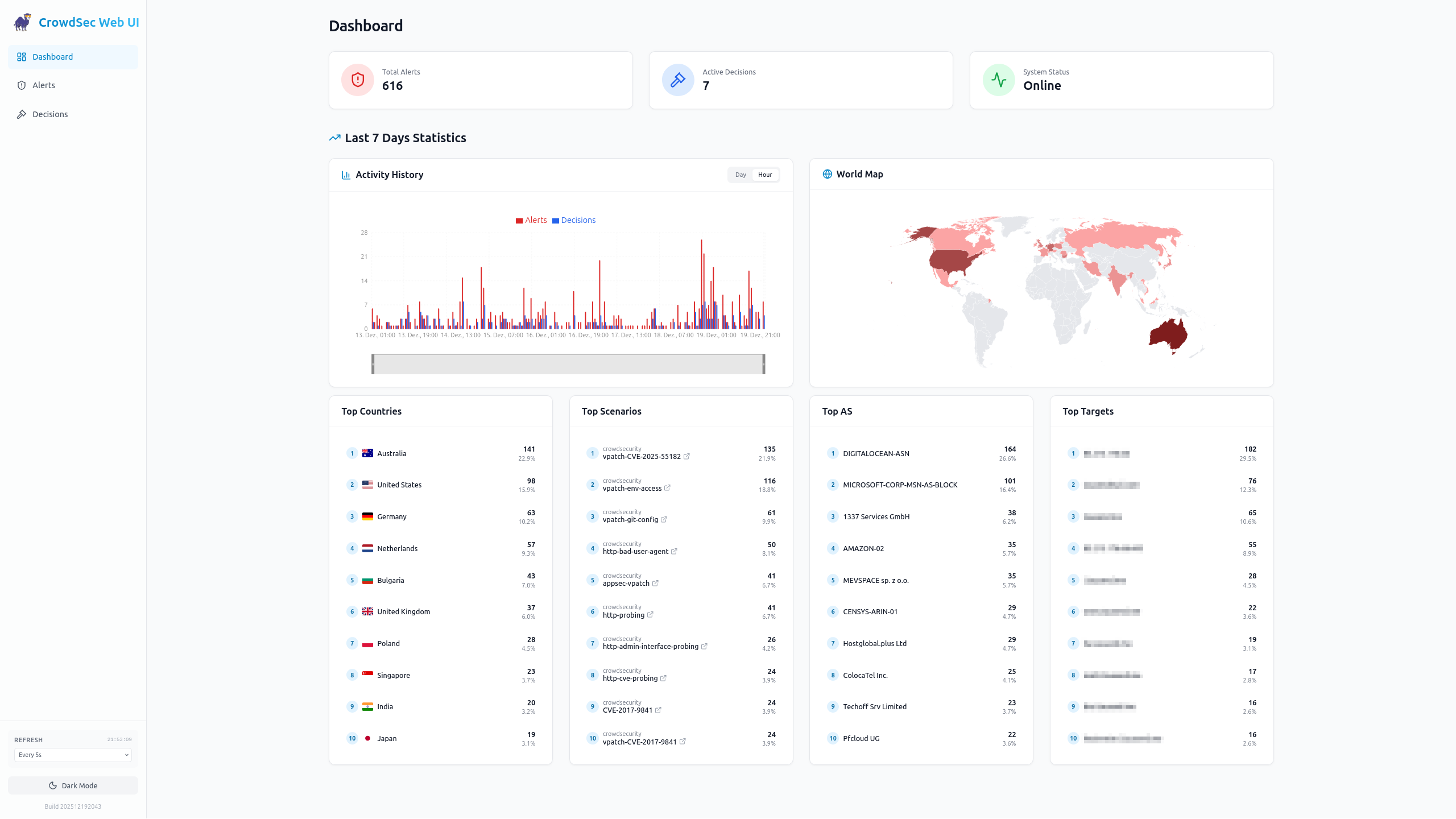
What is crowdsec-web-ui?
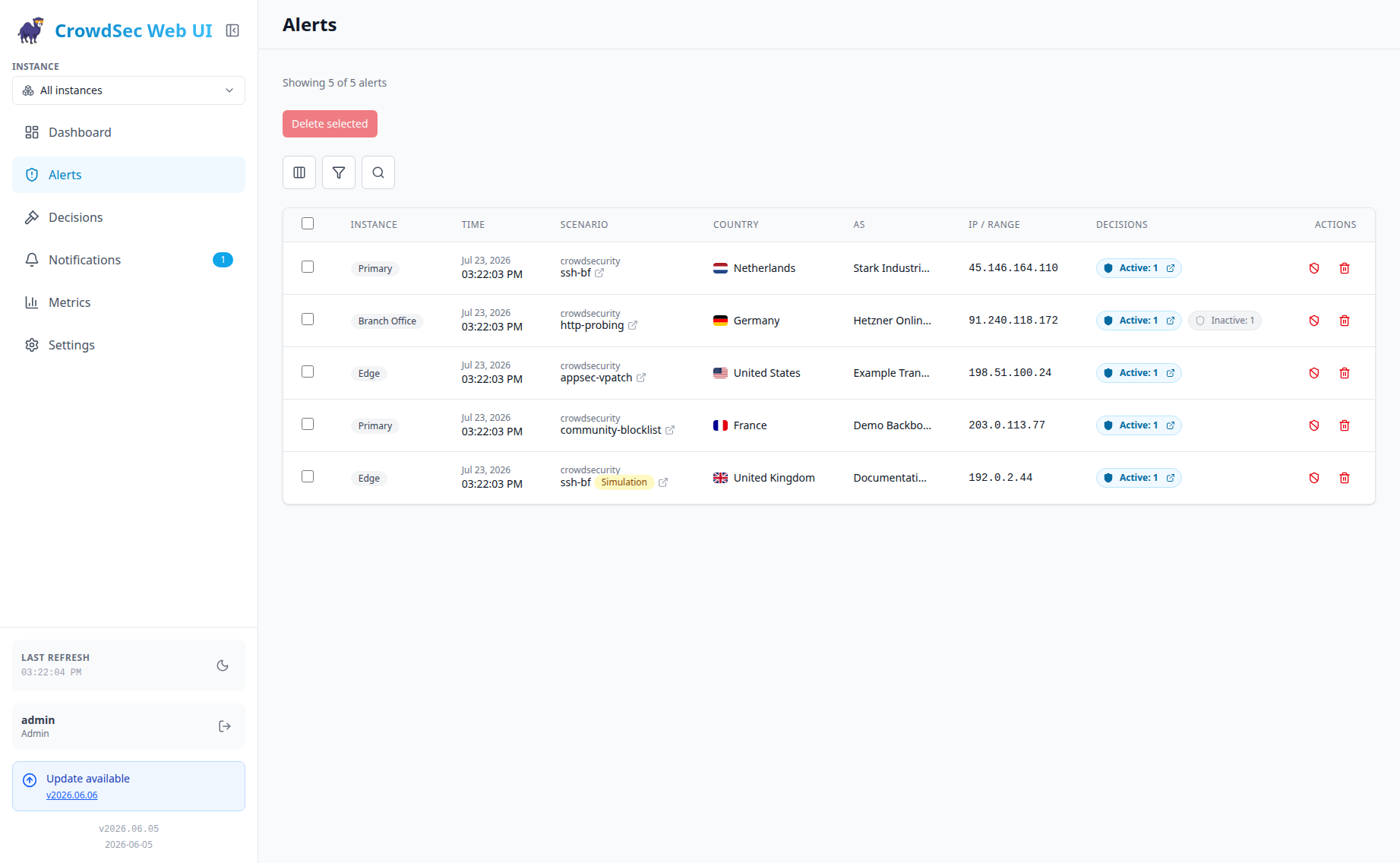
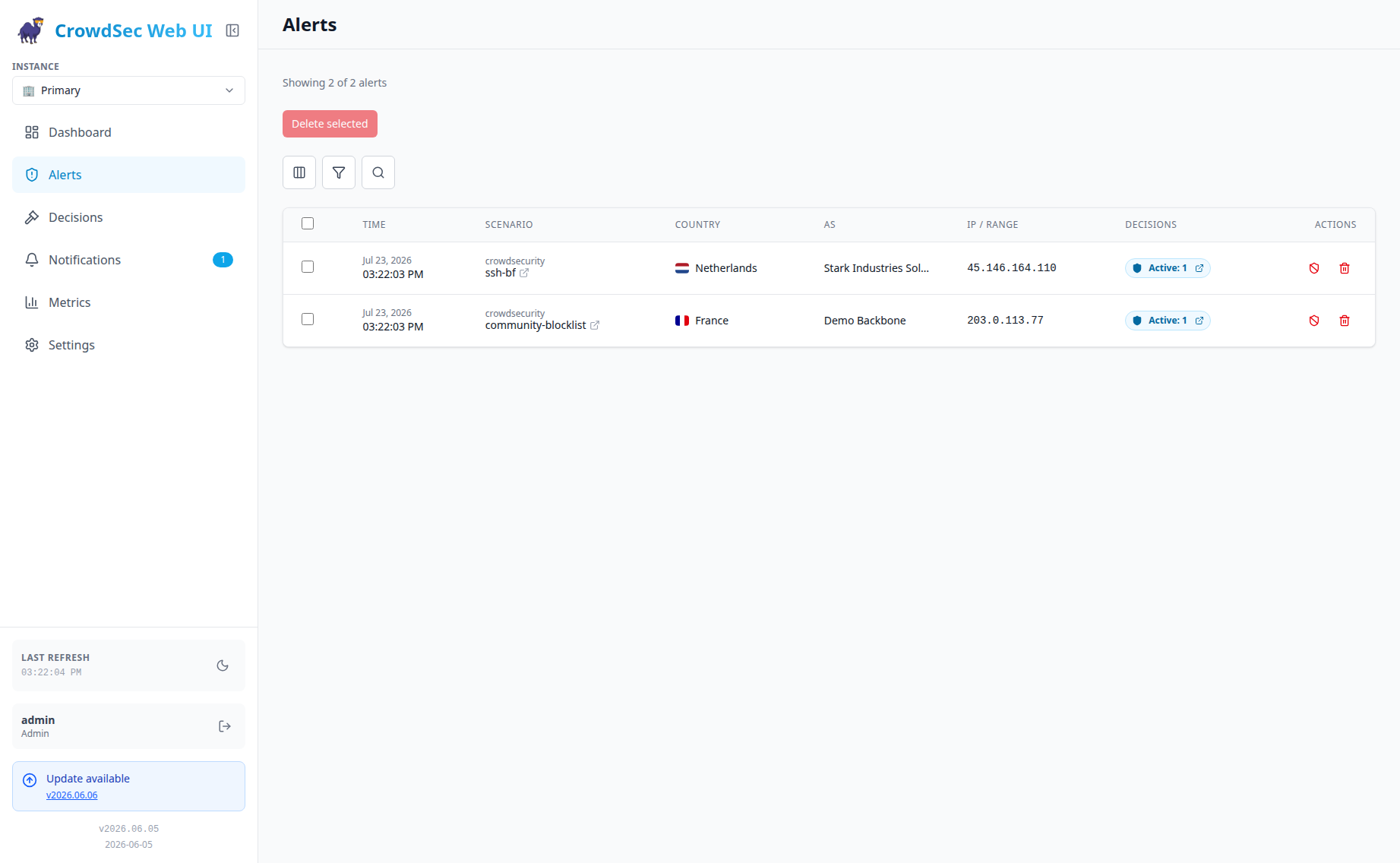
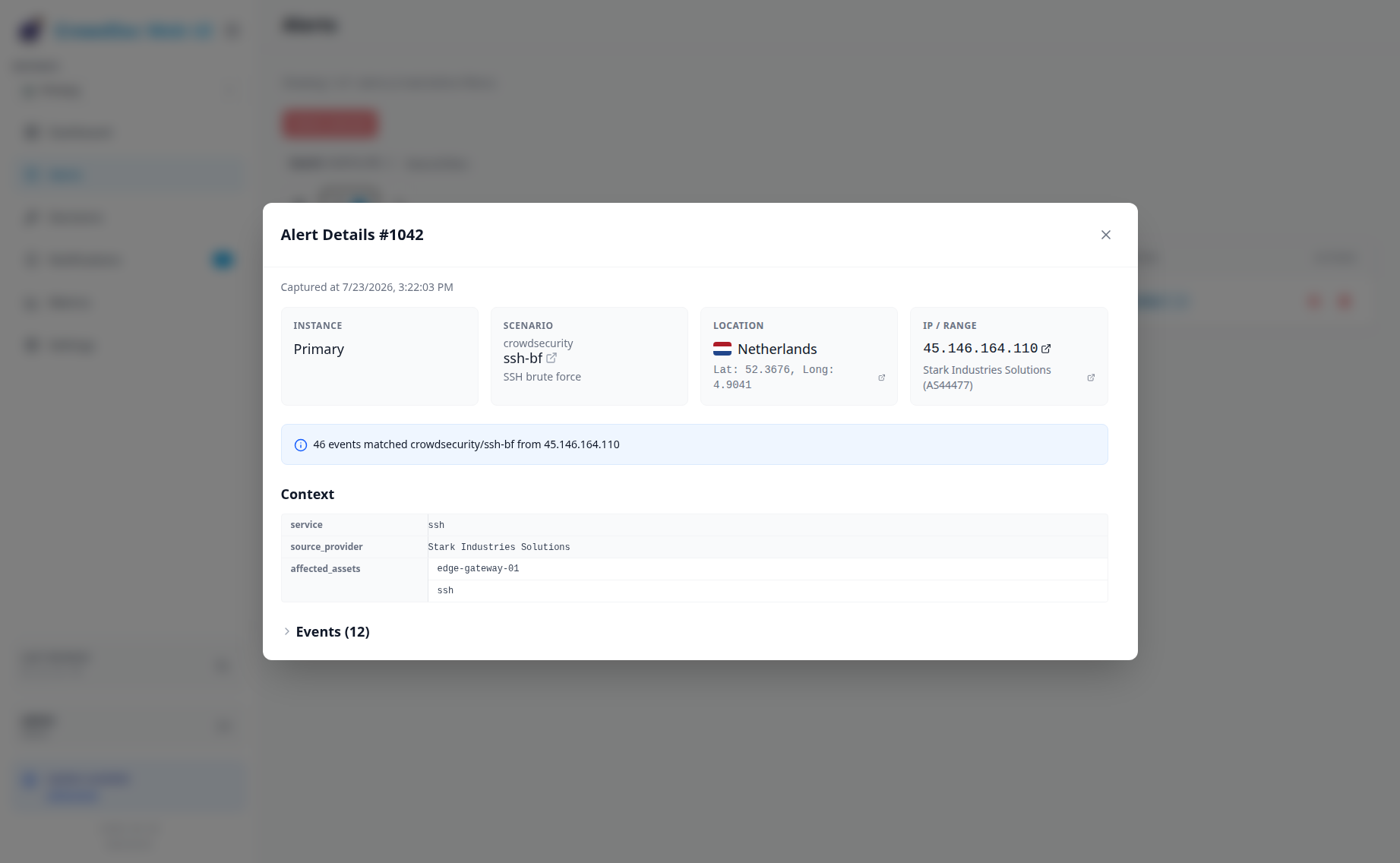
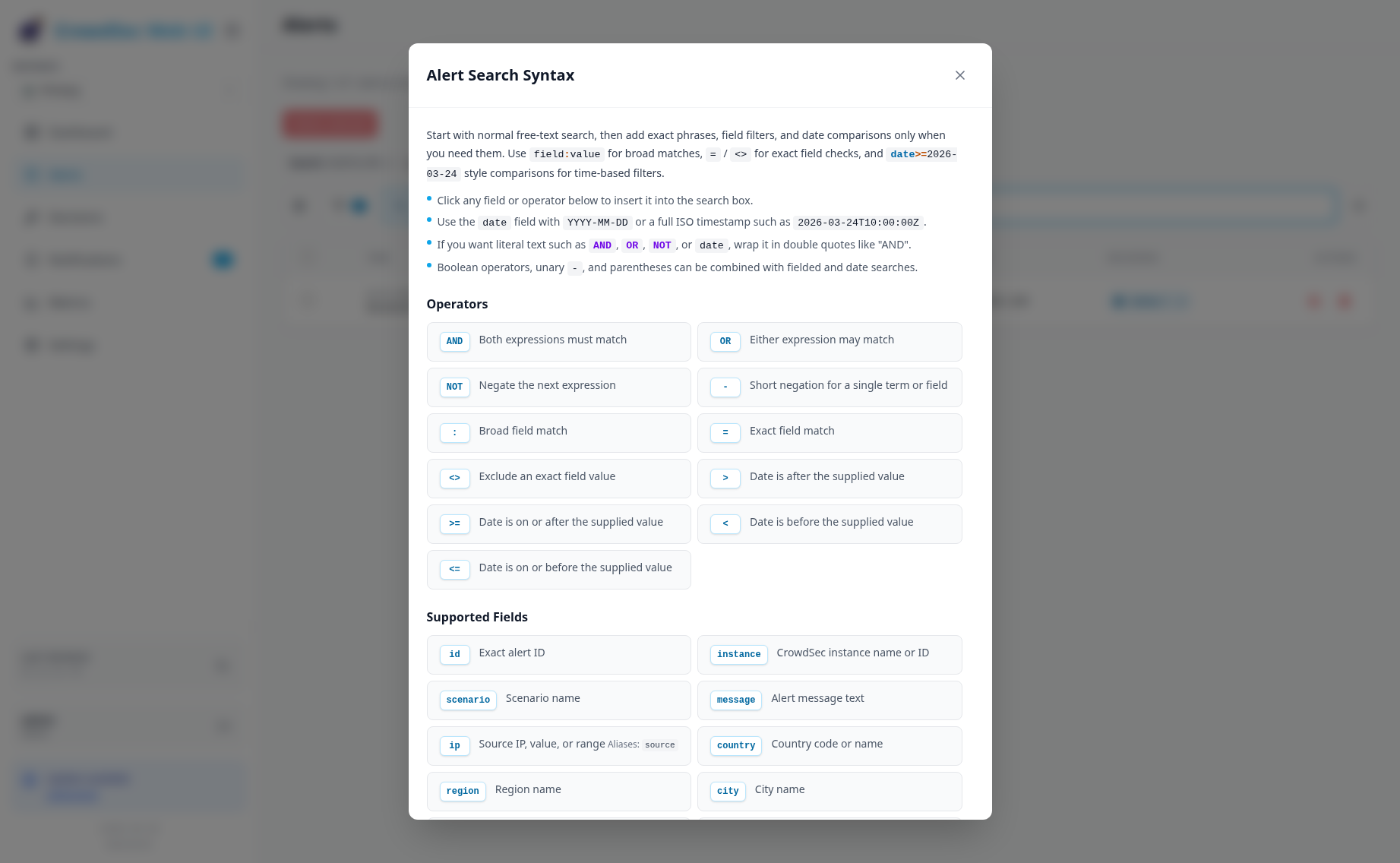
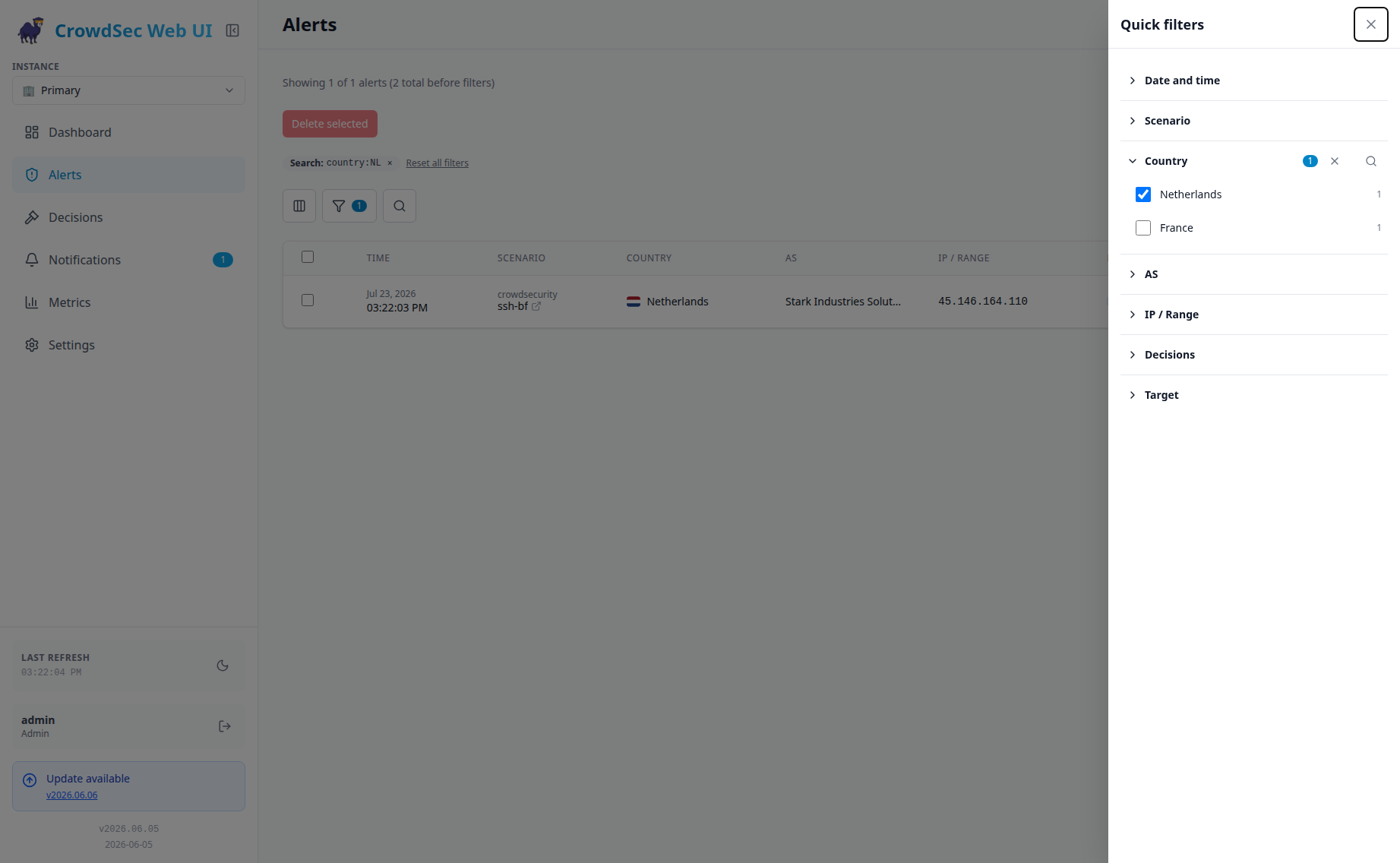
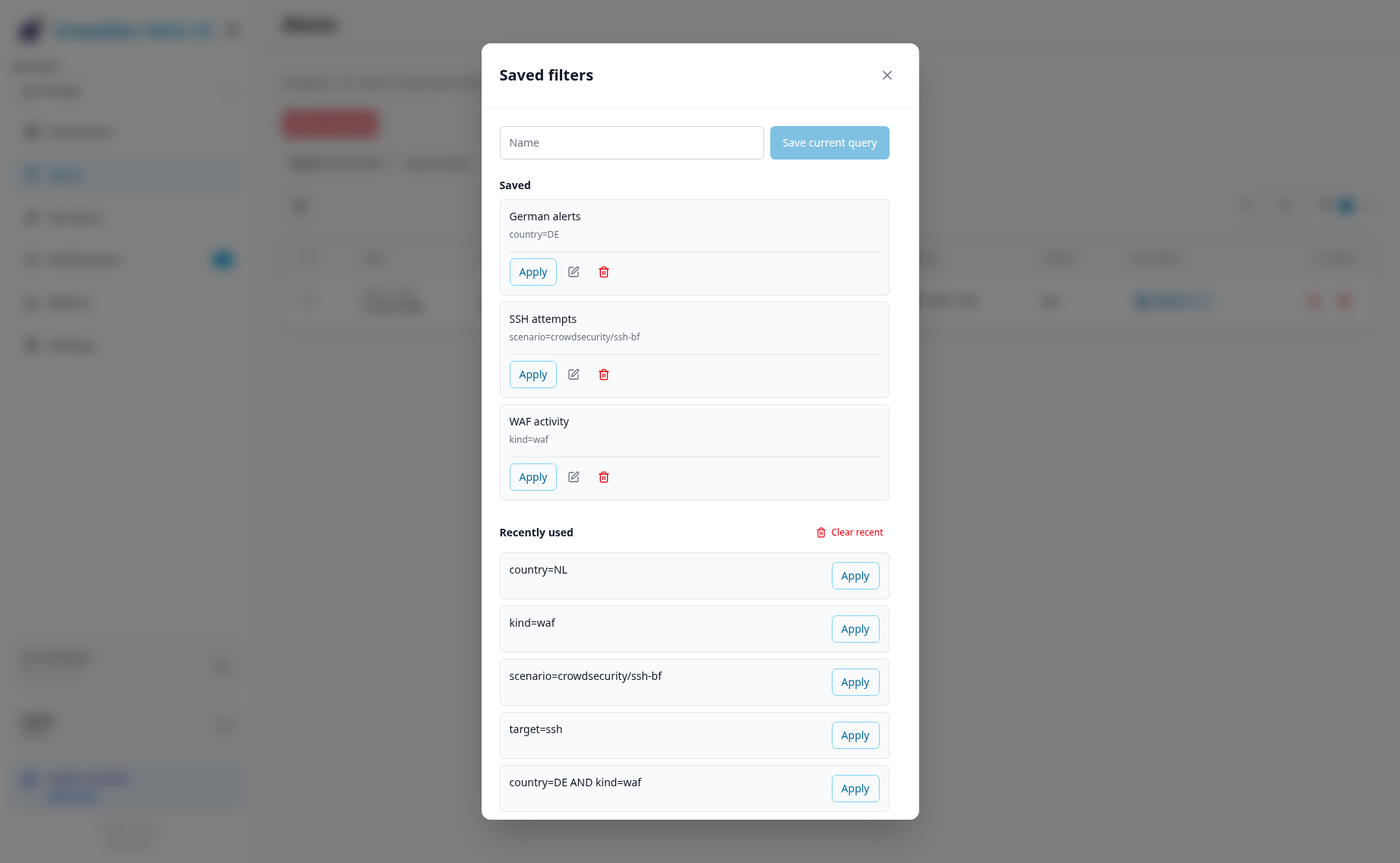
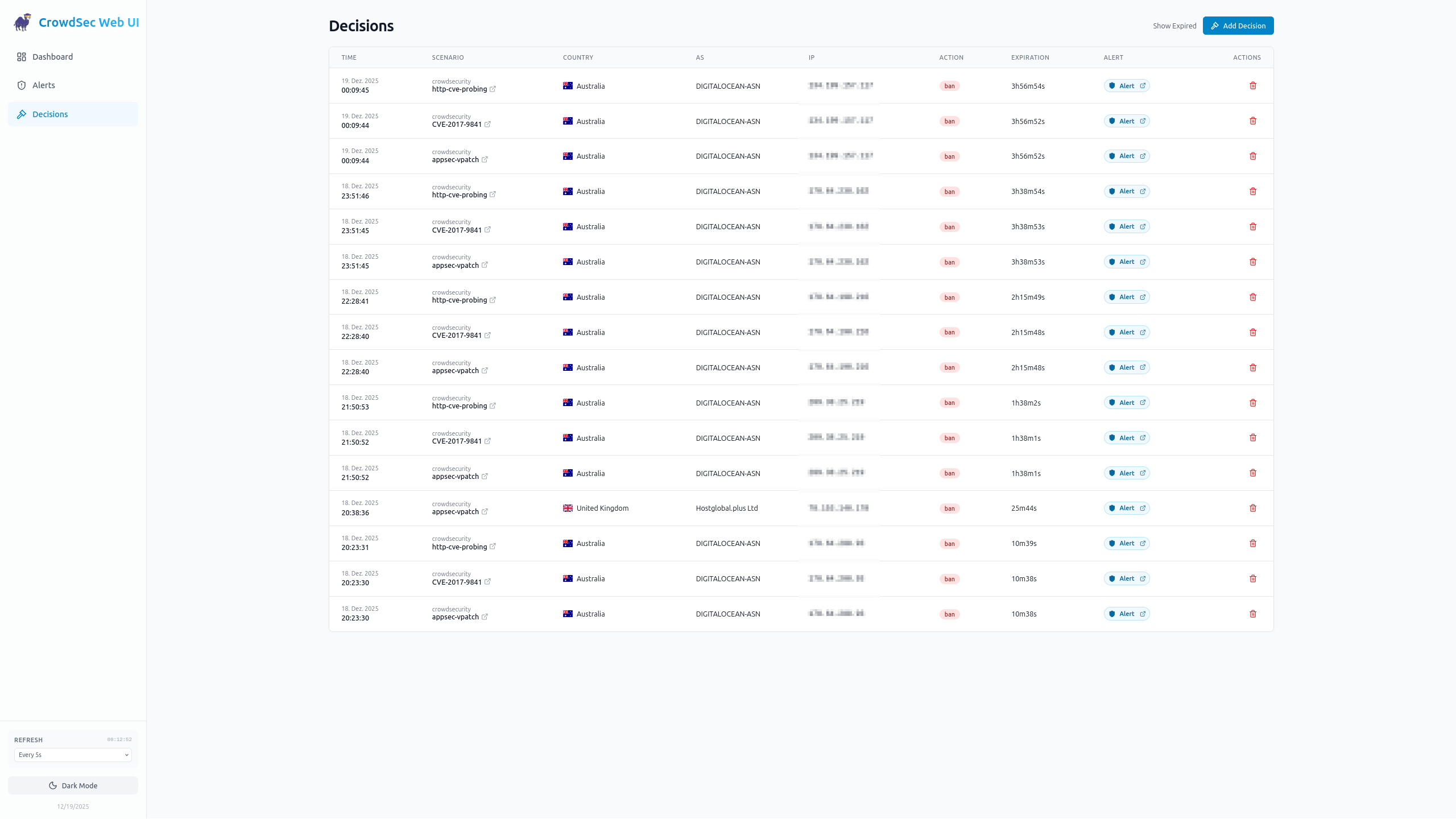
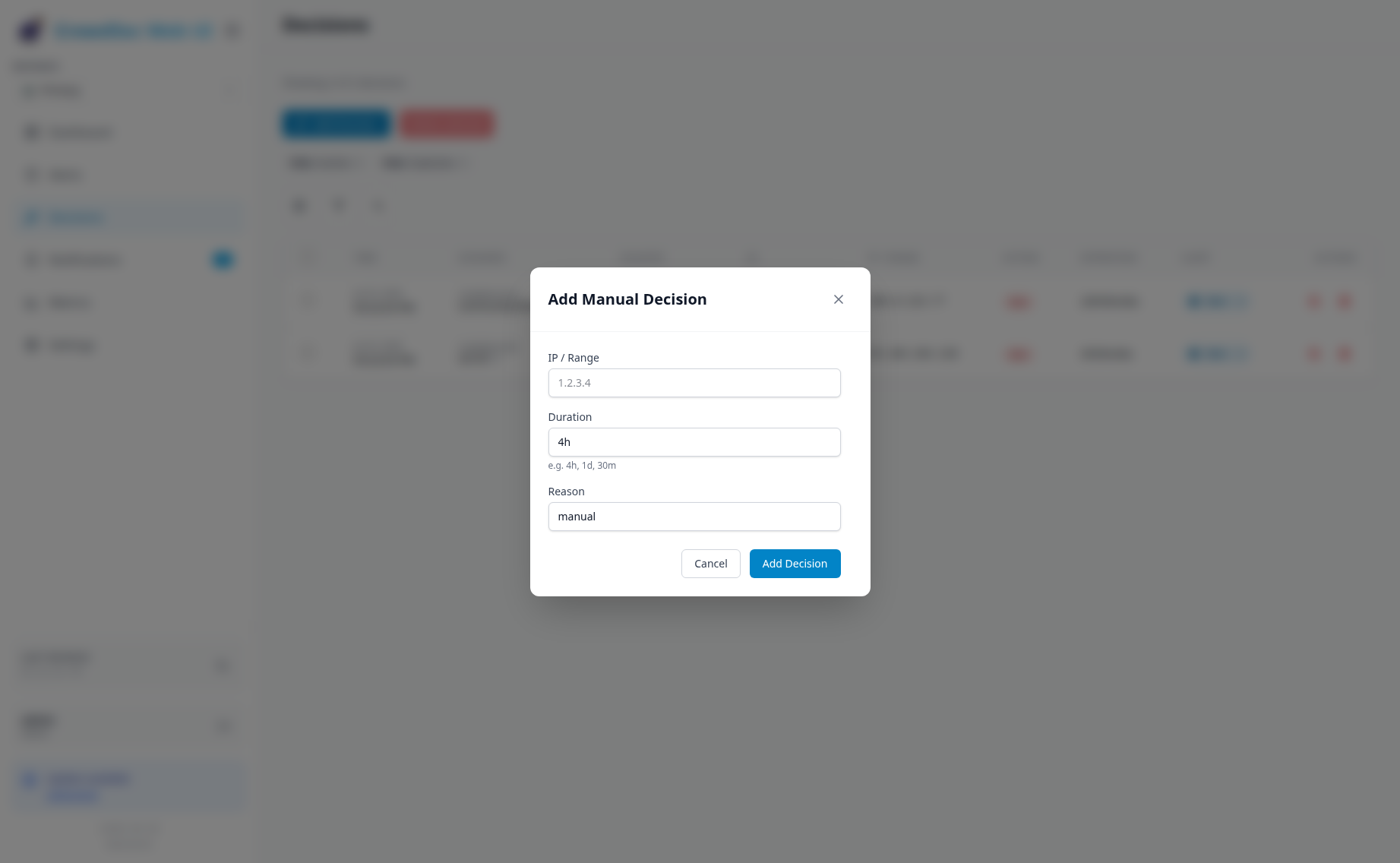
CrowdSec Web UI is a self-hosted dashboard for the CrowdSec security engine. It provides a unified interface to investigate alerts, manage active and expired decisions, monitor runtime metrics from Prometheus endpoints, and configure notification rules delivered via multiple channels. The application supports multiple CrowdSec LAPI instances with a combined view, offers dark/light themes, responsive layouts, and extensive branding customization. Authentication includes built-in accounts with password and TOTP, passkeys, and OIDC SSO with support for providers like Authentik, Authelia, and Keycloak. It runs as a Docker container (ghcr.io/theduffman85/crowdsec-web-ui) or via Docker Compose, stores data in SQLite, and requires a running CrowdSec LAPI to connect to.
Should you self-host crowdsec-web-ui?
crowdsec-web-ui scores 55/100 on selfhost.directory (how scoring works) and ranks #31 of 78 in Security. It has 860 GitHub stars.
It shipped 28 stable releases in the past year. The latest, 2026.10.11, came out on 27 October 2026. New versions land roughly every 3 days.
Setup is moderate: expect some configuration beyond a single command. An official Docker image is available. It is AGPL-3.0-licensed and written mostly in Typescript.
Its closest alternative on selfhost.directory is pentagi (83/100, 32 629 stars). It scores higher overall, so compare the two before you pick. See crowdsec-web-ui vs pentagi side by side.
Features
- Alert investigation
- Alert source filtering
- Audit Logging
- Branding customization
- Decision management
- Localization
- Multi-Instance Support
- Notification rules
- OIDC SSO
- Prometheus Metrics
- Saved and recent filters
- Simulation mode support
- Two-factor authentication
crowdsec-web-ui README
More in Monitoring & observability
 elasticsearchOpen-source distributed search engine that handles structured, unstructured, and vector data for real-time search, observability, and AI workloads.
 gatusSelf-hosted, open-source uptime monitor and status page: probe HTTP, TCP, ICMP or DNS endpoints with custom conditions and alert via Slack, Discord, PagerDuty, etc.
 GPONSelf-hosted Prometheus exporter scraping ~75 metrics from Realtek RTL960x GPON SFP ONUs over SSH, with pre-built Grafana dashboard.
 graphite-webA highly scalable real-time graphing system
 hastic-serverHastic Server is an open-source, self-hosted analytics engine adding pattern recognition and anomaly detection to Grafana dashboards.
 Kuvasz UptimeSelf-hosted, open-source uptime & SSL monitor with HTTP, ping, TCP, DNS and Docker checks, status pages, maintenance windows, REST API, and Prometheus export.
 laminarOpen-source observability platform for AI agents. Alternative to LangSmith with tracing, Signals failure detection, evals, dashboards, MCP/CLI access.
 missedrun-selfhostedMissedRun Self-hosted monitors scheduled jobs via ping URLs to catch silent failures and sends email alerts when jobs miss check-ins.
 mqtt-exporterSelf-hosted Prometheus exporter converting MQTT messages from IoT sensors into metrics for Zigbee2MQTT, Zwavejs2Mqtt, ESPHome, Hubitat, Meshtastic, and Shelly.
 onWatchSelf-hosted AI quota monitor for 16 providers. Lightweight Go binary with SQLite and Material dashboard showing live countdowns and burn-rate forecasts — zero telemetry.
 openreplaySession replay, cobrowsing and product analytics you can self-host. Best for reproducing issues and iterating on your product.
 openstatusOpen-source uptime monitoring, status pages and incident response: declare checks and pages in YAML or Terraform, run private probes, self-host with Docker.
0 comments