
Self-host chat
0.0.1Decentralized browser-based chat with end-to-end encryption
- Stars
- 333
- Port
- 80 (HTTP (nginx static frontend))
- Requires
- Peerjs-server



What is chat?
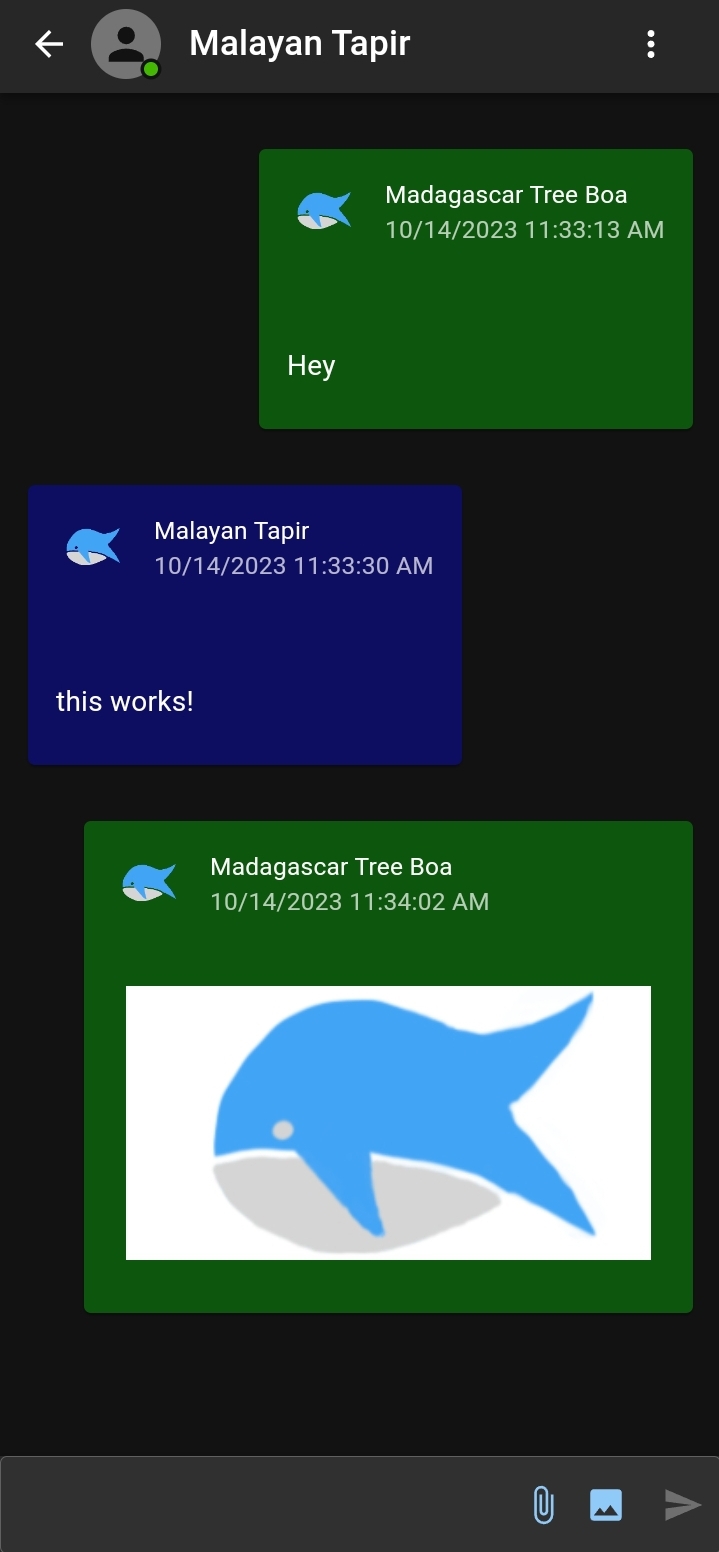
Chat is an experimental decentralized chat application designed to run entirely within the browser. It provides end-to-end encrypted messaging, file sharing via WebRTC, voice and video calls, mixed-reality spaces, an image board, and a webtop desktop environment. The app uses browser storage (IndexedDB) and peer-to-peer connections, so no central server is needed for messaging — only a PeerJS signaling server for connection setup. It can be self-hosted as a static site via Docker (nginx), GitHub Pages, or any static hosting. The project is explicitly marked as unstable and not production-ready. Native mobile (iOS/Android via Capacitor) and desktop (via Tauri) builds are possible but not published to app stores.
Should you self-host chat?
chat scores 38/100 on selfhost.directory (how scoring works) and ranks #89 of 110 in Chat. It has 333 GitHub stars.
There was no stable release in the past 12 months, so check the repository's recent activity before you rely on it.
Setup is moderate: expect some configuration beyond a single command. It is GPL-3.0-licensed and written mostly in JavaScript.
Its closest alternative on selfhost.directory is Zulip (82/100, 26 131 stars). It scores higher overall, so compare the two before you pick. See chat vs Zulip side by side.
Features
- End-to-end encryption
- Image board / feed
- Local-first calendar (Plan)
- Mixed-Reality SpacesExperimental previews only
- No installation or registration
- Peer-to-Peer File Sharing
- Voice and video calls
- Webtop desktop environment
chat README
More in Peer-to-Peer
 ChitchatterChitchatter is a self-hosted, open-source peer-to-peer chat app with end-to-end encrypted messaging, video calls, and file sharing — no central server required.
 go-ssb-roomSelf-hosted Go implementation of SSB Room v1/v2 spec, letting Secure Scuttlebutt peers discover and connect via a web dashboard and secret-handshake transport.
 HyphanetFred, the open-source Hyphanet/Freenet reference node, is a self-hosted encrypted P2P network for anonymous freesites, forums, microblogging and file sharing.
 privtrackerPrivTracker is a self-hosted private BitTorrent tracker. Open-source AGPL-3.0 software enabling isolated peer groups with custom announce URLs for secure file sharing.
 UrbitUrbit is a self-hosted, open-source personal server stack with decentralized identity (Azimuth), VM (Vere), and OS (Arvo) for P2P computing and self-sovereign identity.
 YacyYaCy is open-source, self-hosted search engine software — crawler, index and web front-end in one Java server, with a peer-to-peer network or an intranet search portal.
 ZeroNetP2P platform for hosting websites without central servers, leveraging Bitcoin-based crypto for authorization and BitTorrent for content delivery. Access offline.
0 comments