
Self-host backlogia
v0.15.0Unified game library for Steam, Epic, GOG and more
- Stars
- 193
- Port
- 5050 (HTTP web interface)
ghcr.io/sam1am/backlogia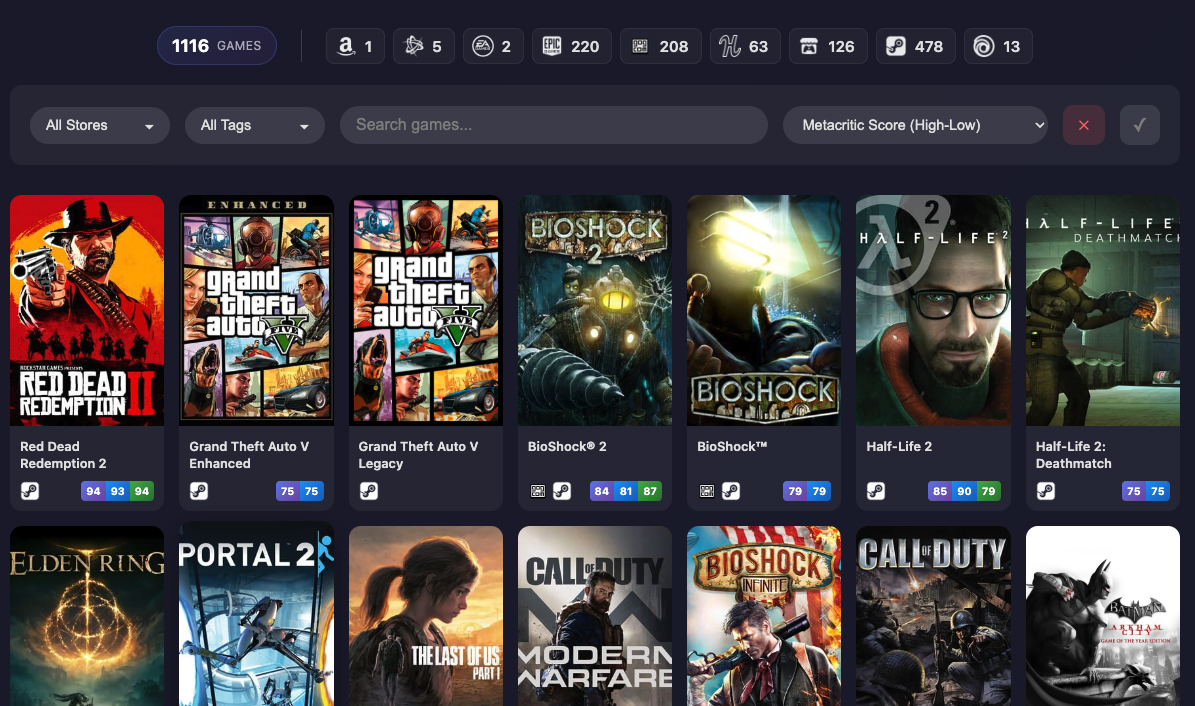
What is backlogia?
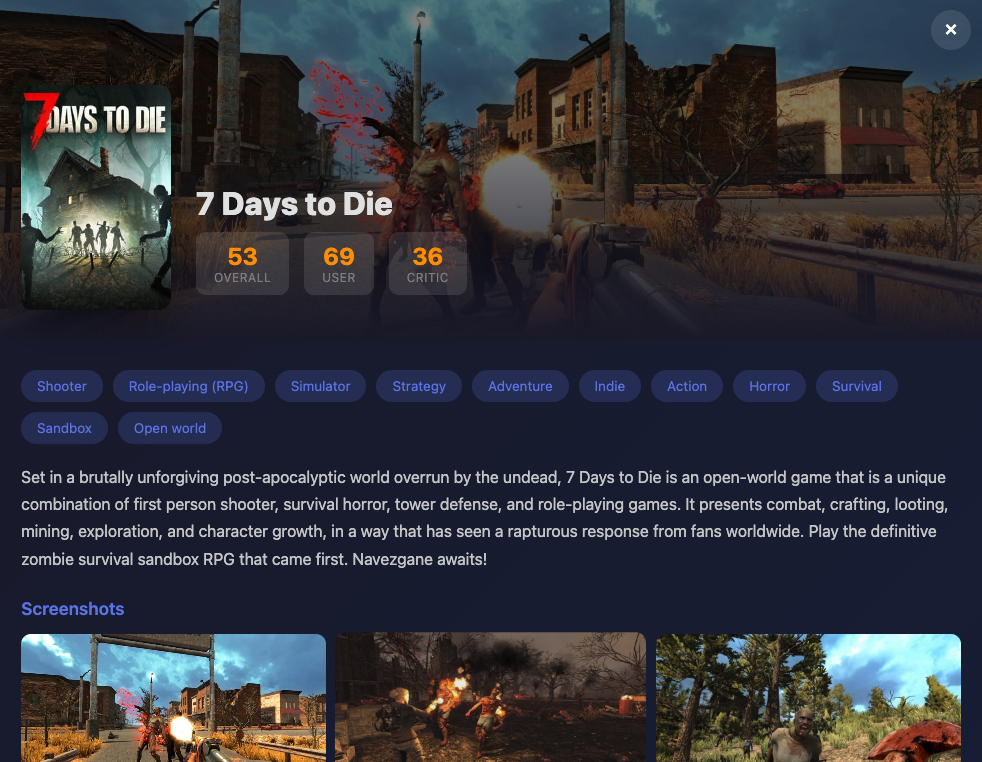
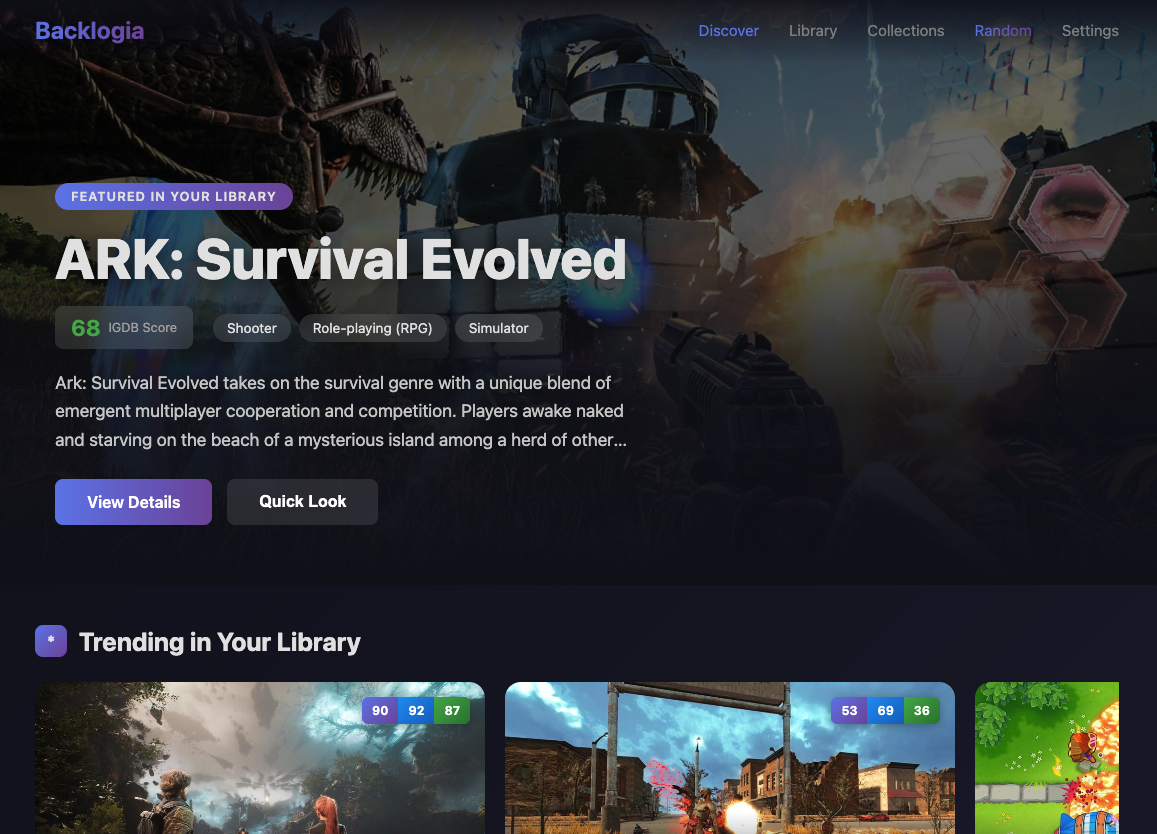
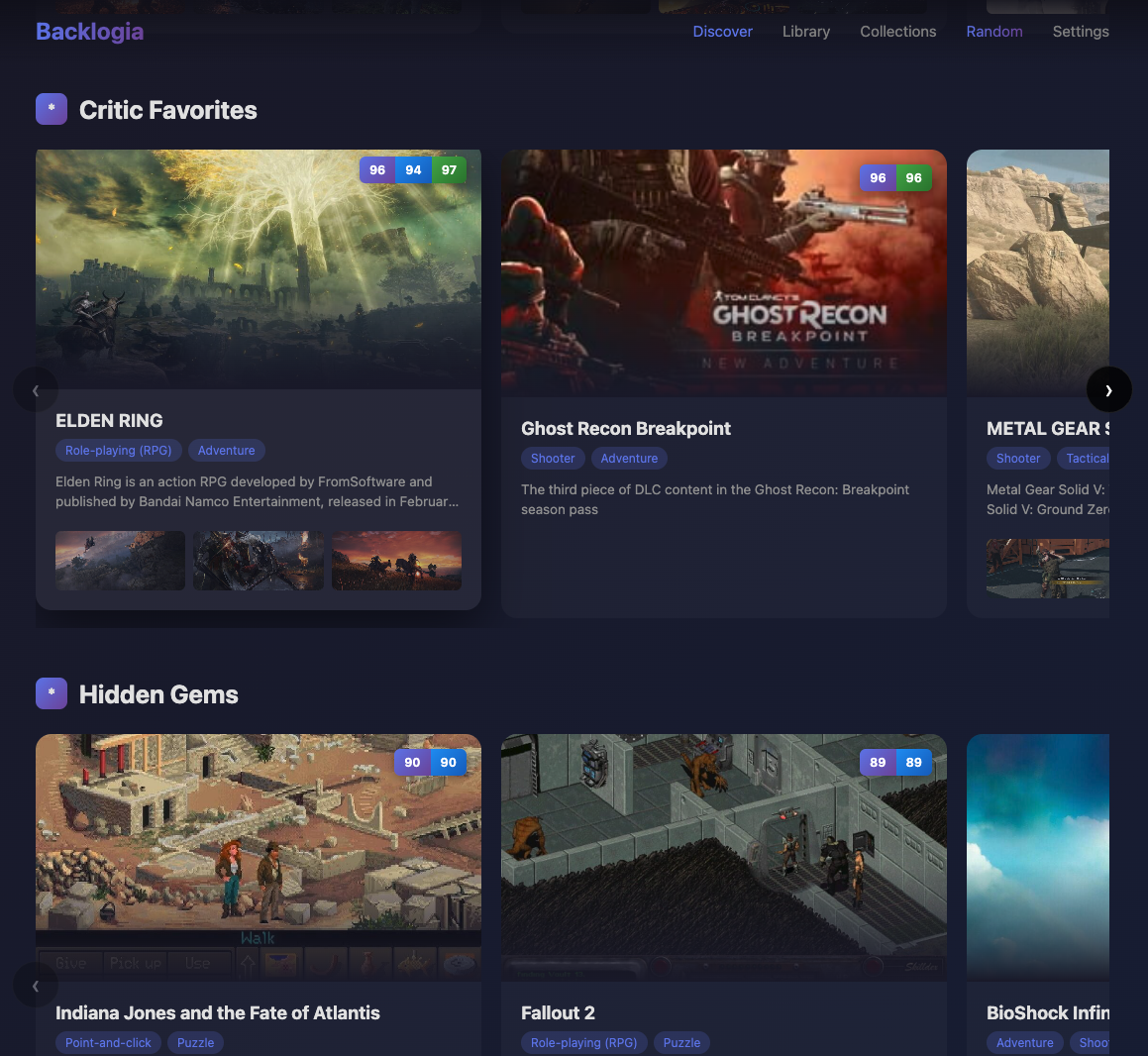
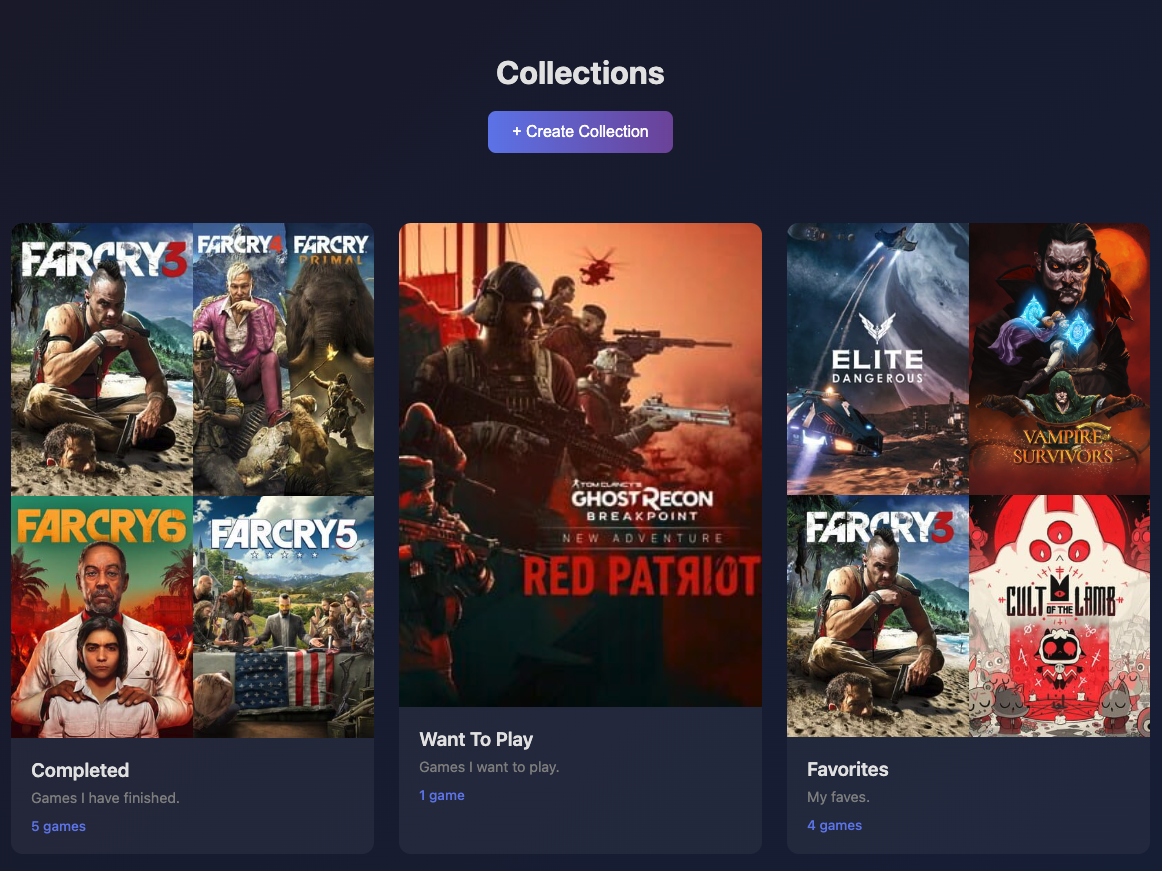
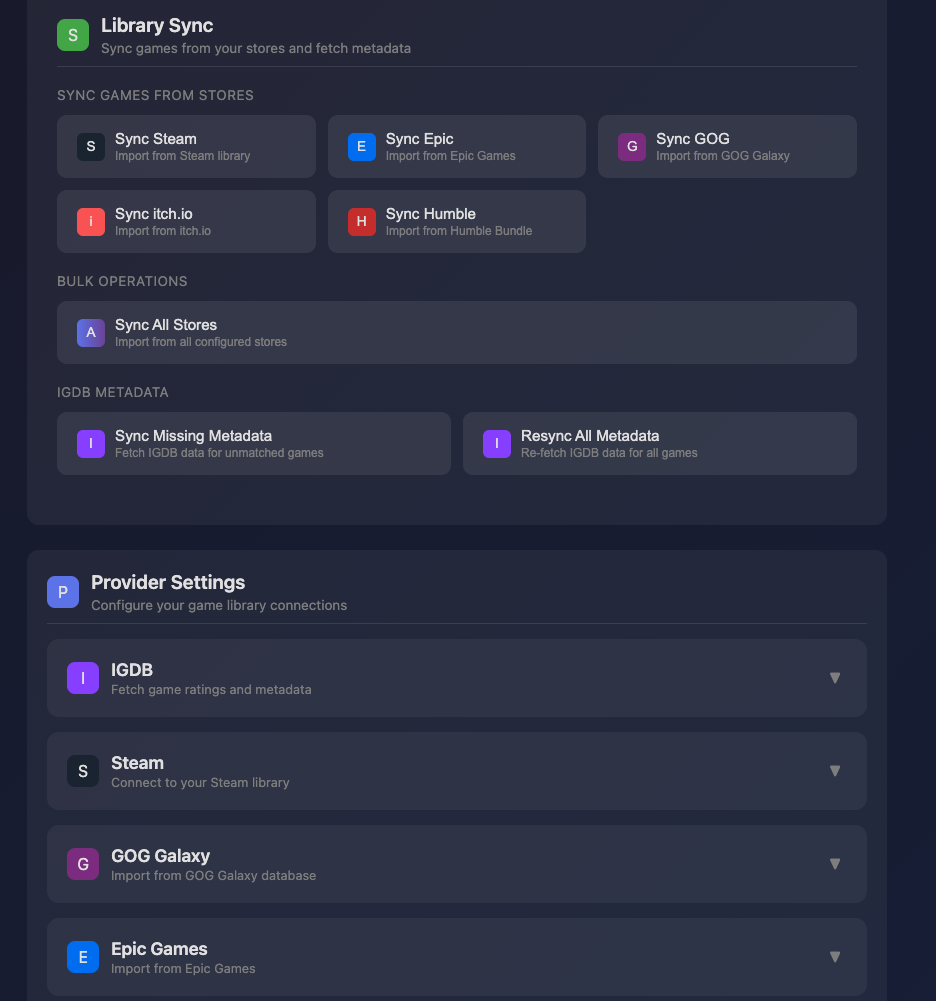
Backlogia is a self-hosted game library manager that unifies your game collection from multiple store platforms including Steam, Epic Games, GOG, Amazon Games, itch.io, Humble Bundle, Battle.net, EA, Xbox/Game Pass, and Ubisoft, plus local folders. It enriches game data with metadata from IGDB providing ratings, screenshots, and release information. Key features include multi-store filtering and sorting, playtime tracking from Steam, discovery sections for popular and highly-rated games, custom cross-store collections, and one-click sync per store. It runs via Docker using a pre-built image from GHCR or locally with Python 3.11+, using SQLite for storage and FastAPI with Jinja2 for the web interface. Optional secure access via Caddy reverse proxy and single-user authentication are available. The project is MIT licensed.
Should you self-host backlogia?
backlogia scores 42/100 on selfhost.directory (how scoring works) and ranks #20 of 23 in Gaming. It has 193 GitHub stars.
There was no stable release in the past 12 months, so check the repository's recent activity before you rely on it.
Setup is moderate: expect some configuration beyond a single command. An official Docker image is available. It is MIT-licensed and written mostly in HTML.
Its closest alternative on selfhost.directory is OpenTTD (73/100, 8 432 stars). It scores higher overall, so compare the two before you pick. See backlogia vs OpenTTD side by side.
Features
- Custom Collections
- Game discovery sections
- IGDB metadata enrichment
- Local game folder import
- Metadata overrides
- Multi-store game library aggregation
- One-click store sync
- Optional HTTPS via Caddy
- Optional single-user authentication
- Playtime Tracking
backlogia README
More in Gaming
 BracketSelf-hosted tournament manager for sports with elimination, round-robin, and Swiss formats, drag-and-drop scheduling, and live public dashboards.
 DDraceNetworkDDraceNetwork is a free, open-source cooperative platformer where up to 128 players help each other through custom maps. Includes a self-hostable game server.
 docker-steam-headlessSelf-hosted, open-source Docker image running a headless Steam client with Proton, accessed via a noVNC web desktop, Steam Link, Moonlight or Steam Remote Play.
 DropSelf-hosted open-source Steam alternative for DRM-free games with store, metadata imports, OIDC/passkey auth, and native desktop client.
 fireshareFireshare is a self-hosted, open-source media server for game clips with unique shareable links, optional transcoding, multi-user permissions, and Discord/webhook alerts.
 fishnetfishnet is a self-hosted, open-source client that contributes CPU power to run distributed Stockfish chess analysis for lichess.org.
 Foundation SunshineOpen-source, self-hosted Windows game-streaming host (an enhanced Sunshine fork) that streams PC games to Moonlight clients with HDR10, Dolby Vision and virtual displays.
 Foundry Virtual TabletopSelf-hosted virtual tabletop for RPGs with dynamic lighting, fog of war, A/V chat, and module API. One-time purchase; host runs server, players join via browser.
 fredbetSelf-hosted football betting app for private pools with friends. Live scores via football-data.org, responsive design, PostgreSQL/MySQL/MariaDB support.
 gamehorizonGameHorizon is a self-hosted, open-source PHP application for tracking upcoming, released, and collected games across platforms with themes, search, and export features.
 GameVaultGameVault Backend is a self-hosted, source-available server for DRM-free game libraries with Steam-like UI, multi-user support, playtime tracking, and IGDB metadata.
 gamevault-appFrontend for the self-hosted gaming platform for drm-free games
0 comments