
Self-host Foundry Virtual Tabletop
v8-documentationVirtual tabletop for self-hosted RPG sessions
- Stars
- 396
- CPU
- 64-bit architecture
- RAM
- 8GB
- Port
- 30000 (Main server port for incoming player connections)
What is Foundry Virtual Tabletop?
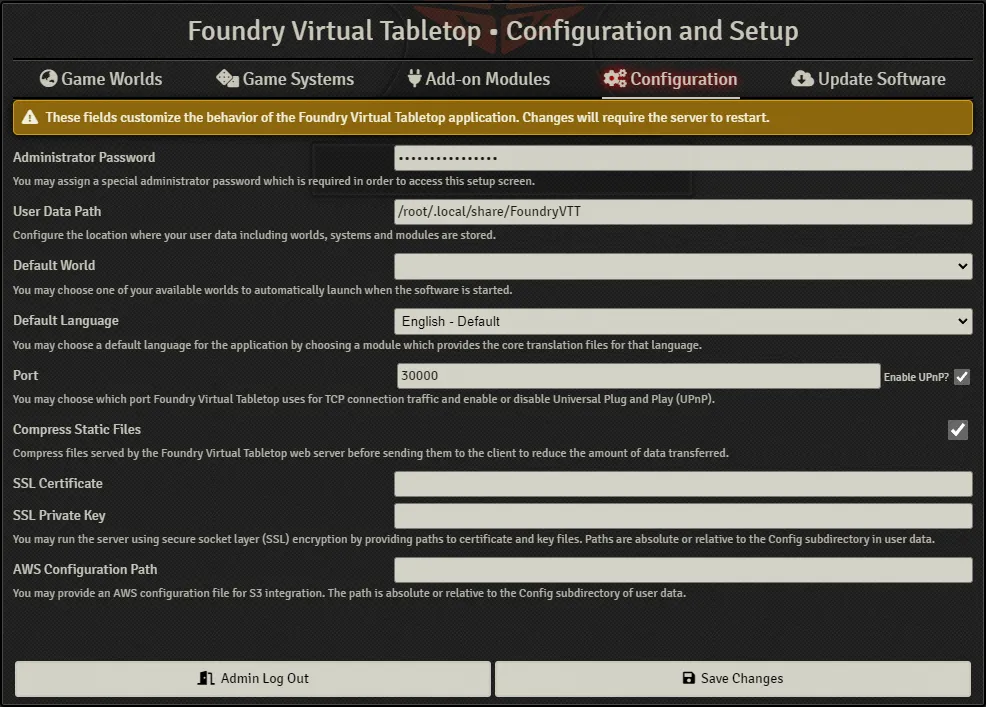
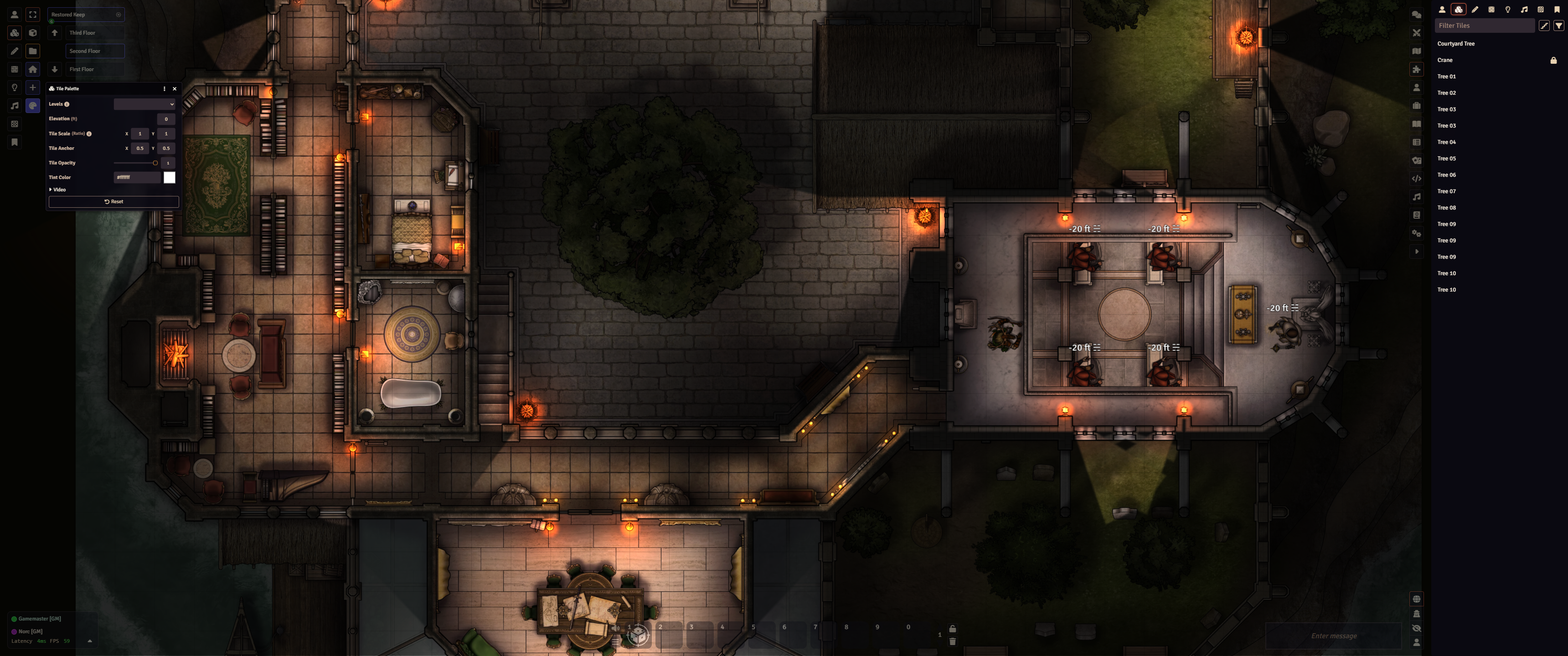
Foundry Virtual Tabletop is a commercial virtual tabletop for running tabletop RPGs online. The host buys a perpetual license ($50) and runs the server as a desktop app on Windows, macOS, or Linux, or as a headless Node.js process. Players join free through any modern web browser without an account. Core features include 200+ game systems, dynamic lighting and fog of war, integrated audio/video chat via WebRTC, a JavaScript/HTML/CSS API for modules, and a built-in package browser. Default port is 30000; port forwarding is needed for internet play. Minimum specs: 8 GB RAM, 64-bit OS (Windows 10/11, macOS Sonoma+, modern Linux), integrated GPU. No mobile support, no dark mode, no official Docker image. License is a proprietary EULA; source code is closed. Updates come through the app after license validation.
Should you self-host Foundry Virtual Tabletop?
Foundry Virtual Tabletop scores 52/100 on selfhost.directory (how scoring works) and ranks #10 of 23 in Gaming. It has 396 GitHub stars.
There was no stable release in the past 12 months, so check the repository's recent activity before you rely on it.
Setup is moderate: expect some configuration beyond a single command. It is Proprietary-licensed and written mostly in HTML.
Its closest alternative on selfhost.directory is OpenTTD (73/100, 8 434 stars). It scores higher overall, so compare the two before you pick. See Foundry Virtual Tabletop vs OpenTTD side by side.
Features
- AWS S3 file storage integration
- Compress static files
- Demo mode for public servers
- Dynamic lighting and fog of war
- Headless Node.js server mode
- Integrated audio/video chat
- Multi-language localization support
- One-time purchase license
- Over 200 supported game systems
- Powerful module API
- Reverse Proxy Support
- Self-hosted with browser-based clients
- UPnP automatic port forwarding
Foundry Virtual Tabletop README
FAQ
Can I use this software for in-person games with separate GM and player views?
Yes, Foundry works well for this. The host runs the server and can open a browser to broadcast a player view to a shared screen.
Does Foundry VTT rely on an external service or active internet connection?
Only for initial license activation and update checks. The software is designed to work offline otherwise. Some optional features (module browser, IP discovery for invite links) use external services.
Can I use an iPad or other mobile device?
No, Foundry VTT does not support mobile devices in the core software. iOS Safari and Android are not supported due to browser limitations.
Is Foundry VTT a map-making software?
No, Foundry VTT is a virtual tabletop, not an image editor or map maker. It enhances battlemaps but does not create them from scratch.
How do I use Foundry Virtual Tabletop?
The host (typically the GM) runs the Foundry server on their computer. Players connect via a standard web browser using an invitation link. Only the host needs a license.
More in Gaming
 fredbetSelf-hosted football betting app for private pools with friends. Live scores via football-data.org, responsive design, PostgreSQL/MySQL/MariaDB support.
 gamehorizonGameHorizon is a self-hosted, open-source PHP application for tracking upcoming, released, and collected games across platforms with themes, search, and export features.
 GameVaultGameVault Backend is a self-hosted, source-available server for DRM-free game libraries with Steam-like UI, multi-user support, playtime tracking, and IGDB metadata.
 gamevault-appFrontend for the self-hosted gaming platform for drm-free games
 GameyfinSelf-hosted, open-source game library manager that auto-fetches metadata and covers, with plugins and OIDC/OAuth2 SSO.
 HypersomniaFree, open-source multiplayer top-down shooter in C++ with bomb defusal, gun game, map editor, deterministic networking, and self-hosted server via Docker or AppImage.
 Intro QuizIntro Quiz is a self-hosted, open-source music quiz that plays 5-second clips from your Navidrome library to a cast TV or speaker while players answer on their phones.
 ipxboxSelf-hosted, open-source DOSBox IPX server in Go with TAP bridging, PPTP for Windows 9x, and Quake proxy for retro multiplayer gaming.
 Jinteki.netSelf-hosted, open-source web implementation of the Netrunner LCG with deck building, multiplayer matches, and card database.
 LancacheSelf-hosted, open-source Docker container that caches game downloads from Steam, Origin, Battle.net, and other CDNs to save bandwidth on local networks.
 LANCommanderAn open-source platform to host your own game library locally with a web dashboard, desktop client, and scripting — no internet needed.
 LuantiLuanti is an open-source voxel creation platform with self-hosted multiplayer servers, Lua modding, and a built-in browser for games, mods and texture packs on ContentDB.
0 comments