
Self-host Aurum
Personal finance OS for cash flow, net worth, and budgets
- Stars
- 260
- Port
- 80 (Container HTTP port (nginx))
What is Aurum?
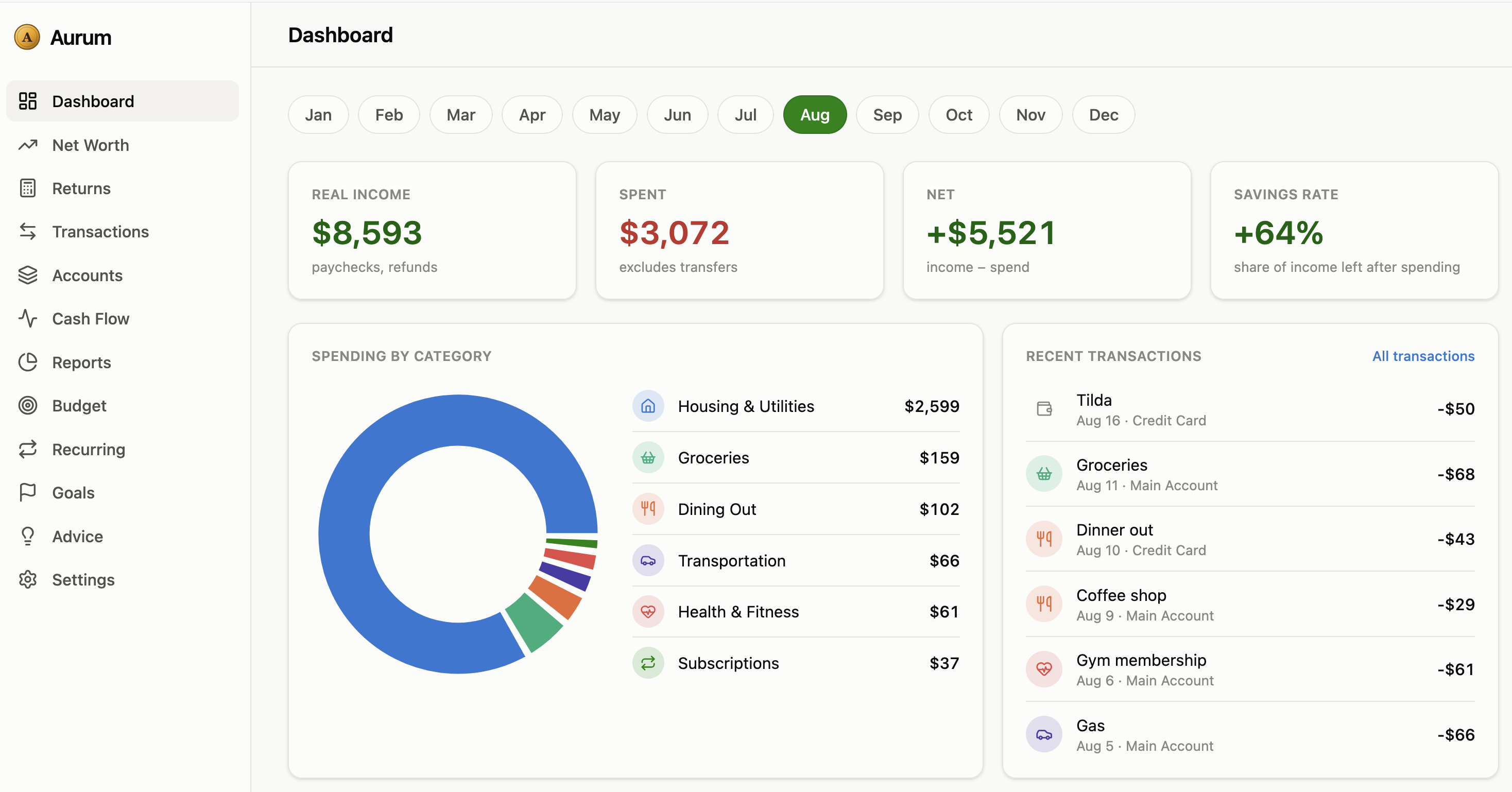
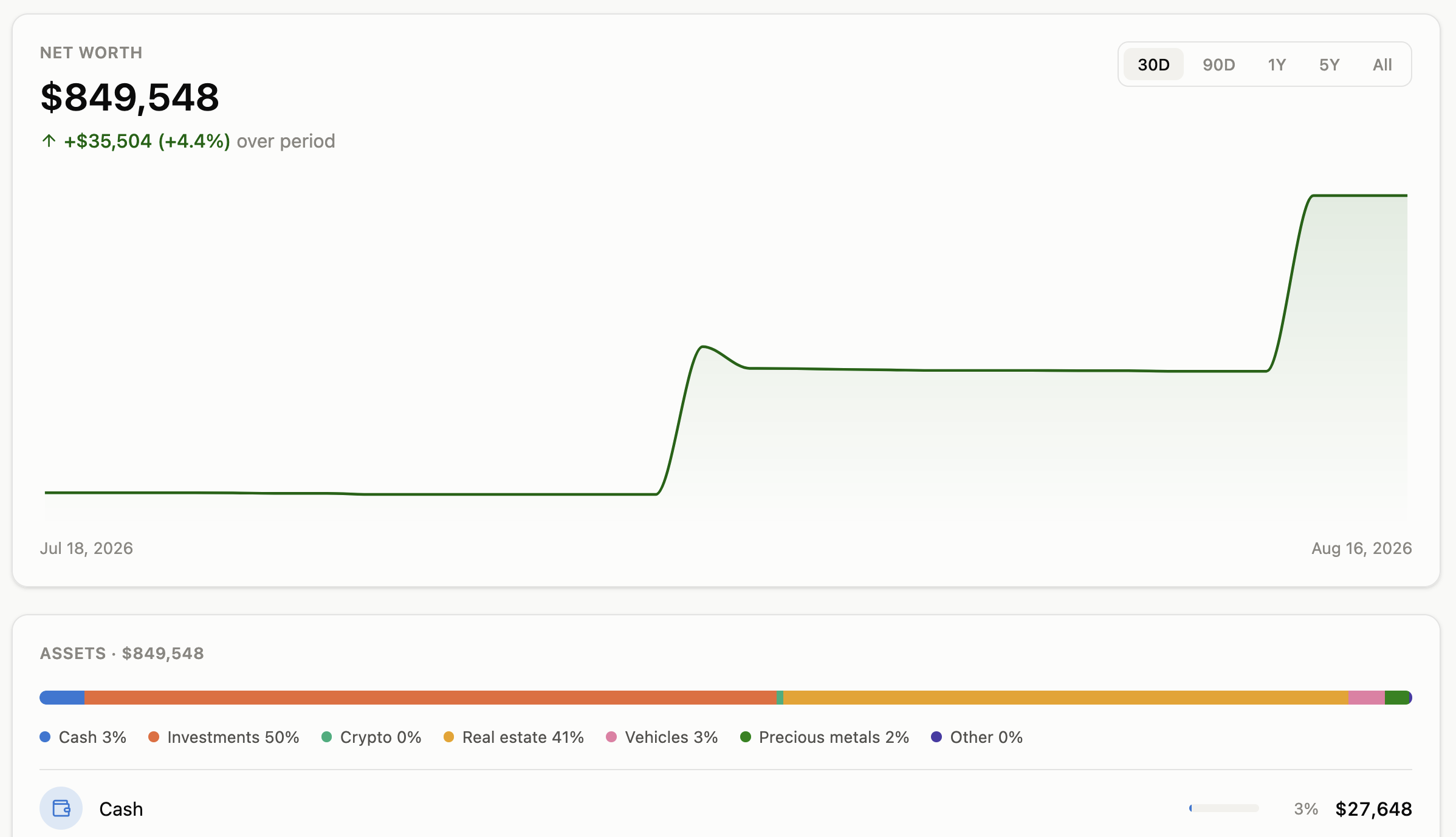
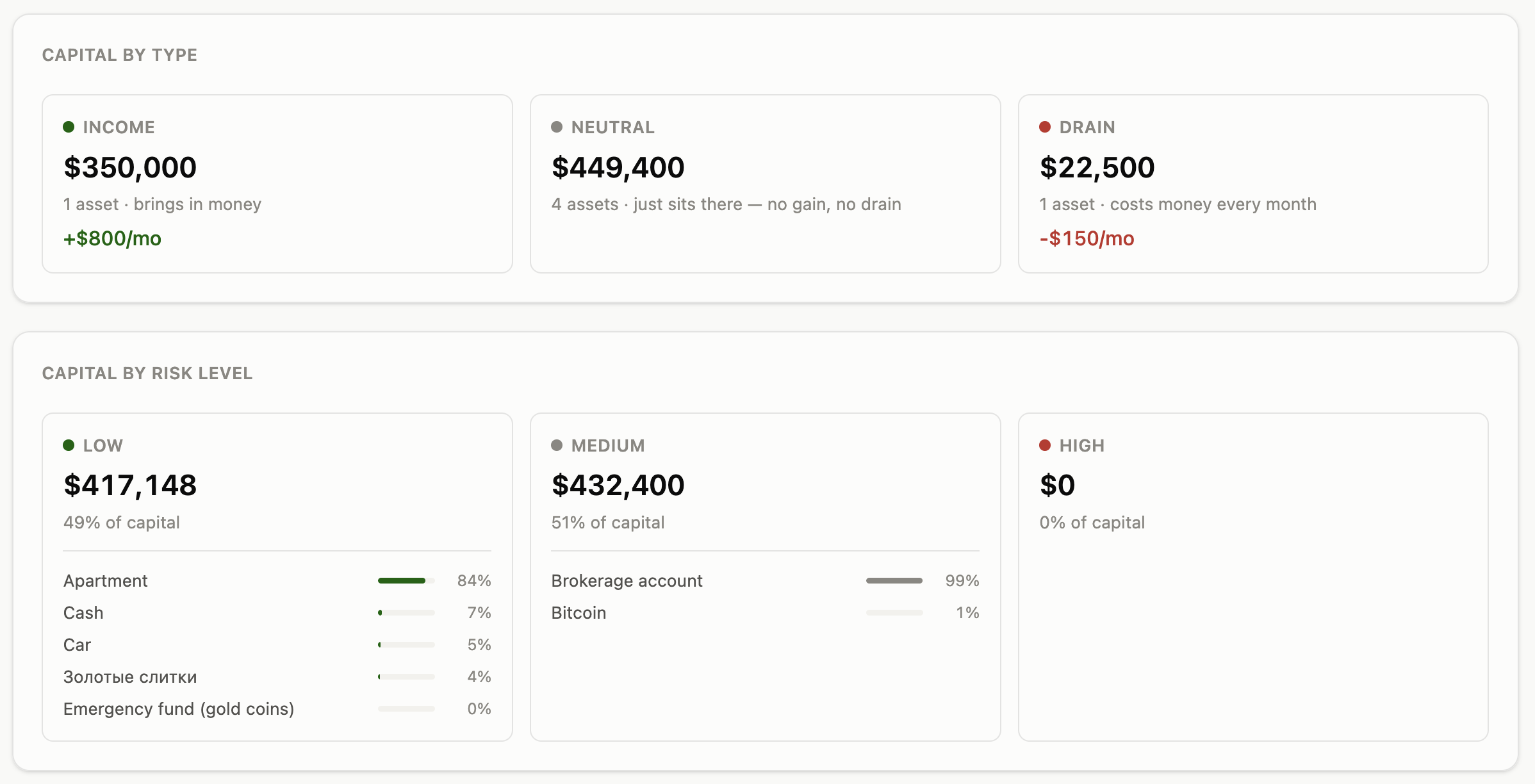
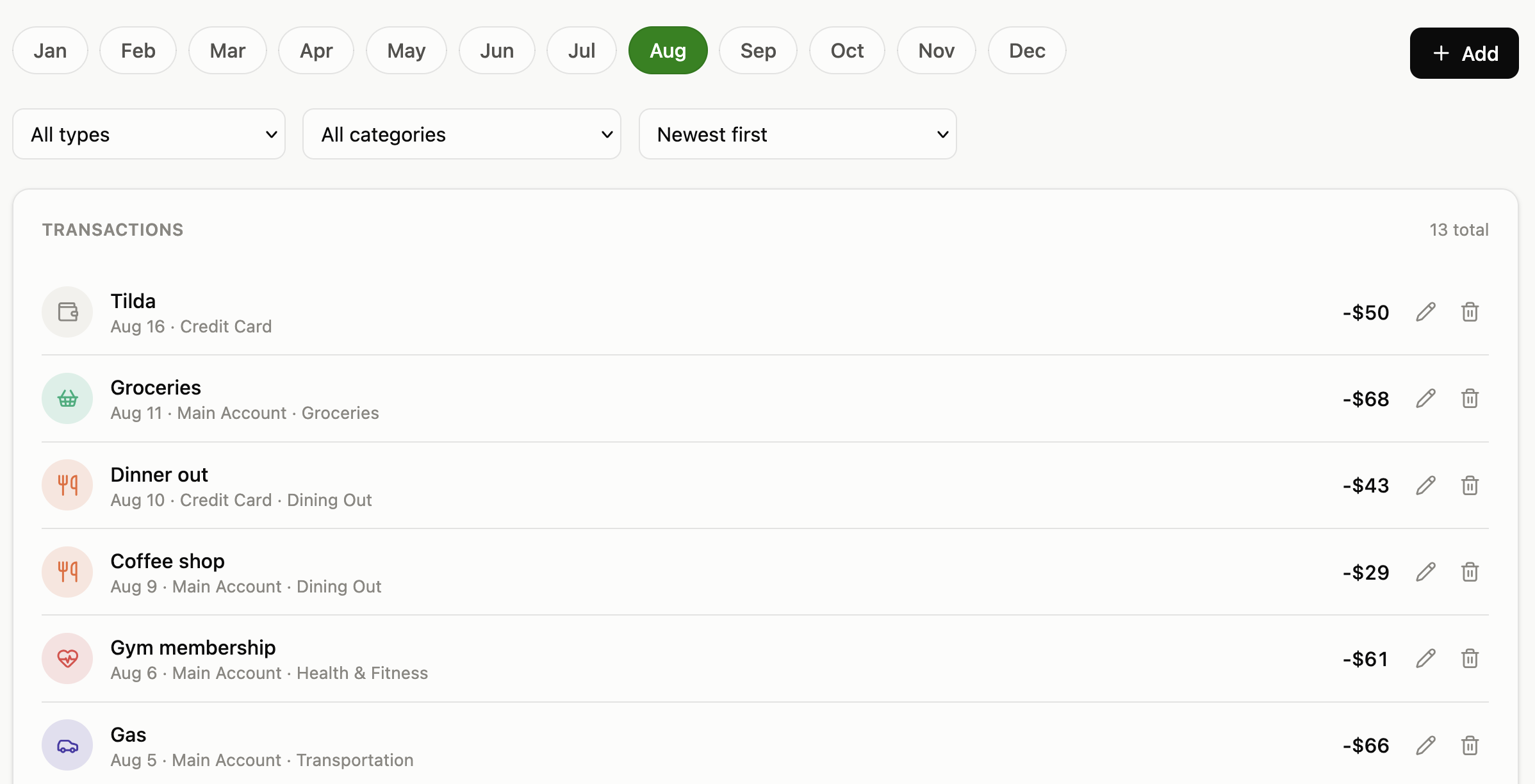
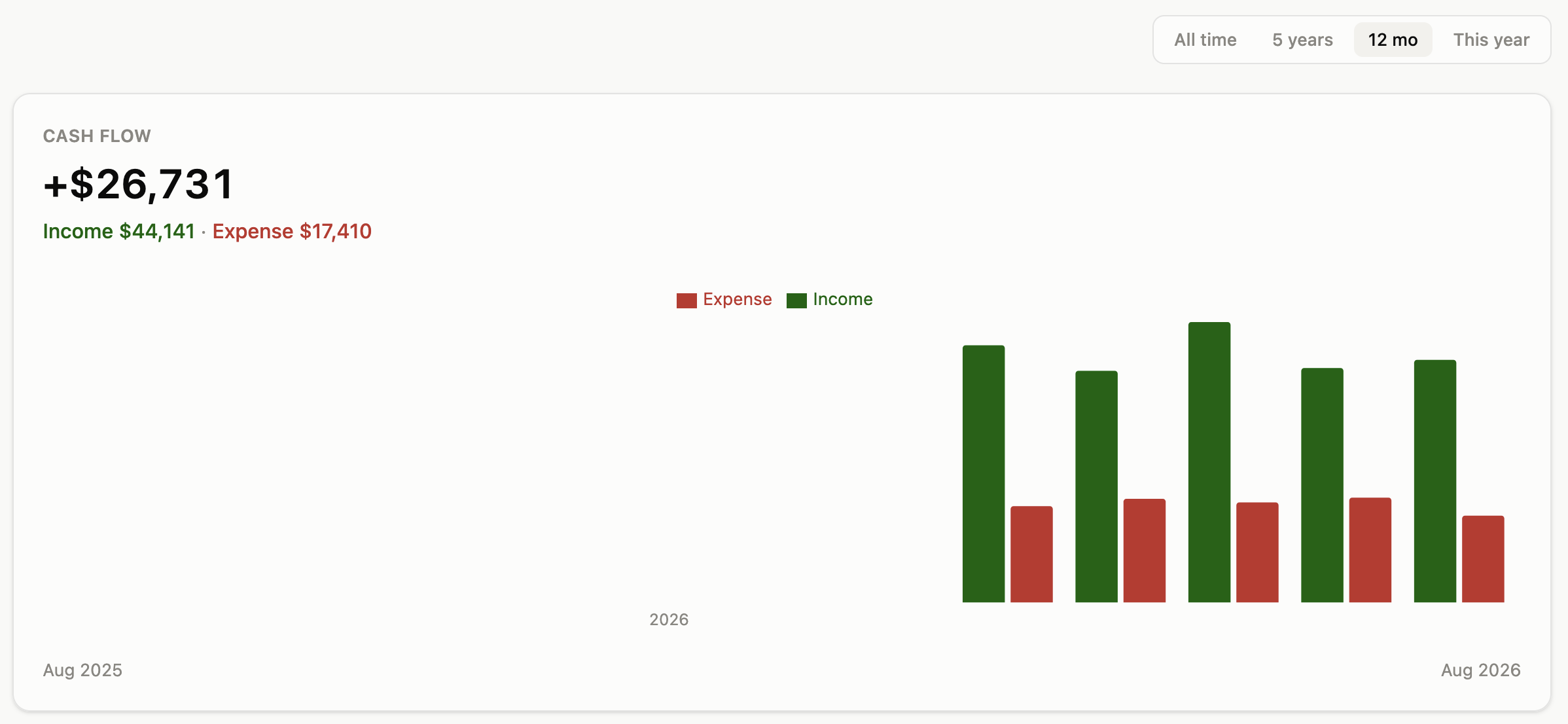
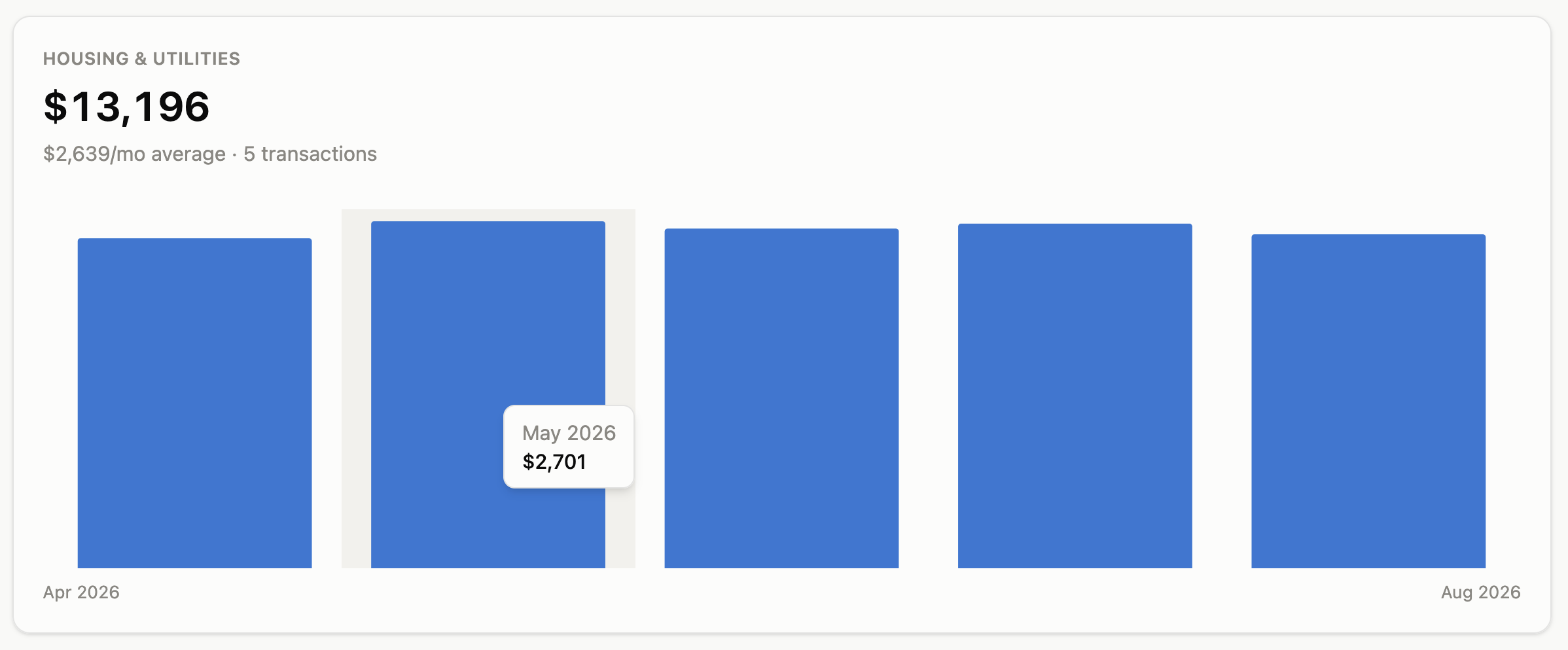
Aurum is a personal finance application you run yourself via Docker Compose. It brings together bank accounts, investments, crypto holdings, real estate, and vehicles into a live net worth timeline with breakdowns by asset class, behavior type, and risk level. You can log split transactions across subcategories, import bank CSV files using built-in profiles for several banks, set monthly budgets with visual progress, track savings goals, and manage recurring bills. A rules-based advice engine highlights spending categories that are trending up, expenses without budgets, and changes in your savings rate. The crypto tab shows live prices and profit/loss from your trade history. An ROI calculator helps evaluate purchases with compound-interest projections. Proactive alerts warn about negative cash flow, declining net worth, over-budget categories, excessive risk exposure, and idle cash. The interface supports Russian and English with a theme toggle for light, dark, or system preference and works well on mobile. Access control uses optional HTTP Basic Auth — there is no built-in user system. All data stores in PostgreSQL and can be exported or imported as a single JSON file. A full REST API at /api exposes every UI action for scripting.
Should you self-host Aurum?
Aurum scores 39/100 on selfhost.directory (how scoring works) and ranks #50 of 62 in Personal Finance. It has 260 GitHub stars.
There was no stable release in the past 12 months, so check the repository's recent activity before you rely on it.
Setup is moderate: expect some configuration beyond a single command. It is Other-licensed and written mostly in Typescript.
Its closest alternative on selfhost.directory is Firefly III (82/100, 25 022 stars). It scores higher overall, so compare the two before you pick. See Aurum vs Firefly III side by side.
Features
- Bilingual UI
- Budgets and goals
- Cash flow tracking
- Crypto portfolio tracking
- CSV Import
- DNS Rebinding Protection
- Full backup and restore
- HTTP Basic Auth
- Net worth timeline
- Proactive alerts
- Reports and advice engine
- REST API
- ROI calculator
Aurum README
More in Personal Finance
 BankMCP™BankMCP™ is a self-hosted, open-source MCP server connecting AI assistants to 2,700+ European banks via Enable Banking for read-only account access.
 BeeCountOpen-source Flutter bookkeeping app for iOS, Android and web with AI, OCR and voice entry, plus self-hosted sync and shared ledgers via a BeeCount Cloud Docker server.
 BeeCount CloudSelf-hosted sync cloud for BeeCount personal accounting app with real-time multi-device sync, shared ledgers, AI bookkeeping, and encrypted backup.
 blissBliss is a self-hosted, open-source personal finance platform for multi-currency accounts, investments, and expenses with AI classification and portfolio tracking.
 bucketwise-plannerSelf-hosted budgeting app with Barefoot Investor method, fortnightly cycles, bucket allocations, debt snowball, and optional AI advisor.
 budgeSelf-hosted open-source envelope budgeting app with multi-user support, transactions, CSV import. Run via Docker (deprecated) for personal finance.
 BudgetBeeA self-hosted, open-source personal finance app for transactions, category budgets, accounts, net worth and upcoming bills, deployed with one Docker Compose file.
 Budget BoardOpen-source self-hosted finance app for accounts, transactions, budgets and goals, with SimpleFIN/LunchFlow bank sync, 2FA and OIDC login; built as a Mint alternative.
 CashPilotSelf-hosted platform running passive income services (bandwidth, DePIN, GPU, storage) with a unified dashboard tracking 50+ providers.
 daily-briefSelf-hosted AI daily news aggregator with 26+ sources, 21 financial tickers with technical indicators, and 6 swappable LLM backends.
 docvaultA self-hosted finance workspace that tracks assets across brokers, crypto, metals, and property, parses tax PDFs with AI, and adds health data and quant signals.
 dollardollarOpen-source, self-hosted personal finance platform for expense tracking, bill splitting, budgeting, and portfolio monitoring with SimpleFin sync and OIDC auth.
0 comments