
Self-host AnonymousOverflow
v1.14.1Privacy-focused StackOverflow frontend without tracking
- Stars
- 381
- Port
- 8080 (HTTP server)
ghcr.io/httpjamesm/anonymousoverflow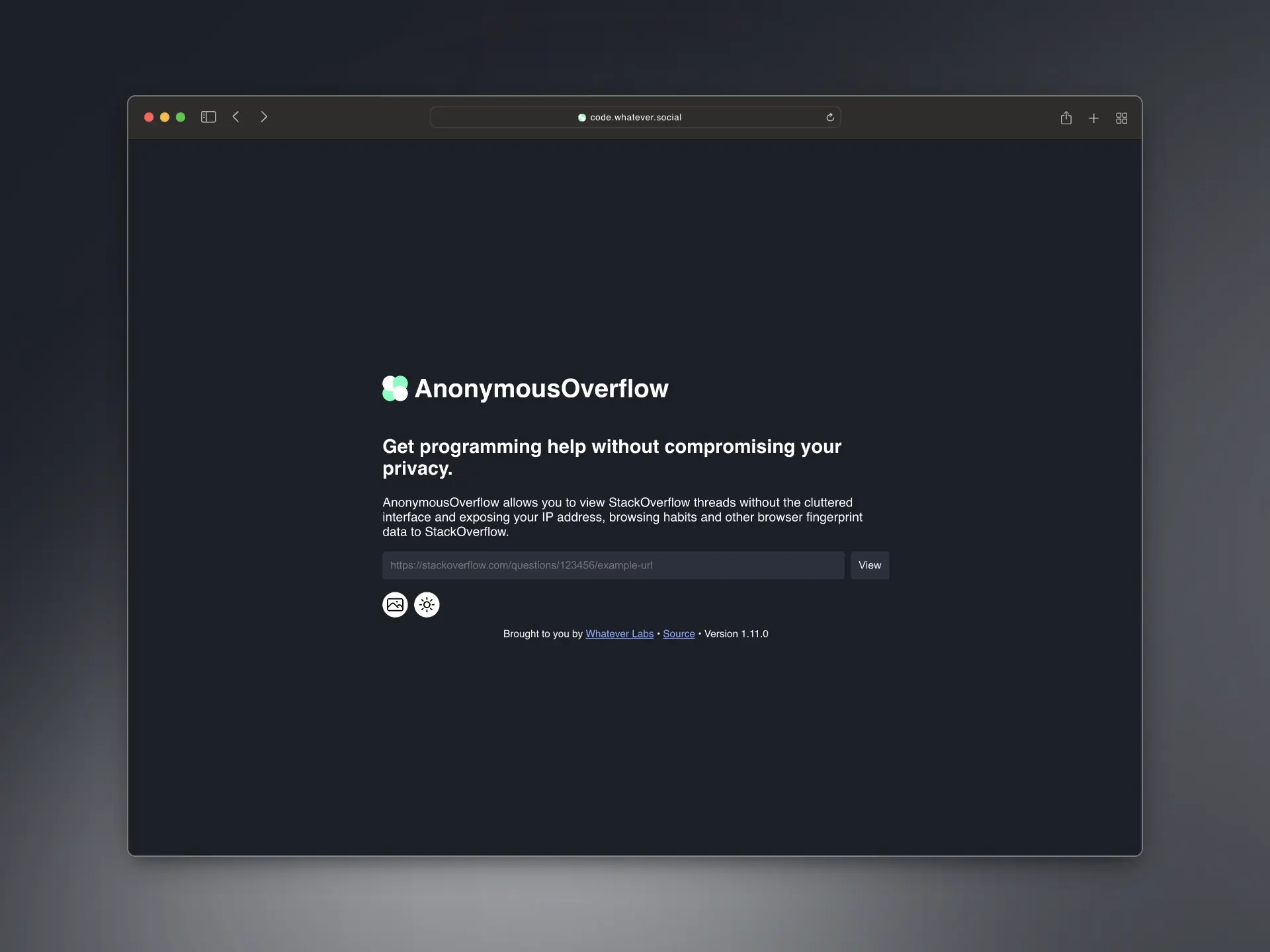
What is AnonymousOverflow?
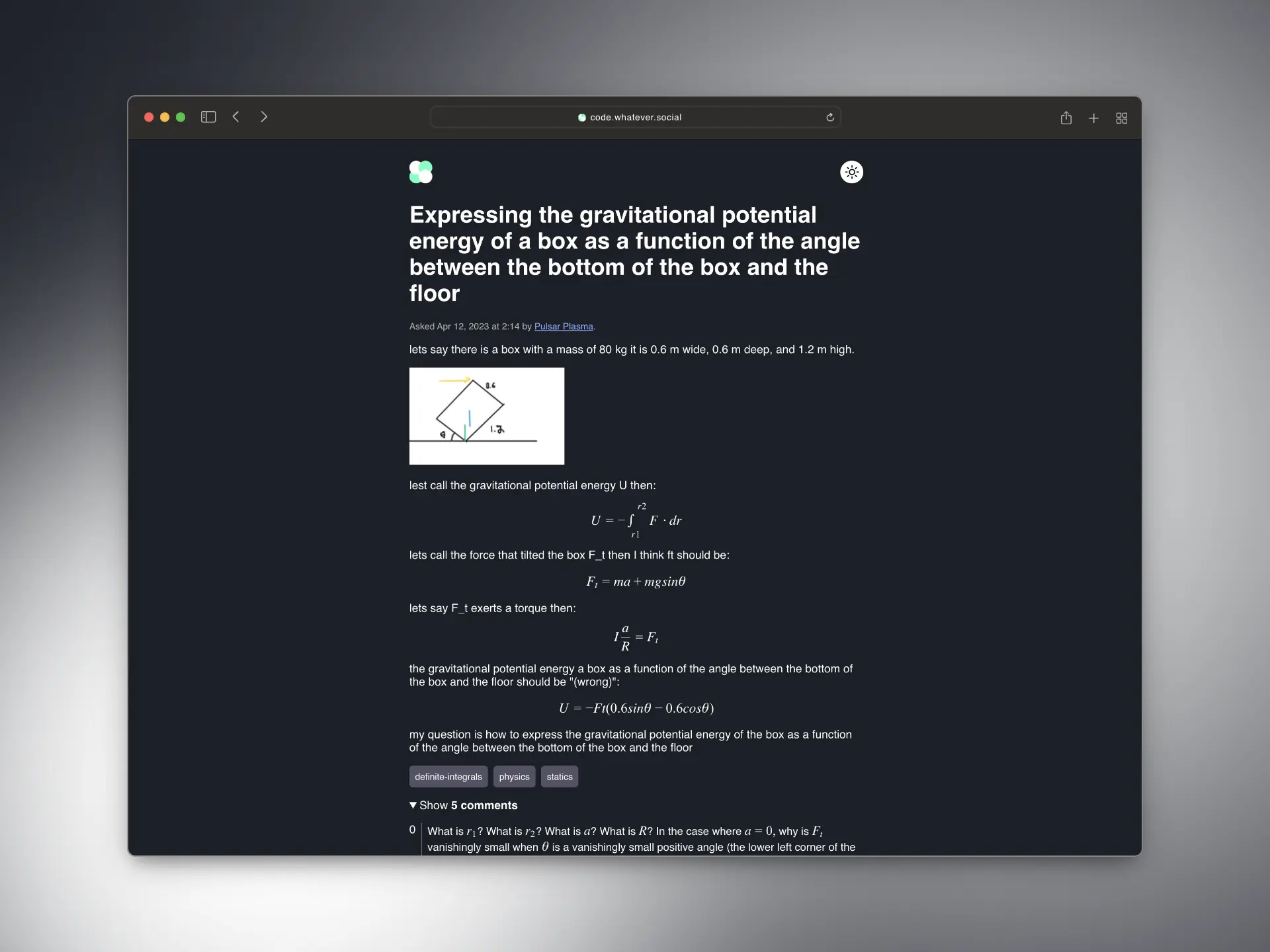
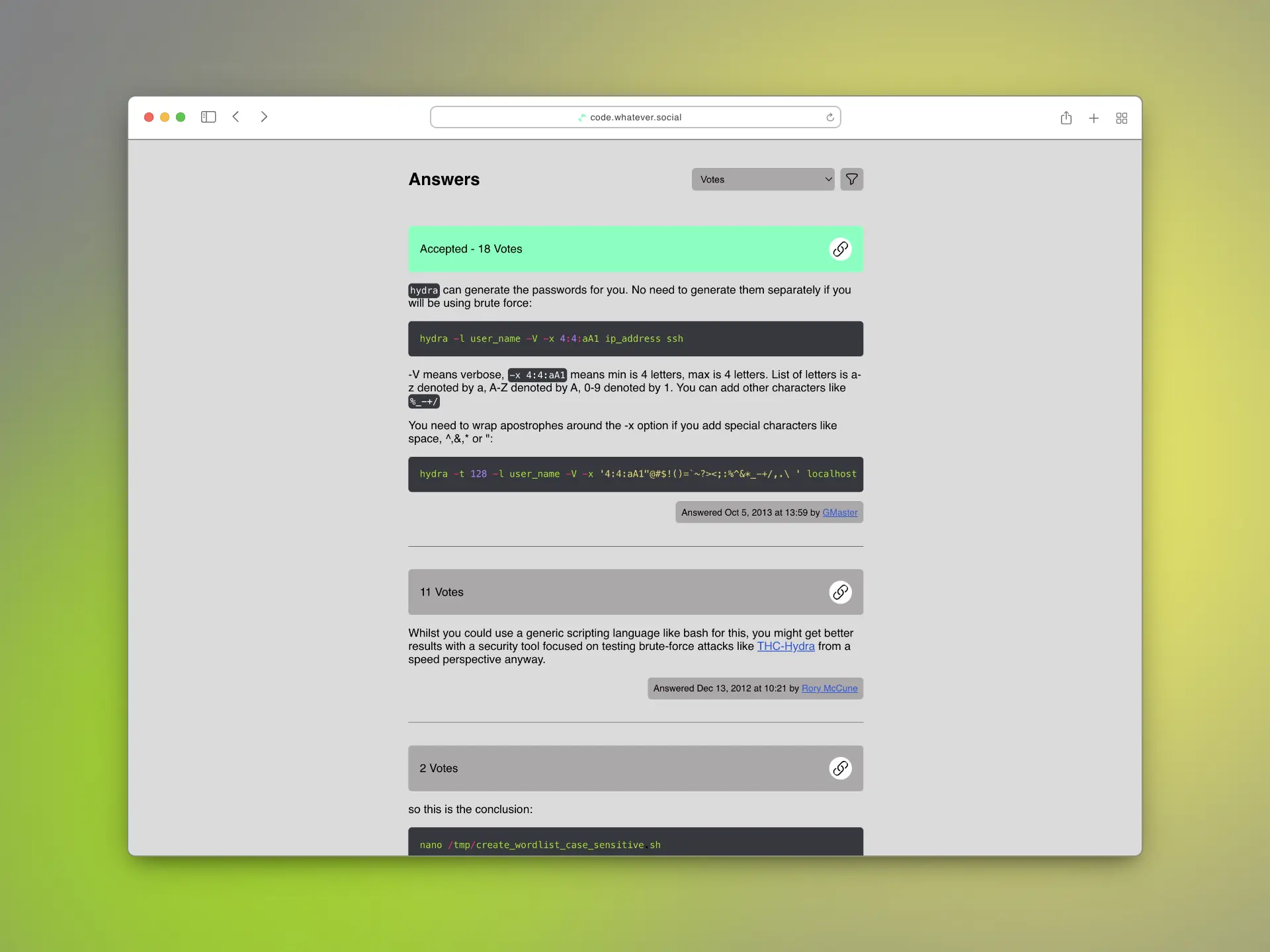
AnonymousOverflow lets you browse StackOverflow threads without exposing your IP address or browser fingerprint to StackOverflow or third parties. The frontend is server-side rendered HTML with no JavaScript. It works by replacing the domain in StackOverflow URLs with your self-hosted instance domain. Deployment uses Docker with the official image at ghcr.io/httpjamesm/anonymousoverflow:latest and a provided docker-compose.example.yml. Configuration uses environment variables for the instance URL, JWT signing secret, and scraper mode. Licensed under MPL-2.0, written in Go.
Should you self-host AnonymousOverflow?
AnonymousOverflow scores 47/100 on selfhost.directory (how scoring works) and ranks #2 of 6 in Web Application. It has 381 GitHub stars.
It shipped 2 stable releases in the past year. The latest, v1.14.1, came out on 25 August 2026. New versions land roughly every 10 days.
Setup is easy: most people get it running in one sitting. An official Docker image is available. It is MPL-2.0-licensed and written mostly in Go.
Its closest alternative on selfhost.directory is Puter (80/100, 43 966 stars). It scores higher overall, so compare the two before you pick. See AnonymousOverflow vs Puter side by side.
Features
- Anti-scraping rate limiting
- Bookmarklet for manual conversion
- Health check endpoint
- Image Proxying
- No JavaScript required
- Privacy-preserving StackOverflow proxy
- URL redirection via browser extensions
AnonymousOverflow README
FAQ
Does AnonymousOverflow collect my IP address or other browser metadata?
IP addresses are stored only ephemerally in memory for anti-scraping rate limiting, deleted after the last request or server restart. They are never written to disk or linked to browsing habits.
Do third-parties ever see my IP address or other browser metadata?
As of version 1.5, all images are proxied through the instance, so third-parties only see the instance's server requesting images.
Does StackOverflow ever see my IP address or other browser metadata?
No. AnonymousOverflow fetches thread data server-side, so StackOverflow only sees the instance server's request, not the user's IP or metadata.
More in Web Application
 Apache GuacamoleSelf-hosted, open-source remote desktop gateway that lets you access desktops via web browser using VNC, RDP, and SSH protocols without any client software.
 AutomadSelf-hosted flat-file content management system with a template engine, no database required, runs via Docker or Composer.
 Backdrop CMSBackdrop CMS is a free, open-source CMS forked from Drupal 7 for non-technical users to build websites on shared hosting with a built-in Drupal 7 upgrade path.
 DumbWhoIsSelf-hosted web application for WHOIS, IP geolocation, and ASN lookups using free APIs with automatic query detection, dark mode, and PWA support.
 FileRiseFileRise is a self-hosted, open-source file manager with per-folder ACLs, WebDAV, sharing, and optional encryption. Runs on Docker or PHP without a database.
 freexivfreexiv is a self-hosted, open-source alternative frontend for pixiv to browse artworks, search, and view profiles. Runs on Python with nginx.
 iRedAdminiRedAdmin is a self-hosted, open-source web admin panel for iRedMail email servers with unlimited domains, users, and multi-language support.
 LibreTotalLibreTotal is a self-hosted, open-source VirusTotal frontend for searching file hashes, IPs, domains, and URLs without an API key or JavaScript.
 neko-roomsSelf-hosted room management system for n.eko collaborative browser, a rabb.it alternative that lets you create and manage virtual browser rooms via Docker.
 OpenShort.linkSelf-hosted, open-source URL shortener running on Cloudflare Workers with analytics, geo/device routing, multi-domain support, and team collaboration.
 PuterPuter is a self-hosted, open-source internet computer providing a browser-based desktop with apps for documents, spreadsheets, chat, email, and AI development tools.
 Shiny ServerSelf-hosted server to run Shiny R web applications with multi-app hosting, user deployment, and authentication options.
0 comments