
Self-host active_workflow
v0.9.17Polyglot agent workflows for your own stack
docker run -p 3000:3000 --rm automaticmode/active_workflow- Stars
- 863
- Port
- 3000 (Web interface and REST API served by the web process)
- Requires
- PostgreSQL
automaticmode/active_workflow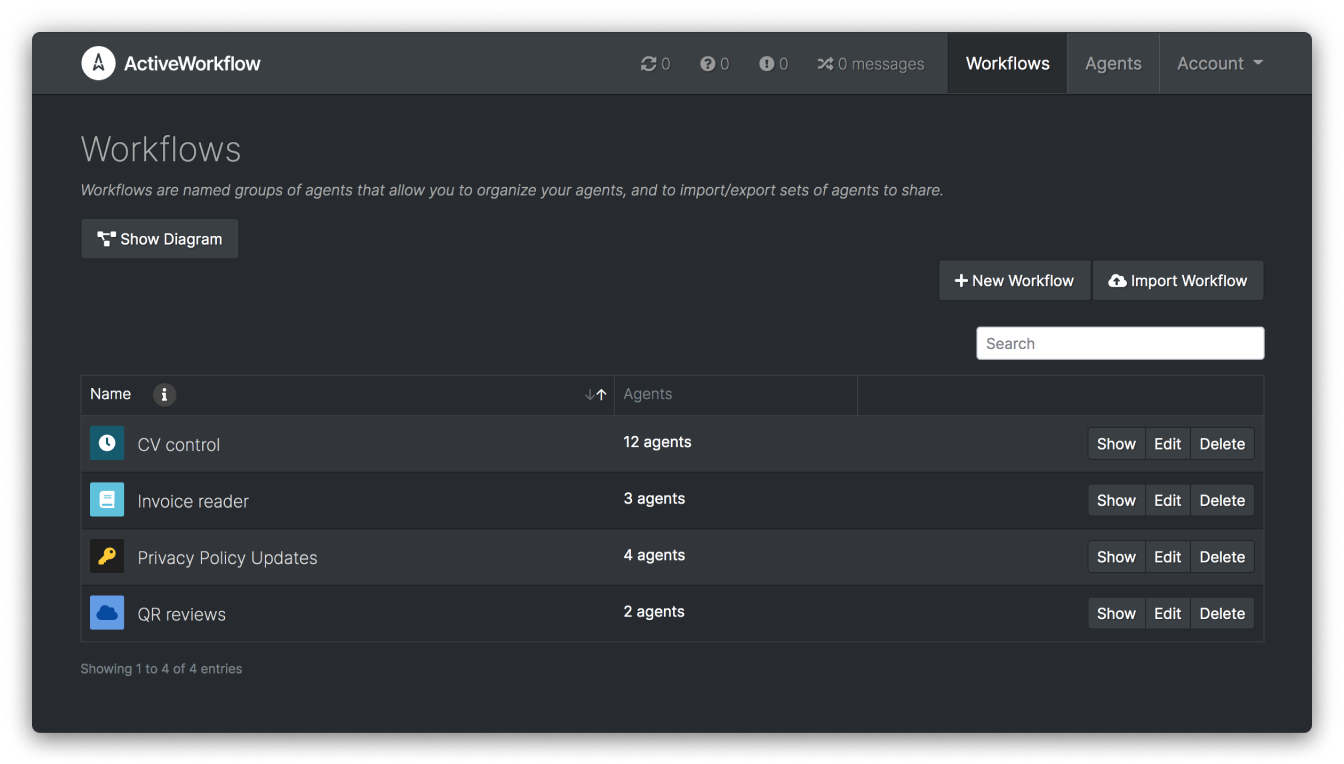
What is active_workflow?
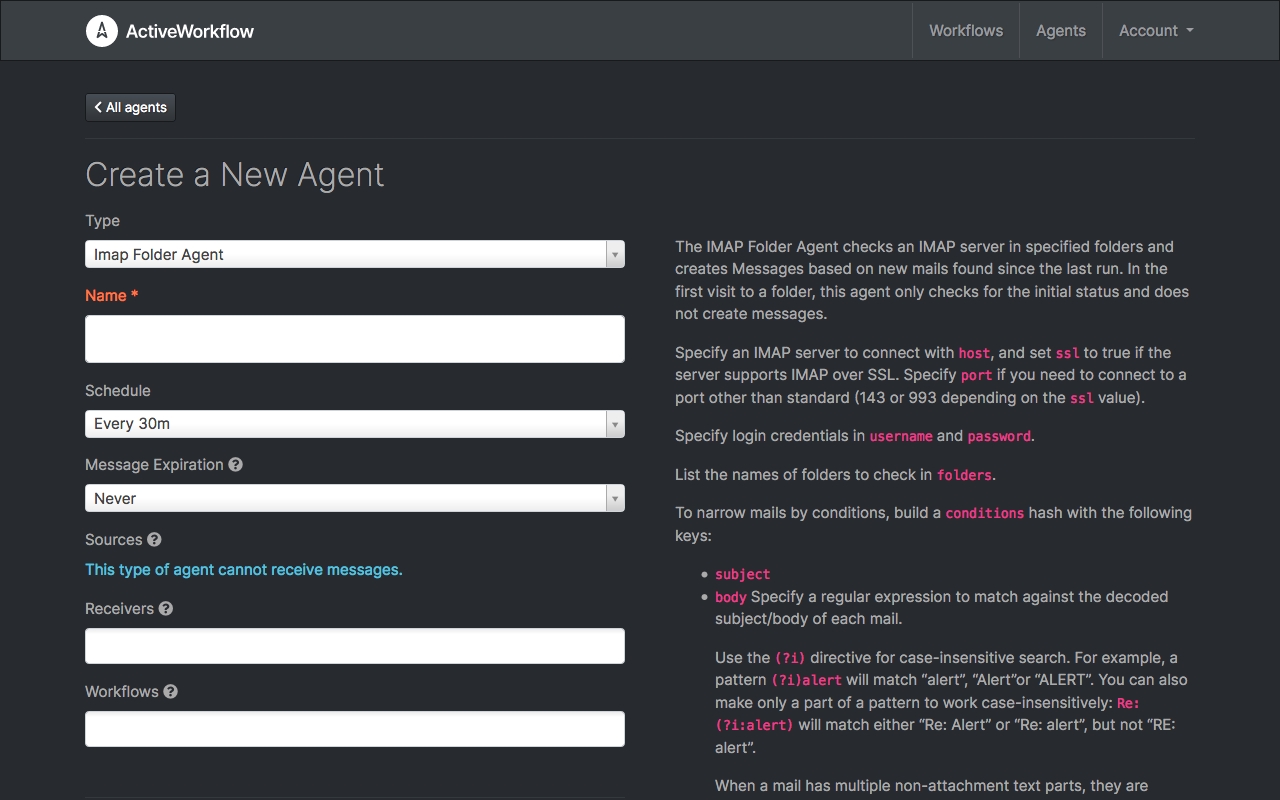
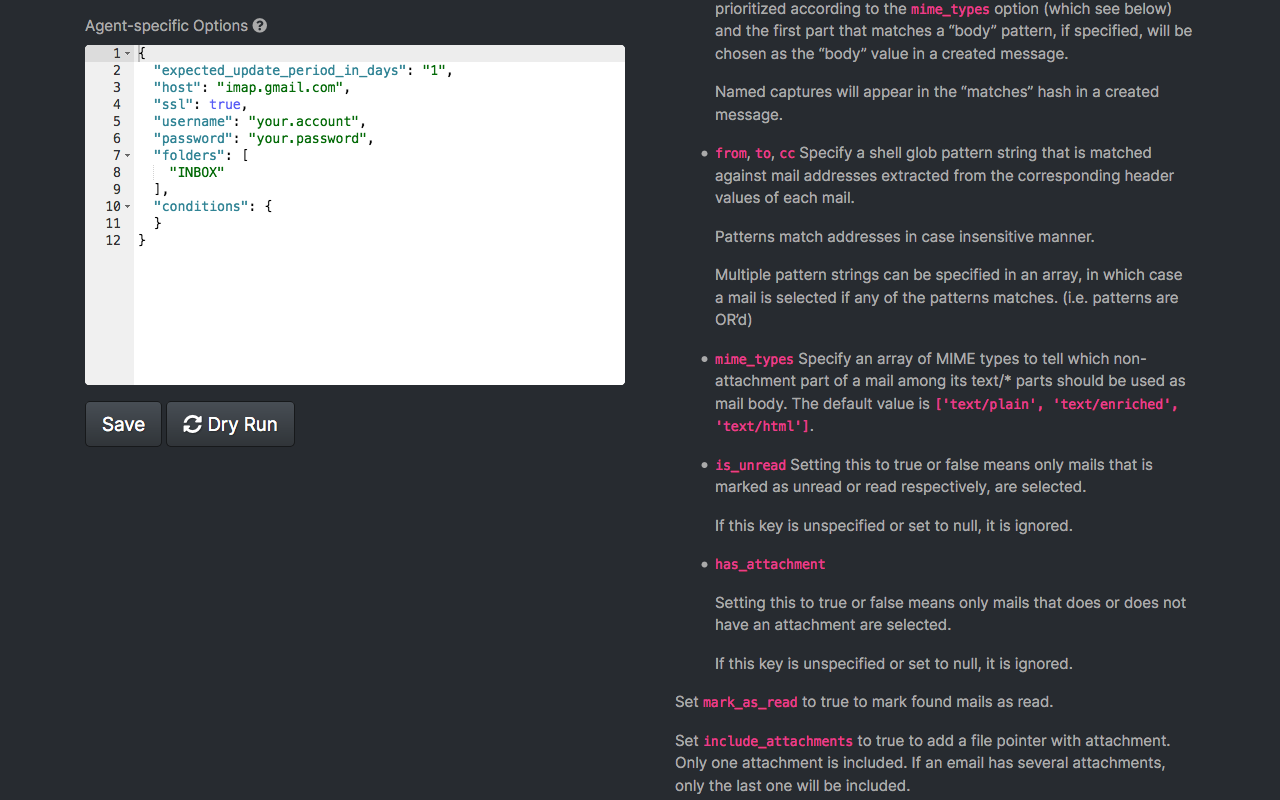
ActiveWorkflow is an MIT-licensed orchestration platform for periodic jobs, resource polling and event-driven logic. Workflows are built from agents: self-running services, in any language you like, that talk to the platform over HTTP via the Remote Agent API and pass messages between one another. A web interface covers creating, scheduling and monitoring those workflows, with bundled agents for webhooks, scraping, RSS, email, CSV and JSON handling; the docs note it is not a no-code platform, although non-engineers can also manage workflows in the UI. A read-only JSON REST API exposes agents, messages and workflows, and workflows can be exported or imported as single files. Evaluation is a one-line docker run of an image that embeds PostgreSQL and every process; production guidance suggests separate web, scheduler and worker containers on an external database, and a Heroku button path exists too. Releases stopped at v0.9.17 in April 2023, the project began life as a Huginn fork, and remote agent connections have no built-in authorisation.
Should you self-host active_workflow?
active_workflow scores 44/100 on selfhost.directory (how scoring works) and ranks #24 of 32 in Workflow Automation. It has 863 GitHub stars.
There was no stable release in the past 12 months, so check the repository's recent activity before you rely on it.
Setup is moderate: expect some configuration beyond a single command. An official Docker image is available. It is Other-licensed and written mostly in Ruby.
Its closest alternative on selfhost.directory is n8n (92/100, 208 868 stars). It scores higher overall, so compare the two before you pick. See active_workflow vs n8n side by side.
Features
- Agent logging
- Built-in agents
- Custom agents in any language (Remote Agent API)
- Email notifications
- Event-driven orchestration
- Heroku deployment
- Resource polling
- REST APIRead-only; creating workflows via the API is listed as future work.
- Scheduled task execution
- State Management
- Webhook Triggers
- Web UI for workflow management
- Workflow import/export
active_workflow README
More in Data Pipelines
 Apache AirflowApache Airflow - A platform to programmatically author, schedule, and monitor workflows
 Apache CouchDBSelf-hosted, open-source Apache CouchDB is a document database with an HTTP/JSON API, bi-directional replication for offline-first sync, and multi-server clustering.
 Apache HopApache Hop is a self-hosted, open-source data integration platform for visual pipelines that run on local, Hop Server, Spark, Flink, and Dataflow without rewriting.
 Apache PinotOpen-source distributed OLAP database for user-facing apps and AI agents. Provides sub-second queries on fresh streaming data with high concurrency.
 automqSelf-hosted, open-source Apache Kafka fork with stateless brokers that store logs on S3 or MinIO and rebalance partitions in seconds.
 CloudQueryCloudQuery is an open-source, self-hosted cloud asset inventory that syncs 80+ sources into your database for SQL querying, CSPM, FinOps, and AI agents via MCP.
 dagsterOpen-source, self-hosted data orchestration platform whose pipelines are Python-defined data assets with lineage, schedules and a web UI; runs via pip or Docker Compose.
 elementary-dataElementary OSS is CLI tool for dbt data observability. Connects to warehouse, generates reports, detects anomalies, alerts Slack/Teams.
 fluentdFluentd is a self-hosted, open-source data collector that unifies logging infrastructure with 500+ plugins for sources and destinations.
 KestraSelf-hosted, open-source (Apache-2.0) engine that schedules and chains data, AI and infrastructure jobs from YAML or a visual editor, with 2,200+ plugins.
 LeastActionLeastAction is a self-hosted data workflow platform where an AI operator runs and repairs pipelines end-to-end against your stack with a shared team catalog.
 Mage AI🧙 Build, run, and manage data pipelines for integrating and transforming data.
0 comments