
Self-host ackify
v1.3.12Cryptographic proof-of-reading for document compliance
- Stars
- 209
- Port
- 8080 (HTTP web interface and API)
- Requires
- PostgreSQL
kolapsis/ackify
What is ackify?
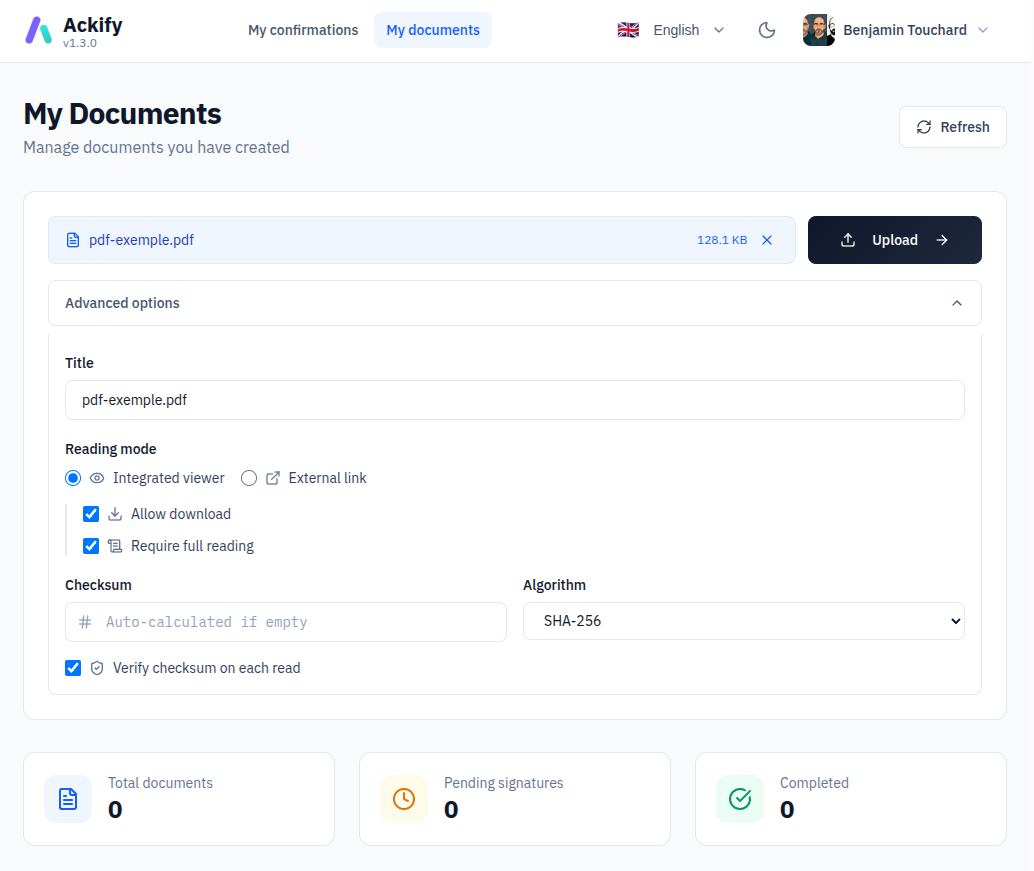
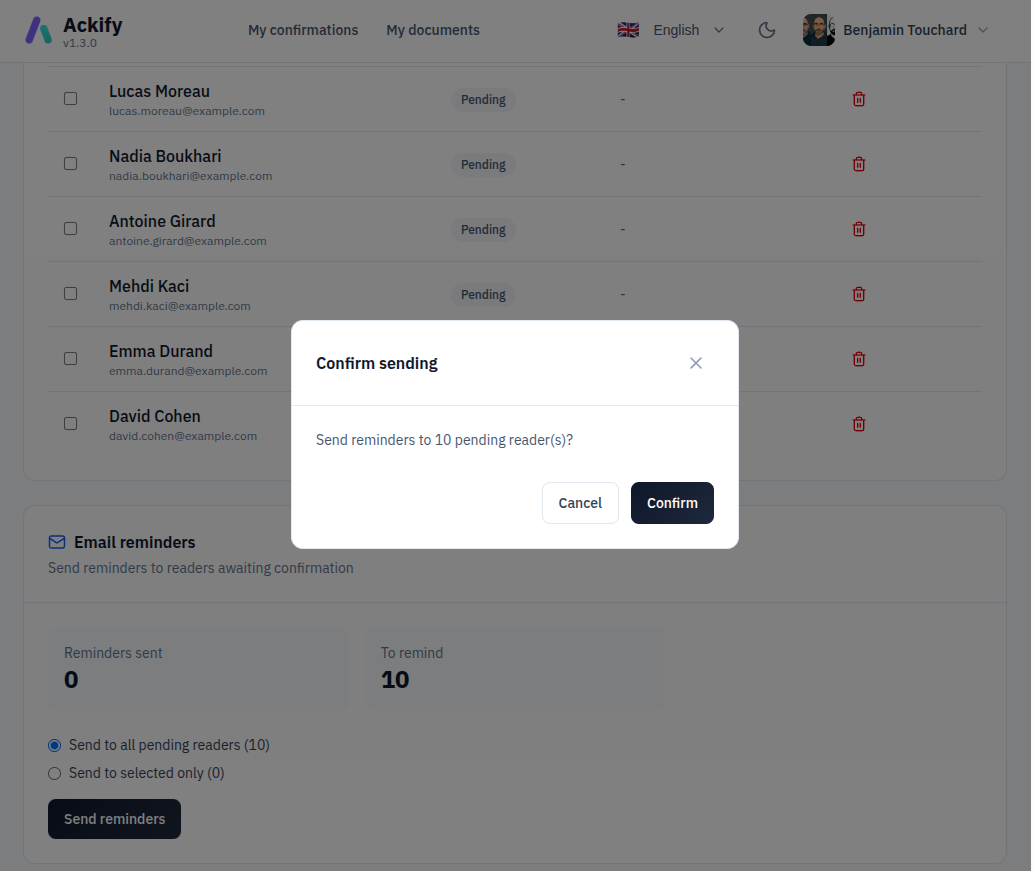
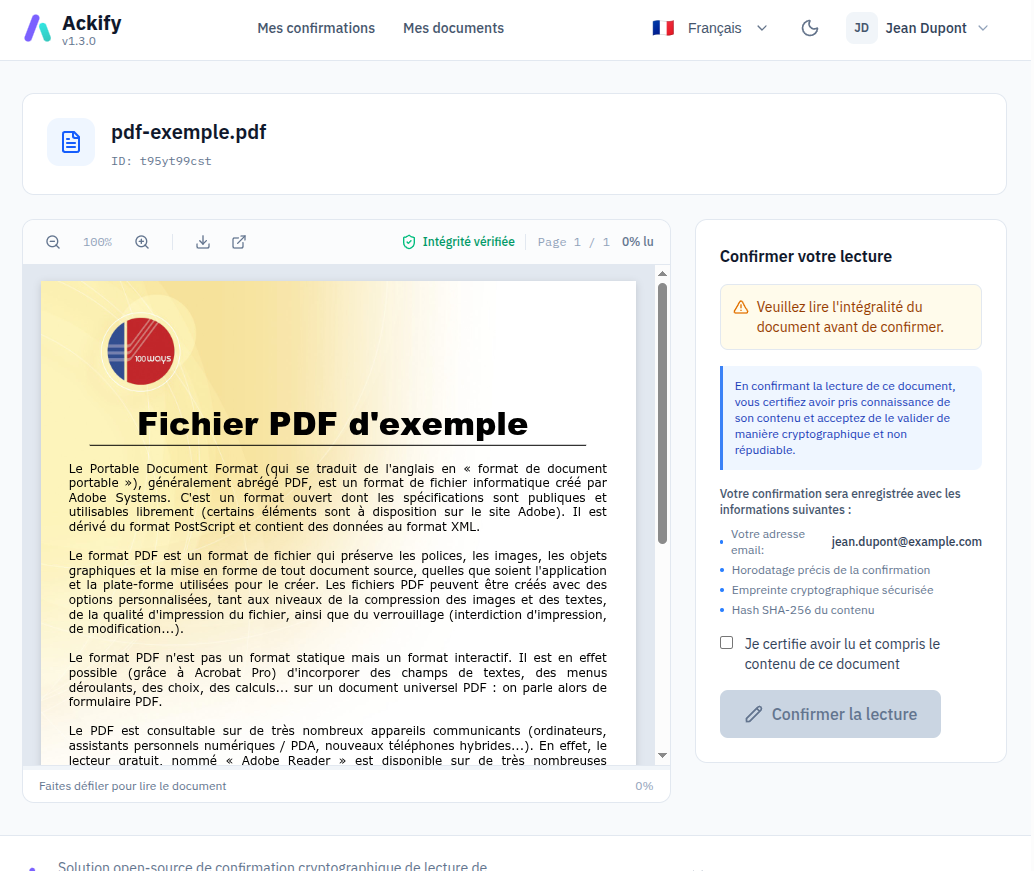
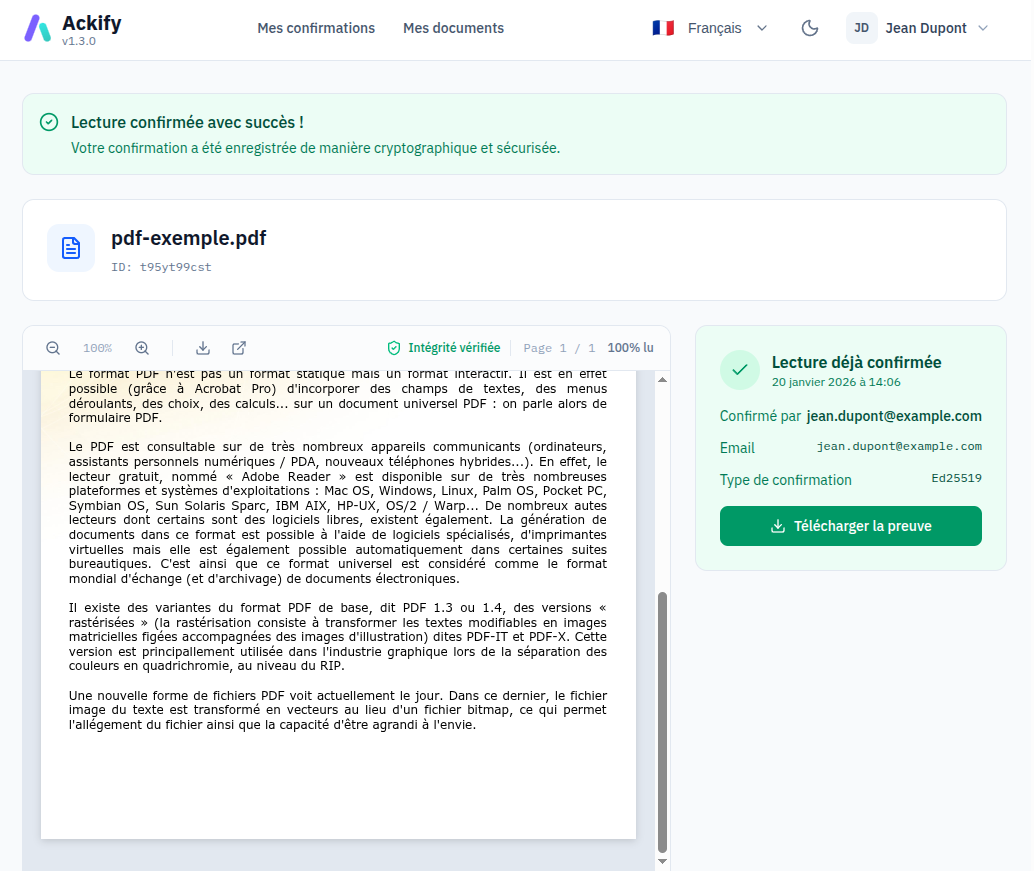
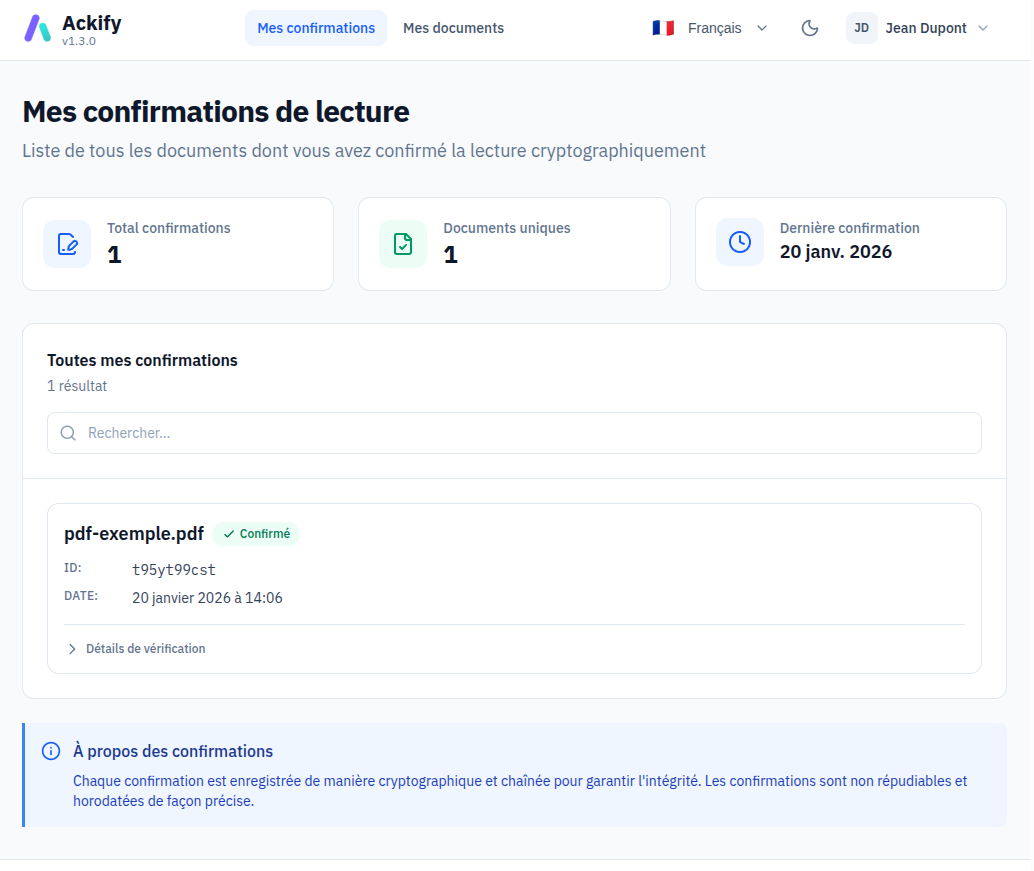
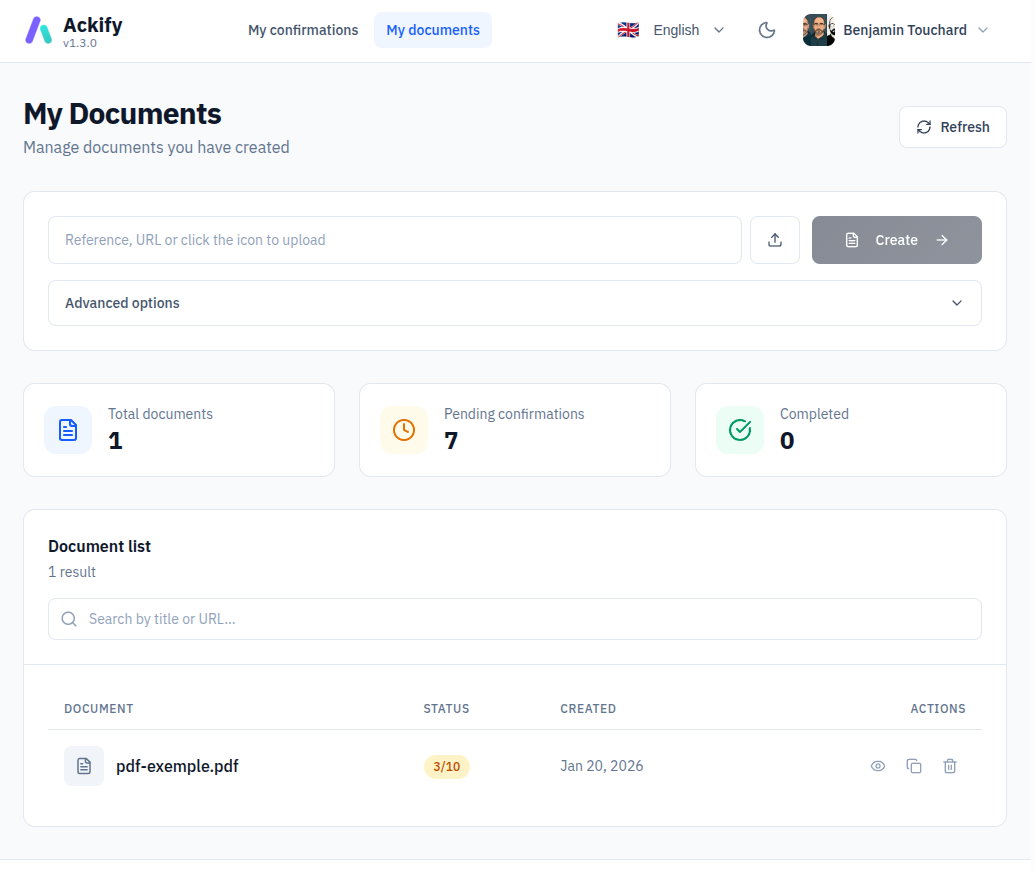
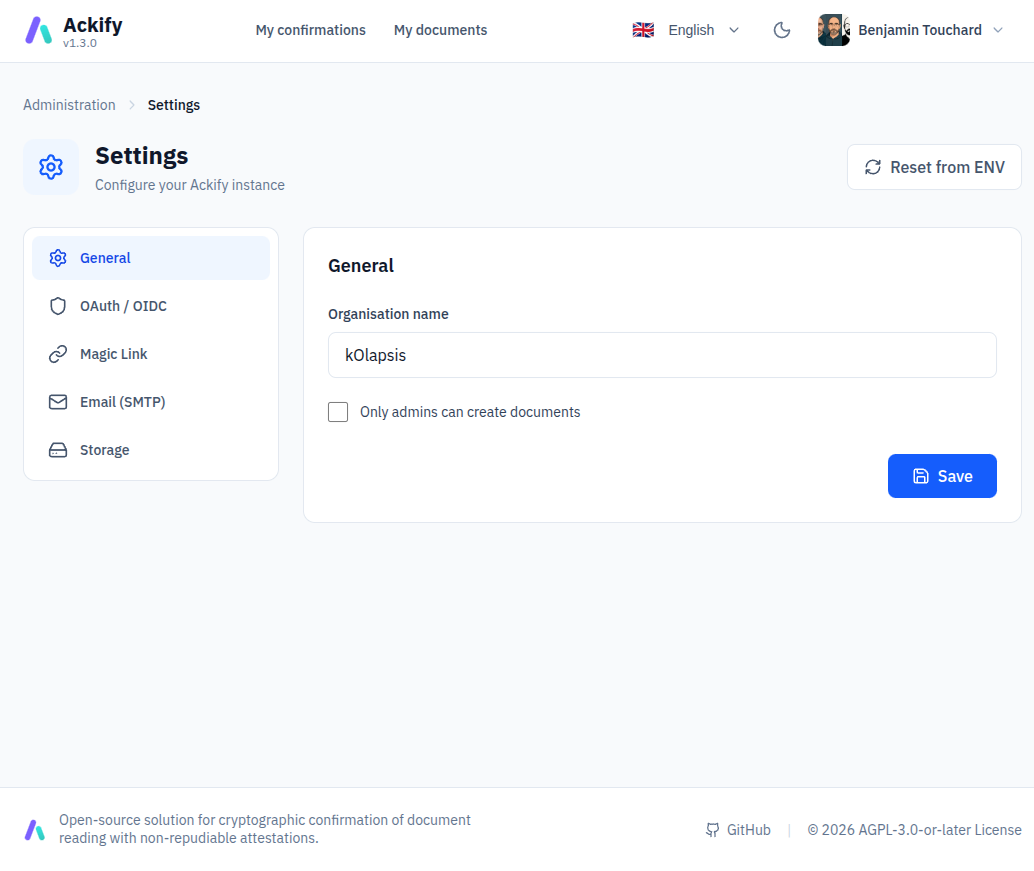
Ackify is a self-hosted document acknowledgment platform that proves recipients have read important documents using Ed25519 cryptographic signatures. Each reading event generates an immutable, independently verifiable audit certificate suitable for compliance audits and legal disputes. The platform supports flexible authentication via OAuth2 (Google, GitHub, GitLab, or custom providers) or passwordless MagicLink email authentication. Key capabilities include one signature per user per document enforced at the database level, expected signers tracking with automated email reminders, document integrity verification via SHA-256/512 and MD5 checksums, optional document storage on local filesystem or S3-compatible object storage, and public embeddable widgets via iframe and oEmbed for Notion, Outline, and Confluence. The admin dashboard (Vue.js 3 with dark mode) provides document metadata management, signer tracking, and reminder controls. It runs as a Go backend with PostgreSQL 16, deployed via Docker Compose. The project is licensed under AGPL-3.0 and offers a freemium SaaS version with additional features like zero-knowledge mode and SSO on paid plans.
Should you self-host ackify?
ackify scores 50/100 on selfhost.directory (how scoring works) and ranks #28 of 46 in Document Management. It has 209 GitHub stars.
It shipped 10 stable releases in the past year. The latest, v1.3.12, came out on 22 July 2026. New versions land roughly every 7 days.
Setup is moderate: expect some configuration beyond a single command. An official Docker image is available. It is AGPL-3.0-licensed and written mostly in Go.
Its closest alternative on selfhost.directory is Docuseal (74/100, 18 901 stars). It scores higher overall, so compare the two before you pick. See ackify vs Docuseal side by side.
Features
- Document checksum verification
- Ed25519 cryptographic signatures
- Embeddable widgets (iframe + oEmbed)
- Expected signers tracking with email reminders
- Flexible authentication (OAuth2 + MagicLink)
- Health check endpoint
- Immutable audit trail
- Multilingual support (5 languages)
- One signature per user per document
- Optional document storage (local or S3)
- Rate Limiting
- REST API
ackify README
More in Compliance
 auliteSelf-hosted HTTP proxy that checks AI interactions for EU AI Act compliance, records them in a tamper-proof audit log, and produces legal-grade PDF reports.
 ballerineOpen-source infrastructure and data orchestration platform for risk decisioning
 BytebaseSelf-hosted, open-source database governance: reviewed schema changes, SQL review rules, RBAC, masking, audit logs and an MCP server across 20+ engines.
 ClovaLinkClovaLink is a self-hosted, open-source multi-tenant file platform with HIPAA/SOX/GDPR modes, RBAC, and S3 storage as a Box/Dropbox alternative.
 compOpen-source, self-hosted compliance platform that automates evidence, policies and controls for SOC 2, ISO 27001, HIPAA or GDPR, pitched as a Vanta alternative.
 coreCFEngine is a self-hosted, open-source configuration management system automating infrastructure, security, and compliance at scale.
 Databunker ProDatabunker is an open-source, self-hosted vault for tokenizing and encrypting personal records (PII, PHI, KYC) with a REST API, web UI, and GDPR compliance.
 Didacta CommunitySelf-hosted fair-code LMS with modular architecture, Fundae/RGPD/WCAG compliance, AI tutor, Zoom, Stripe, SCORM — a modern Moodle alternative.
 DocumensoOpen-source, self-hosted DocuSign alternative to create, send and sign PDFs with templates, teams, direct links and an API; deploy via Docker, Compose or Kubernetes.
 DocusealOpen-source, self-hosted DocuSign alternative for creating fillable PDF forms and collecting digital signatures via a mobile-friendly web tool.
 EuConformSelf-hosted open-source toolkit for EU AI Act compliance: portable JSON artifacts for risk classification, bias testing, and AI BOM — offline and vendor-independent.
 falcoSelf-hosted, open-source CNCF runtime security agent that watches Linux syscalls through eBPF and alerts on host, container and Kubernetes threats.
0 comments