
Self-host ballerine
hotfix-workflow-service@v0.6.733 docker-compose up -d- Stars
- 2 450
- CPU
- 2 vCPU
- RAM
- 4GB
- Storage
- 10GB
- Port
- 5137 (Back Office), 5201 (KYB App), 5200 (Workflows Dashboard), 3000 (Workflow Service)
- Requires
- PostgreSQL
ghcr.io/ballerine-io/backoffice:dev

What is ballerine?
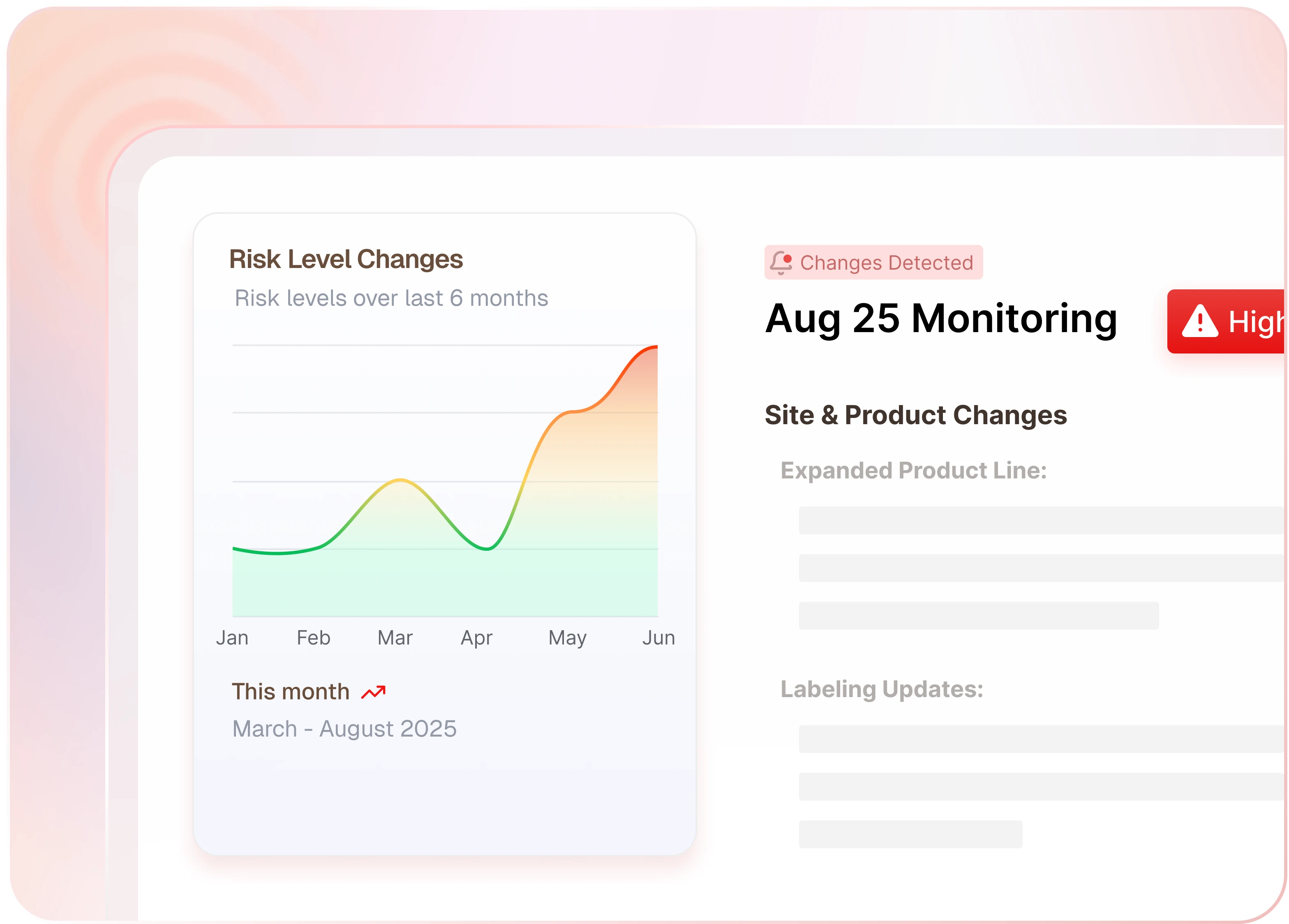
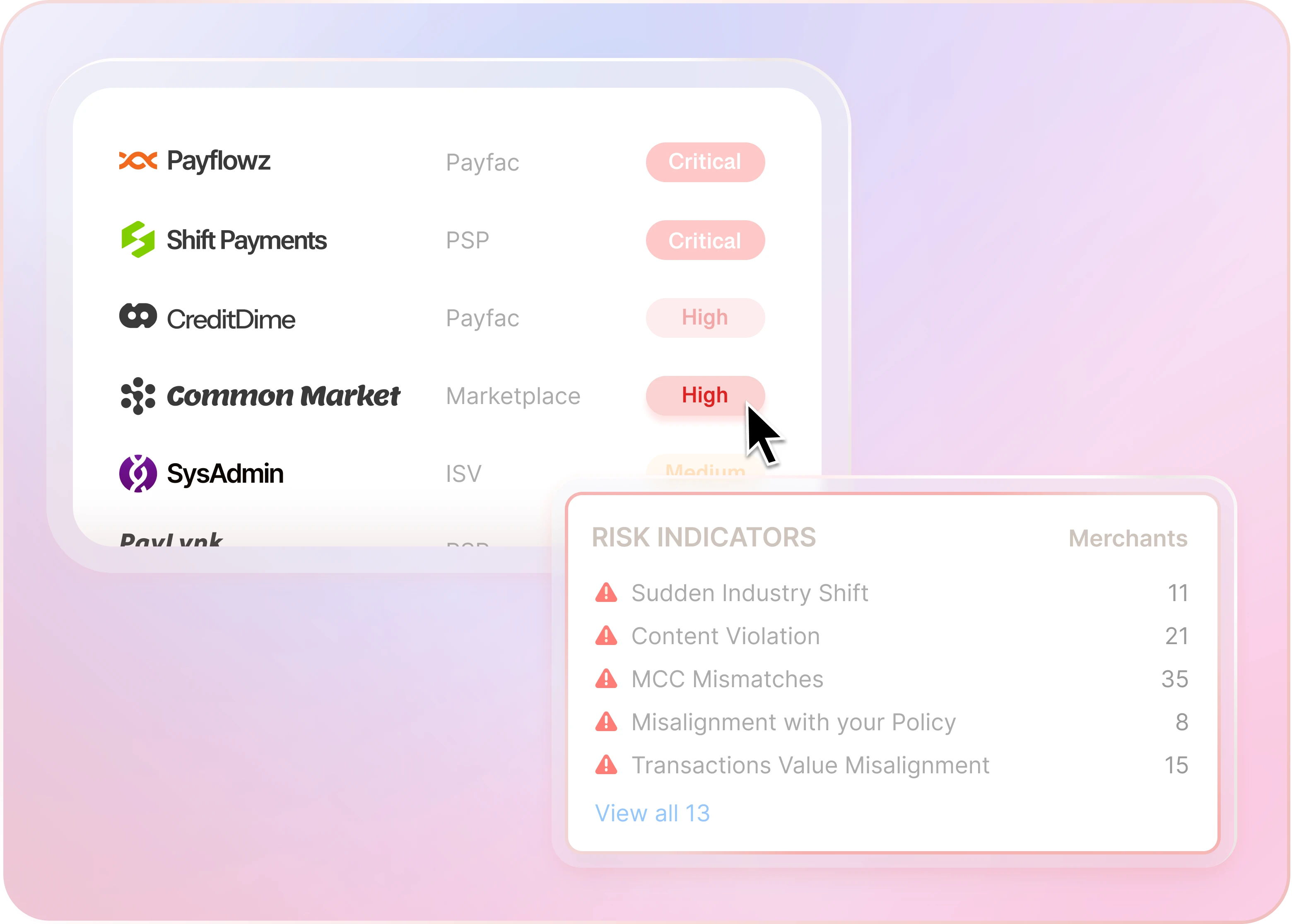
Ballerine is an open-source infrastructure and data orchestration platform for risk decisioning. It helps global payment companies, marketplaces, and fintechs automate decisions for merchants, sellers, and users throughout the customer lifecycle. Ballerine's modules include a Back Office for case management, a Workflow Engine for orchestration, KYB/KYC Collection Flows, a Rule Engine for compliance, a Plugin System for third-party integrations, and a No-Code Builder for creating custom risk policies.
The platform is designed to provide dynamic user journeys, data ownership, global orchestration, and cost reduction. It is self-hostable, allowing sensitive data to remain within your infrastructure. Ballerine is built to be flexible, future-proof, and easy to implement, with a strong community for support.
Key Features
- Dynamic Experience: Adaptive user journeys that modify in real-time based on user risk.
- Data Ownership: Self-host on-premise to keep sensitive data within your infrastructure.
- Global Orchestration: Add/change vendors and data sources to cater to users from multiple countries.
- Cost Reduction: Retain control over vendor relationships, costs, and communication.
- Workflow Engine: Orchestrates and automates different parts of the system.
- Rule Engine: Leverage various rule types to ensure user compliance with your risk policy.
- Plugin System: Integrates with third-party vendors, APIs, and databases.
- No-Code Builder: Create custom risk decisioning processes without coding.
- KYB/KYC Collection Flows: Real-time modification of KYC/KYB frontend user journeys.
- Back Office: Case management dashboard for manual decision-making.
Use Cases
- Merchant Underwriting: Confidently assess merchant risk with AI agents that streamline underwriting decisions and reduce manual effort.
- Merchant Monitoring: Detect evolving merchant risks with AI agents that uncover violations, fraud patterns, and compliance issues before they escalate.
- Merchant Onboarding: Simplify the entire onboarding process with one platform that covers everything end-to-end.
- Partner Oversight: Gain visibility into partner-onboarded merchants, reducing blind spots, uncovering hidden risk, and maintaining compliance at scale.
ballerine alternatives
 marbleMarble is a self-hosted, open-source fraud and AML platform: no-code transaction monitoring, sanctions and PEP screening, case management and AI-assisted investigations.Comparemarble with ballerine
 riskkernelRiskKernel is an open-source, self-hosted runtime for AI agents that enforces spending caps, iteration limits, and time bounds with crash recovery and approval gates.Compareriskkernel with ballerine
 LimeJourneySelf-hosted open-source platform for AI-driven user journeys, visual builder, dynamic segmentation, and BYOI integrations — a Customer.io alternative.CompareLimeJourney with ballerine
 heliconeHelicone is a self-hosted, open-source LLM observability platform and AI gateway for 100+ models with cost tracking, agent tracing, prompt management, and a playground.Comparehelicone with ballerine
 BailingHubSelf-hosted open-source control plane for AI agents to securely operate e-commerce, SaaS, CRM, or ERP backends with permissions, approvals, and audit trails.CompareBailingHub with ballerine
 airbyteAirbyte is a self-hosted data movement platform with hundreds of connectors for ELT pipelines and AI agents, deployable via Docker, Kubernetes, and abctl CLI.Compareairbyte with ballerine
 ToolJetSelf-hosted, open-source low-code platform for internal tools and dashboards: visual builder, 90+ data sources, built-in database, AI app generation and MCP agent access.CompareToolJet with ballerine
 AppwriteThe open-source cloud for agents & devs. Including Auth, Databases, Storage, Functions, Messaging, Hosting, Realtime, WAF and moreCompareAppwrite with ballerine
Should you self-host ballerine?
ballerine scores 54/100 on selfhost.directory (how scoring works) and ranks #3 of 8 in Compliance. It has 2 450 GitHub stars, +15 in the last 30 days.
There was no stable release in the past 12 months, so check the repository's recent activity before you rely on it.
Setup is advanced: plan for several services and some ongoing maintenance. An official Docker image is available. It is Other-licensed and written mostly in Typescript.
Its closest alternative on selfhost.directory is probo (63/100, 1 508 stars). It scores higher overall, so compare the two before you pick. See ballerine vs probo side by side.
Features
- AI
- API
- Authentication
- Compliance
- Dashboard
- Fraud Detection
- KYB
- KYC
- Multi-user
- No-code builderCurrently in WIP
- Plugin System
- Rule Engine
- Workflow Engine
ballerine README
The open source repository is currently undergoing a major rebuild and is not actively supported at this time.
Stay tuned for updates!
Interested in our SaaS version?
- Join our Slack workspace and ping anyone from the team
- Email us at sales@ballerine.com
Have questions about the OSS version?
- Reach out to oss@ballerine.com
- Connect with us on our Slack workspace
FAQ
Does Ballerine support integrations with third-party services?
Yes, Ballerine supports integrations with third-party services such as SendGrid, Notion, Salesforce, and AWS S3.
What are the system requirements for Ballerine?
Ballerine requires at least 2 vCPUs, 4GB of RAM, and 10GB of storage for a basic deployment. For production environments, higher specifications are recommended.
Is Ballerine suitable for small businesses?
Ballerine is primarily designed for enterprises, fintechs, and payment companies. However, it can be adapted for smaller businesses with the necessary technical expertise.
How can I deploy Ballerine?
You can deploy Ballerine using Docker Compose or Ansible. Follow the installation instructions in the [README](https://github.com/ballerine-io/ballerine#readme) or the [Ansible playbook documentation](https://github.com/ballerine-io/ballerine/tree/dev/deploy/ansible/ballerine_playbook).
What is Ballerine?
Ballerine is an open-source risk management infrastructure for automating KYC/KYB, underwriting, and transaction monitoring. It provides a workflow engine, rule engine, plugin system, and a no-code builder for creating custom risk decisioning processes.
More in Compliance
 BytebaseSelf-hosted, open-source database governance: reviewed schema changes, SQL review rules, RBAC, masking, audit logs and an MCP server across 20+ engines.
 ClovaLinkClovaLink is a self-hosted, open-source multi-tenant file platform with HIPAA/SOX/GDPR modes, RBAC, and S3 storage as a Box/Dropbox alternative.
 compOpen-source, self-hosted compliance platform that automates evidence, policies and controls for SOC 2, ISO 27001, HIPAA or GDPR, pitched as a Vanta alternative.
 coreCFEngine is a self-hosted, open-source configuration management system automating infrastructure, security, and compliance at scale.
 Databunker ProDatabunker is an open-source, self-hosted vault for tokenizing and encrypting personal records (PII, PHI, KYC) with a REST API, web UI, and GDPR compliance.
 Didacta CommunitySelf-hosted fair-code LMS with modular architecture, Fundae/RGPD/WCAG compliance, AI tutor, Zoom, Stripe, SCORM — a modern Moodle alternative.
 DocumensoOpen-source, self-hosted DocuSign alternative to create, send and sign PDFs with templates, teams, direct links and an API; deploy via Docker, Compose or Kubernetes.
 DocusealOpen-source, self-hosted DocuSign alternative for creating fillable PDF forms and collecting digital signatures via a mobile-friendly web tool.
 EuConformSelf-hosted open-source toolkit for EU AI Act compliance: portable JSON artifacts for risk classification, bias testing, and AI BOM — offline and vendor-independent.
 falcoSelf-hosted, open-source CNCF runtime security agent that watches Linux syscalls through eBPF and alerts on host, container and Kubernetes threats.
 isms-builderSelf-hosted open-source ISMS tool for ISO 27001, NIS2, GDPR, BSI compliance. Policy, risk, audit, asset modules with local AI search.
- marbleMarble is a self-hosted, open-source fraud and AML platform: no-code transaction monitoring, sanctions and PEP screening, case management and AI-assisted investigations.
0 comments