
Self-host WindowsinDocker
v6.06Run a virtual Windows desktop in a Docker container
docker run -it --rm --name windows -e "VERSION=11" -p 8006:8006 --device=/dev/kvm --device=/dev/net/tun --cap-add NET_ADMIN -v "${PWD:-.}/windows:/storage" --stop-timeout 120 docker.io/dockurr/windows- Stars
- 54 150
- RAM
- At least 2 GB of available RAM
- Storage
- At least 32 GB of free disk space
- Port
- 3389 (Remote Desktop (RDP), TCP and UDP)
dockurr/windows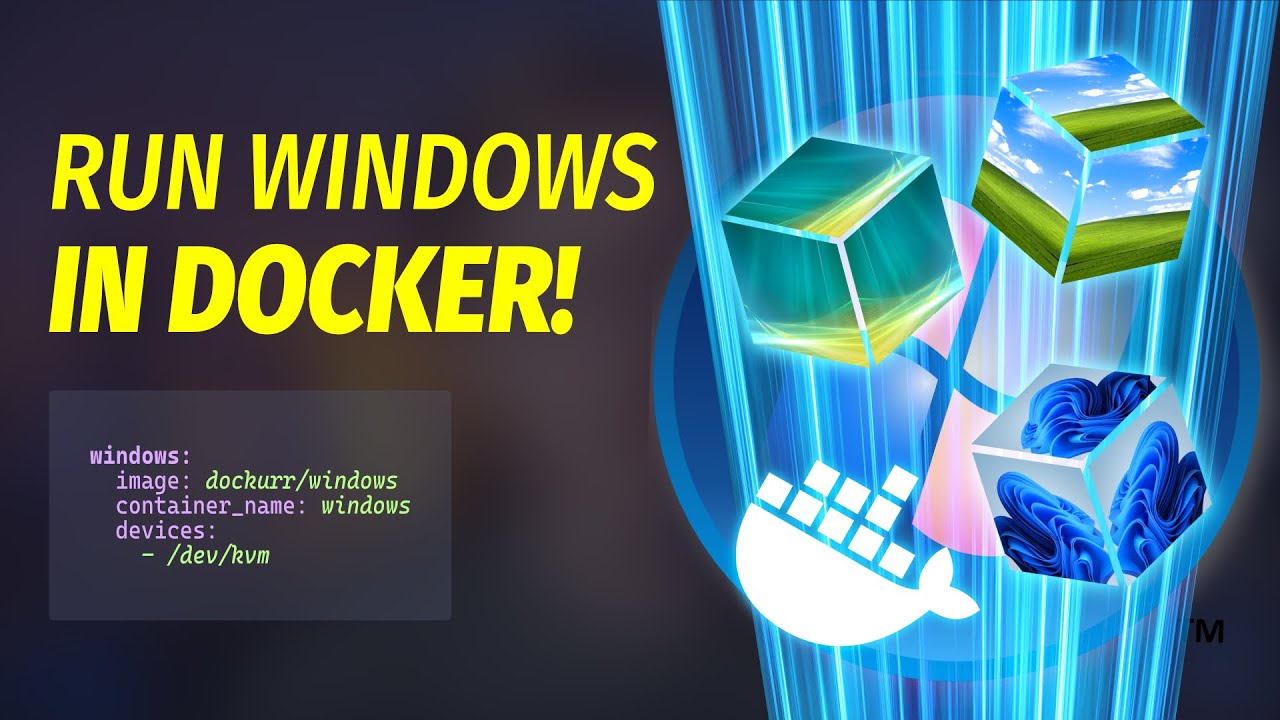
What is WindowsinDocker?
dockur/windows wraps a complete Windows virtual machine in one container image, letting a Linux box with KVM produce a Windows desktop or server without partitioning hardware or installing a heavyweight hypervisor. At first launch it grabs the requested release and drives Setup unattended; the selectable values cover current and legacy desktop editions, LTSC, Enterprise, Windows Server, Tiny11/Tiny10 and ReactOS, and any other ISO can be fed in by URL or bind mount. Access works two ways: a browser console served on 8006, and RDP on 3389 through a standard Microsoft client, with the browser path best suited to the install stage because it lags more and offers no clipboard. Almost everything else is environment-driven: core and memory counts, disk capacity and format, language, keyboard, credentials, domain membership, extra disks, GPU passthrough, ballooning, and a post-setup batch script taken from a mounted OEM folder. Guest disks and downloads live in a bind-mounted /storage volume, the container expects /dev/kvm plus /dev/net/tun, and a Kubernetes manifest is included. Host runtimes that cannot expose KVM to containers, such as the desktop Docker editions on macOS, Windows 10 or Linux, are unsupported, and no Windows copy ships with the project, so licensing is the user's own responsibility.
WindowsinDocker alternatives
 proxmoxSelf-hosted Proxmox VE running in Docker with KVM acceleration, LXC containers, and the full web interface for managing VMs and containers.Compareproxmox with WindowsinDocker
 dockgeA self-hosted, open-source web UI for Docker Compose stacks: create, edit and deploy compose.yaml files, with a live web terminal and multi-host agents.Comparedockge with WindowsinDocker
 virtual-dsmBoots Synology's Virtual DSM in a KVM-accelerated VM via an open-source Docker image, giving a self-hosted NAS desktop you reach in a browser on port 5000.Comparevirtual-dsm with WindowsinDocker
 kde-in-dockerKID runs KDE Plasma in your browser via Docker, VNC, and noVNC. Ready-made images for base KDE, Firefox, Adobe Acrobat, Motrix, and Wine.Comparekde-in-docker with WindowsinDocker
 yantrYantr is a self-hosted homelab app store running as a rootless Podman container alongside your Linux OS — no appliance, no root daemon, ~140 MB RAM at idle.Compareyantr with WindowsinDocker
 umbrelA self-hosted Docker container running UmbrelOS for home servers, letting you install and manage apps without dedicated hardware or a VM.Compareumbrel with WindowsinDocker
 docker-gha-runnerDocker-based self-hosted GitHub Actions runner with stateless execution, platform emulation, and Docker-in-Docker support.Comparedocker-gha-runner with WindowsinDocker
 Palworld Dedicated Server DockerOpen-source Docker image for a self-hosted Palworld dedicated server with automatic updates, backups, RCON and a REST API, deployable via Docker Compose or Kubernetes.ComparePalworld Dedicated Server Docker with WindowsinDocker
Should you self-host WindowsinDocker?
WindowsinDocker scores 86/100 on selfhost.directory (how scoring works) and ranks #1 of 15 in Virtualization. It has 54 150 GitHub stars, +610 in the last 30 days.
It shipped 11 stable releases in the past year. The latest, v6.06, came out on 5 October 2026. New versions land roughly every 2 weeks.
Setup is moderate: expect some configuration beyond a single command. An official Docker image is available. It is MIT-licensed and written mostly in Shell.
Its closest alternative on selfhost.directory is MacOS (76/100, 21 732 stars). WindowsinDocker scores higher overall. See WindowsinDocker vs MacOS side by side.
Features
- Active Directory domain join
- Browser-based consoleLess responsive than RDP and no clipboard sharing.
- Configurable resource allocation
- Custom ISO support
- Dynamic memory ballooning
- Hardware-accelerated virtualization
- Host folder sharing
- Many OS versions supported
- Multiple networking modes
- Multiple virtual disks and raw disk passthrough
- RDP remote access
- Unattended automatic installation
- USB device passthrough
WindowsinDocker README


Windows inside a Docker container.
- Runs Windows inside a Docker container
- Automatic download and hands-free installation
- Supports modern and legacy Windows releases
- Near-native performance with KVM acceleration
- Customizable CPU, memory, and storage allocation
- Dynamic memory allocation with memory ballooning
- USB passthrough and host folder sharing
- Supports NAT, user-mode, macvlan, and macvtap networking
FAQ
How do I assign an individual IP address to the container?
Create a macvlan network on your subnet and attach the container to it with a fixed ipv4_address, which also removes the need for port mapping; the address is not reachable from the Docker host.
How do I run a command after installation?
Use COMMAND for a single final command, or mount a folder at /oem containing install.bat plus any files so they are copied to C:\OEM and executed at the end of setup.
How do I install a custom image?
Put an ISO URL in VERSION, or bind your own file to /custom.iso, in which case VERSION is ignored.
How do I select the keyboard layout?
Set KEYBOARD and REGION when they should differ from the language default.
How do I select the Windows language?
LANGUAGE chooses the download language, defaulting to English; roughly three dozen languages are listed.
How do I join an Active Directory domain?
Give DOMAIN (and optionally DOMAIN_OU) so the guest joins during setup; the account is added to local Administrators and signed in afterwards, and Windows must reach the domain controller via DNS.
How do I connect using RDP?
Use any Microsoft Remote Desktop client against the container IP with the default Docker/admin credentials; RDP is more responsive than the web viewer and supports clipboard sharing.
How do I enable audio?
Audio is off unless you connect over RDP; set AUDIO=Y and then switch Audio on in the web viewer settings to stream it to the browser.
How do I change the amount of CPU or RAM?
Use RAM_SIZE and CPU_CORES; the defaults are 4 GB of memory and 2 CPU cores.
How do I change the size of the disk?
Set DISK_SIZE to the wanted capacity; the 64 GB default can also be grown later without data loss, though the partition must then be extended inside Windows.
How do I change the storage location?
Bind-mount your own folder or named volume at /storage in the compose file.
How do I use it?
Start the container, open port 8006 in a browser and wait: the whole Windows installation runs automatically until the desktop appears.
More in Virtualization
 WolfStackA self-hosted platform for managing servers, containers, virtual machines, networking, storage, and backups with a 530+ app store, all from one Rust binary.
 agentOSOpen-source WebAssembly sandbox for AI agents: files, shell, processes and networking, embedded as an npm library or self-hosted on Docker.
 cloudstackOpen-source IaaS software that deploys large networks of virtual machines for public clouds, private clouds, or hybrid solutions.
 deployarooDeployaroo is a self-hosted, open-source web UI for deploying VMware vSphere VM templates via Ansible, with dashboard, history, user management, and Discord alerts.
 docker-webtopOpen-source, self-hosted Docker images running full Linux desktops (Alpine, Ubuntu, Fedora, Arch, Debian) in your browser via Selkies.
 e2bOpen-source sandboxes with JS and Python SDKs for running agent code in isolated Linux VMs; self-hosted via Docker Compose, Terraform, or Kubernetes on one machine.
 exeSingle Go binary running a personal VM cloud on macOS/Linux/Windows with persistent VMs, retro web desktop, SSH gateway, AI agents, Cloudflare Tunnel HTTPS.
 frag-falconSelf-hosted, open-source microVM hypervisor running OCI/Docker images via libkrun with virtiofs for host directory sharing, no raw disk images.
 ganetiGaneti is a self-hosted, open-source VM cluster manager for Xen/KVM with high availability, live migration, and automated allocation across 3-100 nodes.
 IncusSelf-hosted, open-source system container and VM manager with unified REST API for local and remote management, scaling from single machine to clusters.
- kde-in-dockerKID runs KDE Plasma in your browser via Docker, VNC, and noVNC. Ready-made images for base KDE, Firefox, Adobe Acrobat, Motrix, and Wine.
 LXCSelf-hosted, open-source low-level Linux container runtime for privileged and unprivileged system containers, driven by dotted lxc.* config keys and a stable C API.
0 comments