
Self-host Ferrite Telegram Server
Self-hosted MTProto server for Telegram clients
- Stars
- 177
- Port
- 5222 (MTProto over TCP and WebSocket)
What is Ferrite Telegram Server?
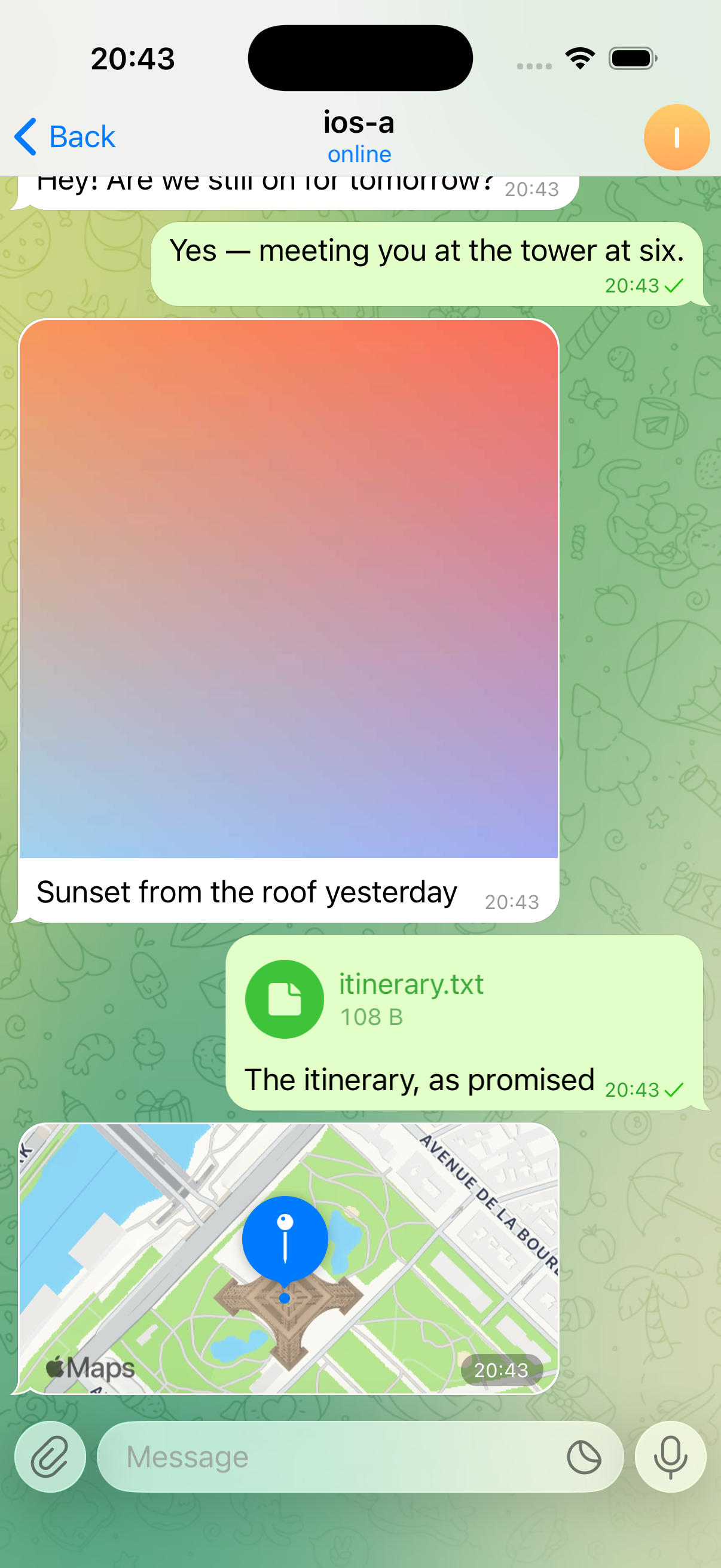
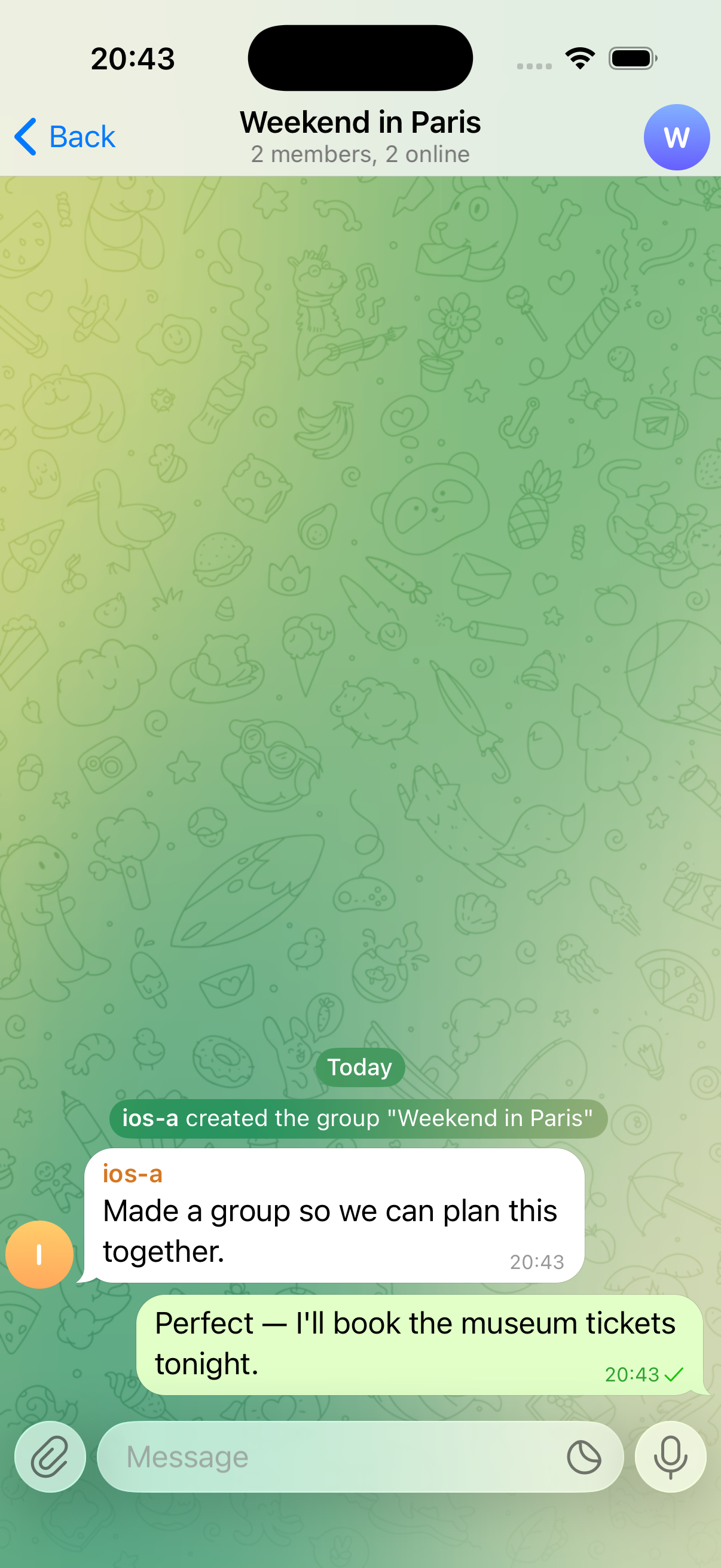
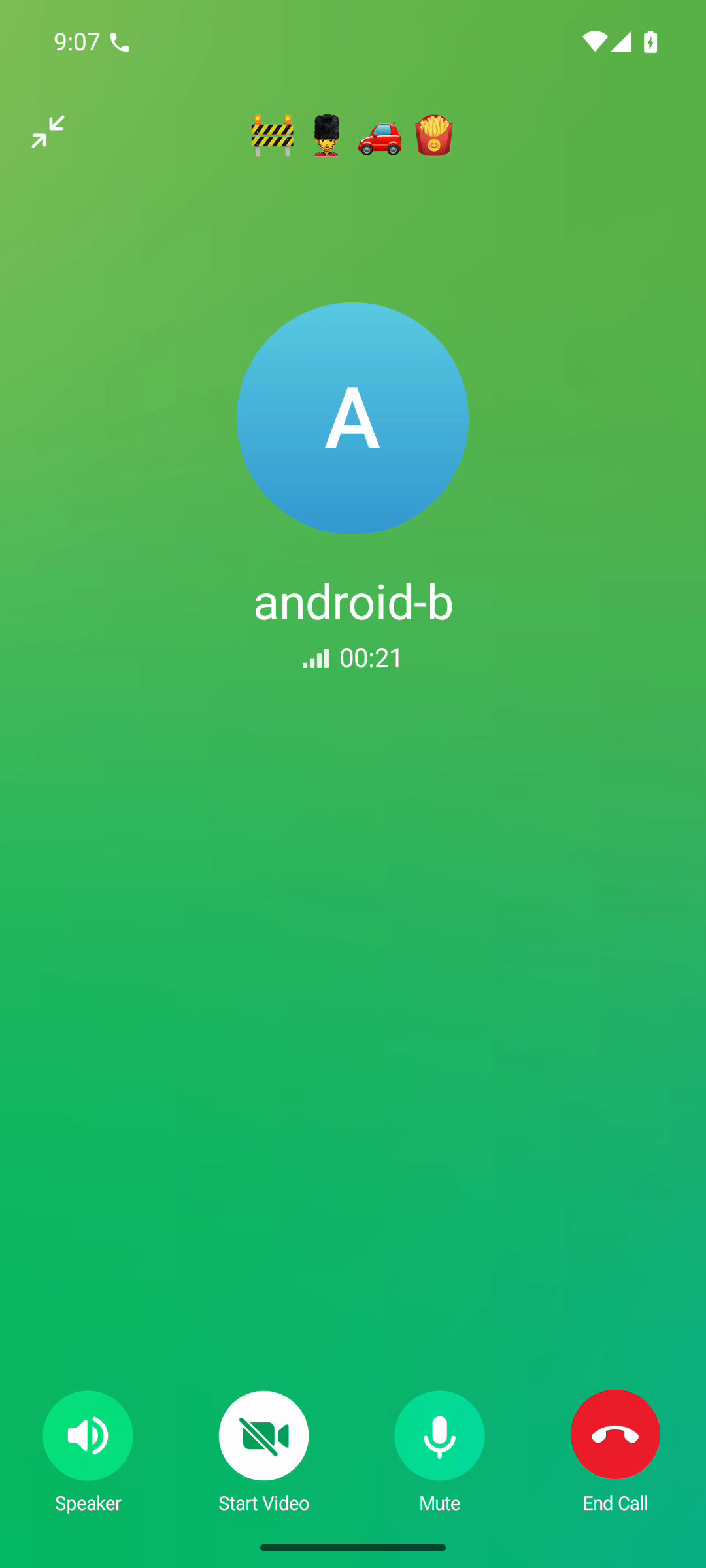
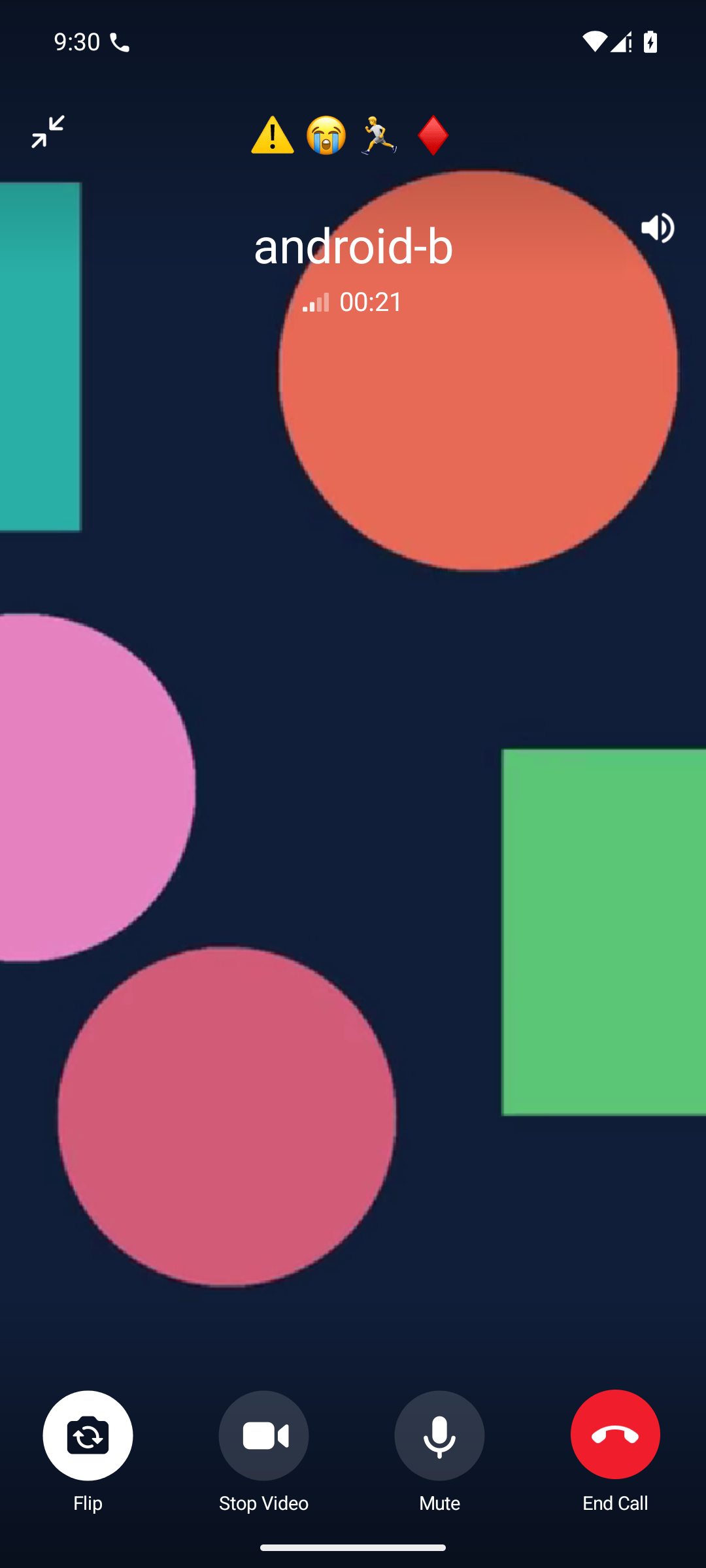
Ferrite is a .NET server implementing the MTProto protocol used by Telegram. It enables running the official Telegram mobile applications against a privately operated backend. The server provides messaging capabilities including private conversations, groups, channels, and supergroups. It handles media file transfers and supports secret chats with end-to-end encryption. Voice and video calling works for both individual and group conversations. Data storage options range from simple local files to distributed systems including Cassandra, Redis, Kafka, object storage, and Elasticsearch. Deployment options include a standalone .NET process, a Docker container, or a complete distributed stack via .NET Aspire. All configuration is done through environment variables prefixed with FERRITE_. The code is licensed under AGPL-3.0-or-later and has no connection to Telegram Messenger Inc.
Should you self-host Ferrite Telegram Server?
Ferrite Telegram Server scores 39/100 on selfhost.directory (how scoring works) and ranks #88 of 110 in Chat. It has 177 GitHub stars.
There was no stable release in the past 12 months, so check the repository's recent activity before you rely on it.
Setup is advanced: plan for several services and some ongoing maintenance. It is AGPL-3.0-licensed and written mostly in C#.
Its closest alternative on selfhost.directory is Zulip (82/100, 26 125 stars). It scores higher overall, so compare the two before you pick. See Ferrite Telegram Server vs Zulip side by side.
Features
- Group callsRequires mediasoup worker
- Media upload and download
- MTProto protocol support
- Multi-layer API support
- Multiple Storage Backends
- Official Telegram client compatibilityRequires rebuilding clients with custom keys
- One-to-one and group messaging
- Secret chats (E2EE)
- Voice and video calls
Ferrite Telegram Server README
More in Instant Messaging
 fluxerSelf-hosted, open-source instant messaging and VoIP platform with channels, voice and video calls, search and an admin dashboard, plus web, desktop and mobile clients.
 fosscordSpacebar is a free, open-source, self-hosted Discord-compatible platform for chat, voice, and video. Run your own server with existing Discord clients and bots.
 gramsrvgramsrv is a self-hosted, open-source MTProto server in Go for running a Telegram-compatible backend with real clients. Supports monolith and microservice architectures.
 hermesclawSelf-hosted Python proxy running Hermes Agent, OpenClaw, and OpenCode on one WeChat account via iLink polling, local proxies, and ACP bridge.
 HiveMQ Community EditionHiveMQ Community Edition is an open-source Java MQTT broker with full MQTT 3.x and MQTT 5 support, TLS and WebSocket listeners, a Java extension SDK and an embedded mode.
 KamailioSelf-hosted, open-source SIP signalling server for carrier-scale VoIP: registrar, proxy, load balancer and least-cost routing, with WebRTC, TLS and IMS support.
 LightableLightable is an open-source chat app with a self-hosted Kotlin server and Vue.js clients. Uses MongoDB, ScyllaDB, TensorFlow. Closed alpha, invite-only.
 Matrix SynapseSelf-hosted, open-source Matrix homeserver that runs your own federated chat server, with SAML/OIDC/CAS single sign-on, an admin API and PostgreSQL-backed worker scaling.
 matterbridgeSelf-hosted chat bridge daemon relaying channels between Discord, IRC, Matrix, Slack, Telegram, XMPP and Mattermost, with nickname spoofing, file relay and a REST API.
 mautrix-gmessagesSelf-hosted Matrix bridge for Google Messages (RCS/SMS) with media, reactions, typing notifications, read receipts, and automatic portal creation.
 mautrix-googlechatAn open-source, self-hosted Matrix bridge connecting Google Chat to Matrix for two-way messaging with media, threads, reactions, and multi-user support.
 mautrix-metaSelf-hosted open-source Matrix bridge for Facebook Messenger and Instagram DMs, syncing media, reactions, edits and history, with end-to-bridge encryption.
0 comments