
Self-host teemii
v0.8.2Self-hosted manga reader with multi-source metadata
- Stars
- 555
- Ports
- 80 (Frontend web UI), 3000 (Backend API), 1555 (WebSocket server)
dokkaner/teemii-frontend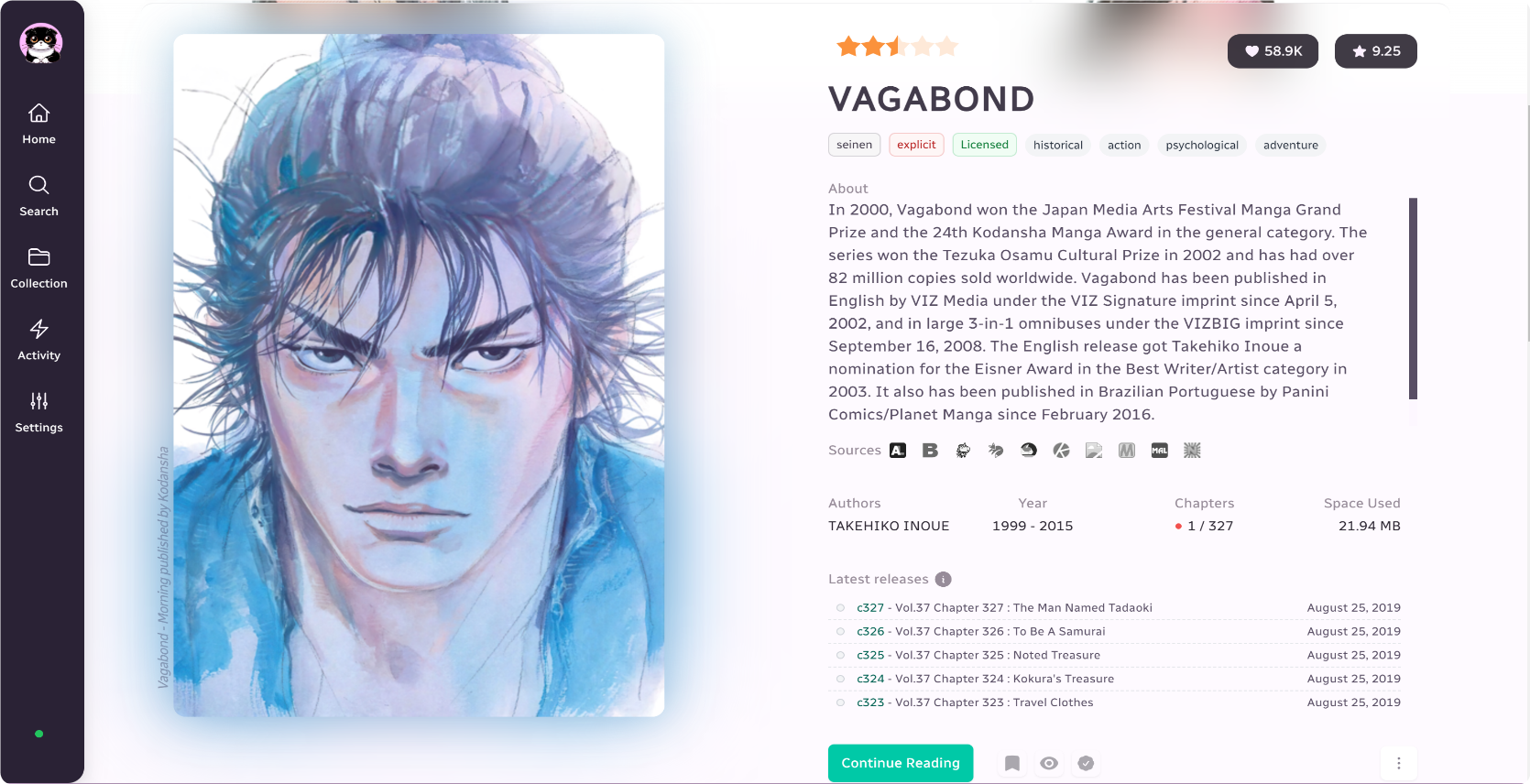

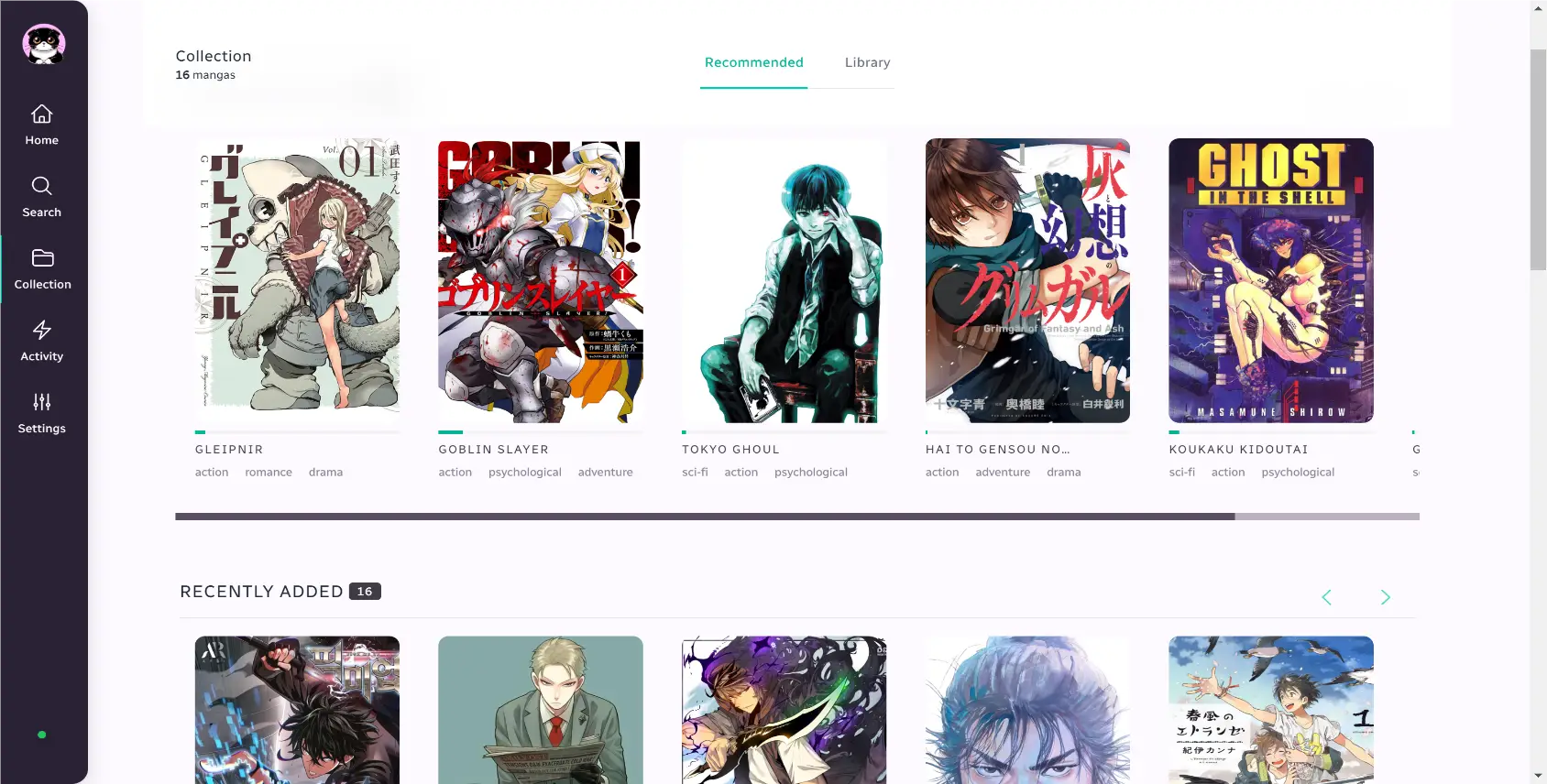
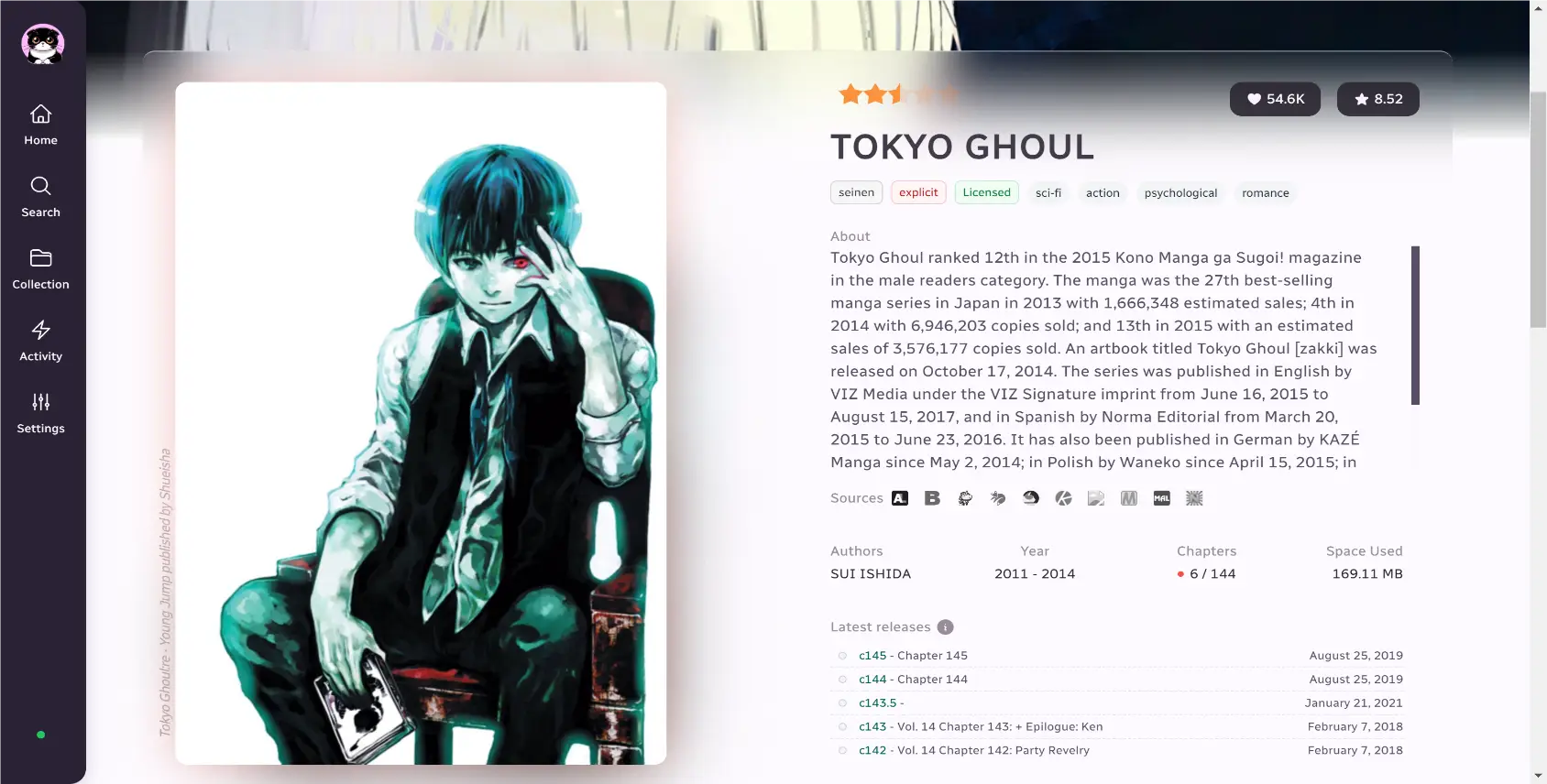
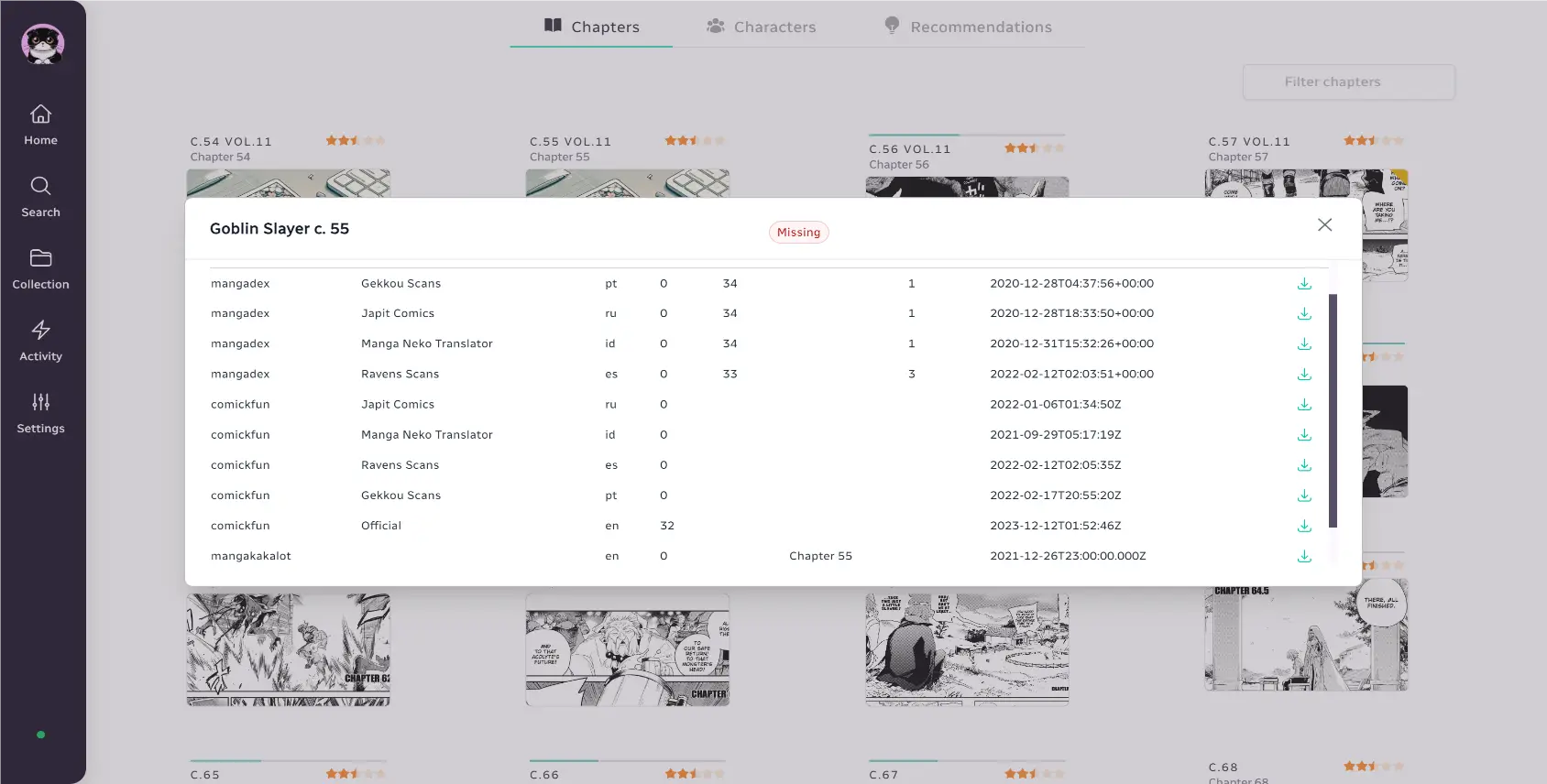
What is teemii?
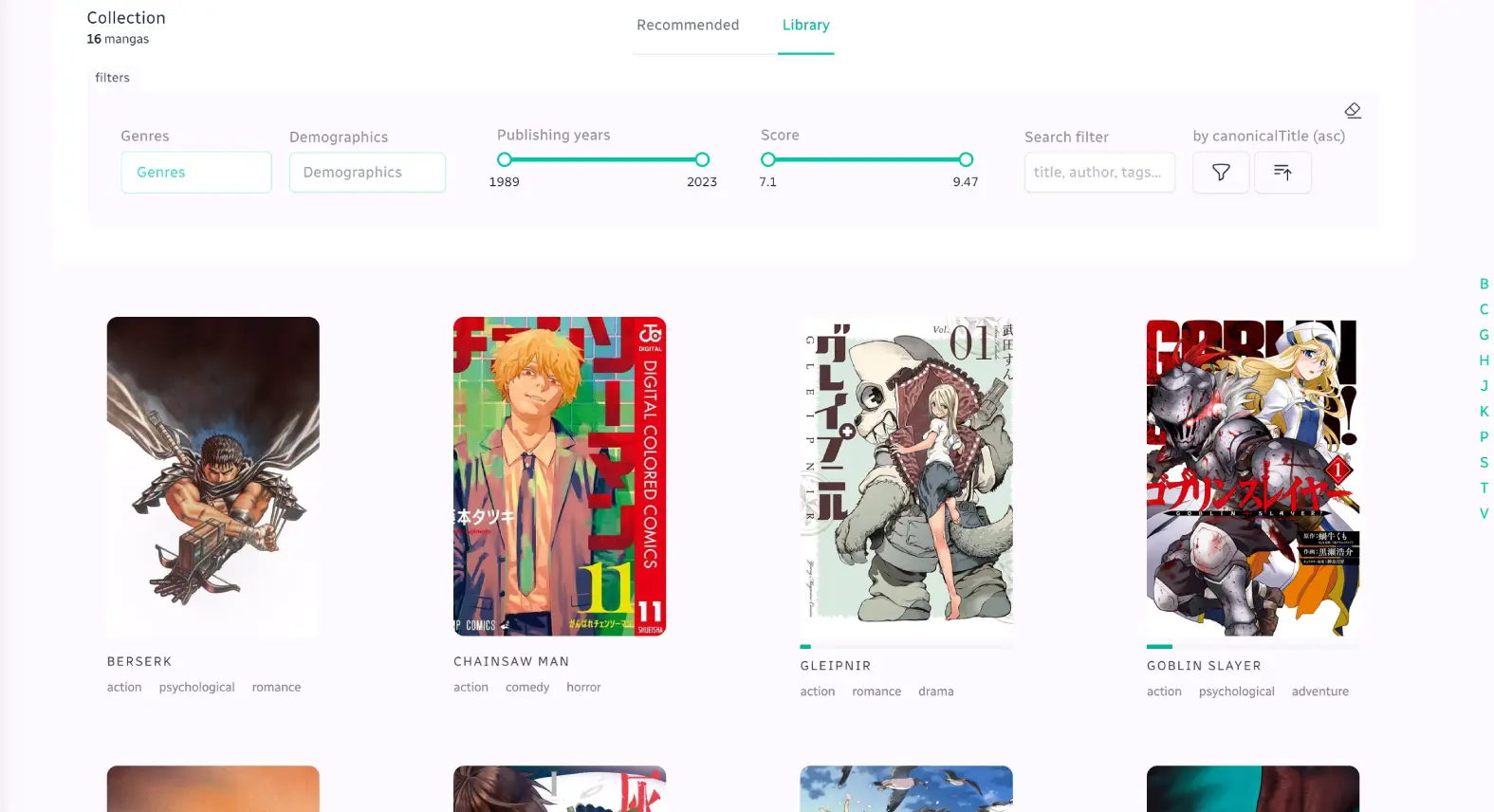
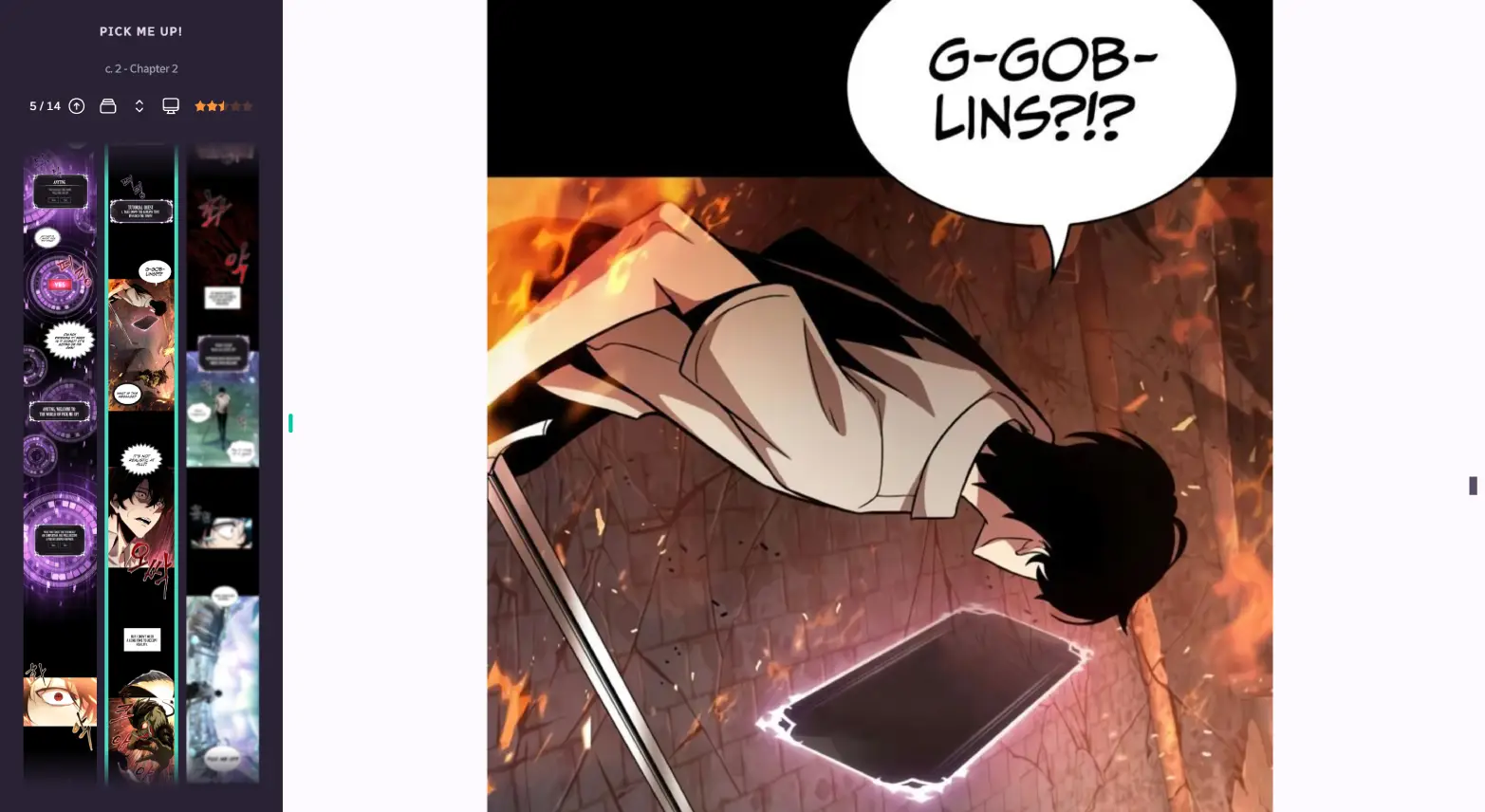
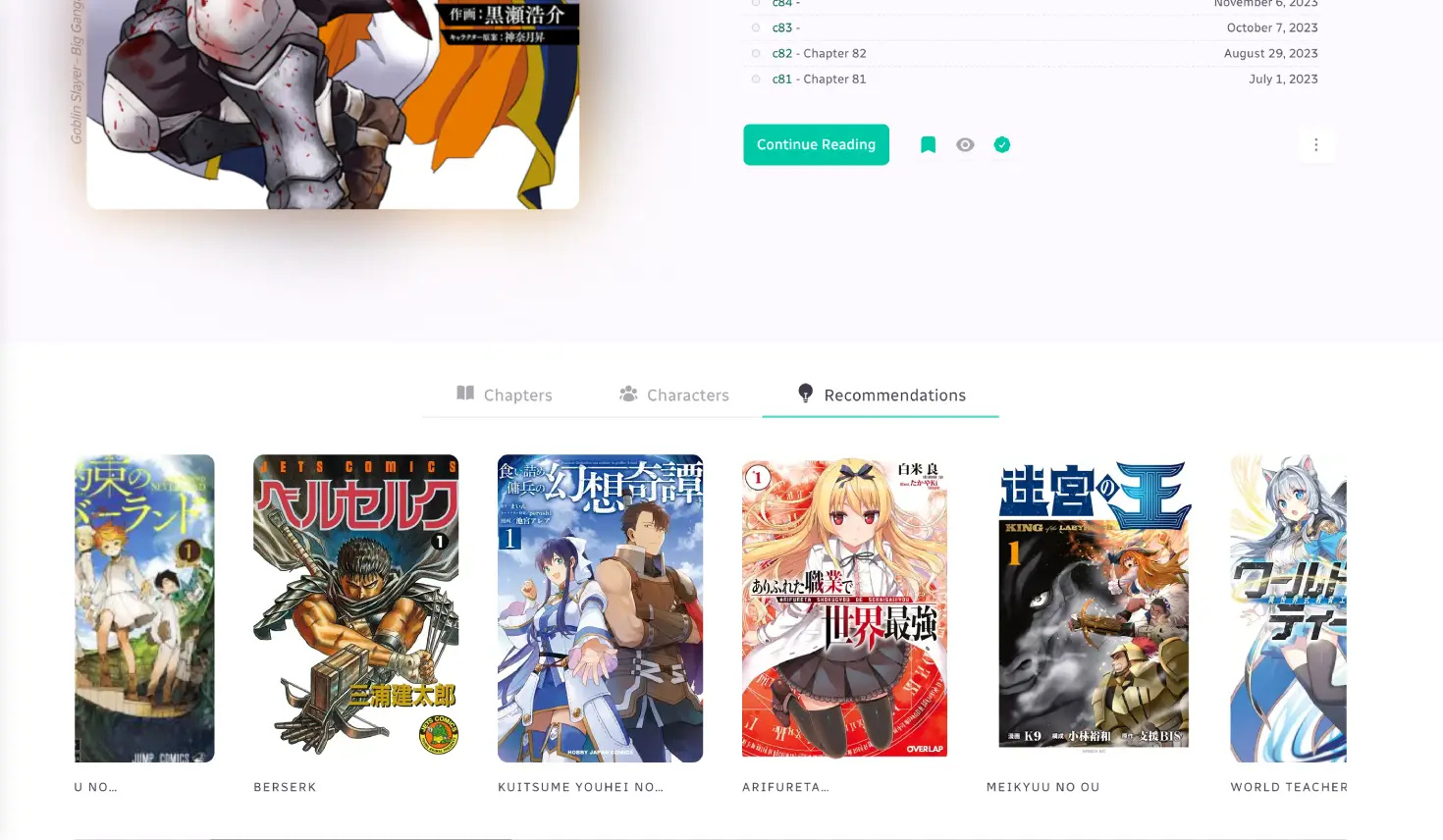
Teemii is a self-hosted manga reading and management web application for personal use. It provides an in-browser manga reader with customizable layouts and reading directions, supports CBZ and CBR archive formats, and automatically tracks reading progress. The application aggregates rich metadata from multiple sources including AniList, Kitsu, MangaDex, MyAnimeList, Goodreads, and others, and offers personalized manga recommendations based on reading habits. A scrobbler feature connects to Kitsu and AniList for progress syncing. Teemii can fetch chapters from various online sources and includes scheduled library updates. It is deployed via Docker (Docker Compose recommended) with a frontend accessible on port 8080 and a backend API on port 3000, using a Docker volume for data persistence. The project is MIT licensed and developed by dokkaner.
Should you self-host teemii?
teemii scores 48/100 on selfhost.directory (how scoring works) and ranks #3 of 4 in Manga Reader. It has 555 GitHub stars.
There was no stable release in the past 12 months, so check the repository's recent activity before you rely on it.
Setup is moderate: expect some configuration beyond a single command. An official Docker image is available. It is MIT-licensed and written mostly in JavaScript.
Its closest alternative on selfhost.directory is Suwayomi-Server (71/100, 7 957 stars). It scores higher overall, so compare the two before you pick. See teemii vs Suwayomi-Server side by side.
Features
- CBZ/CBR format support
- Image enhancement (Waifu2x/ImageMagick)Requires Waifu2x and ImageMagick binaries installed and configured
- In-browser manga reader
- Metadata Aggregation
- Multi-source chapter fetching
- Personalized recommendations
- Reading progress tracking
- Scheduled library updates
- Scrobbler (AniList/Kitsu sync)
teemii README
More in Manga Reader
 KavitaSelf-hosted, open-source reading server that organizes and serves your comics, manga, ebook and PDF collection with built-in readers, OPDS and OIDC multi-user logins.
 librarrLibrarr is a self-hosted, open-source search and download manager for books, audiobooks, and manga. It searches multiple indexers and auto-imports into Calibre.
 MangoBangoMangoBango is a self-hosted, open-source manga server in PHP for organizing and reading manga collections via a web interface with SQLite storage.
 MonochromeMonochrome is a self-hosted, open-source manga CMS with responsive UI, dark/light themes, chapter upload, and user management via Docker Compose.
 Suwayomi-ServerManga reader server running Tachiyomi/Mihon extensions with library management, automated updates, OPDS support, tracking via MyAnimeList, AniList, MangaUpdates
 Suwayomi-Server-dockerSelf-hosted Docker container for Suwayomi-Server manga reader with extensions, downloads, backups, and FlareSolverr. Runs on port 4567.
0 comments