
Self-host tableaunoir
v0.1Collaborative blackboard with magnets for teaching
- Stars
- 212
- Port
- 8080 (websocket server for real-time collaboration)
- Requires
- Node.js, Npm, Small-uuid library, Ws library
What is tableaunoir?
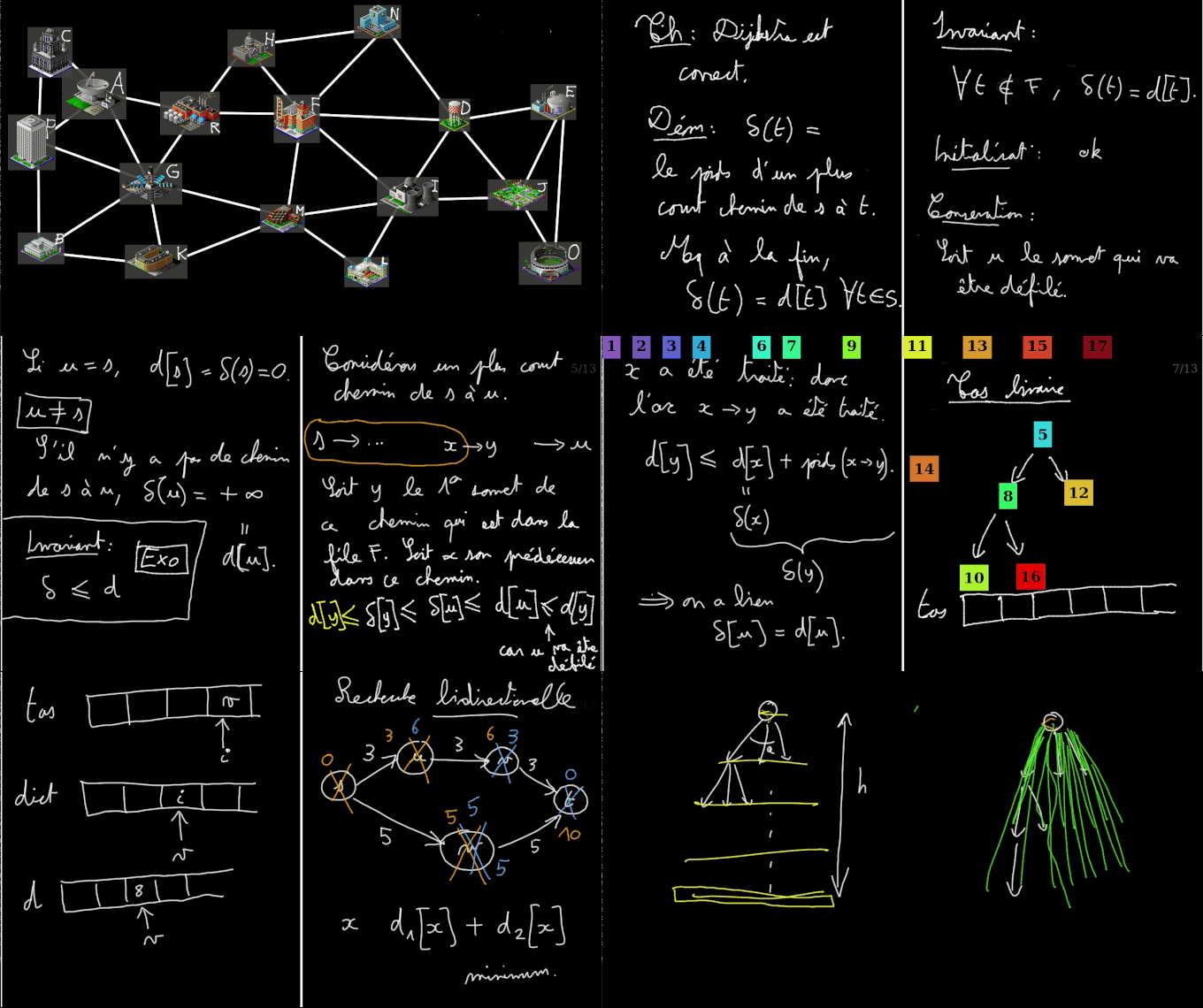
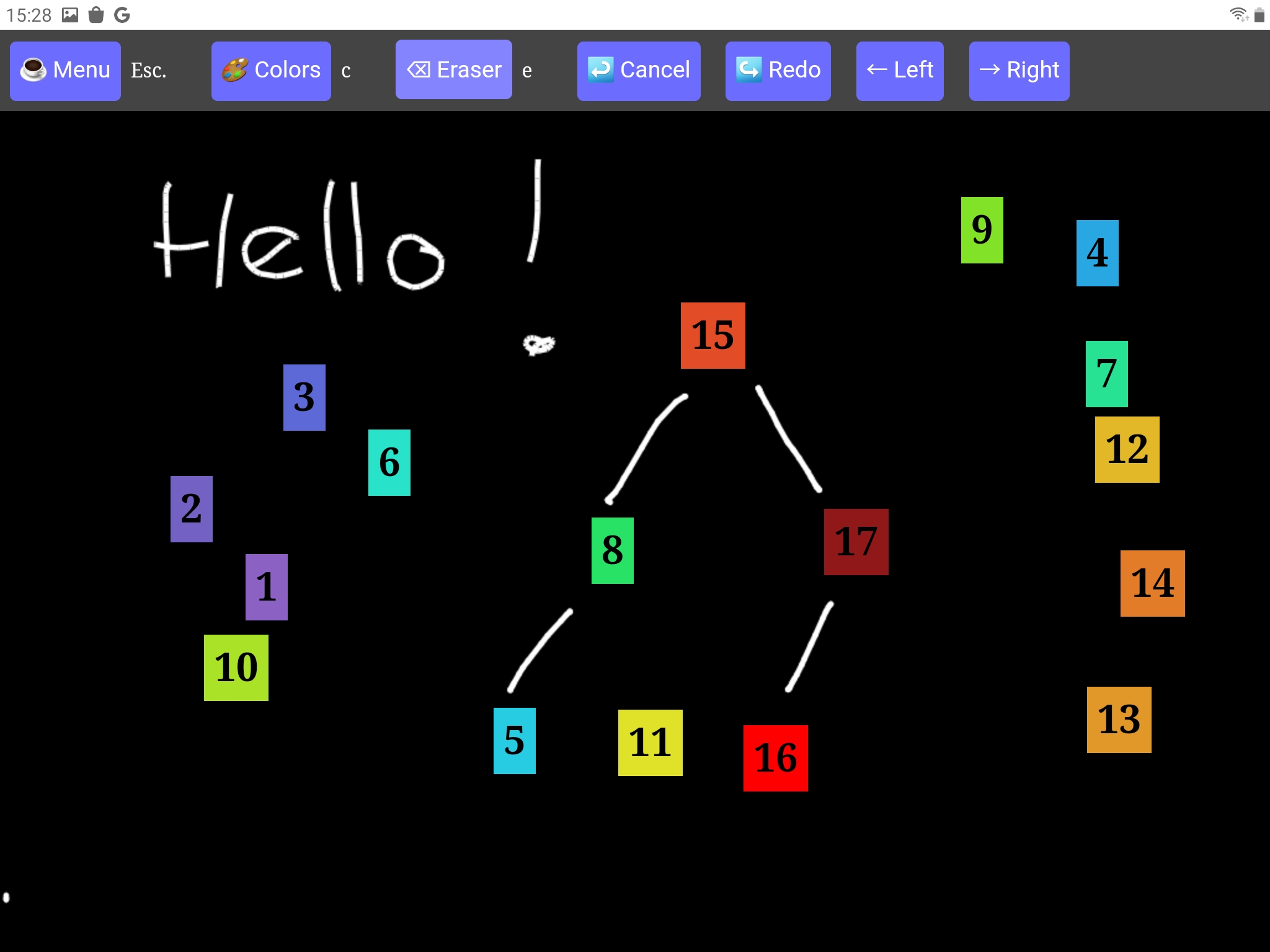
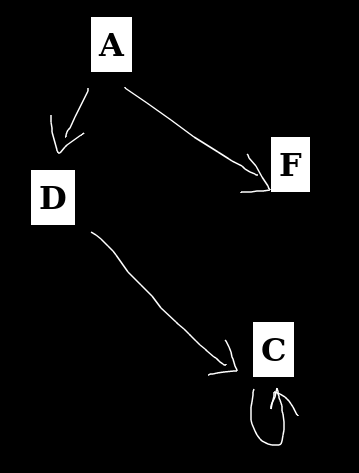
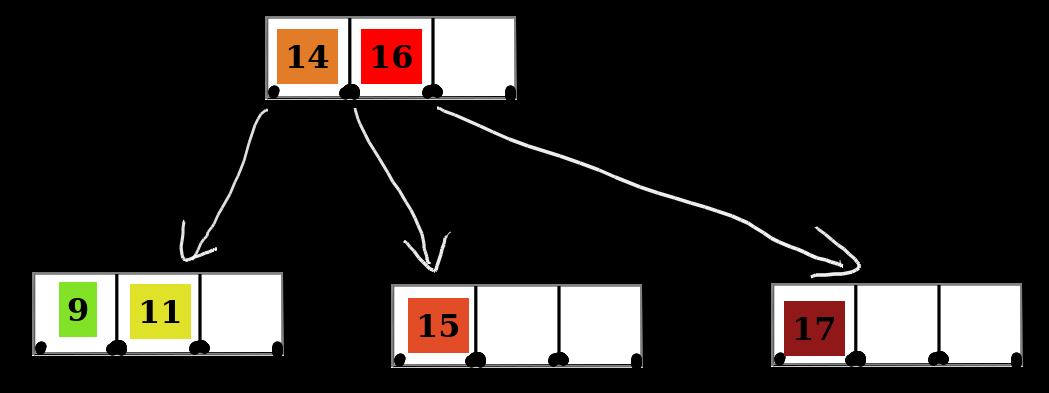
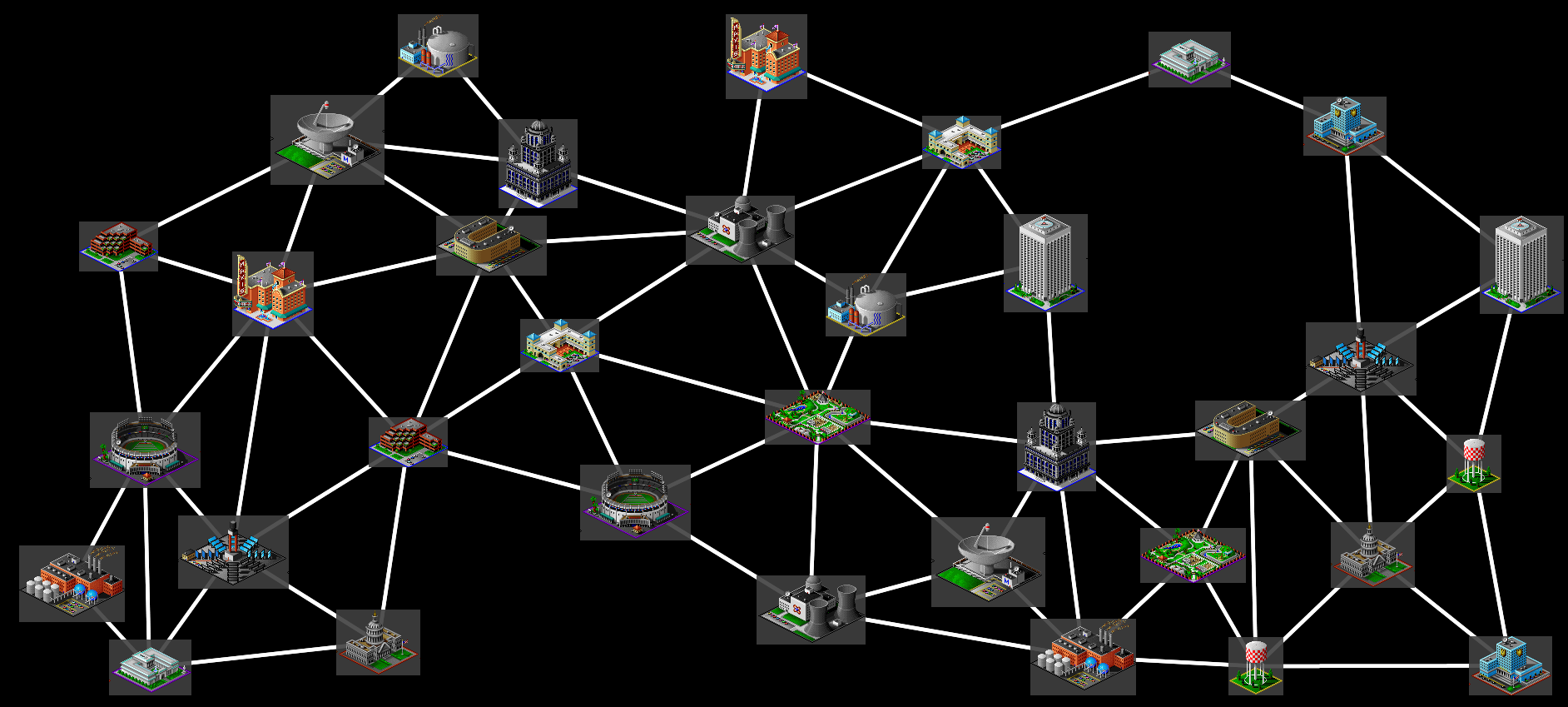
Tableaunoir is an online collaborative blackboard tool designed for teaching. It features fridge magnets — movable images, text, and numbers — for creating interactive animations to illustrate algorithms, graphs, and other concepts. Users can draw and erase with a graphics tablet or mouse, collaborate in real-time on shared boards (requiring a Node.js websocket server), and export boards to PNG or PDF. It supports LaTeX via MathJax, Markdown, code highlighting, multiple backgrounds (blackboard, whiteboard, music staff, grid, PDF documents), slide/animation recording, interactive graphs where vertices are magnets, and left-handed mode. The app runs in any browser, can be used offline via Electron or by opening index.html directly, and requires no user accounts. The front-end is served by nginx or Apache, while the optional websocket server runs on Node.js (default port 8080).
Should you self-host tableaunoir?
tableaunoir scores 43/100 on selfhost.directory (how scoring works) and ranks #7 of 9 in Whiteboarding. It has 212 GitHub stars.
There was no stable release in the past 12 months, so check the repository's recent activity before you rely on it.
Setup is moderate: expect some configuration beyond a single command. It is GPL-3.0-licensed and written mostly in Typescript.
Its closest alternative on selfhost.directory is excalidraw (91/100, 134 733 stars). It scores higher overall, so compare the two before you pick. See tableaunoir vs excalidraw side by side.
Features
- Code Highlighting
- Collaborative Editing
- Custom magnet creation
- Drawing and erasing
- Export to PNG/PDF
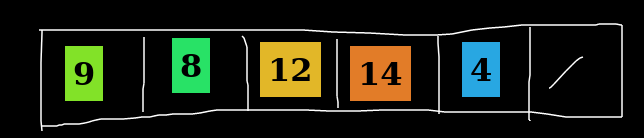
- Fridge magnets for animations
- Interactive Graphs
- LaTeX/MathJax support
- Left-handed mode
- Markdown Support
- Multi-panel board division
- Multiple backgrounds
- No Account Required
- Offline Mode
- Slide/animation recording
tableaunoir README
FAQ
How to see the full board if it exceeds screen size?
Click the fit-to-screen icon in the toolbar.
How to draw over a magnet?
Move the magnet to the background (hover and press b), draw, then press b again to bring it to foreground.
How to draw interactive graphs?
Draw edges between magnets; vertices are magnets and edges/labels update when magnets move. Hold Shift if needed.
How to draw squares, circles, horizontal/vertical lines?
Open the tool menu (press t), choose the shape, and hold Shift while drawing for regular shapes.
How to write LaTeX formulas?
Create a text magnet with Enter, type LaTeX between $...$ or \[...\], then press Esc.
How to duplicate a magnet?
Hold Ctrl and drag the magnet to create a copy.
How to create a magnet?
Draw a contour around the content you want to turn into a magnet, then press Ctrl+X.
How to completely clear the board?
Use the eraser tool and do Ctrl + click to clear everything.
More in Whiteboarding
 WBOSelf-hosted, open-source collaborative whiteboard where many people draw together in real time; boards persist as SVG and it runs via Docker or Node.js.
 DigiboardSelf-hosted, open-source collaborative whiteboard for classes and remote teams, with drawing tools, colored labels, pinned comments, multi-page boards and PNG export.
 DigiscreenSelf-hosted open-source classroom background from La Digitale: combine QR codes, drawing, YouTube, timers, word clouds, TTS and exercises into .dgs boards.
 drafft-inkA self-hosted, open-source whiteboard with an infinite canvas, real-time CRDT collaboration, and WebGPU rendering — no accounts or subscriptions needed.
 draw.iodraw.io is a JavaScript, client-side editor for general diagramming.
 DrawnixSelf-hosted, open-source all-in-one whiteboard with mind maps, flowcharts and freehand drawing, built on the Plait framework.
 ExcaliDashExcaliDash is a self-hosted, open-source Excalidraw workspace adding collections, real-time collaboration, version history, and backups with local or OIDC auth.
 excalidrawExcalidraw is a self-hosted, open-source virtual whiteboard for hand-drawn diagrams with infinite canvas, dark mode, and PWA support.
 excalidraw-persistExcalidraw Persist is a self-hosted, open-source whiteboard based on Excalidraw that adds server-side persistence, multiple boards, and trash recovery using SQLite.
 excalidraw-self-hostedDocker Compose configuration for self-hosted Excalidraw with real-time collaboration, MongoDB storage, and Traefik reverse proxy.
 IdeonIdeon is a self-hosted, open-source visual workspace where notes, links, files and Git repos share one infinite canvas, with real-time multiplayer and Git sync.
 spacedeck-openSpacedeck Open is a self-hosted, open-source collaborative whiteboard for real-time teamwork with drag-and-drop media, drawing tools, and presentation mode.
0 comments