
Self-host Ideon
v1.0.0Infinite-canvas workspace for notes, repos and tasks
docker run -d --name ideon -p 3000:3000 -v ideon-data:/app/storage -e SECRET_KEY=$(openssl rand -hex 32) ghcr.io/3xpyth0n/ideon:latest- Stars
- 666
- Port
- 3000 (HTTP and WebSocket traffic of the app (APP_PORT default))
ghcr.io/3xpyth0n/ideon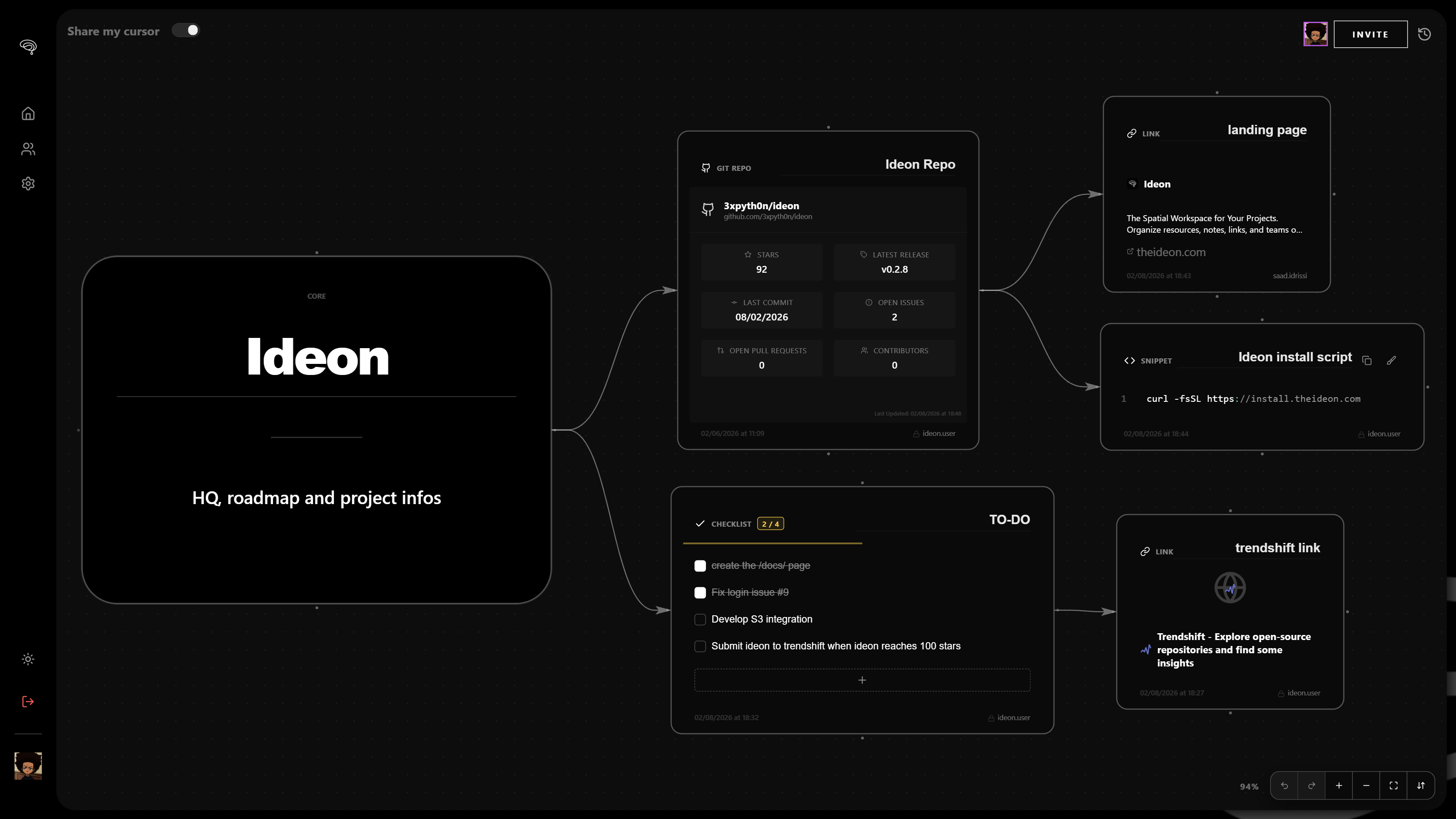
What is Ideon?
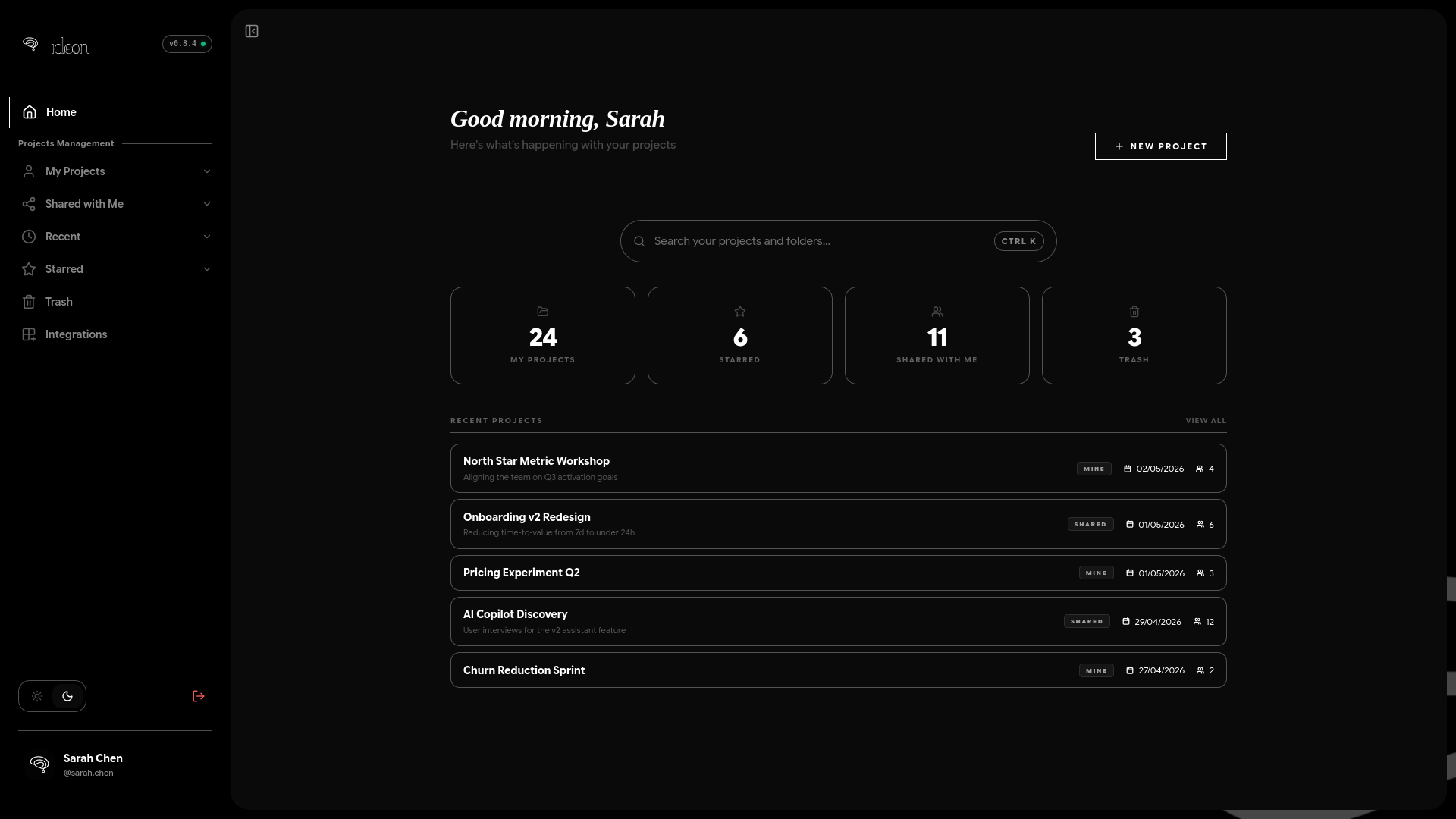
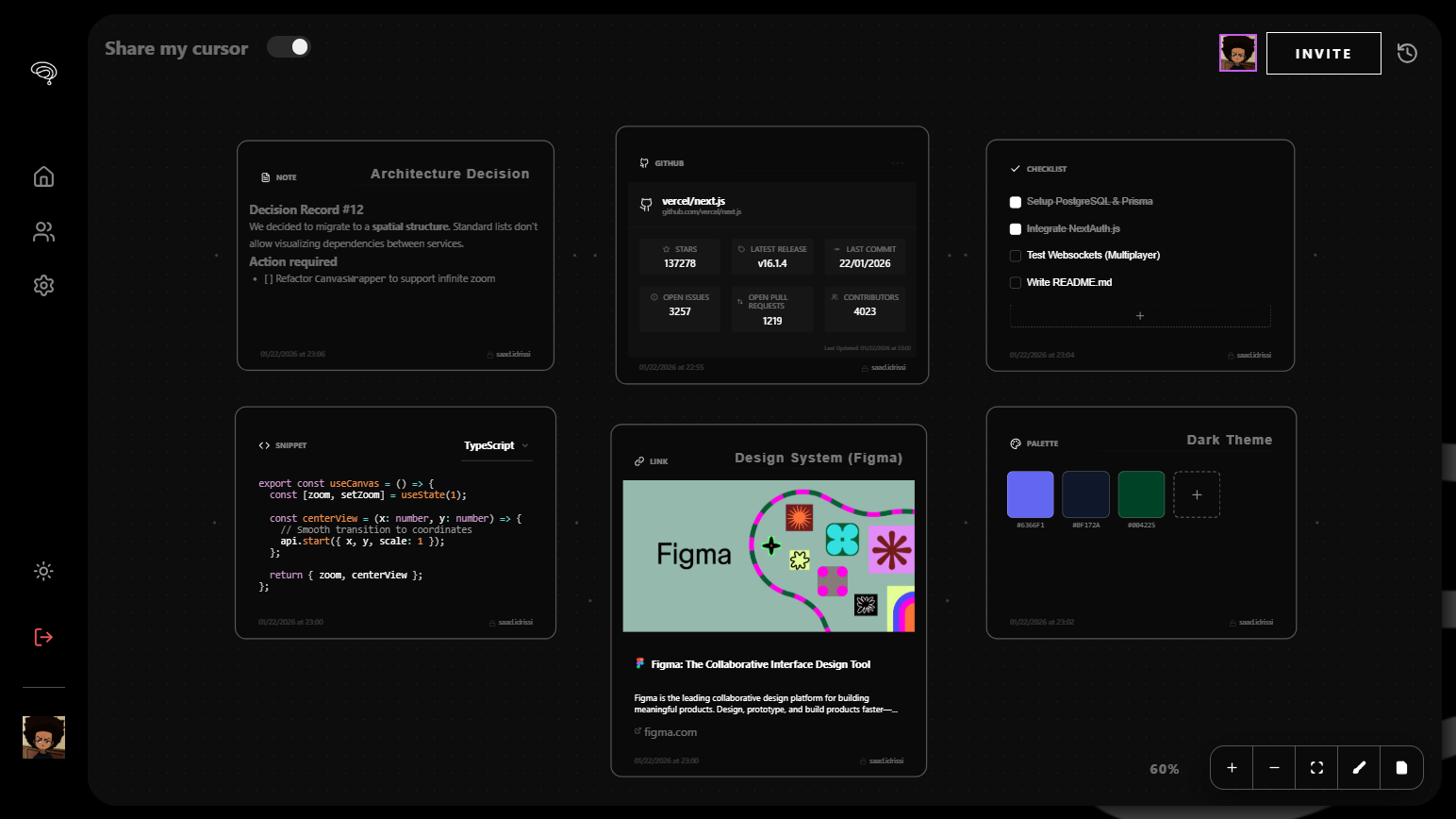
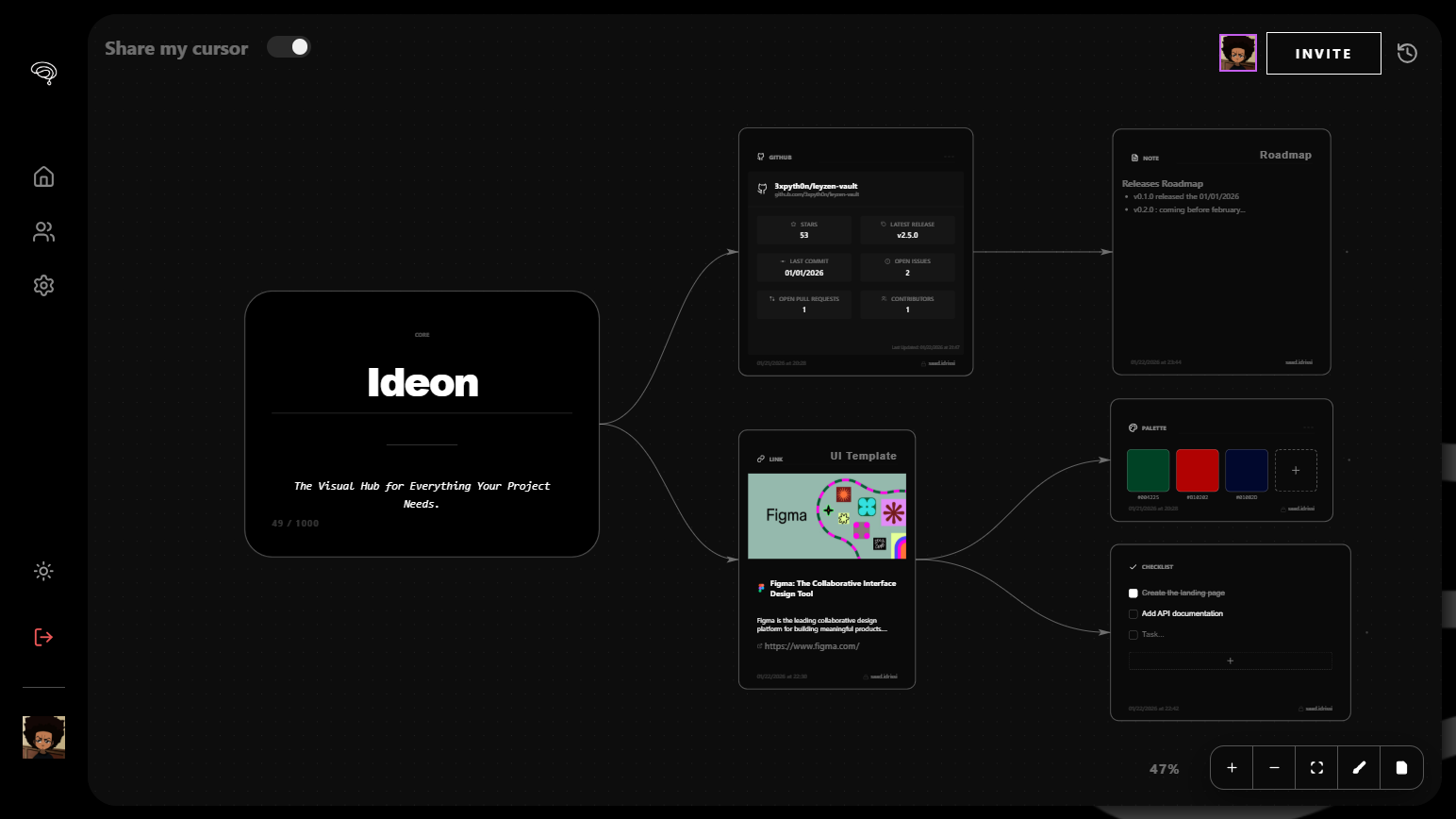
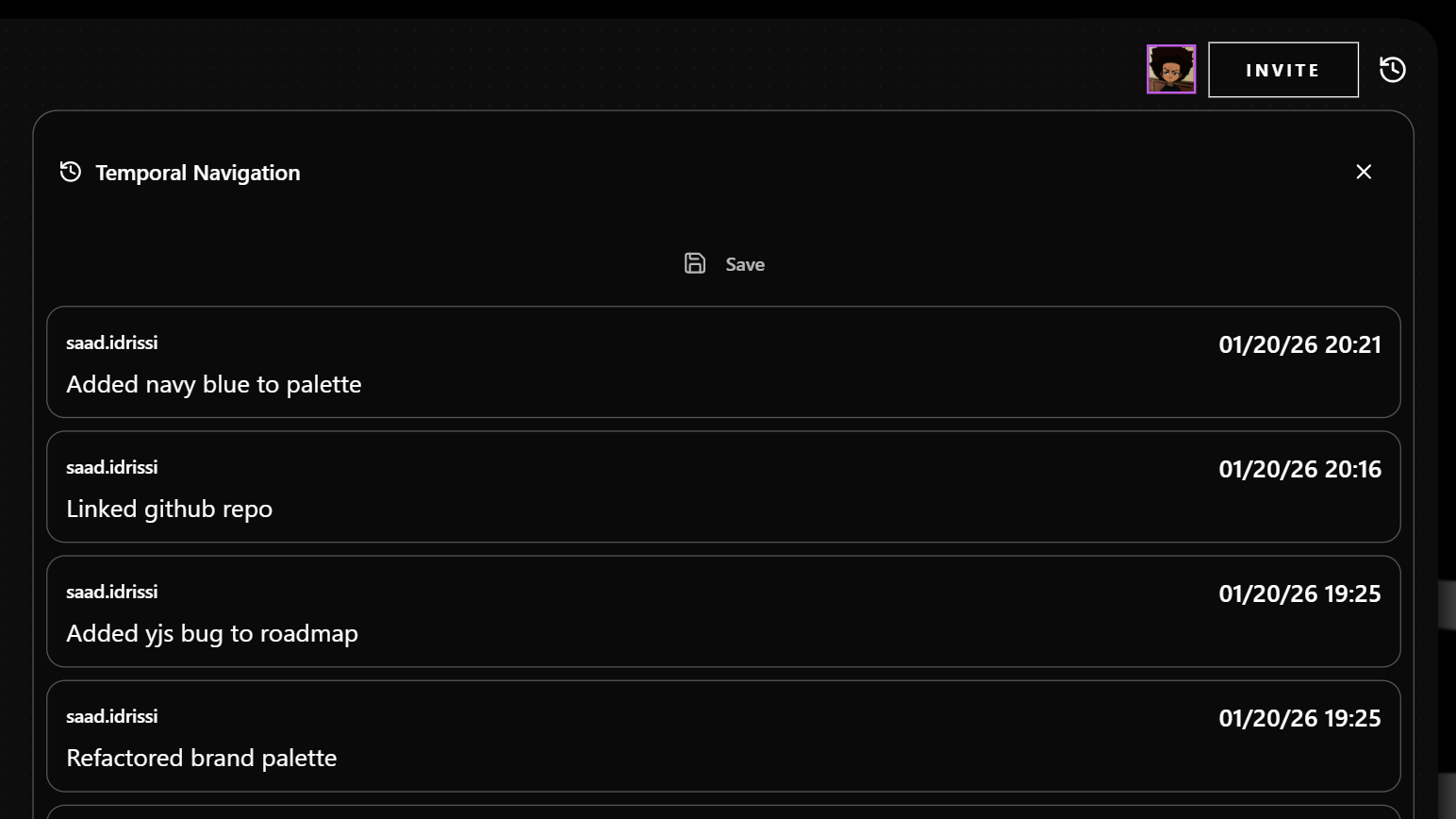
Ideon is a collaborative workspace tool that lays a project out on a spatial 2D canvas instead of folders and tabs, aimed at teams and individuals who want repositories, notes, links, tasks and people visible together. Everything on the canvas is a block: Markdown notes, Mermaid diagrams, files, links, Git repositories, Kanban boards and database blocks can be placed, connected and grouped freely. Several people can edit the same project at once, with live cursors and CRDT-based sync, and projects can be shared by email invite or read-only public link. The workspace keeps historical snapshots you can browse and rewind, and every write is recorded in a tamper-evident, hash-chained audit trail. Canvas state can be synced to a Git repository as versioned files under a hidden .ideon directory, and webhook and cron blocks run server-side automations. An MCP endpoint and API keys let AI agents read and manipulate the canvas. It runs via Docker (single container with SQLite, or a compose stack with PostgreSQL), a one-line installer script, or a one-click Easypanel template; the AGPLv3 code sits on GitHub with free self-hosting, plus paid managed cloud and enterprise tiers.
Should you self-host Ideon?
Ideon scores 50/100 on selfhost.directory (how scoring works) and ranks #5 of 9 in Whiteboarding. It has 666 GitHub stars.
It shipped 17 stable releases in the past year. The latest, v1.0.0, came out on 15 October 2026. New versions land roughly every 8 days.
Setup is easy: most people get it running in one sitting. An official Docker image is available. It is AGPL-3.0-licensed and written mostly in Typescript.
Its closest alternative on selfhost.directory is Plane (86/100, 61 611 stars). It scores higher overall, so compare the two before you pick. See Ideon vs Plane side by side.
Features
- Git repository and issue embedding
- Git versioning of canvas
- Infinite spatial canvas
- Kanban Boards
- Magic link passwordless login
- Markdown Notes
- MCP server for AI agents
- Mermaid diagram rendering
- Public read-only share links
- Real-time multiplayer collaboration
- Role-based Access Control
- Single sign-on (OAuth, OIDC, SAML)
- Tamper-evident audit trail
- Webhook and cron automation blocks
- Workspace snapshots and rewind
Ideon README
More in Whiteboarding
 spacedeck-openSpacedeck Open is a self-hosted, open-source collaborative whiteboard for real-time teamwork with drag-and-drop media, drawing tools, and presentation mode.
 tableaunoirA self-hosted whiteboard for teachers featuring movable magnets to animate lessons, real-time collaboration, LaTeX math, and offline desktop use.
 WBOSelf-hosted, open-source collaborative whiteboard where many people draw together in real time; boards persist as SVG and it runs via Docker or Node.js.
 DigiboardSelf-hosted, open-source collaborative whiteboard for classes and remote teams, with drawing tools, colored labels, pinned comments, multi-page boards and PNG export.
 DigiscreenSelf-hosted open-source classroom background from La Digitale: combine QR codes, drawing, YouTube, timers, word clouds, TTS and exercises into .dgs boards.
 drafft-inkA self-hosted, open-source whiteboard with an infinite canvas, real-time CRDT collaboration, and WebGPU rendering — no accounts or subscriptions needed.
 draw.iodraw.io is a JavaScript, client-side editor for general diagramming.
 DrawnixSelf-hosted, open-source all-in-one whiteboard with mind maps, flowcharts and freehand drawing, built on the Plait framework.
 ExcaliDashExcaliDash is a self-hosted, open-source Excalidraw workspace adding collections, real-time collaboration, version history, and backups with local or OIDC auth.
 excalidrawExcalidraw is a self-hosted, open-source virtual whiteboard for hand-drawn diagrams with infinite canvas, dark mode, and PWA support.
 excalidraw-persistExcalidraw Persist is a self-hosted, open-source whiteboard based on Excalidraw that adds server-side persistence, multiple boards, and trash recovery using SQLite.
 excalidraw-self-hostedDocker Compose configuration for self-hosted Excalidraw with real-time collaboration, MongoDB storage, and Traefik reverse proxy.
0 comments