
Self-host SwizGuard
Stealth VPN that looks like HTTPS traffic
- Stars
- 232
- Ports
- 443 (Xray VLESS+REALITY+Vision inbound (HTTPS camouflage)), 51821 (WireGuard server (internal, localhost only))
- Requires
- WireGuard, Xray-core
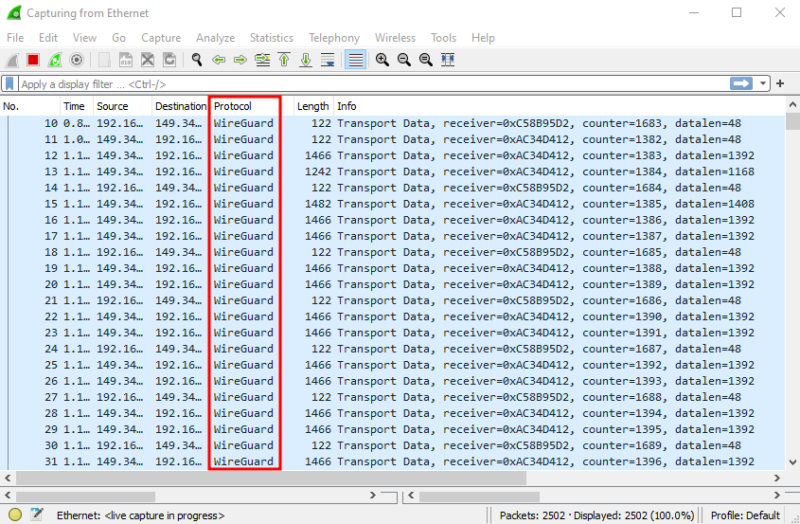
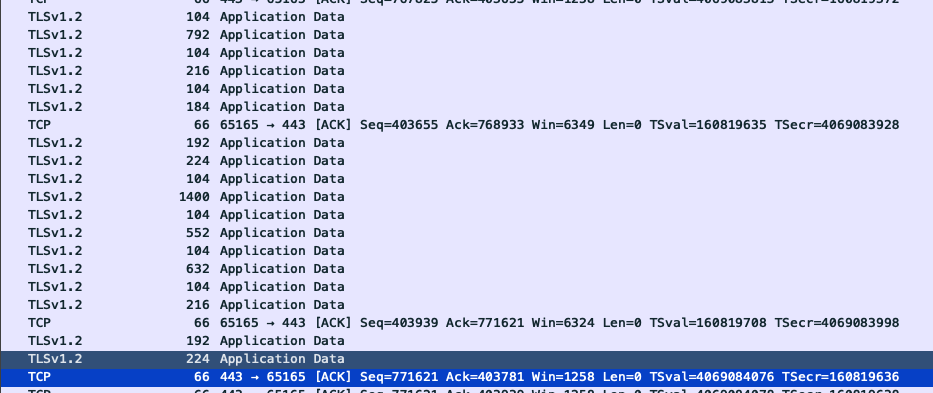
What is SwizGuard?
SwizGuard is a self-hosted stealth VPN that makes your traffic look like ordinary HTTPS to Microsoft.com. It conceals a WireGuard tunnel within VLESS+REALITY and Vision flow so the connection appears identical to a real HTTPS session. The server runs on a low-cost VPS using Debian or Ubuntu and is set up with a single command. Client configurations for macOS, Linux, Windows, iOS, and Android are created automatically as Xray or sing-box files. You control the VPS and the keys — no third-party VPN provider is involved. The code is MIT-licensed and builds on Xray-core, sing-box, and WireGuard.
Should you self-host SwizGuard?
SwizGuard scores 42/100 on selfhost.directory (how scoring works) and ranks #46 of 56 in VPN. It has 232 GitHub stars.
There was no stable release in the past 12 months, so check the repository's recent activity before you rely on it.
Setup is moderate: expect some configuration beyond a single command. It is MIT-licensed and written mostly in Shell.
Its closest alternative on selfhost.directory is Tailscale (84/100, 38 215 stars). It scores higher overall, so compare the two before you pick. See SwizGuard vs Tailscale side by side.
Features
- Automatic client config generation
- Client management CLI
- Cross-Platform Clients
- One-command server deployment
- REALITY key rotation
- Single-process client
- Stealth VPN (VLESS+REALITY+Vision)
- Vision flow (xtls-rprx-vision)
- VPS hardening integration
- Zero access logs
SwizGuard README
More in VPN
 TailGuardSelf-hosted Docker container that bridges WireGuard-only devices into a Tailscale network, advertising WG subnets to the tailnet with an optional monitoring web UI.
 TailscaleTailscale is an open-source WireGuard mesh VPN client creating secure peer-to-peer networks across devices using a hosted coordination service.
 Tailscale DERP DockerA Docker-based self-hosted Tailscale DERP server that relays encrypted traffic between tailnet devices when direct connections fail.
 towoneltowonel is an open-source, self-hosted tunnel exposing HTTP(S), TCP, and UDP services behind NAT or CGNAT without inbound ports, using a persistent QUIC tunnel.
 Transmission_VPNA self-hosted, open-source Docker container that runs Transmission and its web UI only while an OpenVPN tunnel is active, with presets for many VPN providers.
 tsdproxyTSDProxy is an open-source, self-hosted reverse proxy that automatically exposes Docker containers on Tailscale with zero sidecars and automatic HTTPS.
 TunnetTunnet is a self-hosted, open-source mesh VPN replacing Tailscale and ngrok with one stack: mesh, tunnels, SSH, file transfer, and Kubernetes integration.
 usqueusque is a self-hosted, open-source reimplementation of Cloudflare WARP using MASQUE (RFC 9484) for secure tunnels as SOCKS5/HTTP proxies or TUN interfaces.
 wagSelf-hosted WireGuard VPN gateway with MFA, route-based access policies, device enrollment, web admin UI, CLI, HA clustering, and auto TLS via Let's Encrypt.
 warp-dockerwarp-docker runs the official Cloudflare WARP client in Docker as a SOCKS5/HTTP proxy or NAT gateway with WARP+, Zero Trust, and MASQUE support.
 WGDashboardSelf-hosted open-source dashboard to manage WireGuard and AmneziaWG VPN servers with web UI, peer management, QR codes, and 2FA.
 wiredoorOpen-source, self-hosted ingress exposing HTTP/TCP/UDP from private networks via WireGuard tunnels, with full control over endpoints and routing.
0 comments