
Self-host statusnook
v0.3.0Self-hosted status page with endpoint monitoring
- Stars
- 988
- Port
- 8000 (HTTP server)
goksan/statusnook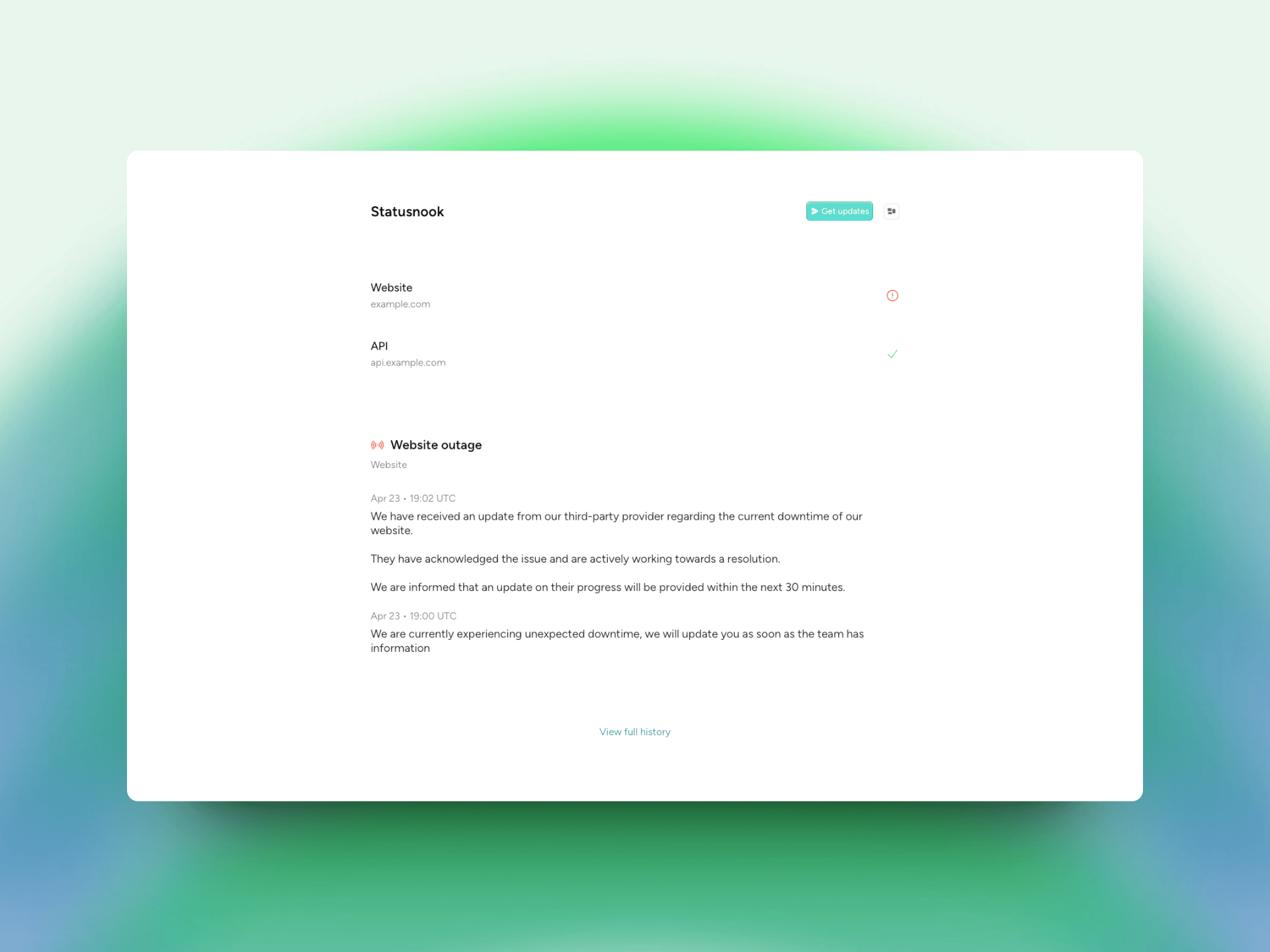
What is statusnook?
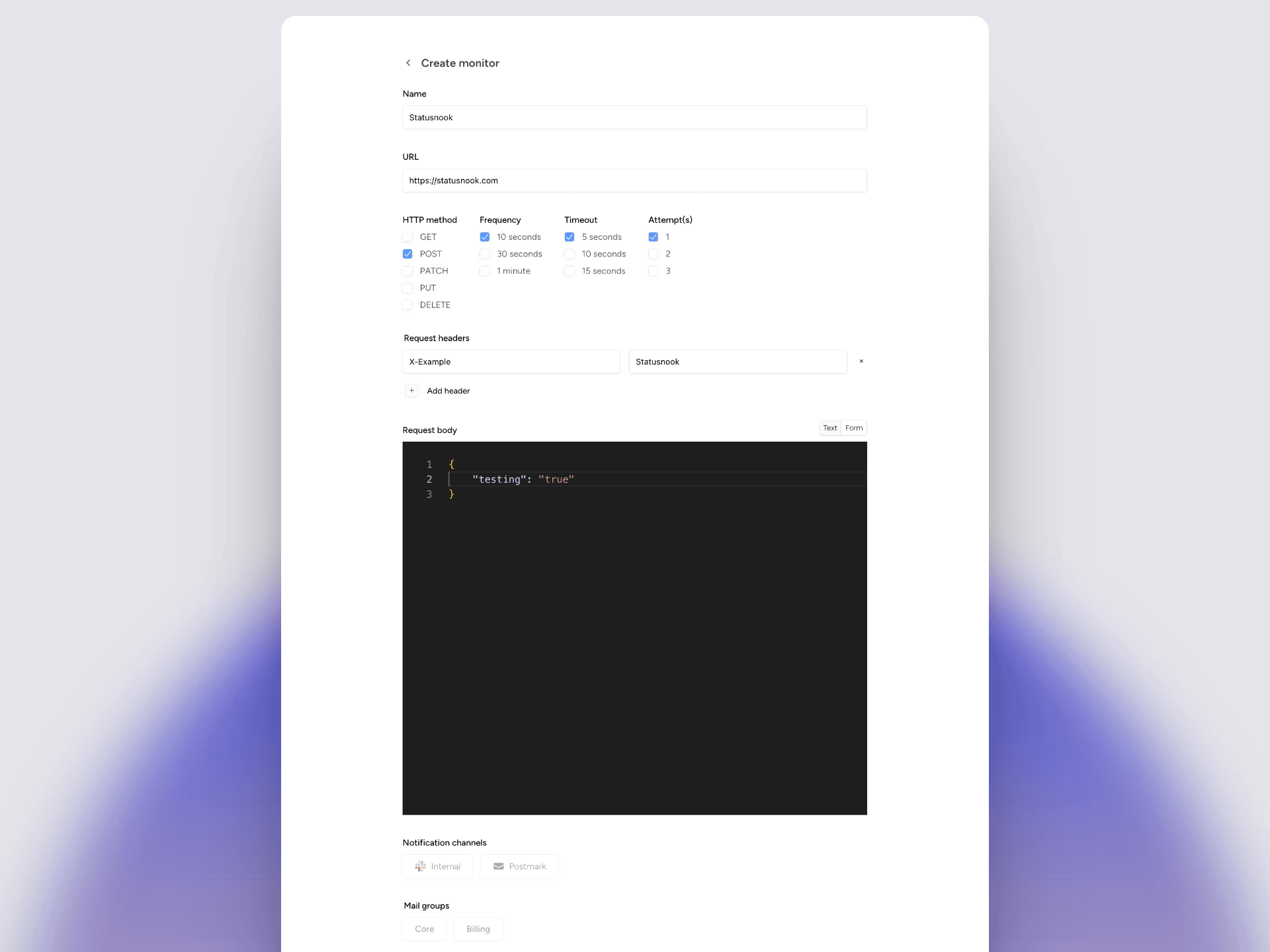
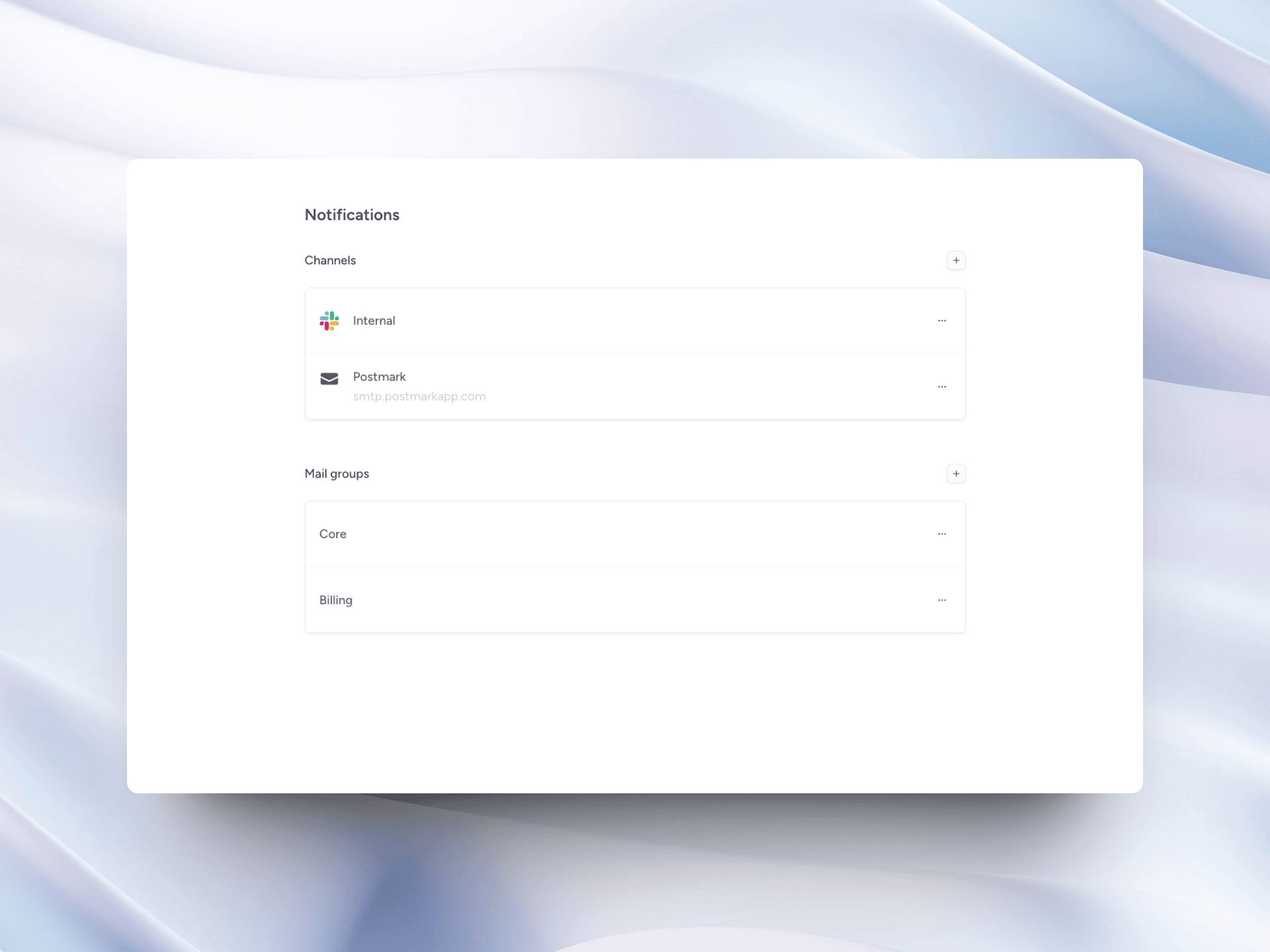
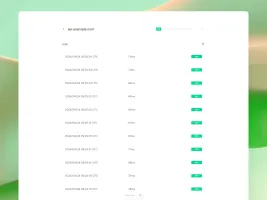
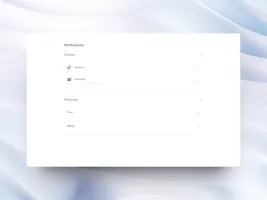
Statusnook is a self-hosted status page and monitoring platform written in Go. It lets you create a public status page to share service health summaries, incident timelines, and maintenance windows with visitors. You can configure customizable HTTP monitors with adjustable frequency, headers, and request bodies, and assign notification channels (Slack webhooks, SMTP email via providers like Postmark, Azure, SES) and mail groups for alerts. The project uses SQLite for storage and offers multiple deployment options: a standalone installer with automatic Let's Encrypt HTTPS on ports 80/443, a reverse proxy mode on a custom port, official Docker images, Docker Compose, pre-built Linux binaries (amd64/arm64), and one-click templates for DigitalOcean, Vultr, Railway, and Zeabur. Configuration can be done through the web UI or via YAML files synced from a GitHub repository. The software is licensed under MIT and is actively developed with the latest release v0.3.0 from June 2024.
Should you self-host statusnook?
statusnook scores 51/100 on selfhost.directory (how scoring works) and ranks #58 of 104 in Monitoring & observability. It has 988 GitHub stars.
There was no stable release in the past 12 months, so check the repository's recent activity before you rely on it.
Setup is easy: most people get it running in one sitting. An official Docker image is available. It is MIT-licensed and written mostly in Go.
Its closest alternative on selfhost.directory is grafana (90/100, 77 562 stars). It scores higher overall, so compare the two before you pick. See statusnook vs grafana side by side.
Features
- Automatic HTTPS
- Email notifications (SMTP)
- Endpoint Monitoring
- GitHub Sync
- In-app Updates
- Mail groups
- Opt-in subscriber updates
- Pre-built binaries
- Reverse Proxy Support
- Service components
- Slack notifications
- Status Page
- Web UI configuration
- YAML Configuration
statusnook README
More in Uptime Monitoring
 UpptimeOpen-source, self-hosted uptime monitor and status page that runs entirely on GitHub Actions, Issues and Pages, checking endpoints every 5 minutes with no server.
 upstatSelf-hosted open-source uptime monitor with HTTP(S) checks, latency charts, status pages, and alerts via Discord, Slack, email, webhooks. SQLite/PostgreSQL.
 UptimeFlareFree, open-source monitor and status page built on Cloudflare's Workers platform: geo-aware checks from 310+ cities, HTTP and TCP probing, plus incident history.
 ZoraxyOpen-source reverse proxy manager for self-hosted services, with a web UI, ACME TLS, TCP/UDP forwarding, an uptime monitor and a built-in SSH terminal.
 arewedownAre We Down? is a self-hosted, open-source uptime monitor with a web dashboard checking HTTP, SSH, Docker, and more, alerting via email and Slack.
 asuraSelf-hosted uptime monitor as one Go binary with SQLite. 19 check types, distributed probes, live dashboards, status pages, SLA tracking, 13 alert channels.
 Blackbox exporterSelf-hosted open-source Prometheus exporter that runs external checks of HTTP, DNS, TCP, ICMP and gRPC services, publishing probe success and latency metrics.
 checkcleOpen-source, self-hosted monitoring platform for uptime checks, server metrics, SSL expiry and incidents, with regional probes, alert channels and public status pages.
 CheckupSelf-hosted distributed health checks and status pages in Go. Supports HTTP, TCP, DNS, TLS checks with S3, filesystem, GitHub, MySQL, PostgreSQL, SQLite storage.
 ciaoSelf-hosted, open-source HTTP(S) URL monitoring: cron-scheduled checks, web UI, REST API, e-mail and webhook alerts, Prometheus metrics, no external database.
 Cloudflare Workers Status PageSelf-hosted, open-source status page on Cloudflare Workers that monitors websites, shows daily uptime history, and sends Slack, Discord or Telegram alerts.
 CoreObsCoreControl is a self-hosted, open-source dashboard for homelab servers: track hardware info, quick links to self-hosted apps, uptime checks and network flowcharts.
0 comments