
Self-host Slipshow
v0.13.0Scrolling, drawable presentations compiled from Markdown
- Stars
- 901
What is Slipshow?
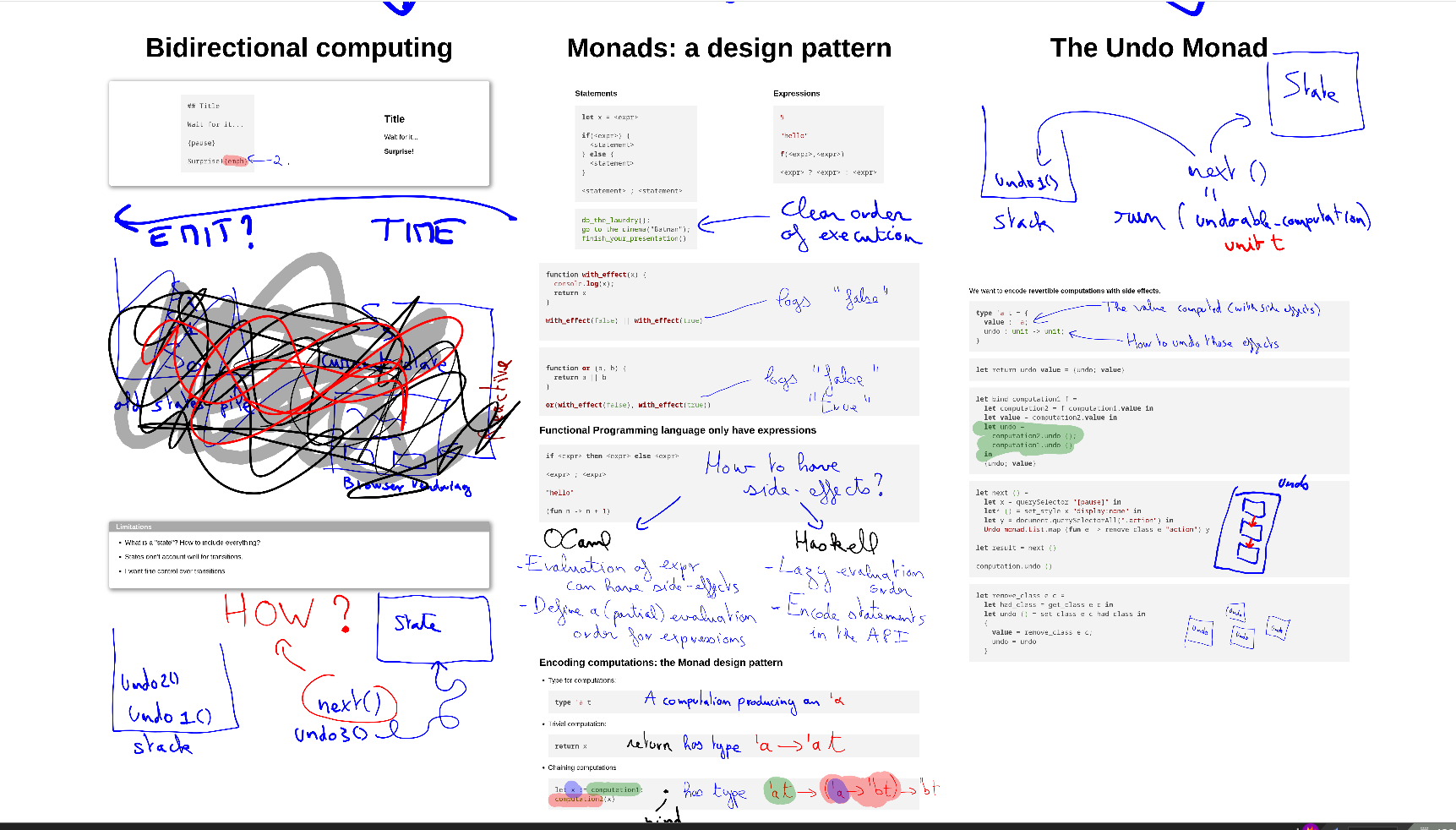
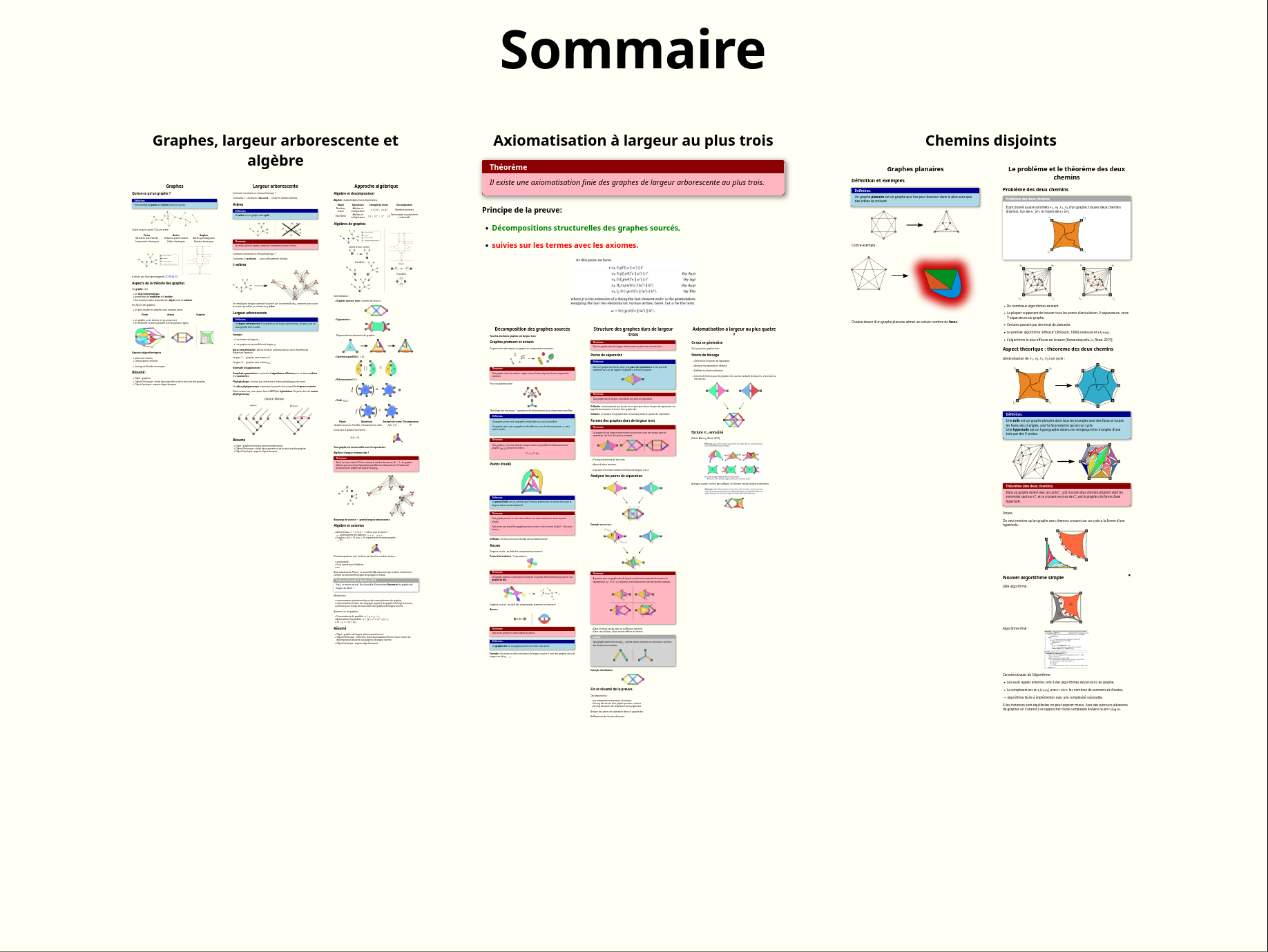
Slipshow is an open-source presentation tool that moves past the fixed slide: its basic unit, the slip, behaves like a slide of unlimited height, and during the talk the view scrolls down to uncover further content according to a script the presenter writes. Decks are authored in an extended flavor of Markdown and compiled into one self-contained HTML document that runs offline in a regular browser. You can draw directly on the screen, capture those strokes and have them replayed live, mixing typed and drawn modes freely; presentations can also include PDFs, video and audio, render mathematics, highlight code, and run your own JavaScript animations on cue. While writing, slipshow serve hosts a local preview that reloads itself whenever files change, and there is a presenter view with notes, selectable themes, and multi-file decks. Installation is a downloaded binary or opam install slipshow; a VS Code extension adds compile and preview commands, and the hosted sliphub editor brings collaborative editing. The project is pre-1.0, and its own docs caution that even minor releases can bring small breaking changes, so re-check older decks after upgrading. Development is sponsored by NLNet.
Should you self-host Slipshow?
Slipshow scores 52/100 on selfhost.directory (how scoring works) and ranks #11 of 38 in Personal Productivity. It has 901 GitHub stars.
It shipped 8 stable releases in the past year. The latest, v0.13.0, came out on 5 September 2026. New versions land roughly every 3 weeks.
Setup is easy: most people get it running in one sitting. It is Other-licensed and written mostly in OCaml.
Its closest alternative on selfhost.directory is LanguageTool (75/100, 15 205 stars). It scores higher overall, so compare the two before you pick. See Slipshow vs LanguageTool side by side.
Features
- Annotation recording and replay
- Custom JavaScript
- Drag-to-position GUI modeAdded in v0.13.0
- Live collaboration editingCollaborative editing goes through the hosted sliphub service; docs call it experimental.
- Live preview with hot-reloading
- Markdown compilation
- Math rendering
- Multi-file presentations
- PDF embedding
- Scripted scrolling and zooming
- Speaker view with notes
- Static HTML export
- Syntax highlighting
- Themes
- Video and audio embedding
Slipshow README
More in Document Conversion
 TypstOpen-source, self-hosted markup typesetting system: a CLI and Rust library that compiles Typst files to PDF, PNG, SVG, or HTML as an easier alternative to LaTeX.
 Convert to it!Open-source, self-hosted file converter that crosses media boundaries (video to document, and more), running privately in your browser.
 HRConvert2Open-source, self-hosted file conversion web app: 488 formats, 26 languages, bubblewrap-sandboxed tools, no sign-up, no tracking, no database.
 pullmdSelf-hosted URL and file to Markdown converter for AI agents with PWA, REST API, MCP server, and Claude Code skill.
0 comments