
Self-host Scrob
v2.34.2Self-hosted media tracker for Jellyfin, Plex, Emby and more
docker compose up -d- Stars
- 566
- Ports
- 7330 (HTTP web interface), 7331 (Internal backend API (bare metal override))
- Requires
- PostgreSQL, TMDB API
bellamy/scrob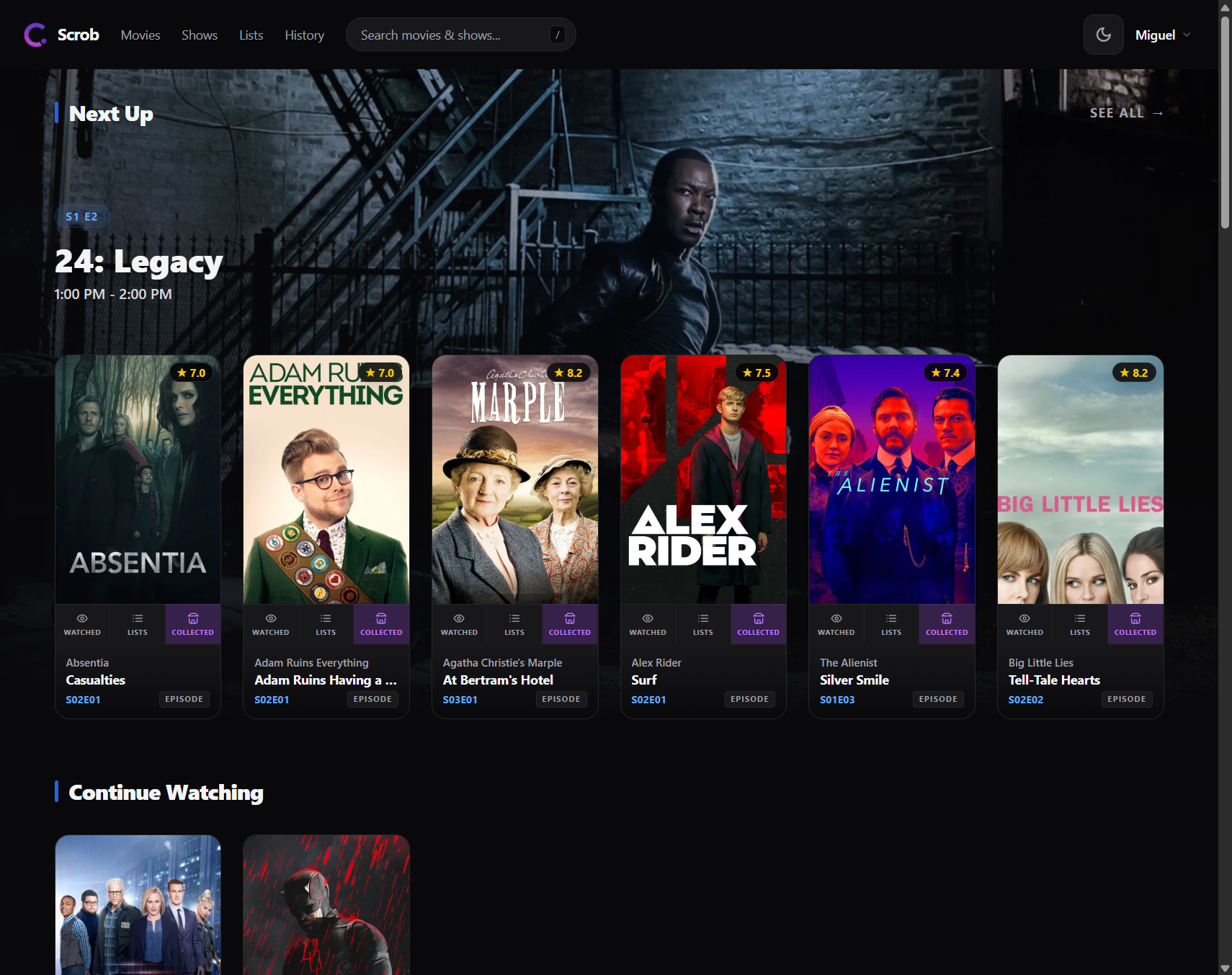

What is Scrob?
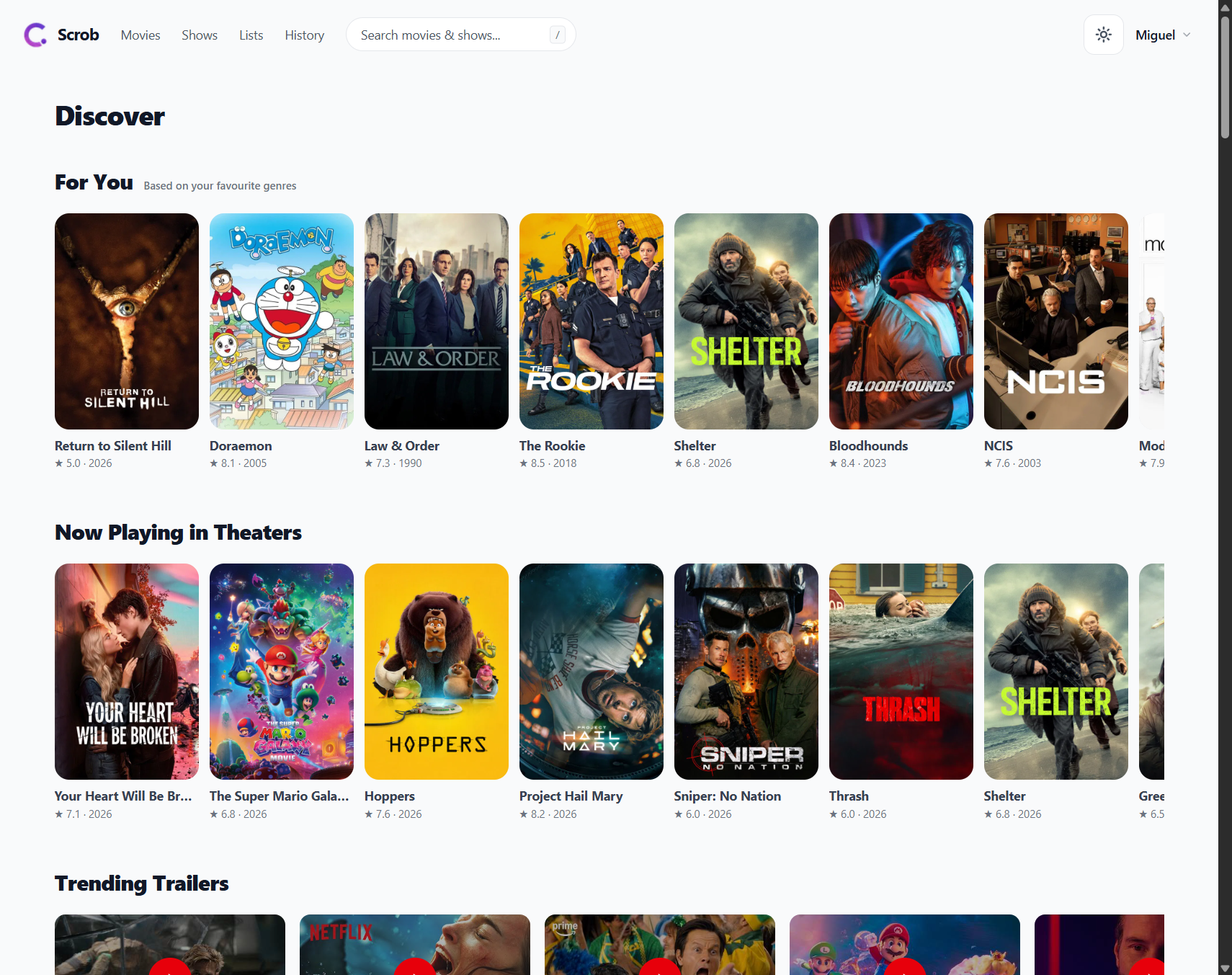
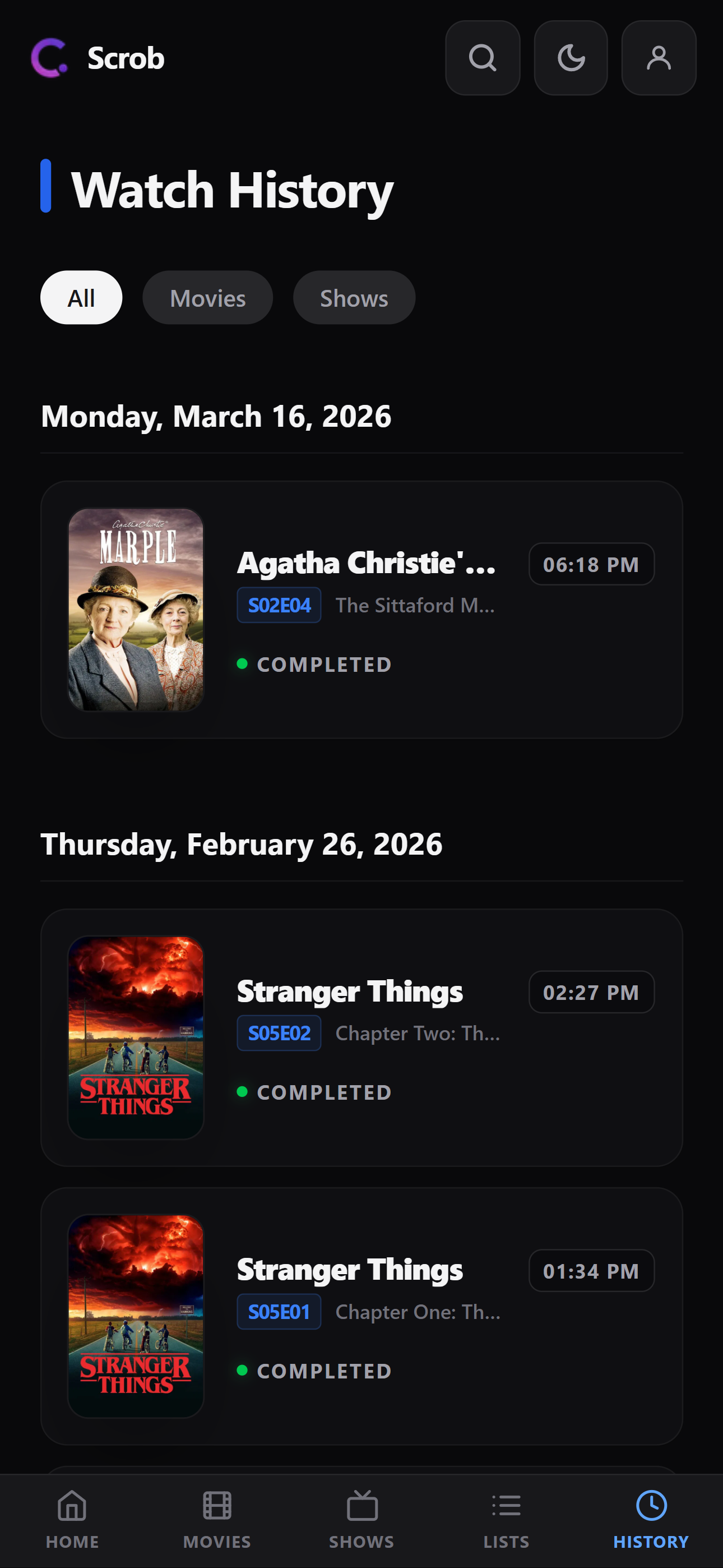
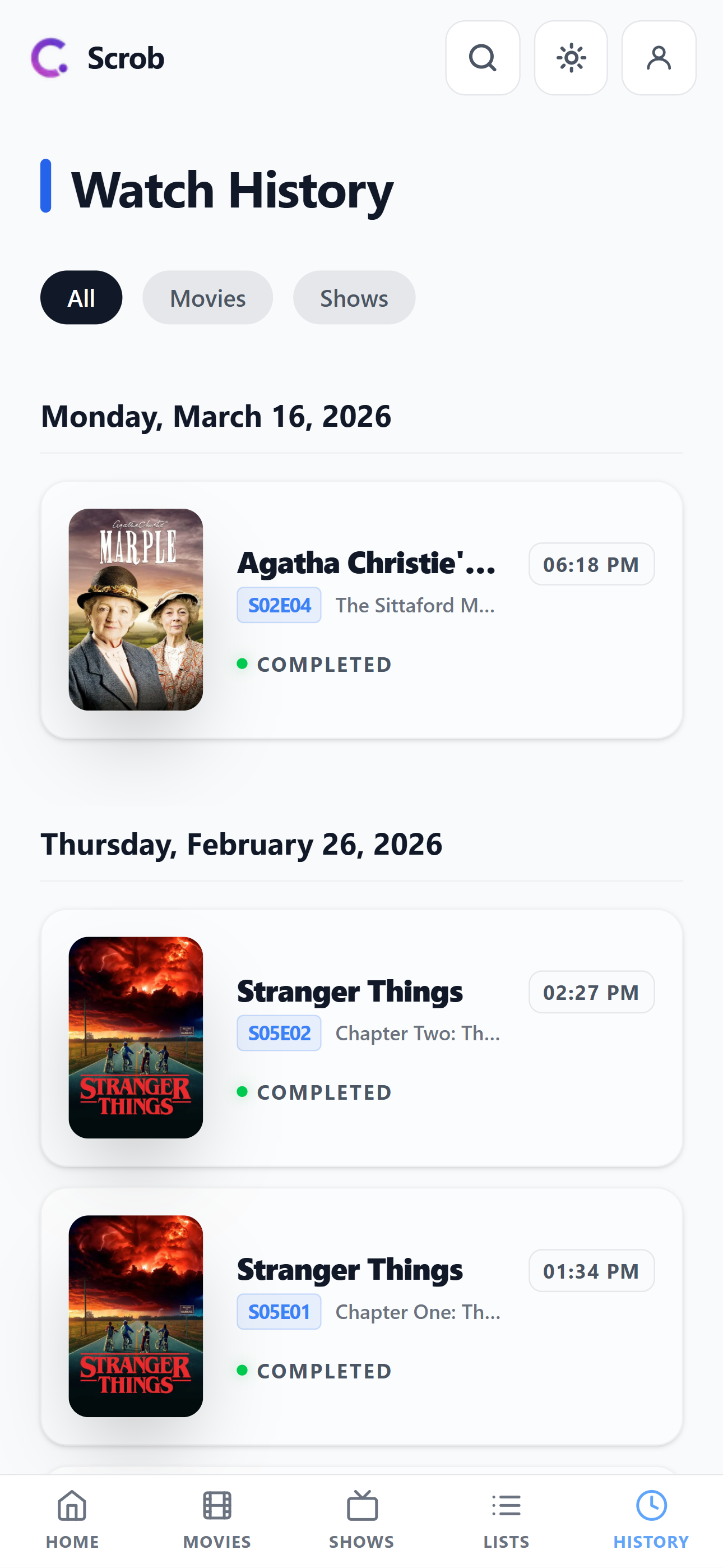
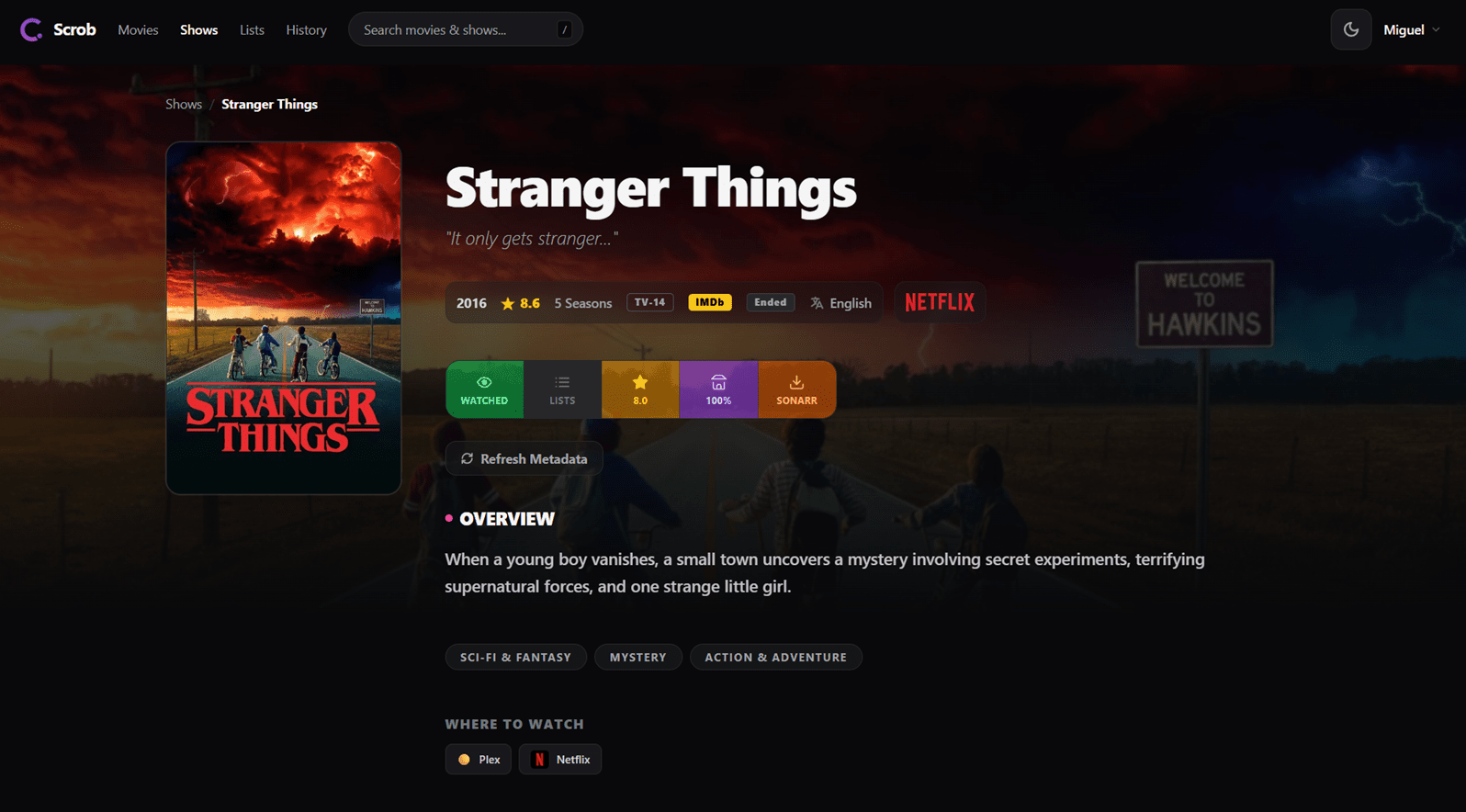
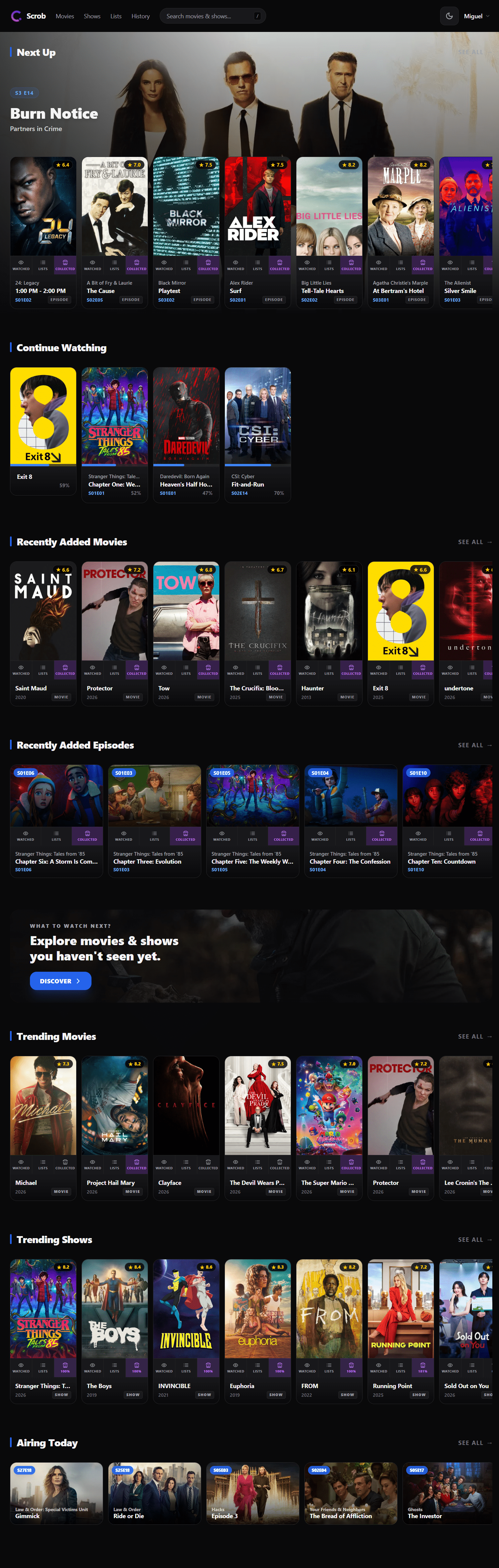
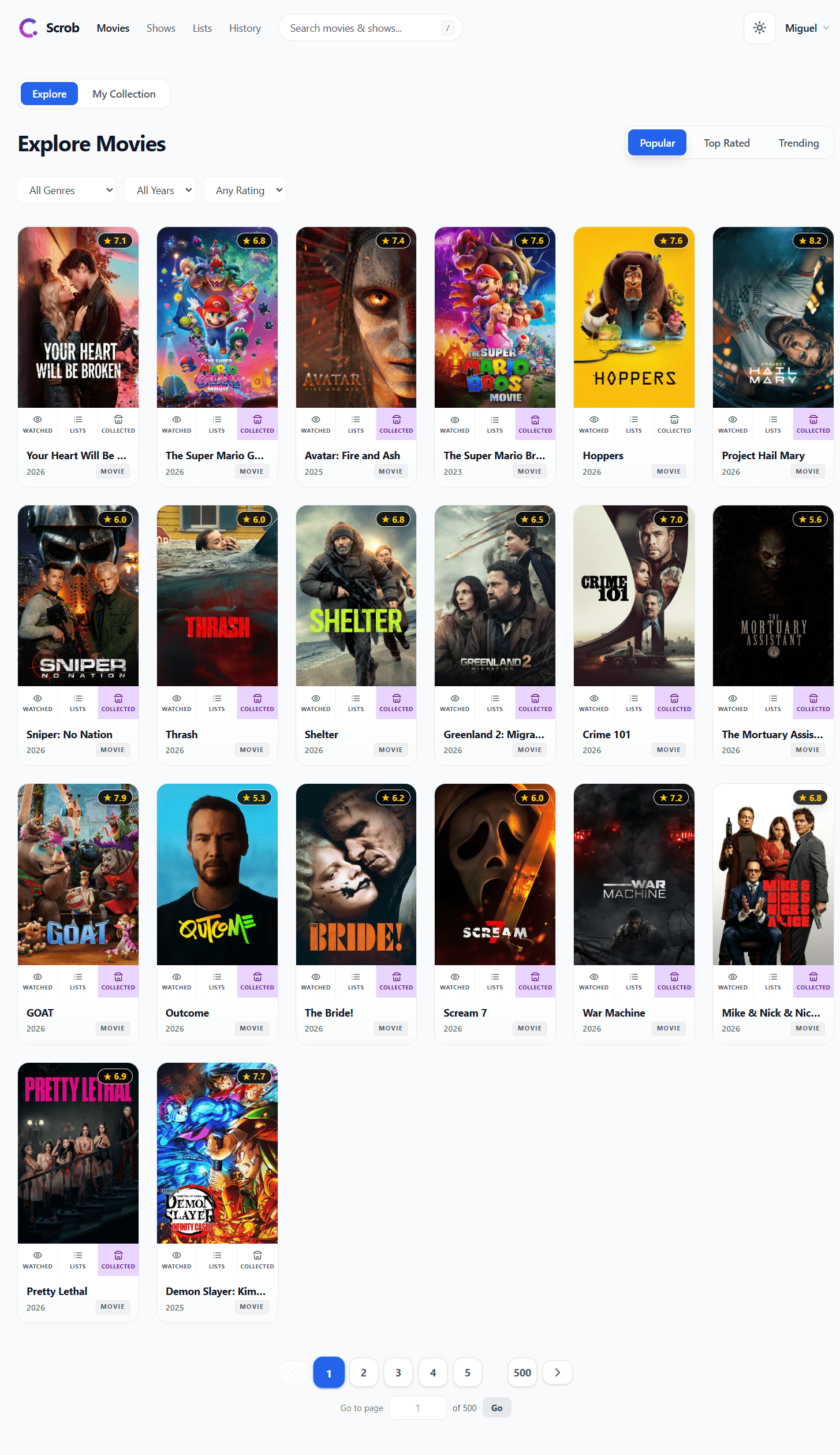
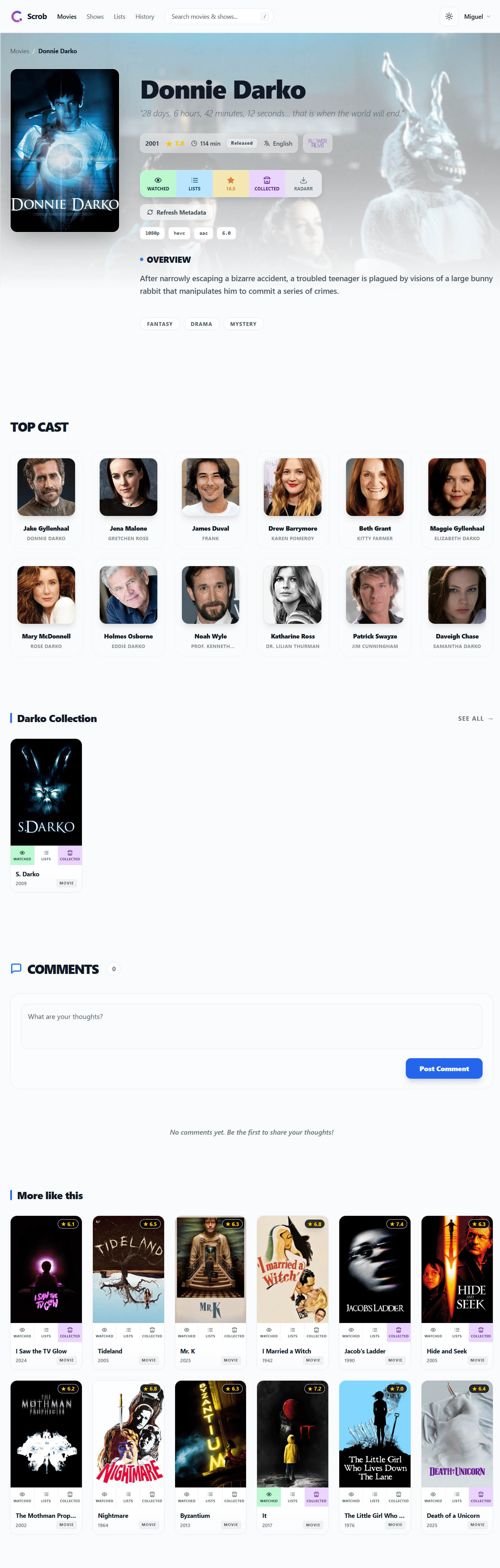
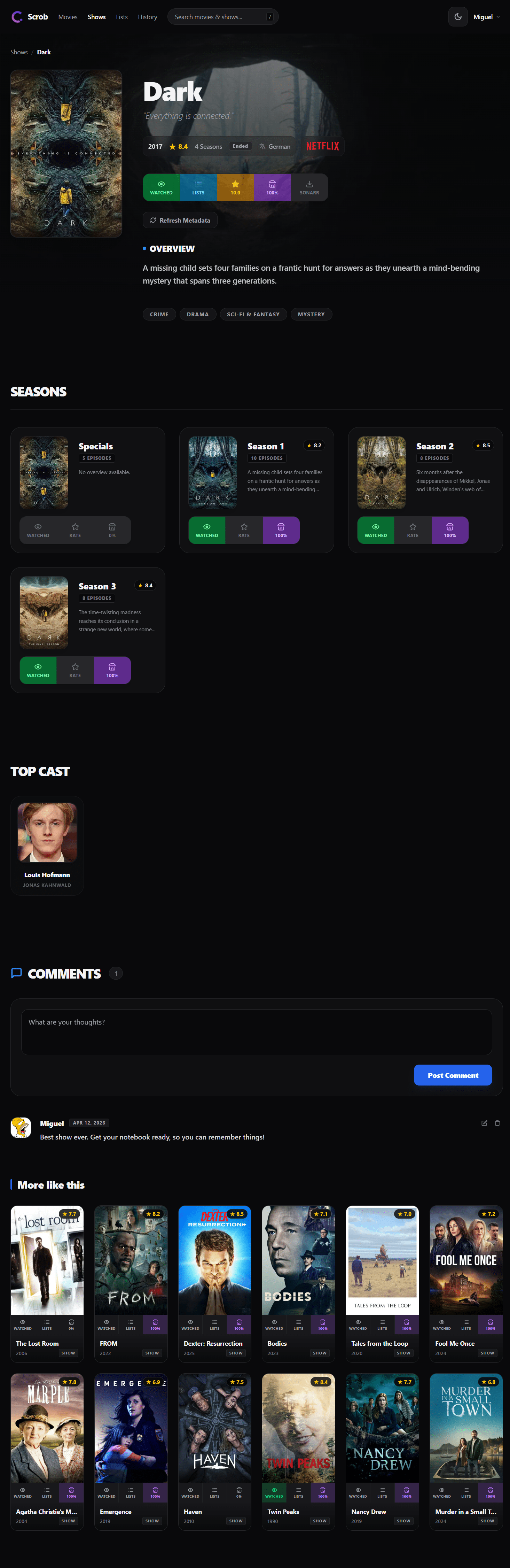
Scrob is a self-hosted dashboard that consolidates your viewing history from several media servers into one place. It connects to Jellyfin, Plex, Emby, and other platforms to import libraries and playback data, then keeps watch status, ratings, and collections synchronized both ways. Live webhooks from media centers and Kodi update progress in real time. External services such as Trakt, Simkl, and MDBList can feed in past activity and receive new entries. Radarr and Sonarr integration adds one-click download requests. The interface runs on phones and desktops as an installable web app. Docker deployment uses PostgreSQL, available as a two-container stack or a single omnibus image. The code is GPL-3.0 licensed and actively maintained.
Should you self-host Scrob?
Scrob scores 55/100 on selfhost.directory (how scoring works) and ranks #42 of 142 in Media Management. It has 566 GitHub stars.
It shipped 10 stable releases in the past year. The latest, v2.34.2, came out on 24 October 2026.
Setup is moderate: expect some configuration beyond a single command. An official Docker image is available. It is GPL-3.0-licensed and written mostly in Python.
Its closest alternative on selfhost.directory is NeoDB (55/100, 902 stars). Scrob scores higher overall. See Scrob vs NeoDB side by side.
Features
- Bingebase integration
- Manual scrobble sessions
- MDBList integration
- Multi-source library sync
- Personal lists
- Radarr and Sonarr integration
- Real-time scrobbling via webhooks
- Rewatch tracking
- Season ratings
- Simkl integration
- Social Features
- Trakt integrationLive connection requires Trakt VIP subscription; export import works without VIP
- Two-factor authentication (TOTP)
- Two-way provider synchronization
- Watch history and ratings
Scrob README
More in Media Server
 seanimeOpen-source media server with a web interface and desktop app for anime and manga.
 seedboxSeedbox is a self-hosted, open-source Docker Compose stack for a personal seedbox and media server with Plex, Sonarr, Radarr, Deluge, managed via Traefik with auto HTTPS.
 sickchillSelf-hosted TV show library manager that automatically searches torrents and NZBs for new episodes. Replaces SickBeard. Runs on Python 3.10+ or via Docker.
 SiloA self-hosted, open-source media server for movies, shows, audiobooks, ebooks, podcasts, and manga with hardware transcoding and Jellyfin-compatible APIs.
 simpnasSelf-hosted NAS operating system with a web UI for managing drives, volumes, network shares, users, and integrated apps like Jellyfin and Transmission.
 sofaSelf-hosted movie/TV tracker in one Docker container with SQLite. Tracks episodes, syncs from Plex/Jellyfin/Emby, exports to Sonarr/Radarr, native iOS/Android apps.
 SongloftOpen-source self-hosted music server in Go that indexes your local audio and video files, streams radio, and runs via Docker, binaries, or a Home Assistant add-on.
 SoulSyncSelf-hosted open-source platform replacing Lidarr, Radarr, Sonarr. Downloads from Soulseek, Tidal, Qobuz, YouTube, verifies via AcoustID, syncs playlists to Plex/Jellyfin
 SpeedarrSelf-hosted bandwidth manager for Plex that throttles download clients (qBittorrent, SABnzbd, NZBGet, Transmission, Deluge) to prevent buffering.
 spisSelf-hosted image/video gallery server, lightweight and database-free. Runs on Raspberry Pi, offers PWA with endless scroll, favorites, slideshows, custom commands.
 SRSOpen-source, self-hosted C++ media server for live video over RTMP, WebRTC, HLS, HTTP-FLV, SRT, DASH and GB28181, with Docker and Kubernetes deployment.
 StashSelf-hosted, open-source media organizer in Go that indexes, tags and streams your video and image collection, with scraper metadata, plugins and DLNA.
0 comments