
Self-host samarium
0.9.6Open-source ERP and business management for small businesses
- Stars
- 507
- Port
- 80 (HTTP web server)
- Requires
- MySQL
What is samarium?
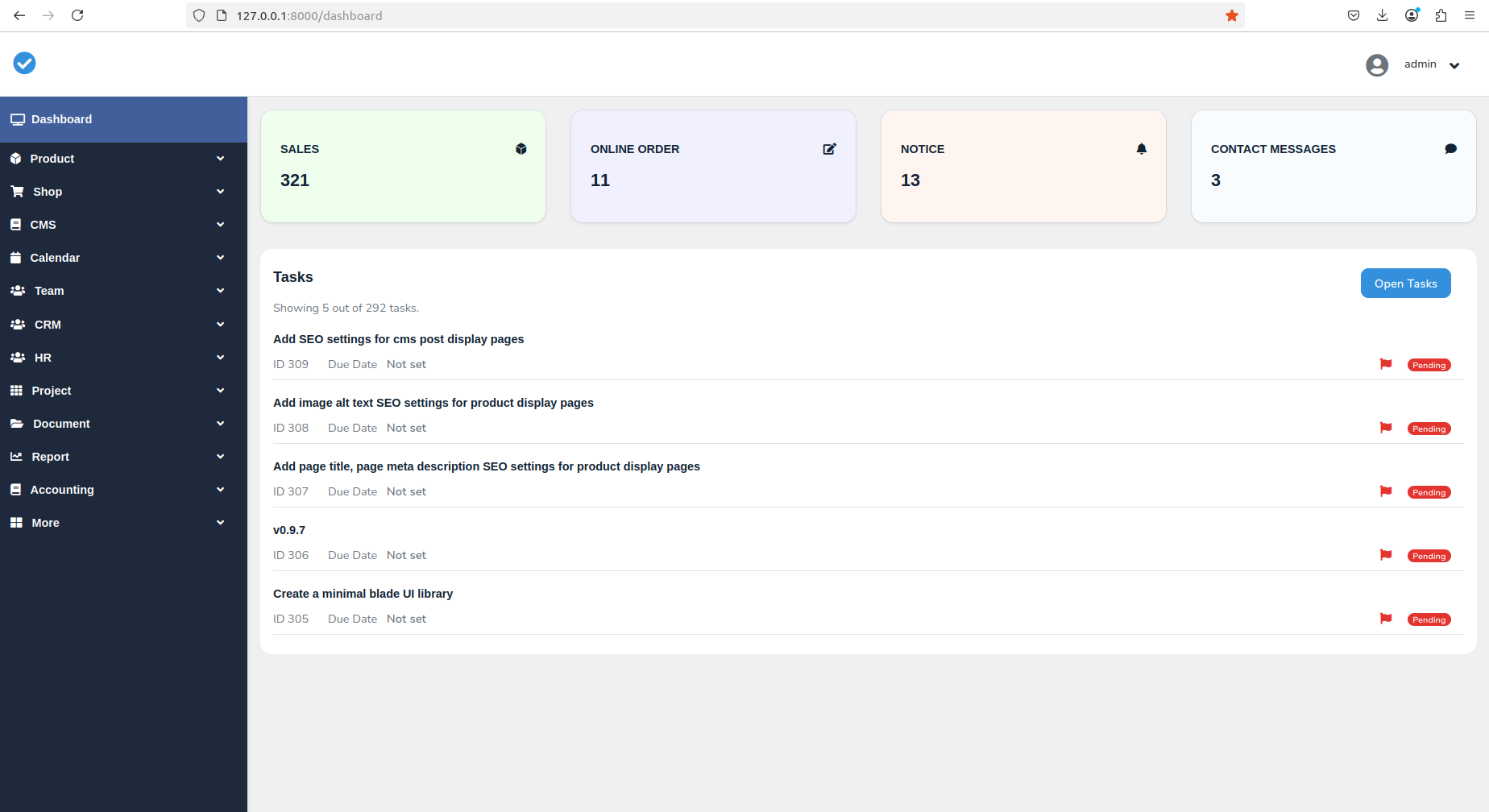
Samarium is a Laravel-based business management system designed for small businesses that need ERP, point-of-sale, invoicing, and content management features in one self-hosted application. It provides modules for dashboard, products, shop, CMS, team, reporting, accounting, CRM, calendar, HR, projects, documents, and school management. The system uses MySQL as its database and Redis for caching, with a Bootstrap and Livewire frontend. Installation is available via Docker Compose (recommended) or manual setup requiring PHP 8.2+, MySQL 8.0, Composer, and Node.js. The project is MIT-licensed and in active development at version 0.9.6, with the maintainers noting that many features are still basic, documentation needs improvement, and some modules are incomplete.
Should you self-host samarium?
samarium scores 42/100 on selfhost.directory (how scoring works) and ranks #14 of 14 in ERP. It has 507 GitHub stars.
There was no stable release in the past 12 months, so check the repository's recent activity before you rely on it.
Setup is moderate: expect some configuration beyond a single command. It is MIT-licensed and written mostly in Blade.
Its closest alternative on selfhost.directory is Dolibarr (72/100, 7 794 stars). It scores higher overall, so compare the two before you pick. See samarium vs Dolibarr side by side.
Features
- Analytics Dashboard
- Calendar System
- Content Management System
- Customer Management
- Financial tracking
- Inventory Tracking
- Invoice Generation
- Modular Architecture
- Multi-module support
- Point of Sale
- Task Management
- Theme Customization
samarium README
More in ERP
 TrenovaSource-available TMS for US trucking carriers with dispatch, billing, accounting, compliance, document automation, and AI agents via Docker Compose.
- TrytonTryton is a modular, scalable, and secure business software suite, ideal for companies of any size. It offers a fully integrated ERP solution with modules for accounting, sales, inventory, CRM, manufacturing, project management, and more.
 AccountedSelf-hosted Swedish accounting software with AI agent access via MCP for automated bookkeeping, invoicing, VAT, and payroll.
 AureusSelf-hosted, open-source ERP for SMEs built on Laravel and FilamentPHP, covering accounting, inventory, manufacturing, HR, CRM and sales as installable plugins.
 CarbonOpen-source manufacturing suite spanning ERP, MRP, MES and QMS on one Postgres schema: self-hosted quoting, planning, shop-floor tracking, quality and costing.
 craftplanSelf-hosted open-source ERP for artisanal manufacturers combining catalog, inventory, orders, production, purchasing, and CRM in one platform.
 DolibarrSelf-hosted open-source ERP and CRM for SMEs, large companies, freelancers managing customers, invoices, orders, stocks, HR, accounting
 dubblSelf-hosted, open-source accounting with invoicing, inventory, payroll, projects, and CRM. API-first with MCP support for AI agents. Alternative to Xero and QuickBooks.
 ERPClawThe AI-native ERP: accounting, inventory, sales, purchasing and more, operated in plain language. Free forever, self-hosted. GPL v3.
 Ever GauzySelf-hosted open-source ERP/CRM/HRM/ATS/PM platform with time tracking, invoicing, project management, employee monitoring, and desktop apps for Windows, Mac, and Linux.
 FacturaScriptsSelf-hosted open-source ERP and accounting software for SMBs with invoicing, inventory, CRM, and a plugin system for extensibility.
 frappe_dockerOpen-source Docker images and Compose setups to self-host Frappe apps such as ERPNext, CRM and Helpdesk, from demo installs to production deployments.
0 comments