
Self-host rustatio
v2.14.1BitTorrent ratio management tool with client emulation
docker compose up -d- Stars
- 306
- Port
- 8080 (Web UI)
ghcr.io/takitsu21/rustatio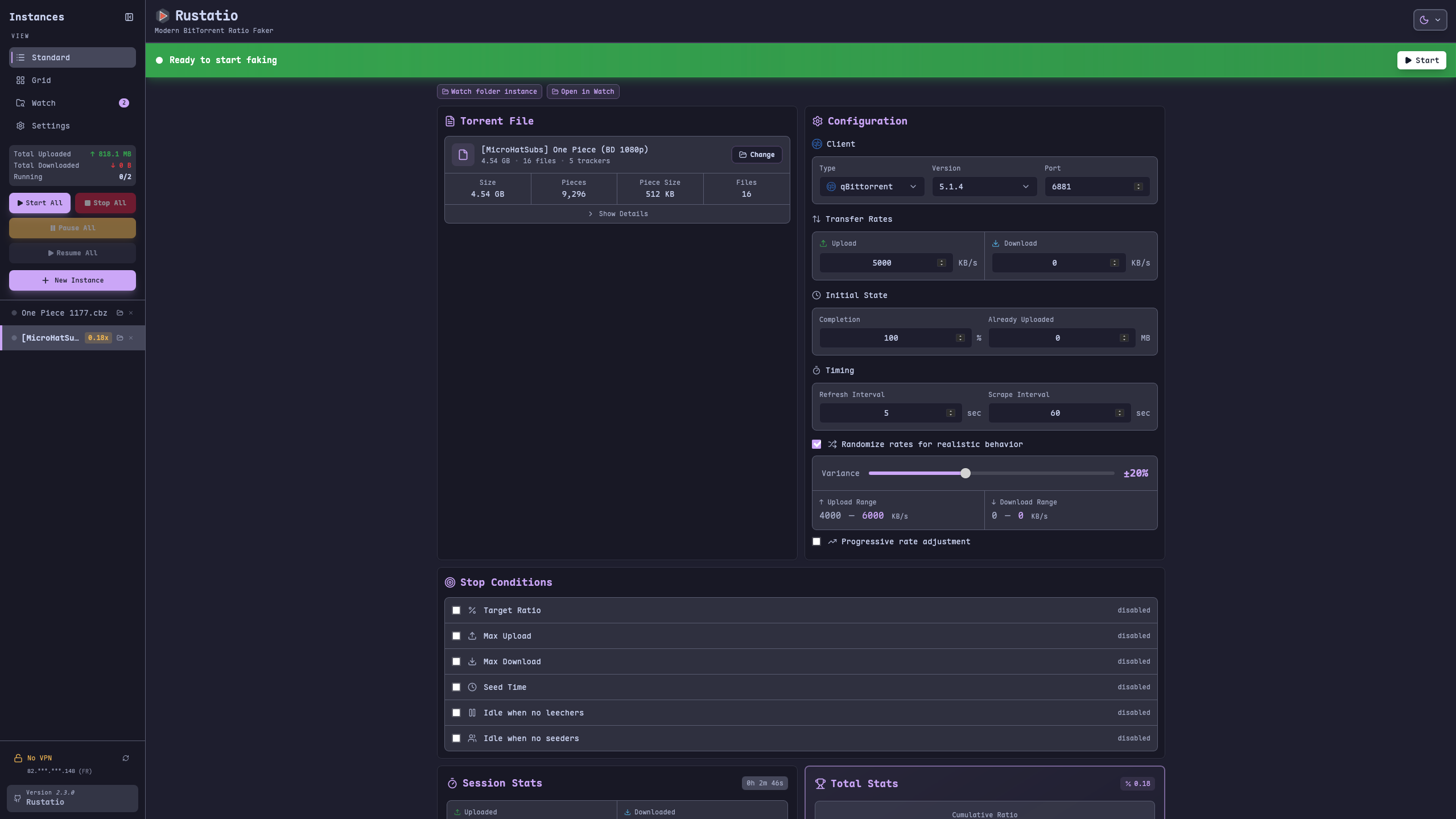
What is rustatio?
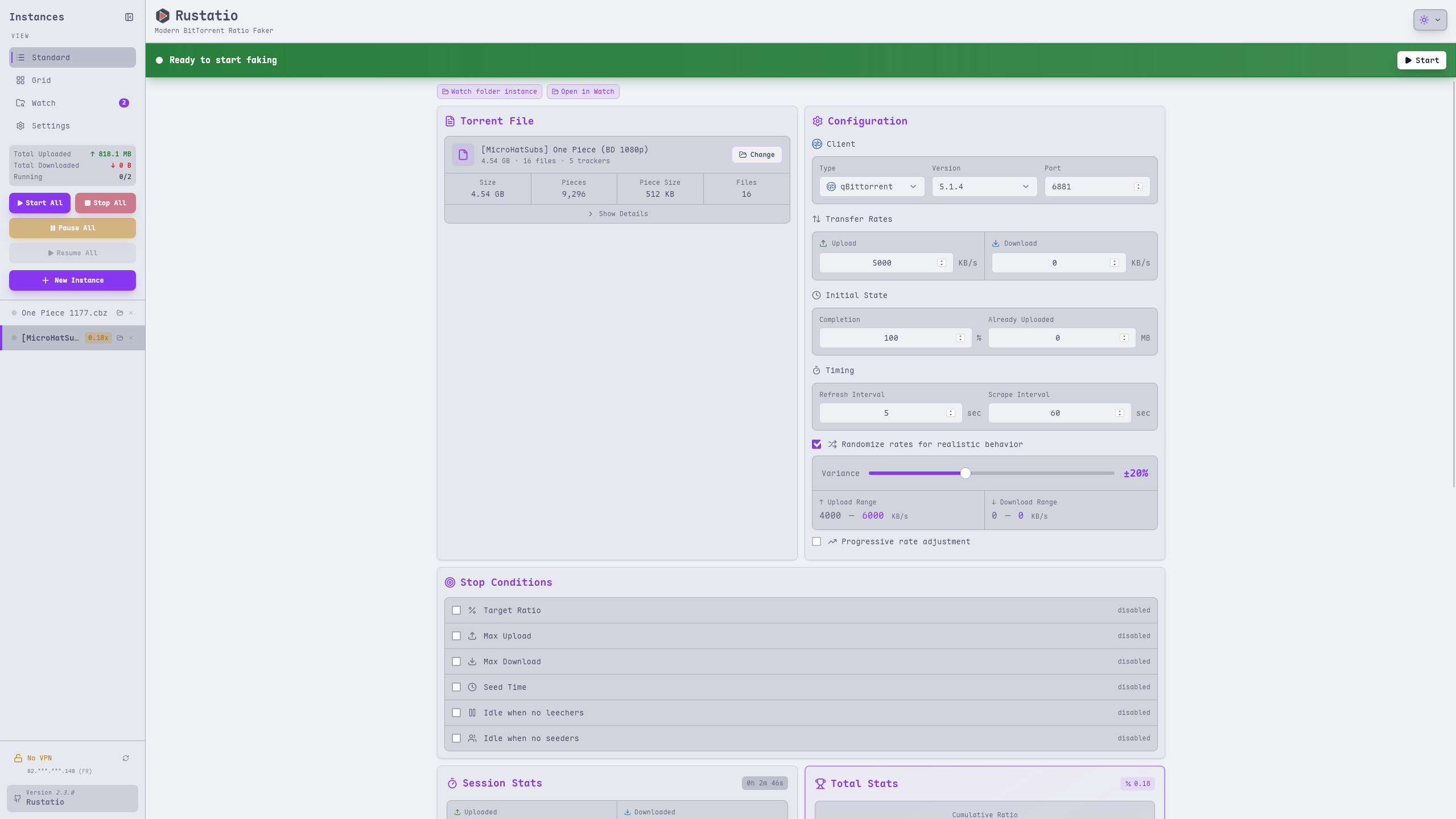
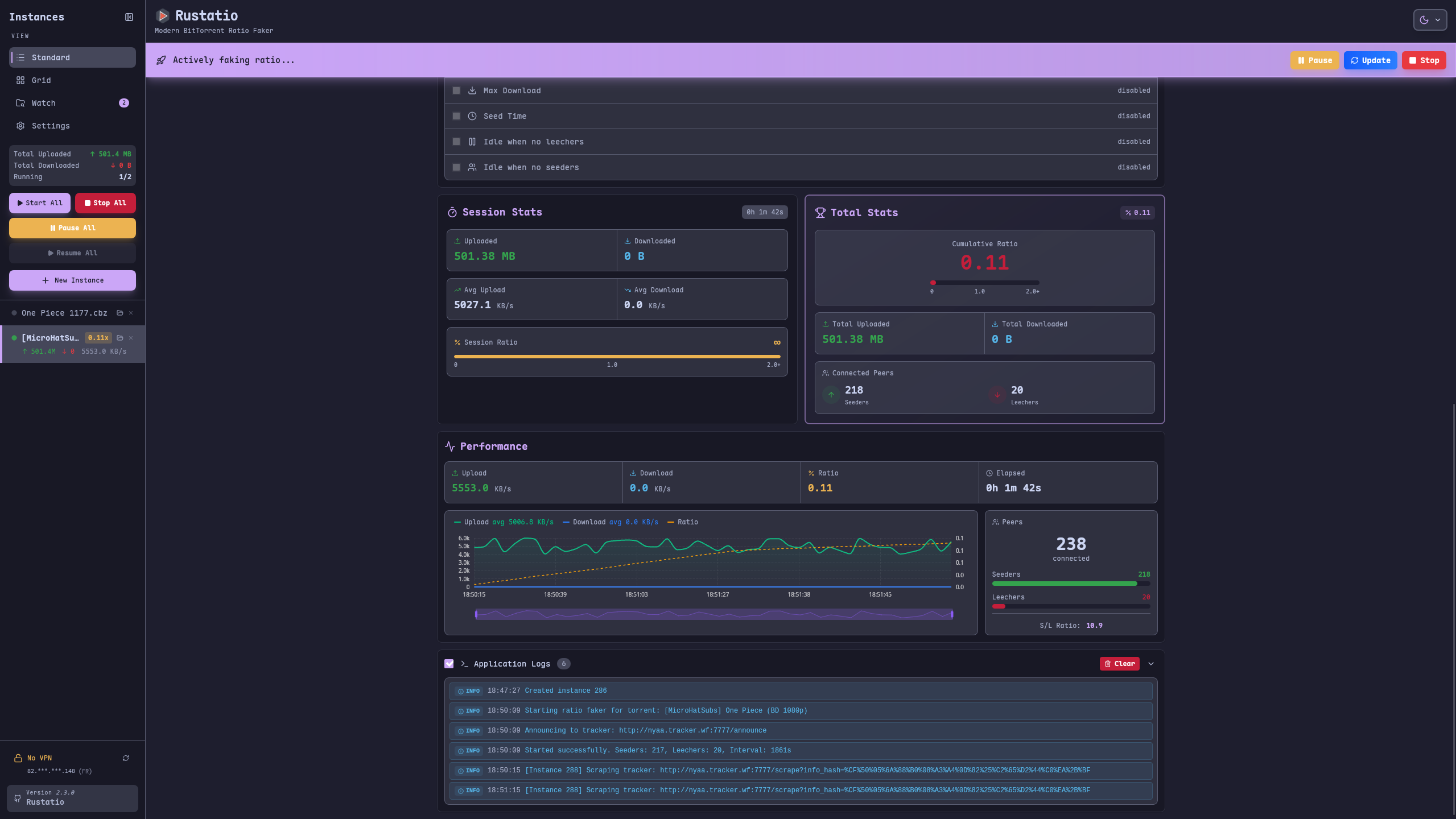
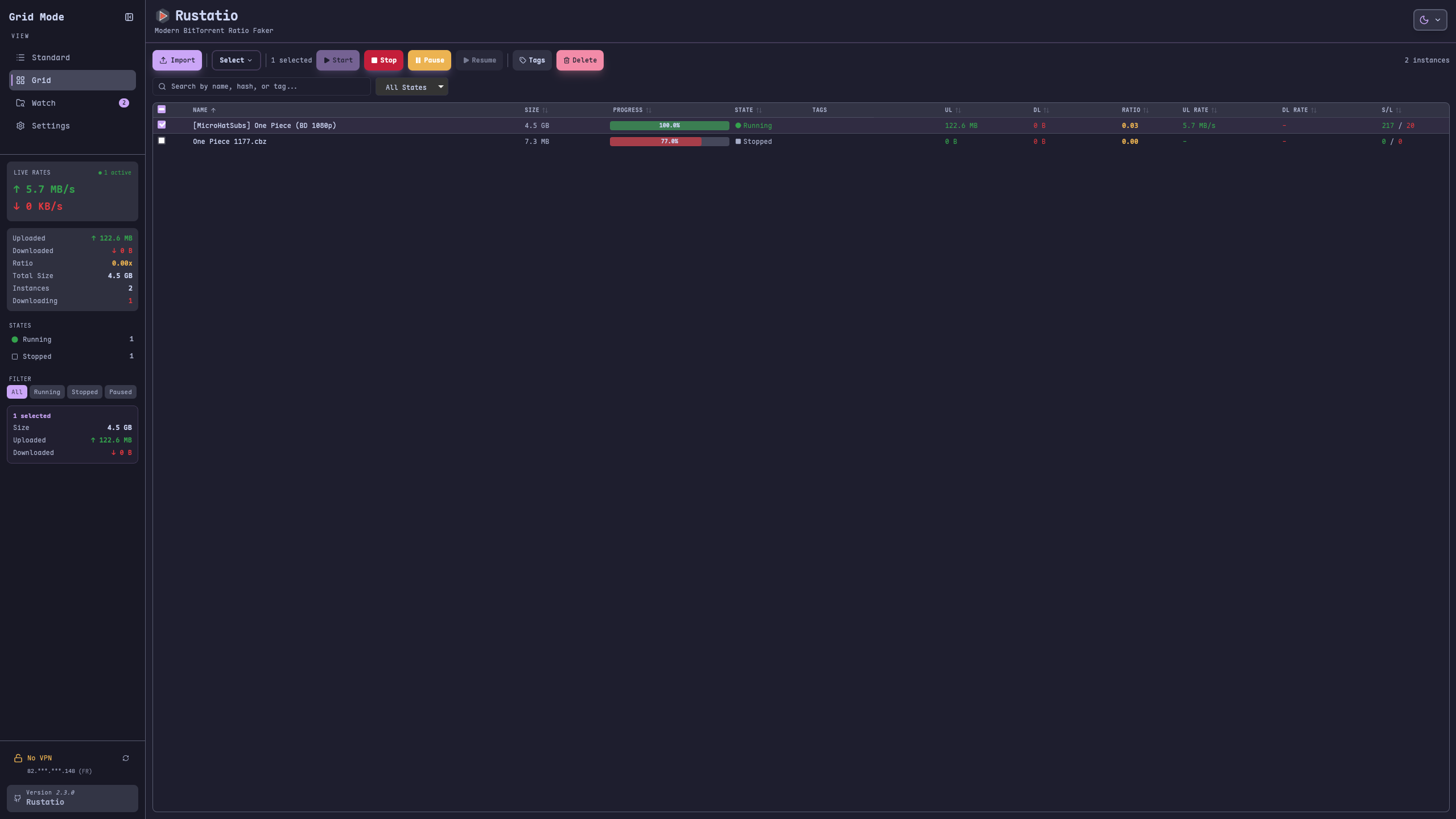
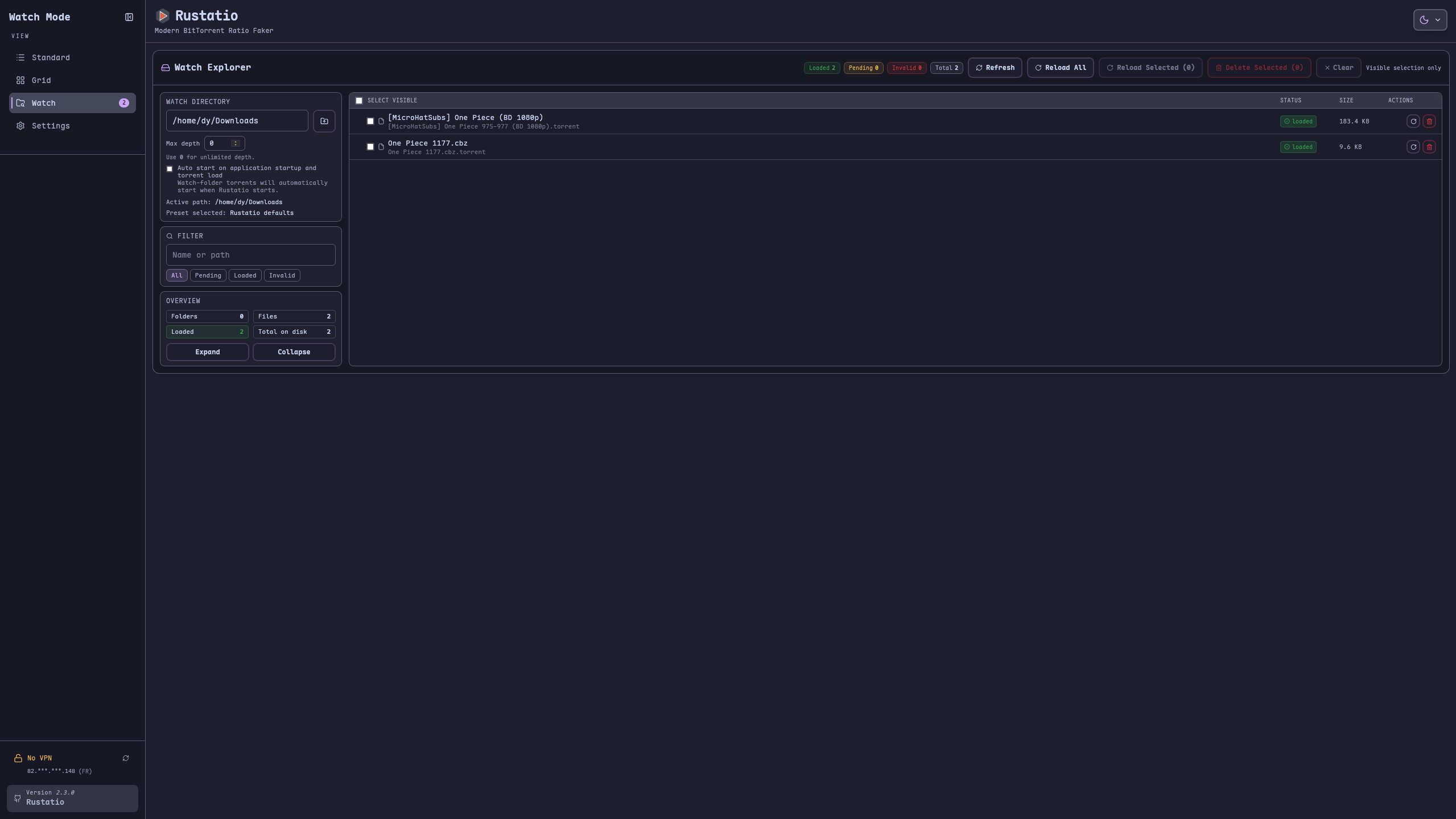
Rustatio manages BitTorrent ratios by pretending to be well-known torrent programs. It copies the network fingerprints of several popular clients so trackers see familiar peer IDs and headers. You set upload and download speeds, add randomness, and define when the session should stop. A live dashboard shows charts of transfer rates, peer counts, and ratio changes. A watched directory can drop in new torrent files automatically. On a server the container can follow a VPN's forwarded port through Gluetun. The software is written in Rust with a Tauri front end, giving native installers for Windows, macOS, and Linux, plus a WebAssembly build that runs in a browser. Everything is MIT licensed and marked for educational use only.
Should you self-host rustatio?
rustatio scores 49/100 on selfhost.directory (how scoring works) and ranks #9 of 12 in Bittorrent. It has 306 GitHub stars.
It shipped 17 stable releases in the past year. The latest, v2.14.1, came out on 25 October 2026. New versions land roughly every 8 days.
Setup is moderate: expect some configuration beyond a single command. An official Docker image is available. It is MIT-licensed and written mostly in Rust.
Its closest alternative on selfhost.directory is qBittorrent (84/100, 41 184 stars). It scores higher overall, so compare the two before you pick. See rustatio vs qBittorrent side by side.
Features
- Authentication token
- Client emulation
- Cross-platform Desktop App
- Idle handling
- Live analytics
- Multi-Instance Support
- Realistic statistics simulation
- Stop conditions
- VPN port sync
- Watch Folder
- WebAssembly browser buildRequires CORS proxy for most trackers
- Web UI
rustatio README
FAQ
Where should I start?
Use the desktop app if you want the quickest path, or Docker if you want a persistent instance with remote access.
Is the browser build enough on its own?
It works, but most trackers block browser requests, so a CORS proxy is usually required for the web build.
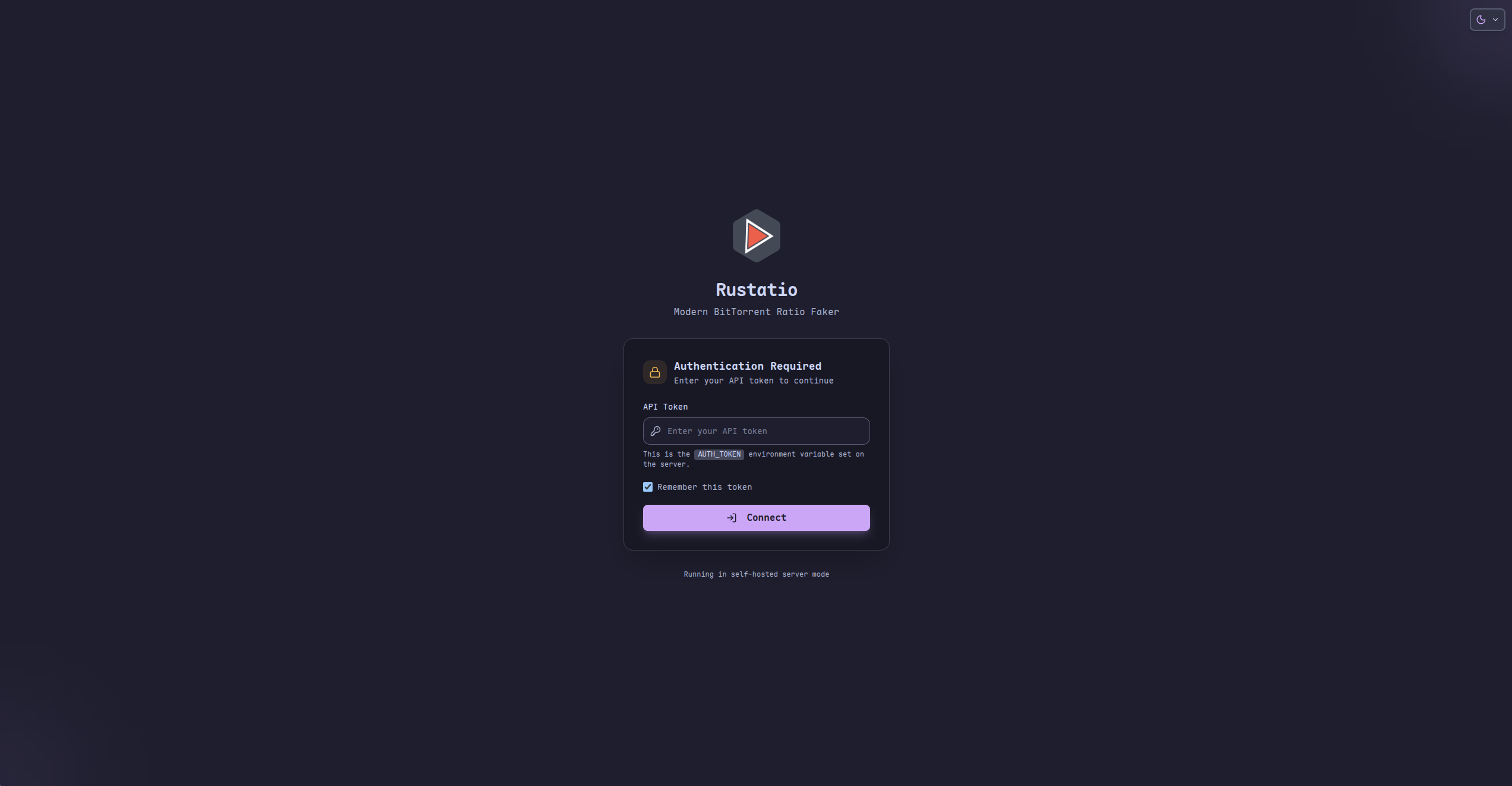
Does the web UI support authentication?
Yes, self-hosted deployments can require an AUTH_TOKEN for UI and API access.
Can I run it on a server or NAS?
Yes, the Docker image is designed for self-hosted deployments and works well on servers, homelabs, and NAS devices.
Which torrent clients can Rustatio emulate?
The current presets include uTorrent, BitTorrent, qBittorrent, Transmission, and Deluge.
What versions are available?
Rustatio ships as a desktop app, a Docker-hosted server, and a browser-based web build.
More in Bittorrent
 ruTorrentSelf-hosted, open-source web UI for the rTorrent BitTorrent client, with a bundled plugin system for RSS, search, ratio groups and multi-user setups.
 rutorrent-crazymaxSelf-hosted open-source Docker image bundling rTorrent with ruTorrent web UI, featuring multi-platform builds and optional basic auth.
 speedrrSelf-hosted Python tool that dynamically adjusts qBittorrent/Transmission speeds based on Plex/Jellyfin/Emby streams and time schedules.
 torrentinimSelf-hosted, open-source torrent search engine and crawler with a JSON API, designed for Sonarr and Radarr integration, using ~24 MB RAM.
 TransmissionSelf-hosted, open-source BitTorrent client: native macOS, Windows and Linux GUIs plus a lightweight headless daemon with a web UI and JSON-RPC API for remote control.
 Transmission_VPNA self-hosted, open-source Docker container that runs Transmission and its web UI only while an OpenVPN tunnel is active, with presets for many VPN providers.
 AriaNgA self-hosted, open-source web UI for the aria2 download daemon: pure HTML and JS files you serve yourself, with task sorting, dark theme and multi-RPC-host support.
 BitPlayBitPlay is a self-hosted Go web app that streams video torrents in your browser, with Prowlarr and Jackett search integration.
 cloud-torrentCloud Torrent is a self-hosted remote torrent client in Go. Start downloads on a server, stream files via HTTP. Embedded search, real-time UI, basic auth, TLS.
 cross-seedSelf-hosted, open-source cross-seeding tool that automatically matches your torrents across private trackers using Torznab indexers and popular torrent clients.
 fertilizerA self-hosted, open-source utility that creates cross-seed torrents for Redacted and Orpheus, with optional automatic injection into torrent clients.
 GopeedOpen-source Gopeed is a self-hosted download manager written in Go and Flutter, handling HTTP, BitTorrent, magnet and ed2k links, plus a web UI, REST API and CLI.
0 comments