
Self-host rebacklogs
v4.3.3Open-source project management with Backlogs and Kanban
- Stars
- 184
- Port
- 3000 (HTTP web interface)
- Requires
- PostgreSQL
ghcr.io/kaishuu0123/rebacklogs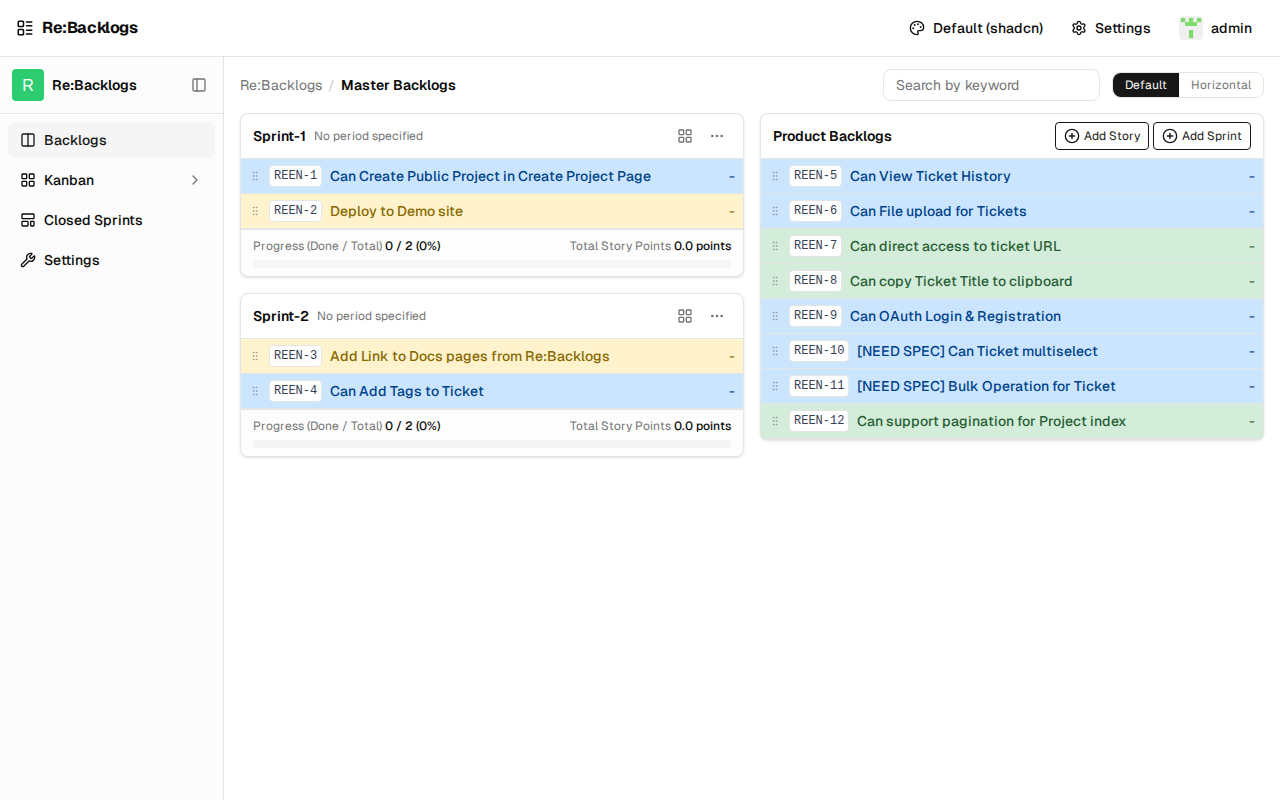
What is rebacklogs?
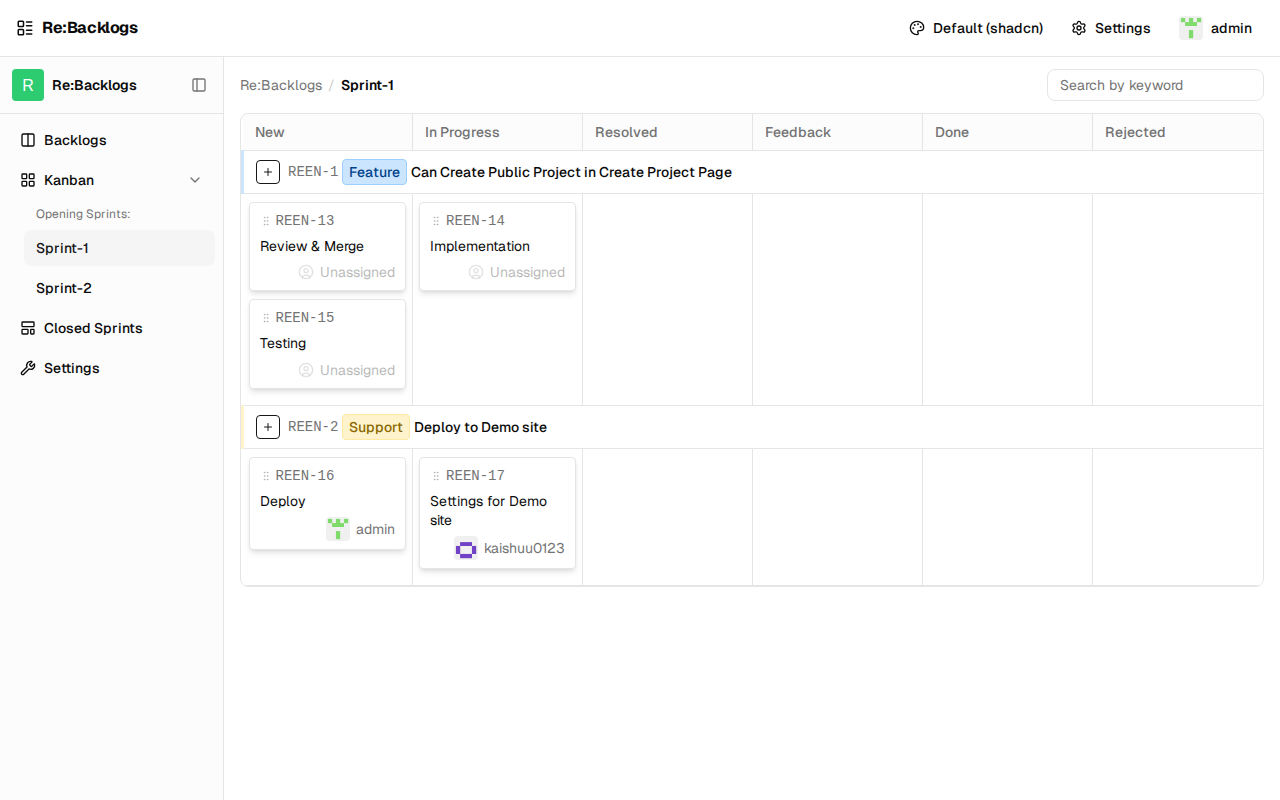
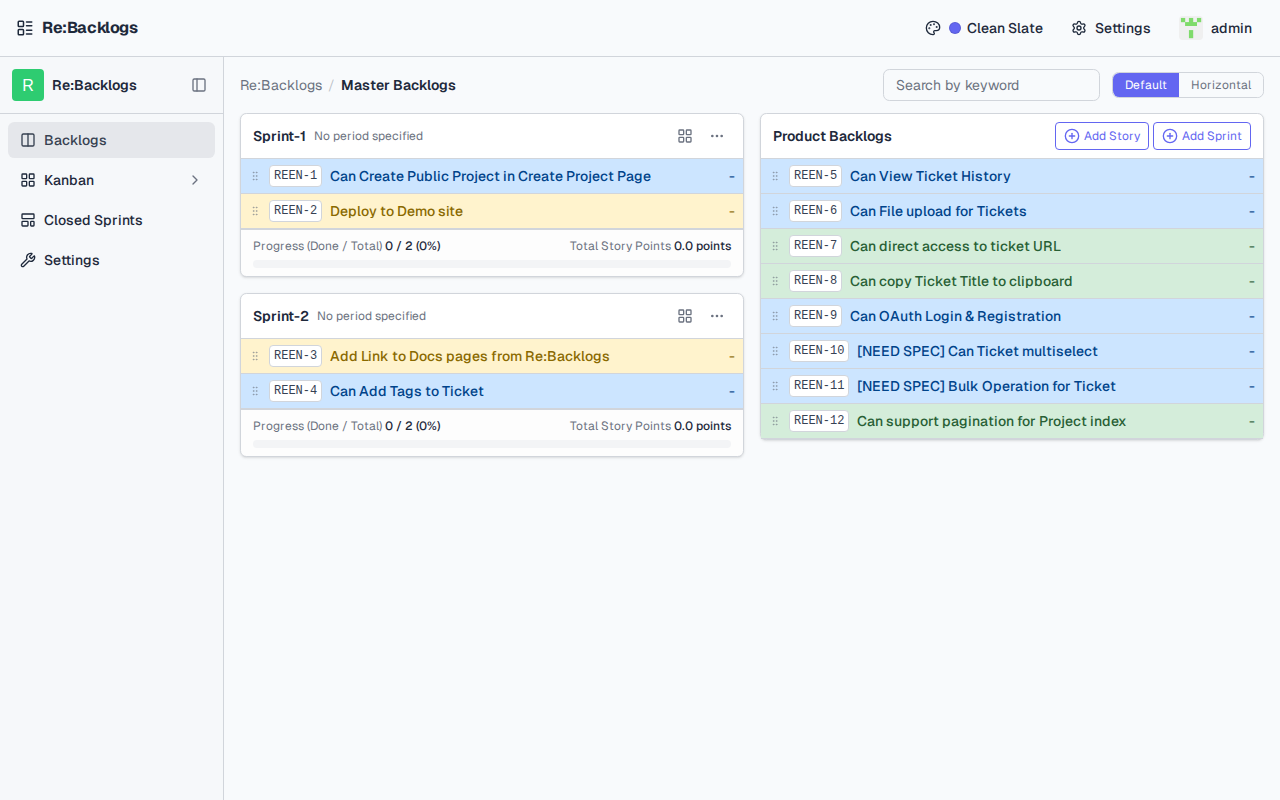
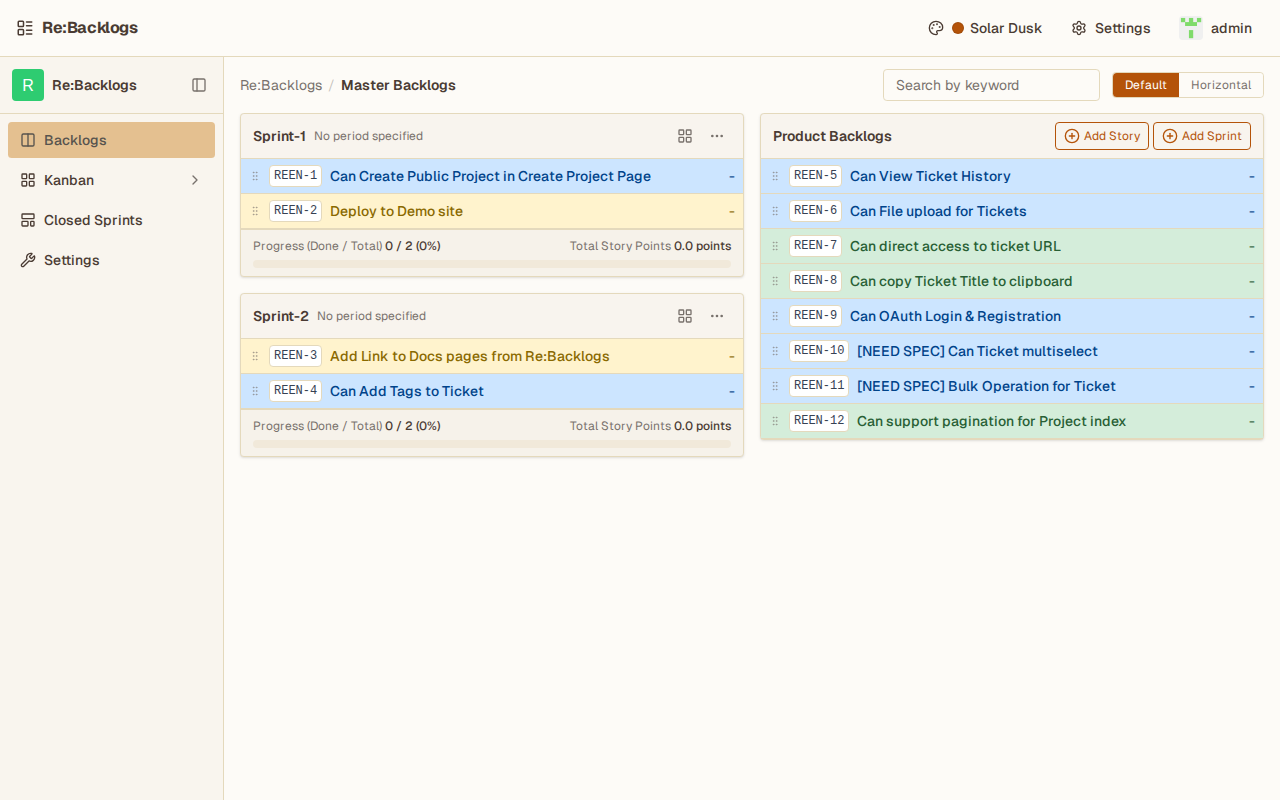
Re:Backlogs is an open-source project management application that teams and individuals can host themselves. It follows the Backlogs methodology with separate areas for backlogs, sprints, stories, and tasks, and also provides Kanban boards. The interface includes several built-in color themes, and real-time updates arrive via WebSocket. Users can sign in with GitHub or Google accounts, or use the built-in username/password system. The stack is Rails with a React frontend, and PostgreSQL is the required database. Deployment uses Docker Compose on port 3000. The license is MIT plus a clause that forbids selling the software as a hosted service.
Should you self-host rebacklogs?
rebacklogs scores 43/100 on selfhost.directory (how scoring works) and ranks #36 of 45 in Project Management. It has 184 GitHub stars.
It shipped 10 stable releases in the past year. The latest, v4.3.3, came out on 6 April 2026.
Setup is moderate: expect some configuration beyond a single command. An official Docker image is available. It is Other-licensed and written mostly in Ruby.
Its closest alternative on selfhost.directory is Plane (86/100, 61 608 stars). It scores higher overall, so compare the two before you pick. See rebacklogs vs Plane side by side.
Features
- Backlogs management
- Docker Compose Deployment
- GitHub OAuth
- Google OAuth
- Kanban Boards
- Real-time notifications
- Sprint planning
- Story and Task management
rebacklogs README
More in Agile
 taiga-backTaiga is a self-hosted, open-source agile project management tool with Kanban, Scrum, REST API, webhooks, and GitHub/GitLab/Slack integrations.
 WindshiftWindshift is a self-hosted, open-source Jira alternative with boards, sprints, workflows, service management, test management, and time tracking on your infrastructure.
 ZenTaoZenTao is a self-hosted, open-source project management platform supporting Scrum, Waterfall, and Kanban with product, project, and QA management.
 ProjeQtOrProjeQtOr is a fully open-source, self-hostable project management tool designed to replace multiple proprietary tools. It supports Agile, Waterfall, and Hybrid methodologies, offering features like Gantt charts, Kanban boards, time tracking, risk management, financial tracking, and REST API integration.
0 comments