
Self-host Playerr
v0.4.8Self-hosted game library manager with PVR automation
- Stars
- 180
- Port
- 2727 (Web UI)
maikboarder/playerr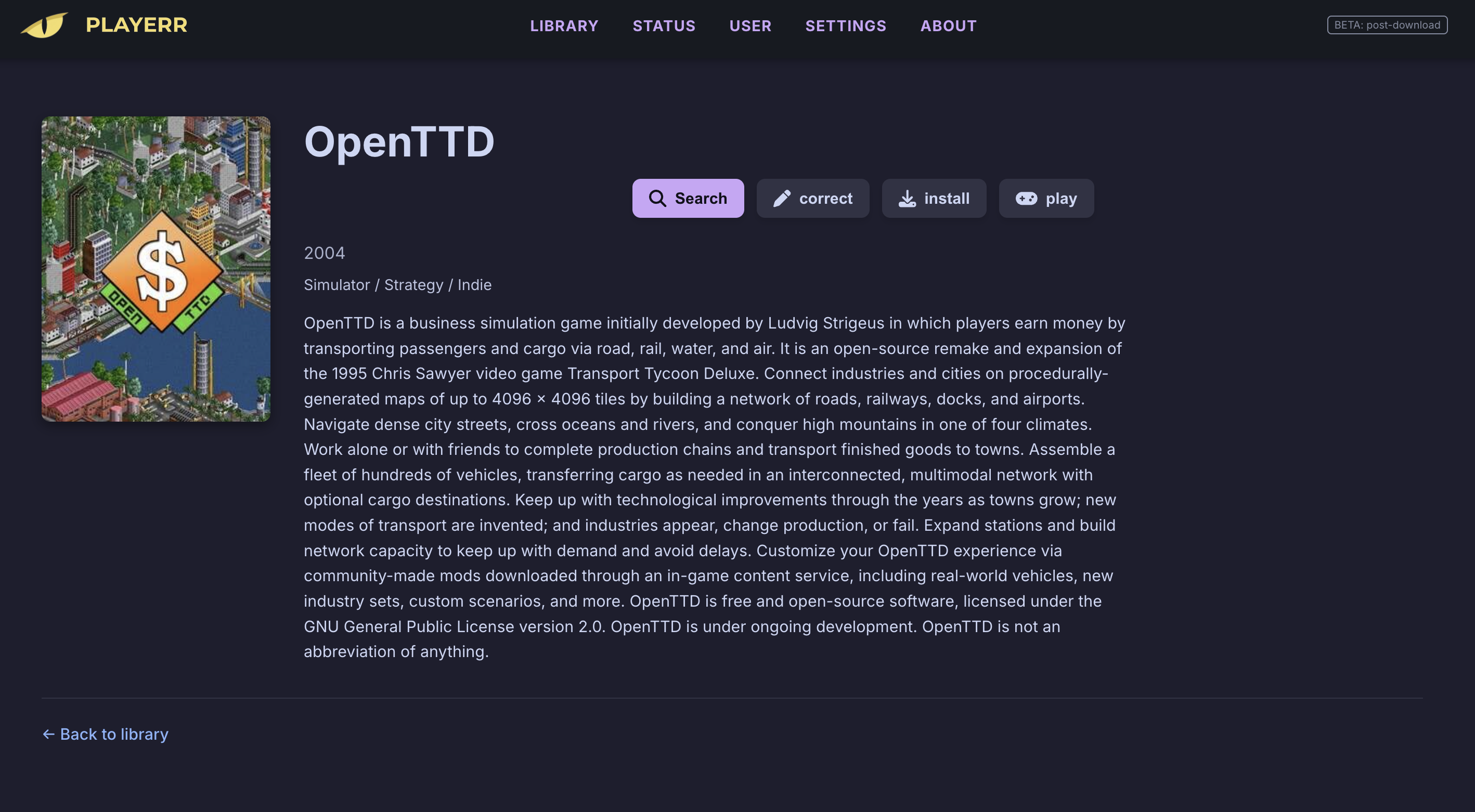
What is Playerr?
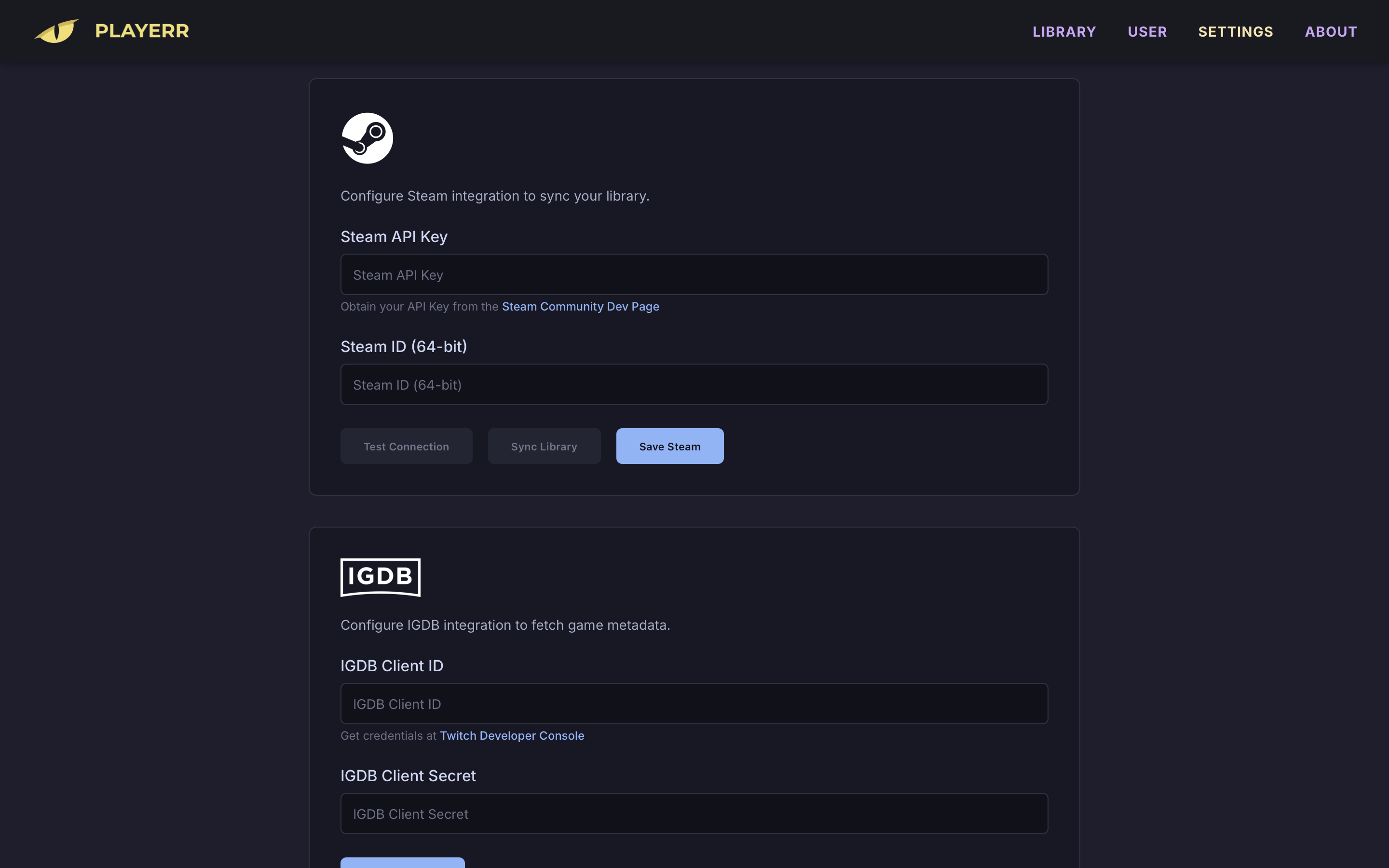
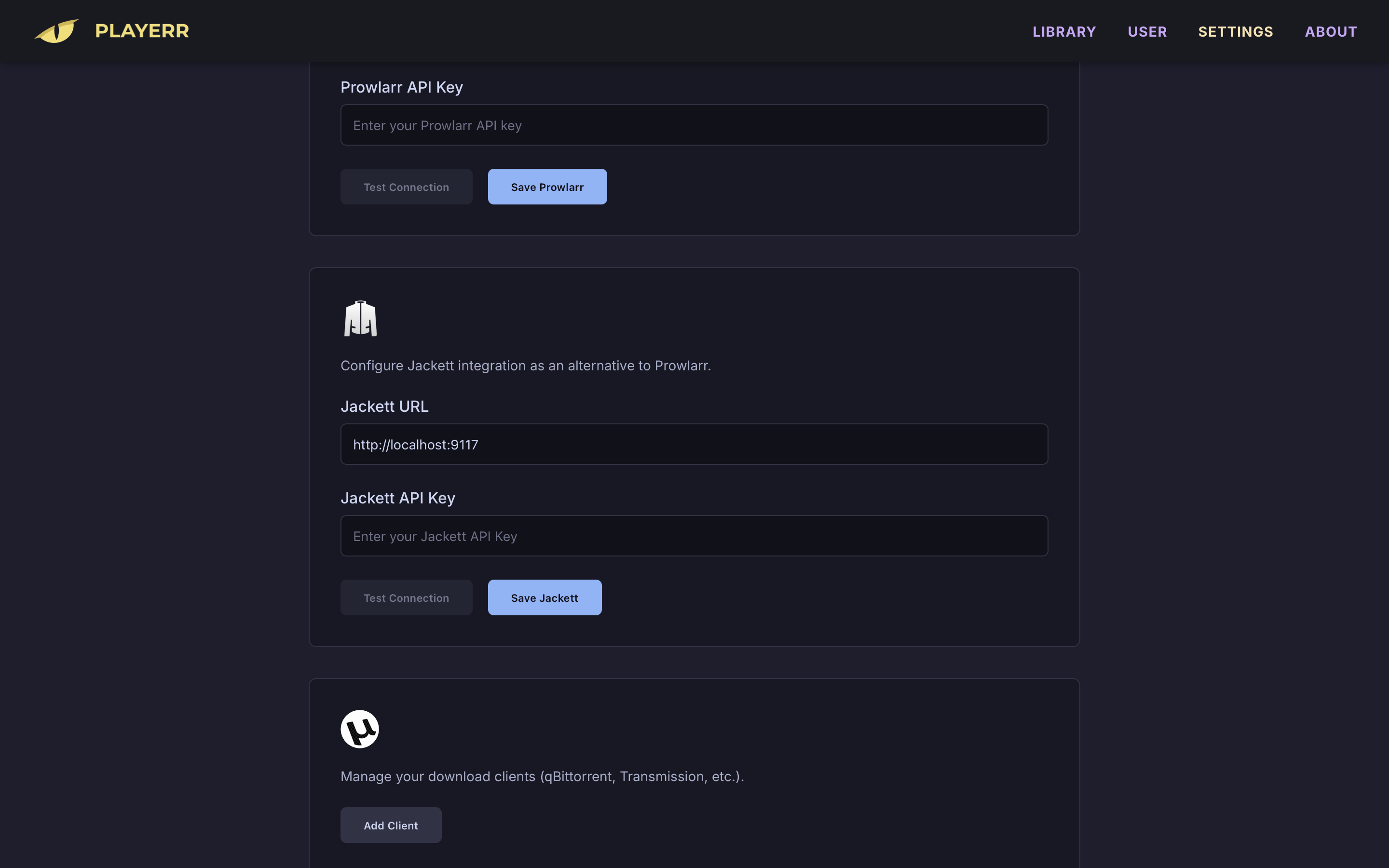
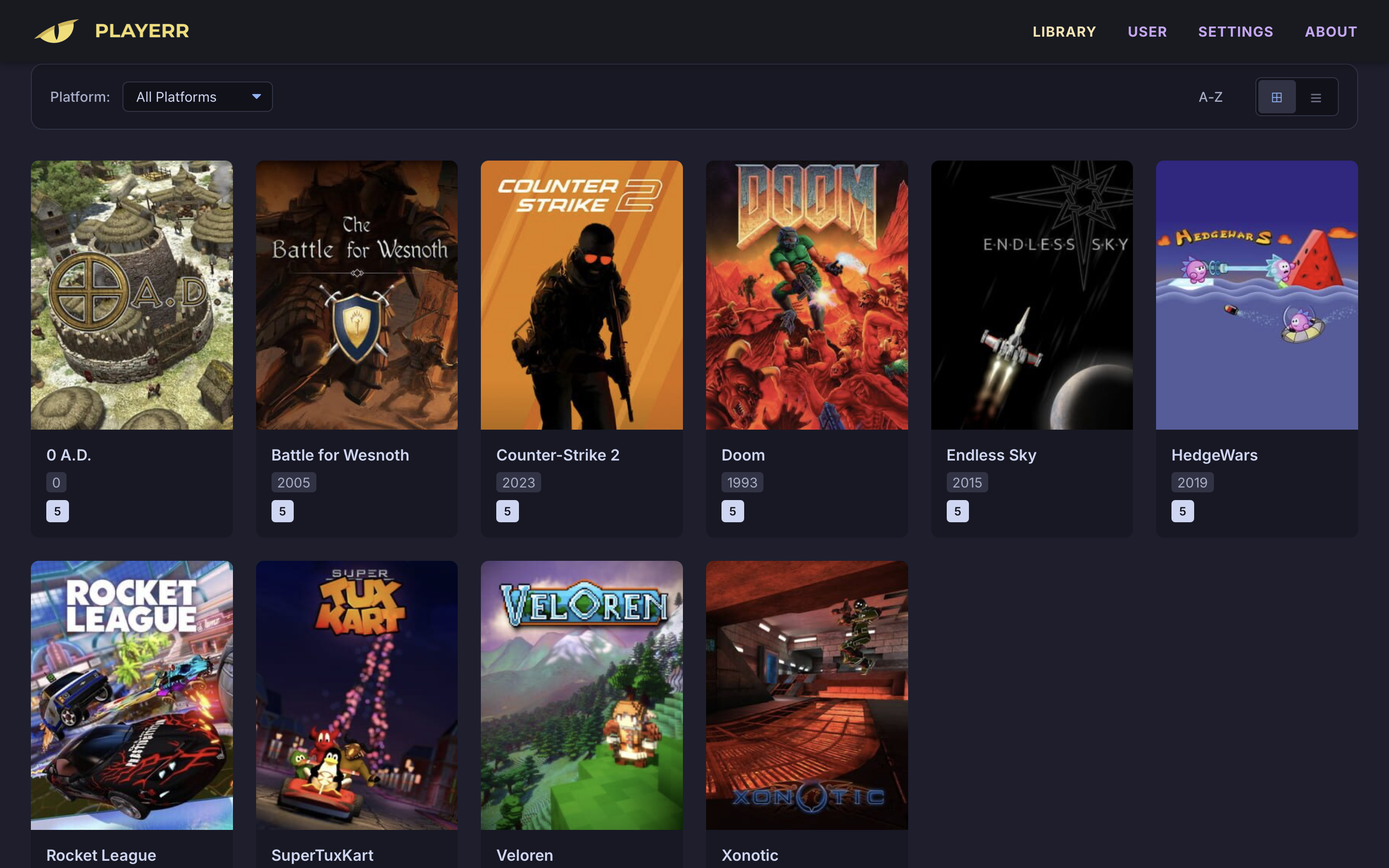
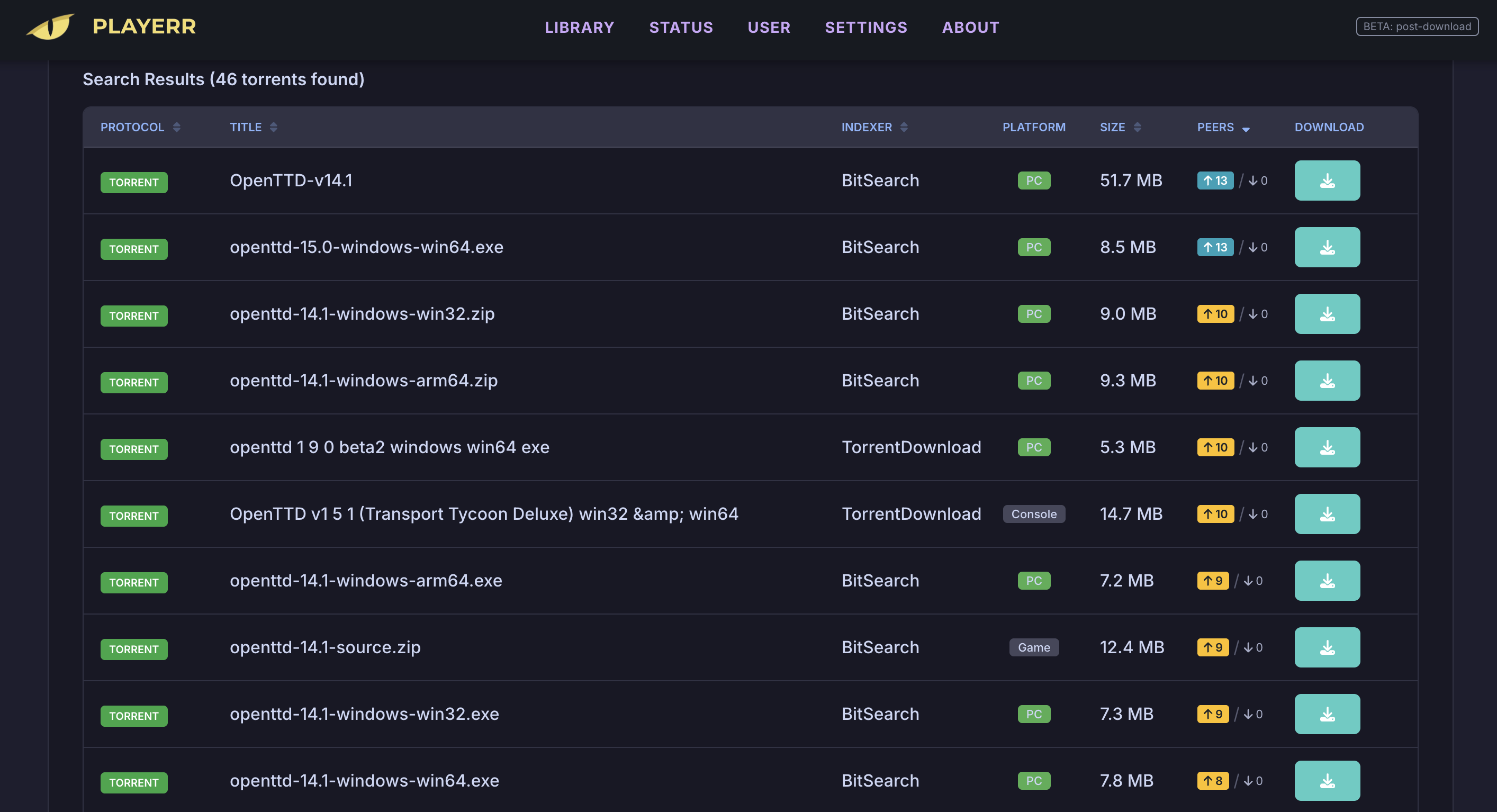
Playerr is a self-hosted game library manager and personal video recorder (PVR) for video games, modeled after the Radarr and Sonarr workflow. It automatically scans your storage to identify games, fetches rich metadata including artwork and descriptions from IGDB and Steam APIs, and integrates with indexers like Prowlarr and Jackett for automated searching. It supports Usenet downloads via NZB files with SABnzbd and NZBGet, and torrent downloads via qBittorrent and Transmission. The modern web UI features a dark-themed responsive interface accessible on port 2727. Playerr runs as a single Docker container (amd64/arm64) or as native binaries on Windows, macOS (Apple Silicon and Intel), and Linux. It uses SQLite for persistent storage with no external database required. The project is licensed under MIT and actively developed with regular releases.
Should you self-host Playerr?
Playerr scores 45/100 on selfhost.directory (how scoring works) and ranks #17 of 23 in Gaming. It has 180 GitHub stars.
It shipped 10 stable releases in the past year. The latest, v0.4.8, came out on 3 February 2026. New versions land roughly every 2 days.
Setup is moderate: expect some configuration beyond a single command. An official Docker image is available. It is MIT-licensed and written mostly in C.
Its closest alternative on selfhost.directory is OpenTTD (73/100, 8 433 stars). It scores higher overall, so compare the two before you pick. See Playerr vs OpenTTD side by side.
Features
- Atomic moves with hardlinks
- Automated Deployment Tool
- Custom IP/port binding
- DBI protocol support
- Intelligent library scanning
- Modern web UI
- NZB/Usenet support
- One-click game launch
- PVR workflow automation
- Rich metadata integration
- Smart path and file management
- Steam library sync
- System tray support (Windows)
- Torrent download client integration
Playerr README
 title:
en_us: Playerr
title:
en_us: PlayerrMore in Gaming
 PosioSelf-hosted multiplayer geography game where players locate cities on a map or identify country flags, built with Django, HTMX, and Leaflet.
 QuestarrOpen-source self-hosted game library tracker inspired by Sonarr and Radarr. Discover, track, and automate game downloads through torrents or Usenet with IGDB metadata.
 remote-playPSRP is a self-hosted, open-source solution that streams PlayStation 4/5 games to any browser via WebRTC with gamepad support and mobile touch controls.
 retroassemblySelf-hosted web app for retro games from NES, SNES, Genesis, Game Boy, Arcade and more with cloud sync, auto box art, save states, rewind, and gamepad navigation.
 RetromOpen-source, self-hosted game library service focused on emulation, with desktop clients for Windows, macOS, Linux and a built-in web client.
 s2pipes2pipe streams a Nintendo Switch 2 dock over WebRTC to any browser on your LAN, supporting up to eight gamepads via a Raspberry Pi Pico.
 Scribble.rsSelf-hosted, open-source multiplayer pictionary game alternative to skribbl.io with no ads or account required, featuring custom lobbies and real-time gameplay.
 SunshineSelf-hosted, open-source game stream host for any Moonlight client, with GPU hardware encoding and a browser config UI on Linux, Windows, macOS and FreeBSD.
 SuroiA browser-based 2D battle royale you can run on your own server. Built with TypeScript and PixiJS using Bun, renders via WebGL/WebGPU, self-hosted via NGINX.
 Terraforming MarsSelf-hosted web app to play Terraforming Mars online with multiplayer, solo modes, and all expansions.
 TriviaForgeSelf-hosted trivia game with live presenter quizzes, solo mode, and spectator displays for 50+ players. Features persistent sessions, 2FA, and PDF exports.
 Twitch-Channel-Points-Miner-v2Self-hosted, open-source Python script that watches Twitch streams to auto-earn channel points, claim bonuses, follow raids, and bet on predictions.
0 comments