
Self-host pidoors
v0.4.11Open-source access control system for Raspberry Pi
- Stars
- 26
- CPU
- Raspberry Pi 3B+ or newer
- RAM
- 4GB RAM recommended for server
- Storage
- 16GB+ microSD card for server, 8GB+ for door controller
- Ports
- 80 (HTTP (redirects to HTTPS)), 443 (HTTPS web interface and API)
What is pidoors?
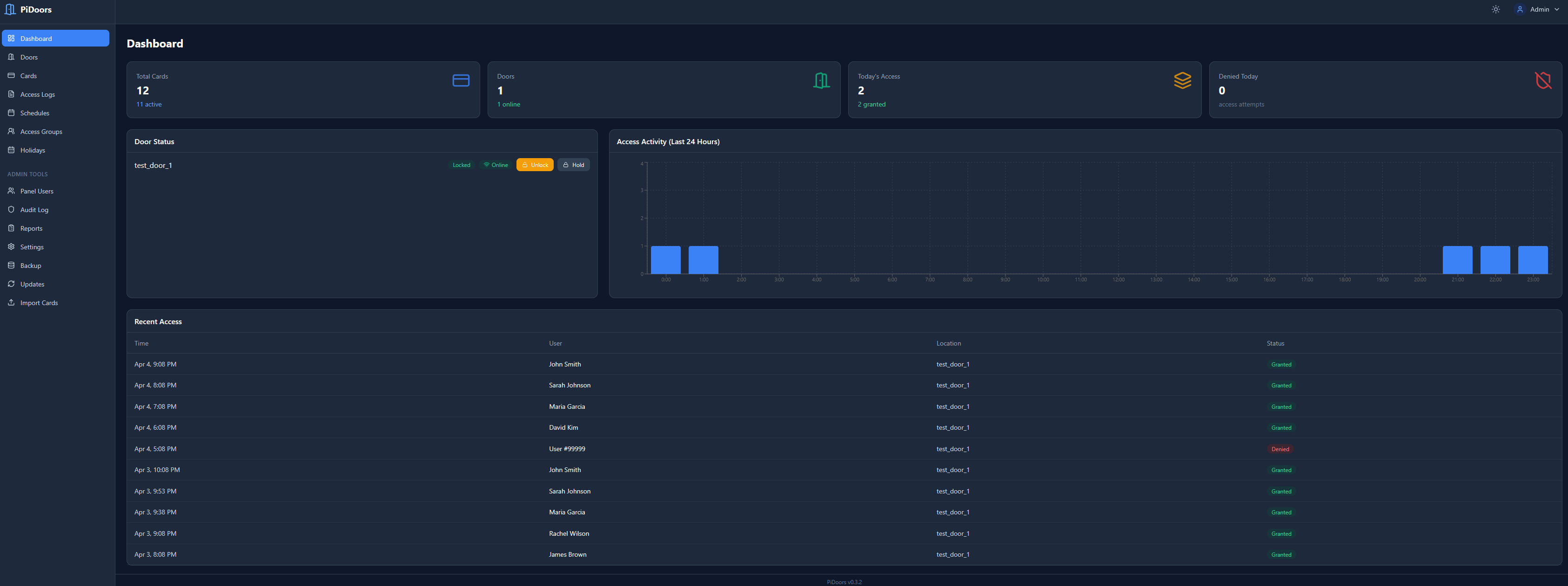
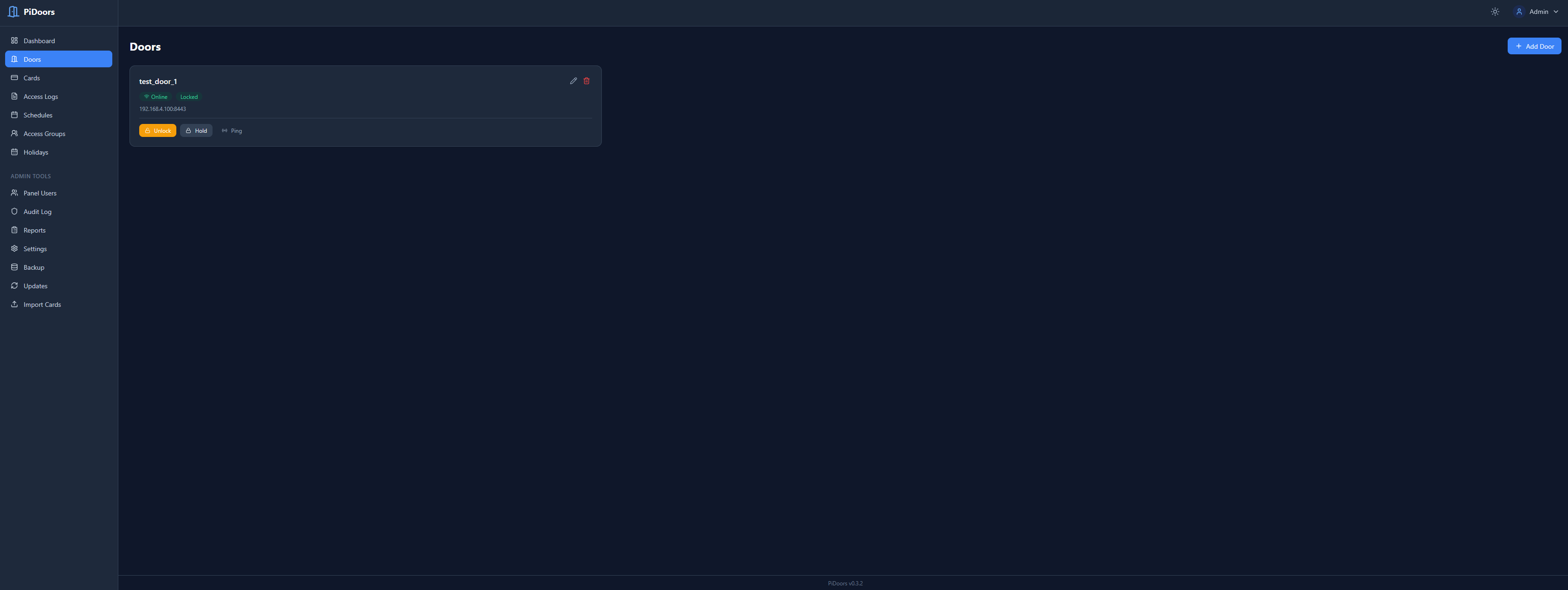
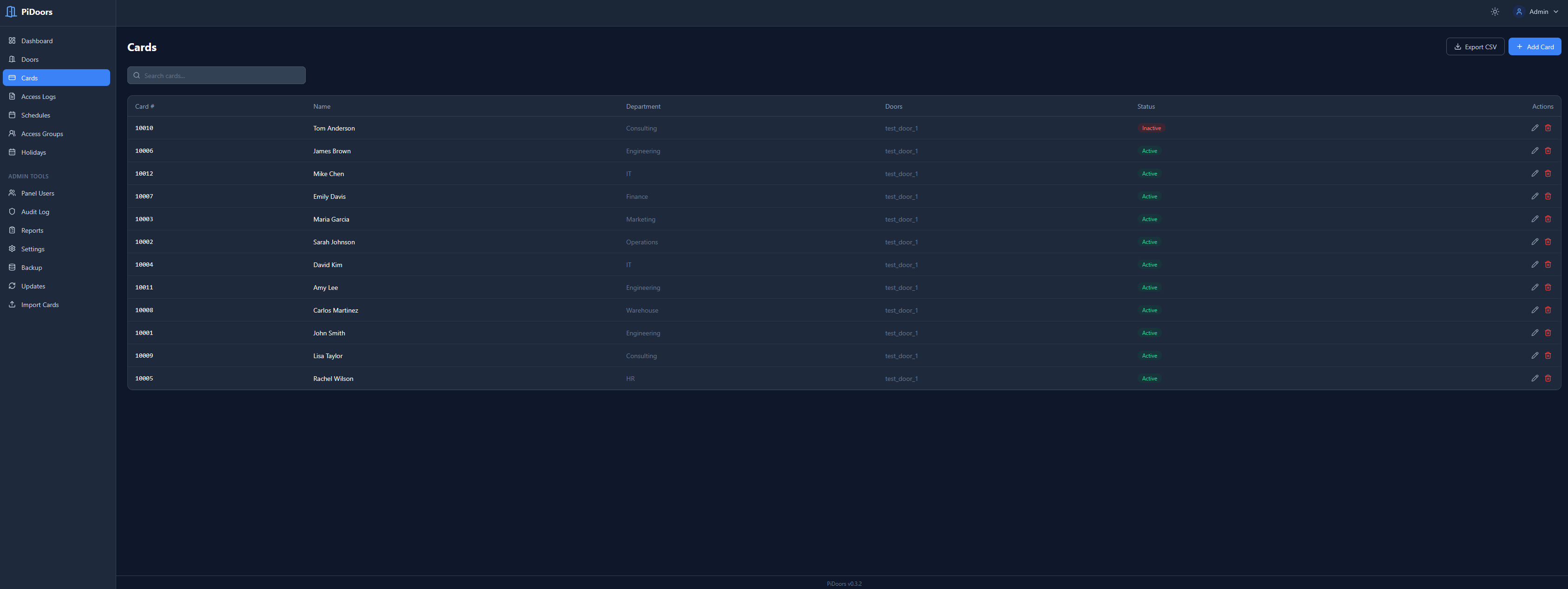
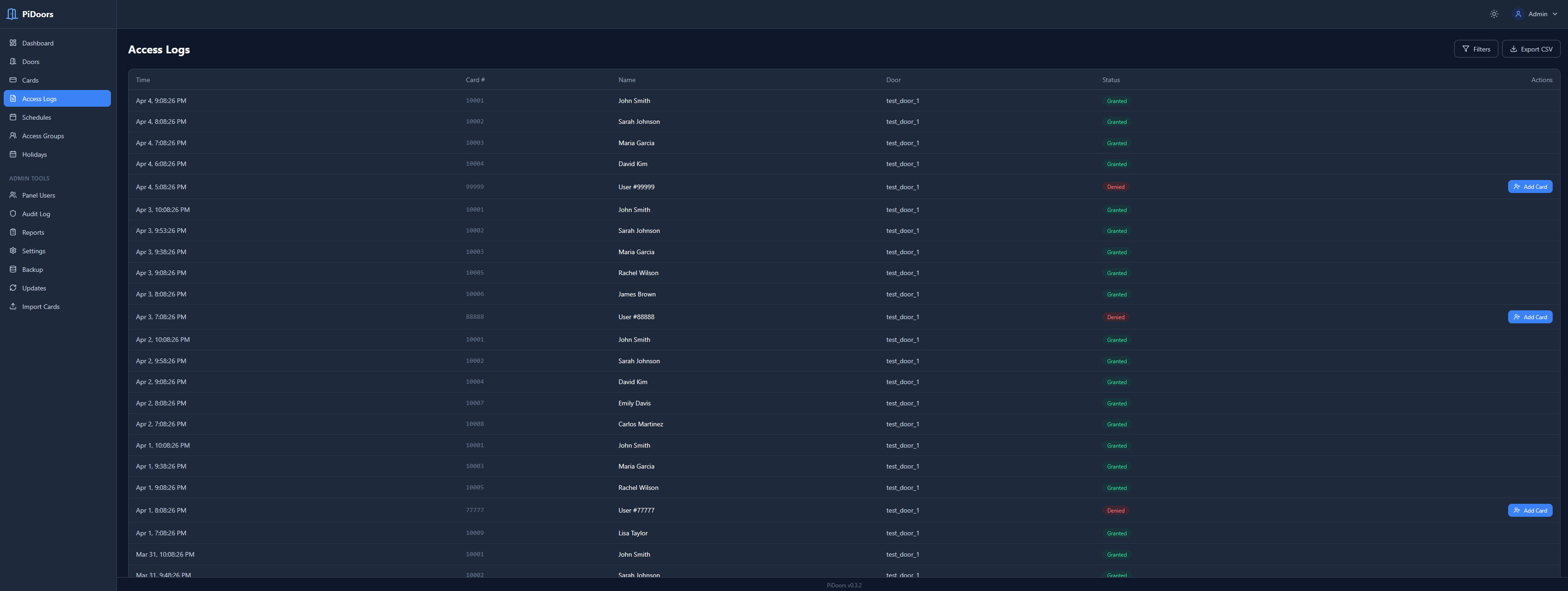
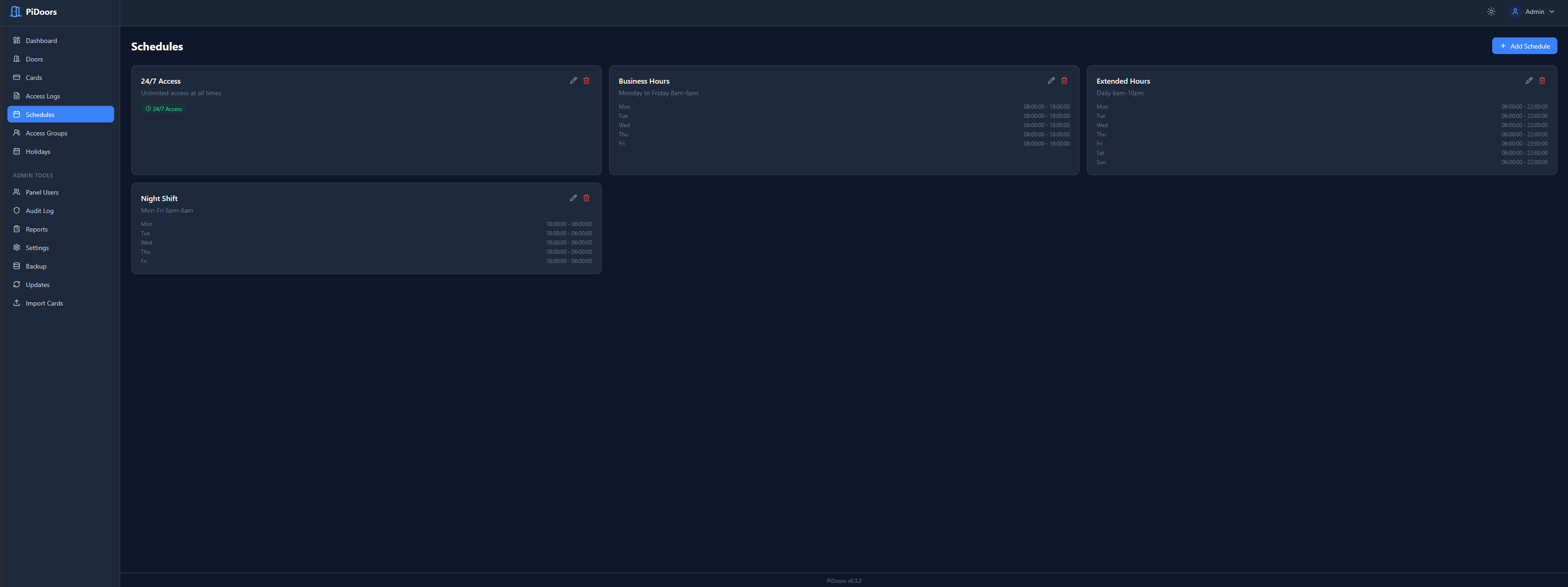
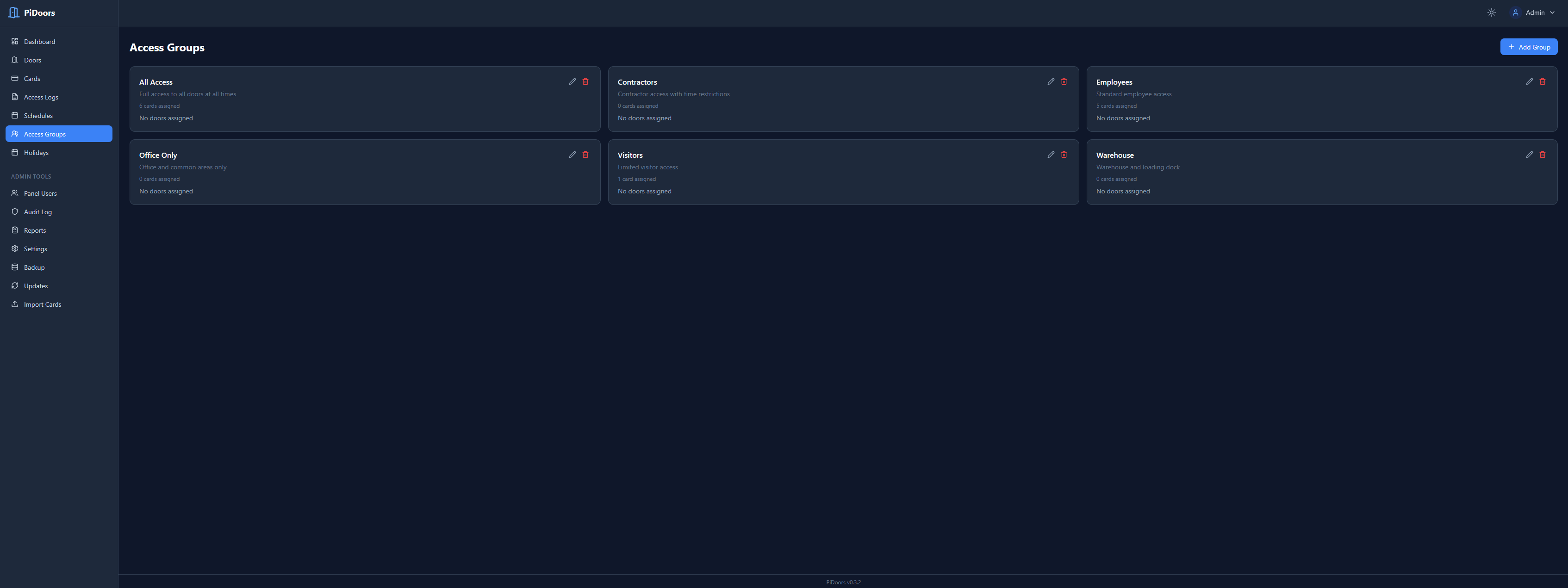
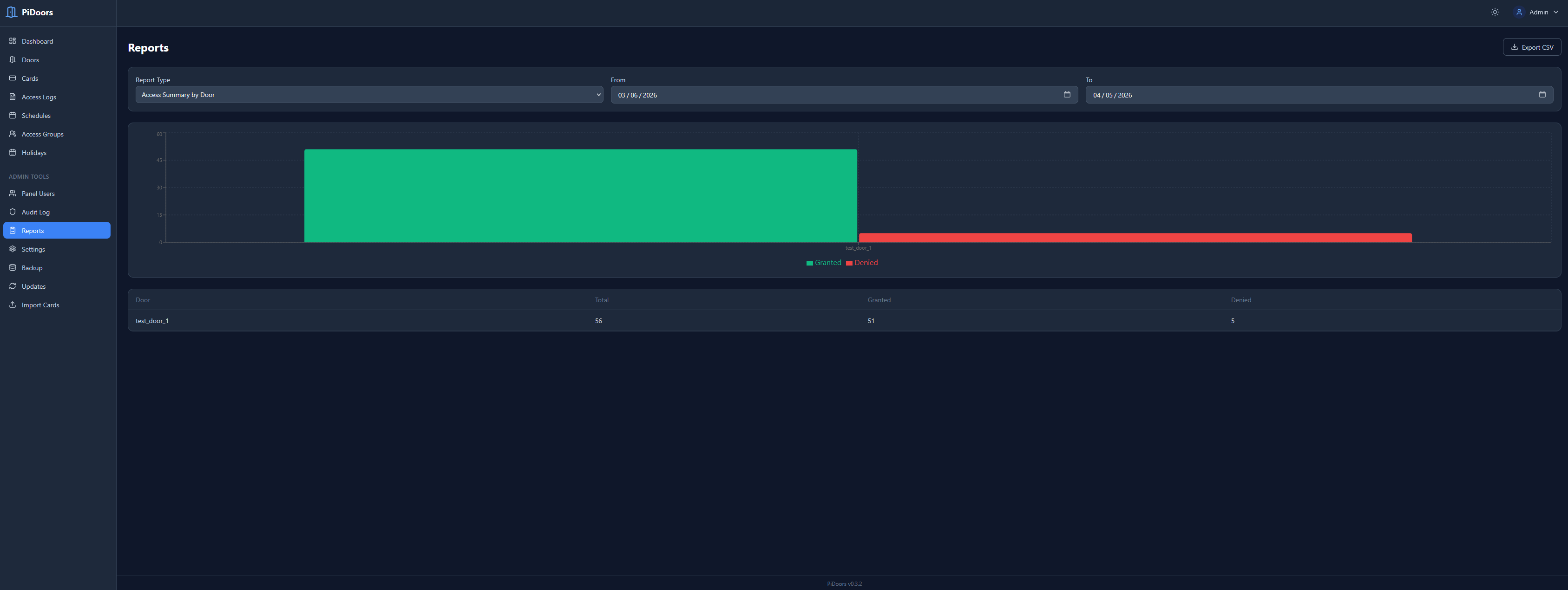
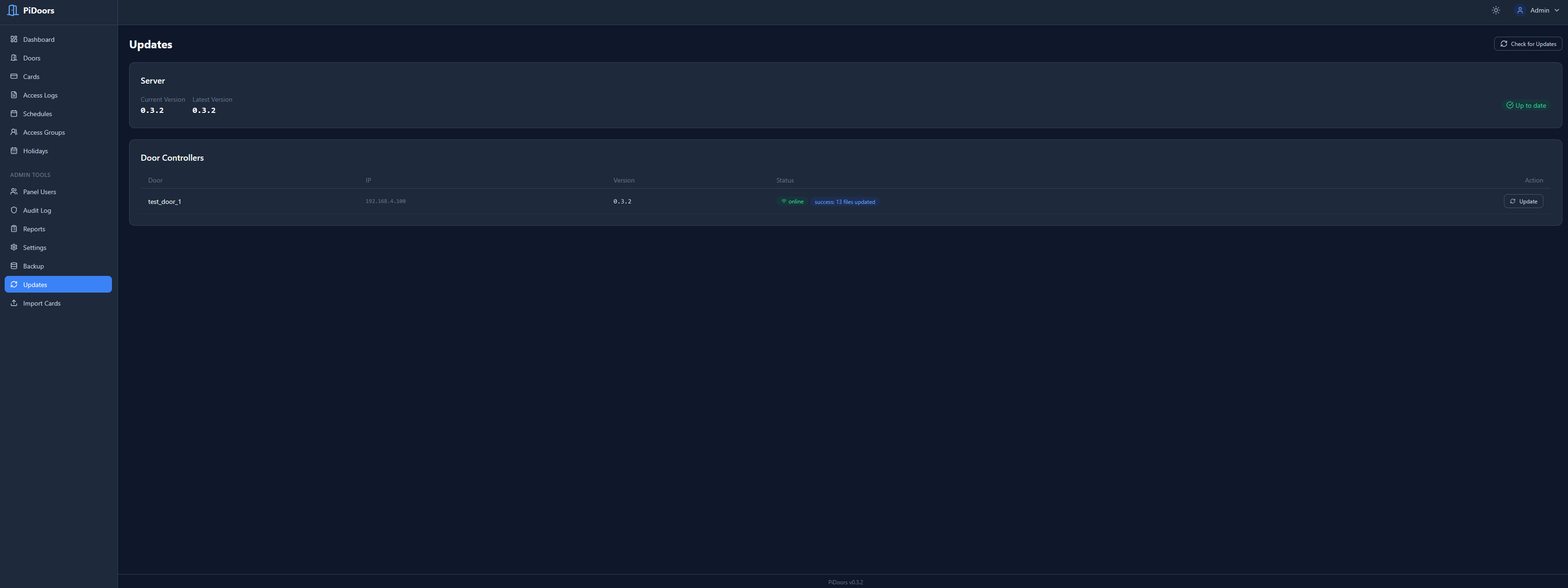
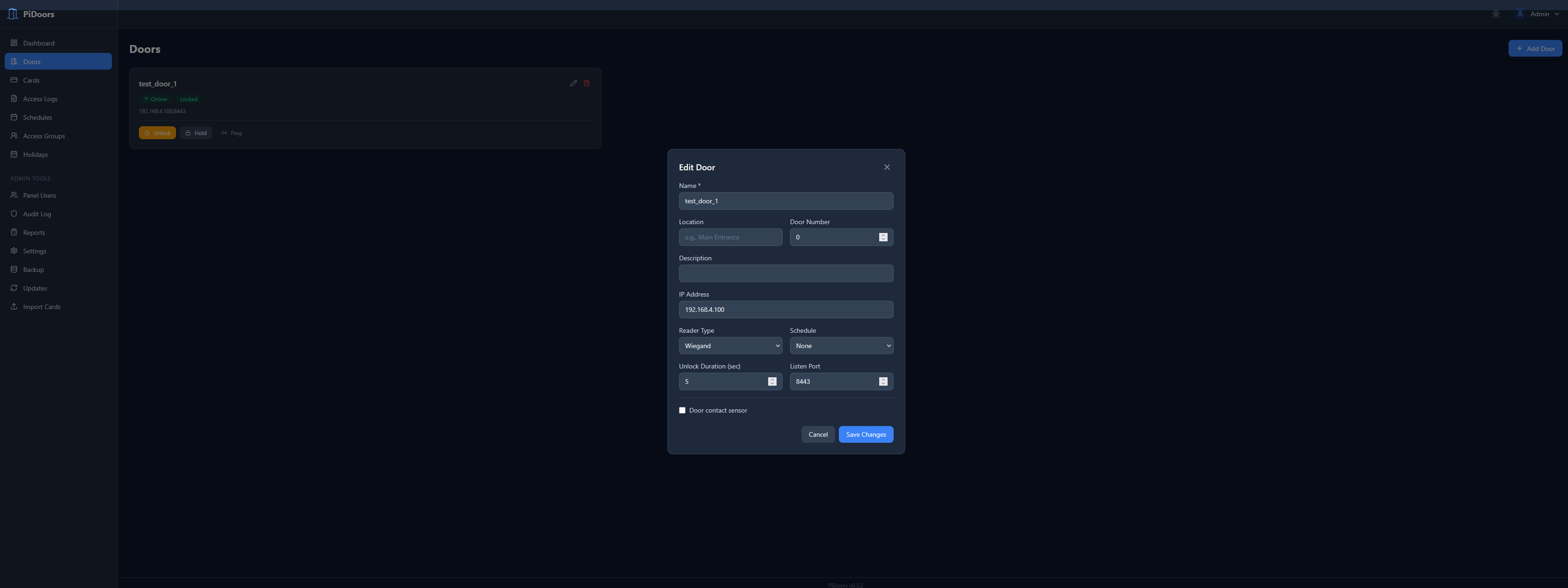
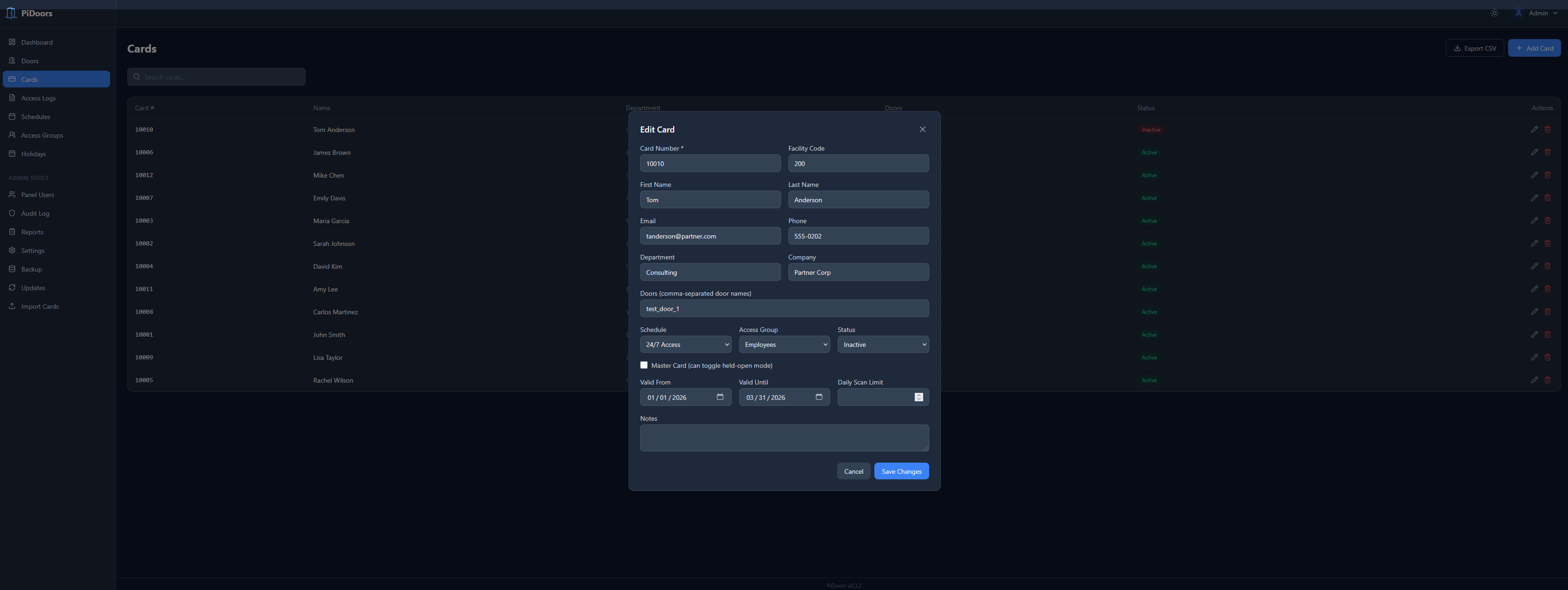
PiDoors is a complete access control system that runs on Raspberry Pi hardware. It consists of a central server (React SPA + PHP API + MariaDB) and door controllers (Python daemons) that manage Wiegand card readers, electric locks, and gate motors. The system supports multi-format Wiegand (26-48 bit), scheduled unlock, gate mode with open/stop/close relays, master cards, access groups, holiday calendars, and 24-hour offline operation with local caching. Installation is automated via a shell script that sets up Nginx, PHP-FPM, MariaDB with TLS, and the React frontend. The web UI provides real-time dashboard, card management, access logs, audit trails, and one-click updates. Security features include TLS database encryption, bcrypt passwords, CSRF protection, and rate limiting.
Should you self-host pidoors?
pidoors scores 36/100 on selfhost.directory (how scoring works) and ranks #69 of 78 in Security. It has 26 GitHub stars.
It shipped 19 stable releases in the past year. The latest, v0.4.11, came out on 12 September 2026. New versions land roughly every 1 days.
Setup is advanced: plan for several services and some ongoing maintenance. It is written mostly in PHP.
Its closest alternative on selfhost.directory is pentagi (83/100, 32 648 stars). It scores higher overall, so compare the two before you pick. See pidoors vs pentagi side by side.
Features
- 24-hour offline operation
- Access groups and permissions
- Audit Logging
- Automated Backups
- CSV bulk import/export
- Email notifications
- Gate Mode
- LCD Display Support
- Master cards
- Multi-format Wiegand support
- One-click updates
- React SPA dashboard
- Reader LED feedback
- Scheduled unlock
- TLS database encryption
pidoors README
More in IoT
 PlatypushPlatypush is a self-hosted, open-source automation platform connecting hundreds of devices and services with event-driven routines, web UI, dashboards, and mobile access.
 qt-openzwaveSelf-hosted Z-Wave controller daemon that bridges Z-Wave networks to MQTT and provides remote management via ozw-admin GUI, with direct Home Assistant integration.
 RabbitMQOpen-source messaging and streaming broker for AMQP, MQTT, STOMP and streams, with a web UI and Prometheus metrics. Self-hosted via Docker or packages.
 RaspAPOpen-source, self-hosted wireless router and access point web interface for Debian-based devices like the Raspberry Pi, adding VPN, ad blocking and DHCP control.
 ring-mqttSelf-hosted open-source bridge connecting Ring devices to MQTT with RTSP video streaming for automation platforms.
 Roborock Local ServerSelf-hosted, open-source HTTPS and MQTT stack that replaces the Roborock cloud, keeping robot vacuums on an isolated LAN with live maps and no rooting.
 ros-mcp-serverSelf-hosted, open-source MCP server letting AI models control ROS/ROS2 robots via natural language through rosbridge — no robot code changes needed.
 rpi-mqtt-monitorSelf-hosted system monitor for Raspberry Pi and Linux publishing metrics to Home Assistant via MQTT with zero-config auto-discovery.
 shelly-managerLocal management for Shelly IoT devices without cloud connectivity.
 simple-iotSelf-hosted IoT platform for device management, telemetry, visual rule chains, and alarms — single Spring Boot binary with built-in MQTT broker and Vue 3 console.
 Sonoff LANControl Sonoff Devices with eWeLink (original) firmware over LAN and/or Cloud from Home Assistant
 speed-cameraSelf-hosted, open-source speed camera using OpenCV to track moving objects, calculate speed, and serve data via a built-in web server. Runs on Raspberry Pi, Windows, Unix
0 comments