
Self-host Photon
v2.4.3Fediverse web client for Lemmy and PieFed
- Stars
- 557
- Port
- 3000 (HTTP server)
ghcr.io/xyphyn/photon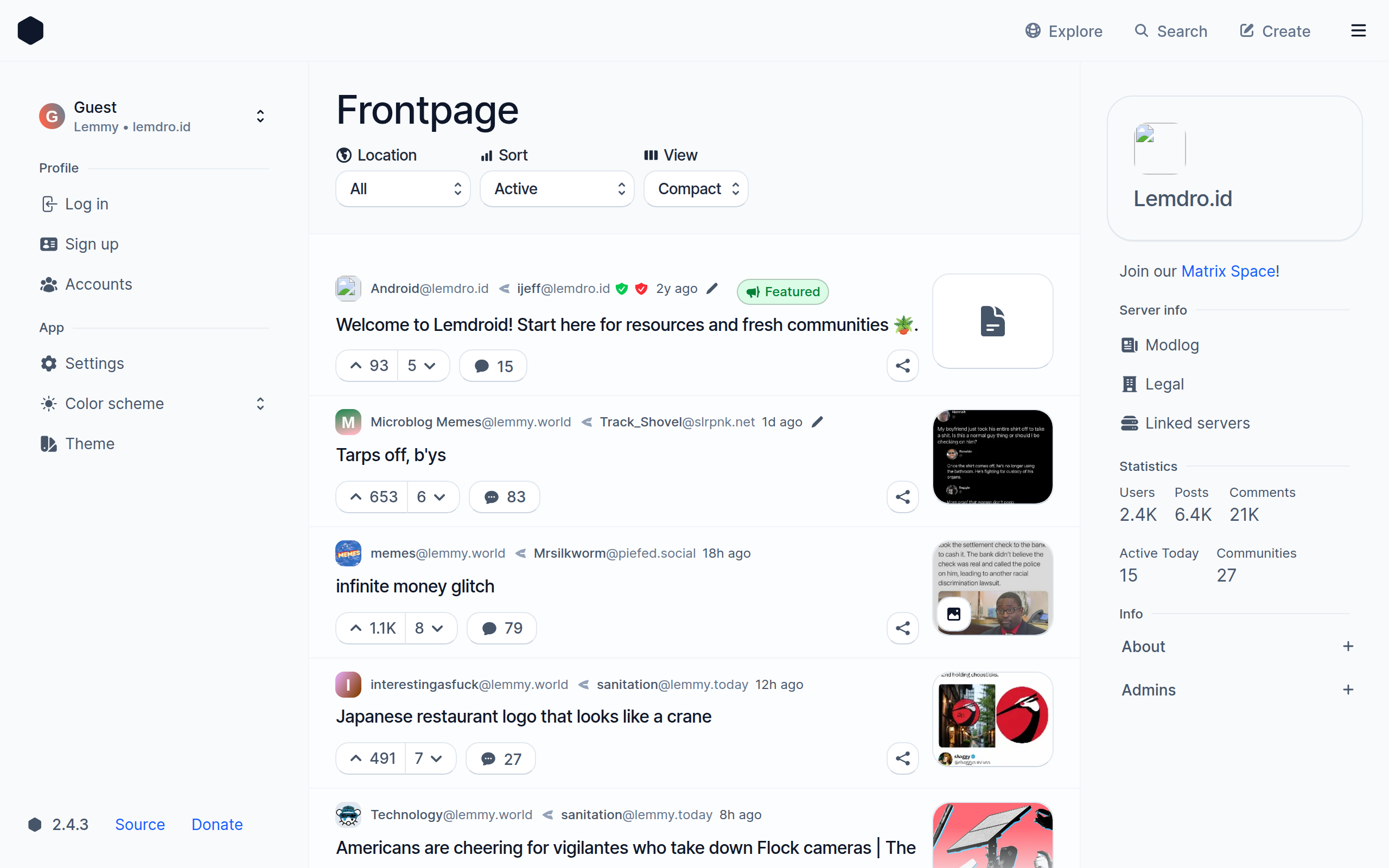

What is Photon?
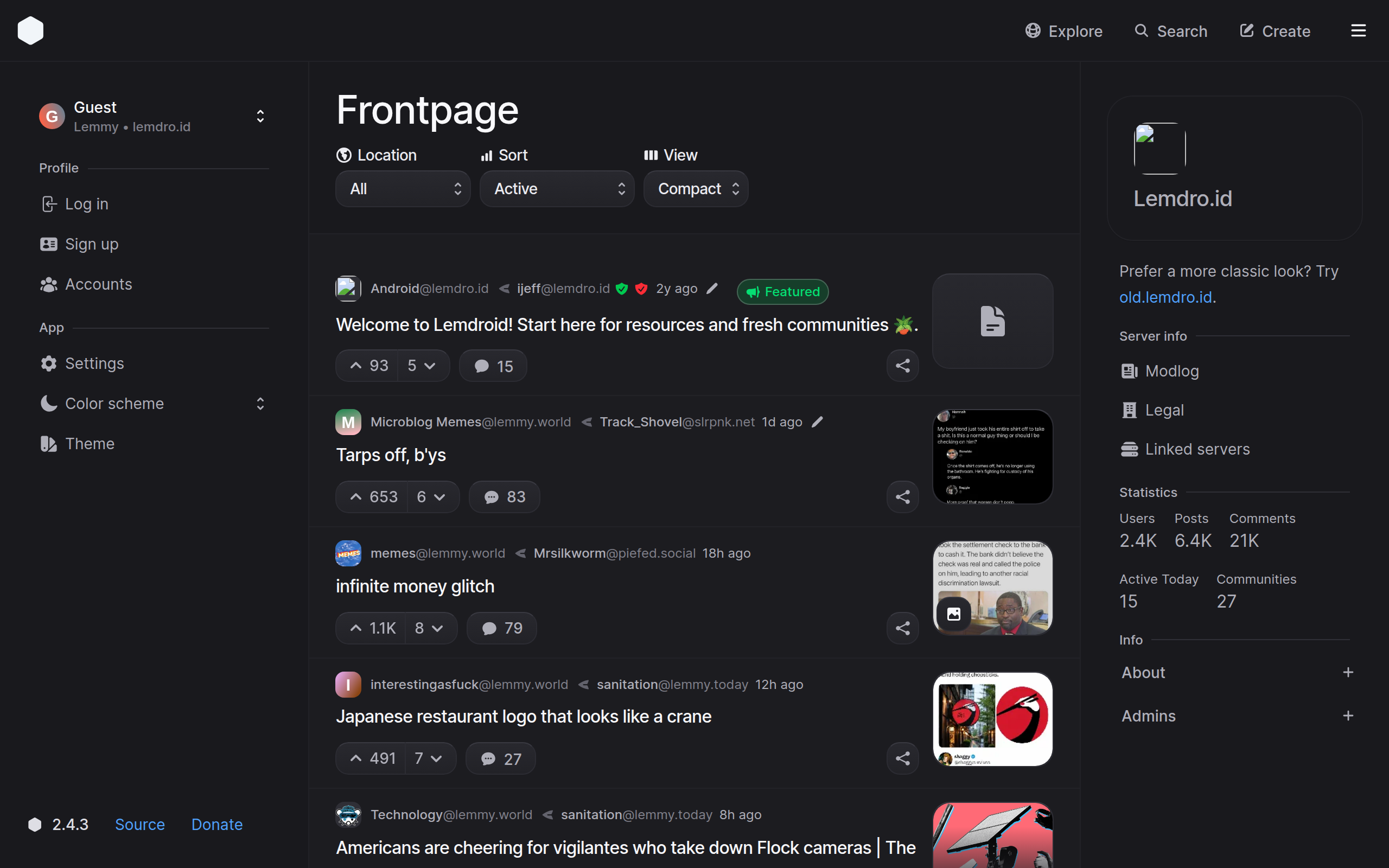
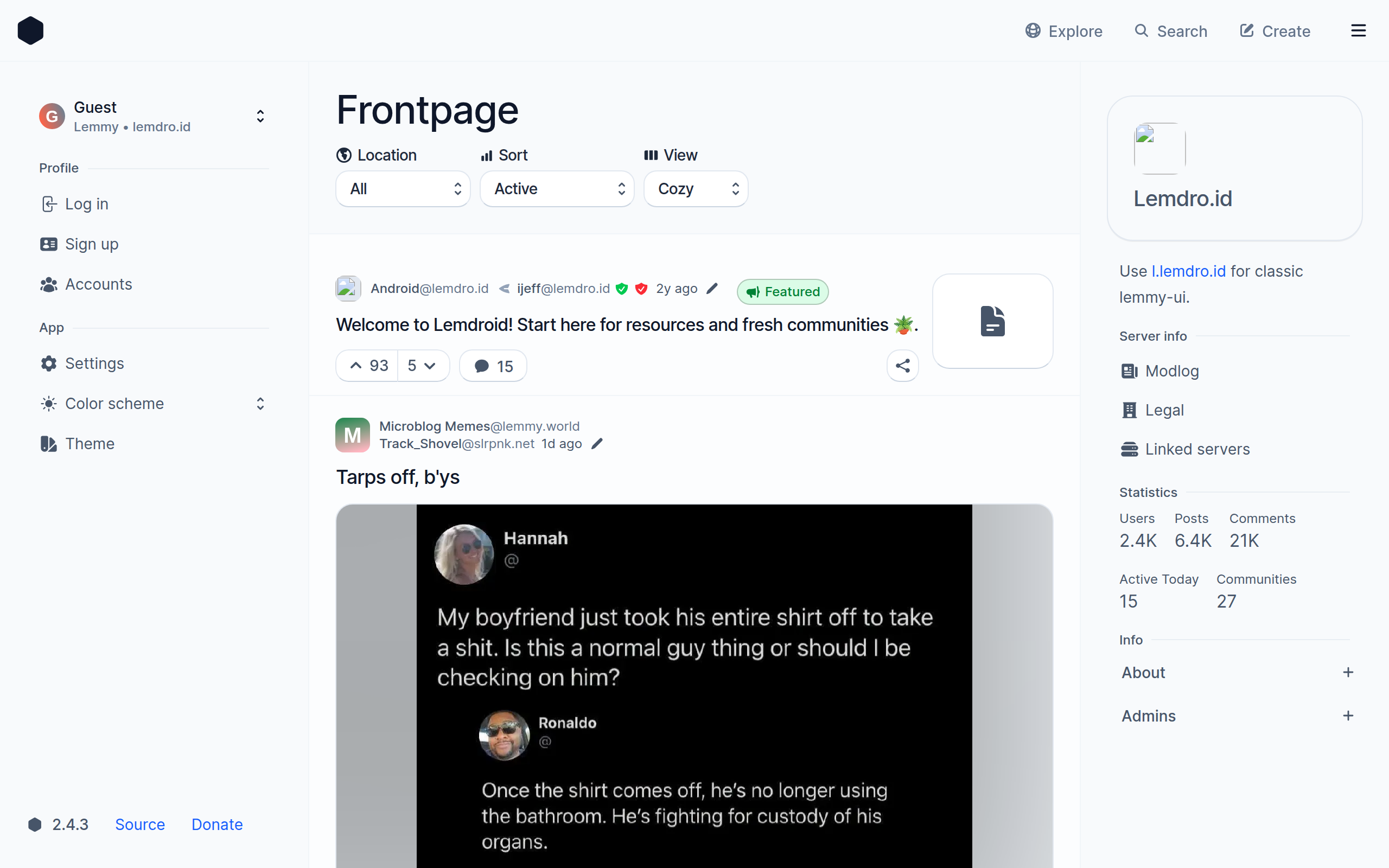
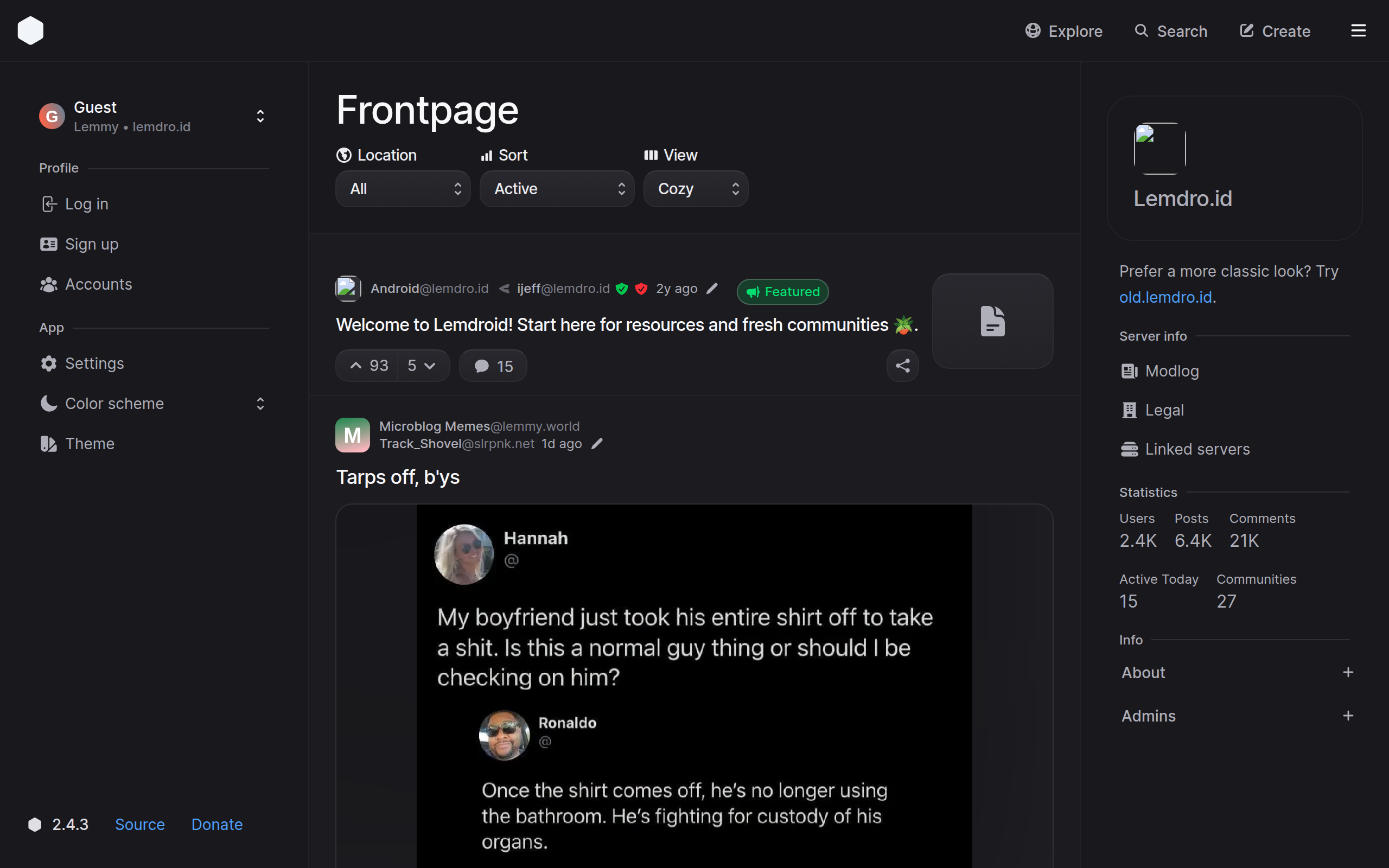
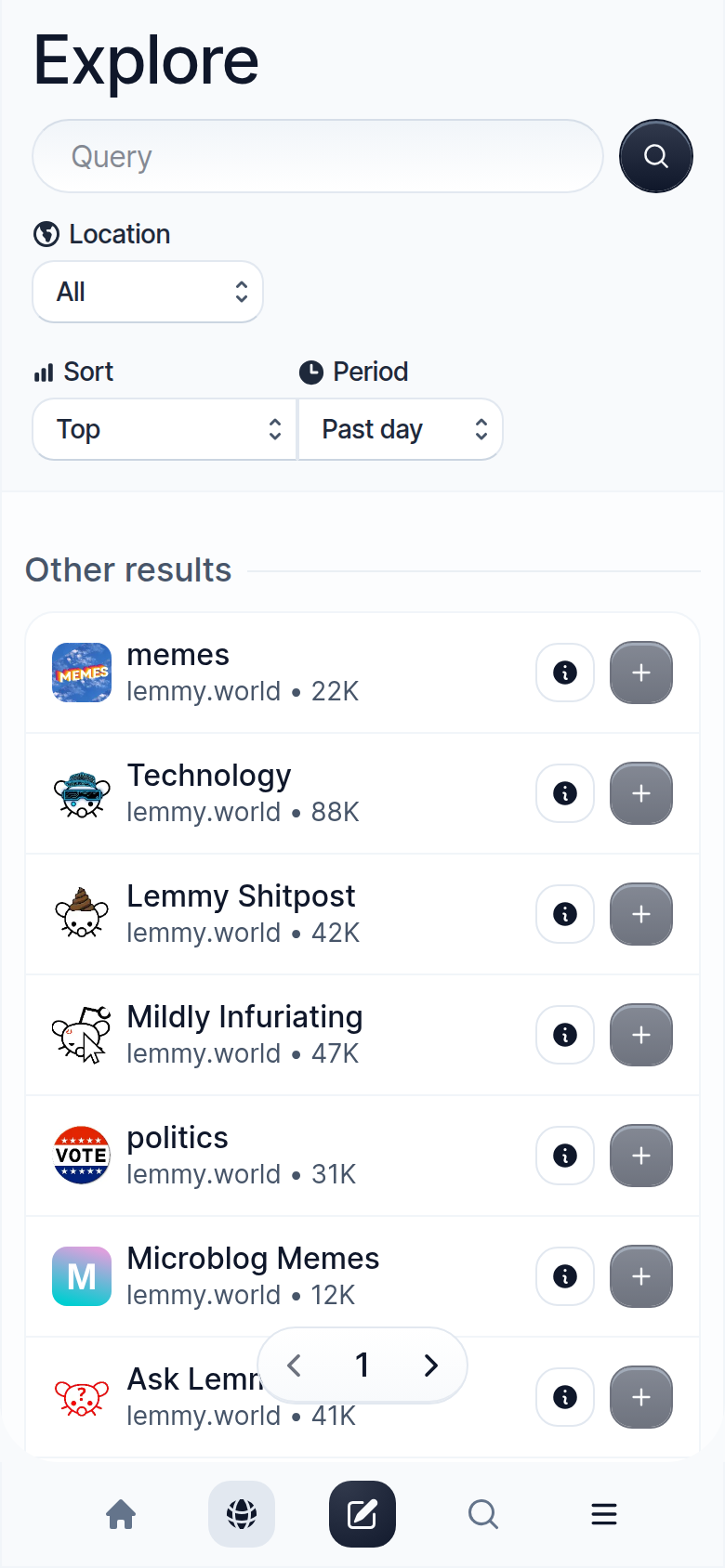
Photon is a web application for browsing the fediverse, compatible with Lemmy and PieFed instances. It provides a modern, responsive interface built with Svelte that includes features like multi-account switching, infinite scrolling, customizable themes, and support for nearly all Lemmy features. Users can self-host Photon as a frontend server for their own instance or as a standalone client connecting to any public instance. It can be deployed via Docker (ghcr.io/xyphyn/photon) or built natively with Bun or Node.js. The project is licensed under AGPL-3.0 and actively maintained with regular releases.
Should you self-host Photon?
Photon scores 54/100 on selfhost.directory (how scoring works) and ranks #16 of 85 in Feed Reader. It has 557 GitHub stars.
It shipped 9 stable releases in the past year. The latest, v2.4.3, came out on 30 July 2026. New versions land roughly every 3 weeks.
Setup is moderate: expect some configuration beyond a single command. An official Docker image is available. It is AGPL-3.0-licensed and written mostly in Svelte.
Its closest alternative on selfhost.directory is RSSHub (85/100, 46 702 stars). It scores higher overall, so compare the two before you pick. See Photon vs RSSHub side by side.
Features
- Configurable default settings
- Cookie migration from lemmy-ui
- Infinite scroll
- Lock to specific instance
- Multi-account switching
- Multi-language Support
- Recommended instances list
- Server-Side Rendering
Photon README
FAQ
I'm getting errors about header buffer size in NGINX!
Apply the fix from the linked GitHub issue comment or try using the Node server instead of the Bun server.
More in Social Networks & Forums
 phpBBSelf-hosted, open-source forum software written in PHP, with admin and moderator panels, styles, extensions, language packs, search indexes and CAPTCHA anti-spam.
- PieFedPieFed is a federated, open-source forum and link aggregator built for the fediverse, offering a Reddit-like experience with ActivityPub support.
 PinkaryPinkary is an open-source, self-hosted link landing page and social network for profiles, links, posts, and follows — built with Laravel.
 PixelFedA self-hosted, open-source photo and video social network that federates over ActivityPub with albums, stories, direct messages and chronological feeds.
 PleromaPleroma is a lightweight fediverse server compatible with other Fediverse software such as Mastodon, Misskey, and Pixelfed.
 priviblurPriviblur is a self-hosted, open-source Tumblr frontend that acts as a privacy proxy, letting you browse blogs without tracking, accounts, or JavaScript.
 ProxiTokA self-hosted, open-source alternative frontend for TikTok written in PHP: browse user feeds, tags and videos with server-side requests plus RSS feeds.
 qpixelOpen-source, self-hosted Q&A and community forum in Rails: one installation hosts many communities, each with categories, post types, voting and activity-based abilities.
 question2answerSelf-hosted Q&A software in PHP/MySQL with voting, reputation, categories, tags, plugins, themes, and WordPress/Joomla integration.
 quetreSelf-hosted, open-source alternative front-end for Quora that removes ads, tracking, and bloat with a lightweight, responsive interface, dark mode, and unofficial API.
 RedlibSelf-hosted open-source private front-end for Reddit written in Rust: all requests and media are proxied server-side, with no JavaScript, ads, or tracking.
 RevoltA self-hosted, open-source group chat app for communities offering servers, channels, calls, file uploads, and themes — a Discord alternative you fully control.
0 comments