
Self-host Pepperminty-Wiki
v0.24Single-file PHP wiki engine with full-text search
- Stars
- 207
- Port
- 80 (HTTP web interface (container))
sqlatenwiki/peppermintywiki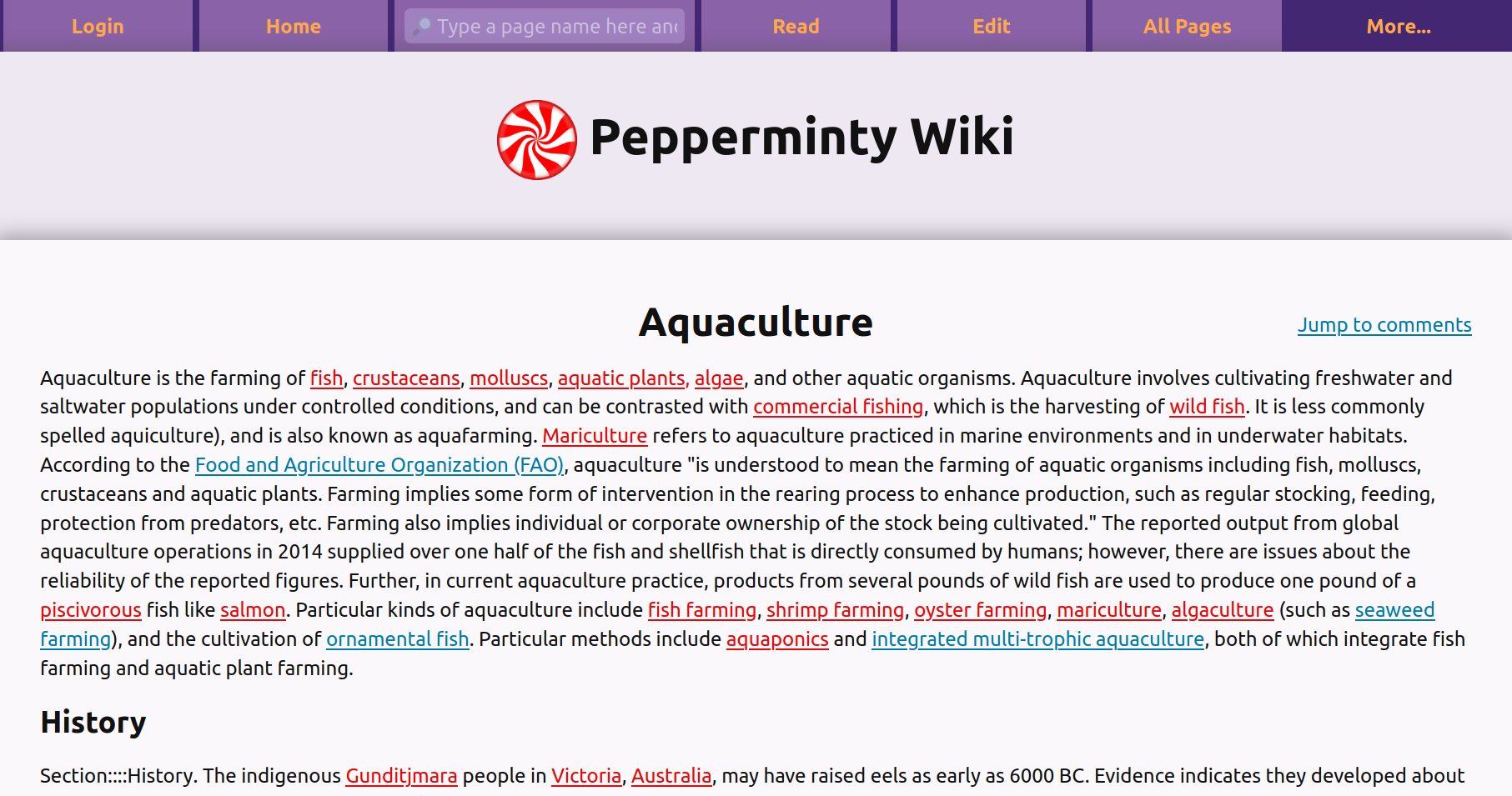
What is Pepperminty-Wiki?
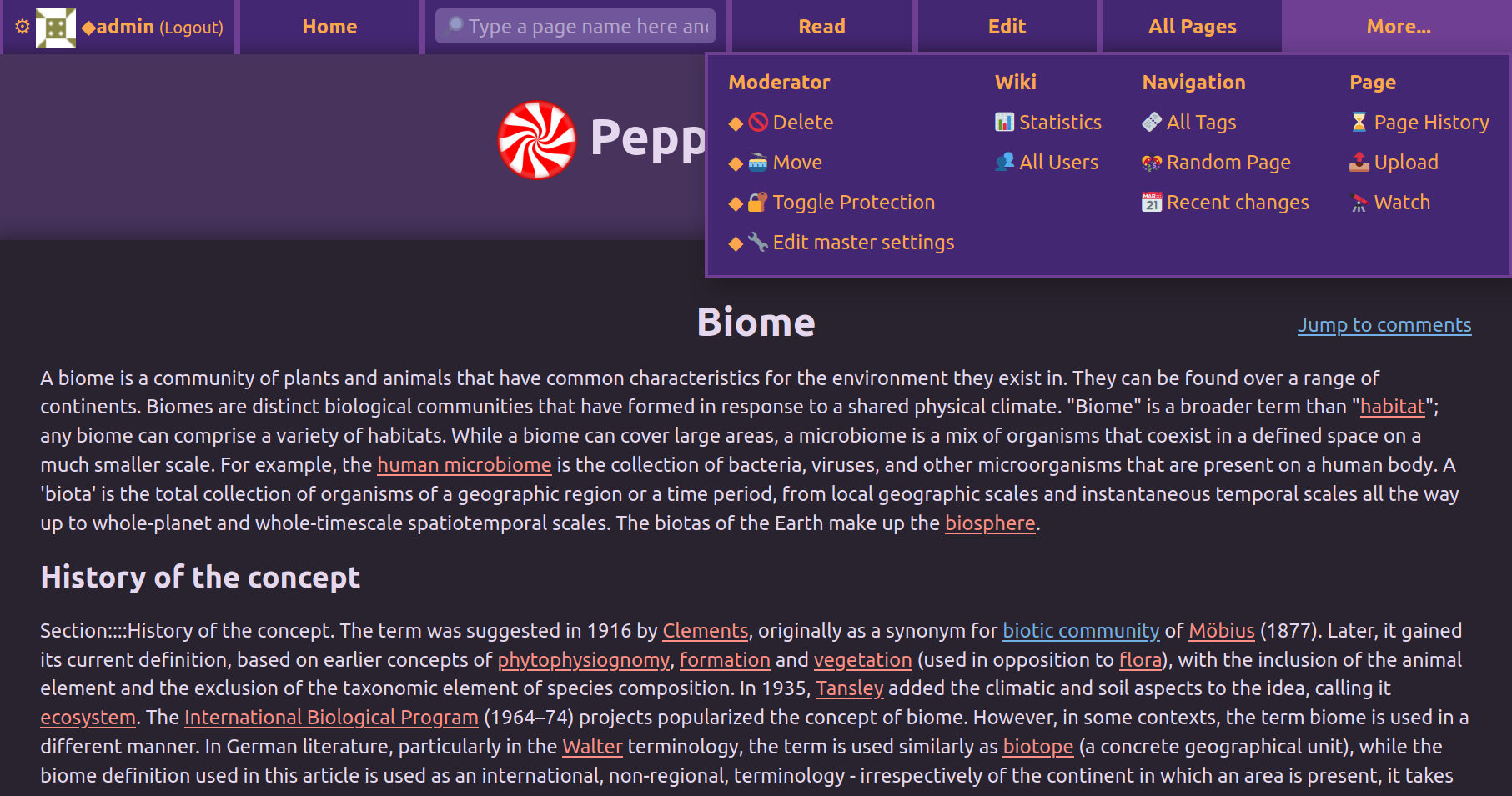
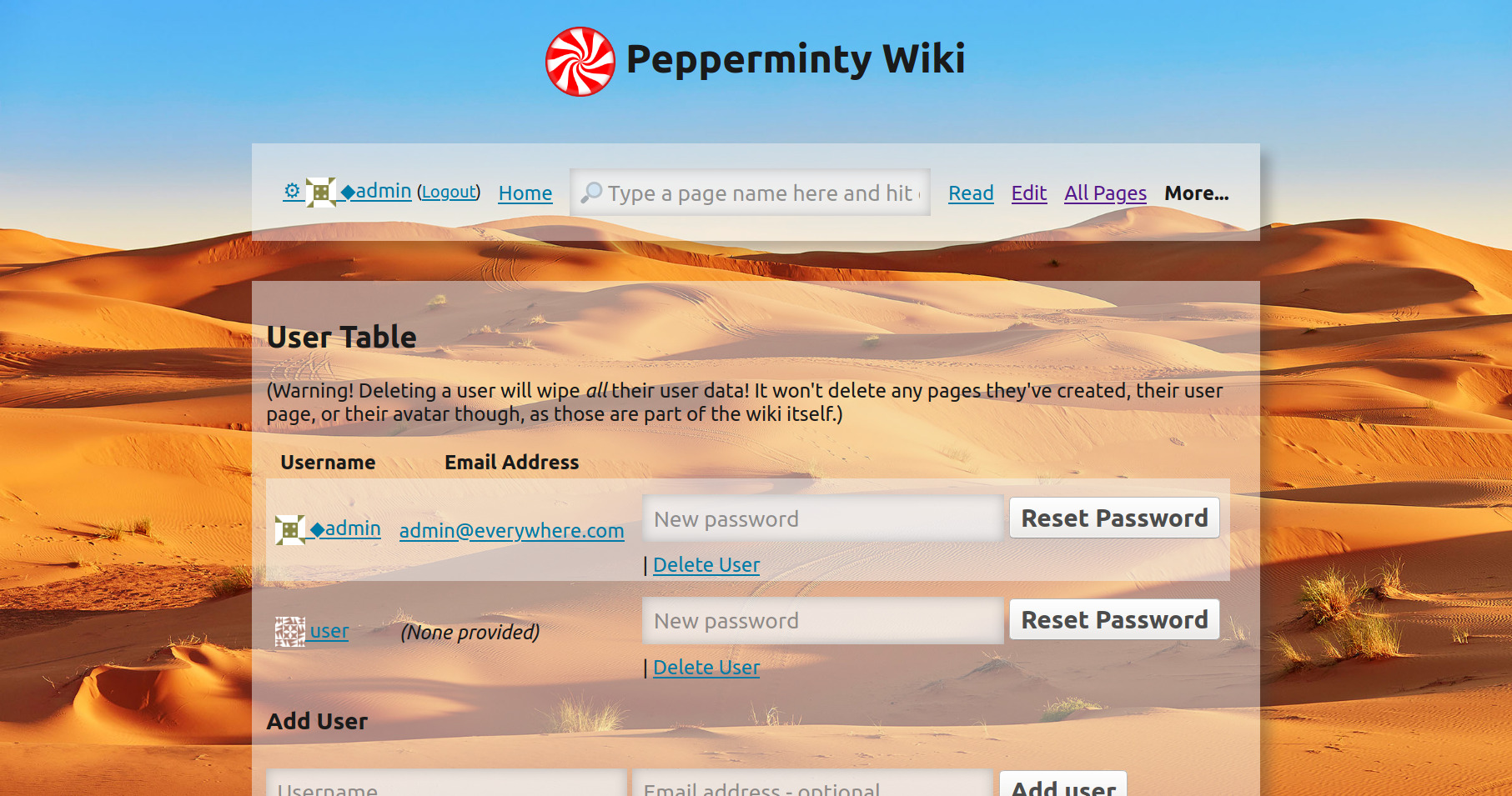
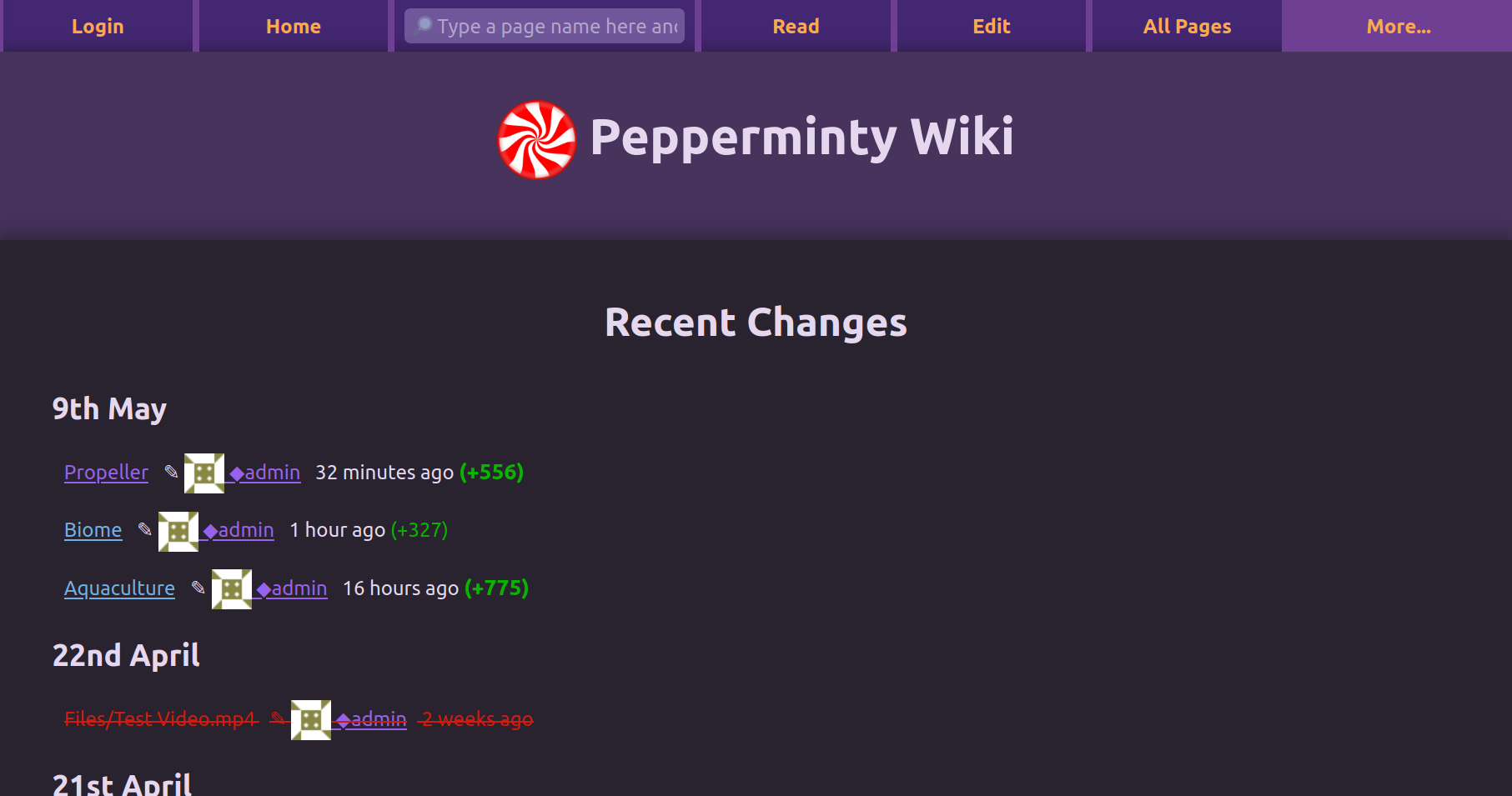
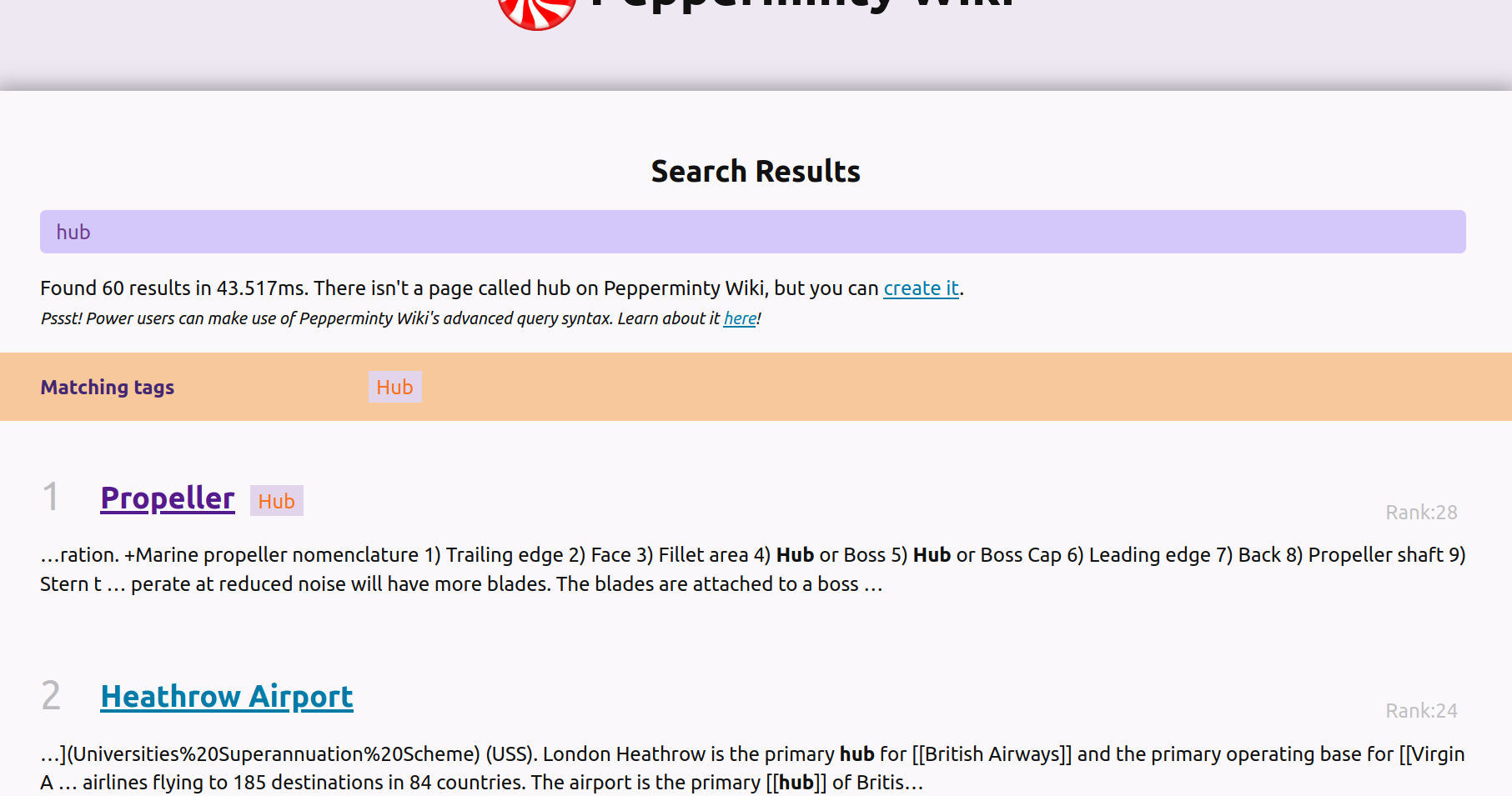
Pepperminty Wiki is a lightweight, self-hosted wiki engine written in PHP that runs as a single file with no database required. It stores content in flat files and uses SQLite via PDO for its search index. Key features include Markdown syntax with extensions, full-text search with advanced query syntax, page revision history, file uploads with previews, threaded comments, page tags and lists, a dynamic help page, multiple themes including a built-in dark mode that follows system preference, and a graphical user management interface. It can be installed by simply uploading the index.php file to a PHP-enabled web server, or via Docker/Docker Compose. An Android client app is available separately. The project is licensed under MPL-2.0 and developed by Starbeamrainbowlabs.
Should you self-host Pepperminty-Wiki?
Pepperminty-Wiki scores 45/100 on selfhost.directory (how scoring works) and ranks #25 of 31 in Wikis. It has 207 GitHub stars.
There was no stable release in the past 12 months, so check the repository's recent activity before you rely on it.
Setup is easy: most people get it running in one sitting. An official Docker image is available. It is MPL-2.0-licensed and written mostly in PHP.
Its closest alternative on selfhost.directory is outline (78/100, 41 096 stars). It scores higher overall, so compare the two before you pick. See Pepperminty-Wiki vs outline side by side.
Features
- Dynamic help page
- File uploads
- Flat File Storage
- Full-Text Search
- Markdown syntax
- Module System
- Page protection
- Page tags and lists
- Revision History
- Single-file deployment
- Subpages
- Threaded comments
- User Management
Pepperminty-Wiki README
FAQ
What's this about manual setup for the sitemap?
If the page-sitemap module is enabled, Pepperminty Wiki can generate an XML sitemap. You need to add a Sitemap directive to robots.txt at your domain root pointing to the sitemap URL (e.g., "Sitemap: http://wiki.example.com/path/to/index.php?action=sitemap").
How do I add a "create new page" button?
Since v0.23, Pepperminty Wiki has API support for creating a new page without knowing its name. A create new page button can be added as a navigation link to nav_links, nav_links_extra, or nav_links_bottom in peppermint.json with the link "index.php?action=edit&unknownpagename=yes".
More in Wikis
 PetrichorPetrichor is an open-source, self-hosted platform turning Markdown into semantic wikis with agentic RAG for traceable, evidence-backed answers.
 PineDocsPineDocs is a self-hosted, open-source file viewer for Markdown, HTML, code, images, PDFs, and media — no database needed. Runs via Docker or PHP with dark mode.
- PmWikiPmWiki is a wiki-based content-management system (CMS) for collaborative creation and maintenance of websites. It allows users to create and edit pages using simple markup rules without requiring knowledge of HTML or CSS.
 RanetoSelf-hosted, open-source Markdown wiki and knowledge base for Node.js: file-based pages, in-browser editor, Lunr search, login protection, Docker image, no database.
 RedmineRedmine is a self-hosted, open-source project management web app in Ruby on Rails with issue tracking, Gantt charts, time tracking, wikis, forums, and SCM integration.
 Semantic MediaWikiSemantic MediaWiki is a free, open-source MediaWiki extension: self-hosted wikis store structured data in pages, query it, and export it as linked data.
 siliconSilicon Notes is a self-hosted, open-source personal knowledge base with Markdown editing, bi-directional links, full-text search, and page history.
- TracTrac is an enhanced wiki and issue tracking system for software development projects, offering integrated wiki, version control (Subversion/Git), and ticket management in a minimalistic web-based interface.
 tsailunTsailun is an open-source, self-hosted wiki for teams. Stores docs as HTML files, supports multiple spaces, full-text search, file attachments, and automatic versioning.
 WW-CMS is a self-hosted, open-source flat-file wiki for artists and experimental projects, with Markdown editing, media management, and graph view — no database needed.
 WackoWikiWackoWiki is a light and handy Wiki-engine.
 WeKnoraTencent's open-source knowledge framework for teams: self-hosted RAG Q&A with citations, agents with sandboxed skills, and auto-generated wikis on swappable LLMs.
0 comments