
Self-host nostrudel
v1.1.0Nostr web client for exploring the protocol
- Stars
- 224
- Port
- 80 (HTTP web server)
ghcr.io/hzrd149/nostrudel
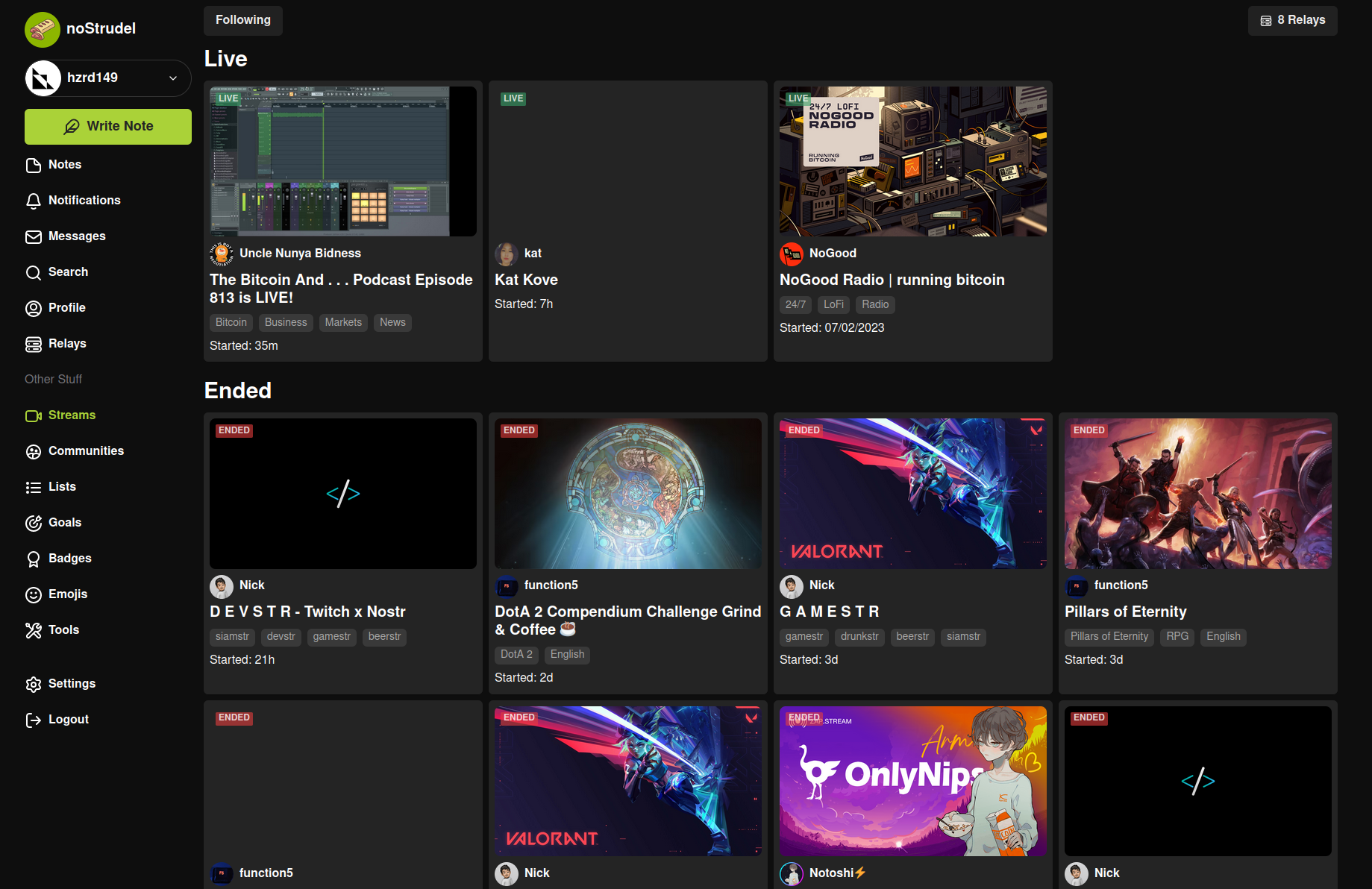
What is nostrudel?
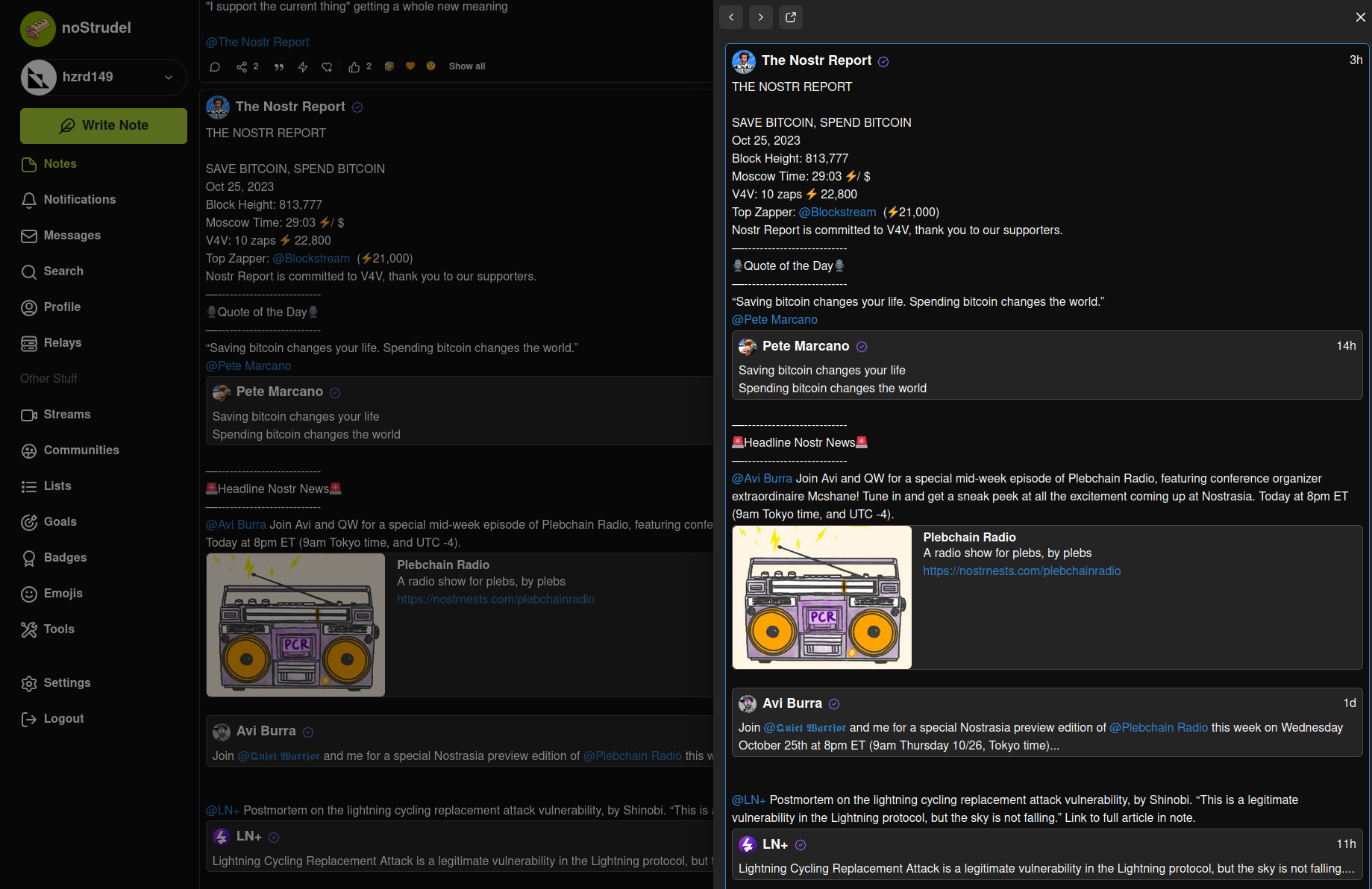
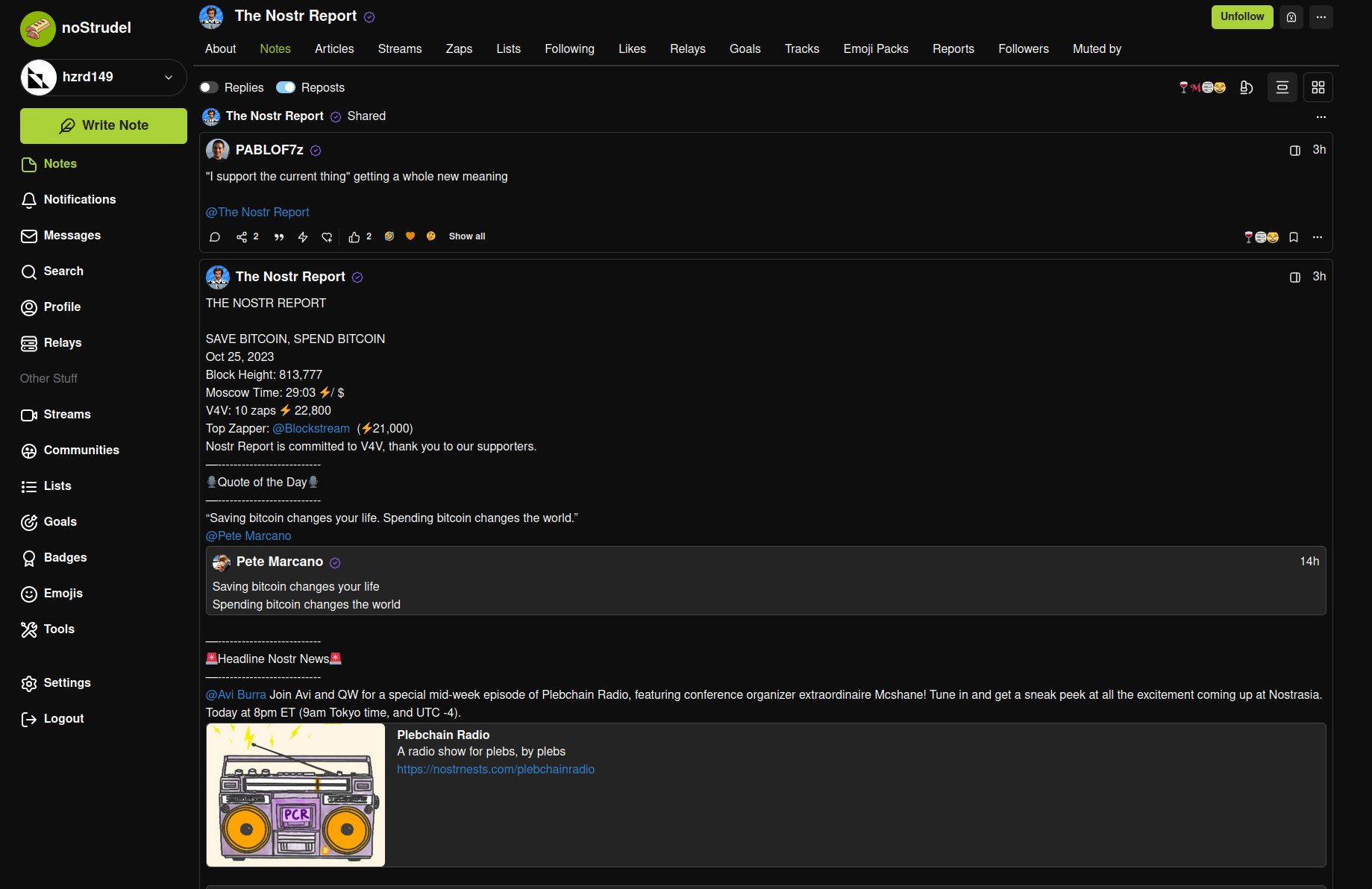
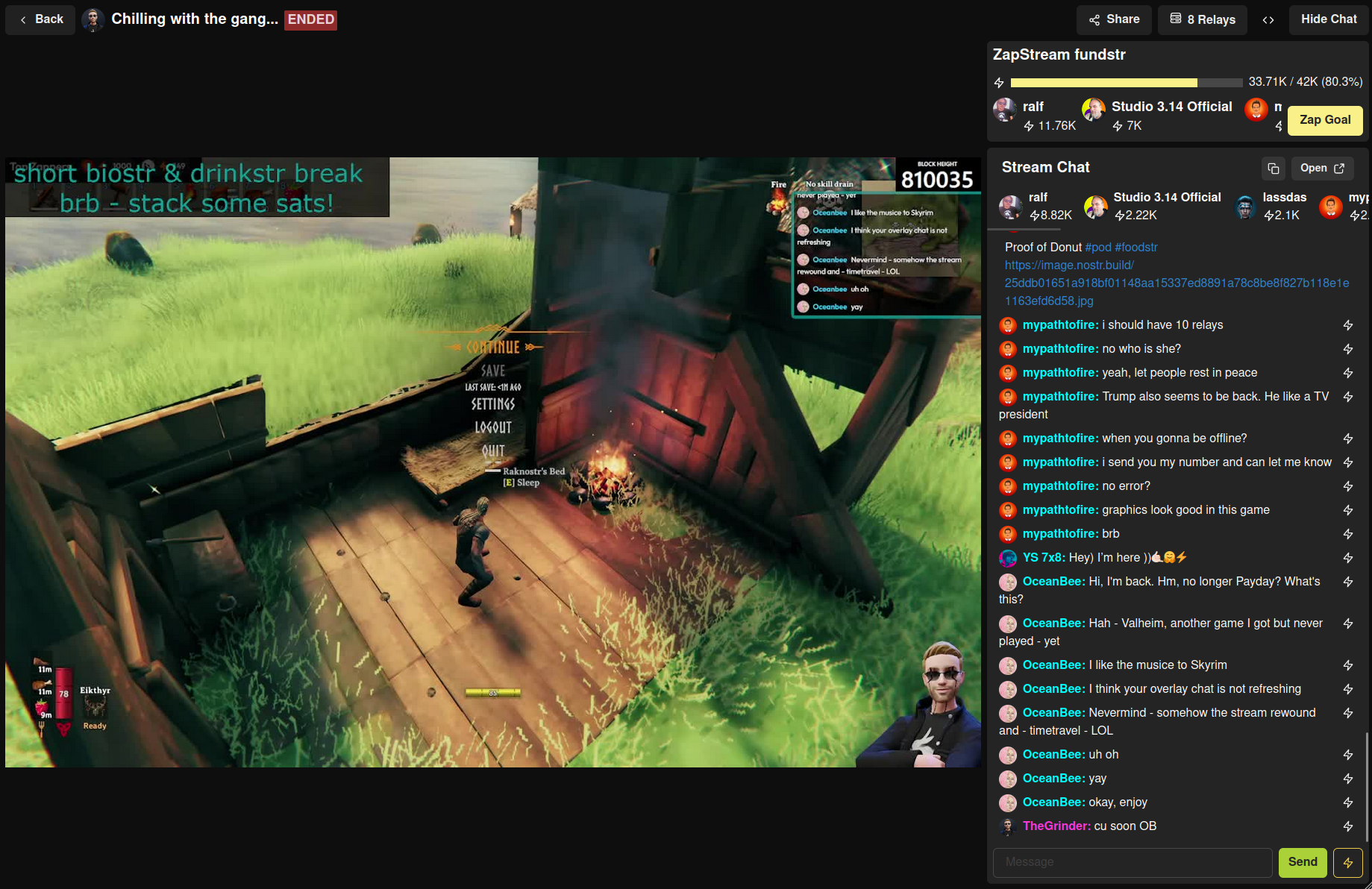
noStrudel is a web-based nostr client that lets users examine the nostr protocol by displaying detailed event information and underlying data. It supports secure signing via browser extensions like Alby and Nos2x instead of entering private keys directly. The client can be self-hosted via Docker or Docker Compose with optional services for caching (nostr-rs-relay), image resizing (imageproxy), and request proxying (cors-anywhere). It also supports Tor and I2P proxies. The project is still in active development and the author notes that many features are missing. It includes PWA support and Capacitor-based native mobile apps.
Should you self-host nostrudel?
nostrudel scores 43/100 on selfhost.directory (how scoring works) and ranks #59 of 69 in Social Networks & Forums. It has 224 GitHub stars.
There was no stable release in the past 12 months, so check the repository's recent activity before you rely on it.
Setup is moderate: expect some configuration beyond a single command. An official Docker image is available. It is MIT-licensed and written mostly in Typescript.
Its closest alternative on selfhost.directory is Discourse (83/100, 48 024 stars). It scores higher overall, so compare the two before you pick. See nostrudel vs Discourse side by side.
Features
- Browser extension signersDirect nsec entry is supported but discouraged due to XSS risk
- Event caching relay
- Nostr event exploration
- Progressive Web App
- Request proxy
- Tor and I2P support
nostrudel README
More in Social Networks & Forums
 OSSNOSSN is an open-source, self-hosted PHP social network engine with profiles, groups, live chat, photo albums and blogs, a Facebook alternative you run on your own server.
 pdsBluesky PDS is an open-source, self-hosted Personal Data Server: run your own account host that federates with the AT Protocol network, installed via Docker Compose.
 PeergosSelf-hosted, open-source p2p drive with post-quantum end-to-end encryption: hidden file names, sizes and contacts, secret links, folder sync, chat and social feed.
 pH7BuilderSelf-hosted, open-source PHP 8.2+ platform for white-label dating sites and social networks with full data ownership, MIT licensed.
 PhanpyPhanpy is a self-hosted, open-source Mastodon web client with a minimalistic design, multi-account support, nested threads, and multi-column layouts.
 PhotonPhoton is a self-hosted, open-source web client for Lemmy and PieFed with modern UI, multi-account support, and extensive customization.
 phpBBSelf-hosted, open-source forum software written in PHP, with admin and moderator panels, styles, extensions, language packs, search indexes and CAPTCHA anti-spam.
- PieFedPieFed is a federated, open-source forum and link aggregator built for the fediverse, offering a Reddit-like experience with ActivityPub support.
 PinkaryPinkary is an open-source, self-hosted link landing page and social network for profiles, links, posts, and follows — built with Laravel.
 PixelFedA self-hosted, open-source photo and video social network that federates over ActivityPub with albums, stories, direct messages and chronological feeds.
 PleromaPleroma is a lightweight fediverse server compatible with other Fediverse software such as Mastodon, Misskey, and Pixelfed.
 priviblurPriviblur is a self-hosted, open-source Tumblr frontend that acts as a privacy proxy, letting you browse blogs without tracking, accounts, or JavaScript.
0 comments