
Self-host midgard
v0.4.0Cross-platform clipboard sync with end-to-end encryption
- Stars
- 230
- Port
- 80 (HTTP server (WebSocket for clipboard relay))
- Requires
- Reverse proxy (Traefik/nginx)
ghcr.io/changkun/midgard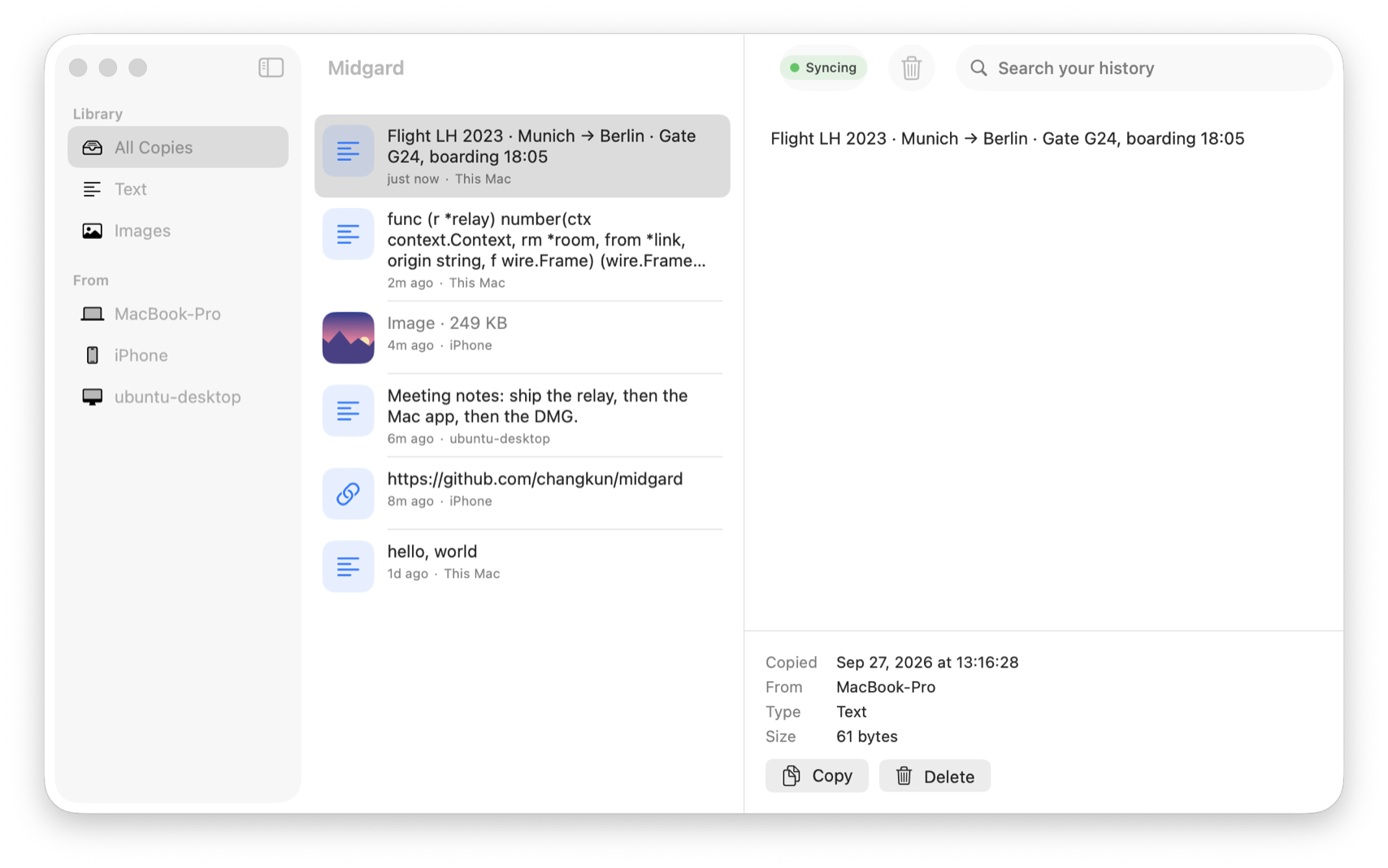
What is midgard?
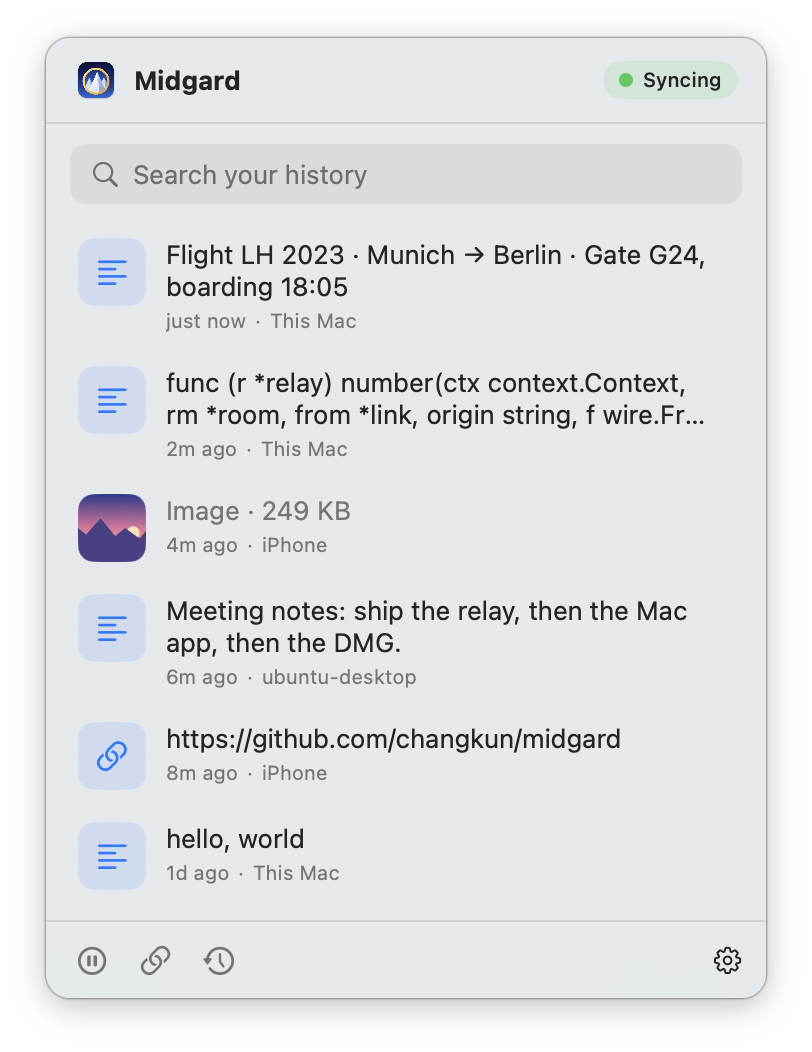
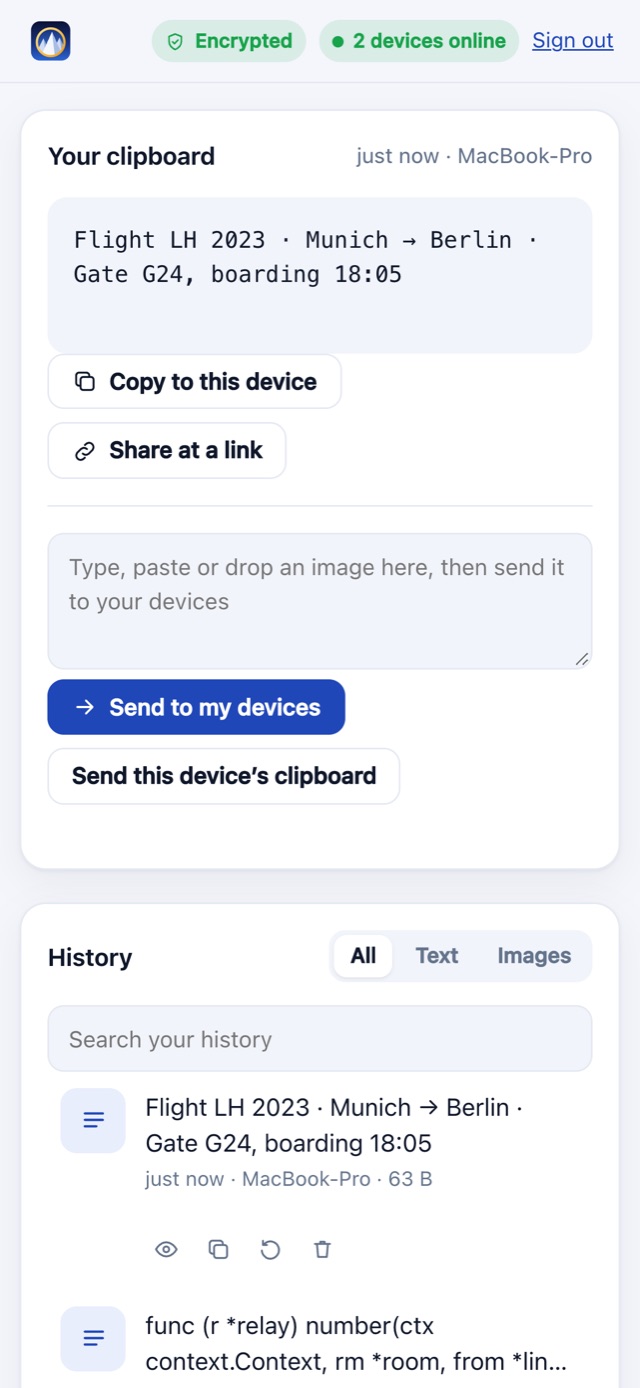
midgard is a clipboard synchronization system you host yourself. Run the relay server (Docker image or static binary) on a server with a domain and TLS, then connect clients: a macOS menu-bar app, a Linux/Windows daemon, and a web interface for mobile. Every clipboard entry is encrypted with a key shared only among your devices, so the relay sees only sealed payloads and stores nothing. History stays identical across devices — the newest 200 items for 30 days, capped at 64 MB. Items or files become revocable share links. Pair new devices via QR code or one-time code. Authentication goes through auth.latere.ai with an allowlist. An optional plaintext bridge lets iPhone Shortcuts or Android Tasker participate, at the cost of server visibility. All persistent state (devices, shares, tokens) lives in a local SQLite file.
Should you self-host midgard?
midgard scores 48/100 on selfhost.directory (how scoring works) and ranks #6 of 15 in Productivity. It has 230 GitHub stars.
It shipped 3 stable releases in the past year. The latest, v0.4.0, came out on 27 September 2026.
Setup is advanced: plan for several services and some ongoing maintenance. An official Docker image is available. It is GPL-3.0-licensed and written mostly in Go.
Its closest alternative on selfhost.directory is Cal.dyi (81/100, 49 478 stars). It scores higher overall, so compare the two before you pick. See midgard vs Cal.dyi side by side.
Features
- Android Tasker supportUnencrypted; server can read copies.
- App tokens for headless devices
- Command-line interface (mg)
- Cross-platform clipboard sync
- Device pairing via QR/code
- End-to-end encryption
- iPhone Shortcuts integrationUnencrypted bridge optional; server can read copies when enabled.
- Linux/Windows daemon
- Mac menu-bar appmacOS 14+ required.
- Offline queue with delivery on reconnect
- Password manager secret detection
- Share clipboard or files as links
- Unified clipboard history
- Web-based clipboard access
midgard README
More in Productivity
 MindGenius AIA self-hosted AI agent that reads PDFs and creates editable mind maps on your own hardware — your documents and API keys stay local.
 MindwtrGet tasks and ideas out of your head. A free GTD to-do app for desktop and mobile. Works offline, no account needed
 minutesFree, open-source app that records and transcribes meetings locally into Markdown, then lets AI assistants like Claude Code search the history via MCP.
 moodistSelf-hosted open-source ambient sound generator with 84 curated tracks for building custom listening environments at home.
 moonstoneSelf-hosted headless PKM server turning Obsidian, Logseq, Zim vaults into a REST API with PWA editor, applets, and background services.
 multicaSelf-hosted platform that makes coding agents work like teammates — assign issues, track progress, reuse skills, and monitor runtimes in one workspace.
 MySigMailMySigMail is a self-hosted, open-source email signature generator with 102 free templates for Gmail, Outlook, and Apple Mail.
 NautiloNautilo is a self-hosted, open-source workspace where people and AI agents collaborate in shared Rooms. Run it on your own infrastructure with Docker.
 NextcloudNextcloud Server is a self-hosted, open-source platform replacing Google Workspace or Microsoft 365 with file sync, calendar, mail, video calls, and office editing.
 Nextcloud Mail💌 Mail app for Nextcloud
 nextcloud-mcp-serverA self-hosted, open-source MCP server that lets AI assistants interact with your Nextcloud instance — managing notes, calendars, contacts, files, and more.
 Nextcloud Notes✎ Distraction-free notes and writing
0 comments