
Self-host MeshSense
v1.0.18Meshtastic network monitor and mapper
- Stars
- 543
- Port
- 5921 (UI development server (Vite))
- Requires
- Meshtastic node

What is MeshSense?
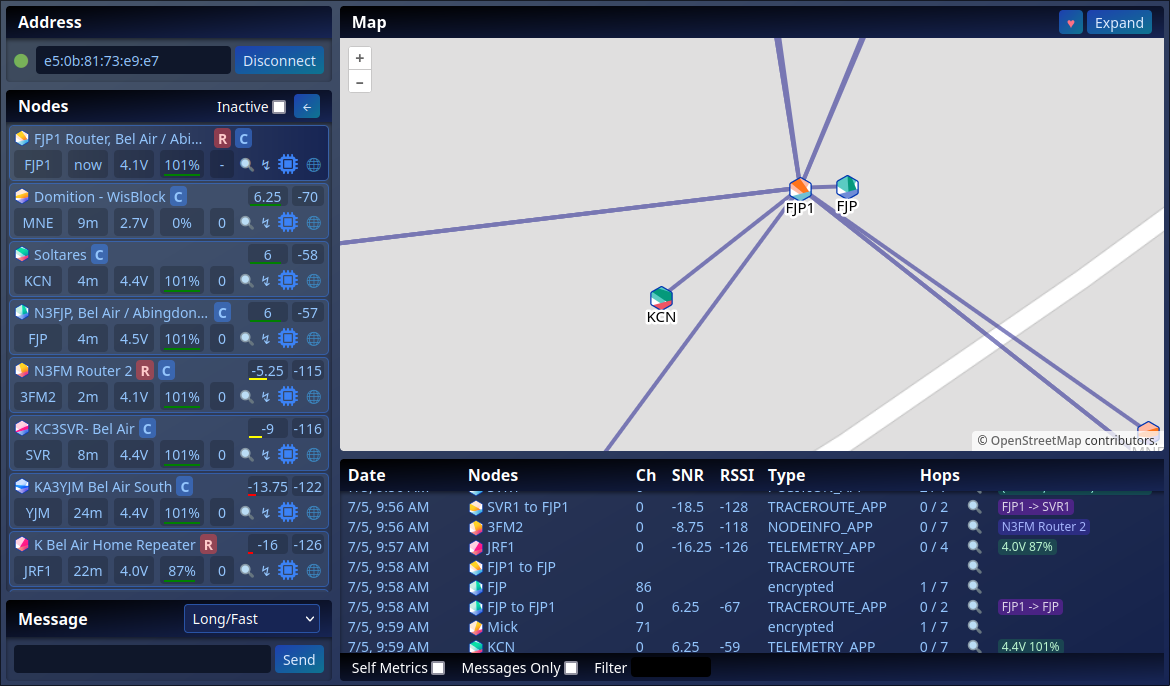
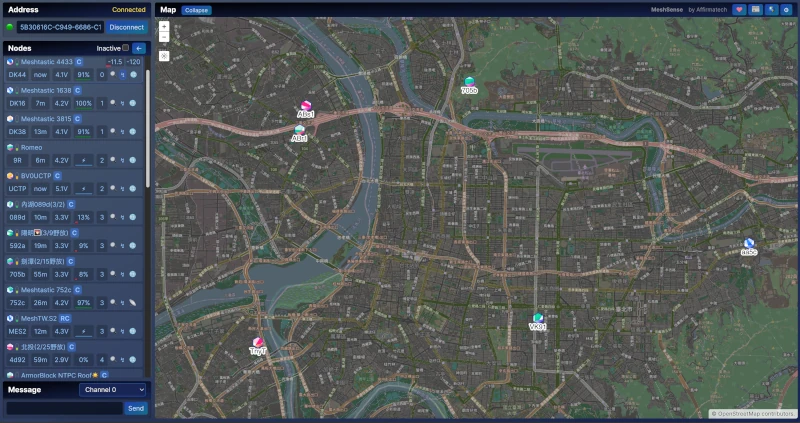
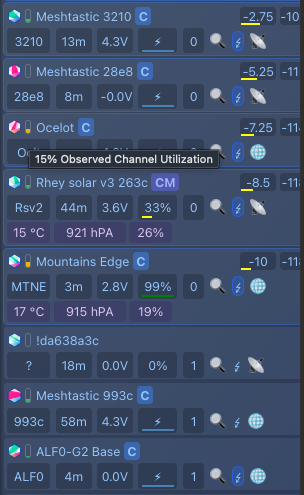
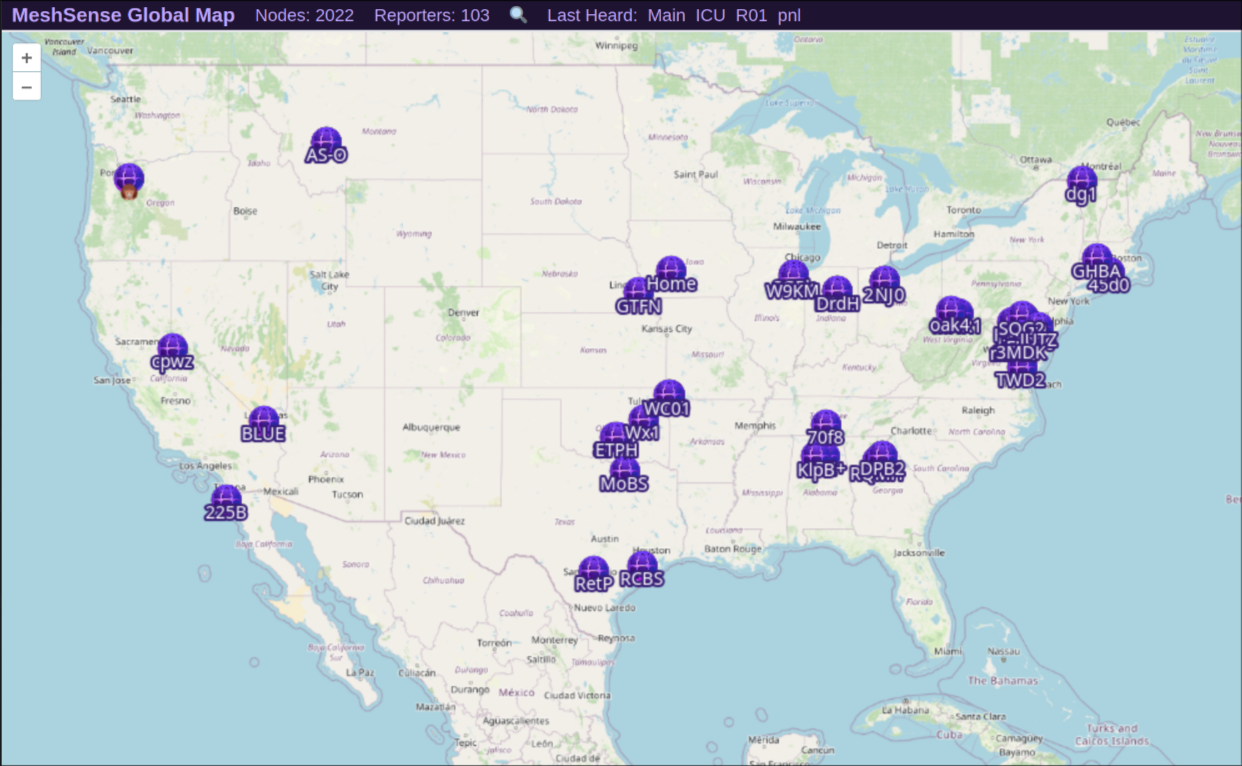
MeshSense is an open-source desktop application for monitoring and visualizing Meshtastic mesh networks. It connects directly to Meshtastic nodes via Bluetooth or WiFi and provides real-time mapping of nodes, signal reports (SNR/RSSI), traceroutes, and messaging capabilities. The application runs on Windows, Linux (x64, arm64, armv7l), and macOS (Apple Silicon), with a headless mode for server deployment using AppImage and xvfb. Key features include automatic traceroute requests, channel utilization display, dark mode, MQTT filtering, remote web access with access keys, and optional global map sharing. The project is licensed under GPL-3.0 and developed by Affirmatech Inc.
Should you self-host MeshSense?
MeshSense scores 51/100 on selfhost.directory (how scoring works) and ranks #21 of 48 in Network Monitoring. It has 543 GitHub stars.
There was no stable release in the past 12 months, so check the repository's recent activity before you rely on it.
Setup is moderate: expect some configuration beyond a single command. It is GPL-3.0-licensed and written mostly in Typescript.
Its closest alternative on selfhost.directory is mitmproxy (86/100, 46 448 stars). It scores higher overall, so compare the two before you pick. See MeshSense vs mitmproxy side by side.
Features
- Audio alerts
- Automatic traceroute
- Channel utilization display
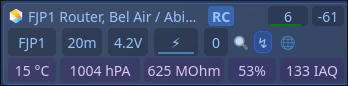
- Environmental telemetry display
- Global map sharing
- Headless Mode
- Mesh network monitoring
- Messaging
- MQTT filtering
- Network mapping and visualization
- Node position inference
- Remote web access
- Traceroute visualization
MeshSense README
FAQ
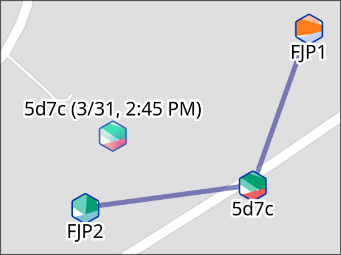
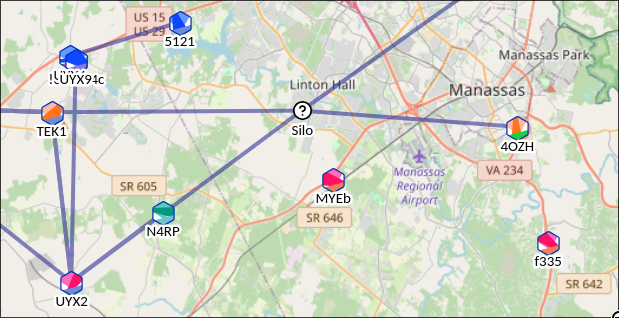
What are the black and white nodes on the map with question marks?
These are nodes without GPS location; MeshSense infers their estimated position by averaging distance from known nodes in traceroutes.
How often does MeshSense send automated traceroute requests?
Automatic traceroutes are sent when packets are received from a node, traceroute data is missing or hop count changed, and 15 minutes have passed since the last request (configurable).
Is there an audio alert for received messages?
Yes, audio alerts can be enabled or disabled from the Settings form.
How do I send messages?
Select a channel or node from the dropdown at bottom left, type your message, and press Enter or click Send.
Can I run MeshSense on a server without a GUI?
Yes, use the --headless flag. On Debian/Ubuntu, install Electron dependencies and run with xvfb.
How do I connect my node to MeshSense?
Connect via Bluetooth (device appears in Bluetooth list) or WiFi (enter node IP address in Device IP field).
Can I see a live version of MeshSense in action?
Yes, there's a demo node at https://affirmatech.com/meshsense/FJP1/ showing real-time network activity.
What are the system requirements?
MeshSense runs on Windows (x64), Linux (x64), and macOS (arm64).
Is MeshSense open source?
Yes, the source code is available on GitHub at https://github.com/Affirmatech/MeshSense.
What is MeshSense?
MeshSense is an open-source application that monitors, maps, and graphically displays vital stats of your Meshtastic network including connected nodes, signal reports, and trace routes.
More in Amateur Radio
 meshviewSelf-hosted open-source web app monitoring Meshtastic mesh networks via MQTT with interactive map, packet analysis, node stats, traceroute, and reliability reports.
 RemoteTerm for MeshCoreRemoteTerm for MeshCore is a self-hosted, open-source web interface for managing MeshCore mesh radios with messaging, bots, and MQTT/Home Assistant integrations.
 shinysdrShinySDR is a self-hosted, open-source SDR receiver with a web UI for RTL-SDR, HackRF, and USRP hardware to receive analog and digital signals.
 WavelogA free, open-source web logbook for radio amateurs to record contacts from any browser, with QSL sync, DX cluster, mapping, awards, and contest tools.
 CloudlogSelf-hosted open-source amateur radio logging app with web UI, LoTW/eQSL/QRZ/Club Log integration, CAT control, satellite support, and awards tracking.
0 comments