
Self-host Matterbridge
3.11.0Matter plugin manager for smart home bridges
- Stars
- 997
- RAM
- 512MB
- Ports
- 8283 (Web frontend (HTTP/HTTPS)), 5540 (Matter protocol (TCP/UDP) and commissioning)
luligu/matterbridge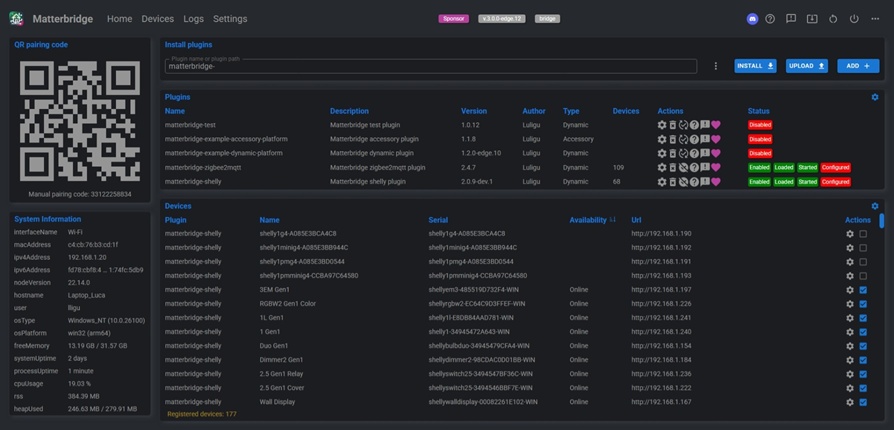




What is Matterbridge?
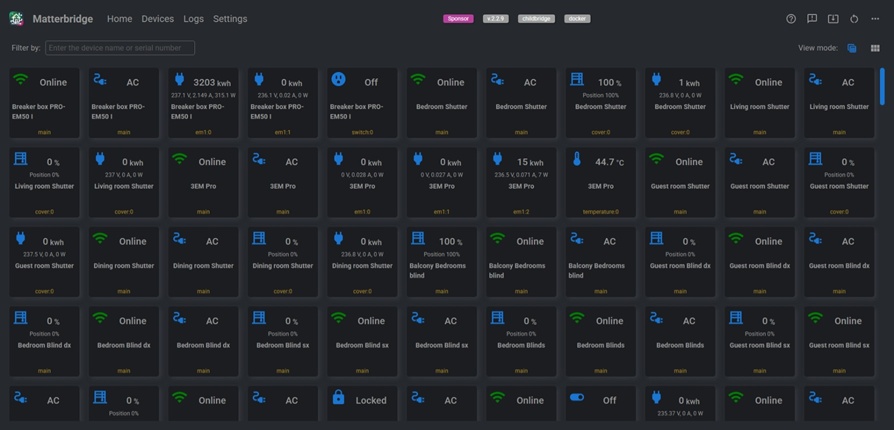
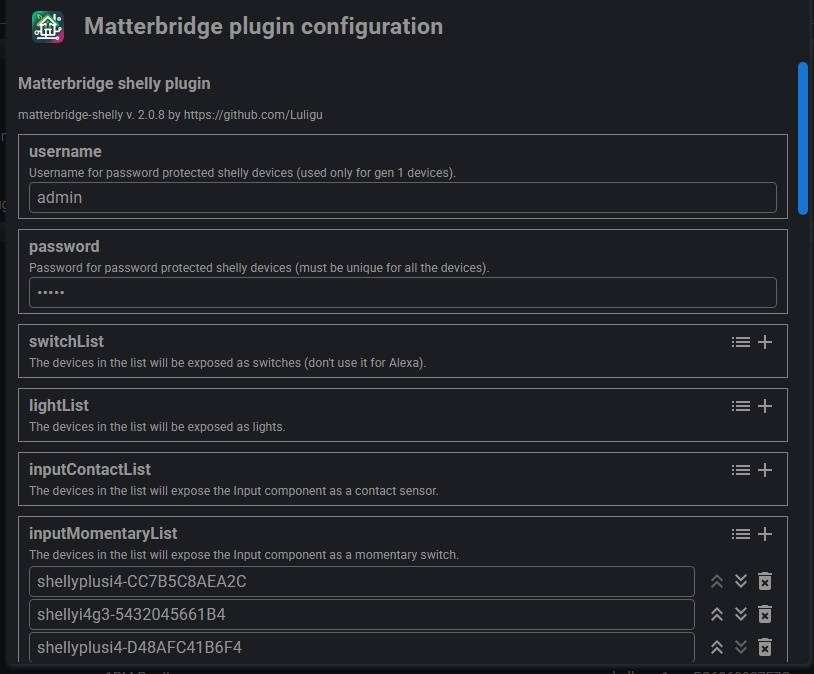
Matterbridge is a plugin manager for the Matter smart home standard. It runs a Matter bridge that connects to platforms like Apple Home, Google Home, Alexa, SmartThings, and Home Assistant. Through plugins, it brings non-Matter hardware — such as Shelly relays, Zigbee2MQTT devices, Somfy blinds, Home Assistant entities, webhooks, BTHome sensors, and iRobot vacuums — into the Matter fabric. The program works on Linux, macOS, and Windows with modest resources (512 MB RAM). A built-in web UI on port 8283 lets you manage plugins, view devices, and inspect logs. You can deploy it via Docker, Docker Compose, a global npm install, systemd, launchctl, Windows Task Scheduler, Podman, or behind nginx. Two operating modes exist: bridge mode presents one bridge device, while childbridge mode makes each plugin its own bridge. The codebase is Apache-2.0 licensed and maintains a growing set of official and community plugins.
Should you self-host Matterbridge?
Matterbridge scores 59/100 on selfhost.directory (how scoring works) and ranks #34 of 104 in Home Automation. It has 997 GitHub stars.
It shipped 10 stable releases in the past year. The latest, 3.11.0, came out on 23 October 2026. New versions land roughly every 7 days.
Setup is moderate: expect some configuration beyond a single command. An official Docker image is available. It is Apache-2.0-licensed and written mostly in Typescript.
Its closest alternative on selfhost.directory is Home Assistant (91/100, 91 794 stars). It scores higher overall, so compare the two before you pick. See Matterbridge vs Home Assistant side by side.
Features
- Backup and Restore
- Bridge mode
- Childbridge mode
- Health Checks
- HTTPS/mTLS support
- IPv6 Support
- mDNS discovery
- Multi-Instance Support
- Multi-platform
- Plugin management via frontend
- Plugin System
- Web frontend
Matterbridge README
FAQ
Why does Apple Home show session errors after restart?
The controller may still use a session from the previous connection. This is normal and resolves automatically after some time.
How to disable Restart matterbridge and update matterbridge?
In the frontend settings page, set virtual devices to Disabled.
How to use regex search in the Log page?
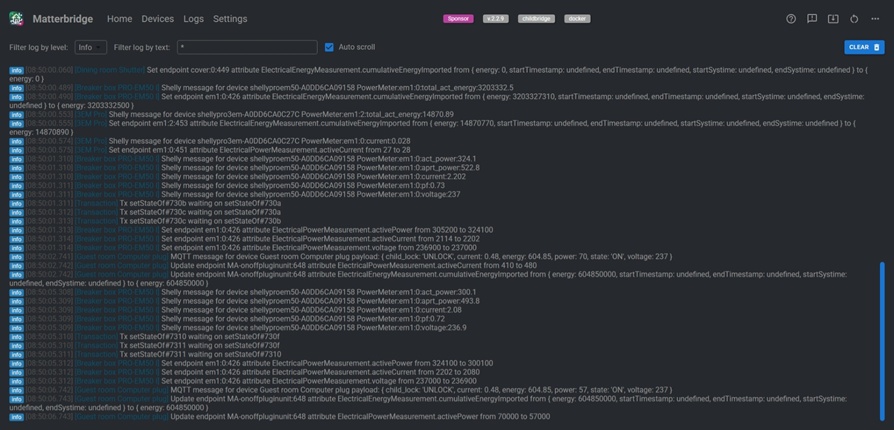
Start and end search string with / (e.g., /^error/ matches lines starting with error, /timeout/ matches timeout anywhere, /disconnected$/ matches lines ending with disconnected).
How to avoid race condition on start/restart?
Use --delay parameter for boot race conditions (applies only in first 5 minutes after reboot) or --fixed_delay for Docker Compose (always delays startup).
How to pair a second controller?
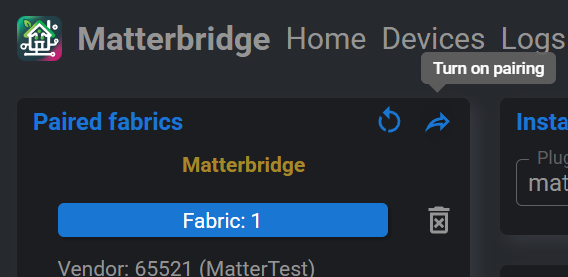
Either use the first controller's share/pairing mode to get a new QR code, or use the Matterbridge frontend's 'Turn on pairing mode' in the Paired fabrics panel.
How to send debug log files?
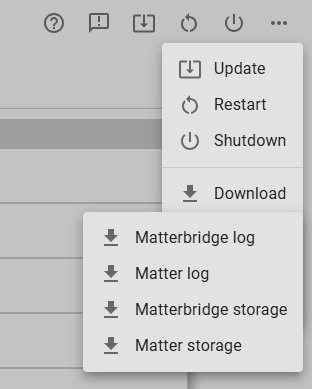
Enable debug mode in the frontend settings, wait a few minutes for logs to accumulate, then use the three-dots menu to download matterbridge.log and matter.log files.
How to enable HTTPS for the frontend?
Place your certificates (cert.pem, key.pem, optional ca.pem) or PKCS#12 certificate (cert.p12 with cert.pass) in the .matterbridge/certs directory, then run matterbridge with --ssl (or --tls) parameter. For mutual TLS, use --mtls instead.
More in IoT
 mbusdA self-hosted Modbus gateway bridging TCP networks to RTU serial devices, letting multiple clients share one RS-232/485 bus on tiny hardware.
 Meross LANHome Assistant integration for Meross devices
 Mesh-BotSelf-hosted, open-source Python bot for Meshtastic mesh networks with network testing, BBS messaging, games, weather alerts, AI, and radio monitoring.
 MeshCore HubSelf-hosted, open-source platform for monitoring and managing MeshCore mesh networks with a web dashboard, REST API, and real-time packet capture via LoRa radios.
 meshmonitorA self-hosted web dashboard that unifies three mesh protocols into one interface with live maps, messaging, telemetry, and automation.
 MeshSenseSelf-hosted, open-source desktop app for monitoring Meshtastic mesh networks via Bluetooth/WiFi with real-time mapping, traceroutes, and messaging.
 meshviewSelf-hosted open-source web app monitoring Meshtastic mesh networks via MQTT with interactive map, packet analysis, node stats, traceroute, and reliability reports.
 mimiclawSelf-hosted open-source ESP32-S3 firmware: a Claude/GPT-powered Telegram AI assistant in pure C with persistent flash memory, web search, cron tasks and OTA updates.
 monitorSelf-hosted BTLE presence detection: track phones, beacons and iBeacons on Raspberry Pi nodes and publish confidence-based occupancy updates to MQTT.
 MosquittoEclipse Mosquitto - An open source MQTT broker
 movelMovel is a self-hosted dashboard reading real-time OBD2 vehicle data via Bluetooth, showing RPM, speed, and throttle on a Raspberry Pi.
 mqtt-exporterSelf-hosted Prometheus exporter converting MQTT messages from IoT sensors into metrics for Zigbee2MQTT, Zwavejs2Mqtt, ESPHome, Hubitat, Meshtastic, and Shelly.
0 comments