
Self-host lurker
v0.1.2Read-only Reddit client with mobile-friendly UI
- Stars
- 327
- Port
- 3000 (HTTP web interface)
ghcr.io/oppiliappan/lurker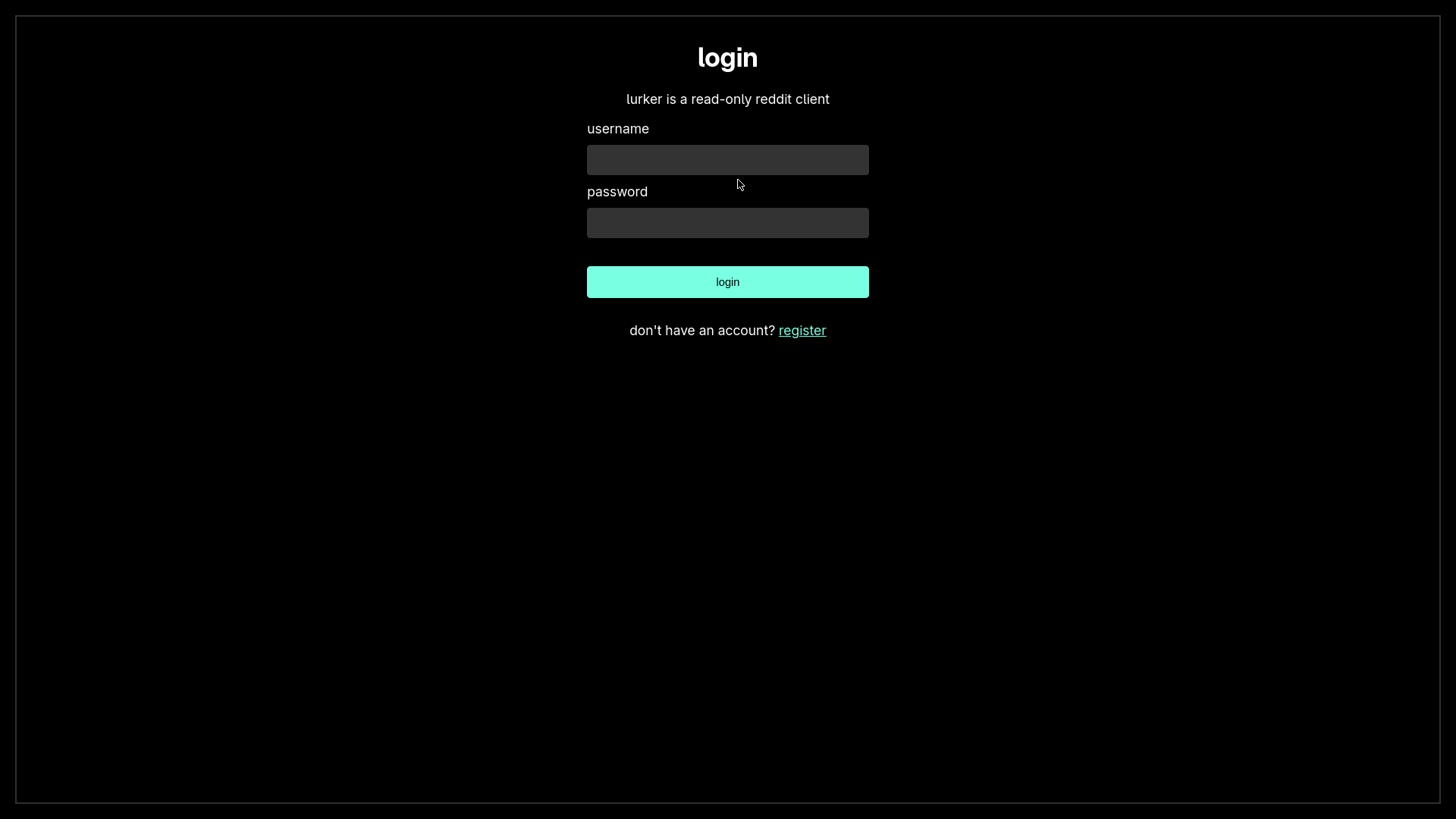
What is lurker?
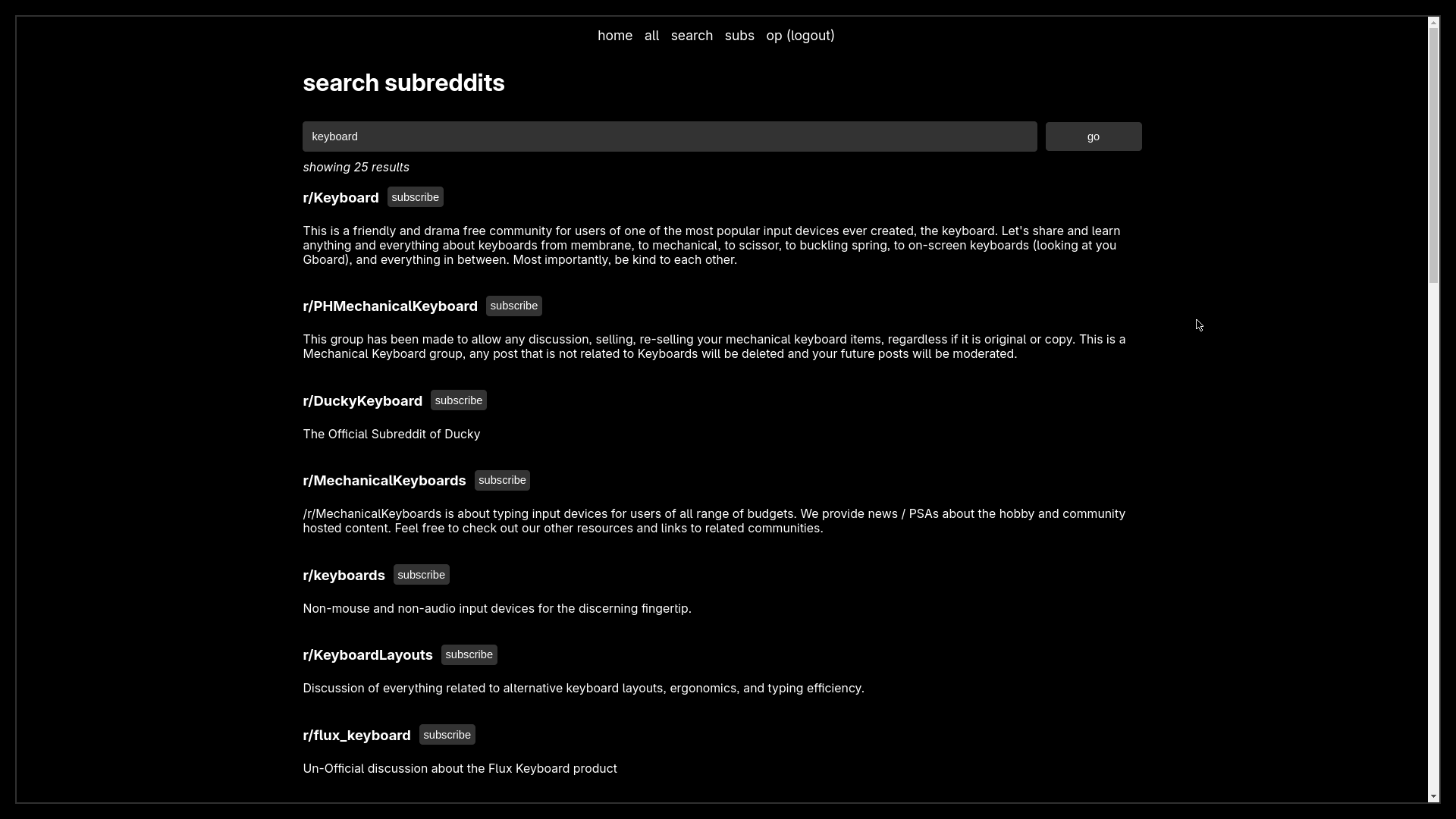
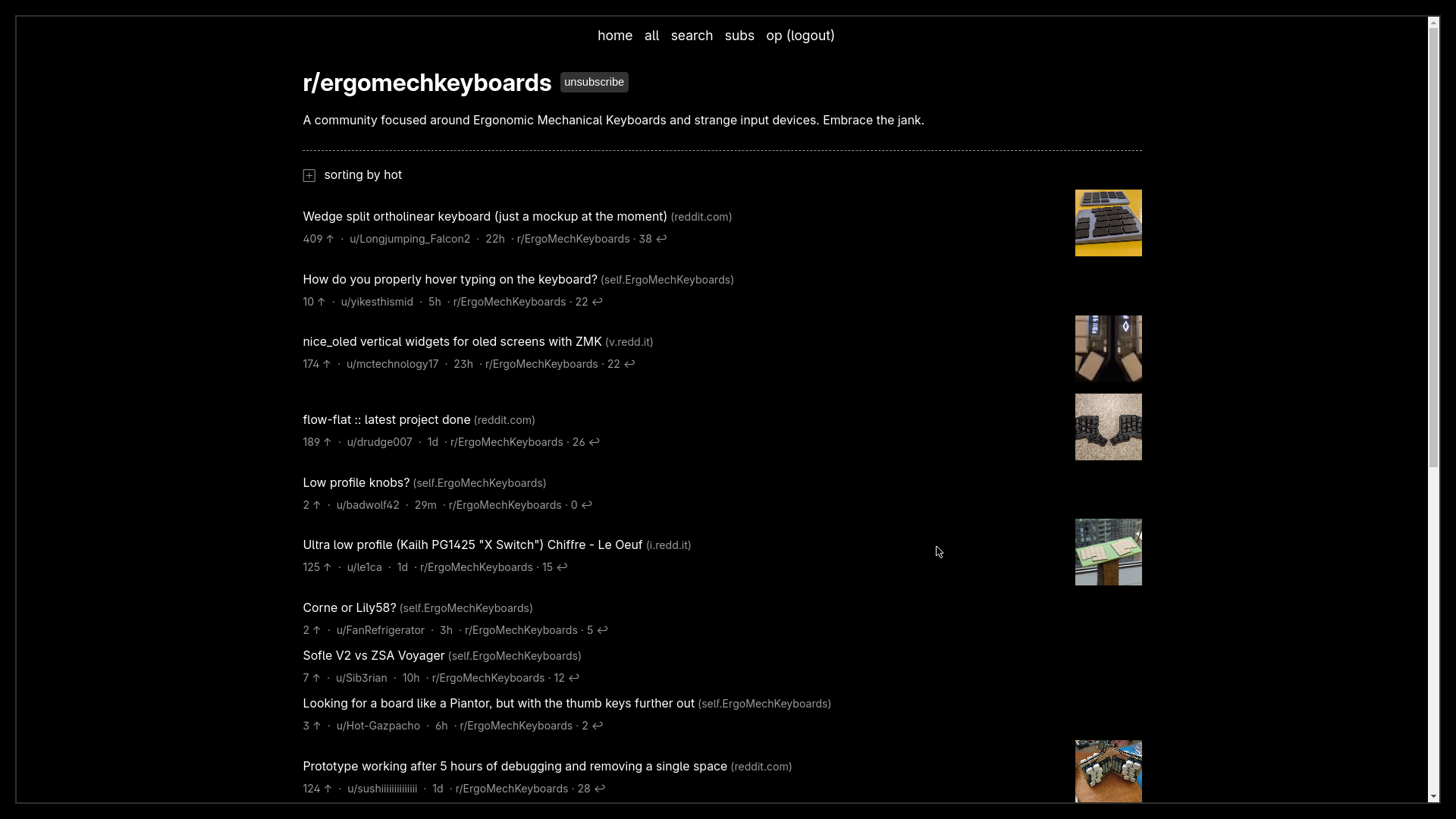
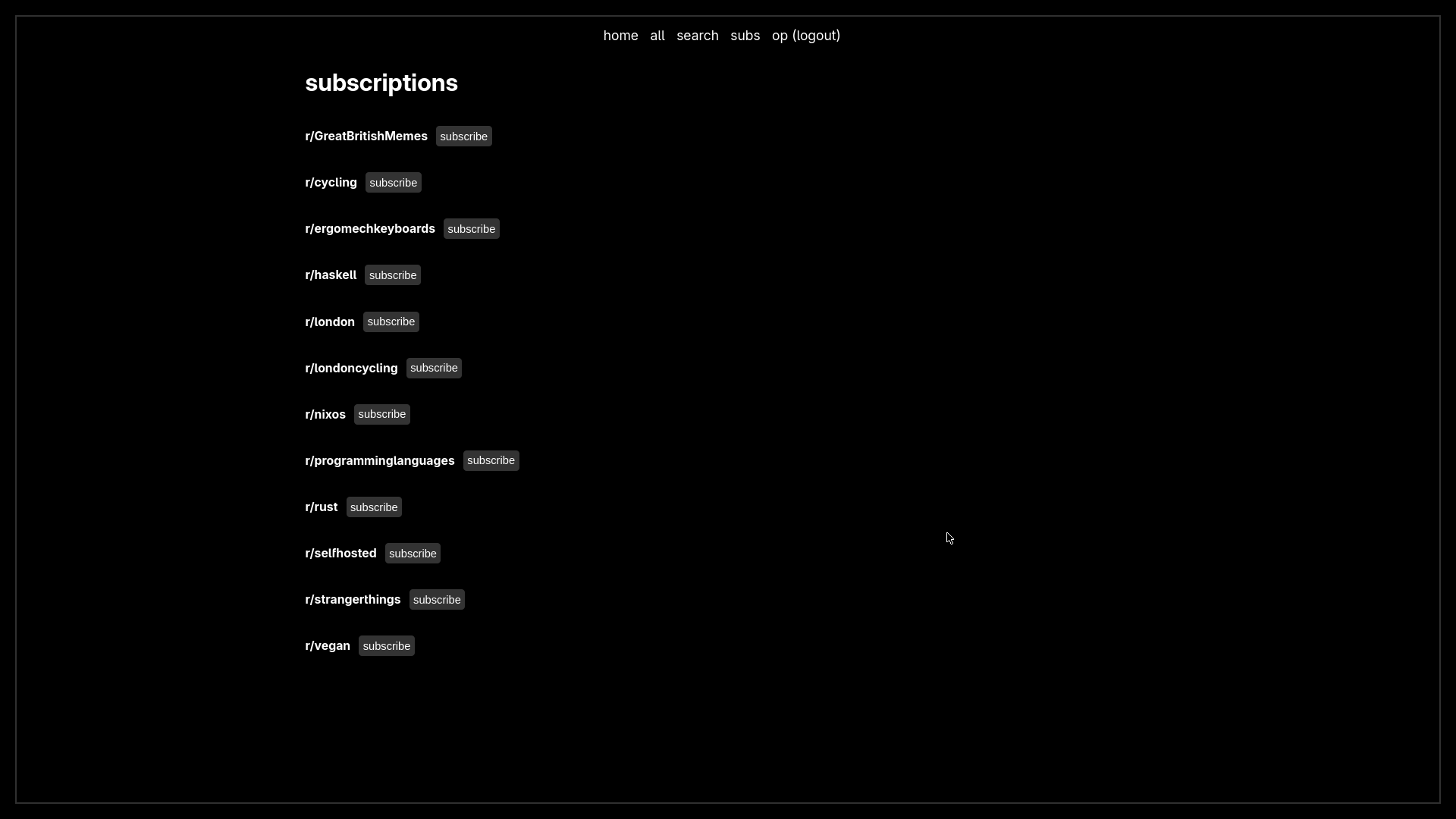
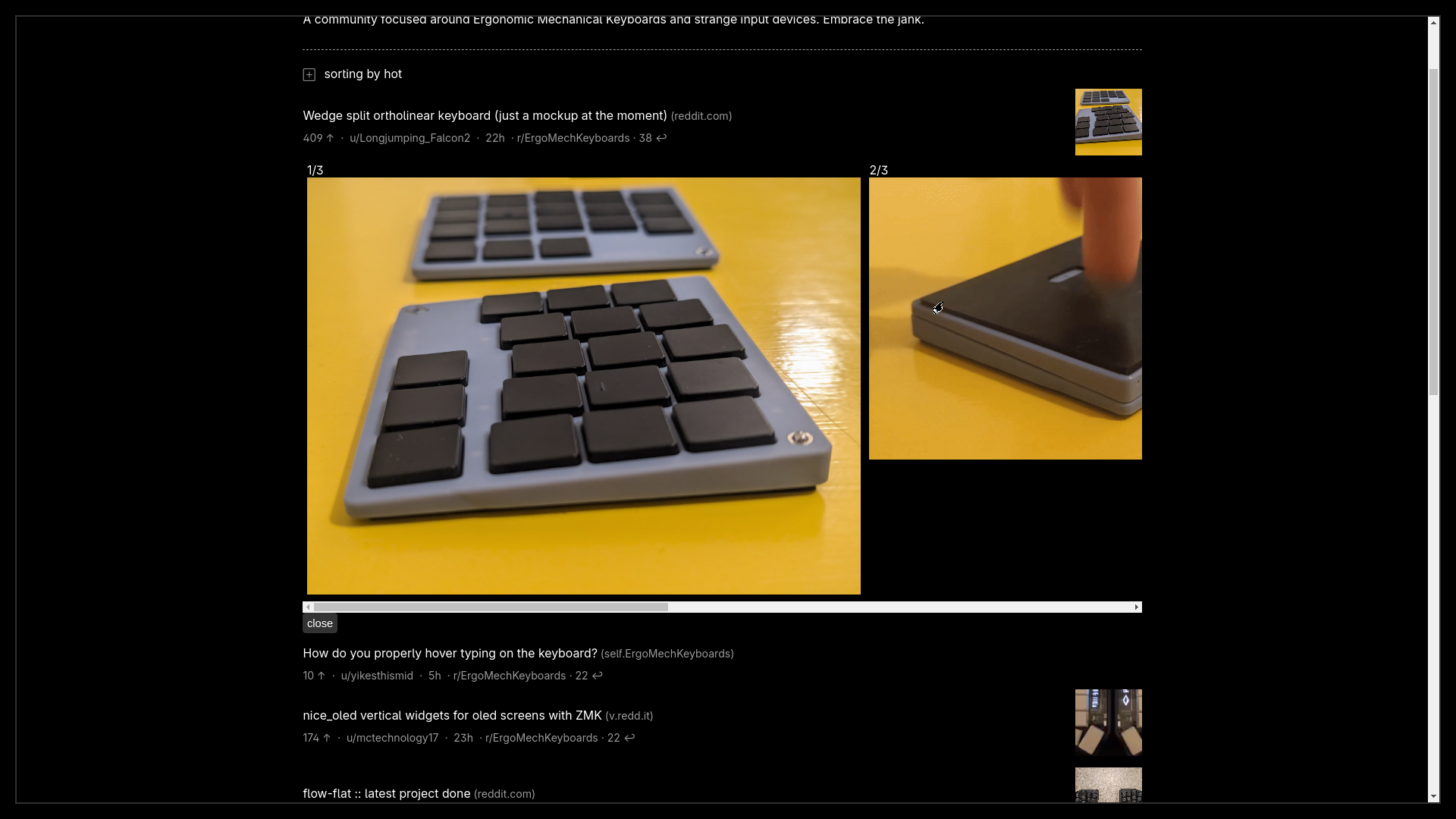
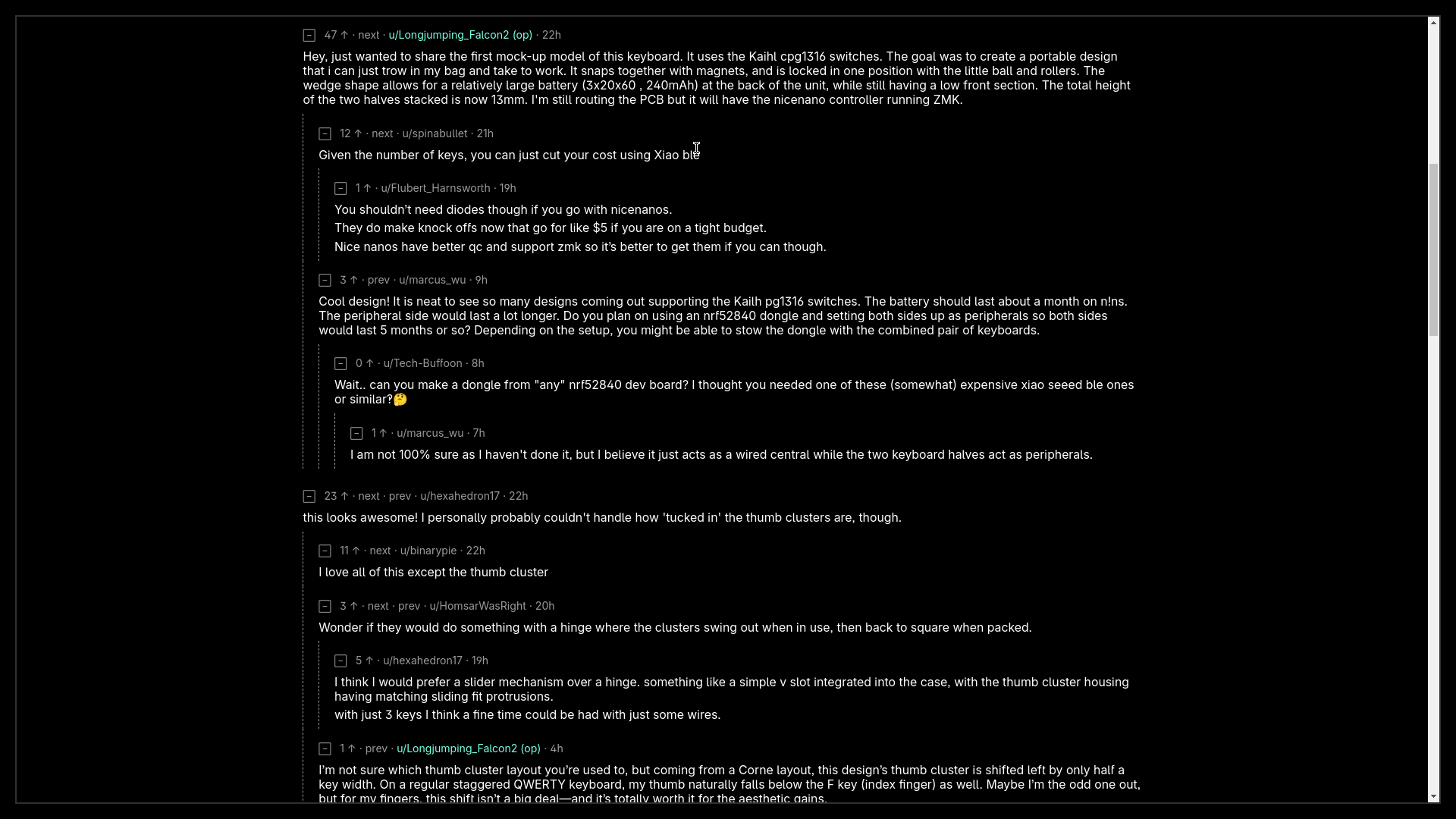
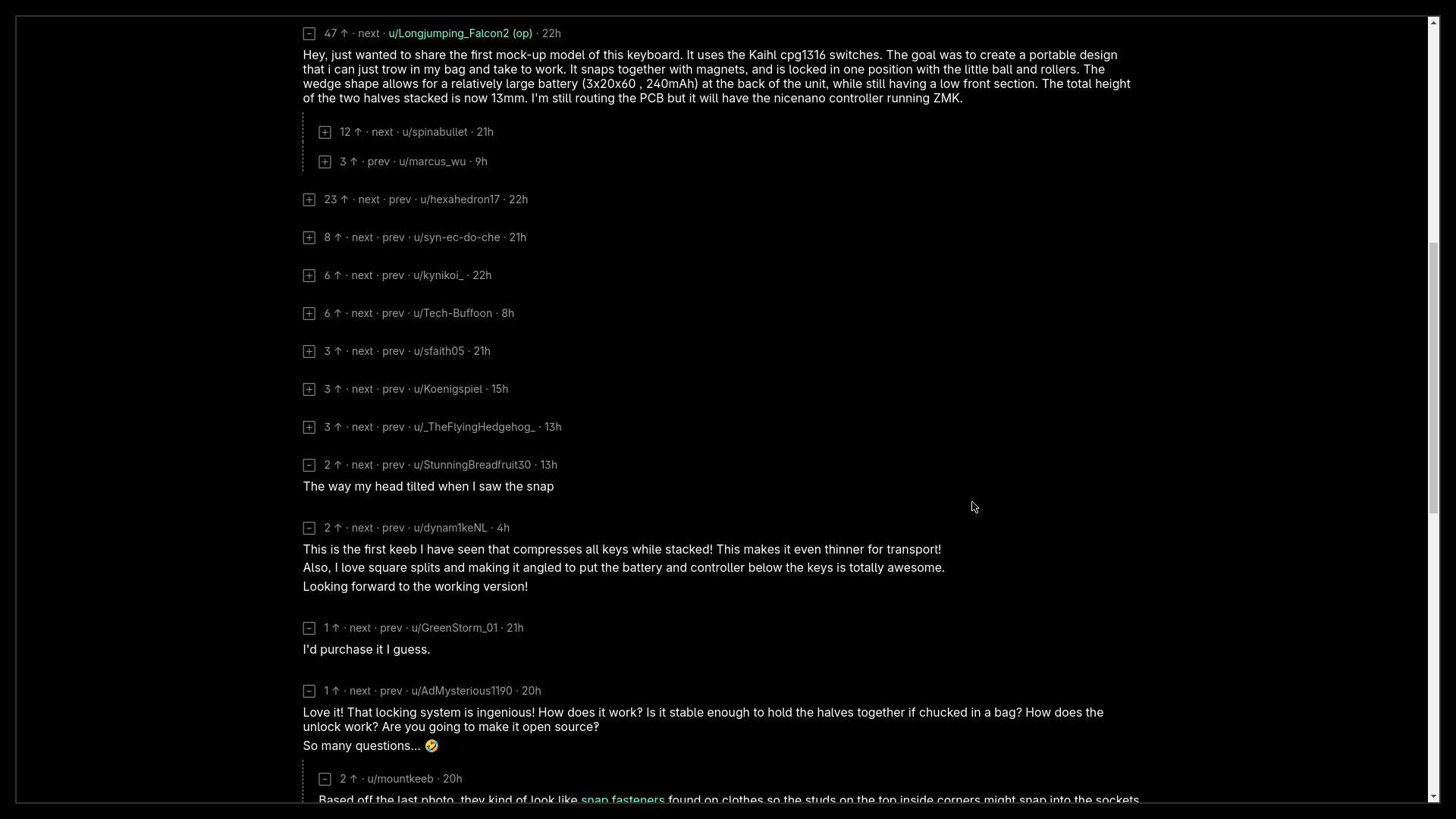
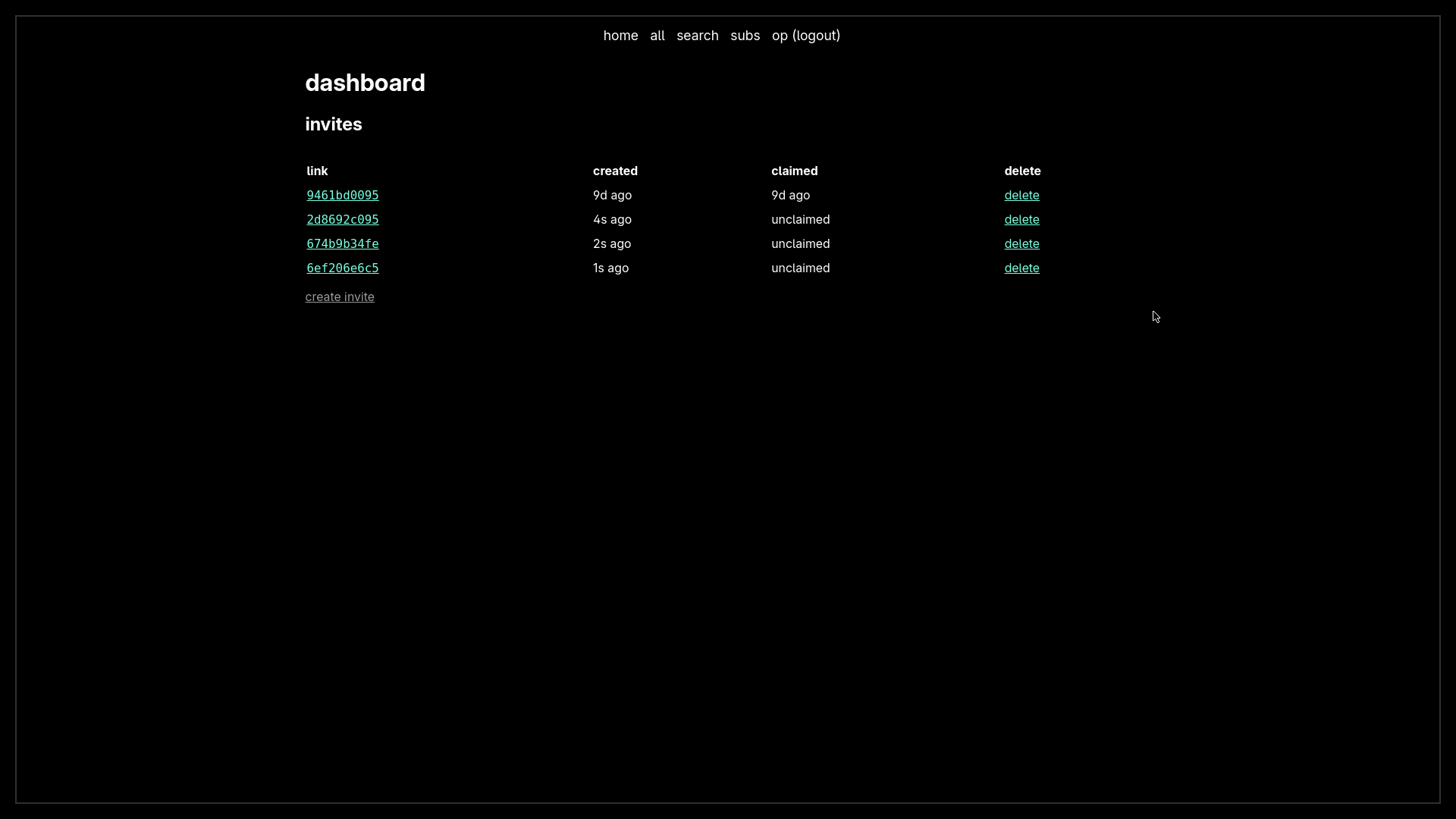
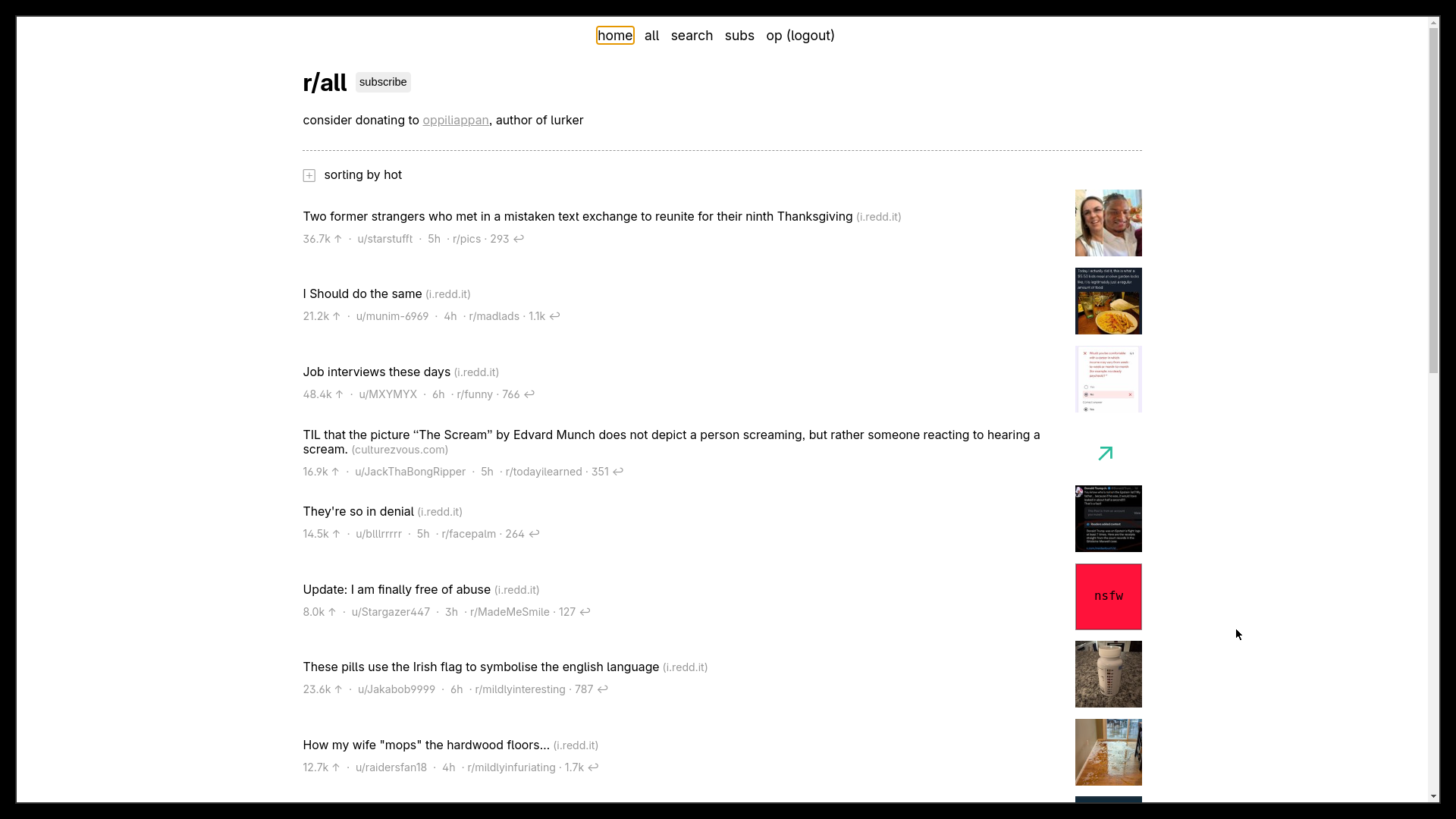
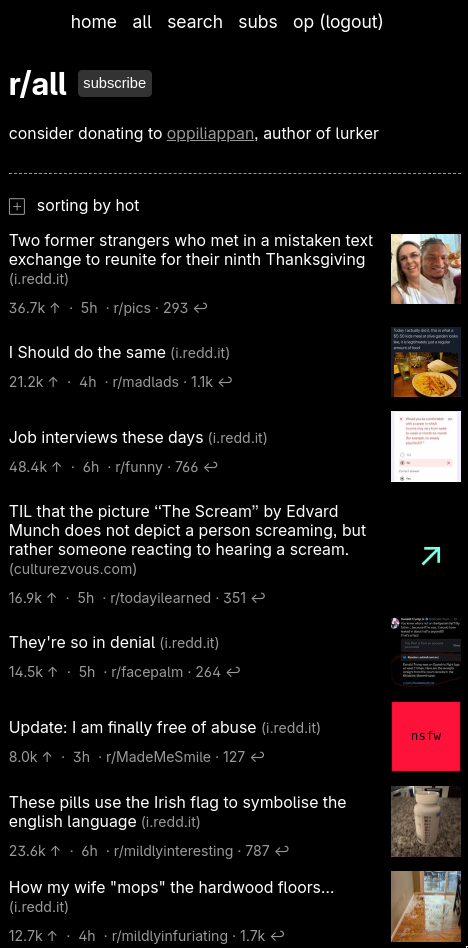
Lurker is a self-hosted read-only Reddit client designed for personal or small-group use. It provides a clean, mobile-friendly interface for browsing subreddits without needing a Reddit account. Key features include account-based subscriptions with invite-only user management, comment collapsing and navigation, search with undelete links for removed comments, and automatic hiding of NSFW and spoiler images. The app uses SQLite for data storage and runs on Node.js via Bun. It can be deployed via Docker, Docker Compose, NixOS, or directly with Bun. The project is intentionally minimal with no plans for significant feature additions.
Should you self-host lurker?
lurker scores 41/100 on selfhost.directory (how scoring works) and ranks #63 of 85 in Feed Reader. It has 327 GitHub stars.
There was no stable release in the past 12 months, so check the repository's recent activity before you rely on it.
Setup is easy: most people get it running in one sitting. An official Docker image is available. It is MIT-licensed and written mostly in Pug.
Its closest alternative on selfhost.directory is RSSHub (85/100, 46 704 stars). It scores higher overall, so compare the two before you pick. See lurker vs RSSHub side by side.
Features
- Account-based subscriptions
- Comment collapsing and navigation
- Dark mode support
- Invite-only user management
- Minimal client-side JavaScript
- NSFW and spoiler content hiding
- Pagination
- Read-only Reddit browsing
- Search with undelete links
lurker README
More in Social Networks & Forums
 MastodonOpen-source self-hosted microblogging server that federates over ActivityPub, with chronological timelines, media posts, moderation tools and an OAuth2 REST API.
 mbinSelf-hosted fediverse platform for content aggregation, voting, discussions and microblogging. Replaces Reddit with ActivityPub federation to Mastodon, Lemmy, PeerTube.
- Minds Nostr RelayMinds Nostr Relay is a self-hostable Nostr relay server, enabling decentralized social media communication via the Nostr protocol. It supports multiple NIPs and integrates with Redis and MySQL for event storage and rate limiting.
 MisagoSelf-hosted, open-source internet forum with nested categories, moderation and permissions, polls, private threads and 50+ social sign-ins.
 MisskeyOpen-source ActivityPub software for running your own social network: self-hosted servers with notes, reactions, custom emojis, and roles.
- MobilizonMobilizon is a federated, open-source platform for creating, sharing, and discovering events and activities. It allows communities to organize events, manage groups, and federate with other instances via ActivityPub.
 MovimOpen-source, self-hosted web front-end for the XMPP network: chat, chatrooms, blogging, communities, stories and video calls in one interface.
 MyBBSelf-hosted, open-source forum software with plugins, themes, moderation tools, private messaging and multilingual support on PHP and MySQL, PostgreSQL or SQLite.
 NeoDBOpen-source, self-hosted media tracker where you log books, films, music, games and podcasts, then share reviews to Mastodon and Bluesky via ActivityPub and ATProto.
 NNostrNNostr is a self-hosted, open-source Nostr relay and client library written in C# that supports paid events via BTCPay Server integration.
 NodeBBSelf-hosted, open-source forum software built on Node.js with Redis, MongoDB, or PostgreSQL, real-time streaming discussions and ActivityPub federation.
 Nostr NestsNests is a self-hosted, open-source platform for live audio conversations — podcasts, group chats, music jams, and conferences — built on Nostr with MoQ.
0 comments