
Self-host locate-anything
v0.1.3Web UI for NVIDIA LocateAnything-3B object detection
- Stars
- 168
- CPU
- NVIDIA GPU with compute capability ≥ 8.0 (Ampere or newer)
- RAM
- ~12GB+ VRAM recommended (8GB may work but can OOM on large images)
- Storage
- ~6GB for model cache + space for uploaded images and SQLite database
- Port
- 8000 (backend API (when exposed via override))
ghcr.io/gammahazard/locate-anything-backend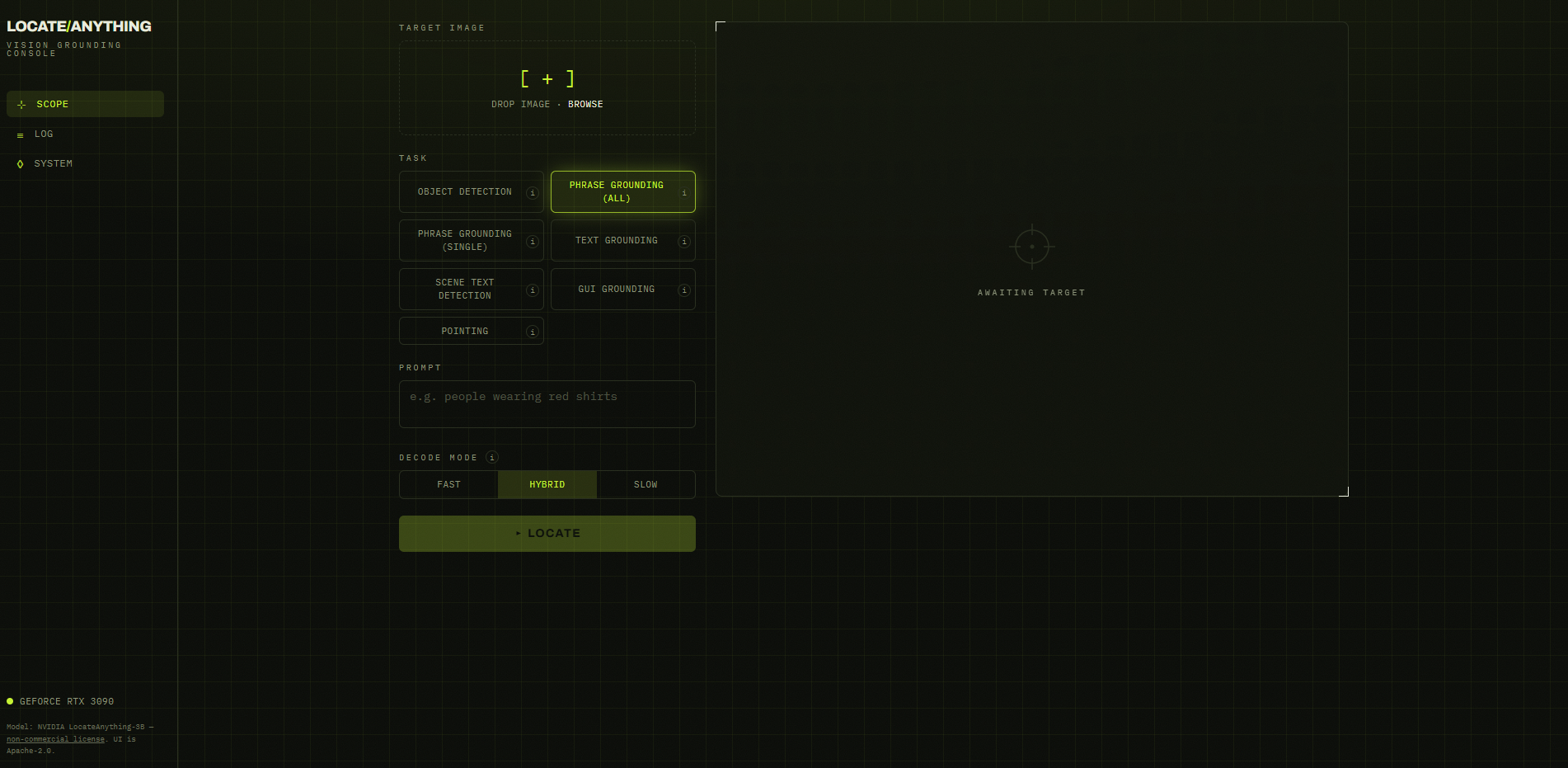
What is locate-anything?
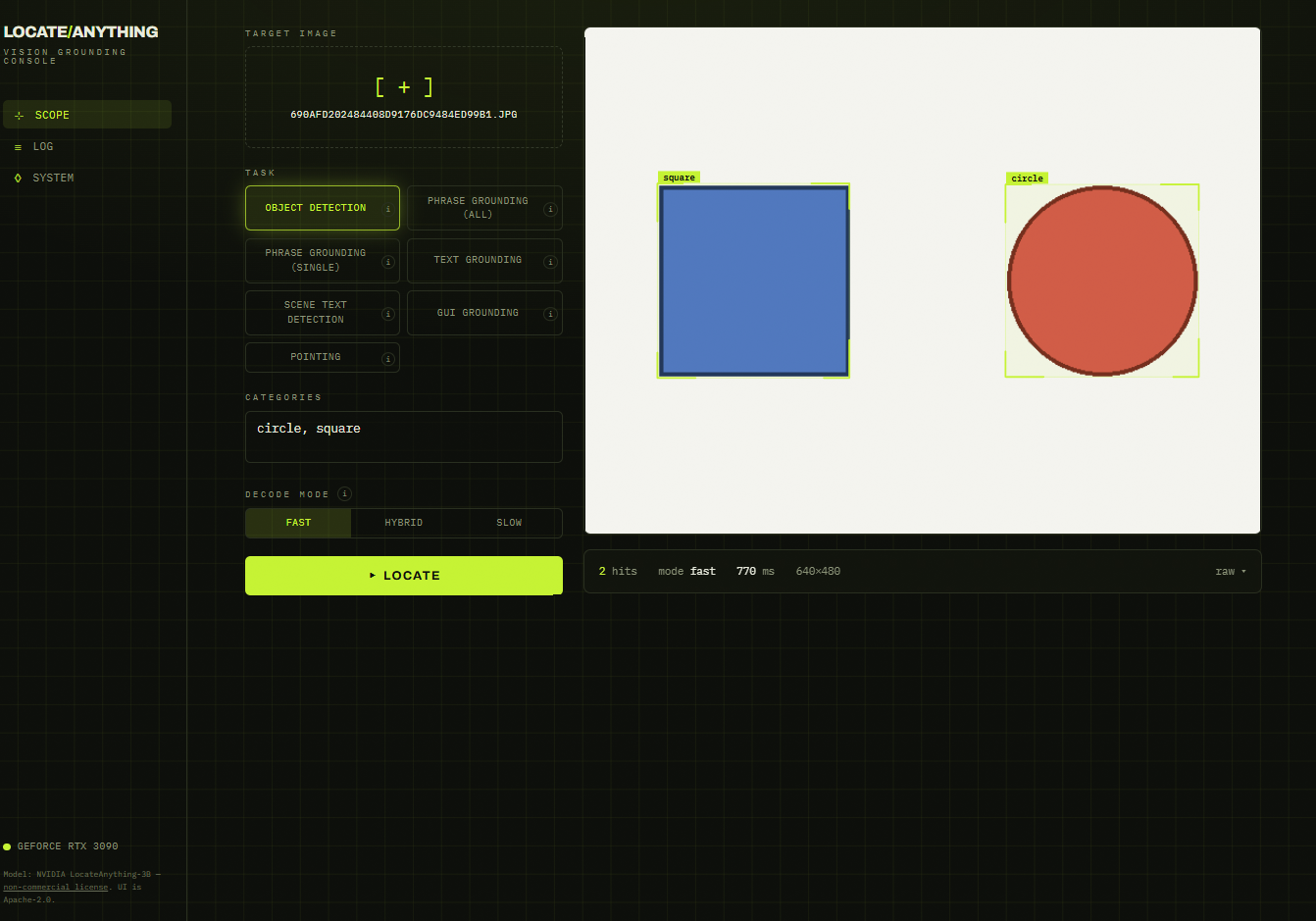
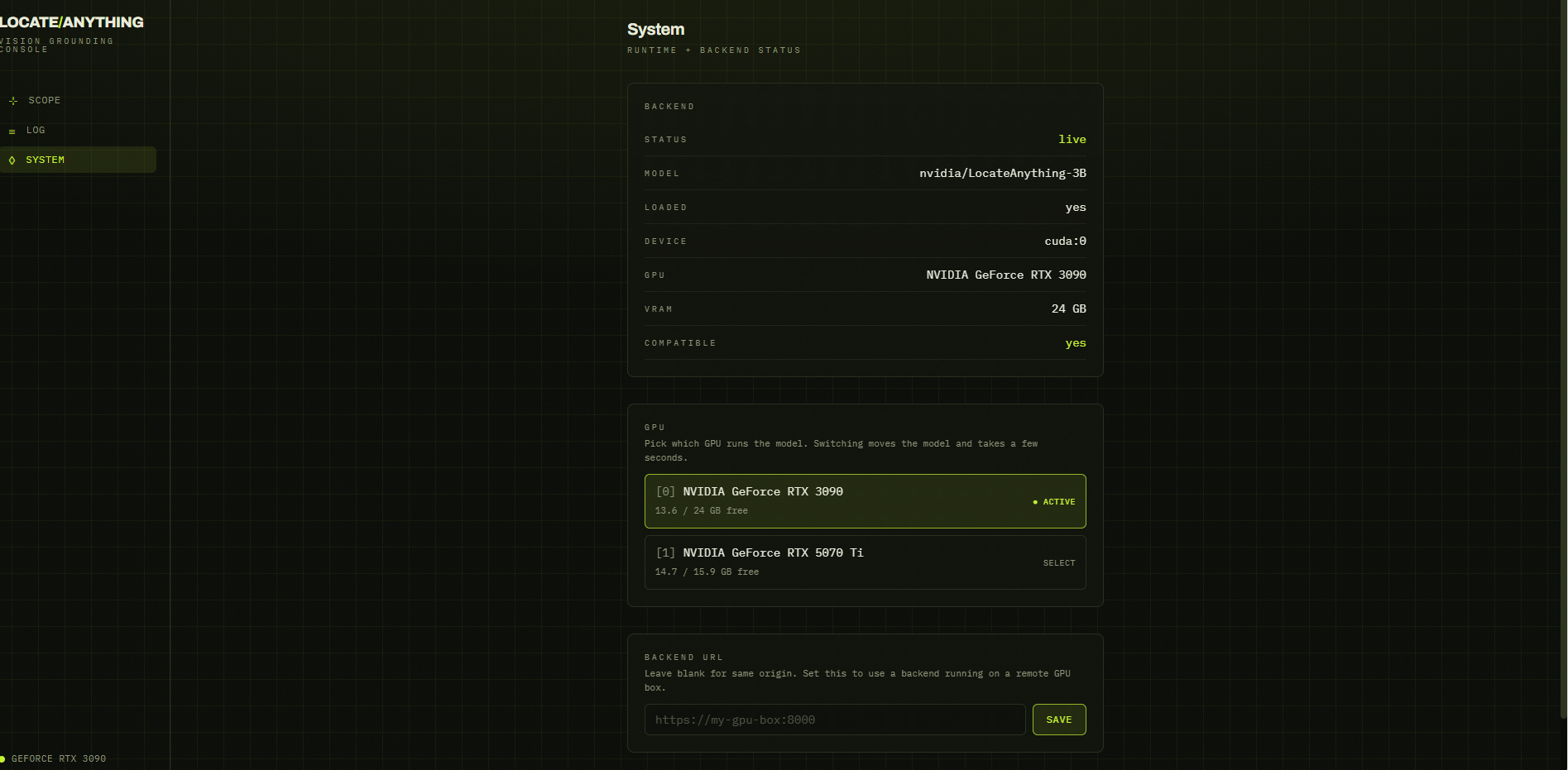
locate-anything provides a sleek, mobile-friendly web interface wrapping NVIDIA's LocateAnything-3B vision-language model. You upload an image, enter a natural-language prompt, and receive bounding boxes for object detection, phrase grounding, text detection and OCR, document layout analysis, GUI element grounding, and pointing. The interface includes three speed/quality modes (fast, hybrid, slow), preserves search history for re-running, and offers a GPU preflight check. It requires an NVIDIA GPU with Ampere or newer architecture and roughly 12 GB of VRAM, deployed through Docker Compose with prebuilt images from GHCR or a local build. The underlying model carries a non-commercial license for academic and research use, while the interface code is Apache-2.0.
Should you self-host locate-anything?
locate-anything scores 42/100 on selfhost.directory (how scoring works) and ranks #95 of 125 in AI. It has 168 GitHub stars.
It shipped 4 stable releases in the past year. The latest, v0.1.3, came out on 2 June 2026.
Setup is advanced: plan for several services and some ongoing maintenance. An official Docker image is available. It is Apache-2.0-licensed and written mostly in Typescript.
Its closest alternative on selfhost.directory is ComfyUI (93/100, 143 741 stars). It scores higher overall, so compare the two before you pick. See locate-anything vs ComfyUI side by side.
Features
- Document layout analysis
- GPU preflight check
- GPU selector in UI
- GUI element grounding
- Mock mode (no GPU)
- Model caching
- Non-commercial model license noticeModel license is NVIDIA non-commercial; UI code is Apache-2.0
- OCR / text localization
- Open-vocabulary object detection
- Phrase grounding
- Pointing
- Remote GPU access
- Search History
- Speed/quality toggle
locate-anything README
More in Computer Vision
 RembgOpen-source, self-hosted background remover: a Python library, CLI and HTTP server that cuts subjects out of images using switchable ONNX models.
 VisionStateSelf-hosted Home Assistant addon that teaches local AI to recognize states, detect objects, and read meters from camera feeds — all on your CPU.
 DeepSeek-OCR-WebUISelf-hosted, open-source OCR web app and REST API that converts images and PDFs to Markdown using the DeepSeek-OCR-2 model, with 7 modes and batch processing.
 doods2Self-hosted REST API for object detection in images and video streams with TensorFlow, PyTorch, GPU and EdgeTPU support.
 double-takeDouble Take is a self-hosted, open-source web app that unifies facial recognition across multiple detectors and NVRs like Frigate.
 LLM VisionSelf-hosted Home Assistant integration using multimodal LLMs to analyze camera feeds, images, videos, and Frigate events with intelligent notifications and event timeline
0 comments