
Self-host liuli
v0.2.0Clean multi-source feeds for WeChat, novels and blogs
docker run -d -it --restart=always -v $PWD/pro.env:/data/code/pro.env -v $PWD/liuli_config:/data/code/liuli_config --name liuli_schedule liuliio/schedule:v0.2.4- Stars
- 883
- Port
- 8765 (Flask HTTP API of the liuli_api service (feeds also served under /rss/...))
- Requires
- MongoDB
liuliio/schedule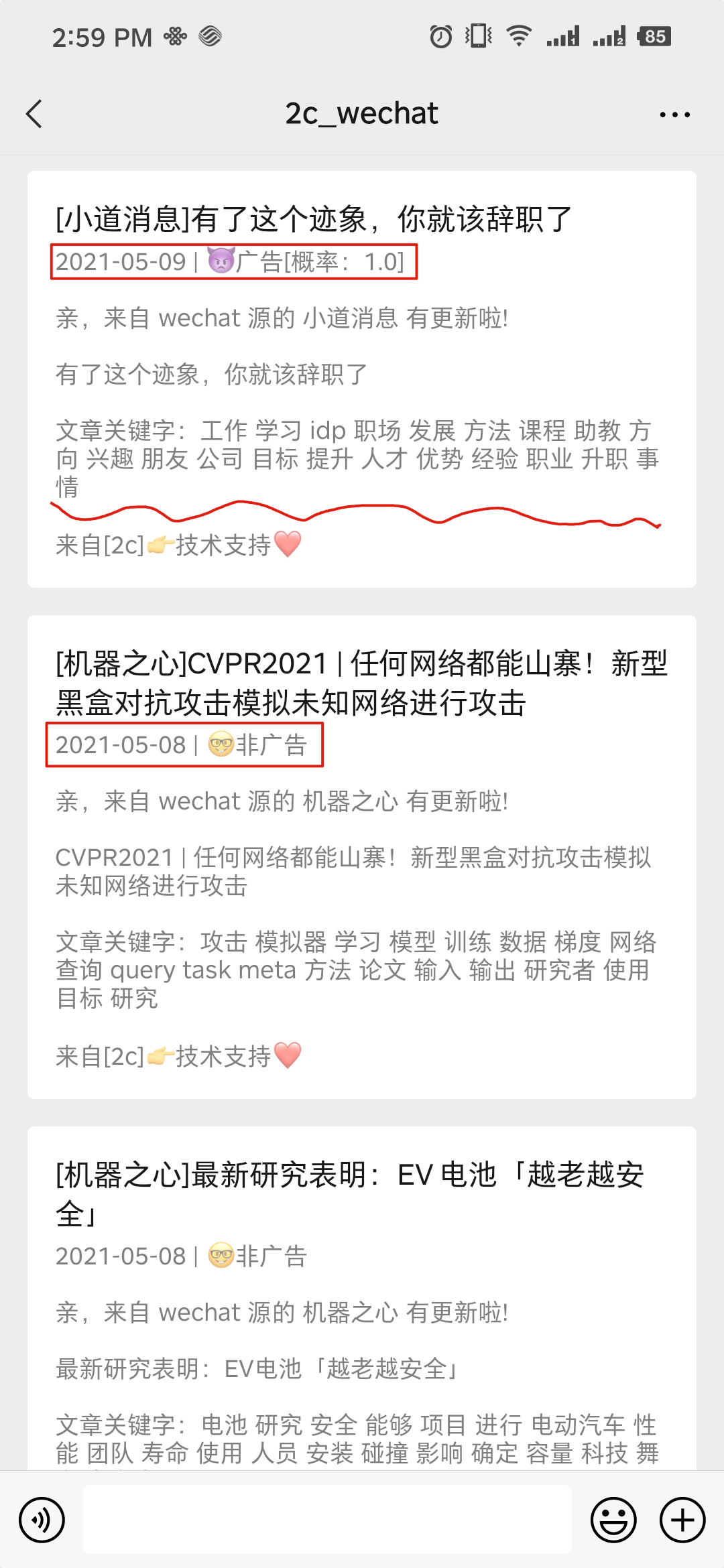
What is liuli?
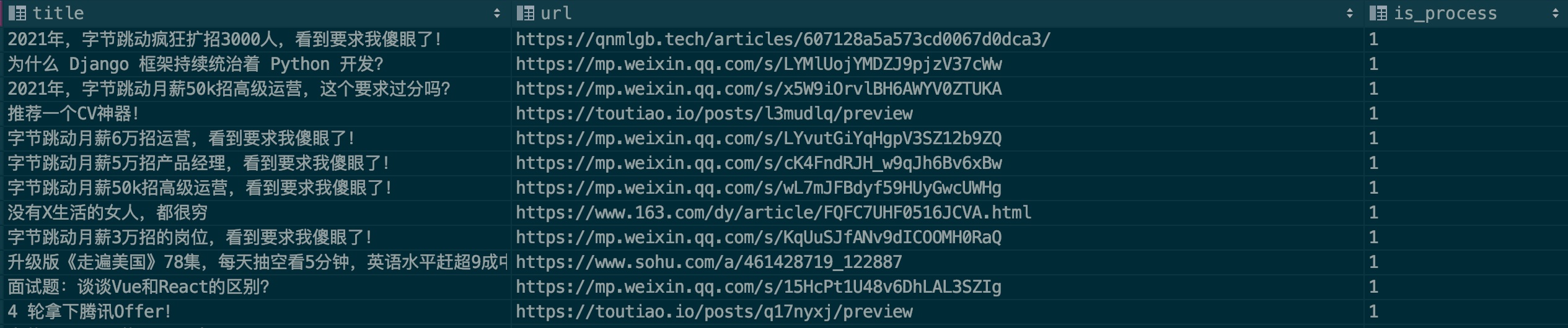
Liuli is a self-hosted reading pipeline that watches the sources you subscribe to (WeChat official accounts, novel sites, blogs), pulls new articles with a browser-based collector, runs them through a configurable processing stage, and delivers the result to your own channels. Dispatch targets documented are DingTalk, WeCom, Telegram, Bark and per-source RSS feeds, while finished articles can be archived back into MongoDB or pushed to a dedicated GitHub repository published with GitHub Pages. Behaviour comes from an env file plus JSON task definitions in liuli_config (collector, processor, sender, backup and schedule blocks), so scheduling times and destinations are edited rather than coded. Running it means starting the liuliio/api and liuliio/schedule containers with docker-compose alongside a MongoDB instance; the Flask API listens on port 8765. A code install with Python 3.7+ and pipenv is also documented for Windows, macOS and Linux. All documentation is Chinese-only, and the project stayed pre-1.0 (last tagged release v0.2.0), with machine-learning based ad filtering and reader-facing source management still on the roadmap.
Should you self-host liuli?
liuli scores 45/100 on selfhost.directory (how scoring works) and ranks #5 of 6 in Feed Aggregator. It has 883 GitHub stars.
There was no stable release in the past 12 months, so check the repository's recent activity before you rely on it.
Setup is moderate: expect some configuration beyond a single command. An official Docker image is available. It is Apache-2.0-licensed and written mostly in Python.
Its closest alternative on selfhost.directory is Nextcloud News (61/100, 1 012 stars). It scores higher overall, so compare the two before you pick. See liuli vs Nextcloud News side by side.
Features
- Config-driven collection pipeline
- Content backup
- Custom processing hooksMachine-learning ad classification is listed as unfinished.
- HTTP API service
- Machine-learning ad classificationUnchecked item in the README feature list.
- Multi-source content collection
- Novel subscription tracking
- Push notifications to chat apps
- RSS feed output
- Scheduled runs
liuli README
More in Feed Aggregator
 monitorss-botOpen-source Discord bot delivering RSS, YouTube, and Reddit feeds to channels with filtering and custom formats. Self-hosted via Docker Compose with unlimited feeds.
 moonmoonSelf-hosted, open-source PHP feed aggregator that combines multiple RSS/Atom feeds into a single page without database or cron requirements.
 MuckScraperSelf-hosted news aggregator grouping articles into stories, scoring bias via AllSides and local LLMs, generating AI summaries on your hardware via Docker Compose.
 Nextcloud News📰 RSS/Atom feed reader
 nzbhydra2NZBHydra2 is a self-hosted, open-source meta-search tool that aggregates results from multiple NZB indexers and Torznab trackers for Sonarr and Radarr.
 RSS-BridgeSelf-hosted, open-source PHP app that generates RSS, Atom and JSON feeds for websites missing them, with 447 community bridges and file, SQLite or Memcached caching.
 RSSHubRSSHub is a self-hosted, open-source RSS feed generator for 5,000+ sites. Run via Docker or deploy to cloud platforms.
 VintrackSelf-hosted Vinted monitor with Go workers, precise filters, Discord/Telegram alerts, live dashboard, proxy health, and optional linked-account actions.
 FreshRSSOpen-source, self-hosted feed reader: multi-user RSS/Atom aggregation with WebSub push, XPath scraping of pages without feeds, OPML import/export and mobile app APIs.
0 comments