
Self-host iGotify-Notification-Assistent
v1.6.0.1Gotify-to-iOS push notification bridge via APNs
- Stars
- 427
- Port
- 8080 (iGotify Notification Assistant HTTP API)
- Requires
- Gotify server
ghcr.io/androidseb25/igotify-notification-assist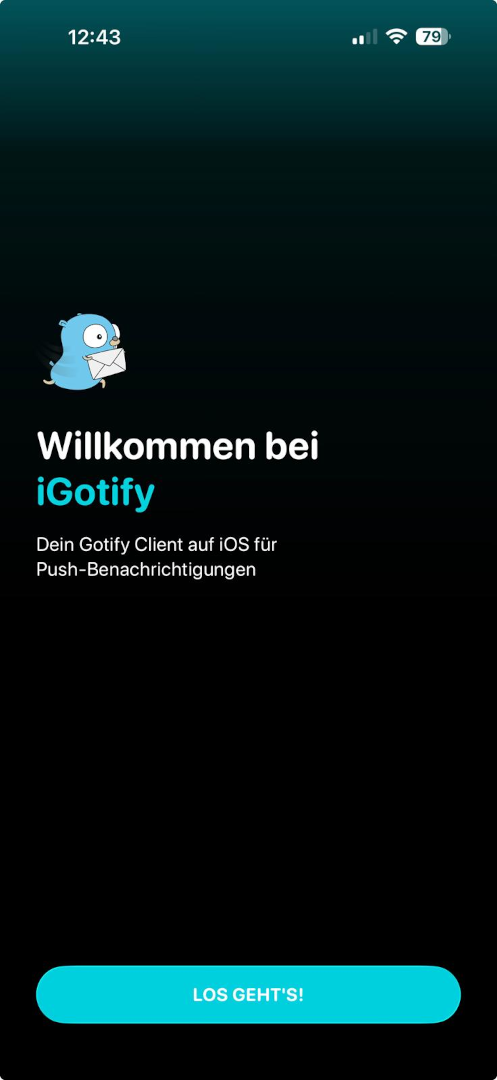
What is iGotify-Notification-Assistent?
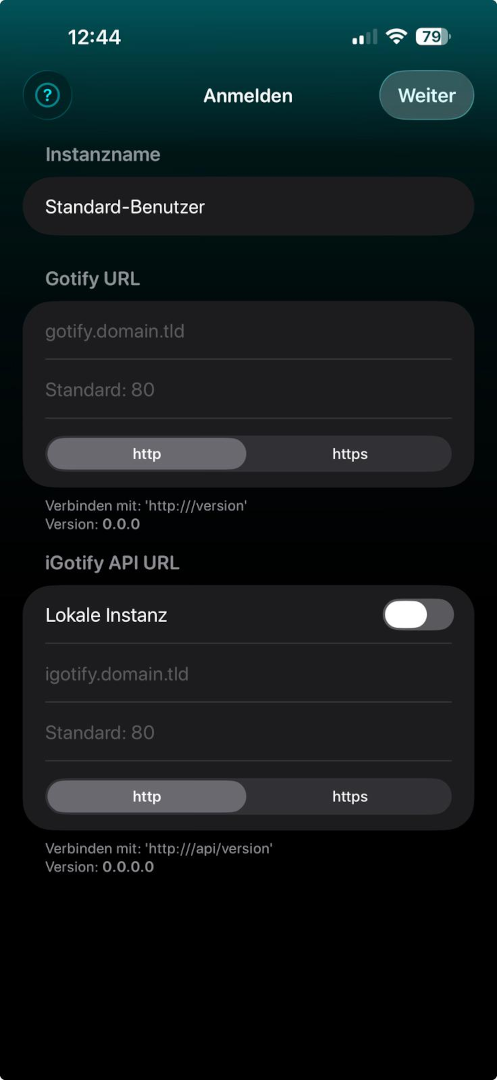
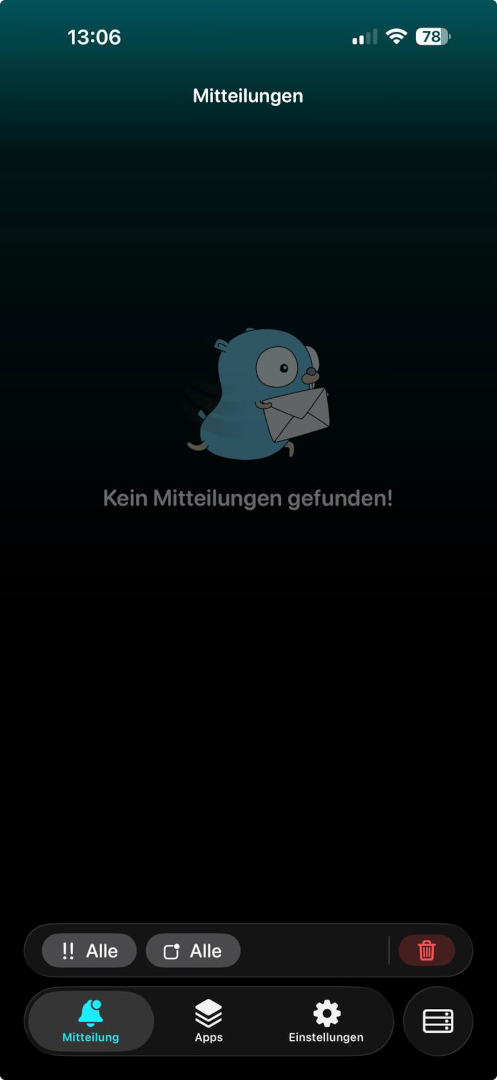
iGotify Notification Assistant is a self-hosted companion service that connects Gotify with iOS devices. It links to Gotify via WebSocket, encrypts incoming messages, and sends them through the SecNtfy service to Apple's push notification system for delivery to the native iGotify iOS app. The project offers two deployment methods: a Docker Compose stack running both Gotify and iGotify, and a Linux service installer for native installation on Debian 12+, Ubuntu 22.04+, RHEL 9+, Fedora 35+, Arch, and Alpine 3.17+. Key capabilities include encrypted push notifications, Gotify integration, FaceID support in the iOS app, multi-user and multi-instance support, and OIDC support for Gotify 3.0+. The iGotify service listens on port 8080 inside the container (mapped to 8681 by default), while Gotify listens on port 80 (mapped to 8680). Configuration uses environment variables including the required GOTIFY_DEFAULTUSER_PASS and optional connection settings for local instance mode. The project is MIT-licensed and actively maintained with recent releases.
Should you self-host iGotify-Notification-Assistent?
iGotify-Notification-Assistent scores 51/100 on selfhost.directory (how scoring works) and ranks #11 of 19 in Notifications. It has 427 GitHub stars.
It shipped 3 stable releases in the past year. The latest, v1.6.0.1, came out on 24 August 2026. New versions land roughly every 4 months.
Setup is moderate: expect some configuration beyond a single command. An official Docker image is available. It is MIT-licensed and written mostly in C#.
Its closest alternative on selfhost.directory is ntfy (85/100, 35 133 stars). It scores higher overall, so compare the two before you pick. See iGotify-Notification-Assistent vs ntfy side by side.
Features
- API endpoint UI (Scalar)Enabled by default via ENABLE_SCALAR_UI.
- End-to-end encrypted push notifications
- External instance mode (full functionality)Requires exposing port 8681.
- Gotify WebSocket integration
- Local instance mode (no external iGotify port)App/contact images don't work in this mode; manual setup required.
- Multi-user and multi-instance support
- Native iOS app with FaceID support
- OIDC support for Gotify 3.0+
- User management UIEnabled by default via ENABLE_USER_UI.
iGotify-Notification-Assistent README
FAQ
What are the minimum system requirements for the Linux service installation?
The Linux service requires .NET 10.0 which needs GLIBC 2.34 or higher. Supported distributions: Debian 12+, Ubuntu 22.04+, RHEL/CentOS/Rocky/Alma 9+, Fedora 35+, Arch Linux, Alpine 3.17+.
Can I run multiple Gotify instances with one iGotify installation?
Yes, you can configure multiple Gotify instances by separating values with semicolons in GOTIFY_URLS, GOTIFY_CLIENT_TOKENS, and SECNTFY_TOKENS environment variables.
What is the difference between external and local instance modes?
External instance requires both Gotify and iGotify to be publicly accessible, enables app/contact images and automatic registration. Local instance only requires Gotify to be public, doesn't expose iGotify port, but requires manual token configuration and doesn't support app/contact images.
How do I find my Notification Token?
Open the iGotify app, go to Settings, navigate to Development, and swipe left on Notification Token to reveal and copy it.
More in Bridges
 Matrix-Discord bridgeSelf-hosted open-source bridge connecting Matrix and Discord for using Matrix clients with Discord chats, featuring webhook relay and encryption.
 Matrix IRC BridgeSelf-hosted, open-source IRC bridge that connects Matrix homeservers to IRC networks with two-way messaging, private messages, and dynamic channel mapping.
 Matrix Signal bridgeA Matrix-Signal puppeting bridge
 Matrix-Telegram bridgeSelf-hosted open-source bridge connecting Matrix and Telegram with puppeting, relaybot, and double puppeting support for seamless cross-platform messaging.
 mautrix-gmessagesSelf-hosted Matrix bridge for Google Messages (RCS/SMS) with media, reactions, typing notifications, read receipts, and automatic portal creation.
 mautrix-googlechatAn open-source, self-hosted Matrix bridge connecting Google Chat to Matrix for two-way messaging with media, threads, reactions, and multi-user support.
 OpenCode Chat BridgeSelf-hosted open-source bot connecting ACP agents like OpenCode and Ferrum to Matrix, Slack, WhatsApp, Discord, Telegram, and a web widget with permission-based security.
 Zigbee2MQTTOpen-source, self-hosted Zigbee-to-MQTT bridge that replaces proprietary vendor hubs, controlling thousands of devices via one USB coordinator and any MQTT broker.
0 comments