
Self-host gptwol
7.1.6Docker GUI for Wake and Sleep on LAN
docker run -d --name=gptwol --network="host" --restart unless-stopped -e PORT=5000 -e TZ=Europe/Paris -v ./appdata/db:/app/db -v ./appdata/cron:/etc/cron.d misterbabou/gptwol:latest- Stars
- 384
- RAM
- 20 MB
- Port
- 5000 (Web UI)
misterbabou/gptwol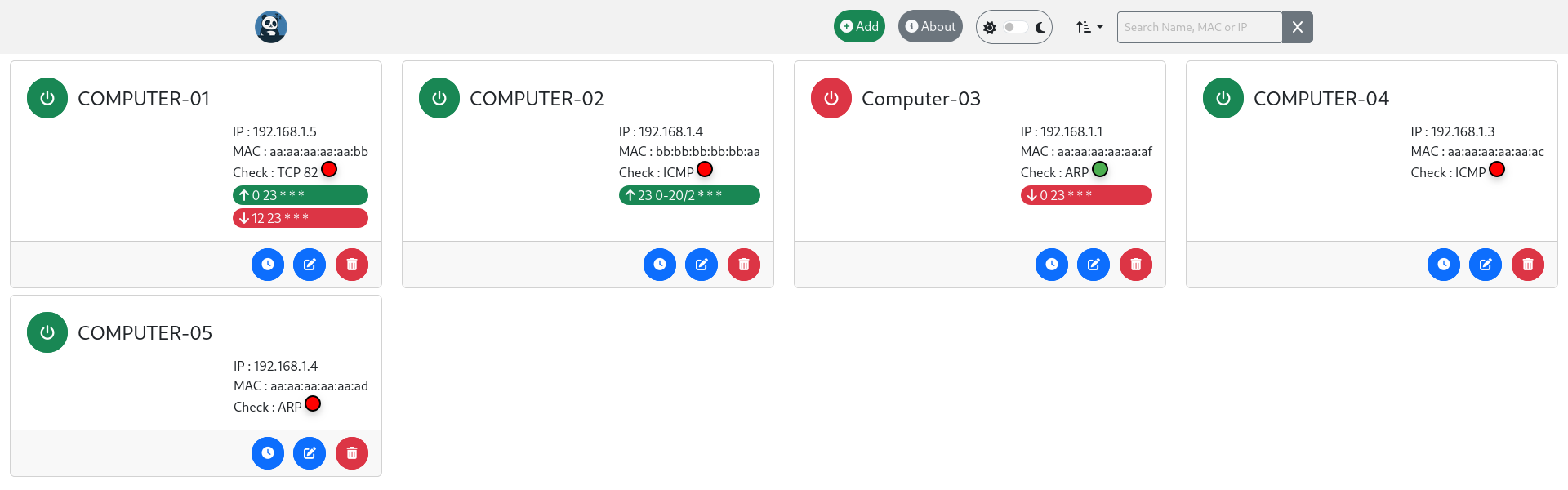
What is gptwol?
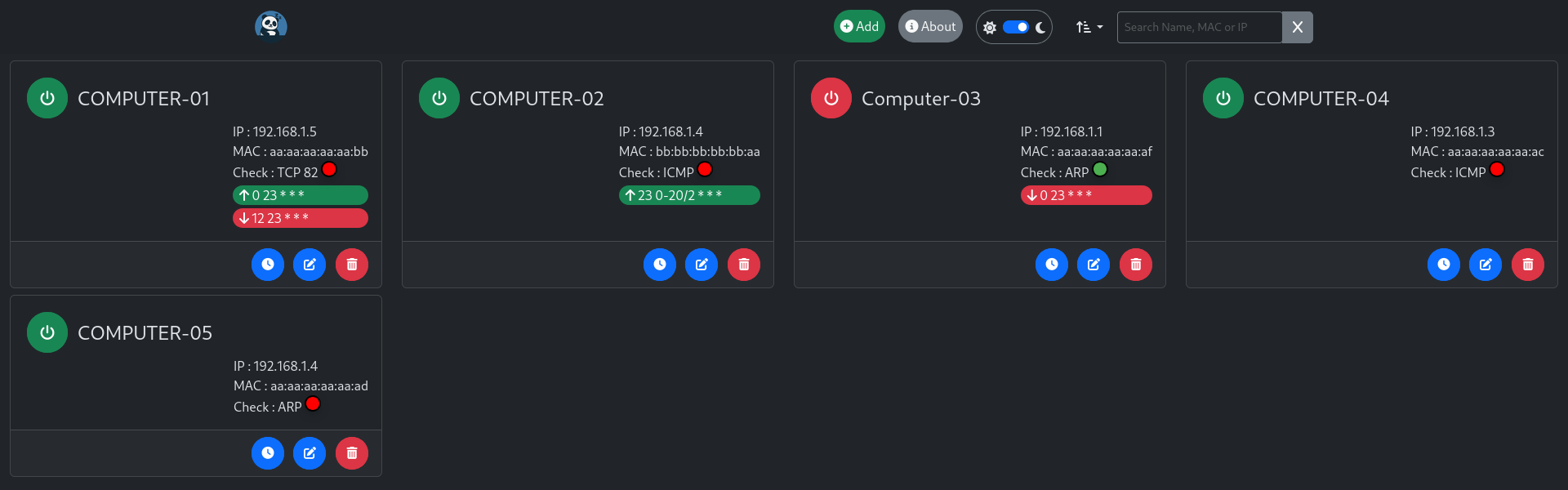
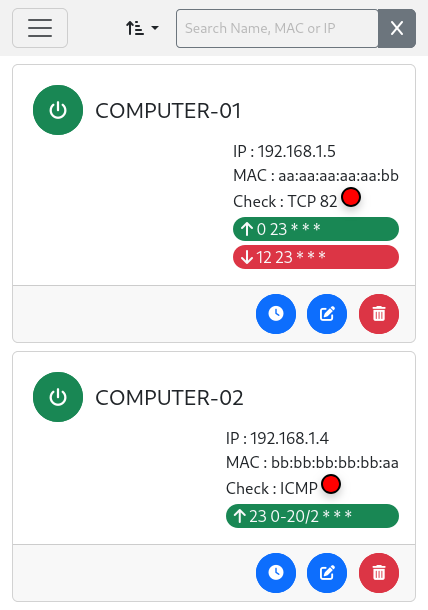
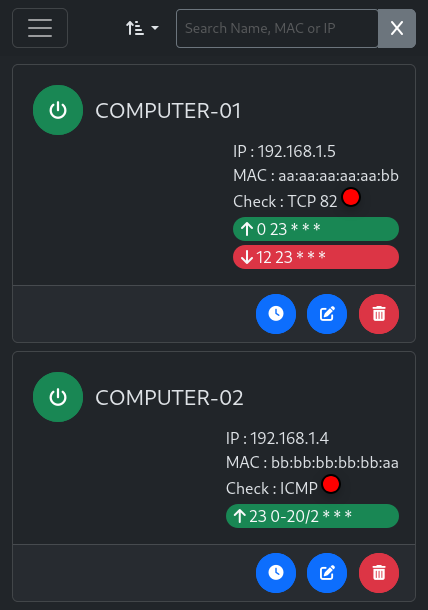
GPTWOL is a lightweight Python-based web GUI for managing Wake-on-LAN and Sleep-on-LAN operations on your local network. It provides a Docker image for easy deployment, supports both light and dark themes, offers optional authentication (local or OIDC), includes cron-based scheduling for automatic wakeups, ARP scanning to discover devices, and status checking via ping, ARP, or TCP. The app runs in host network mode and uses a SQLite database for persistence.
Should you self-host gptwol?
gptwol scores 49/100 on selfhost.directory (how scoring works) and ranks #14 of 20 in Network Utilities. It has 384 GitHub stars.
It shipped 5 stable releases in the past year. The latest, 7.1.6, came out on 30 July 2026. New versions land roughly every 2 months.
Setup is easy: most people get it running in one sitting. An official Docker image is available. It is MIT-licensed and written mostly in HTML.
Its closest alternative on selfhost.directory is MyIP (75/100, 12 241 stars). It scores higher overall, so compare the two before you pick. See gptwol vs MyIP side by side.
Features
- ARP Scanning
- Authentication
- Cron Scheduling
- Device Management
- Low Resource Usage
- Search
- Status Checking
- Wake-on-LAN
gptwol README
FAQ
Is there a GUI to configure automatic wakeup and shutdown?
Automatic wakeup and shutdown are configured in the GUI using cron syntax. The project does not provide a calendar-based GUI for scheduling.
More in Network Utilities
 HevSocks5ServerA self-hosted, open-source SOCKS5 proxy server with dual-stack IPv4/IPv6, UDP relay and username/password auth; runs on Linux, macOS, Windows, Android and iOS.
 i2pdSelf-hosted C++ I2P (Invisible Internet Protocol) router enabling anonymous, encrypted p2p communications without revealing real IP addresses.
 ifconfig.ioSelf-hosted, open-source what-is-my-IP service written in Go: curl endpoints return your IP, reverse DNS, port and headers as text, JSON or XML, built for raw speed.
 Income Generator (IGM)Self-hosted tool to deploy and manage bandwidth-sharing apps like Honeygain via CLI, TUI, or web dashboard with multi-proxy scaling and auto-updates.
 IT ToolsSelf-hosted, open-source collection of web tools for developers: hashing and encryption, format converters, QR codes, subnet math, cron and regex helpers.
 LadderSelf-hosted, open-source HTTP proxy that strips CORS and paywall headers, injects code, and applies per-domain YAML rulesets; runs as a Go binary, Docker or Helm chart.
 LibreSpeedSelf-hosted, open-source HTML5 speed test measuring download, upload, ping and jitter in the browser, with optional telemetry and multiple test points.
 LuckySelf-hosted networking suite for routers: IPv6/IPv4 port forwarding, DDNS, reverse proxy, STUN tunneling, WOL, ACME certs, run as one Go binary with a web admin UI.
 Maza ad blockingOpen-source, self-hosted local ad blocker written only in Bash: one command rebuilds your hosts file to block ad domains, no browser extensions needed.
 MyIPOpen-source, self-hosted IP toolbox: look up IP and geolocation, detect WebRTC and DNS leaks, run speed, MTR, ping and Whois tests, all in one Docker container.
 MySpeedSelf-hosted speed test tracking monitors internet connections with configurable retention, cron scheduling, multiple servers, and visualization options.
 mystOpen-source GPL-3.0 implementation of a blockchain-based decentralized VPN network: WireGuard transport, provider and consumer modes, plus a browser NodeUI dashboard.
0 comments