
Self-host flowctl
v0.15.0Self-service workflow platform with YAML-defined flows
- Stars
- 343
- Port
- 7000 (HTTP web UI and API)
ghcr.io/cvhariharan/flowctl



What is flowctl?
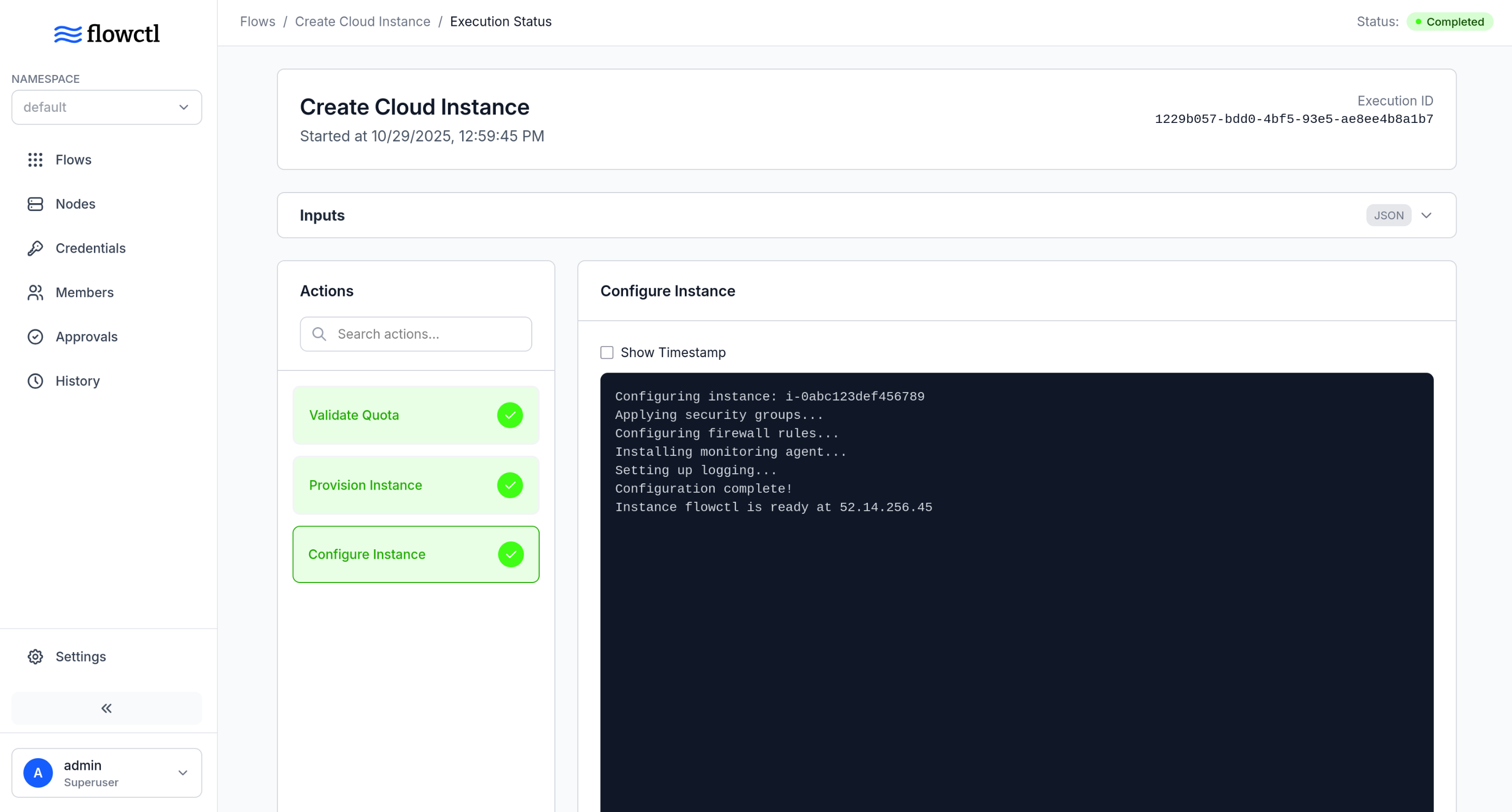
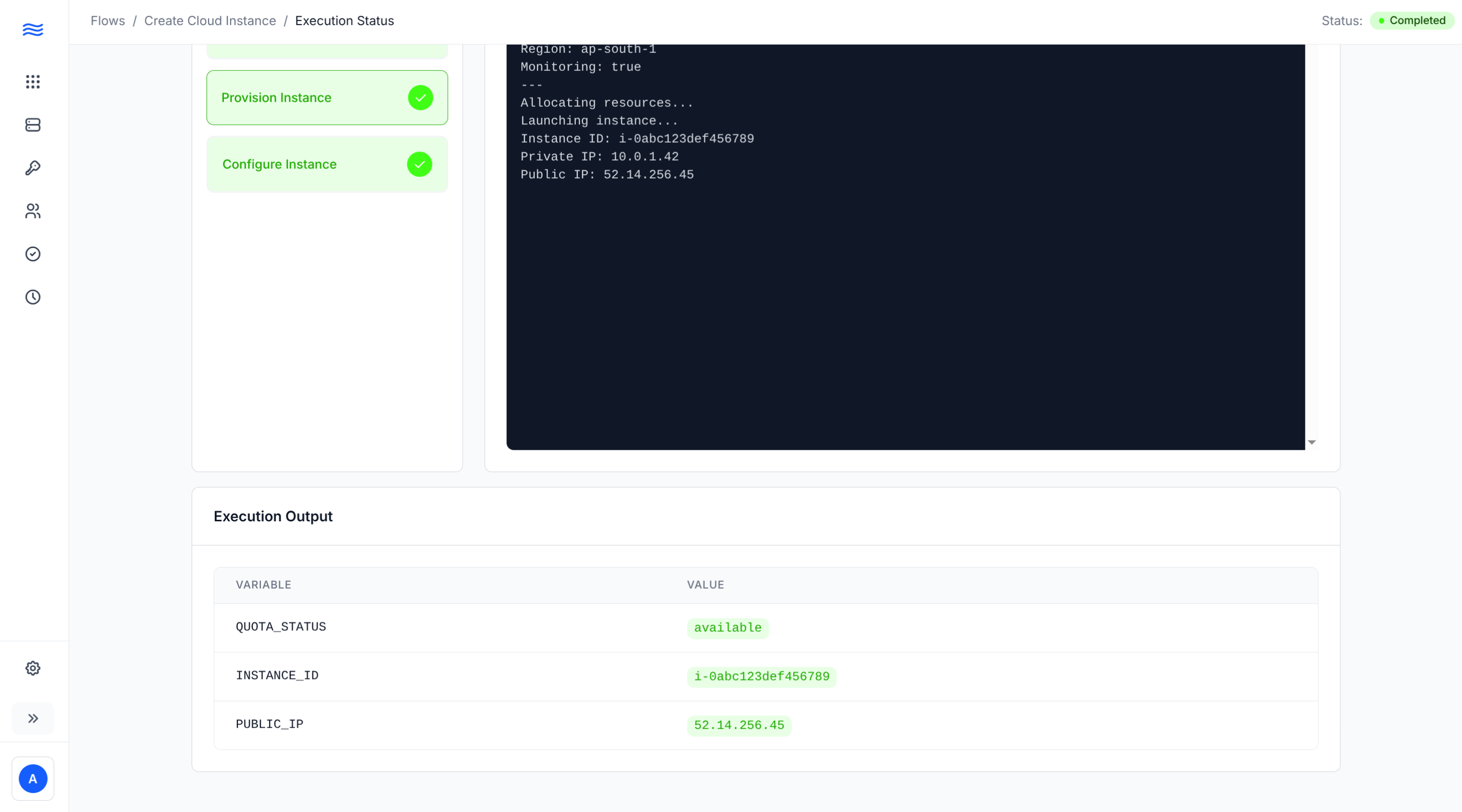
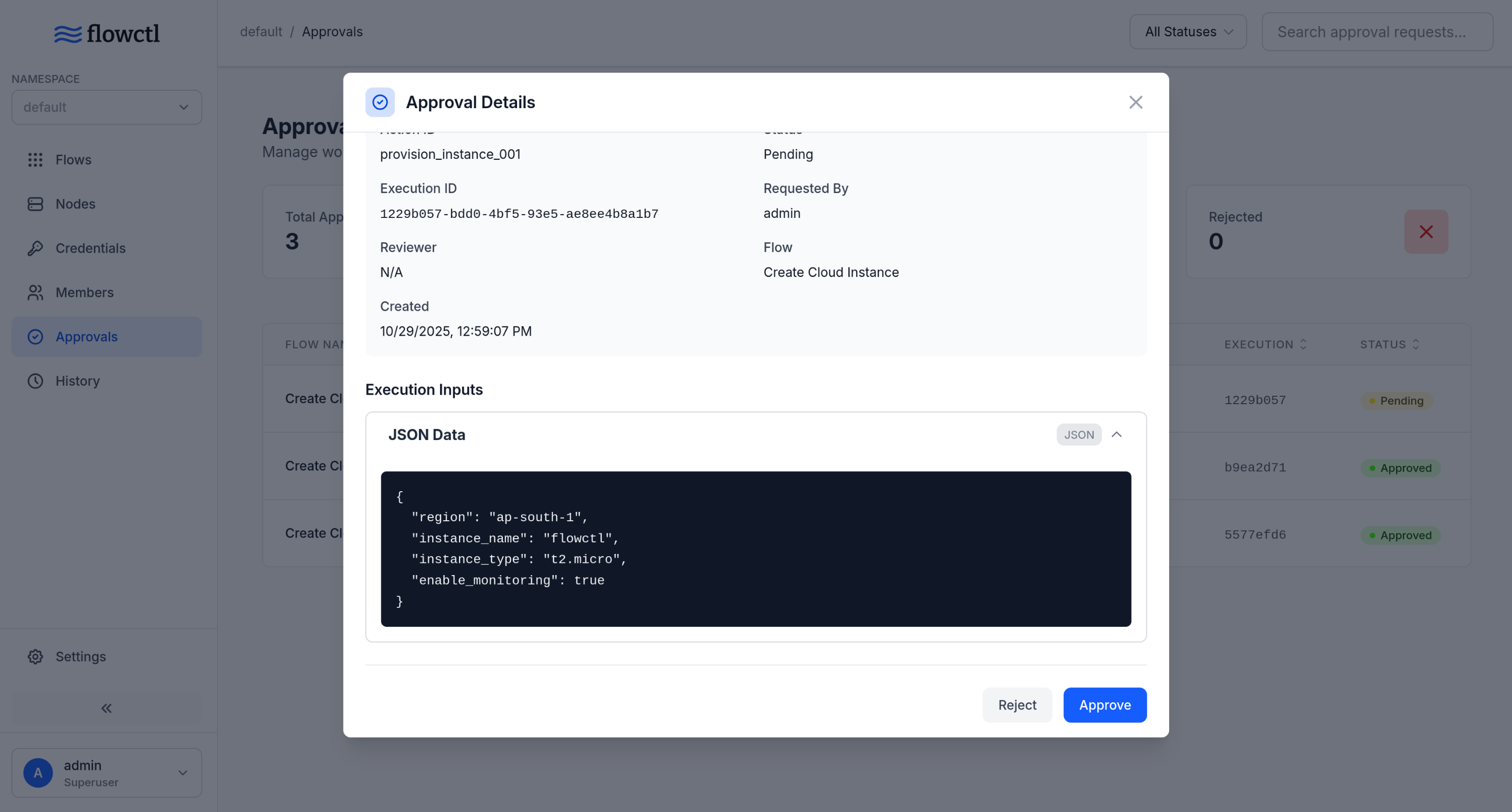
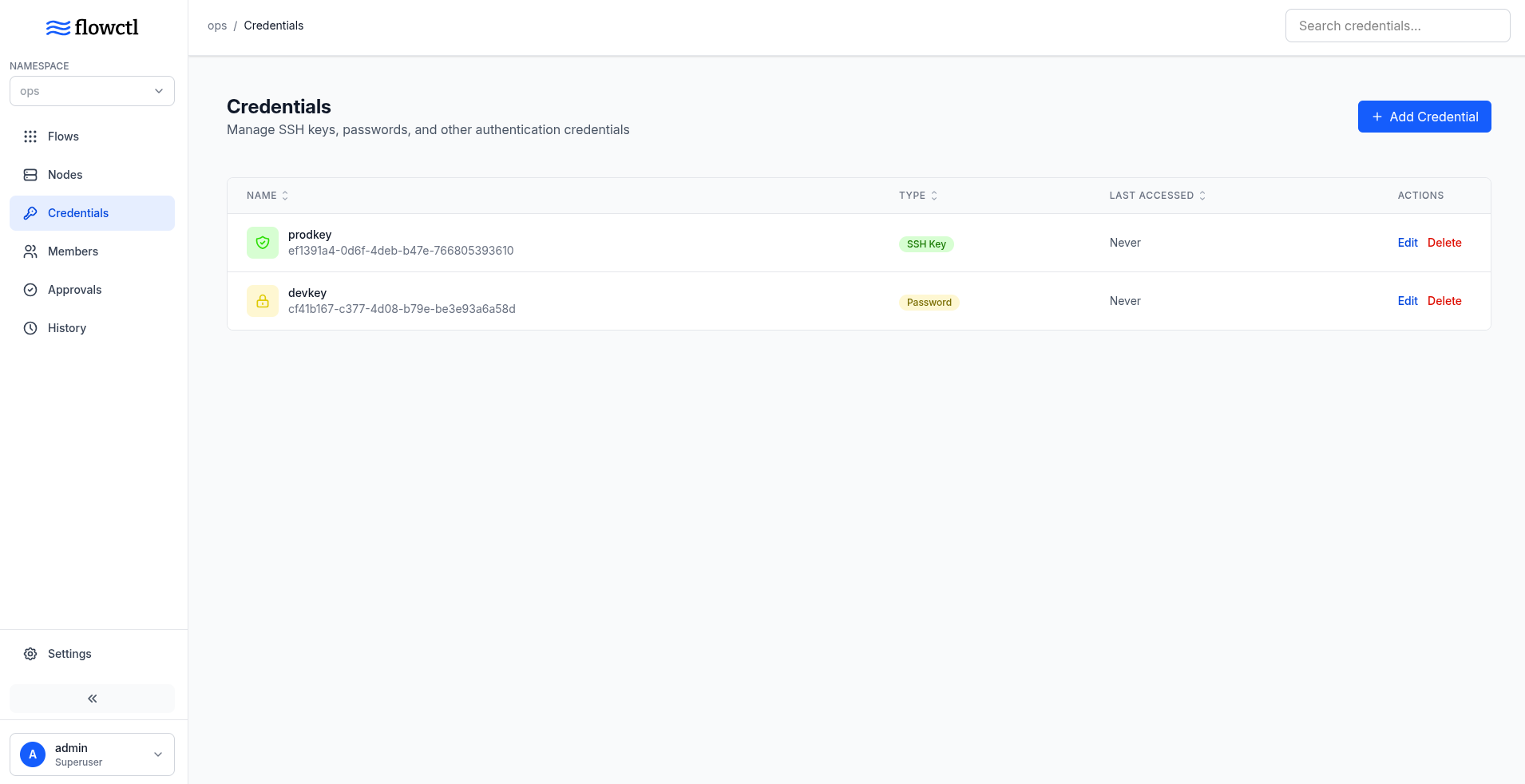
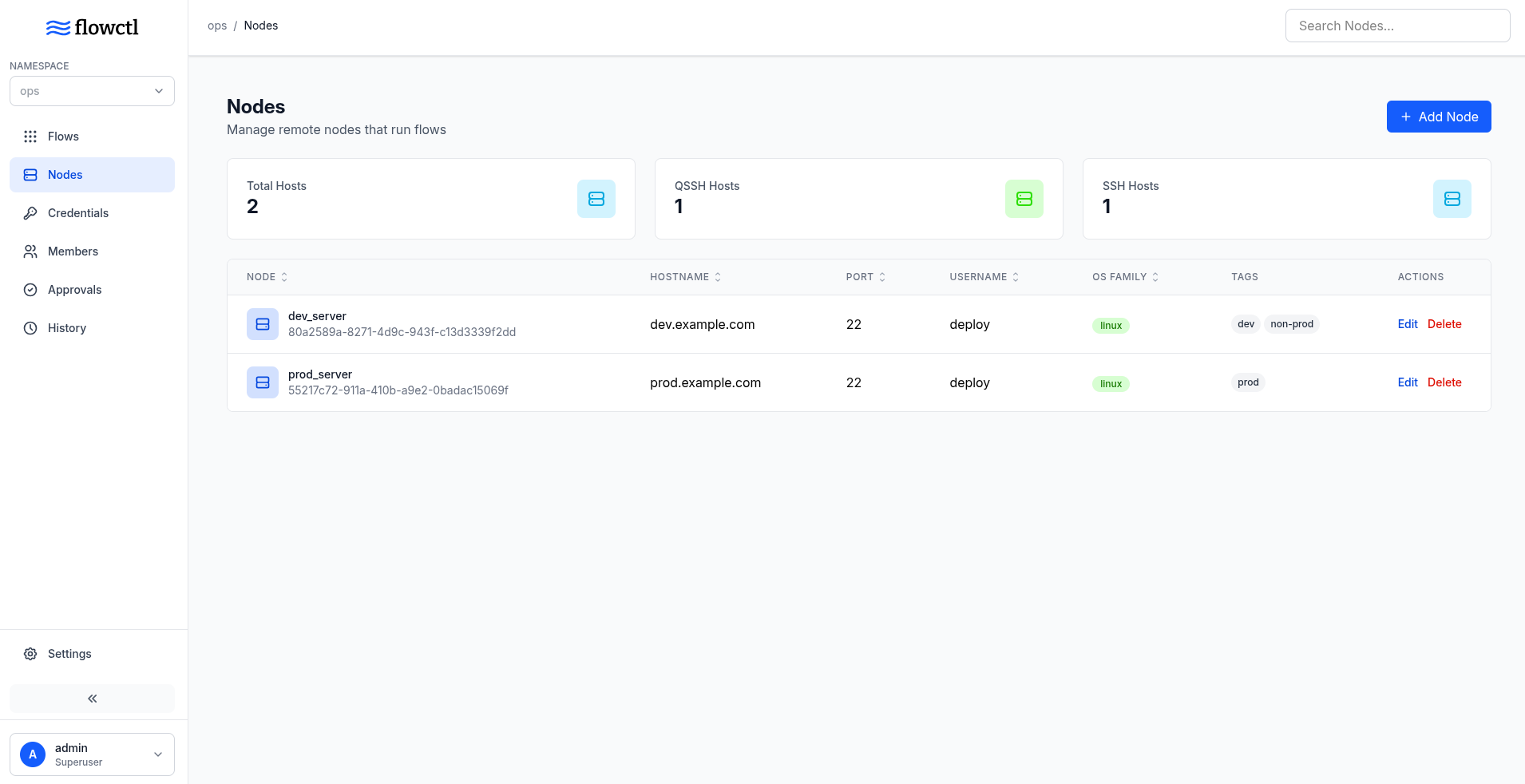
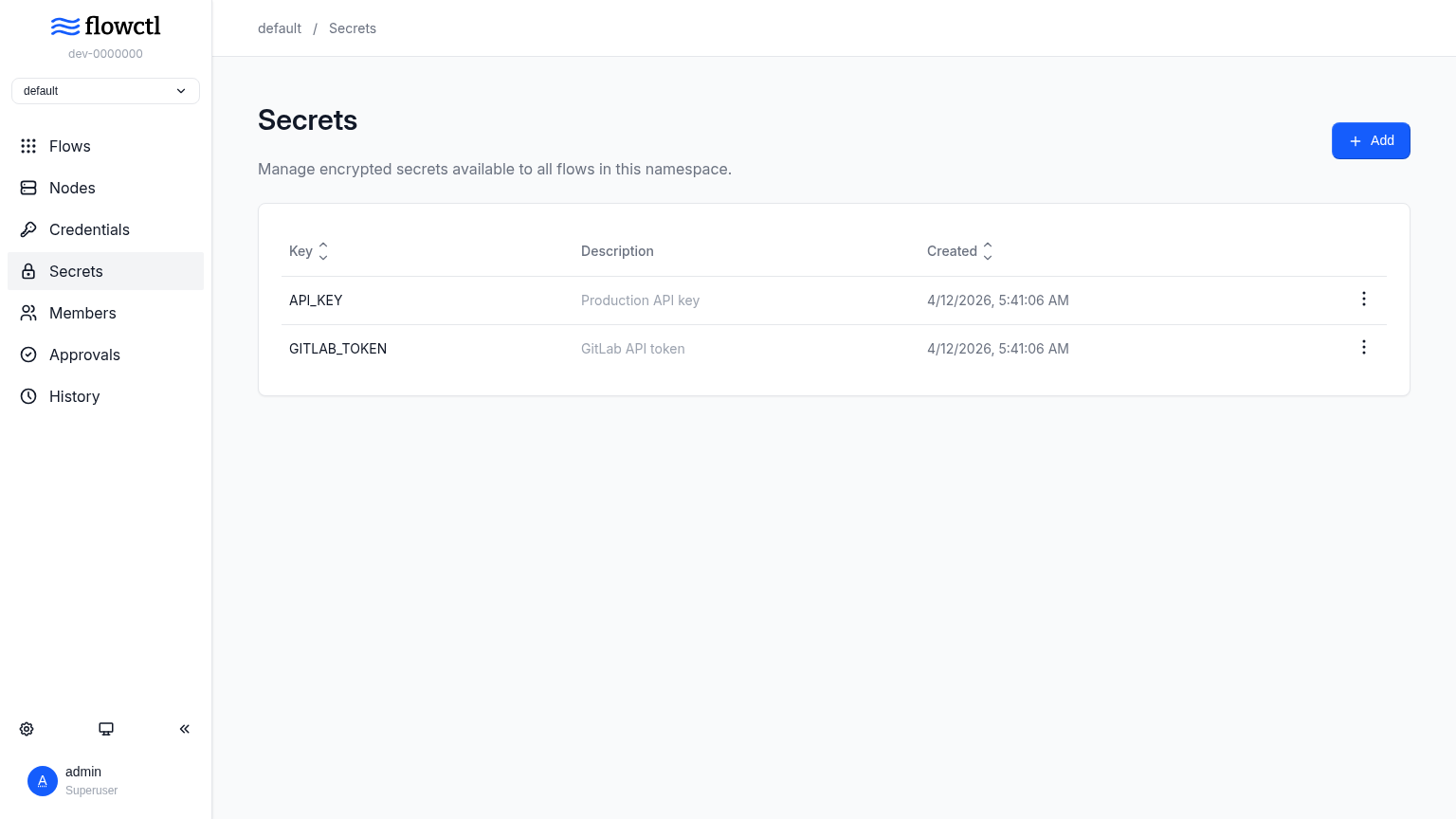
flowctl is a self-hosted workflow automation platform built for teams. Users define workflows using YAML or HUML configuration with inputs, actions, and approval gates. The platform provides built-in RBAC with teams and namespaces, OIDC-based single sign-on, encrypted secret storage for credentials, real-time execution logs, cron-based scheduling, and remote execution via SSH on managed nodes. It runs as a single Go binary with PostgreSQL as the only external dependency, and can be deployed via Docker Compose or direct binary download. The web UI is available on port 7000 by default. The project is licensed under Apache 2.0 and actively maintained.
Should you self-host flowctl?
flowctl scores 47/100 on selfhost.directory (how scoring works) and ranks #20 of 32 in Workflow Automation. It has 343 GitHub stars.
It shipped 8 stable releases in the past year. The latest, v0.15.0, came out on 7 September 2026. New versions land roughly every 3 weeks.
Setup is moderate: expect some configuration beyond a single command. An official Docker image is available. It is Apache-2.0-licensed and written mostly in Go.
Its closest alternative on selfhost.directory is n8n (92/100, 208 845 stars). It scores higher overall, so compare the two before you pick. See flowctl vs n8n side by side.
Features
- Approval gates
- Cron Scheduling
- Encrypted secrets
- Executor plugins
- File artifacts
- Notifications
- Prometheus Metrics
- Real-time Logs
- Remote Execution
- Retry failed actions
- Single Sign-On (OIDC)
- Teams and namespaces
- Workflow definitions
flowctl README
More in DevOps
 FlowForgeConnect, Collect, Build, and Scale with FlowFuse
 ForgejoForgejo is a self-hosted, lightweight software forge for Git hosting, project management, and collaboration, designed for privacy, ease of use, and independence from corporate control.
 GiteaGitea is a self-hosted, open-source Git platform with code hosting, CI/CD, package registries, issues, and project management — a lightweight GitHub alternative.
 Gitea RunnerGit with a cup of tea! Painless self-hosted all-in-one software development service, including Git hosting, code review, team collaboration, package registry and CI/CD
 gocdSelf-hosted, open-source CD server by Thoughtworks. Automates build-test-release pipelines and visualizes the whole delivery flow in a value stream map.
 haloyA lightweight CLI deployment platform that runs on your own Linux server, giving you zero-downtime Docker deployments with automatic HTTPS and instant rollbacks.
 HealthchecksOpen-source, self-hosted cron job and background task monitor: each job pings a unique URL, and alerts fire over 25+ integrations when a heartbeat is late.
 InfisicalInfisical is the open-source platform for securing secrets, certificates, access, and AI Agents.
 Komodo🦎 a tool to build and deploy software on many servers 🦎
 Kong🦍 The API and AI Gateway
 kurtosisKurtosis is an open-source CLI for packaging and launching reproducible containerized environments on Docker and Kubernetes.
 mcp-atlassianMCP server for Atlassian tools (Confluence, Jira)
0 comments