Self-host Diarum
v0.9.12Elegant self-hosted diary with AI-powered reflections
- Stars
- 173
- Port
- 8090 (HTTP web interface)
songtianlun/diarum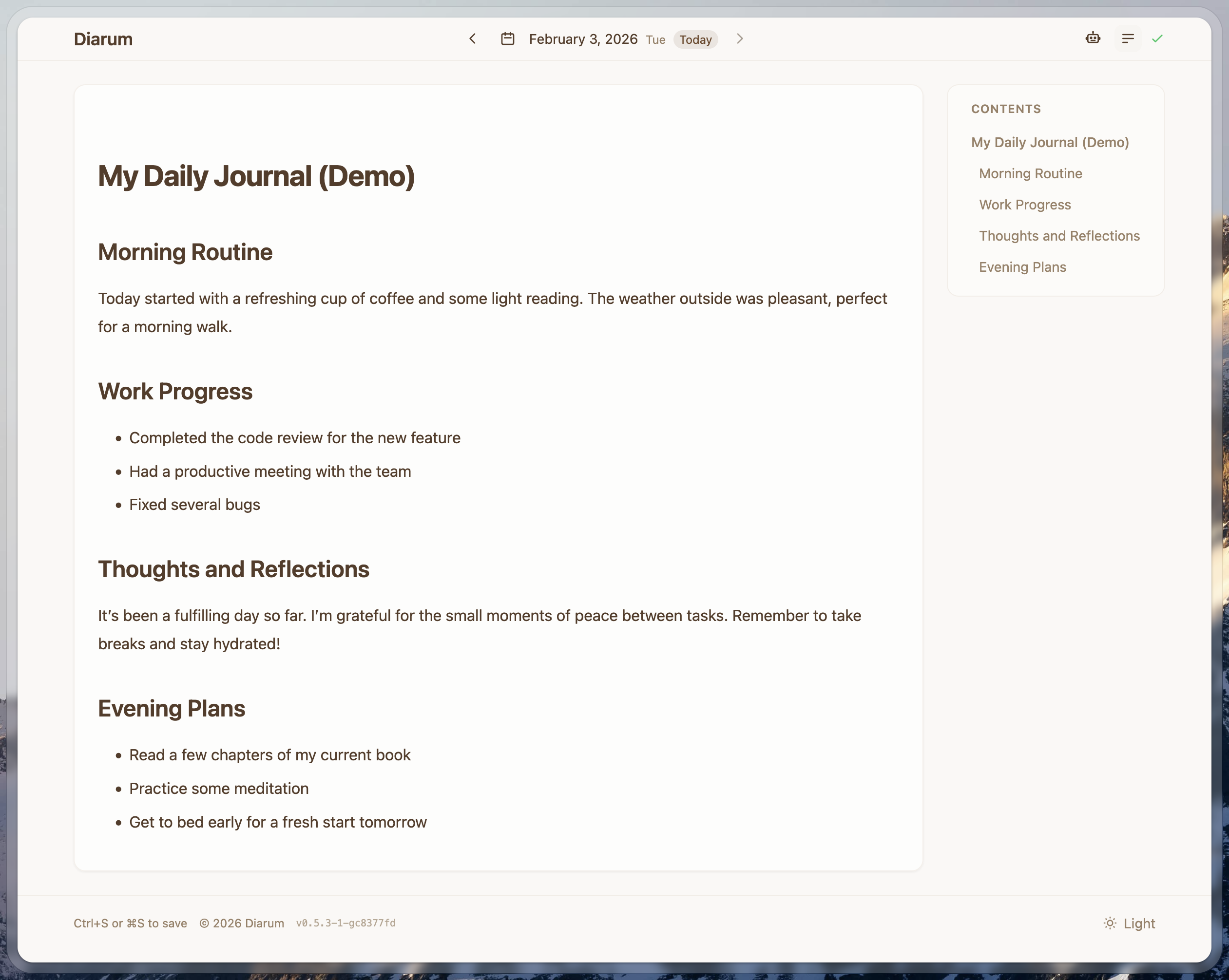
What is Diarum?
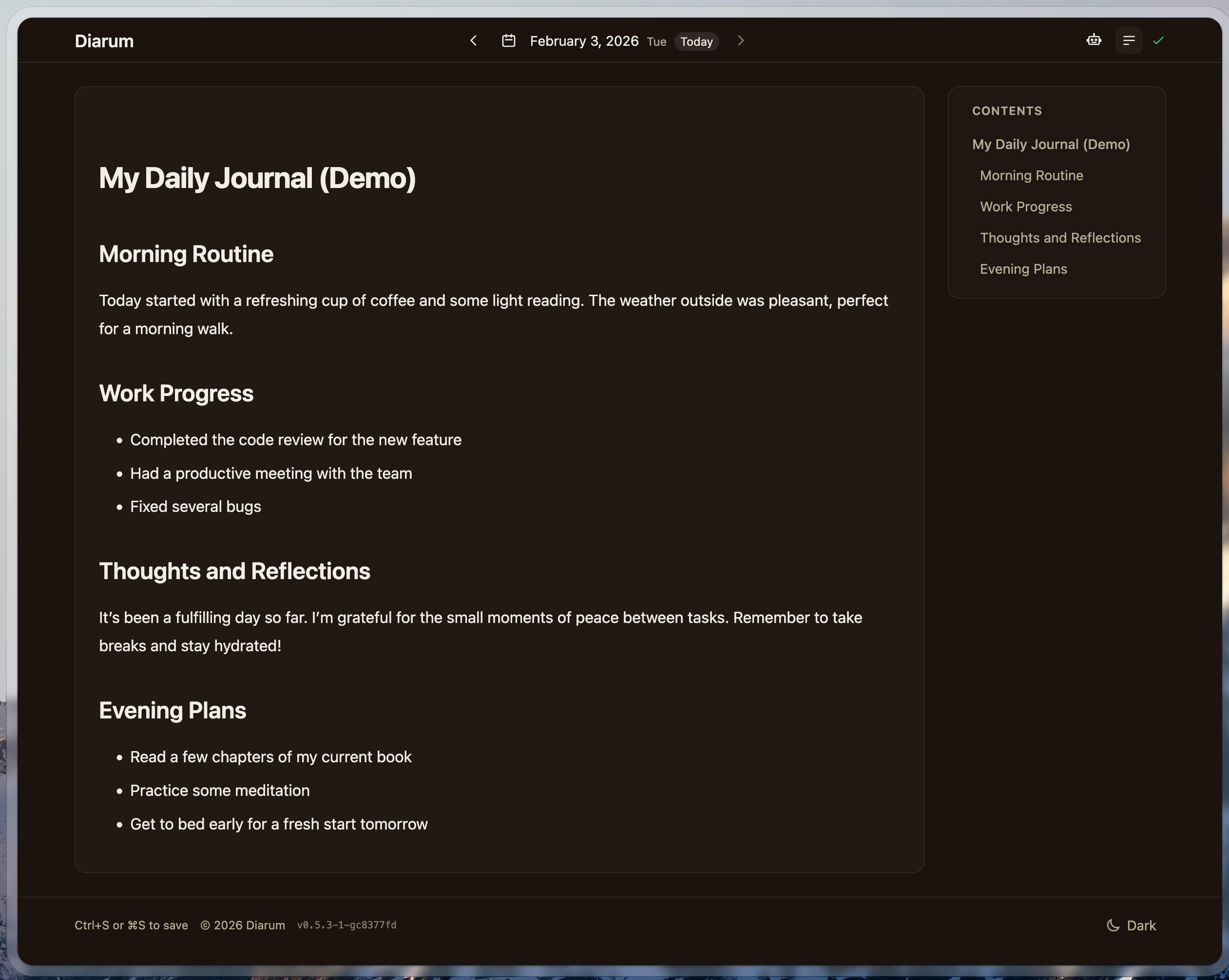
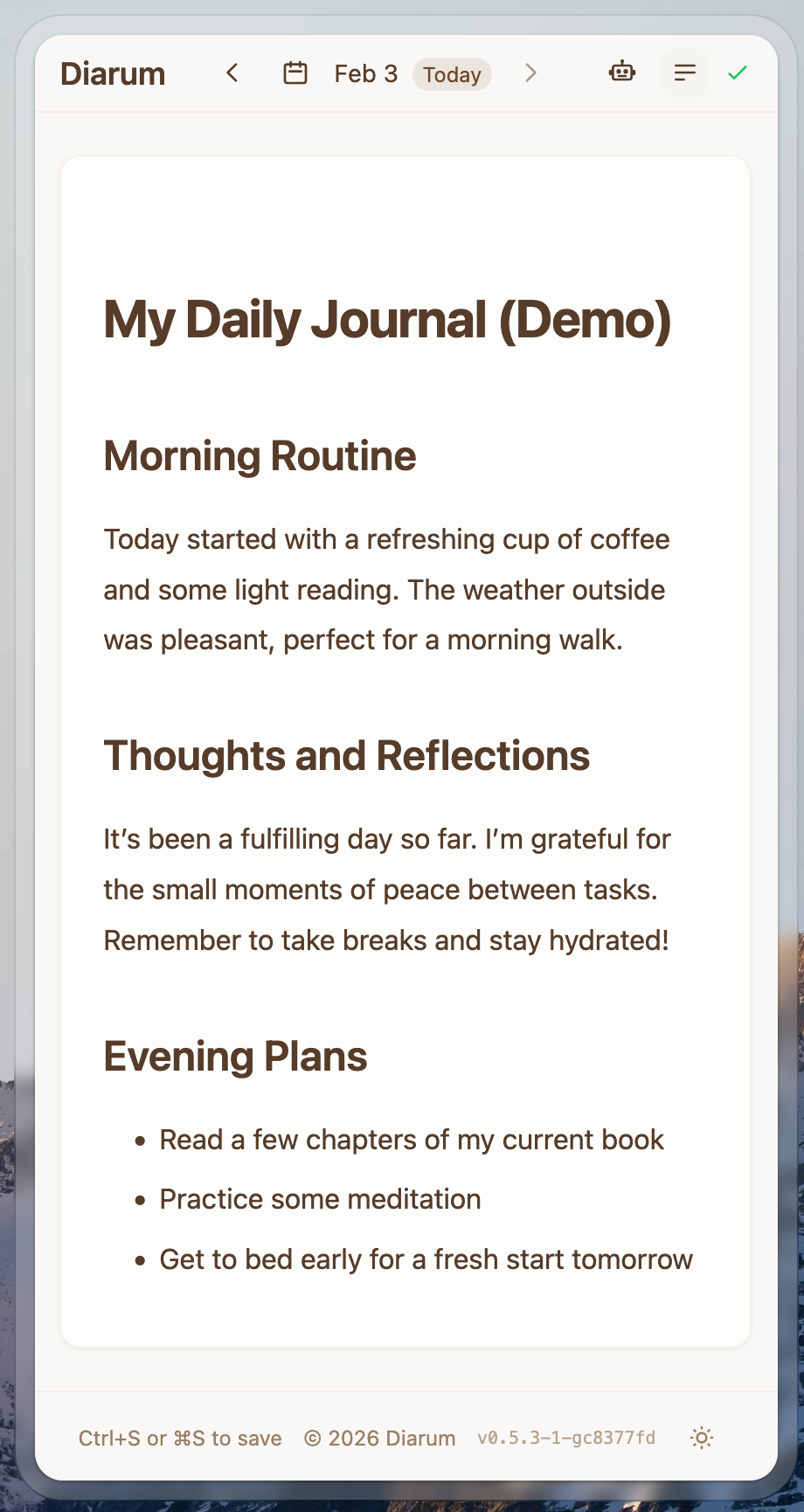
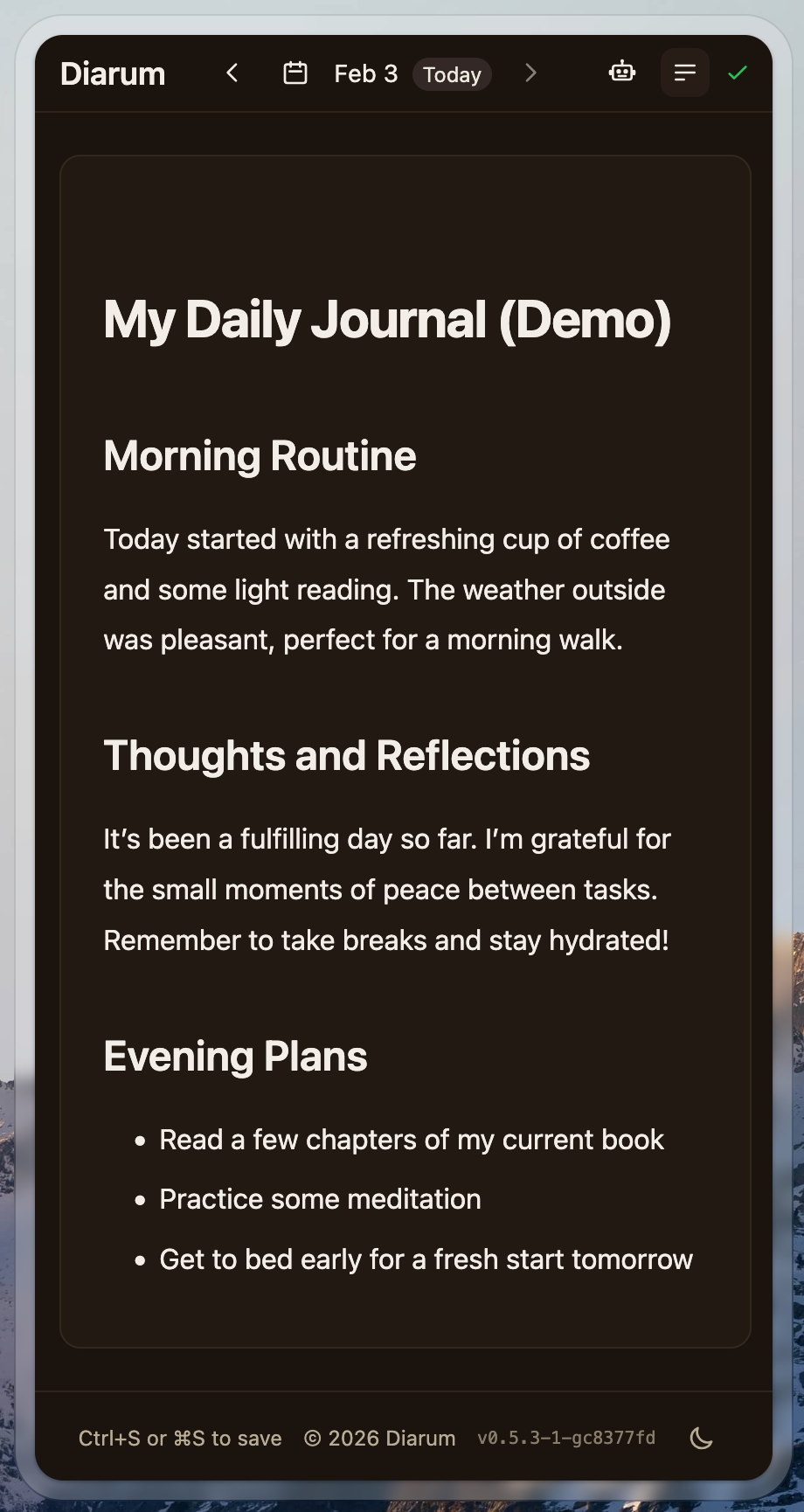
Diarum is a personal diary application designed for daily writing with zero friction — open it and you're on today's entry, auto-saved. It supports full Markdown formatting, image and file attachments including Live Photos and HEIC conversion, and offers three visual editor styles (classic, immersive book, retro Windows 95). The app runs as a single Go binary with an embedded Svelte frontend and SQLite database, making deployment trivial via Docker, Docker Compose, or bare metal. An integrated RAG-based AI assistant works with any OpenAI-compatible endpoint (including local Ollama or LM Studio) to generate weekly reports, year-end reviews, and reflections grounded in your own entries. A built-in MCP server and read-only REST API with OpenAPI docs let external AI agents like Claude, Cursor, or n8n workflows access your diary securely. Additional features include a Progressive Web App with offline support, one-click sharing, Memos webhook sync, multi-user support with an admin console, comprehensive audit logging, visitor statistics, and automated S3 backups. All data stays in a single directory you control.
Should you self-host Diarum?
Diarum scores 48/100 on selfhost.directory (how scoring works) and ranks #43 of 81 in Notes & Editors. It has 173 GitHub stars.
It shipped 10 stable releases in the past year. The latest, v0.9.12, came out on 19 October 2026. New versions land roughly every 1 days.
Setup is easy: most people get it running in one sitting. An official Docker image is available. It is Apache-2.0-licensed and written mostly in Go.
Its closest alternative on selfhost.directory is Memos (86/100, 64 136 stars). It scores higher overall, so compare the two before you pick. See Diarum vs Memos side by side.
Features
- AI assistant with RAG
- Audit Logging
- Automated S3 backups
- Daily diary with one entry per day
- Markdown Support
- Media upload with Live Photos and HEIC support
- Memos webhook sync
- Model Context Protocol (MCP) server
- Multi-user with admin console
- Offline writing with auto-sync
- Progressive Web App (PWA)
- REST API with OpenAPI docs
- Three visual editor styles
- Visitor statistics
Diarum README
More in Personal Productivity
 DigireadSelf-hosted open-source reader that uses Mozilla Readability to turn any online article into a clean, shareable page with QR codes and accessibility settings.
 EchoEcho is a self-hosted, open source AI journal for capturing thoughts via text or voice, transcribing with Whisper, and chatting with entries via local LLMs — all offline.
 EpicenterOpen-source, local-first app suite — notes, voice transcription, and a CRDT sync server you run self-hosted on Bun or Cloudflare Workers.
 eselsohrSelf-hosted bookmark manager using capability-based security instead of user accounts. Written in Haskell, runs as a single binary or Docker container.
 EspialOpen-source, self-hosted bookmark server with multiple accounts, tagging, a browser bookmarklet, REST API and snapshot archiving via ArchiveBox or the Wayback Machine.
 family-bookFamily Book is a self-hosted, open-source family tree and archive that lets you own your family's photos, stories, and relationships in a SQLite database.
 favedFree open-source bookmark manager with nested tags, automatic metadata fetching and browser/Raindrop/Pocket import, self-hosted as one Docker container.
 FenrusFenrus is a self-hosted, open-source personal home page and dashboard for quick access to your apps and sites with customizable groups and smart integrations.
 flareFlare is a self-hosted Go bookmark tool with high performance (under 10MB Docker, ~30MB RAM), YAML storage, offline mode, weather, editor, and optional login.
 flashcards-open-source-appNibomo is a self-hosted, open-source flashcards app for iOS, Android, macOS, and web using FSRS spaced repetition and AI-assisted card creation.
 FlowSelf-hosted, open-source time and event management application with calendar, tasks, notes, places, and multi-user support across web, desktop, and mobile platforms.
 GeeftlistOpen-source, self-hosted PHP webapp for sharing gift ideas with family and friends and reserving presents to avoid duplicate buys, deployed via Docker Compose.
0 comments