
Self-host clearcam
0.2.8AI object detection and search for any RTSP security camera
- Stars
- 2 067
- Port
- 8080 (Web UI)
- Requires
- Ffmpeg, Python, Tinygrad

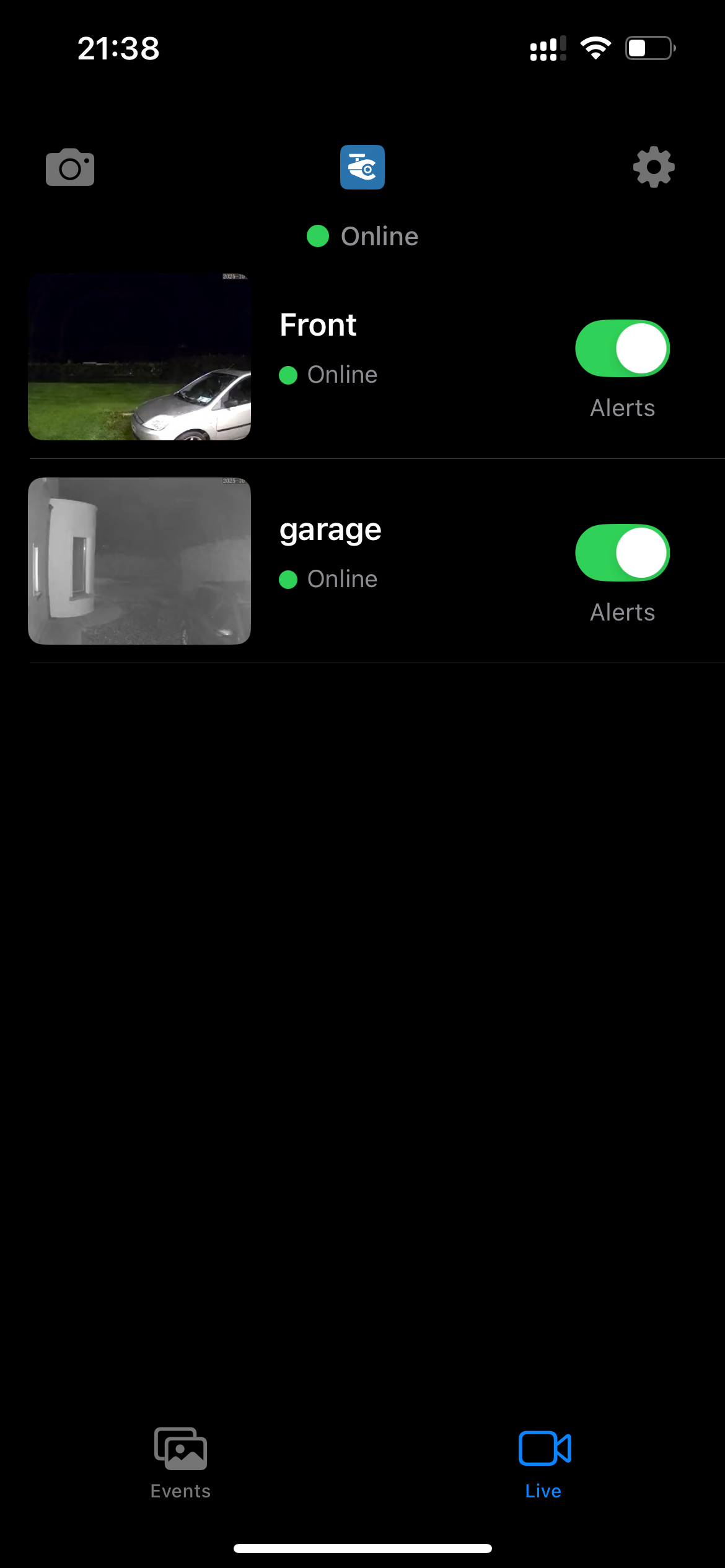
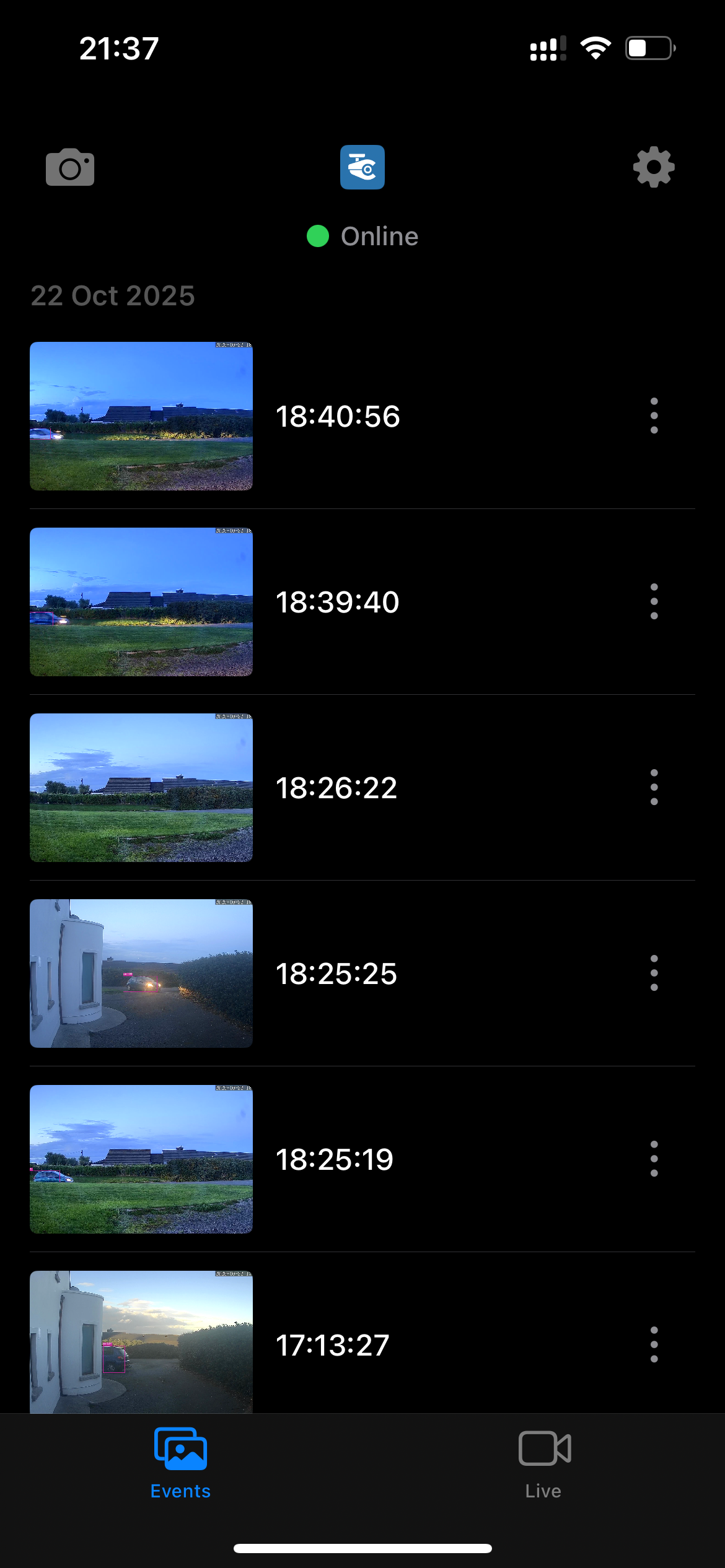
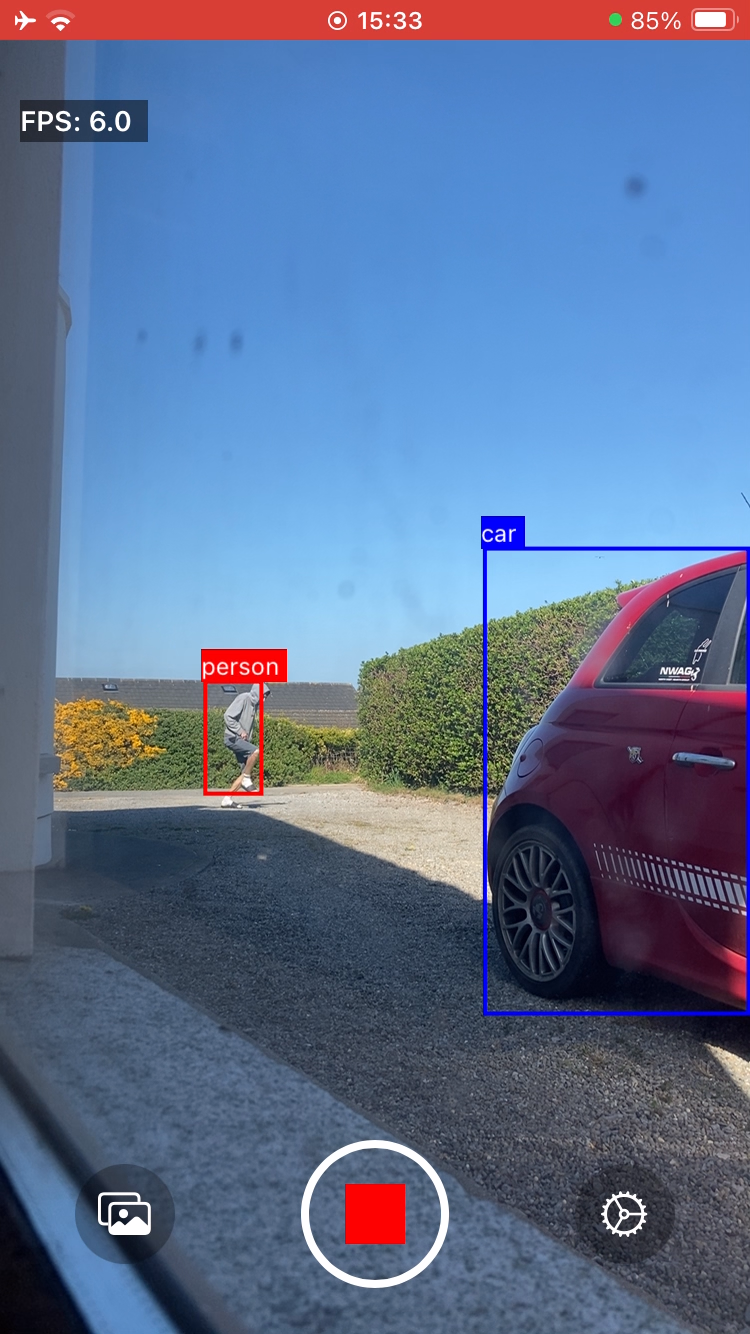
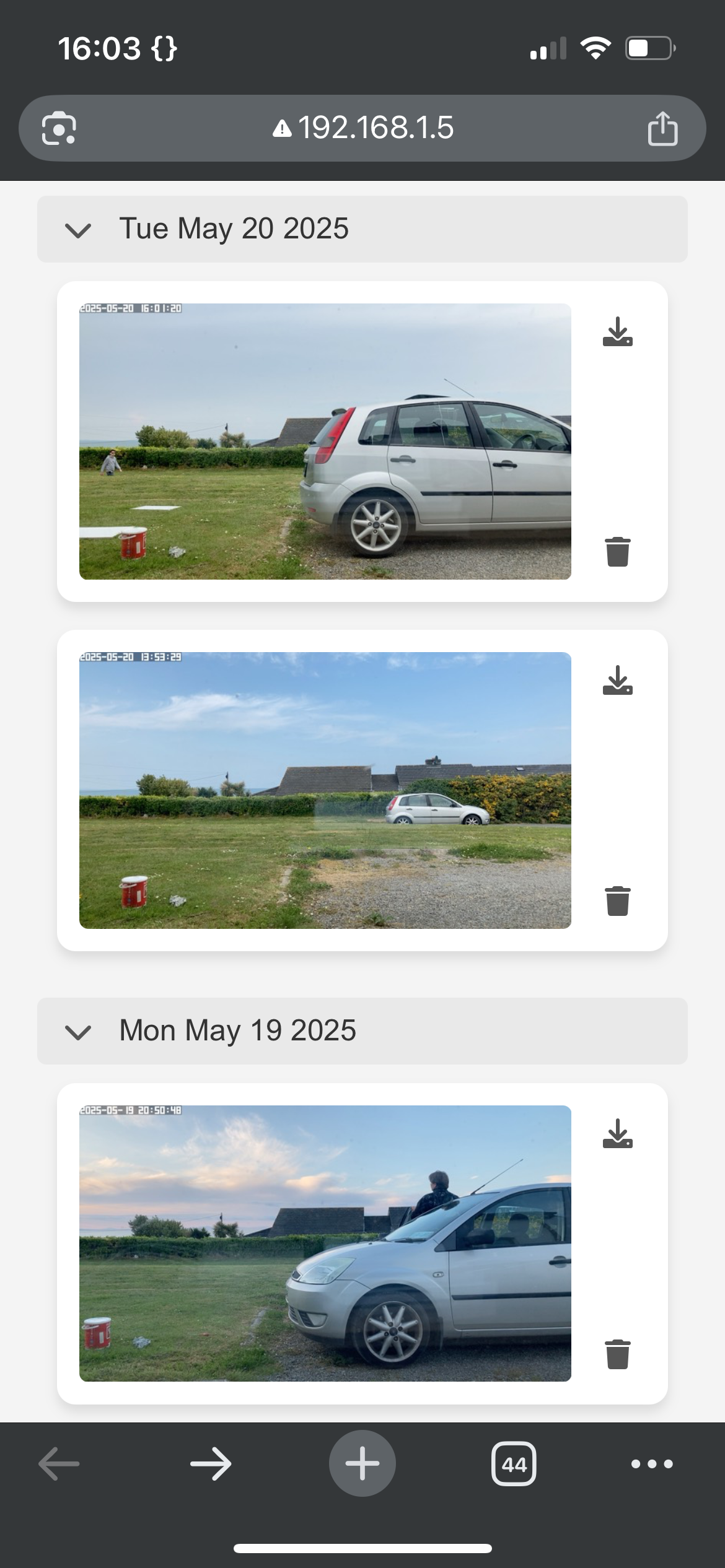
What is clearcam?
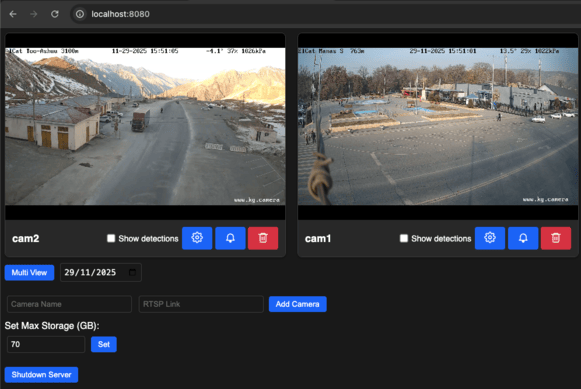
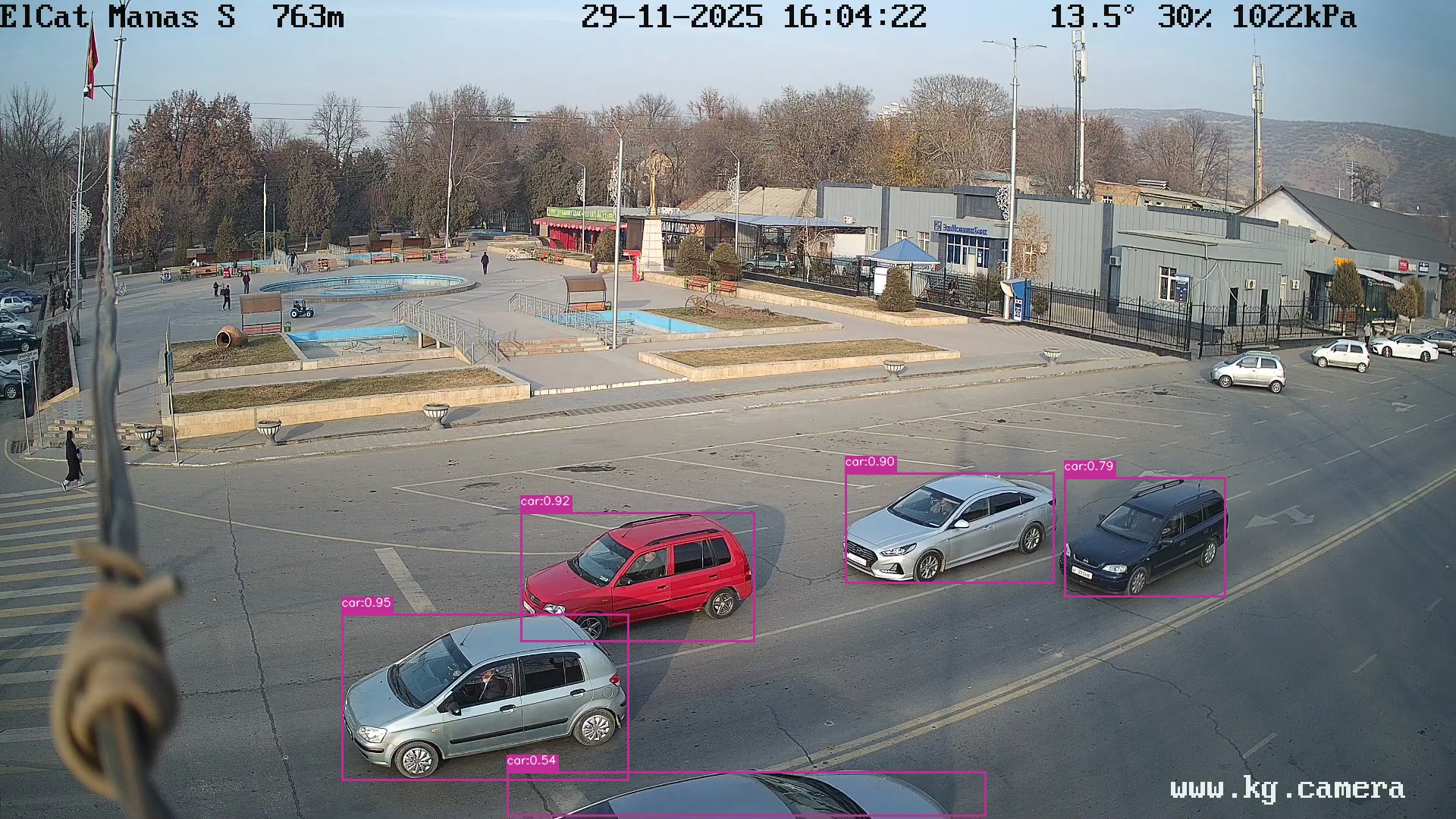
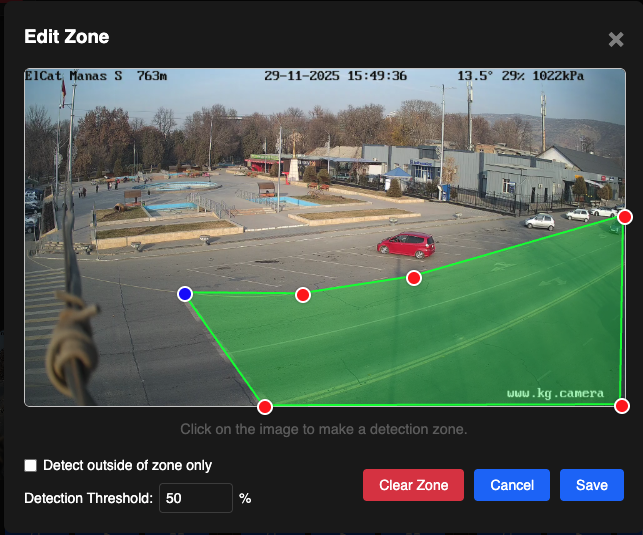
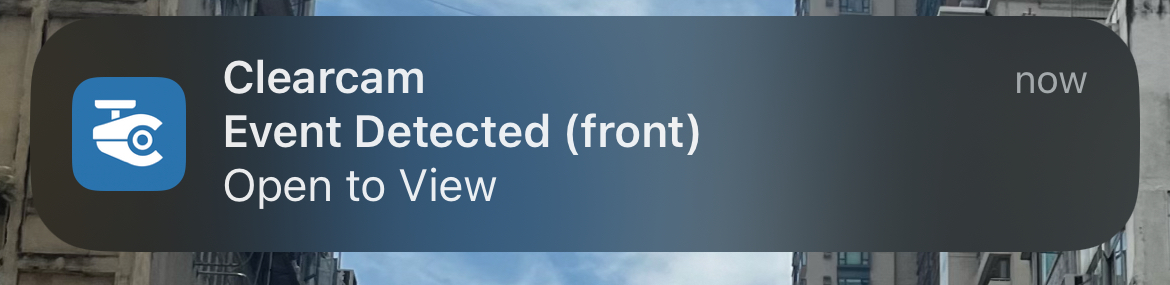
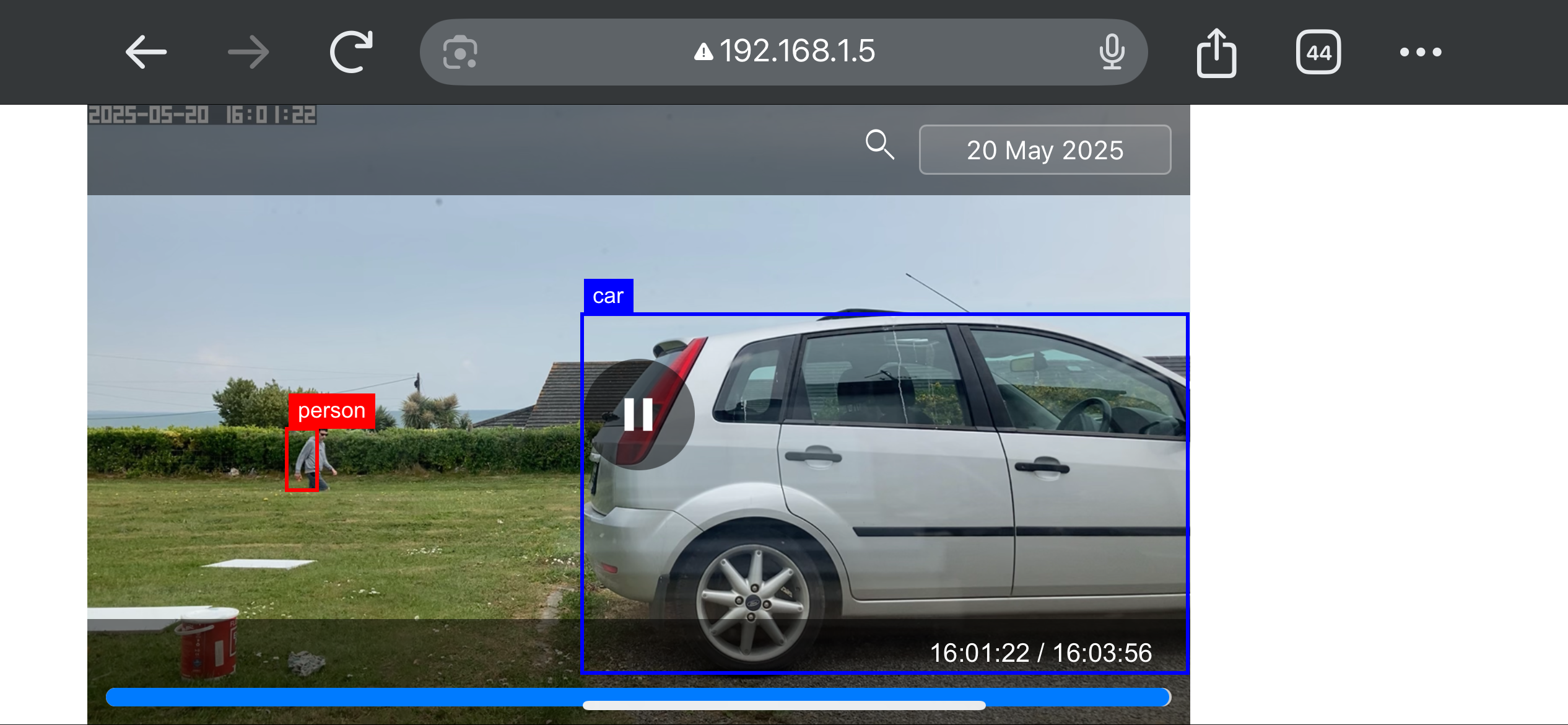
ClearCam runs on your own Mac or Linux machine as a Python-based NVR. It connects to RTSP cameras, performs local AI object detection and tracking using tinygrad, and serves a web dashboard at port 8080 for live viewing, zone setup, and event search. Mobile apps for iOS and Android provide remote access and push alerts, though those premium functions rely on the project's cloud relay; you can also point notifications at your own webhook endpoint. GPU acceleration works on Apple Silicon, AMD, and NVIDIA hardware via simple environment flags. The codebase is released under GPL-3.0.
Should you self-host clearcam?
clearcam scores 51/100 on selfhost.directory (how scoring works) and ranks #12 of 24 in Video Surveillance. It has 2 067 GitHub stars.
It shipped 10 stable releases in the past year. The latest, 0.2.8, came out on 31 August 2026. New versions land roughly every 6 weeks.
Setup is moderate: expect some configuration beyond a single command. It is GPL-3.0-licensed and written mostly in Python.
Its closest alternative on selfhost.directory is Viseron (70/100, 3 666 stars). It scores higher overall, so compare the two before you pick. See clearcam vs Viseron side by side.
Features
- AI Object Detection
- AI Search
- Android app
- Custom Notification Server
- End-to-end encryptionPremium feature.
- GPU Acceleration
- iOS App
- iPhone as Camera
- Object Tracking
- Remote ViewingRequires premium subscription for cloud relay.
- RTSP Camera Support
- Zone Configuration
clearcam README
FAQ
Can you add X feature?
Feature requests can be emailed to rory@clearcam.org or submitted as PRs on GitHub.
Can I use my iPhone as the camera and detector?
Yes, the iOS app can use the iPhone camera for detection and stream over WiFi or remotely with Premium.
Can I use Clearcam alongside Hik-Connect?
Yes, your NVR will continue to function; using both is recommended for redundancy.
Why not Frigate?
Frigate has longer setup time and is suited for cheap hardware with CPU inference. ClearCam aims to be simpler and harness local GPU compute more effectively.
Will Clearcam work with my camera setup?
Yes, if your cameras use RTSP and are on the same network.
Will Clearcam work on my computer?
Yes, as long as your computer can run Python, FFmpeg, and tinygrad. An M-series Mac is recommended if unsure.
More in Video Surveillance
 docker-wyze-bridgeSelf-hosted, open-source Docker bridge that streams Wyze cameras over RTSP, WebRTC, RTMP and LL-HLS, with a web dashboard, recording, snapshots and camera control.
 FrigateFrigate NVR is a self-hosted, open-source NVR with real-time local AI object detection for IP cameras, featuring Home Assistant integration and AI accelerator support.
 frigate-event-bufferFrigate Event Buffer is a self-hosted, open-source companion for Frigate NVR that creates cinematic highlight reels and sends tiered notifications to Home Assistant.
 frigate_plate_recognizerSelf-hosted Docker service that identifies license plates from Frigate events using Plate Recognizer or CodeProject.AI and publishes results via MQTT.
 go2rtcSelf-hosted, open-source camera streaming server: ingests dozens of input formats (RTSP, ONVIF, USB cams, vendor clouds) and outputs WebRTC, HLS, MP4 or RTSP.
 Kerberos AgentSelf-hosted, open-source video surveillance agent for IP cameras with motion detection, recording, and cloud storage. Runs on Raspberry Pi, Docker, Kubernetes.
 lightNVRSelf-hosted, open-source NVR in C for low-memory devices. WebRTC/HLS streaming, visual detection zones, themes, external object detection.
 motionEyeSelf-hosted, open-source browser interface for the motion surveillance backend: runs USB, Pi and IP cameras with motion detection, recordings, timelapse and email alerts.
 motioneyeosSelf-hosted Linux distro that converts a single-board computer such as a Raspberry Pi into a video surveillance system with motion detection and a browser UI.
 OpenNVRSelf-hosted NVR with open AI adapter contract — run any model on your hardware, air-gapped by default, with full audit trails and model fingerprinting.
 Plate-MinderSelf-hosted license plate recognition for RTSP/MJPEG streams using OpenALPR, with SQLite, MQTT, Home Assistant auto-discovery, and web UI.
 ScryptedSelf-hosted video integration platform providing smart detections and NVR recording. Streams camera feeds to HomeKit, Google Home, Alexa, and Home Assistant.
0 comments