
Self-host chimera
0.24.11Web UI for remote Steam and non-Steam game management
- Stars
- 287
- Port
- 8844 (Web interface)
ghcr.io/chimeraos/chimera
What is chimera?
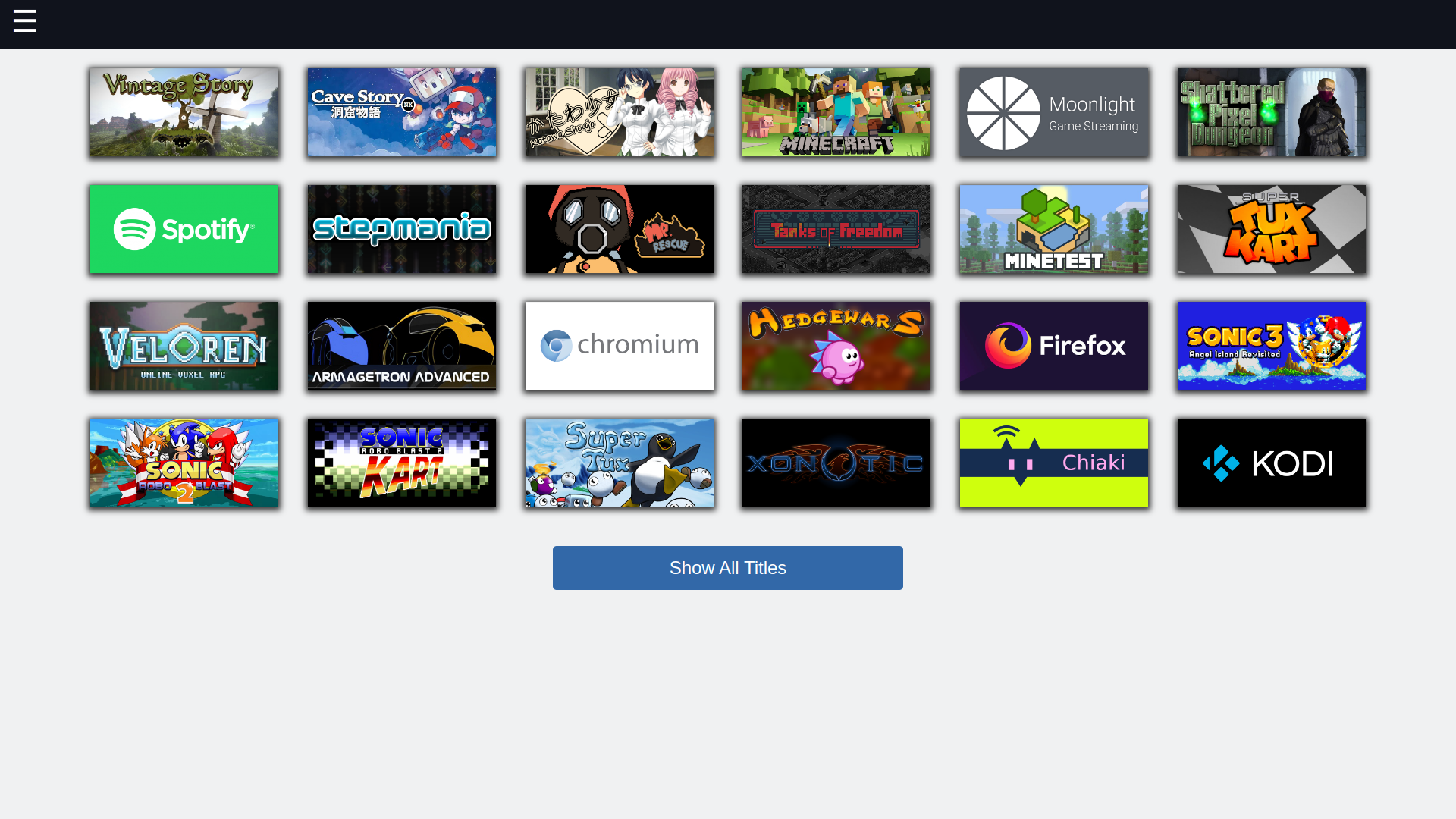
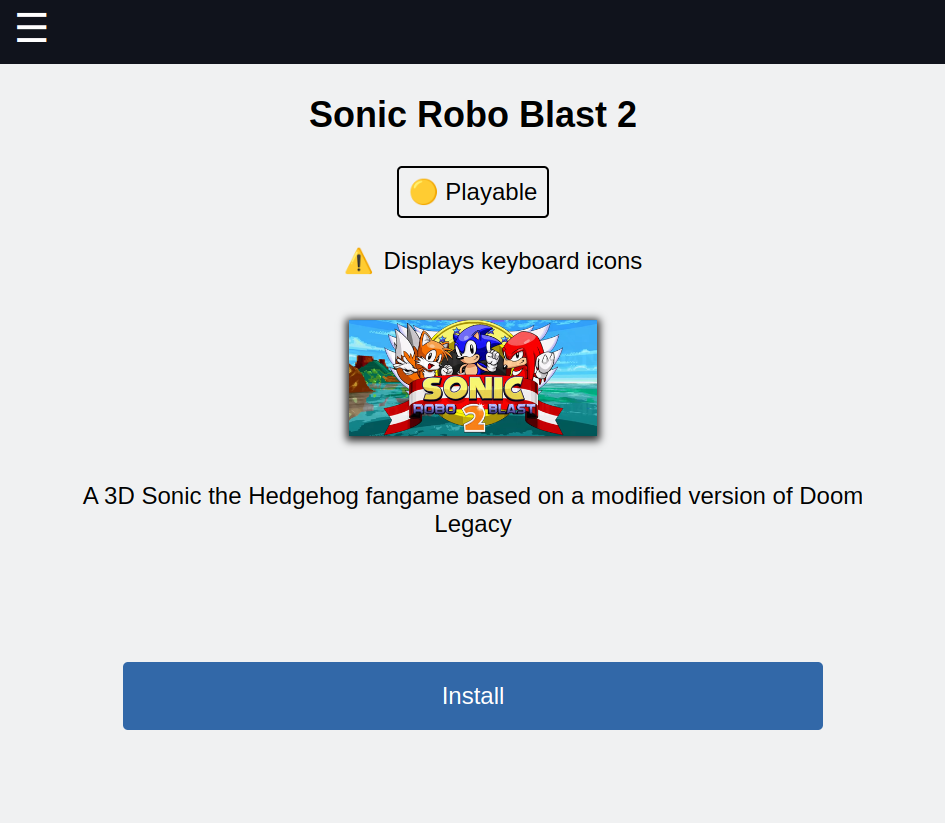
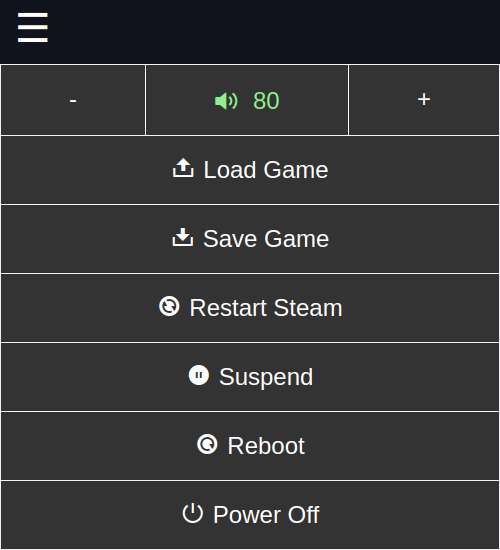
Chimera provides a browser dashboard for controlling Steam on Linux gaming computers from another device. You can add games from the GOG, Epic, and Flathub stores, import ROM files for more than twenty classic consoles with emulators already configured, and synchronize that collection across several systems on your LAN. The panel gives one-click access to volume, performance overlays, emulator save states, Steam restarts, and power commands. It also bundles an FTP server and a page for managing SSH public keys. Deployment options include the Arch User Repository, the ChimeraOS distribution where it ships by default, or a Docker image on any host. The service listens on TCP 8844 and uses either a one-time code shown on the host screen or a permanent password you define.
Should you self-host chimera?
chimera scores 49/100 on selfhost.directory (how scoring works) and ranks #34 of 62 in Game Servers. It has 287 GitHub stars.
There was no stable release in the past 12 months, so check the repository's recent activity before you rely on it.
Setup is moderate: expect some configuration beyond a single command. An official Docker image is available. It is MIT-licensed and written mostly in Python.
Its closest alternative on selfhost.directory is minecraft (78/100, 14 491 stars). It scores higher overall, so compare the two before you pick. See chimera vs minecraft side by side.
Features
- Built-in FTP server
- Content sharing across devices
- Custom Steam shortcuts
- Non-Steam game installation
- Quick system actions
- Remote Steam management
- ROM upload and emulation
- SSH access management
- Steam compatibility configuration
chimera README
More in Game Servers
 CockatriceOpen-source virtual tabletop for card games over a network, with a self-hosted Servatrice server, the Oracle card-downloader and offline deck brewing.
 core-keeper-dedicatedSelf-hosted Docker image for Core Keeper dedicated server with Steam Datagram Relay, direct connection modes, mod.io mods, and Discord notifications.
 DDraceNetworkDDraceNetwork is a free, open-source cooperative platformer where up to 128 players help each other through custom maps. Includes a self-hostable game server.
 DiceFrameSelf-hosted, open-source AI tabletop RPG for D&D, CoC, and custom rules with multiplayer WebUI, character sheets, lorebooks, dice checks, and QQ bot.
 DiscoPanelSelf-hosted, open-source Minecraft server panel with Docker isolation, smart proxy routing, and CurseForge modpack integration.
 docker-mineosSelf-hosted Docker image packaging MineOS web control panel for Minecraft servers with Java 8, Node.js, WebUI on 8443, server ports 25565–25570.
 docker-spigotSelf-hosted Docker image that builds and runs a Spigot Minecraft server with configurable versions, memory settings, and automatic EULA acceptance.
 docker-steam-headlessSelf-hosted, open-source Docker image running a headless Steam client with Proton, accessed via a noVNC web desktop, Steam Link, Moonlight or Steam Remote Play.
 Dungeon ChurchSelf-hosted Docker Compose stack for D&D campaigns: FoundryVTT, Ghost blog, Outline wiki, 5eTools, Red Discord Bot, Node-RED automation. Open-source, deployable anywhere.
 Enshrouded Dedicated ServerSelf-hosted Docker image for running an Enshrouded dedicated game server with automatic updates via supervisord, configurable via environment variables.
 factorio-server-managerSelf-hosted web interface for managing Factorio multiplayer servers, including saves, mods, and modpacks with authentication.
 FoundrySelf-hosted, open-source Docker image for Foundry Virtual Tabletop, deployable on Docker, Podman, or Kubernetes with a purchased license.
0 comments