Self-host Chaos Mesh
v2.8.7Kubernetes chaos engineering platform for fault injection
helm install chaos-mesh chaos-mesh/chaos-mesh -n=chaos-mesh --create-namespace- Stars
- 7 956
- Ports
- 2333 (Chaos Dashboard HTTP API and web UI), 2334 (Chaos Dashboard metrics endpoint), 31767 (Chaos Daemon gRPC server), 31766 (Chaos Daemon HTTP server), 10250 (Admission webhooks served by chaos-controller-manager), 10080 (Prometheus metrics exposed by chaos-controller-manager), 53 (chaos-dns-server DNS listener (DNSChaos))
- Requires
- Docker, containerd, or CRI-O container runtime on the nodes
What is Chaos Mesh?
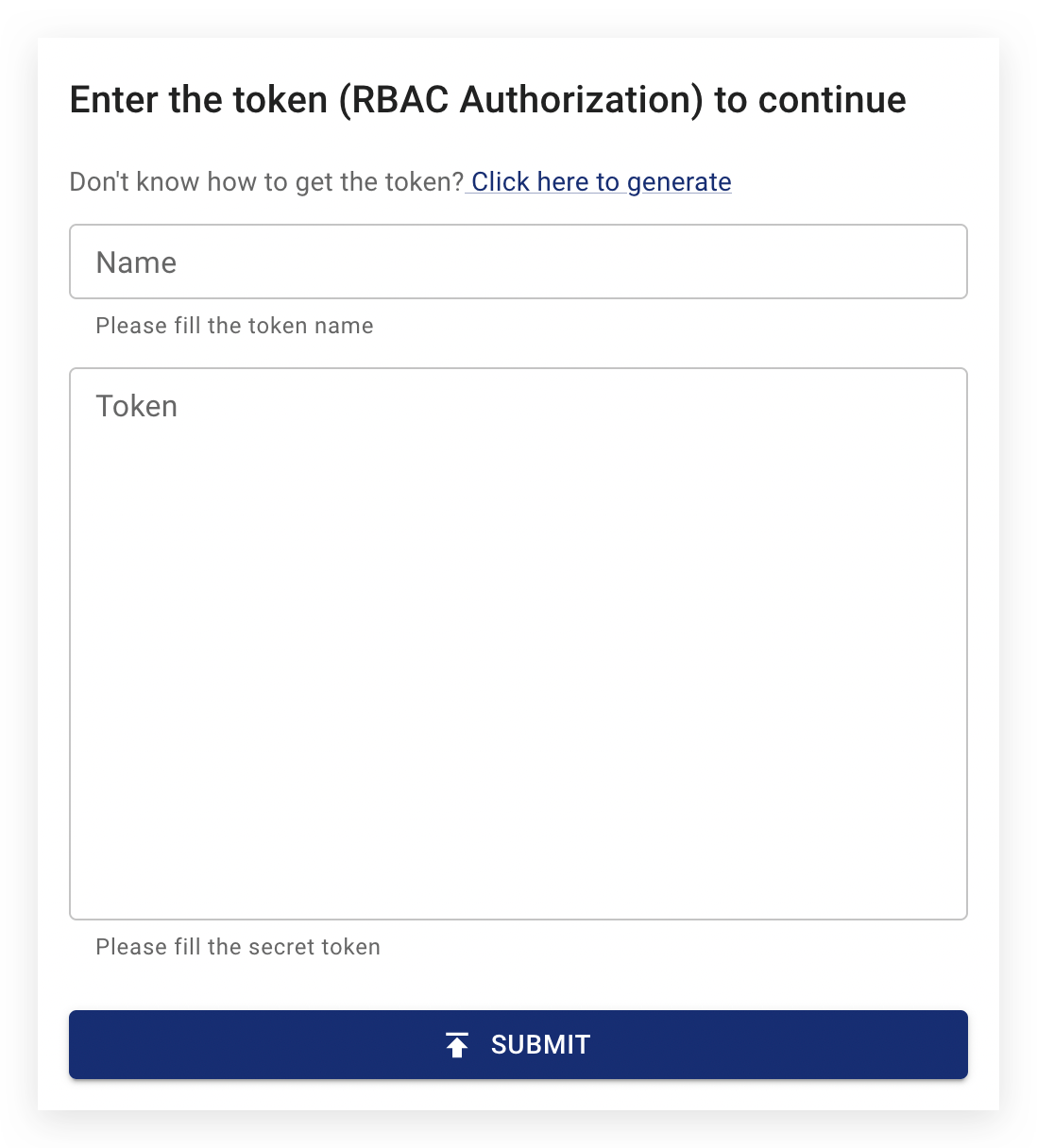
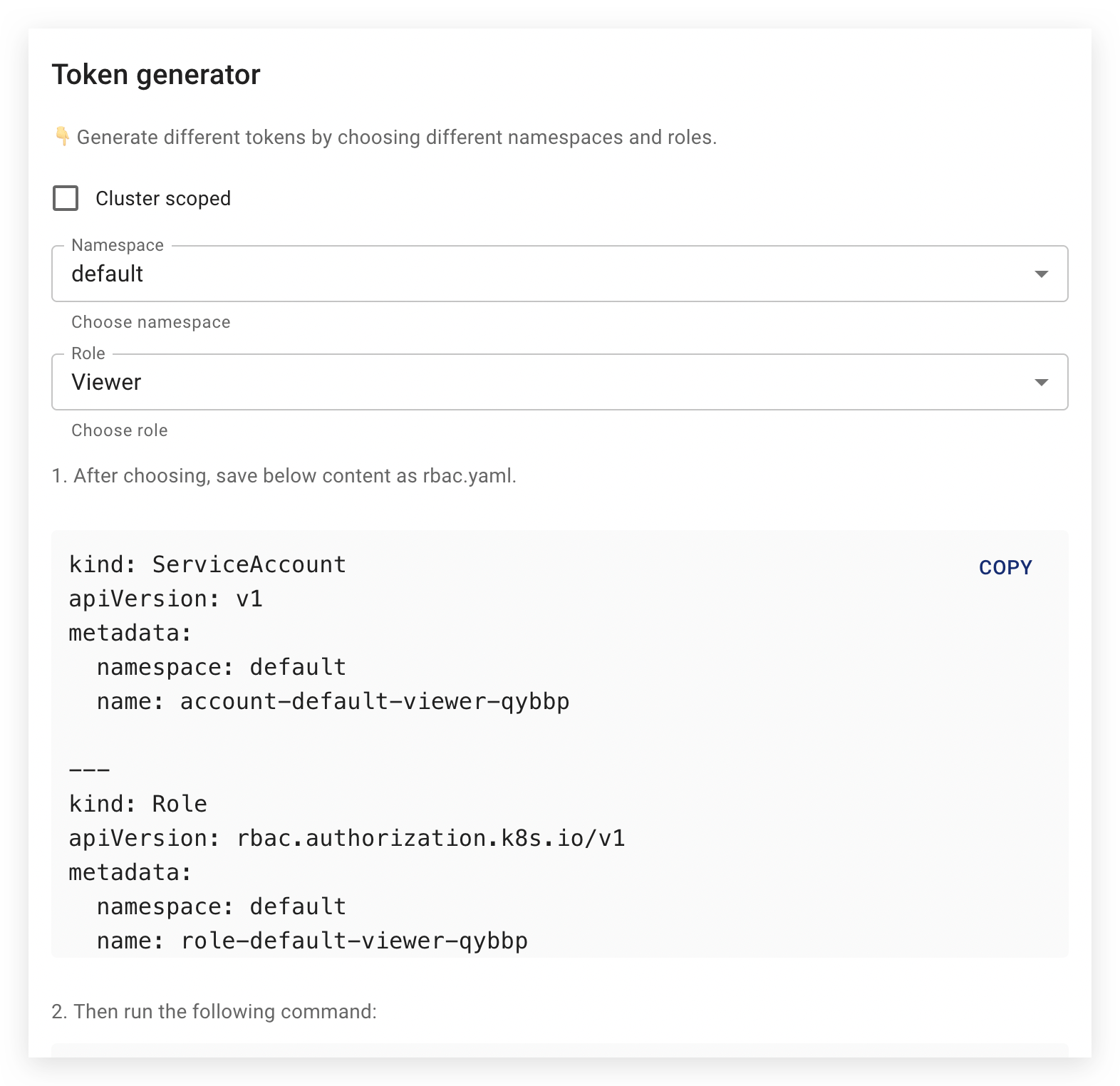
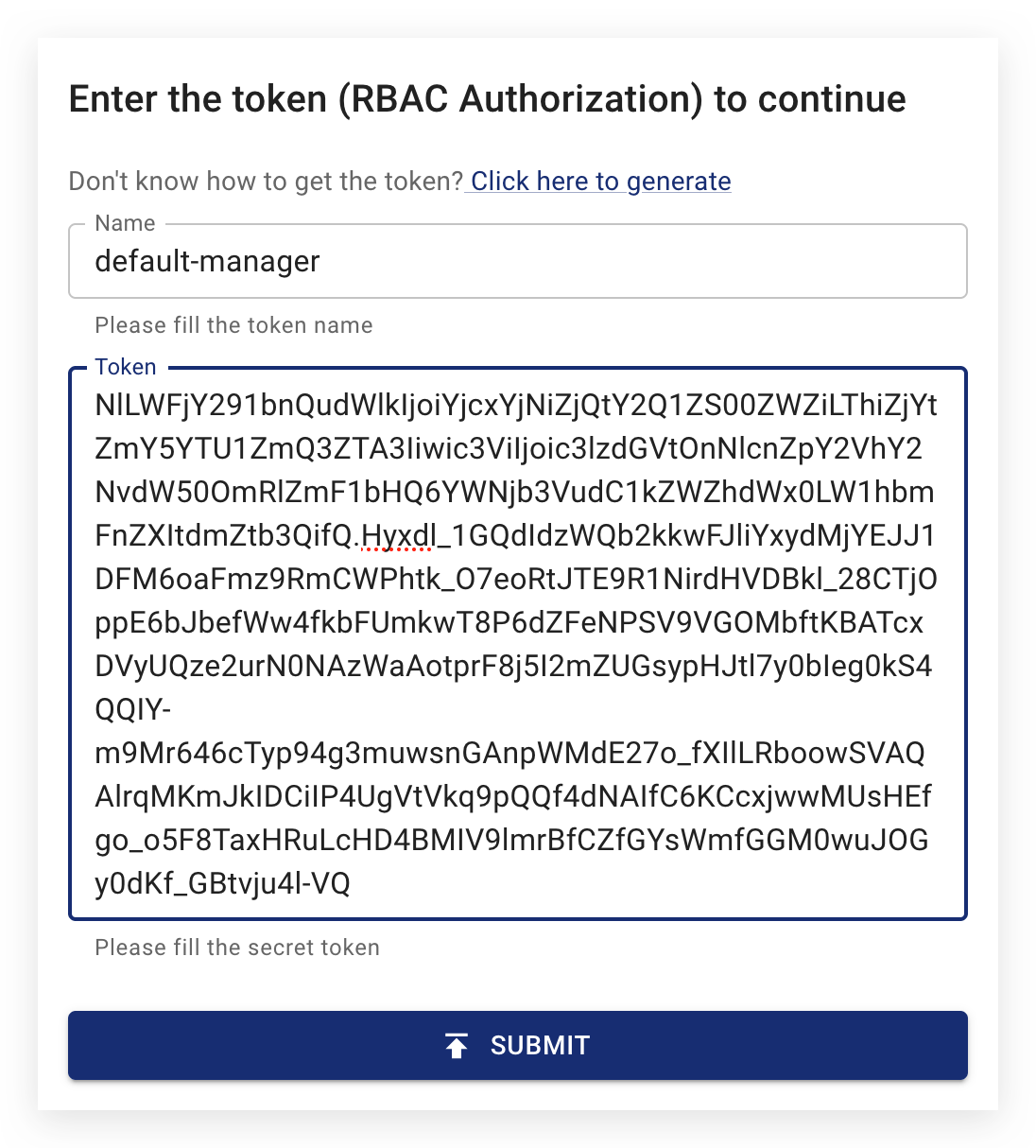
Chaos Mesh is an open-source, cloud-native chaos engineering platform for Kubernetes, used by teams that want to rehearse failures before they happen. Experiments are declared as Kubernetes custom resources covering pod, network, DNS, HTTP, I/O, time, stress, kernel, block-device, JVM, physical-machine and cloud (AWS, Azure, GCP) faults, and can be chained with Schedule, Workflow and StatusCheck resources for recurring or serial/parallel scenarios. Three runtime components do the work: the Chaos Controller Manager watches the CRDs and validates requests through admission webhooks, the Chaos Daemon runs as a privileged DaemonSet on nodes for container-, network- and kernel-level operations, and the optional Chaos Dashboard serves the HTTP API and web UI on port 2333. RBAC-based permission authentication with tokens is on by default, and GCP OAuth or generic OIDC login can be enabled through the Helm chart; multi-cluster injection works via the RemoteCluster resource, and the experimental Chaosd tool extends fault injection to physical machines. You install it with helm repo add chaos-mesh https://charts.chaos-mesh.org plus helm install, and it is a CNCF incubating project licensed under Apache-2.0. Dashboard data defaults to SQLite (MySQL and PostgreSQL are supported alternatives), so persistence must be configured explicitly or experiment history is lost on restart.
Should you self-host Chaos Mesh?
Chaos Mesh scores 69/100 on selfhost.directory (how scoring works) and ranks #2 of 8 in DevOps. It has 7 956 GitHub stars.
It shipped 5 stable releases in the past year. The latest, v2.8.7, came out on 28 October 2026. New versions land roughly every 6 days.
Setup is advanced: plan for several services and some ongoing maintenance. It is Apache-2.0-licensed and written mostly in Go.
Its closest alternative on selfhost.directory is Gitea Runner (74/100, 58 740 stars). It scores higher overall, so compare the two before you pick. See Chaos Mesh vs Gitea Runner side by side.
Features
- Admission webhook validation
- Application health checks (StatusCheck)
- Broad fault injection coverage
- Cloud chaos simulation
- High-availability controller
- Kubernetes-native chaos API (CRDs)
- Multi-cluster fault injectionRemoteCluster is in an early stage.
- Node-level chaos daemon (DaemonSet)
- Physical-machine chaos toolkit (Chaosd)Marked experimental by the project.
- Prometheus metrics export
- RBAC-based user permissions
- Recurring experiments (Schedule)
- Target selection rules and namespace scoping
- Web dashboard with HTTP API
- Workflow Orchestration
Chaos Mesh README
FAQ
How can I persist Chaos Dashboard data?
The dashboard stores data in SQLite by default, which is lost on restart without a Persistent Volume; enable PV or switch the database engine to MySQL or PostgreSQL.
How can I disable the safe mode?
Safe mode (dashboard authentication) is on by default; set dashboard.securityMode to false at install or upgrade time, which should only be done outside production.
Failed to install Chaos Mesh with the message: no matches for kind "CustomResourceDefinition" in version "apiextensions.k8s.io/v1"?
This happens on Kubernetes v1.15 or older; create the v1beta1 CRDs manually with --validate=false and pass --skip-crds to Helm, or upgrade the cluster.
While trying to run DNSChaos in OpenShift, authorization problems blocked the process?
Grant the privileged Security Context Constraint to the chaos-dns-server service account.
While trying to install Chaos Mesh in OpenShift, authorization problems blocked the installation process?
Add the privileged Security Context Constraint to the chaos-daemon service account in the chaos-mesh namespace.
The default Google Cloud administrator account cannot create chaos experiments. How do I fix it?
That account cannot be checked by AdmissionReview, so create a ClusterRole with the needed chaos-mesh.org permissions and bind it to your Google Cloud user email.
If I have not deployed a Kubernetes cluster, can I use Chaos Mesh to create chaos experiments?
No — Chaos Mesh needs a Kubernetes cluster; without one you can use chaosd to inject failures instead.
More in DevOps
 code-serverVS Code in the browser
 Composecraft
 coolify-mcpOpen-source MCP server exposing 46 tools so AI assistants can deploy, diagnose and operate a self-hosted Coolify PaaS, with human confirmation on destructive actions.
 CronmasterSelf-hosted cron job management web UI: edit host crontabs, keep a script library, stream live job logs and history, with password or OIDC login.
 DaguSelf-hosted, open-source workflow orchestrator: declarative YAML DAGs run shell, Docker, Kubernetes and SSH steps from one binary, no database required.
 DaoFlowOpen-source, self-hosted Agentic DevOps for AI agents and humans to safely deploy, inspect, and rollback Docker Compose apps on VPS or bare metal.
 DebOpsDebOps - Your Debian-based data center in a box
 DiggerOpen-source Terraform CI/CD that plans and applies inside your existing CI, with PR comments, drift detection, OPA policies and a self-hosted orchestrator backend.
 Docker Compose MakerSelf-hostable web app for Docker Compose generation. Browse apps, select containers, generate ready-to-deploy configs for home servers.
 Docker-SentinelSelf-hosted, open-source container update orchestrator in Go replacing Watchtower with per-container policies, snapshots, rollback, and 11 notification providers.
 doco-cdA self-hosted GitOps tool that automatically deploys Docker Compose projects and Swarm stacks when code is pushed to Git, using webhooks or scheduled polling.
 drydockSelf-hosted open-source container update monitor watching 23 registries with 21 notification and action integrations.
0 comments