
Self-host call-me
Self-hosted WebRTC click-to-call widget for websites
docker-compose up- Stars
- 766
- Ports
- 8000 (HTTP/WebSocket server), 9099 (Webhook receiver example)
mirotalk/cme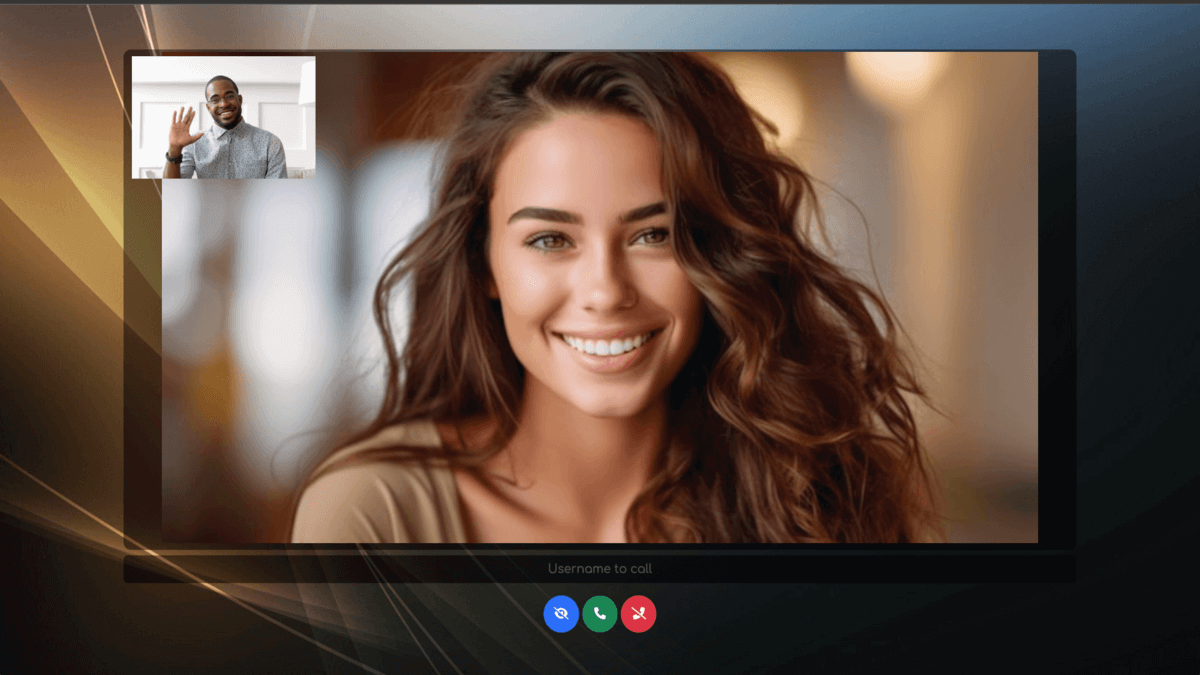
What is call-me?
MiroTalk CME is a self-hosted WebRTC widget that lets website visitors start video calls instantly. No downloads or accounts are required — users simply join a room and click to call. The platform includes encryption, screen and file sharing, chat, device controls, password-protected rooms, push notifications, a REST API, and webhooks for call events. Deploy it with Docker, Node.js, or an Ubuntu installer script. It listens on port 8000 by default and uses the AGPL-3.0 license.
Should you self-host call-me?
call-me scores 53/100 on selfhost.directory (how scoring works) and ranks #19 of 25 in Video Conferencing. It has 766 GitHub stars.
There was no stable release in the past 12 months, so check the repository's recent activity before you rely on it.
Setup is moderate: expect some configuration beyond a single command. An official Docker image is available. It is AGPL-3.0-licensed and written mostly in JavaScript.
Its closest alternative on selfhost.directory is BigBlueButton (73/100, 9 258 stars). It scores higher overall, so compare the two before you pick. See call-me vs BigBlueButton side by side.
Features
- Device selection
- End-to-end encryption
- File sharing
- Host protection
- Multi-language Support
- Real-time Chat
- REST API
- Room-based calling
- Screen sharing
- Video/audio controls
- Webhooks
- Web push notifications
call-me README
More in Customer Support
 ChaskiqChaskiq is a self-hosted live chat and support platform alternative to Intercom, featuring web messenger, help center, chatbots, video calls, and CRM integrations.
 ChatterboxChatterbox is a self-hosted, open-source embeddable chat widget that lets you add secure Matrix-based live chat to any website using a Synapse homeserver.
 ChatterMateA self-hosted AI customer support platform pairing an AI chatbot with human agents in one inbox. Works with many AI models, connects to Shopify, and spans 9 channels.
 chatwootSelf-hosted, open-source customer support desk that unifies live chat, email, WhatsApp and social channels into one shared inbox and adds a built-in help center portal.
 cossistantSelf-hosted AI customer support platform with customizable agents that learn from your team, built for React and Next.js.
 customermatesSelf-hosted open-core CRM with AI agents, MCP, webhooks, and n8n automation. Community Edition is AGPL-3.0; Enterprise features need commercial agreement.
 DeskcommCRMSelf-hosted MIT CRM where AI agents answer and qualify leads on WhatsApp, with kanban funnels, per-tenant RAG, automations and LGPD tooling. No paid tier.
 Discord TicketsDiscord Tickets is a self-hosted, open-source Discord ticket bot with web dashboard, slash commands, message archiving, and multi-language support.
 EspoCRMA self-hosted, open-source CRM to manage contacts, sales, support, and marketing with a clean UI and REST API.
 Frappe HelpdeskSelf-hosted open-source helpdesk with tickets, SLAs, knowledge base, and email integration. Unlimited agents, AGPL-3.0.
 FreeScoutA self-hosted, open-source help desk & shared mailbox — Zendesk / Help Scout alternative on PHP & MySQL, with unlimited agents and tickets.
 GOFLY LIVE CHATSelf-hosted, open-source live chat support system in Go and Vue with agent routing, a website widget, WebRTC, and WeChat/ChatGPT channels; needs only MySQL.
0 comments