
Self-host Caddy UI
v2.68.6Modern web UI for managing Caddy reverse proxy
- Stars
- 278
- Ports
- 8080 (Caddy UI web interface), 9019 (Structured log ingest for analytics and certificate lifecycle)
- Requires
- Caddy
applegater/caddyui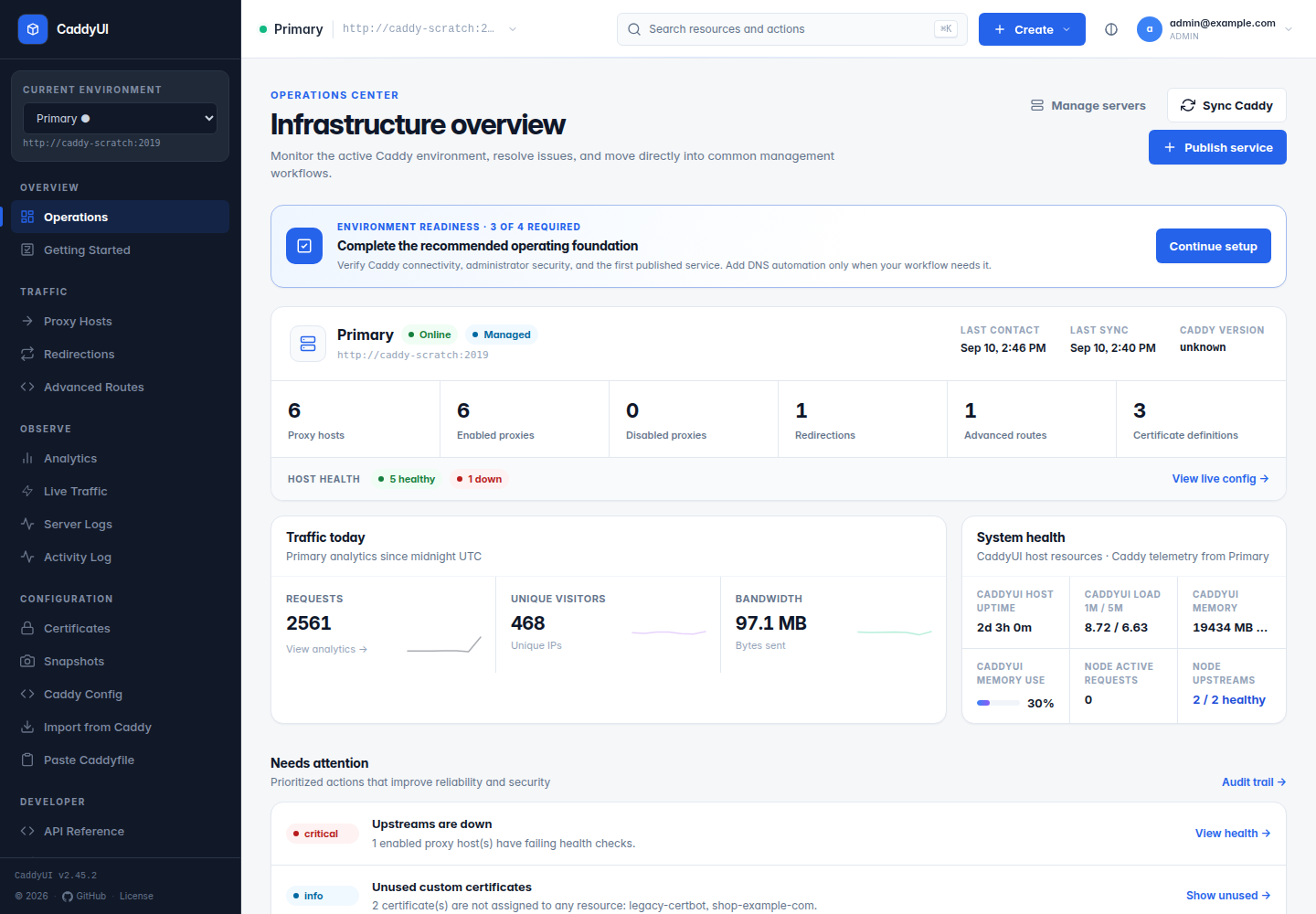
What is Caddy UI?
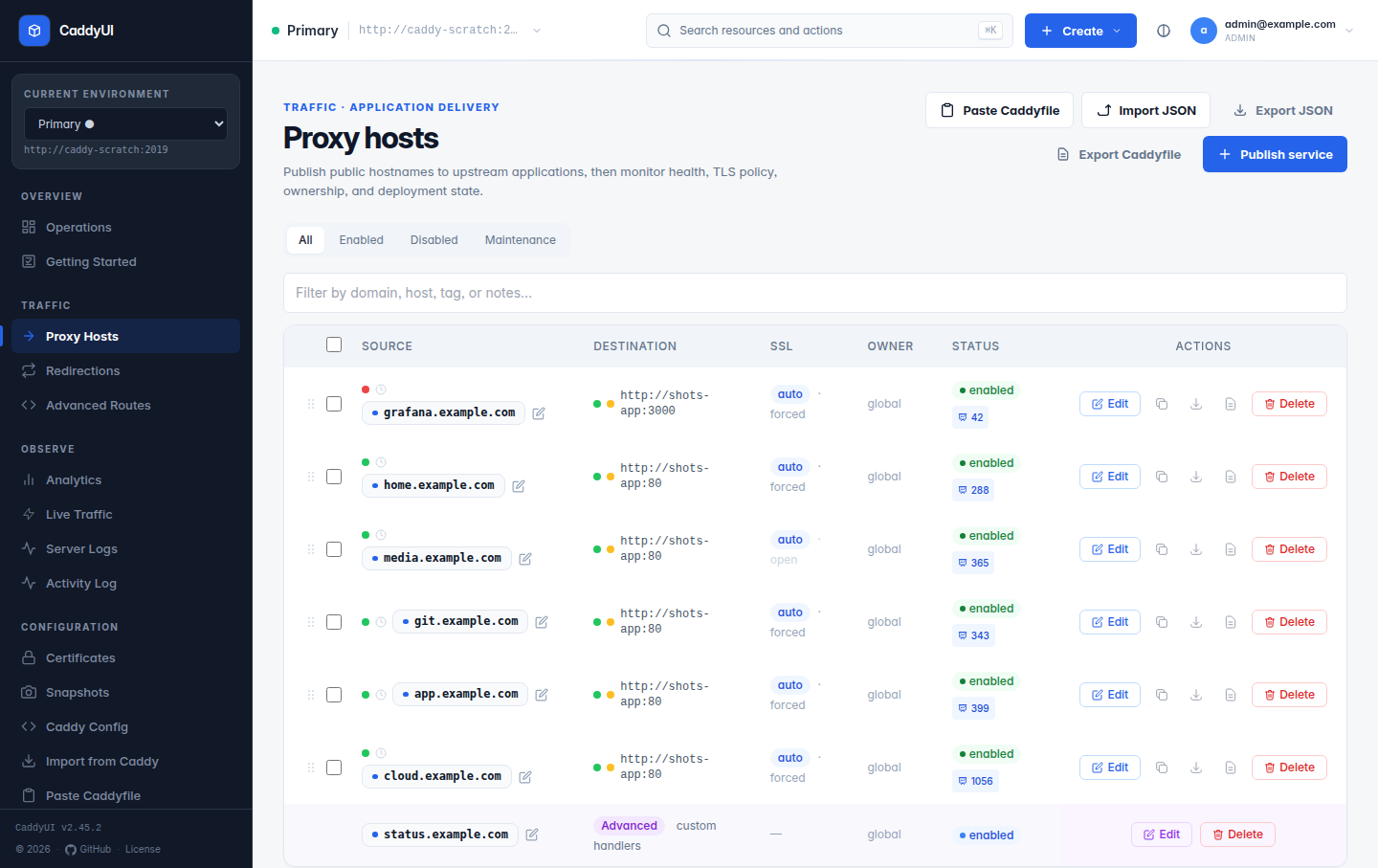
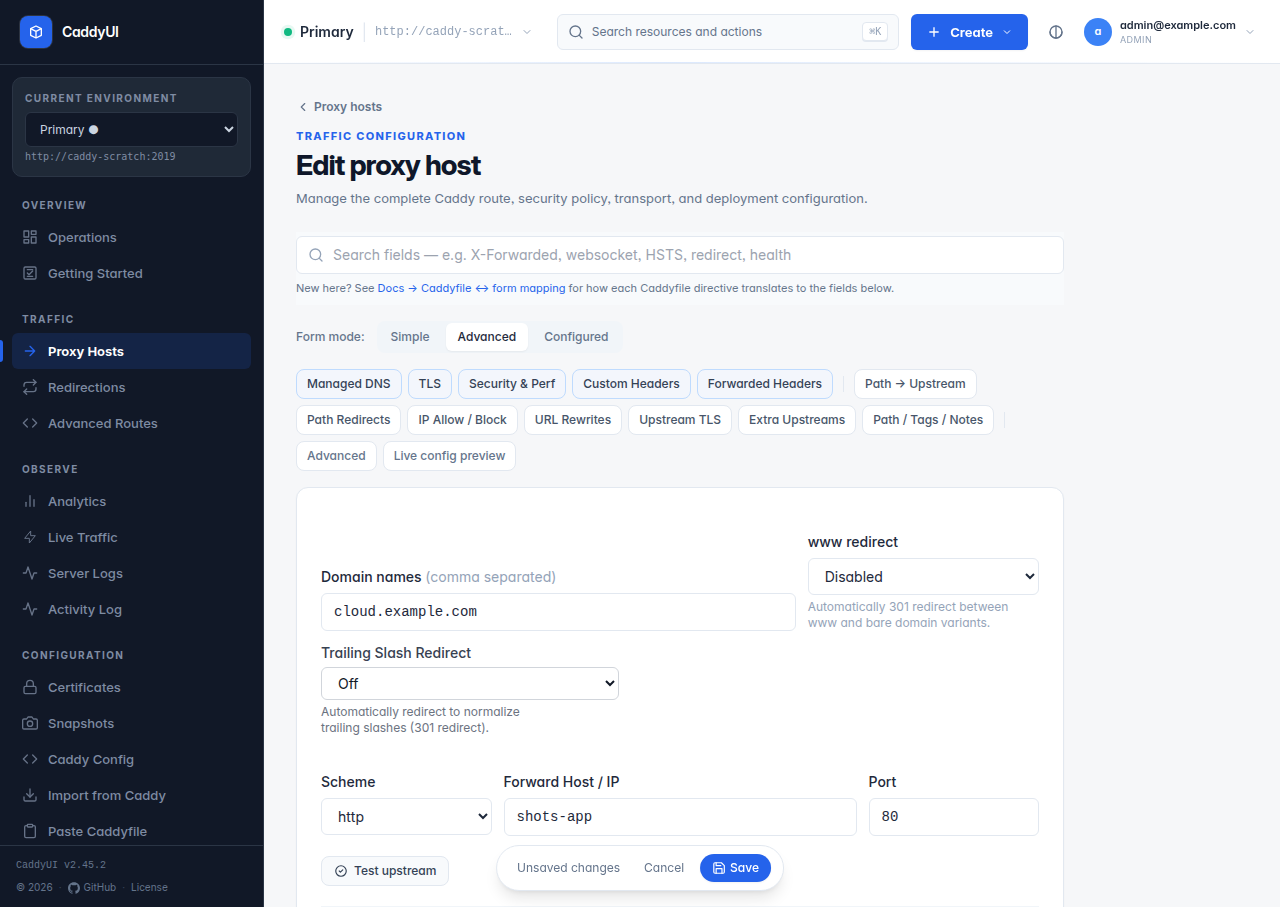
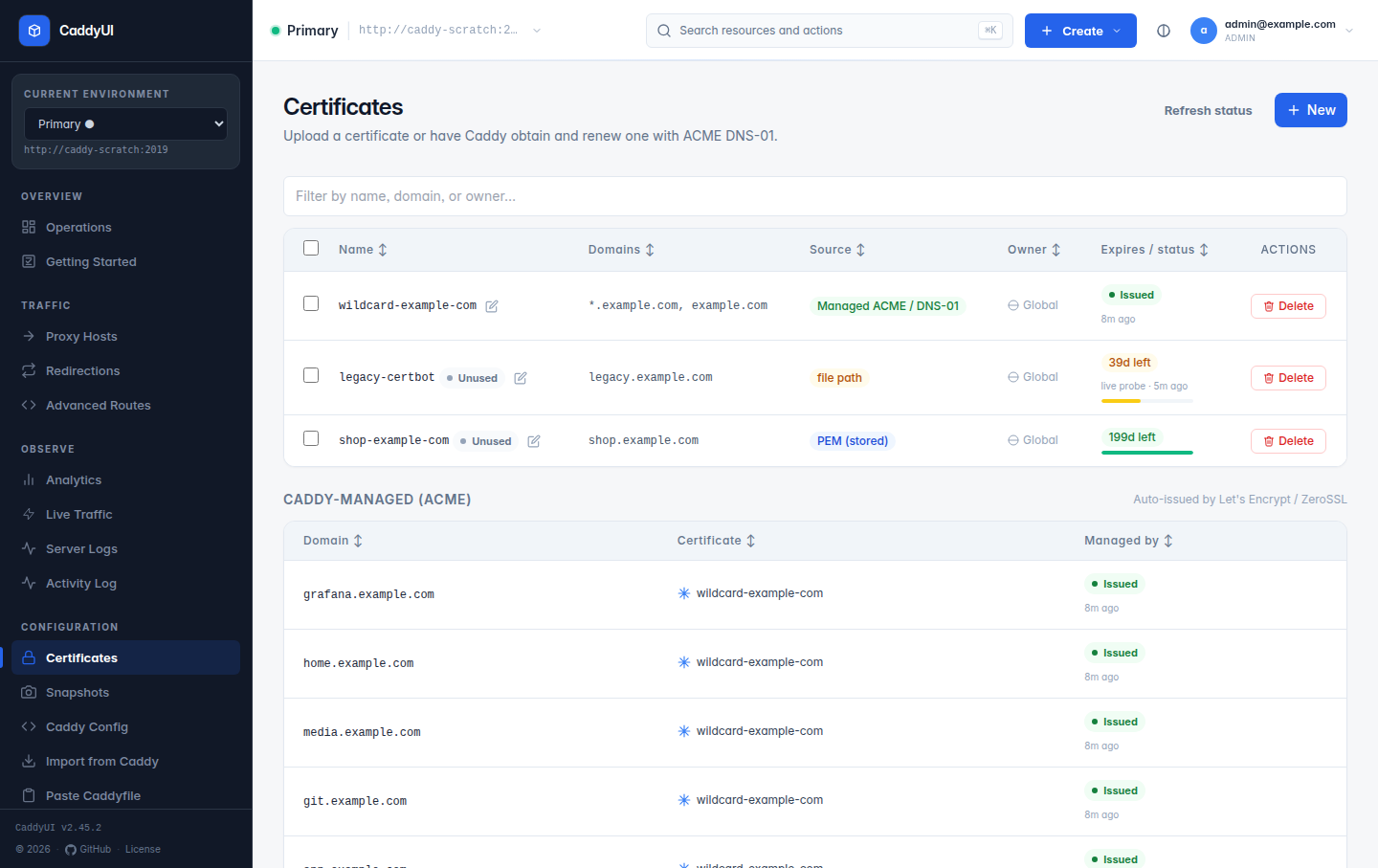
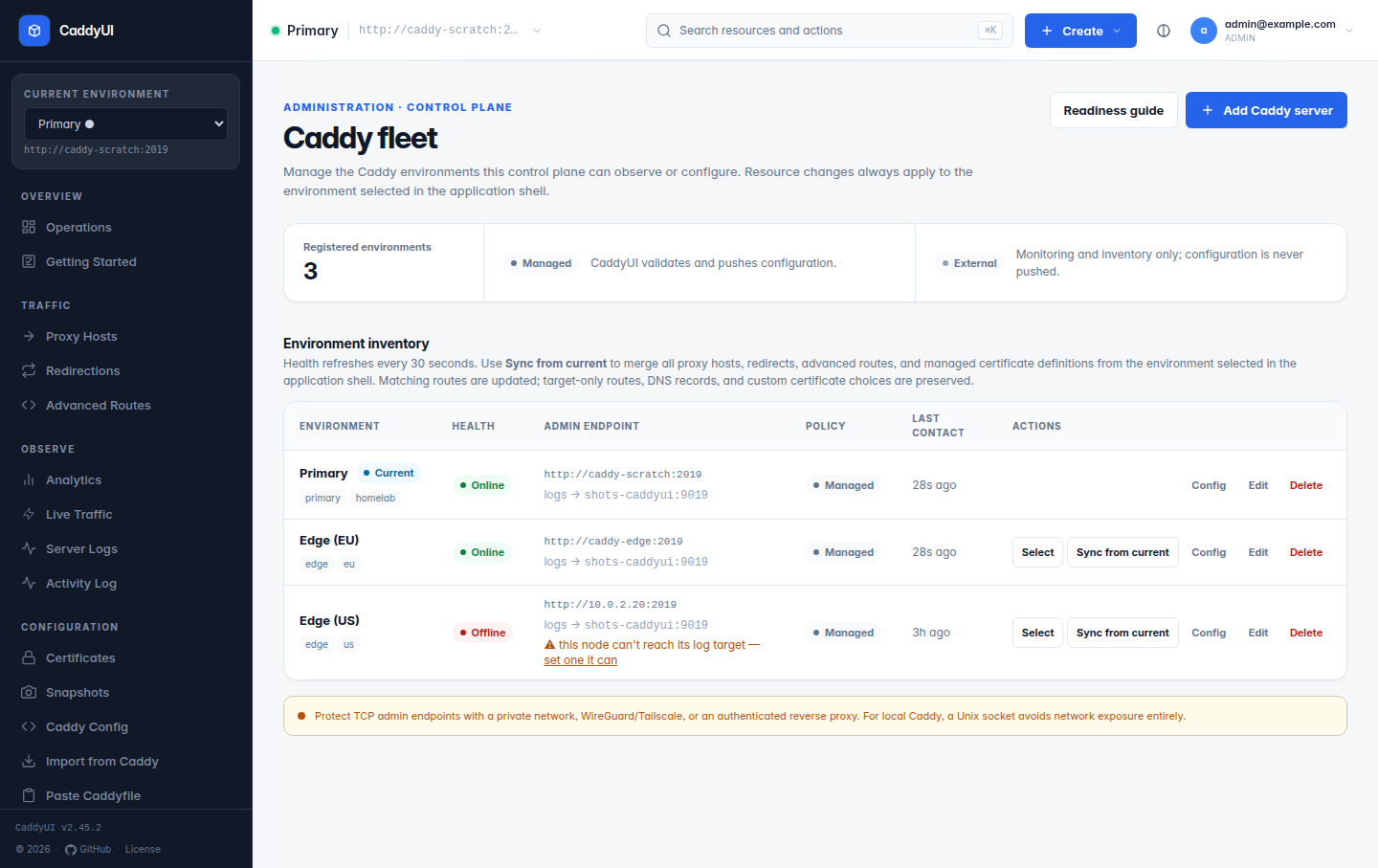
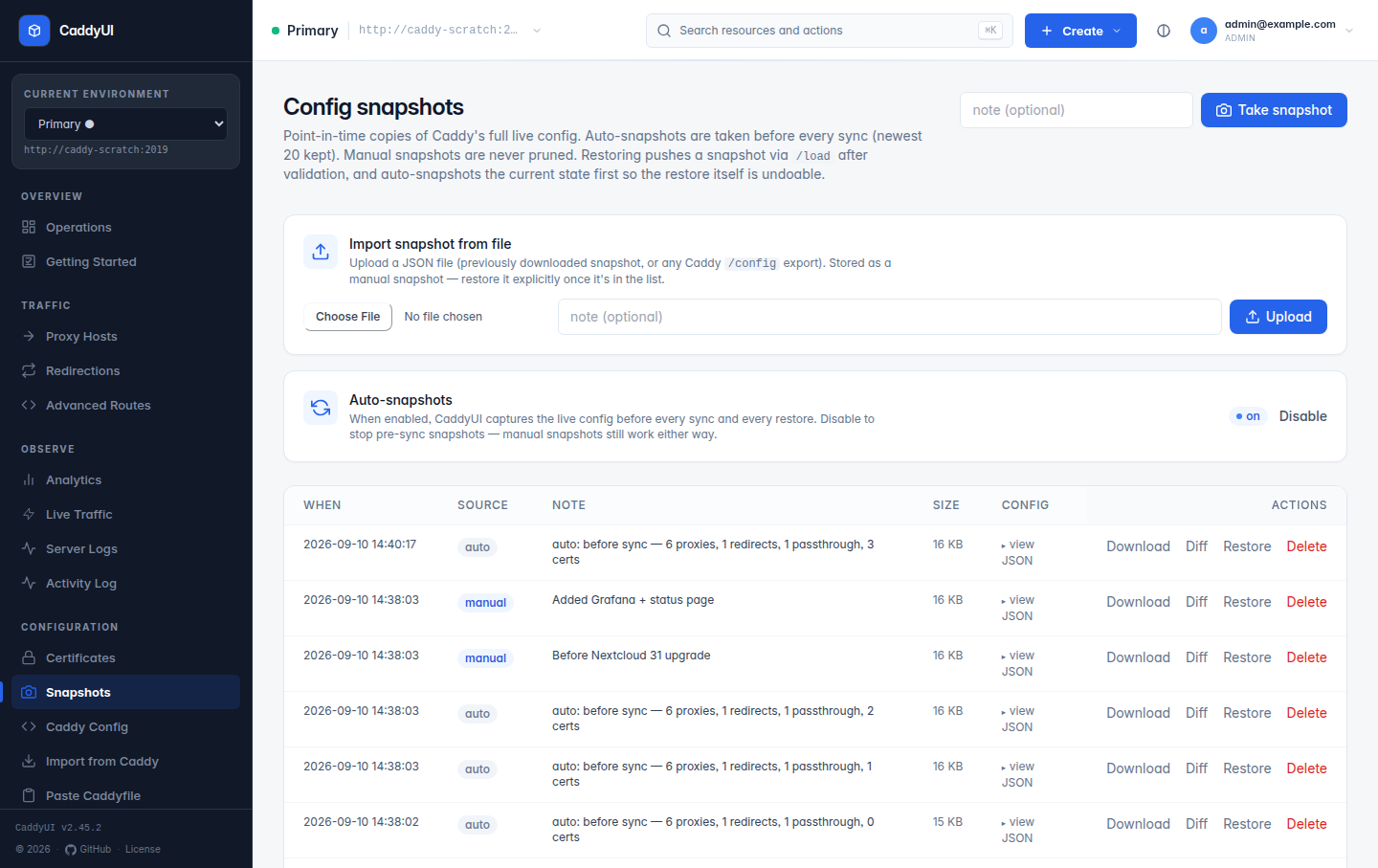
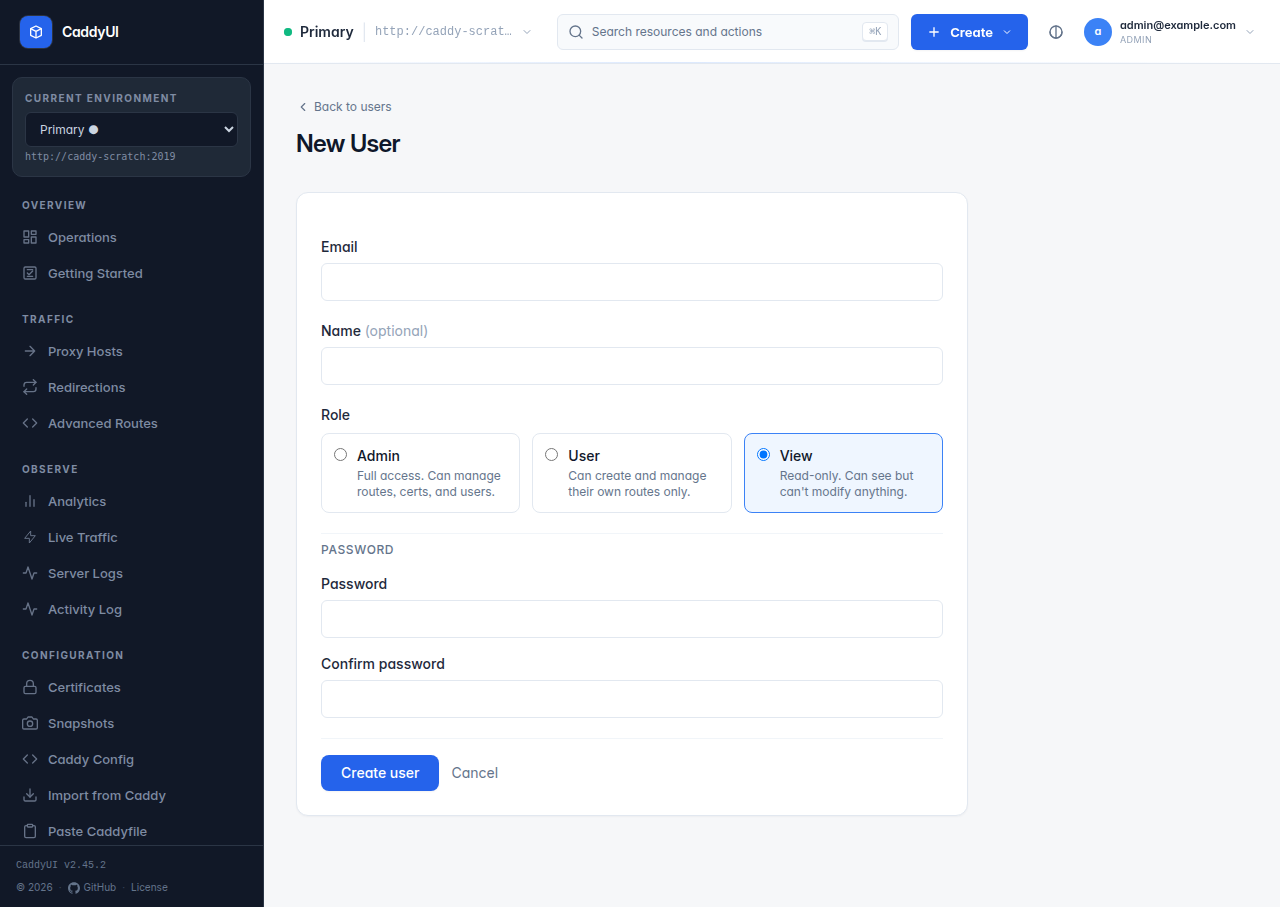
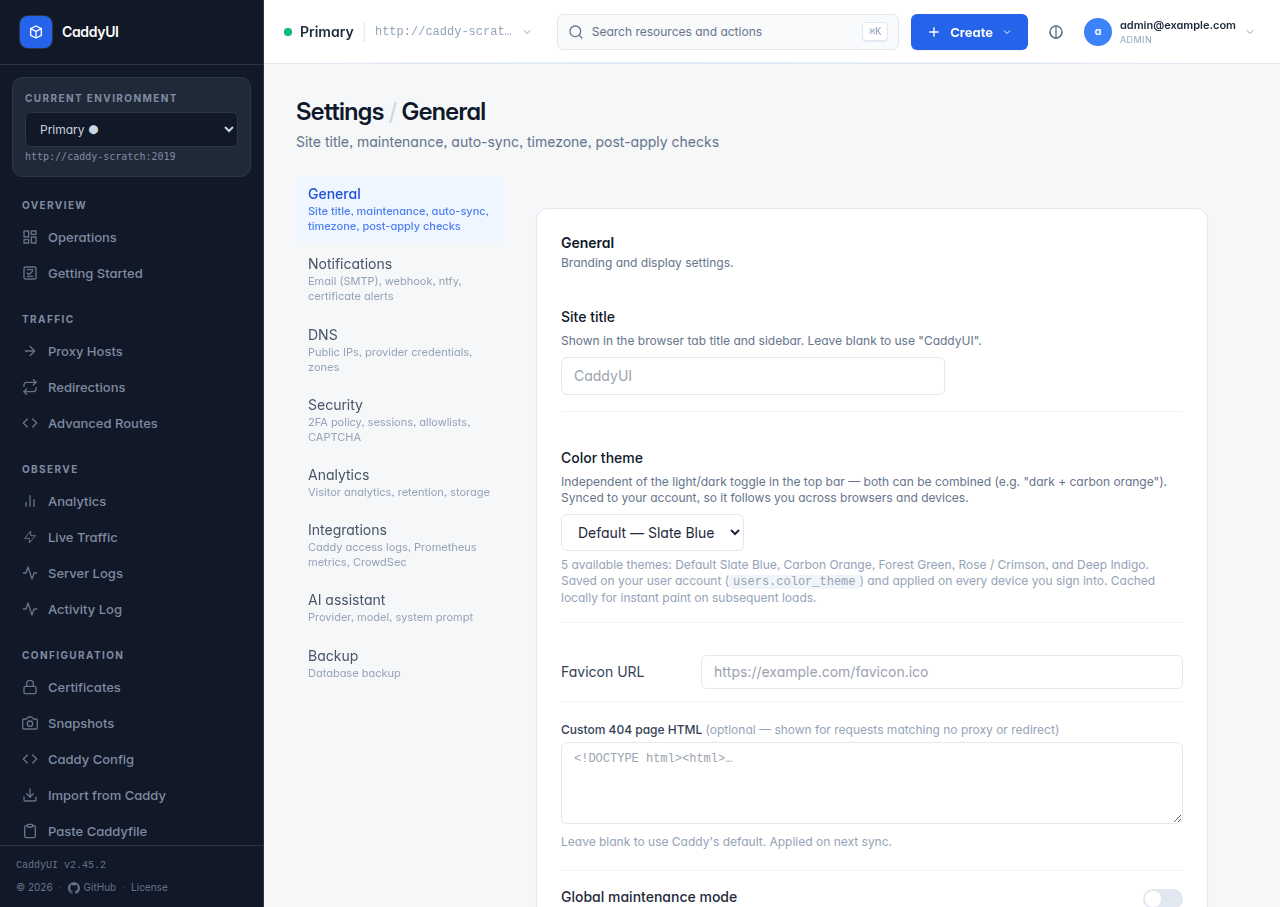
Caddy UI provides a browser-based control plane for the Caddy web server and reverse proxy. You configure proxy hosts, redirections, SSL certificates (including DNS-01 wildcards), and advanced routes without hand-editing Caddyfiles. One instance manages multiple Caddy nodes over their admin APIs, often linked via WireGuard or Tailscale. Access control uses three roles (admin, user, view) with per-user ownership and team groups. Authentication options include local passwords with TOTP, plus OIDC/SSO via Authelia, Authentik, Keycloak, or Google. The interface offers dark mode, installs as a PWA, and includes an optional AI assistant for Caddy/TLS/DNS questions and resource creation. Observability covers fleet-wide request attribution, Prometheus metrics, visitor analytics, upstream health checks, and structured log streaming. Data lives in embedded SQLite by default, with MariaDB as an optional backend. The application is packaged as a single Go executable inside a minimal Docker container (non-root UID 10001) with multi-arch images for amd64 and arm64.
Should you self-host Caddy UI?
Caddy UI scores 50/100 on selfhost.directory (how scoring works) and ranks #14 of 24 in Reverse Proxy. It has 278 GitHub stars.
It shipped 10 stable releases in the past year. The latest, v2.68.6, came out on 26 October 2026.
Setup is moderate: expect some configuration beyond a single command. An official Docker image is available. It is Apache-2.0-licensed and written mostly in Go.
Its closest alternative on selfhost.directory is Traefik (87/100, 65 398 stars). It scores higher overall, so compare the two before you pick. See Caddy UI vs Traefik side by side.
Features
- Advanced Routes
- AI Assistant
- Certificate Management
- Configuration Snapshots
- Email & Webhook Notifications
- Fleet Observability
- Managed DNS
- Multi-server fleet management
- OIDC/SSO Authentication
- Progressive Web App (PWA)
- Proxy Host Management
- Redirections
- Role-based Access Control
- Two-factor authentication (TOTP)
Caddy UI README
More in Fleet Management
 fleetbaseOpen-source logistics operating system for dispatch, fleet tracking, warehouse operations and finance. Self-host on your infrastructure with Docker Compose.
 LouezLouez is a self-hosted, open-source equipment rental platform for small businesses to manage inventory, reservations, and contracts with storefronts.
 traccarFree open-source GPS tracking server supporting 200+ protocols and 2000+ device models, self-hosted via Docker or manual install with web dashboard and mobile apps.
 TrenovaSource-available TMS for US trucking carriers with dispatch, billing, accounting, compliance, document automation, and AI agents via Docker Compose.
0 comments