
Self-host AI Grid
v0.3.61Distributed AI inference and training across your computers
- Stars
- 272
- Ports
- 8090 (Grid router HTTP API (OpenAI-compatible)), 8091 (Additional grid instance HTTP API)
What is AI Grid?
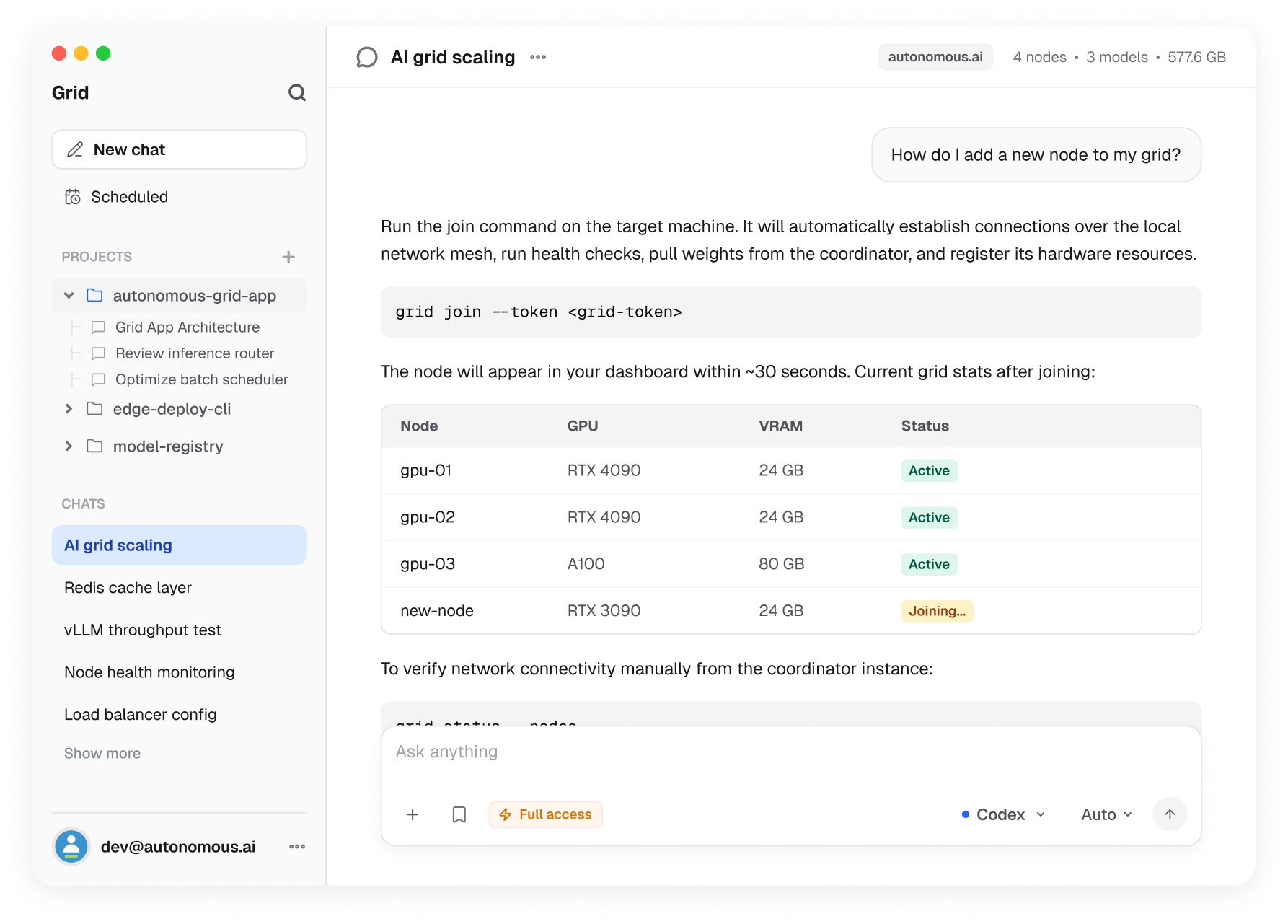
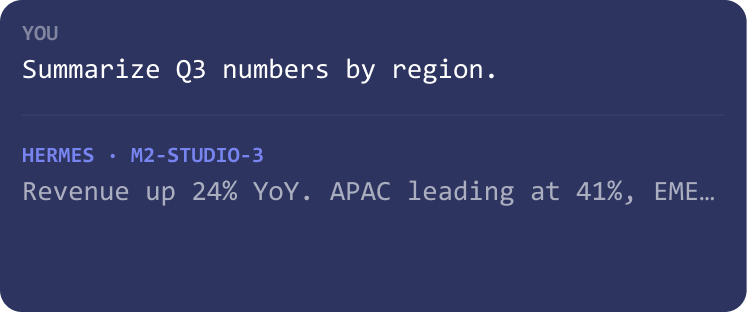
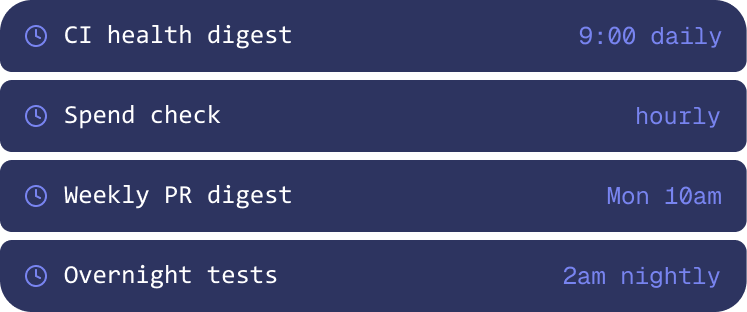
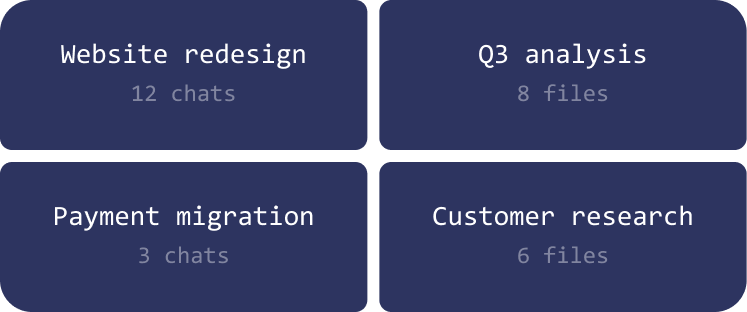
AI Grid (Grid) turns the computers you already own — Mac Studios, Linux GPU servers, idle workstations — into a private AI network. One machine hosts the grid router (no GPU needed), and other machines join as engines running models via llama.cpp, ComfyUI, or existing Ollama/vLLM/LM Studio instances. Apps send OpenAI-compatible requests to the grid URL, and Grid routes each request to the computer that has the right model. It supports text chat, vision, image/video generation, and experimental GRPO training across the fleet. A native desktop app (macOS/Linux) provides chat, schedules, and projects. The core is MIT-licensed; remote mode via Autonomous Relay lets machines behind NAT join. No accounts or cloud relay in local mode.
Should you self-host AI Grid?
AI Grid scores 48/100 on selfhost.directory (how scoring works) and ranks #59 of 125 in AI. It has 272 GitHub stars.
It shipped 10 stable releases in the past year. The latest, v0.3.61, came out on 27 October 2026. New versions land roughly every 1 days.
Setup is moderate: expect some configuration beyond a single command. It is MIT-licensed and written mostly in Python.
Its closest alternative on selfhost.directory is ComfyUI (93/100, 143 668 stars). It scores higher overall, so compare the two before you pick. See AI Grid vs ComfyUI side by side.
Features
- Auto model selection
- CLI for all operations
- Distributed model routing
- Distributed training (experimental)Marked experimental in docs; capture path and MLX backend described as young
- Image and video generation
- Model catalog with hardware-aware defaults
- Multiple named grids
- Native desktop app
- No account or cloud relay (local mode)
- OpenAI Compatible API
- Remote mode via relay
- Vision model support
- Works with existing engines
AI Grid README
More in Distributed Computing
 bacalhauOpen-source orchestration framework for running Docker and WebAssembly jobs close to their data; self-hosted via one binary as client, orchestrator or compute node.
 BOINCOpen-source platform for volunteer and grid computing: run your own project server on Linux with Apache and MySQL, and let clients donate idle CPU and GPU time.
 fishnetfishnet is a self-hosted, open-source client that contributes CPU power to run distributed Stockfish chess analysis for lichess.org.
 GridcoinSelf-hosted, open-source Gridcoin node and wallet that pays GRC for BOINC volunteer computing, with staking, researcher beacons, on-chain voting and RPC control.
 LumabriLumabri is a self-hosted, open-source system for running LLMs across LAN computers by distributing layers with donor approval, offering terminal and web chat.
0 comments