
Self-host api200
v0.3.0Open-source API gateway for third-party integrations
- Stars
- 257
- Ports
- 3000 (Frontend UI), 8080 (Backend API handler)
- Requires
- GoTrue (Auth), Kong, PostgreSQL, PostgREST, Redis, Supavisor (Connection Pooler)
api200/backend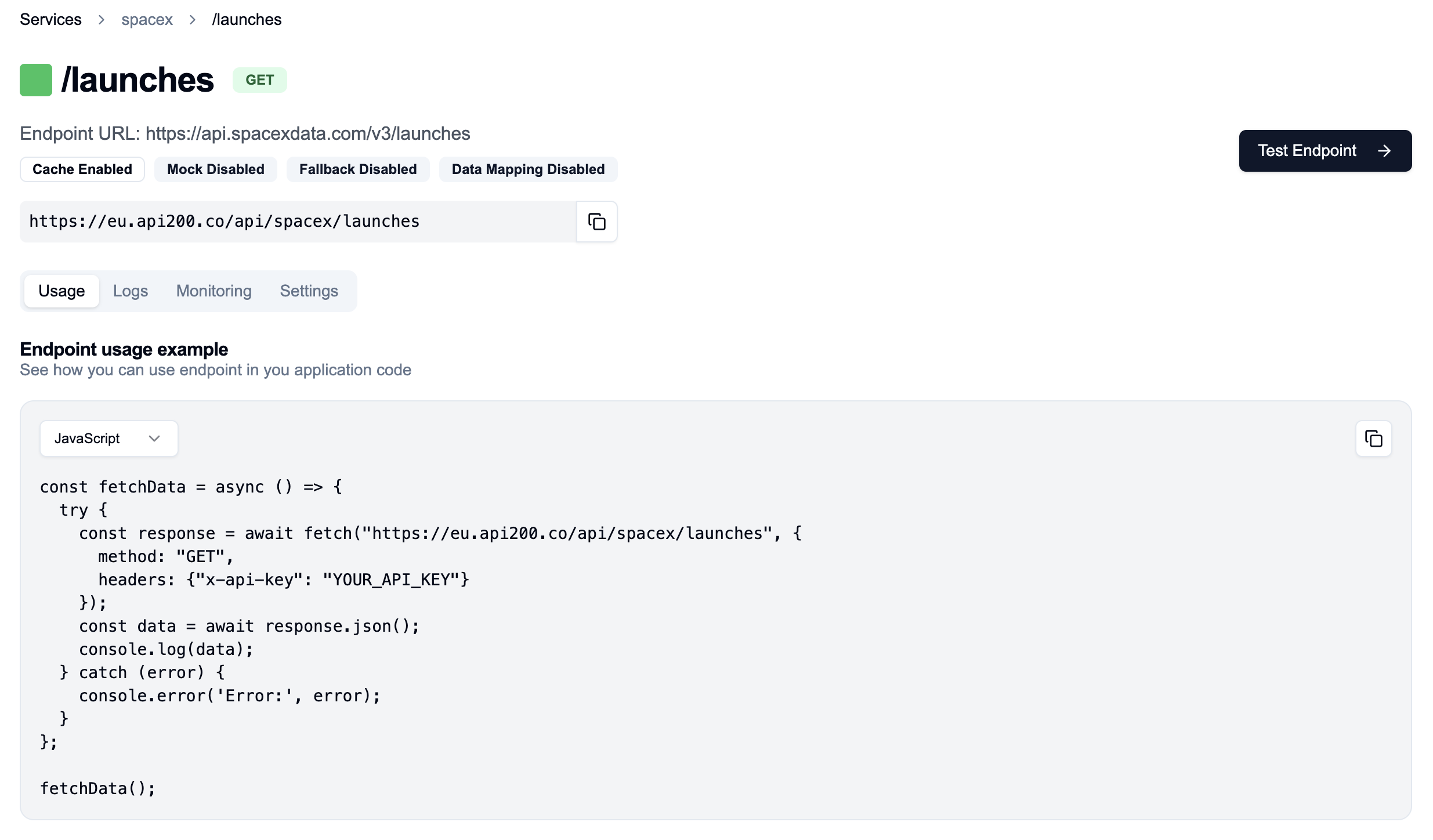
What is api200?
API 200 is an open-source API gateway that helps developers manage third-party API integrations efficiently. It handles authentication, caches responses, retries failed requests automatically, and can return mock data for testing. The platform also transforms responses, provides fallbacks when upstream services fail, and lets you add custom headers. It watches for schema changes in connected APIs, detects incidents automatically, includes an in-browser Swagger viewer, imports endpoints from OpenAPI or Postman, shows monitoring charts, and logs all traffic. An MCP server exposes your configured endpoints to LLM clients. Self-hosting runs a Next.js frontend on port 3000 and a Koa backend on port 8080, backed by Redis and a full Supabase stack (PostgreSQL, Kong, GoTrue auth, PostgREST, and a connection pooler) via Docker Compose. The code uses a custom Sustainable Use License allowing free non-commercial and internal business use but not commercial redistribution.
Should you self-host api200?
api200 scores 38/100 on selfhost.directory (how scoring works) and ranks #32 of 39 in API Gateway. It has 257 GitHub stars.
There was no stable release in the past 12 months, so check the repository's recent activity before you rely on it.
Setup is advanced: plan for several services and some ongoing maintenance. An official Docker image is available. It is Other-licensed and written mostly in Typescript.
Its closest alternative on selfhost.directory is Kong Gateway (82/100, 44 314 stars). It scores higher overall, so compare the two before you pick. See api200 vs Kong Gateway side by side.
Features
- Authentication management
- Automatic Retries
- Comprehensive logging
- Custom Headers
- Endpoint Monitoring
- Fallback Responses
- In-browser Swagger integration
- Incident Detection
- MCP (Model Context Protocol) Support
- Mock Responses
- OAuth 2.0 supportListed as a feature in progress on the roadmap
- OpenAPI/Postman import
- Response caching
- Response Transformation
- Schema Watching
api200 README
More in API Management
 apisixOpen-source, self-hosted API and AI gateway built on NGINX and etcd, with hot-loaded plugins, dynamic routing, load balancing and rate limiting.
 bkndbknd is a self-hosted, open-source backend-as-a-service with REST APIs, admin dashboard, auth, media, and workflows — a lightweight Firebase/Supabase alternative.
 claudetrackSelf-hosted open-source proxy and analytics for Anthropic Claude API tracking tokens, costs, rate limits, and per-session usage with zero code changes.
 CockpitCockpit is a self-hosted, open-source headless CMS with GraphQL and REST APIs, flexible content modeling, and multi-language support. Runs on PHP with SQLite or MongoDB.
 d9d9 is a self-hosted, open-source headless CMS forked from Directus 9 with GPLv3 licensing, REST/GraphQL APIs, a no-code Data Studio, and multi-database support.
 deliverantDeliverant is a self-hosted, open-source webhook reliability layer ensuring at-least-once delivery, deduplication, deterministic retries, and full visibility.
 DreamFactoryDreamFactory is a self-hosted, open-source platform that instantly generates secure REST APIs from any database with RBAC, SSO, and MCP server for AI integration.
 ETH Transactions StorageSelf-hosted Ethereum indexer storing native ETH and ERC-20 transfers in PostgreSQL with a read-only PostgREST API and optional address filtering.
 Form.ioSelf-hosted, open-source form and API platform with drag-and-drop builder, REST APIs, MongoDB backend, and enterprise features like PDF generation and RBAC.
 freemanA free, open-source API testing tool you host yourself. Runs in any browser, stores data in SQLite, needs only PHP 8.2+. Teams share collections without cloud sync.
 FusioSelf-hosted, open-source API management platform: expose databases and services as REST APIs, with developer portal, SDK generation, MCP/AI agents, and monetization.
 grafeasGrafeas is an open-source, self-hosted artifact metadata API for auditing software supply chains by storing and querying metadata about container images.
0 comments