
Self-host Turbo-LLM
v1.14.5Local LLM platform running any engine with auto-tuning
npm install -g turbollm- Stars
- 285
- CPU
- Any modern CPU (x86_64 or ARM64)
- Port
- 6996 (Main daemon HTTP API and web UI)
- Requires
- Llama.cpp-compatible engine
What is Turbo-LLM?
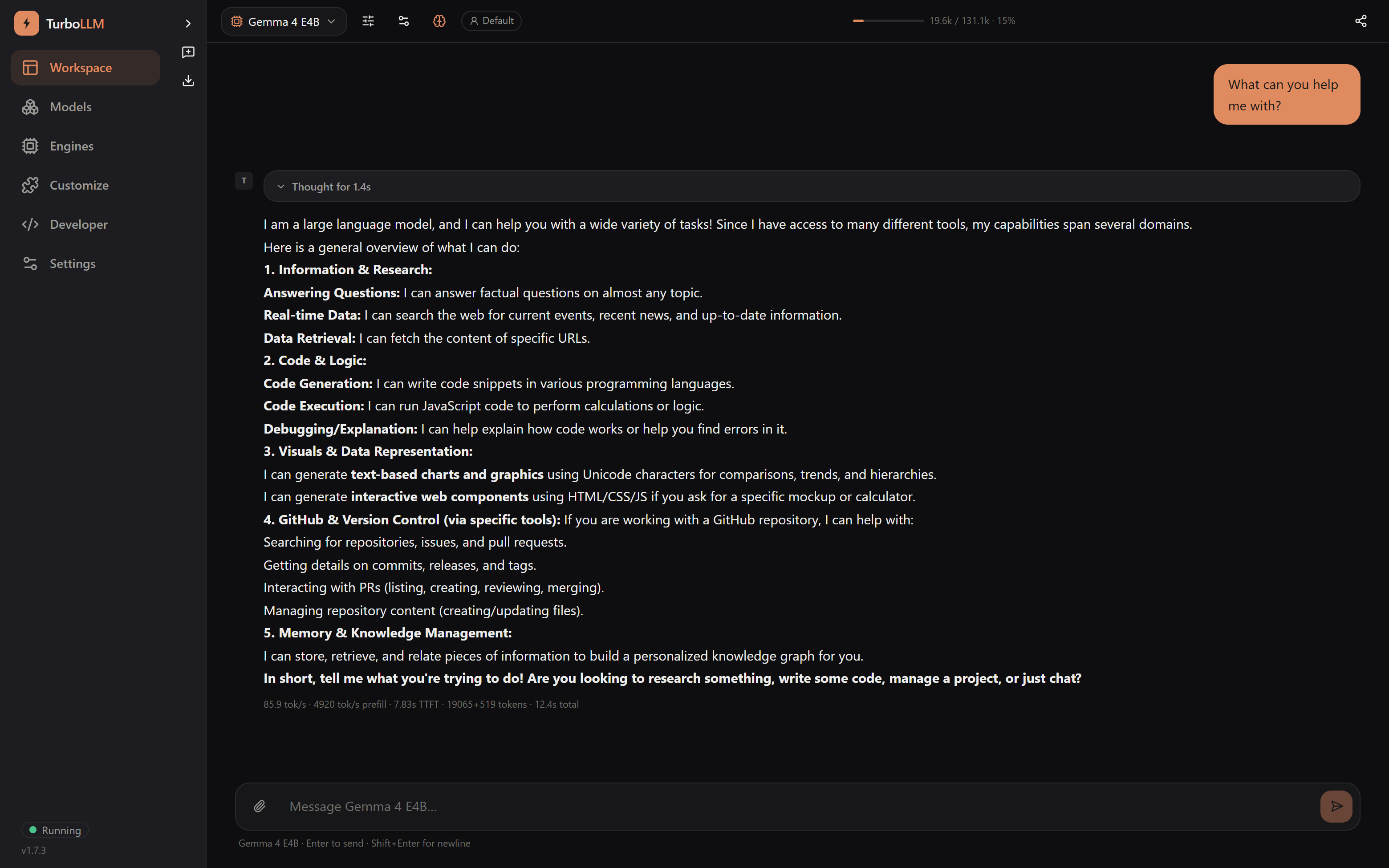
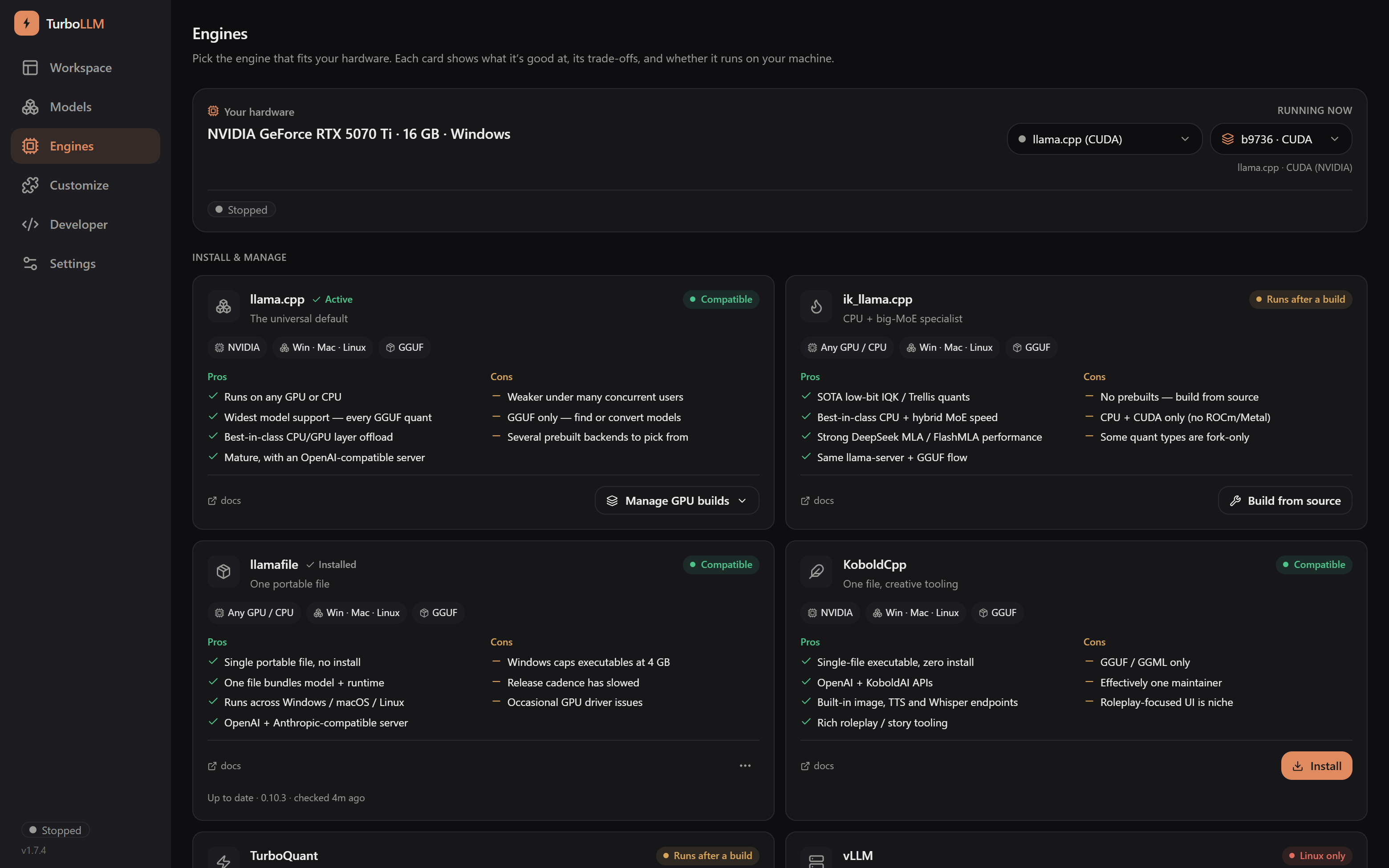
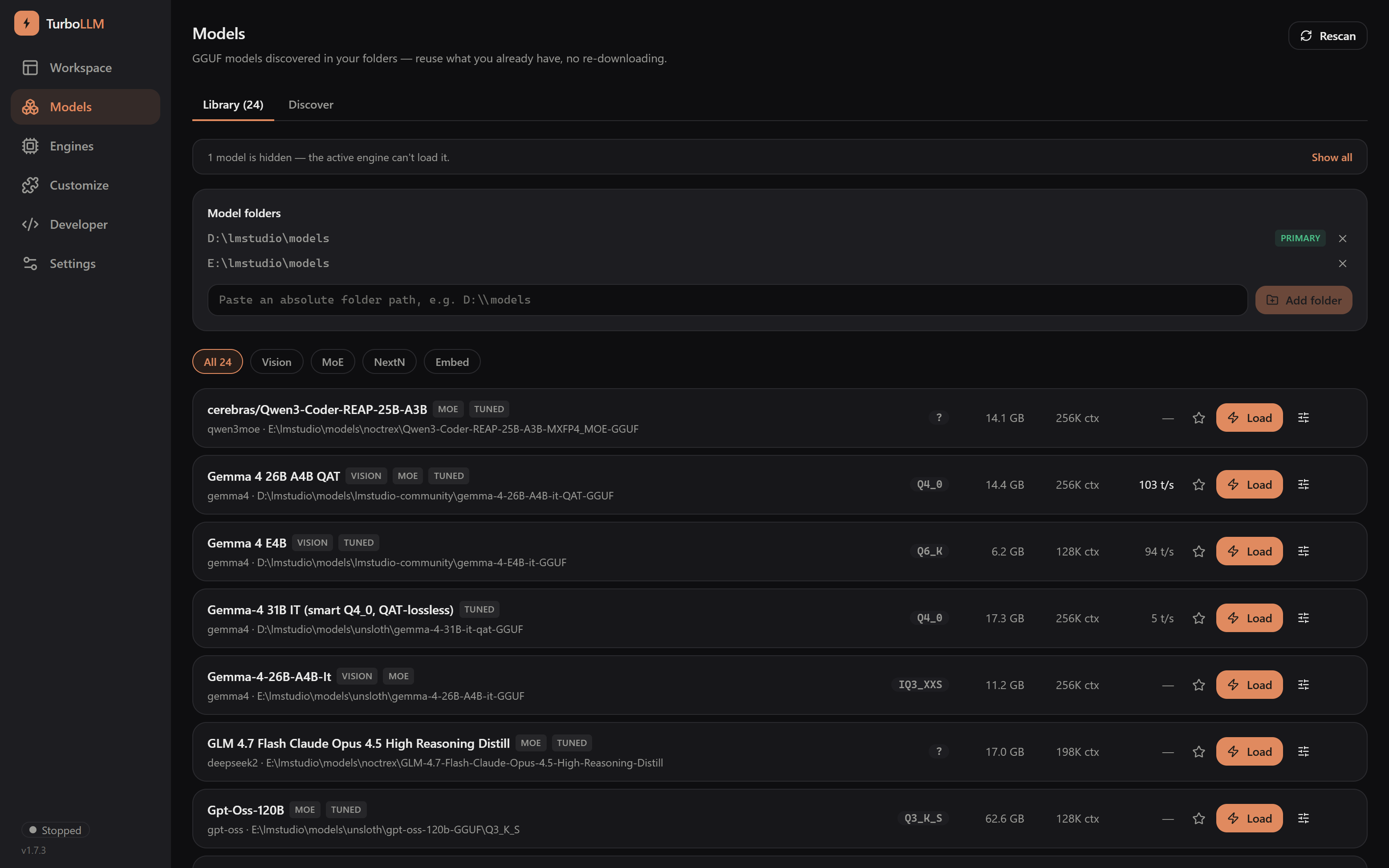
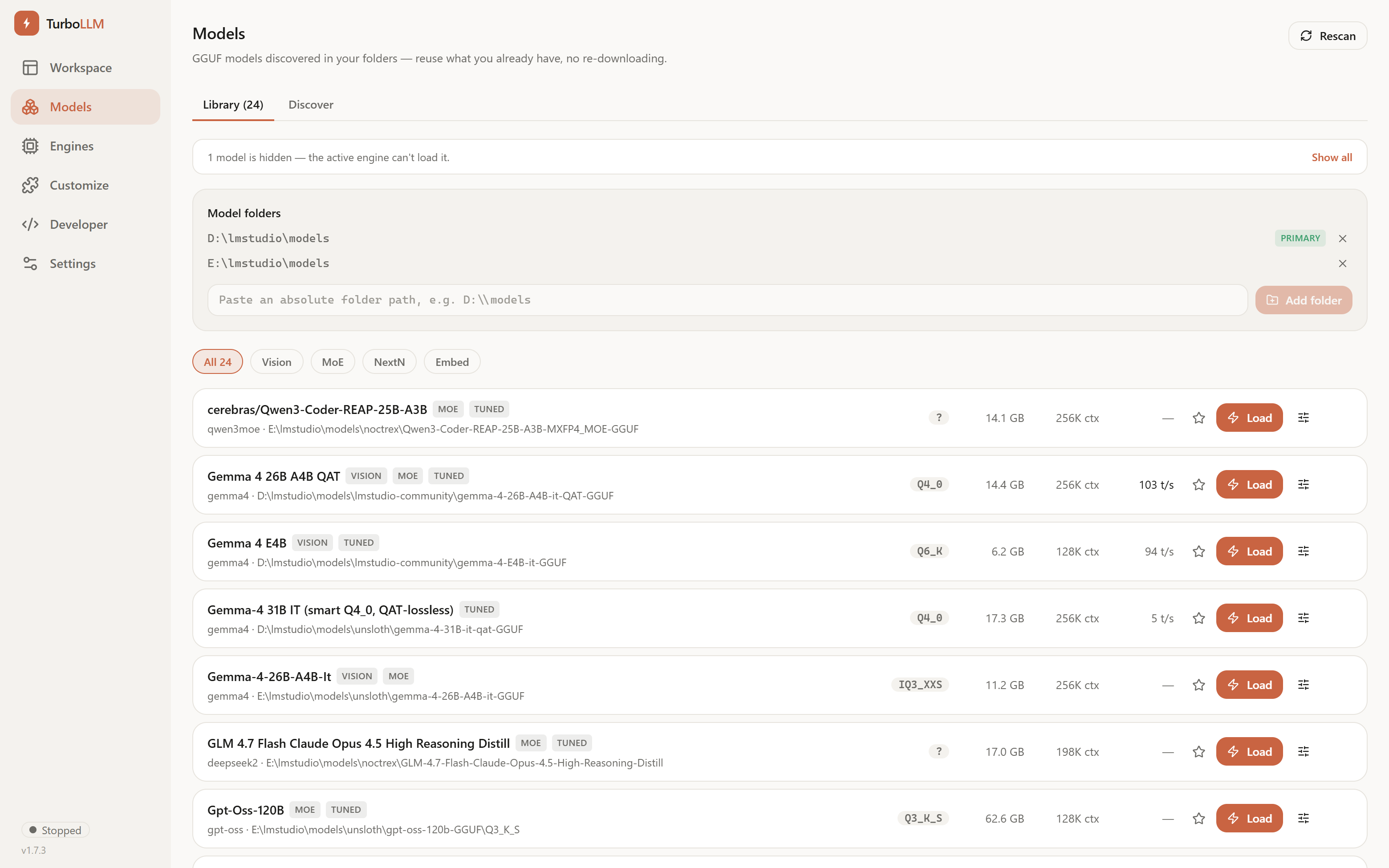
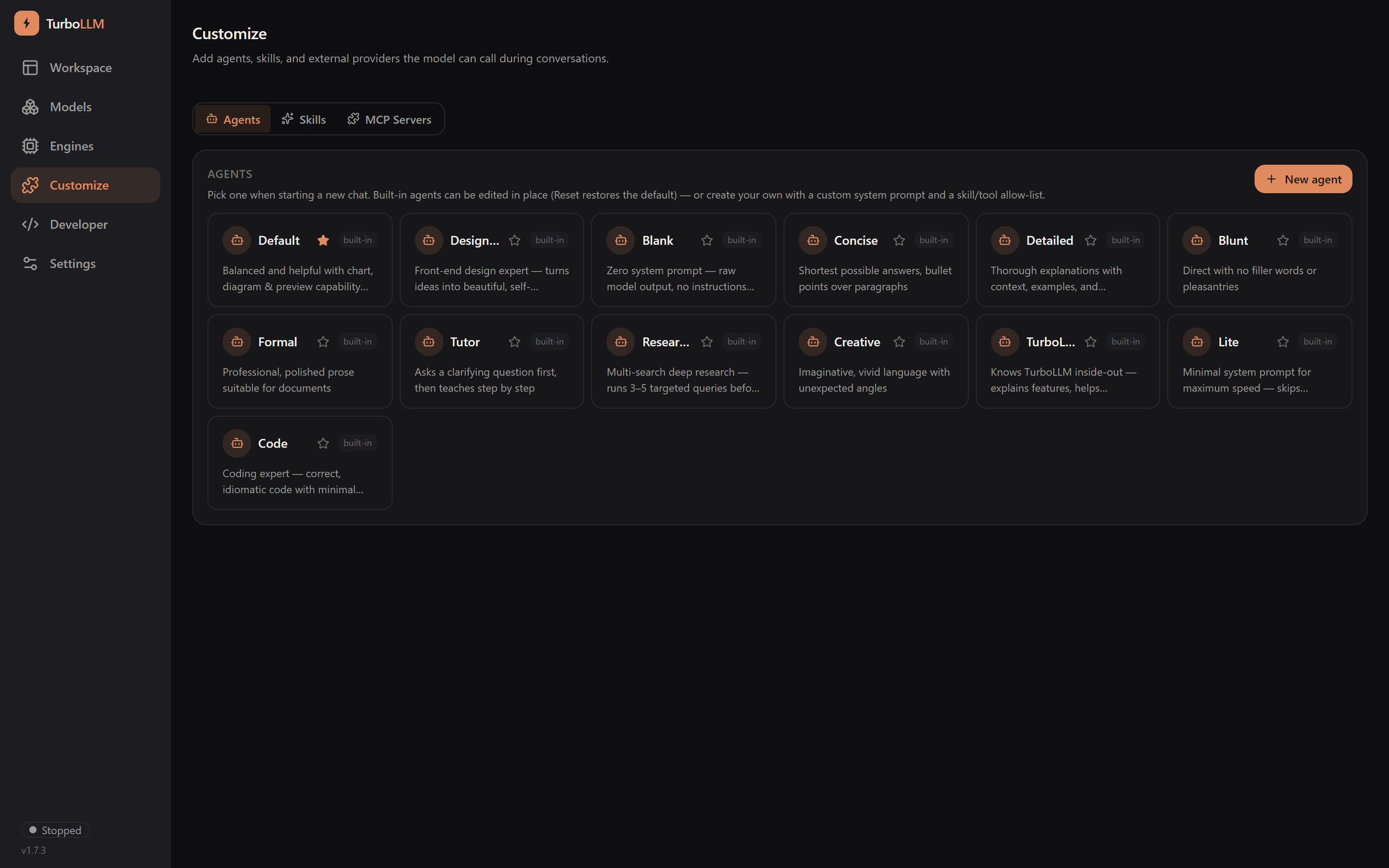
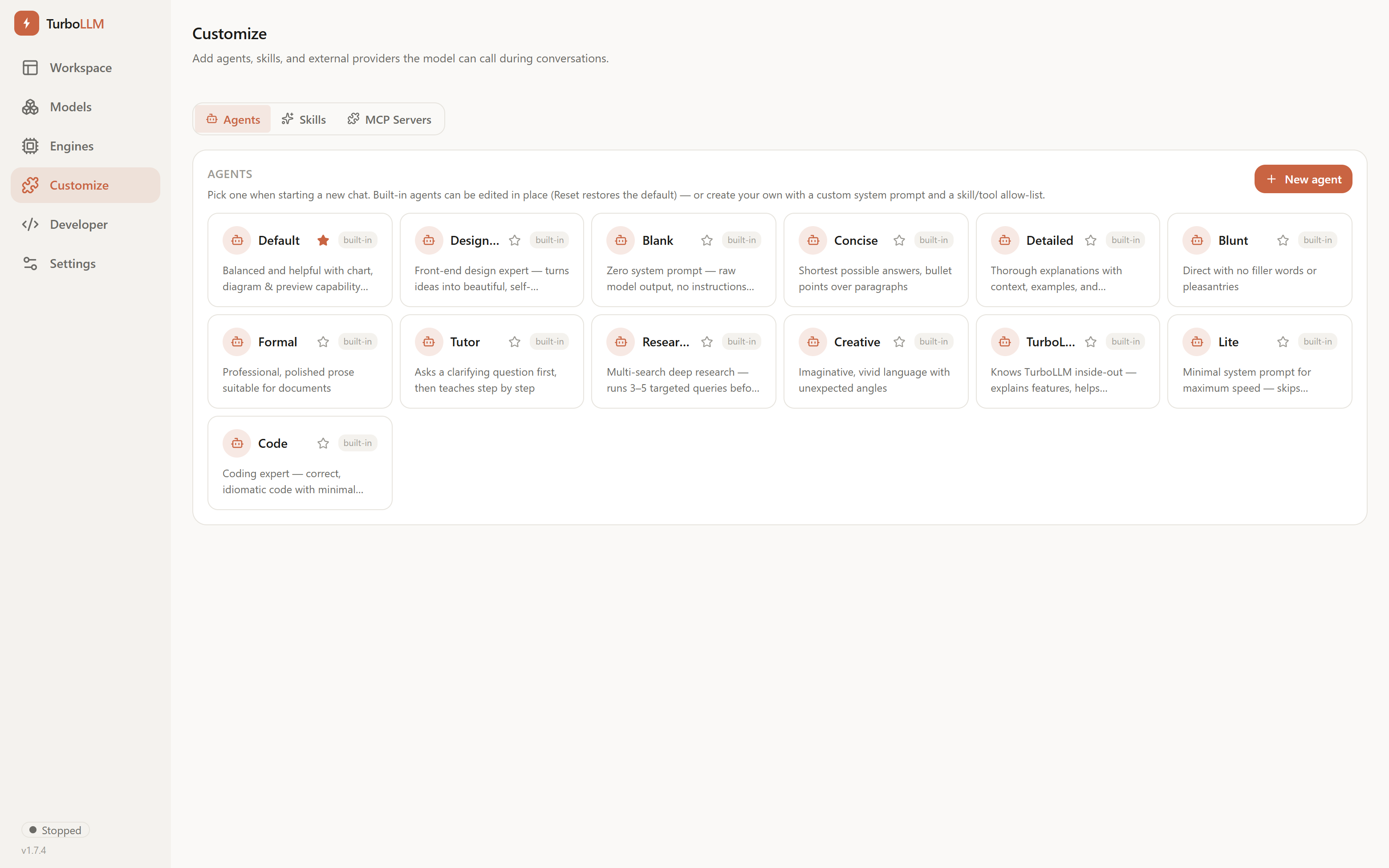
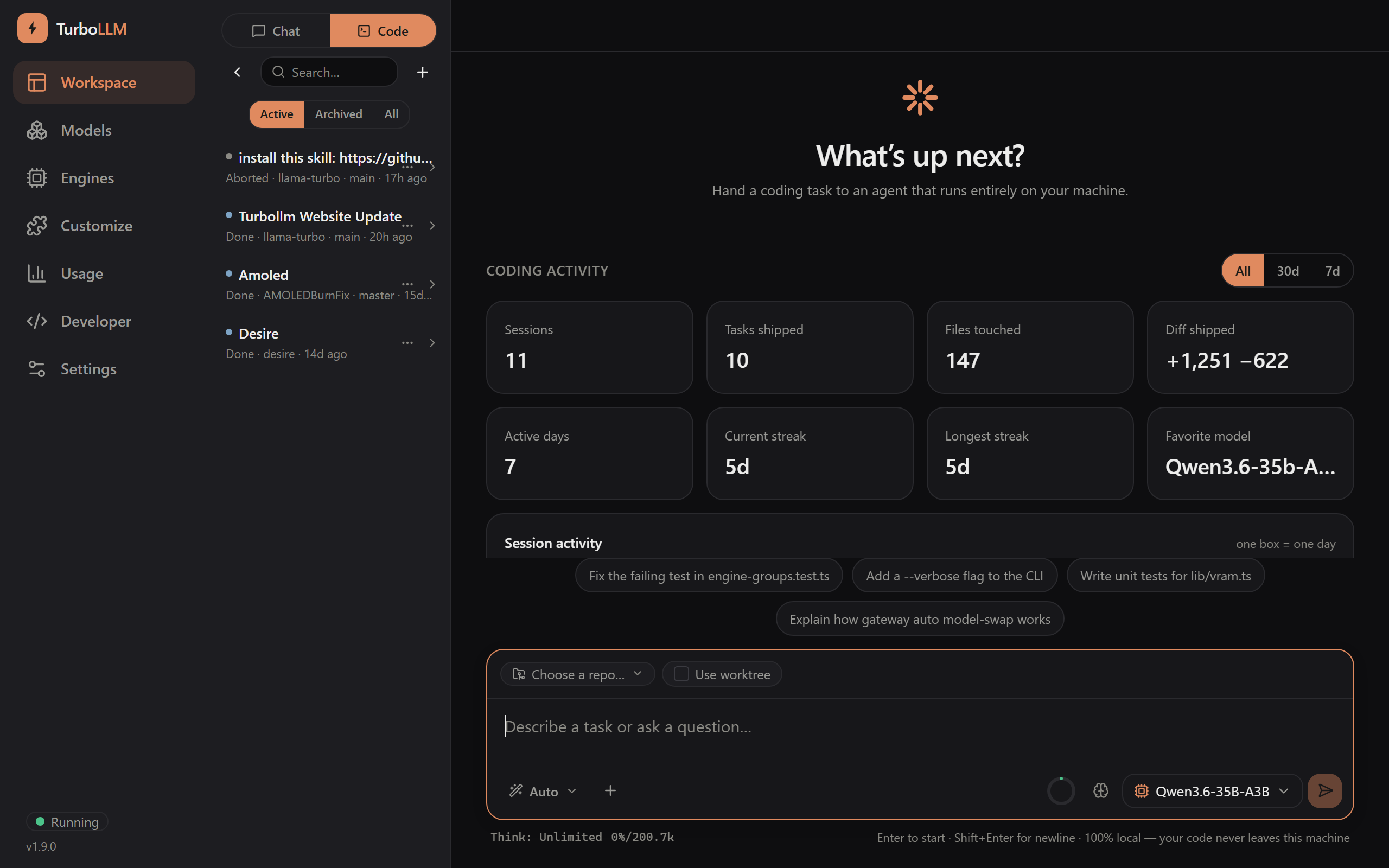
TurboLLM is a self-hosted local LLM platform that runs any inference engine — llama.cpp, community forks, vLLM, MLX, KoboldCpp, llamafile, and more — auto-tuned to your GPU. It provides a polished web UI and both OpenAI- and Anthropic-compatible APIs, enabling tools like Claude Code to run against local models with one command. Key features include benchmark-based auto-tuning with VRAM-fit verdicts before you commit, actual generation speed measured on your machine, a model-loading gateway that automatically loads models when requested and keeps favorites ready, a local coding agent with LSP integration, MCP server integrations, ComfyUI GPU sharing, live hardware monitoring, and a native Android app. It runs via npm (npx turbollm), Docker with NVIDIA/AMD GPU support, or native installers on Windows, macOS, and Linux. The project is source-available under FSL-1.1-ALv2 (converting to Apache-2.0 after two years).
Should you self-host Turbo-LLM?
Turbo-LLM scores 48/100 on selfhost.directory (how scoring works) and ranks #19 of 25 in LLM Inference. It has 285 GitHub stars.
It shipped 33 stable releases in the past year. The latest, v1.14.5, came out on 4 October 2026. New versions land roughly every 1 days.
Setup is moderate: expect some configuration beyond a single command. It is FSL-1.1-ALv2-licensed and written mostly in Typescript.
Its closest alternative on selfhost.directory is AnythingLLM (88/100, 67 669 stars). It scores higher overall, so compare the two before you pick. See Turbo-LLM vs AnythingLLM side by side.
Features
- Anthropic-compatible API
- Any engine including community forks
- Benchmark-based auto-tuning
- ComfyUI GPU sharingExperimental, off by default
- Live hardware monitoring
- Local coding agent
- MCP integrations
- Model-loading gateway
- Native Android appCurrently in closed/open testing
- Offline First
- OpenAI Compatible API
- Real measured tokens/sec
- Verifiable telemetry
Turbo-LLM README
FAQ
Why not MIT/Apache from day one?
FSL prevents a large vendor from re-skinning it as their own product while it's young, and the future grant guarantees the full open-source outcome anyway.
When does it become fully open source?
Each release converts to Apache-2.0 exactly two years after that release is published. The first public release shipped June 2026, so it converts in June 2028.
Can I fork it or redistribute it?
Yes — modify, fork, and redistribute freely for any permitted purpose; keep the license text and copyright notices with it.
What's the one restriction?
You can't take TurboLLM and ship it (or its functionality) as a competing commercial product or service.
Can I use it for free?
Yes. Personal use, internal business use, education, research, and self-hosting — including commercially, inside your company — are all free.
More in LLM Inference
 unslothSelf-hosted, open-source UI and framework to run, fine-tune and export LLMs, GGUF/MLX and diffusion models on your own GPU or Mac.
 vLLMvLLM is a self-hosted, open-source LLM inference engine with state-of-the-art throughput via PagedAttention.
 vllm-qwenSelf-hosted OpenAI-compatible inference server running Qwen3.6-27B BF16 on AMD Ryzen AI Max+ 395 with vision support, 256K context, and separated reasoning output.
 WhisperLive---CPUSelf-hosted, open-source real-time Whisper transcription server with faster-whisper, TensorRT and OpenVINO backends and an OpenAI-compatible REST API.
 YALSYALS is a self-hosted, open-source OpenAI-compatible API server for GGUF models via llama.cpp, with continuous batching and JSON schema support.
 AGmindAGMind is a self-hosted, open-source installer deploying a private RAG stack on NVIDIA DGX Spark in ~30 minutes via an interactive wizard.
 aisuiteDocker Compose suite bundling N8N, Flowise, Langflow, LocalAI, Ollama, VLLM, Qdrant, ChromaDB, and Stable Diffusion behind Traefik with auto HTTPS.
 aixclSelf-hosted platform for running LLMs locally with Vault secrets, GPG-signed commits, and rootless Podman. Includes Open WebUI, pgAdmin, Grafana, and BYO app framework.
 aphrodite-engineOpen-source, self-hosted LLM inference engine for Hugging Face models: continuous batching, paged KV cache, quantization, speculative decoding, OpenAI-compatible serving.
 ARenoAReno is an open-source, self-hosted toolkit for RL post-training of LLMs on a single node with GSPO, GRPO, SFT, DPO, agentic RL, LoRA/QLoRA, and OpenAI serving.
 Atomic ChatSelf-hosted desktop/mobile app for running LLMs locally with OpenAI-compatible API. 1000+ models, multiple engines, MCP, agent launching.
 distributed-llamaDistributed LLM inference tool connecting home devices into clusters using tensor parallelism over Ethernet for accelerated performance.
0 comments