
Self-host spoo
v2.7.2Open-source link manager with analytics and API-first core
- Stars
- 264
- Ports
- 8000 (main application HTTP server), 8001 (click event worker (optional))
- Requires
- MongoDB
ghcr.io/spoo-me/spoo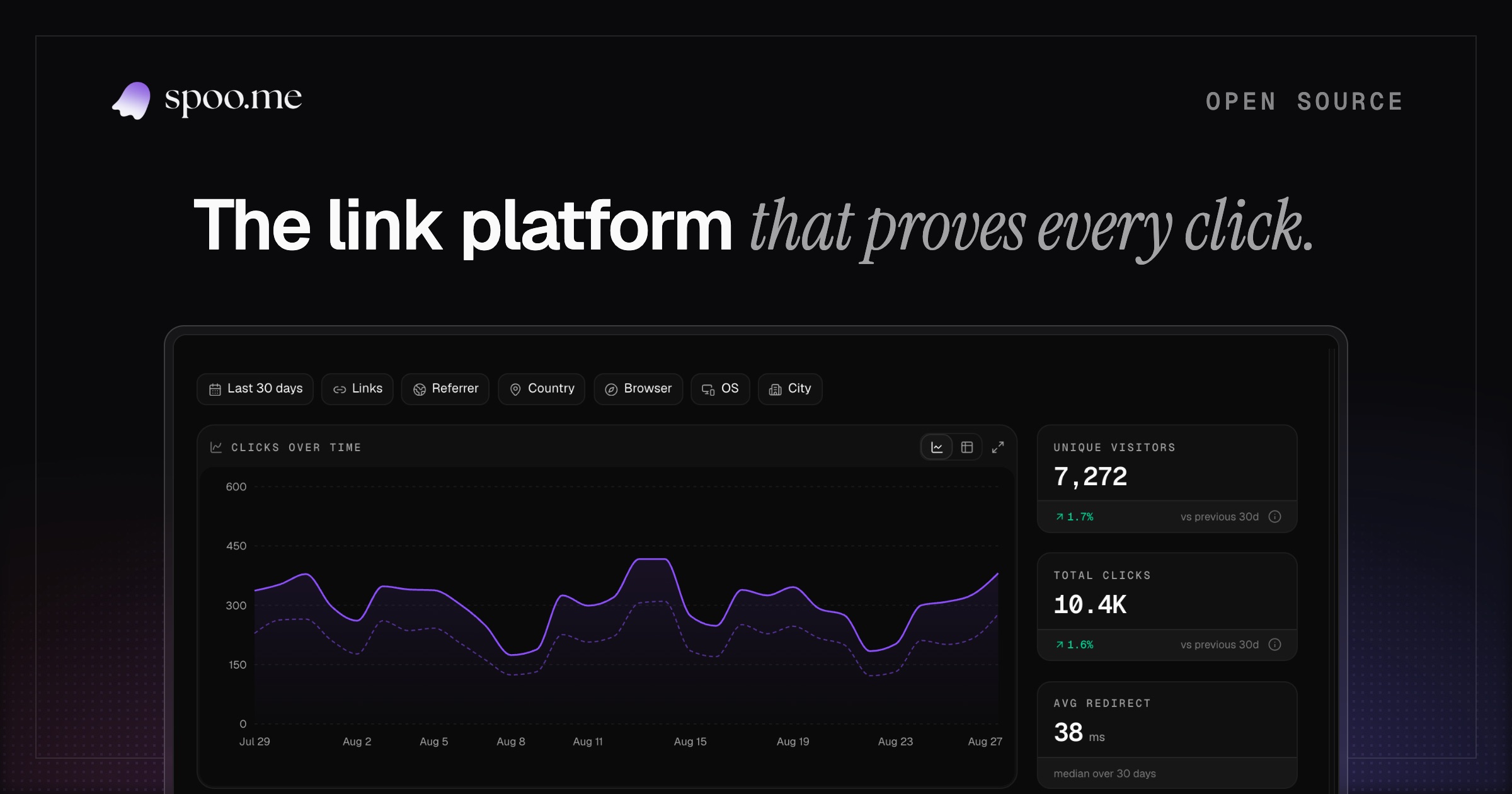
What is spoo?
spoo.me is an open-source URL shortener with integrated click analytics. It lets you create custom short codes (emoji included), add password protection, set click limits or expiration dates, block bots, tag links, run bulk operations, and shorten URLs anonymously before optionally attaching them to an account. Advanced features cover custom domains with root redirect and 404 pages, country-level geo-routing, A/B traffic splitting, scheduled link activation, fallback destinations for expired links, and custom social media previews. Analytics provide time-series data for clicks and unique visitors, breakdowns by location, browser, operating system, device type, referrer, and UTM parameters, combined multi-dimensional queries with filtering, bot detection, public or private statistics pages, and data exports in CSV, XLSX, JSON, or XML formats. For developers, there's a versioned REST API with OpenAPI documentation, scoped API keys with rate limiting, OAuth 2.0 device authorization flow with PKCE, signed webhooks with automatic retries, and official SDKs in TypeScript, Python, Go, Rust, Kotlin, and C++. The backend is built on FastAPI with MongoDB and Redis, and can be accelerated by a Cloudflare Worker for edge caching. Self-hosting options include Docker Compose (which bundles the databases), cloud platforms like Vercel, Railway, Render, and Koyeb, or a manual Python 3.10+ installation. Licensed under AGPL-3.0.
Should you self-host spoo?
spoo scores 54/100 on selfhost.directory (how scoring works) and ranks #9 of 23 in URL Shortener. It has 264 GitHub stars.
It shipped 11 stable releases in the past year. The latest, v2.7.2, came out on 23 October 2026. New versions land roughly every 1 days.
Setup is moderate: expect some configuration beyond a single command. An official Docker image is available. It is AGPL-3.0-licensed and written mostly in Python.
Its closest alternative on selfhost.directory is dub-links (74/100, 24 961 stars). It scores higher overall, so compare the two before you pick. See spoo vs dub-links side by side.
Features
- A/B split testingFeature flag required
- Advanced click analytics
- Bot blocking
- Bulk Actions
- Claim links
- Click limits and expiry dates
- Custom domainsFeature flag required
- Custom link previewsFeature flag required
- Expired-link fallbackFeature flag required
- Geo-targetingFeature flag required
- Password Protection
- Public and private stats pages
- Scheduled linksFeature flag required
- Tags for organization
- URL shortening with custom aliases
spoo README
More in Link Management
 YOURLSAn open-source, self-hosted PHP URL shortener for your own domain, with click stats, referrer and visitor geo tracking, an API, and a plugin architecture.
 bitbit is a self-hosted, open-source URL shortener in Crystal with minimal click tracking and API key auth. Runs as a single container under 20 MB using SQLite.
 DigibunchSelf-hosted, open-source link-hub written in PHP for curating collections of web links with categories, grid/list views, embed codes, QR sharing and backups.
 dub-linksSelf-hosted open-source link suite for short links, conversion attribution and affiliate programs, deployed via Next.js using Tinybird, Upstash, MySQL, Vercel.
 fli.soA self-hosted link shortener using SvelteKit and PocketBase that offers branded URLs, QR codes, click tracking, and tag-based organization with password protection.
 go-urlshurlsh is a self-hosted, open-source URL shortener in Go with web UI, REST API, hit counters, and optional Redis caching using PostgreSQL.
 KuttSelf-hosted, open-source URL shortener with custom domains, link passwords, expiry, private stats, an admin panel, OIDC login and a REST API.
 link-checker-serviceA self-hosted web service that checks batches of URLs for broken links with caching, rate limiting, and JWT authentication.
 LinkStackOpen-source, self-hosted link-in-bio page: multiple user accounts, uploadable themes, link analytics, and a drag-and-drop install on a PHP web host or Docker.
 LinkStack DockerLinkStack Docker is the official container image for LinkStack, a self-hosted link sharing platform for creating customizable profile pages with multiple links.
 linkyLinky is a self-hosted, open-source link-in-bio builder with live blocks that auto-update from Spotify, Instagram, TikTok, GitHub, and more.
 LittleLinkOpen source tool for creating personal link pages with over 100 branded button styles. No JavaScript or frameworks required.
0 comments