
Self-host OpenTutor
0.1.xBlock-based adaptive learning workspace with local AI tutor
- Stars
- 154
- Ports
- 3001 (Web frontend (Next.js)), 8000 (API backend (FastAPI))
- Requires
- SQLite
What is OpenTutor?
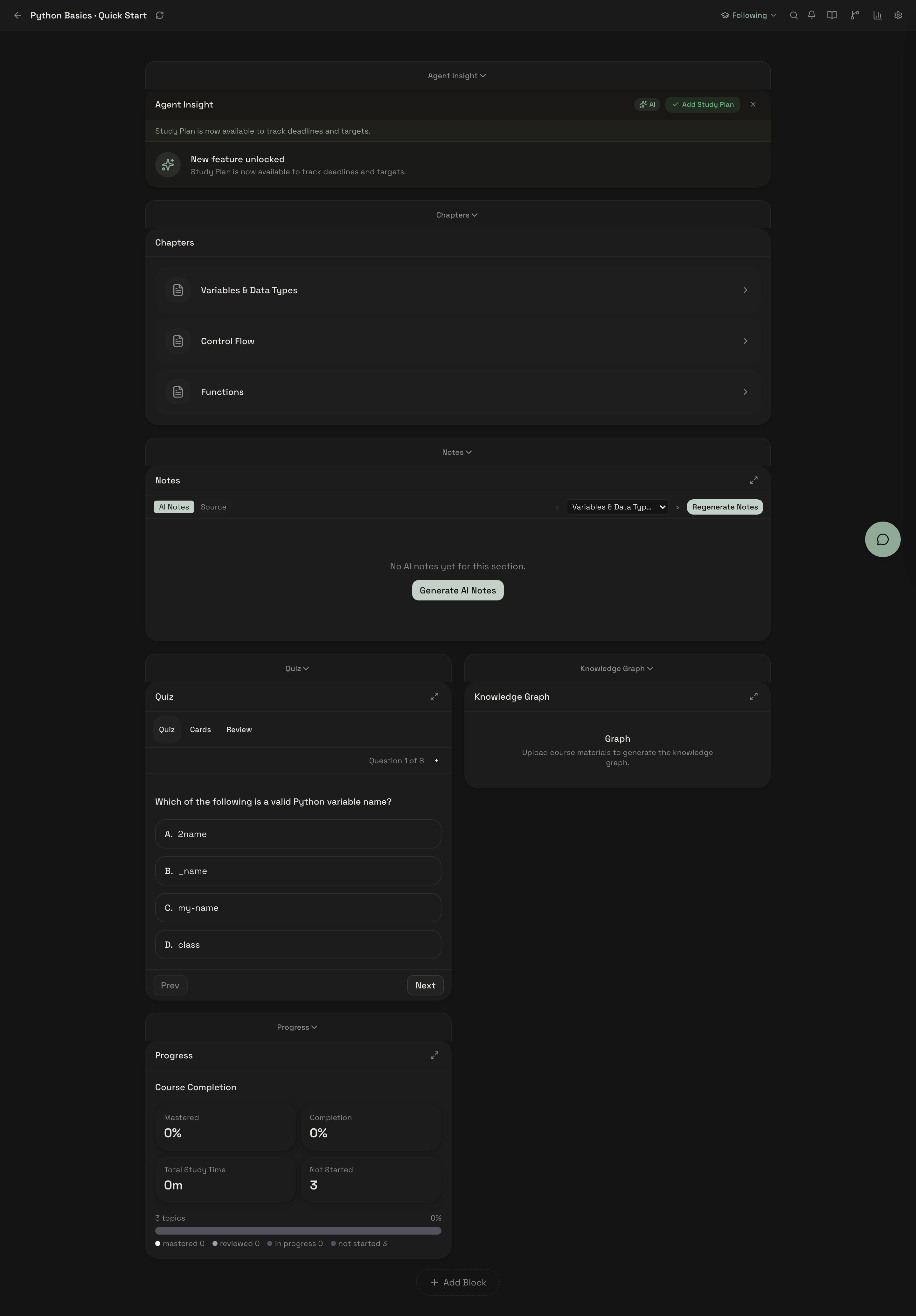
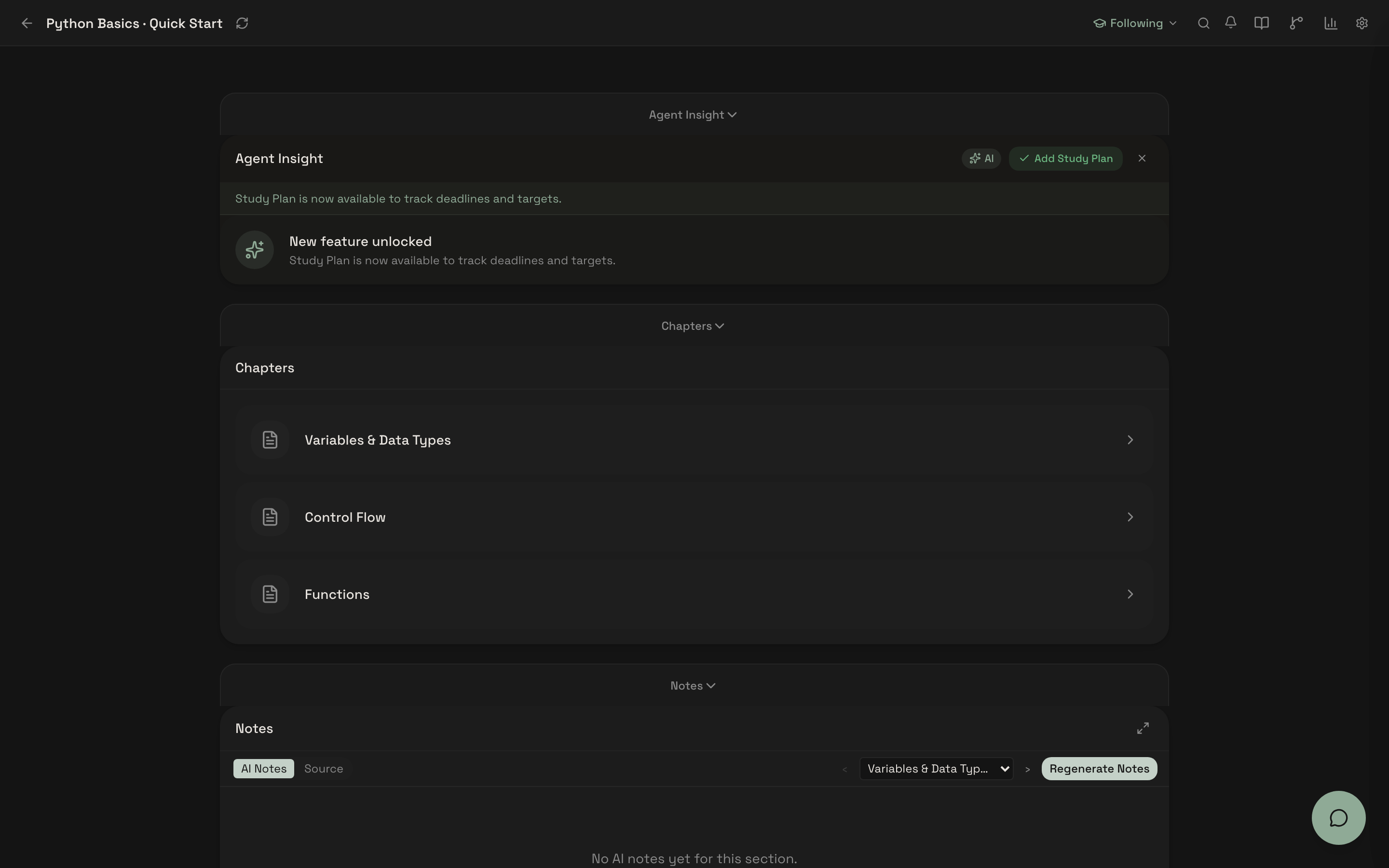
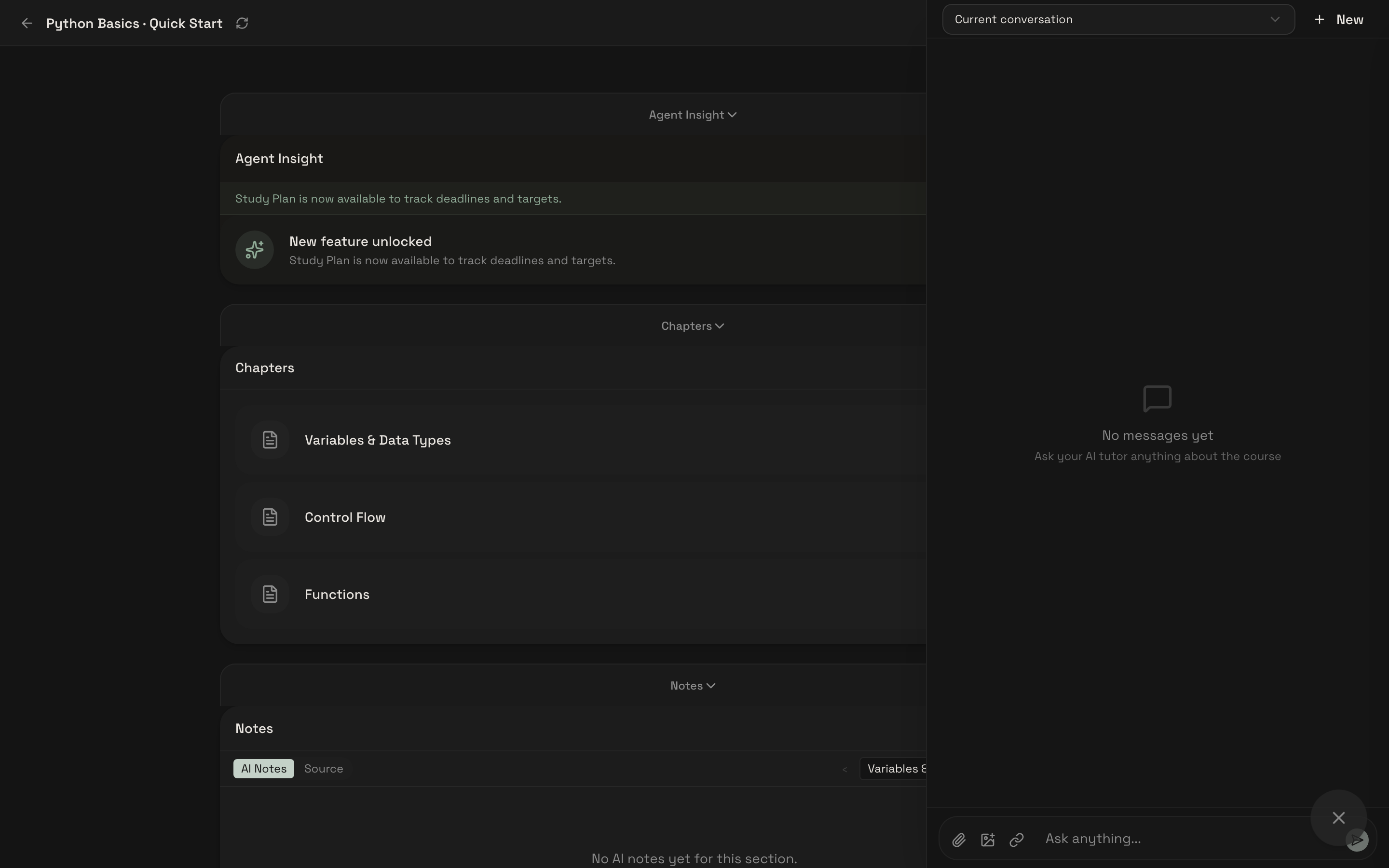
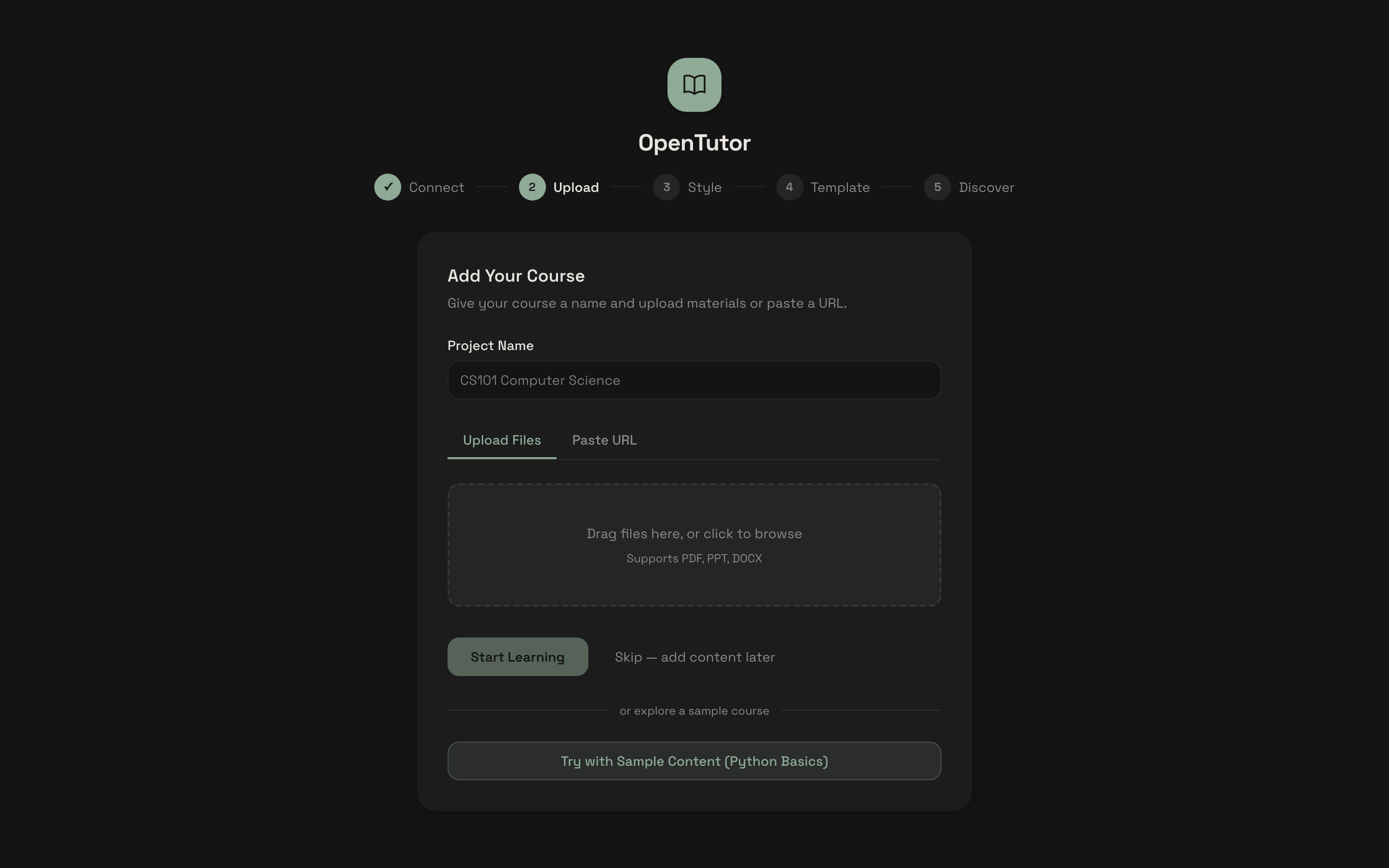
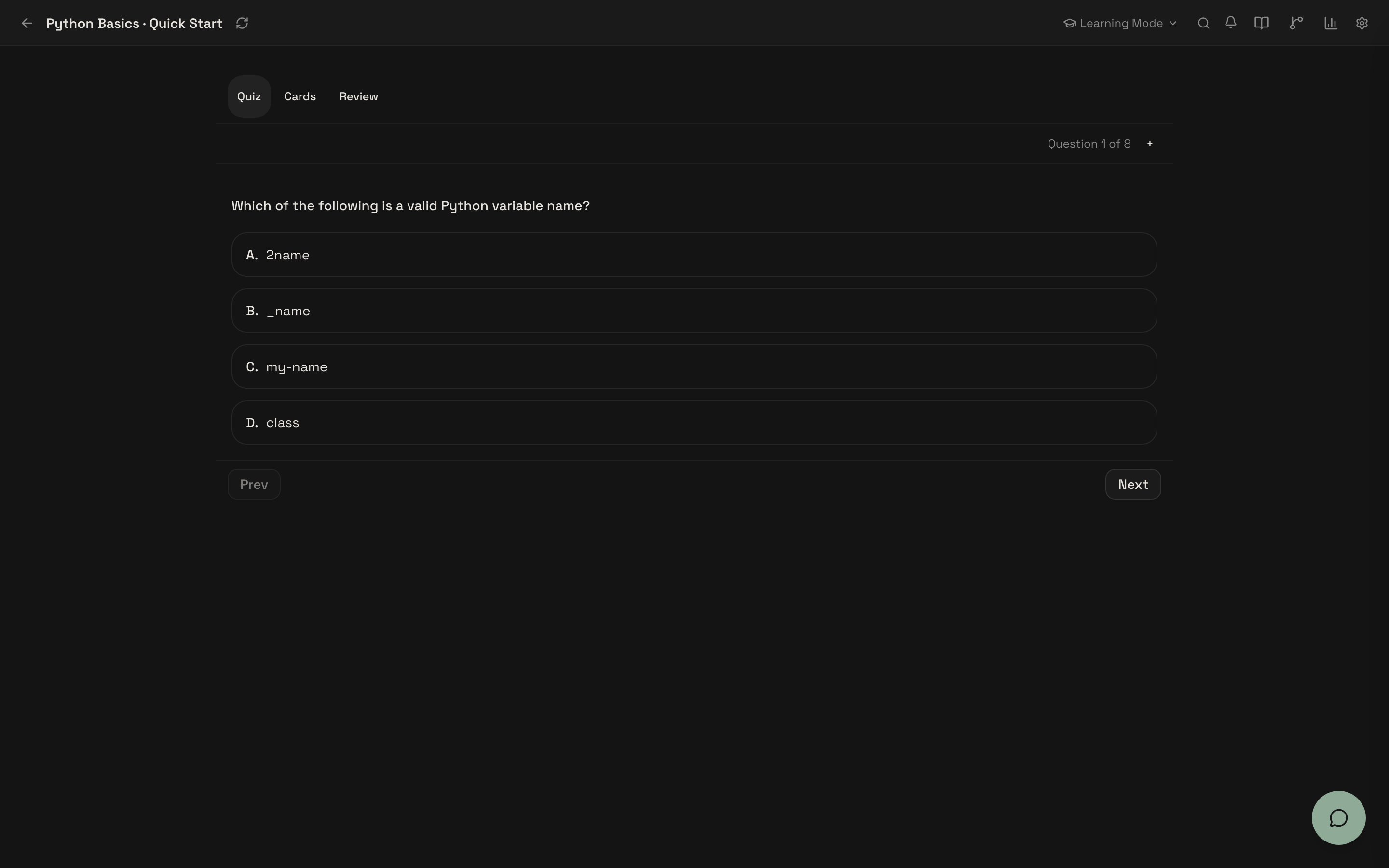
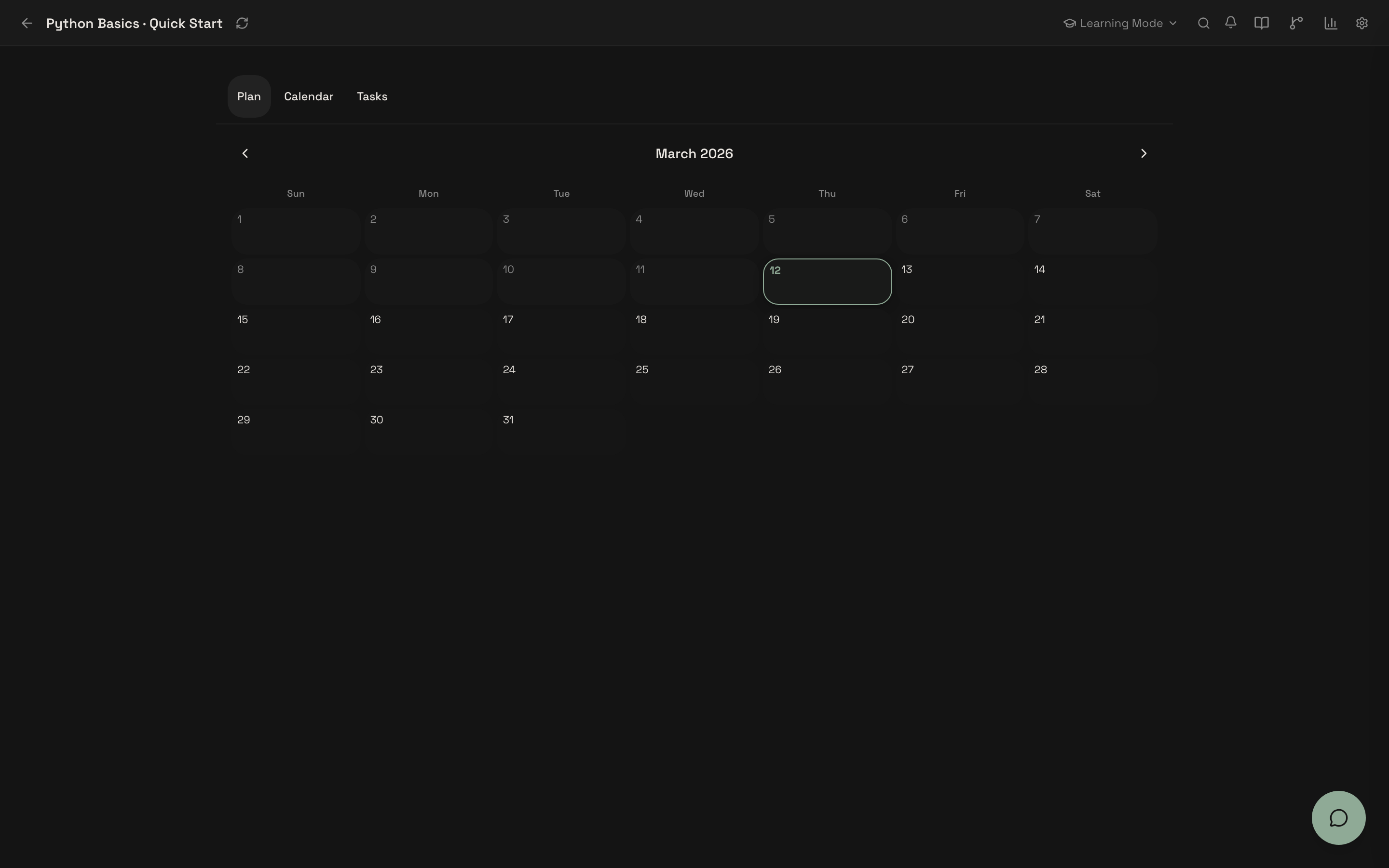
OpenTutor is a self-hosted AI learning platform designed for individual learners who want a private, adaptive study environment. Upload PDFs, DOCX, or PPTX files (or connect Canvas LMS) and within seconds get AI-generated notes, flashcards, and quizzes grounded in your material. The block-based workspace reshapes itself based on your learning behavior, using 12 composable blocks including knowledge graphs, study plans, analytics, and spaced-repetition review powered by FSRS 4.5. Three specialist agents — Tutor, Planner, and Layout — coordinate to adapt content depth, schedule study sessions, and reconfigure the workspace. It runs locally via Docker Compose or manual Python/Node.js setup, defaults to Ollama for zero-API-key operation, and supports 10+ cloud LLM providers. Current release is a local single-user public beta (version 0.1.x) with macOS and Linux as first-class platforms; Windows is community-supported. Multi-user classroom mode and mobile-responsive layouts are on the roadmap but not yet shipped.
Should you self-host OpenTutor?
OpenTutor scores 43/100 on selfhost.directory (how scoring works) and ranks #12 of 14 in Learning Management System. It has 154 GitHub stars.
There was no stable release in the past 12 months, so check the repository's recent activity before you rely on it.
Setup is moderate: expect some configuration beyond a single command. It is MIT-licensed and written mostly in Python.
Its closest alternative on selfhost.directory is Moodle (71/100). It scores higher overall, so compare the two before you pick. See OpenTutor vs Moodle side by side.
Features
- Adaptive quiz & practice
- AI Tutor with source citations
- Block-based adaptive workspace
- CAT adaptive diagnostic pretestExperimental feature, gated by ENABLE_EXPERIMENTAL_CAT
- Code sandbox for coding questions
- Cognitive load detectionExperimental feature, weight auto-tuning in progress
- Confusion pair detectionExperimental feature
- Content ingestion (PDF, DOCX, PPTX, Canvas LMS)
- Cross-course linkingExperimental feature
- Knowledge graph (LOOM)Experimental feature, may change quickly
- Multi-agent system (Tutor, Planner, Layout)
- Multi-provider LLM support (10+)
- Semantic review (LECTOR)Experimental feature, may change quickly
- Spaced repetition (FSRS 4.5)
- Study plan & calendar
OpenTutor README


More in Learning Management System
 RELATERELATE is a self-hosted, open-source LMS built on Django for programming courses with automatic code grading, git-backed content versioning, and flexible access rules.
 SkillGoblinSelf-hosted video course platform in one Docker container with SQLite. Add video folders, track progress, no cloud. AGPL-3.0.
 BloomSelf-hosted AI tutor creating personalized syllabi and adaptive lessons from your highlights and feedback — based on Bloom's 2-Sigma tutoring research.
 Canvas LMSSelf-hosted, open-source learning management system from Instructure, used by colleges, universities and K-12 schools; AGPLv3, run on Rails with PostgreSQL and Redis.
 Chamilo LMSChamilo LMS is a self-hosted, open-source e-learning platform for 41M+ learners with course management, SCORM/LTI/xAPI, AI grading, and Symfony/VueJS architecture.
 classroomioSelf-hosted, open-source LMS for SaaS companies to create courses, manage cohorts, issue certificates, and run branded academies with AI course creation and an AI tutor.
 CohortHarborCohortHarbor is a self-hosted, open-source employee onboarding platform with policy management, online learning, exams, and email automation. Built with Next.js & SQLite.
 courselitA self-hosted LMS and course platform: open-source tooling to author lessons, sell digital downloads, run communities and publish blogs via a no-code builder.
 DigistepsSelf-hosted, open-source (AGPLv3) PHP app for building step-by-step learning paths: locked steps, learner file/audio submissions, star rubric grading.
 Frappe LMSFully open-source, self-hosted LMS: build structured courses with chapters and lessons, run live batches and quizzes, and issue completion certificates.
 GibbonSelf-hosted, open-source school platform for K-12: student records, lesson planner, timetable, attendance, markbook, admissions and messaging on PHP and MySQL.
 ILIASMature open-source LMS (since 1998) for web-based e-learning. Used by schools, universities, businesses worldwide. Supports SCORM, LTI, LDAP, plugins.
0 comments