
Self-host OneSearch
v1.7.1Self-hosted full-text search for your homelab
- Stars
- 27
- CPU
- 2 CPU cores
- RAM
- 4GB RAM
- Storage
- 10-50% of source data size
- Port
- 8000 (Web UI and API)
ghcr.io/demigodmode/onesearch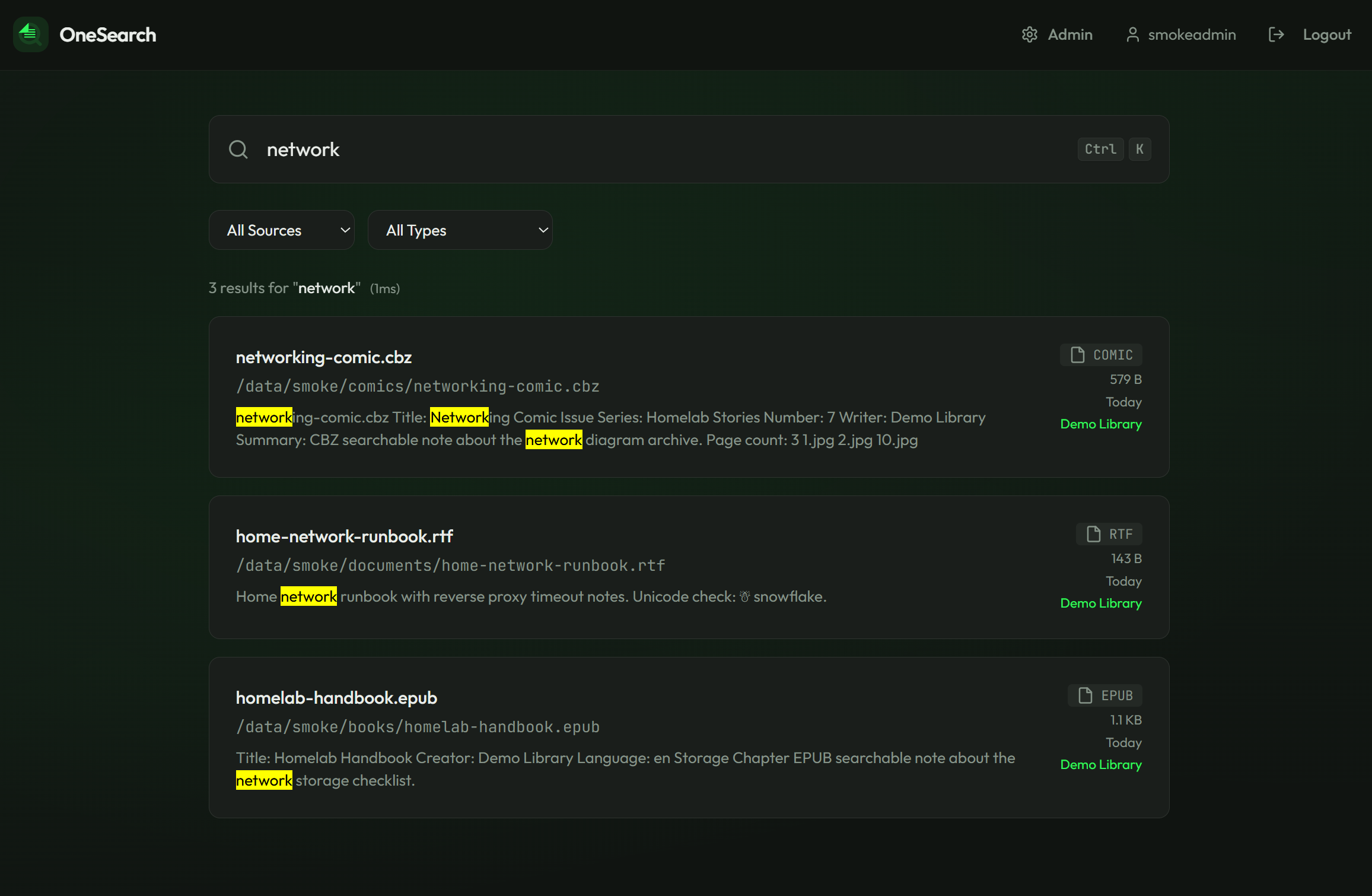
What is OneSearch?
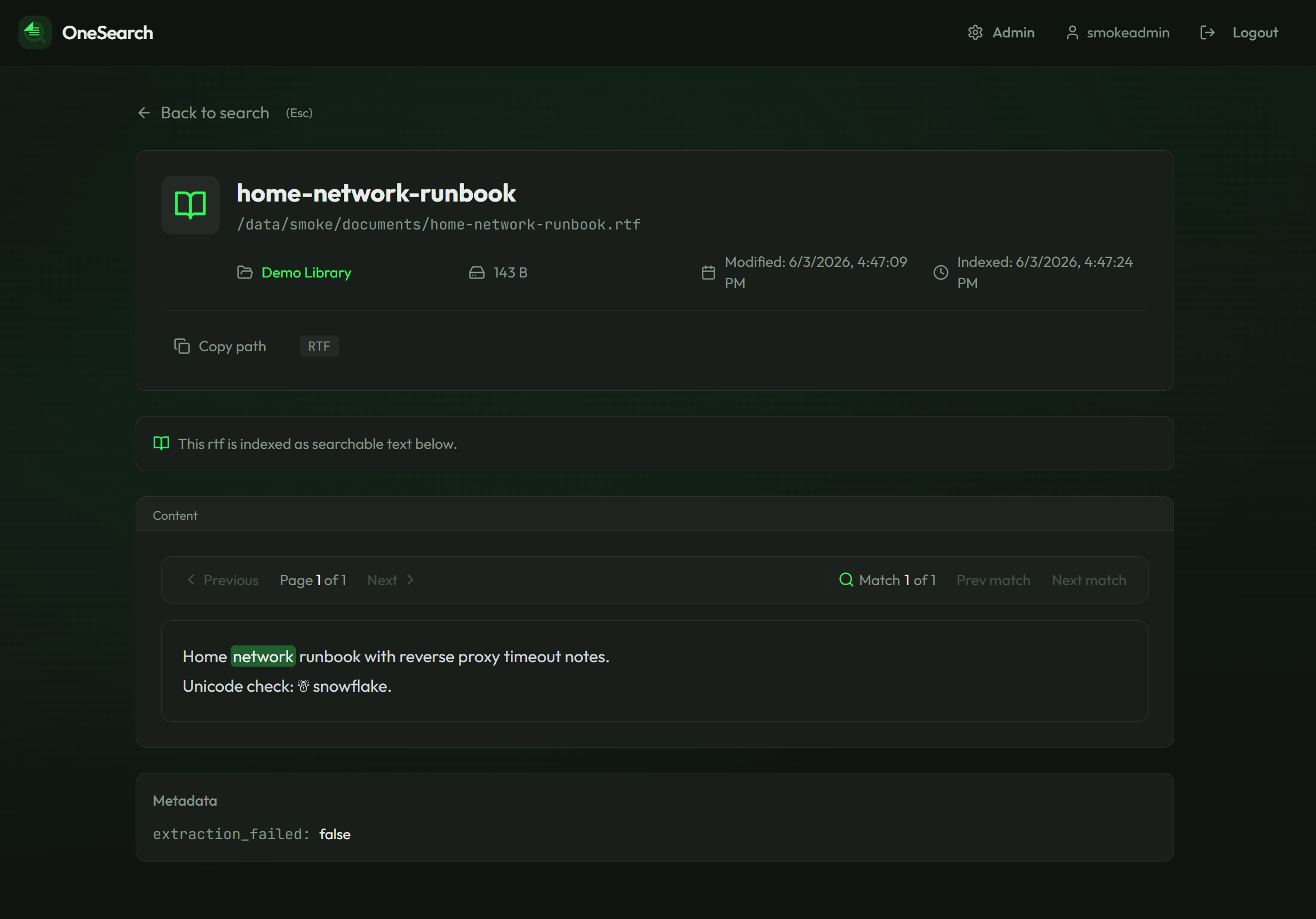
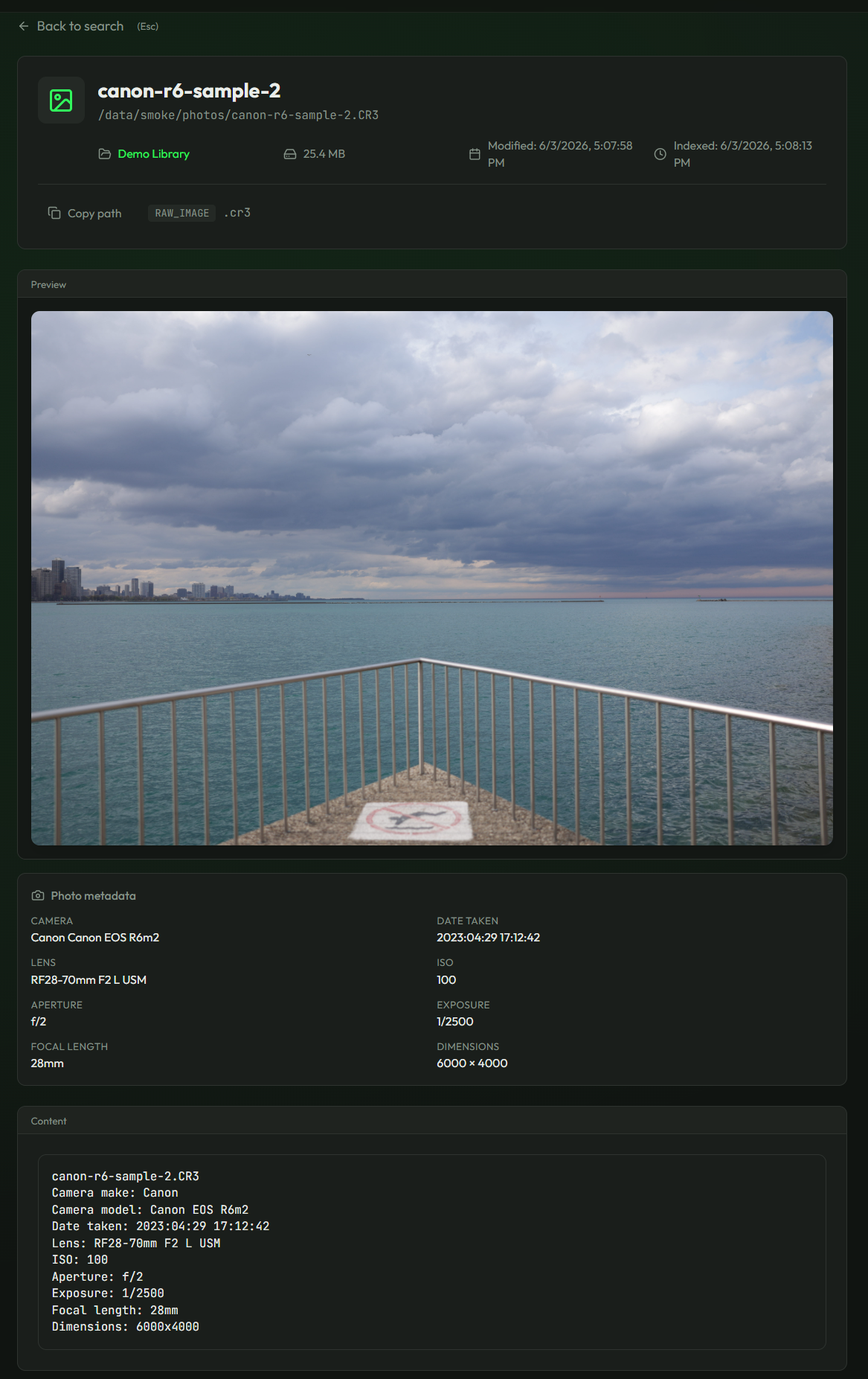
OneSearch is a self-hosted search engine for homelabs that indexes documents, code, images, media, and other files from local directories or NAS shares. It uses Meilisearch for full-text search and provides a web UI with document previews, highlighted snippets, and metadata search for photos and media. The default deployment runs everything in a single Docker container with SQLite for configuration. It supports incremental indexing, scheduled scans, remote agents for indexing files on other machines, and a REST API with a standalone CLI. The project is licensed under AGPL-3.0 with no telemetry or cloud dependencies.
Should you self-host OneSearch?
OneSearch scores 39/100 on selfhost.directory (how scoring works) and ranks #36 of 41 in Search Engines. It has 27 GitHub stars.
It shipped 18 stable releases in the past year. The latest, v1.7.1, came out on 25 October 2026. New versions land roughly every 2 days.
Setup is moderate: expect some configuration beyond a single command. An official Docker image is available. It is AGPL-3.0-licensed and written mostly in Python.
Its closest alternative on selfhost.directory is SearXNG (86/100, 38 940 stars). It scores higher overall, so compare the two before you pick. See OneSearch vs SearXNG side by side.
Features
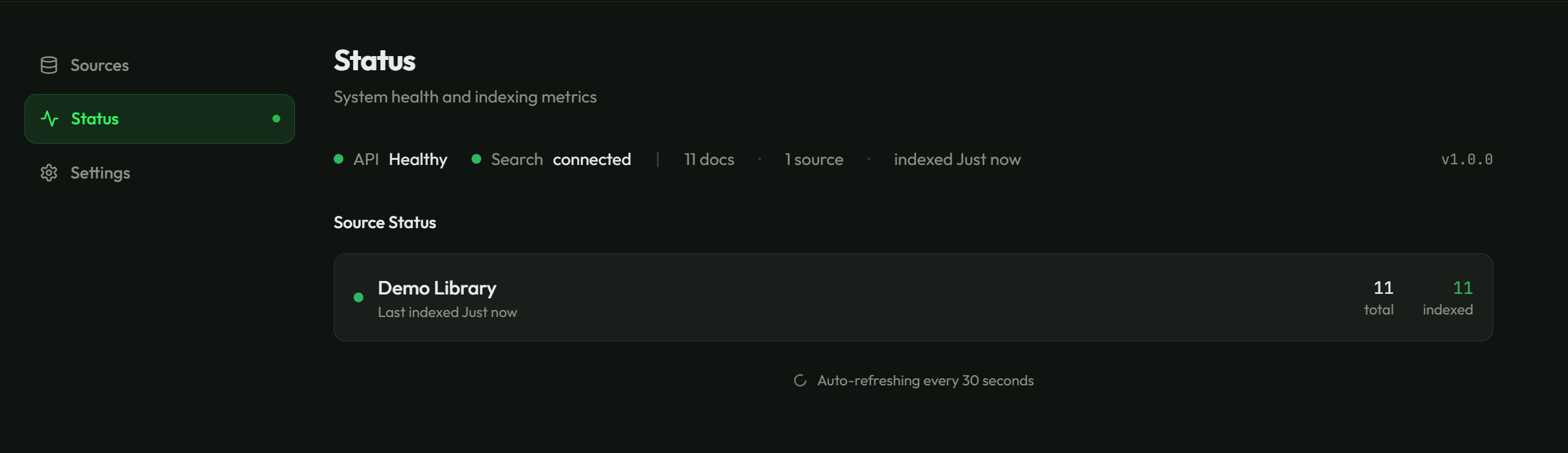
- Admin Dashboard
- CLI Tool
- Document preview with highlighted matches
- Full-Text Search
- Image and RAW photo metadata search
- Incremental indexing
- Multi-format file support
- Non-root container
- Rate-limited authentication
- Read-only source mounts
- Remote agents
- REST API
- Scheduled scanning
OneSearch README
More in Search Engines
 Onyx Community EditionOpen-source, self-hosted AI enterprise search and chat: connectors index 50+ apps with permissions, then RAG search, custom agents and LLM chat run on any provider.
 openbeamOpenBeam is a self-hosted, open-source enterprise search platform unifying SaaS tools and IoT systems into one searchable layer with hybrid search and AI agents.
 OpenDocumentsOpen-source RAG system you run on your own hardware that indexes files from GitHub, Notion, Drive, Confluence, S3, and local folders, answering questions with citations.
 openrecallOpen-source, self-hosted tool that snapshots your screen and makes text and images searchable with local OCR and semantic search — an alternative to Windows Recall.
 OpenSearchOpenSearch is a powerful open-source search and analytics suite. Apache 2.0 fork of Elasticsearch 7.10 with security, anomaly detection, alerting, vector DB, and ML.
 OpenSERPSelf-hosted open-source SERP API querying six search engines with megasearch, page extraction, and a command-line interface.
 panySelf-hosted semantic search engine running in PostgreSQL via pgvector, using CLIP embeddings for text and image search to replace Pinecone or Weaviate.
 PgStackPgStack is a self-hosted, open-source tool that creates search and audit read replicas of your Postgres database via logical replication.
 Photonan open source geocoder for openstreetmap data
 qdrantQdrant is an open-source, self-hosted vector database in Rust for fast AI similarity search with filtering and quantization.
 quickwitOpen-source self-hosted search engine for observability: full-text search and aggregations on logs and traces in S3 or MinIO, with an Elasticsearch-compatible API.
 sciraSelf-hosted AGPL-3.0 AI search engine that plans multi-step research across 17 modes, pulls live sources, and answers with clickable inline citations.
0 comments